

 DownloadBlue Paradise Resource Pack
Get the files on 9Minecraft
Contents (8)
Guides
Step-by-step, in-game.
Identifying Suspicious Blocks While MiningWhy Suspicious Blocks Matter Suspicious gravel, suspicious sand, and infested stone blocks contain valuable loot and…Reading Enchantment Levels in Your InventoryUnderstanding Color-Coded Enchantments Blue Paradise makes enchantment strength immediately visible by color-coding…Reducing Screen Clutter from Held ItemsWhy Item Size Matters When you hold large items like shields, food, or totems of undying, they can block your view of…Using Redstone Component Direction IndicatorsWhy Direction Matters for Redstone Hoppers, dispensers, droppers, and observers need to face the correct direction to…
Items
118 items · showing 24. Browse all →
 Banner Pattern (Guster)
 Banner Pattern (Flower)
 Banner Pattern (Piglin)
 Banner Pattern (Flow)
 Banner Pattern (Globe)
 Banner Pattern (Creeper)
 Banner Pattern (Skull)
 Banner Pattern (Mojang)
 Black Dye
 Blaze Rod
 Blue Dye
 Bordure Indented Banner Pattern
 Bottle o' Enchanting
 Bow
 Breeze Rod
 Brown Dye
 Copper Ingot
 Copper Nugget
 Copper Spear
 Copper Sword
 Cyan Dye
 Debug Stick
 Diamond Axe
 Diamond Boots
Blocks
A
 Attached Melon Stem
 Attached Pumpkin Stem
B
 Blue Orchid
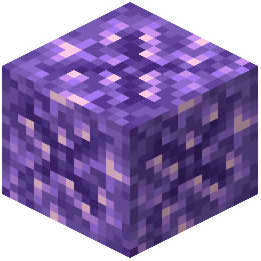 Budding Amethyst
C
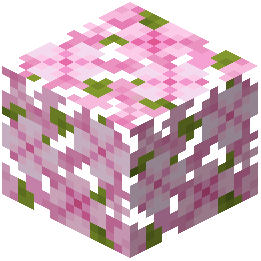 Cherry Leaves
 Chiseled Nether Bricks
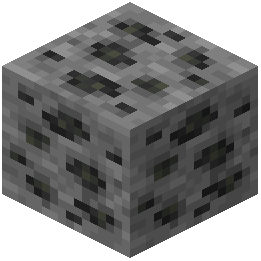 Coal Ore
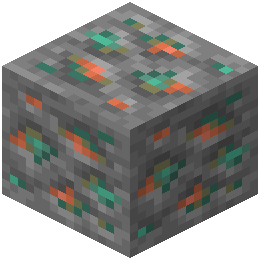 Copper Ore
 Cracked Nether Bricks
D
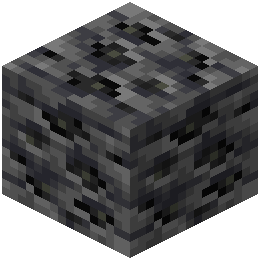 Deepslate Coal Ore
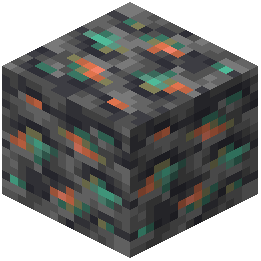 Deepslate Copper Ore
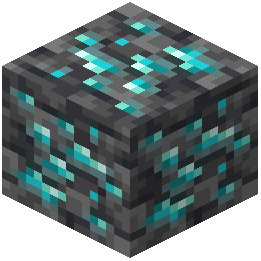 Deepslate Diamond Ore
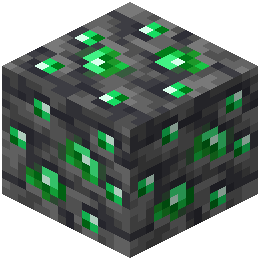 Deepslate Emerald Ore
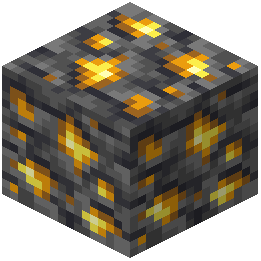 Deepslate Gold Ore
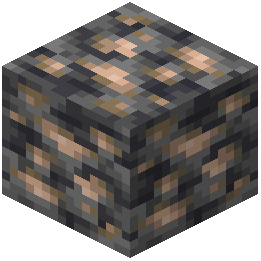 Deepslate Iron Ore
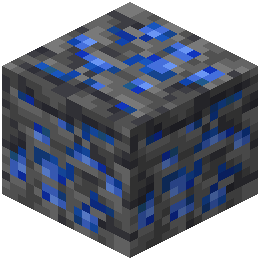 Deepslate Lapis Lazuli Ore
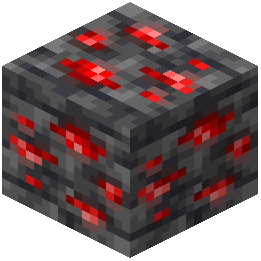 Deepslate Redstone Ore
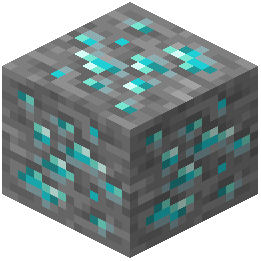 Diamond Ore
E
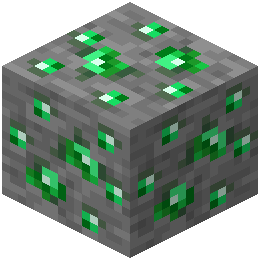 Emerald Ore
G
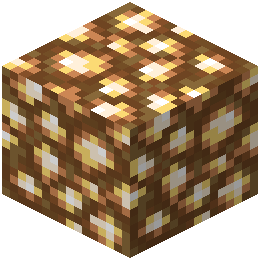 Glowstone
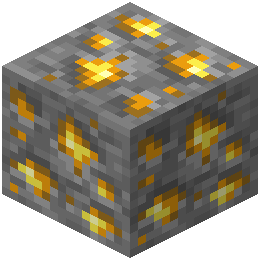 Gold Ore
 Grass
I
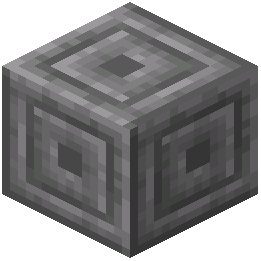 Infested Chiseled Stone Bricks
 Infested Cobblestone
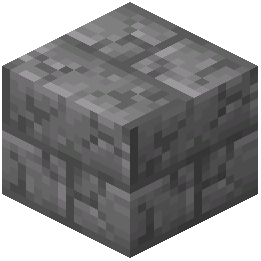 Infested Cracked Stone Bricks
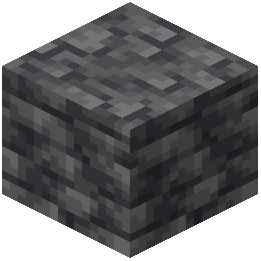 Infested Deepslate
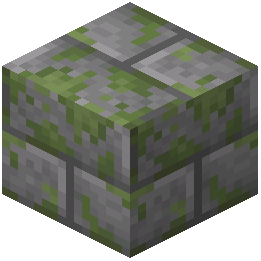 Infested Mossy Stone Bricks
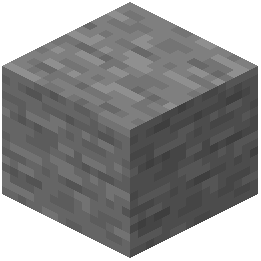 Infested Stone
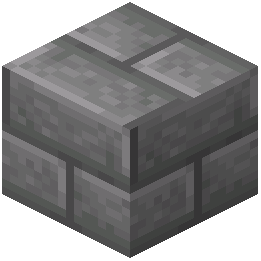 Infested Stone Bricks
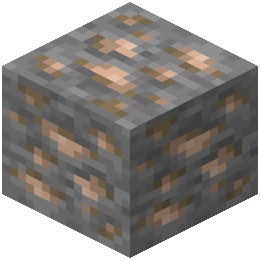 Iron Ore
L
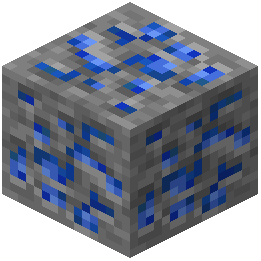 Lapis Lazuli Ore
M
 Melon Stem
 Monster Spawner
N
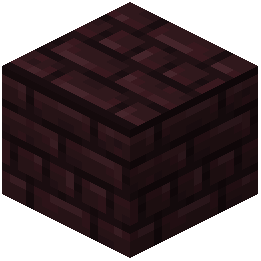 Nether Bricks
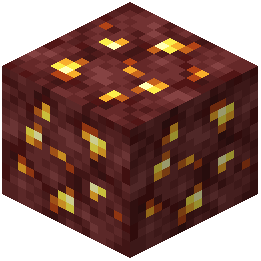 Nether Gold Ore
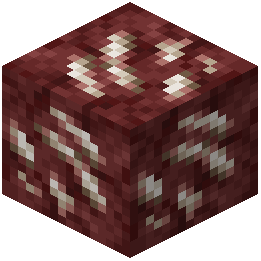 Nether Quartz Ore
O
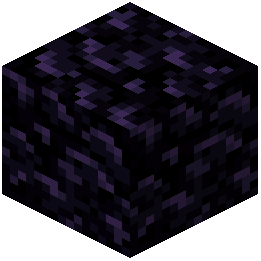 Obsidian
P
 Powder Snow
 Pumpkin Stem
R
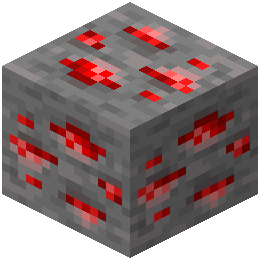 Redstone Ore
S
 Short Grass
 Snow
T
 Tripwire
W
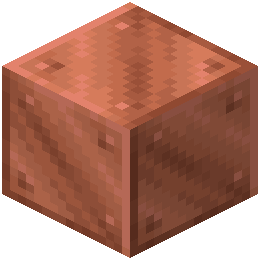 Waxed Block of Copper
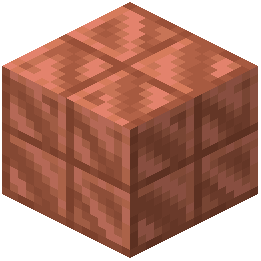 Waxed Cut Copper
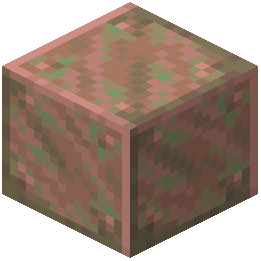 Waxed Exposed Copper
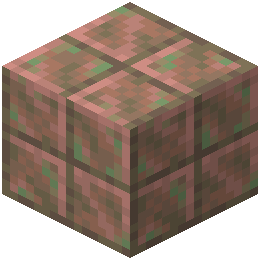 Waxed Exposed Cut Copper
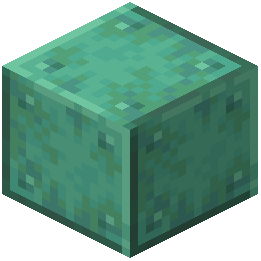 Waxed Oxidized Copper
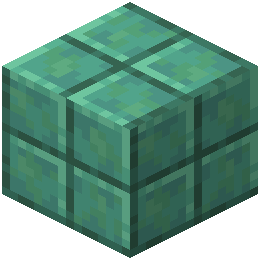 Waxed Oxidized Cut Copper
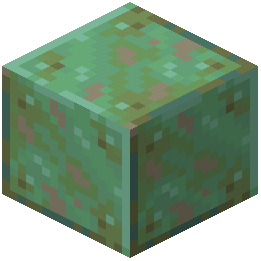 Waxed Weathered Copper
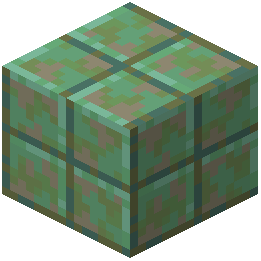 Waxed Weathered Cut Copper
What this pack changes
Every texture group the pack replaces, counted from the pack itself.
| Area | Textures replaced |
|---|---|
| GUI & menus | 395 |
| Items | 374 |
| Blocks | 248 |
| Mobs & entities | 51 |
| Font | 49 |
| Particles | 47 |
| Models | 15 |
| Sky & weather | 13 |
| Misc | 8 |
| Status effects | 3 |
| Biome colours | 2 |
| Guides | 2 |
Pack format 97 (Minecraft 1.21.9)1,207 texture files in total
Extra features
Random entity textures
Custom font
Sound overrides
Custom block/item models
Reworked GUI
Custom particles
Frequently asked questions
How do I know what enchantments are on my tools just by looking at them?
Blue Paradise changes the texture of weapons, tools, and armor to reflect their enchantments, so you can identify them at a glance in your inventory or hotbar. Check the guide "Reading Enchantment Levels in Your Inventory" for details on which visual changes correspond to specific enchantment types.
Why is my held sword taking up so much less space on screen now?
Blue Paradise reduces the size and position of held items like weapons, food, and totems so they don't block your view while playing. This is intentional and helps reduce screen clutter during survival gameplay.
I can't see the pumpkin overlay anymore when I wear a carved pumpkin. Is this a bug?
No, Blue Paradise removes the full-screen visual overlay that normally appears when wearing carved pumpkins or using spyglasses so you can see better while still getting the game mechanic benefits. If you want the overlay back, you'll need to disable the pack.
How do I tell which direction my hoppers and dispensers are facing?
Blue Paradise adds directional markings and visual indicators to hoppers, dispensers, droppers, and observers so you can see which way they're pointing without breaking them. See the guide "Using Redstone Component Direction Indicators" for examples.
The suspicious gravel and suspicious sand blocks blend in with regular blocks. Does this pack help?
Yes, Blue Paradise makes suspicious gravel, suspicious sand, and infested stone blocks stand out clearly with distinct textures so they're easy to spot while mining. Check the guide "Identifying Suspicious Blocks While Mining" for visual examples.
Why is the rain so quiet now?
Blue Paradise lowers the volume of loud environmental sounds including rain, thunder, portals, explosions, and pistons to create a calmer survival experience. This is a core feature of the pack.
Do the crafting guides inside anvils and brewing stands actually show recipes?
Blue Paradise adds helpful crafting information displays inside anvils, brewing stands, and smithing tables to make these interfaces clearer and easier to use. The exact information shown depends on which table you're looking at.
Will this pack work with other resource packs or mods?
Blue Paradise is a resource pack and should work alongside most mods, but it may conflict with other resource packs that modify the same textures or sounds. Load only one resource pack at a time for best results, or use a pack merger if you need multiple packs.
How do I see what level a lever or note block is set to?
Blue Paradise displays clear visual stages on levers, note block pitches, cauldrons, beehives, and growing amethyst buds so you can tell their state at a glance without testing them. This makes redstone building and resource gathering much faster.
Will using this pack affect my FPS or performance?
Blue Paradise is a resource pack that only changes textures, sounds, and visual styling, so it should have minimal impact on performance. If you experience lag, try lowering your render distance or other graphics settings instead.
You May Also Like
Wikis that share the most with this one
Wikis on the same theme: tool
More resource pack wikis on the site
Blue Netherite Resource PackBloom and Serenity UIBlockception Full Resource PackBlock PixelBlob’s Enchant Icons Resource PackBlinking Ender Eyes Resource PackBlak Suit’s Bushy Grass Resource PackBlades Of Majestica Resource PackBlackium Resource PackBlack Mesa Skyboxes Resource PackBlack Gui Resource PackBlack Girlfriend Totem of Undying Resource Pack
The most downloaded mods that have a wiki here
A few wikis from each of the other kinds
Gallery
9 images from the Blue Paradise Resource Pack page.


