

 DownloadBlinking Ender Eyes Resource Pack
Get the files on 9Minecraft
Guides
Step-by-step, in-game.
How to Combine the Blinking Eyes Pack With Your Other Resource PacksUnderstand why order matters Resource packs stack from top to bottom, and the topmost pack that contains a given…How to Make Your Eye of Ender Blink (and Fix It If It Doesn't)Confirm the resource pack is actually active A blinking Eye of Ender only appears if the pack is loaded and sitting…How to See the Blinking Heart of the Sea Without Using ItWhy you rarely see it blink The Heart of the Sea is normally only visible in your inventory or briefly in your hand,…How to Tell Whether the Blink Is Working (Quick Visual Test)Do a controlled test Before blaming the pack, rule out everything else. Disable all other resource packs so only this…
Frequently asked questions
How do I make the Eye of Ender blink?
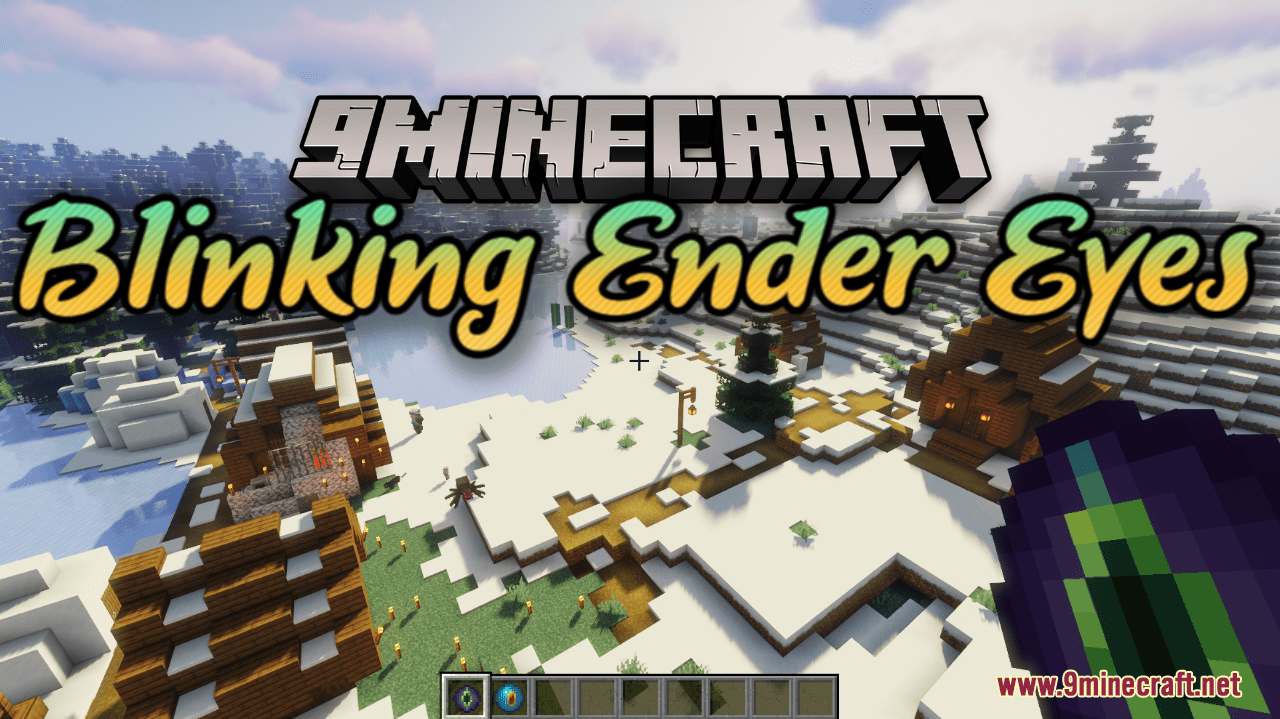
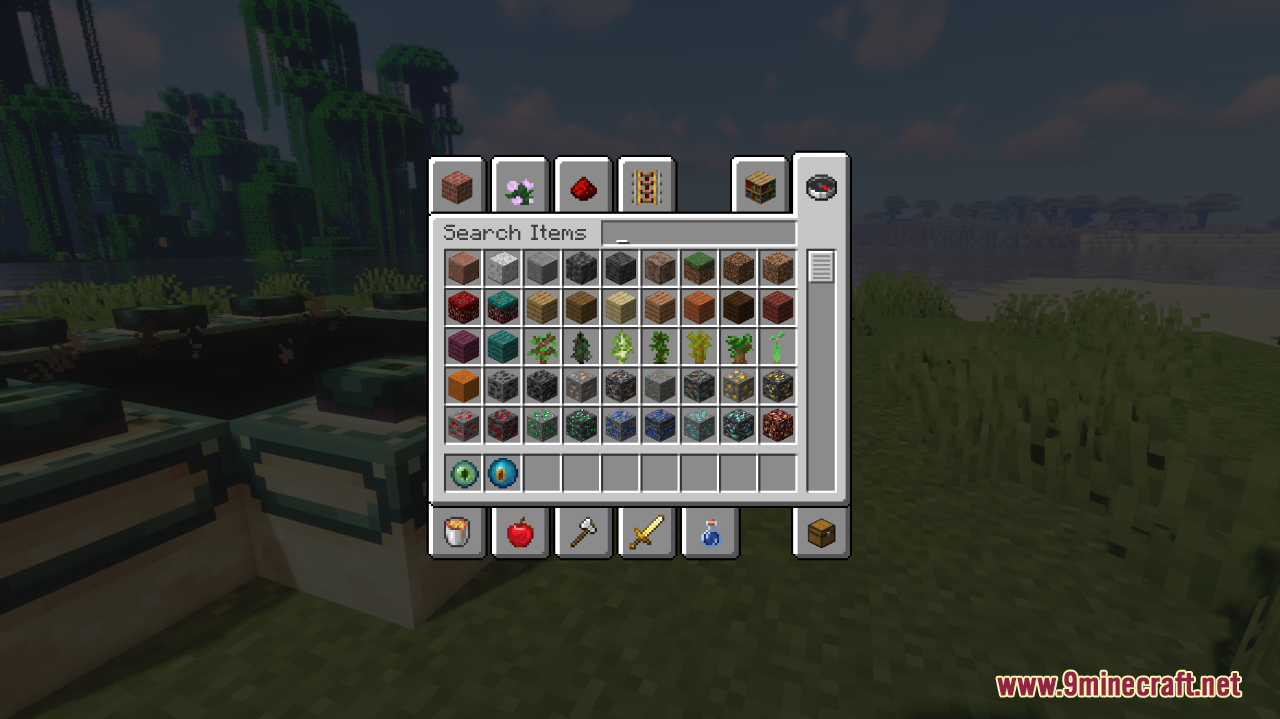
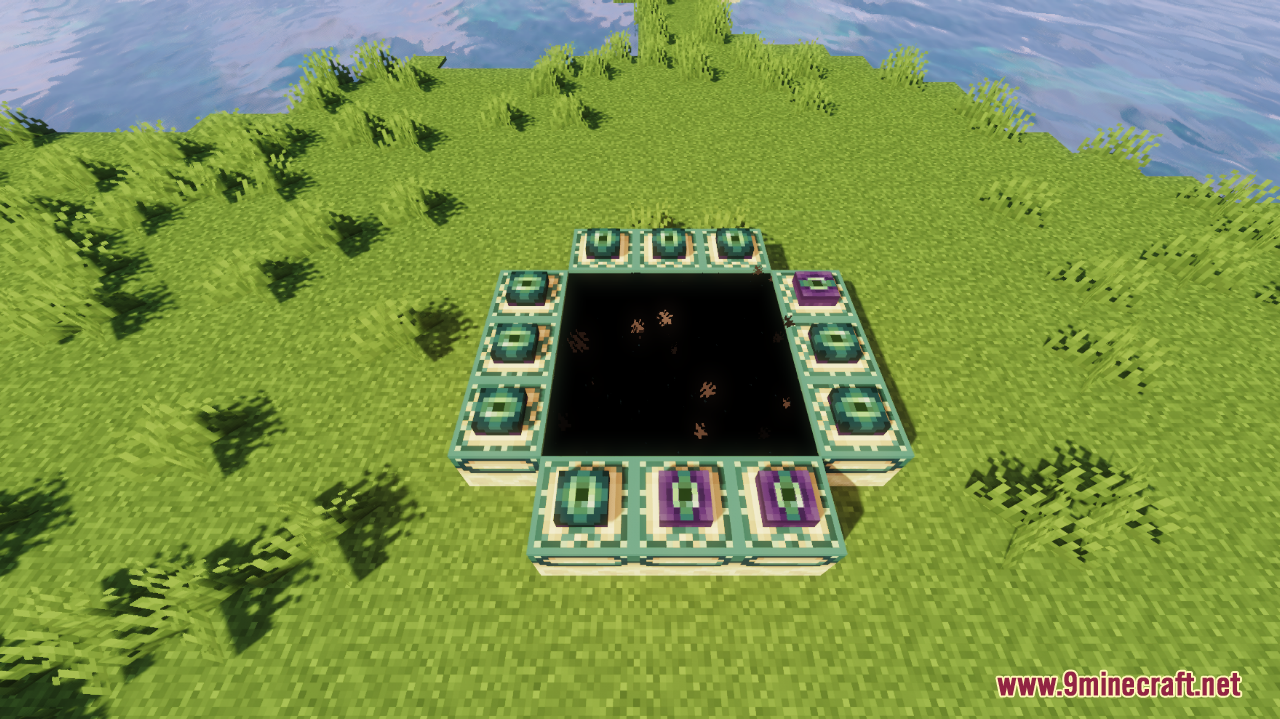
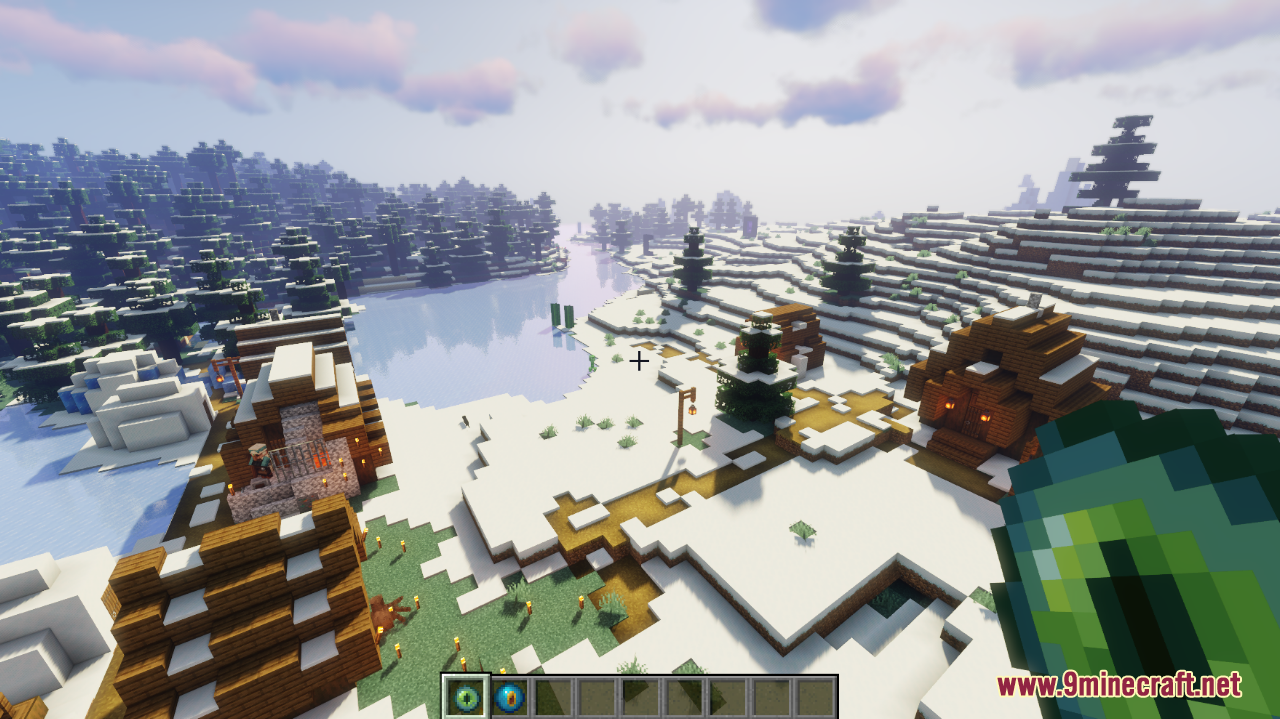
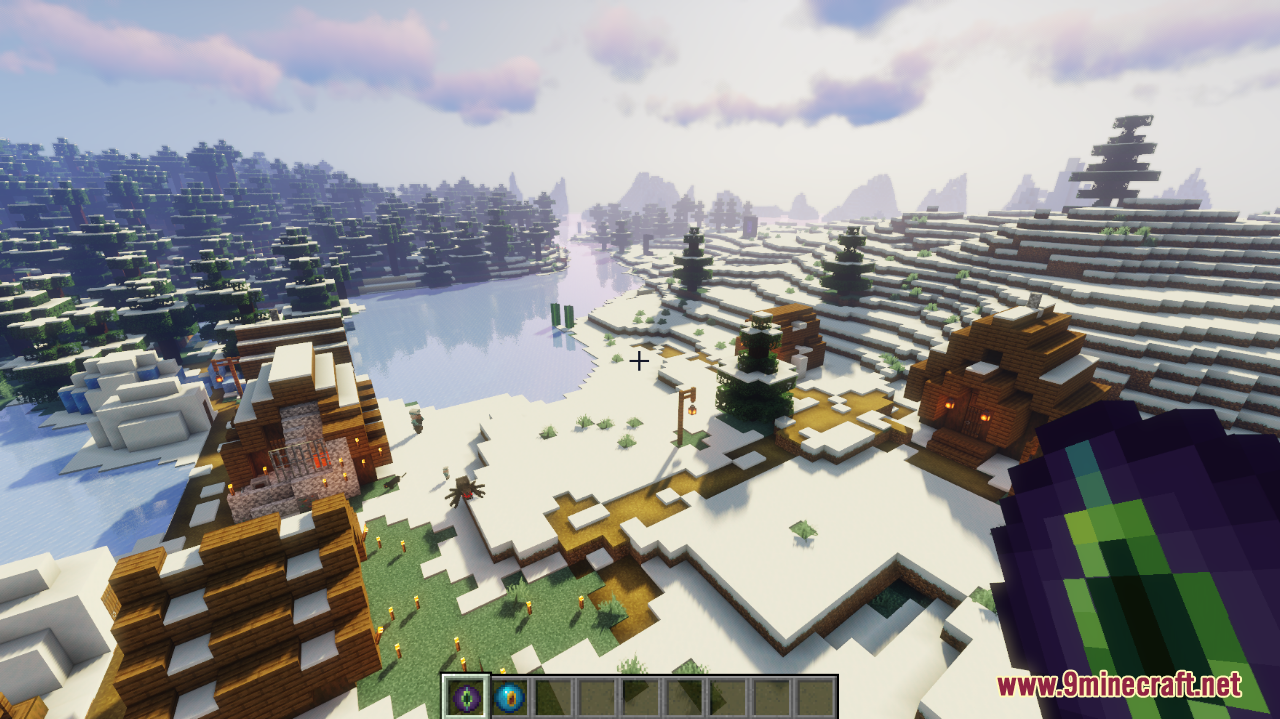
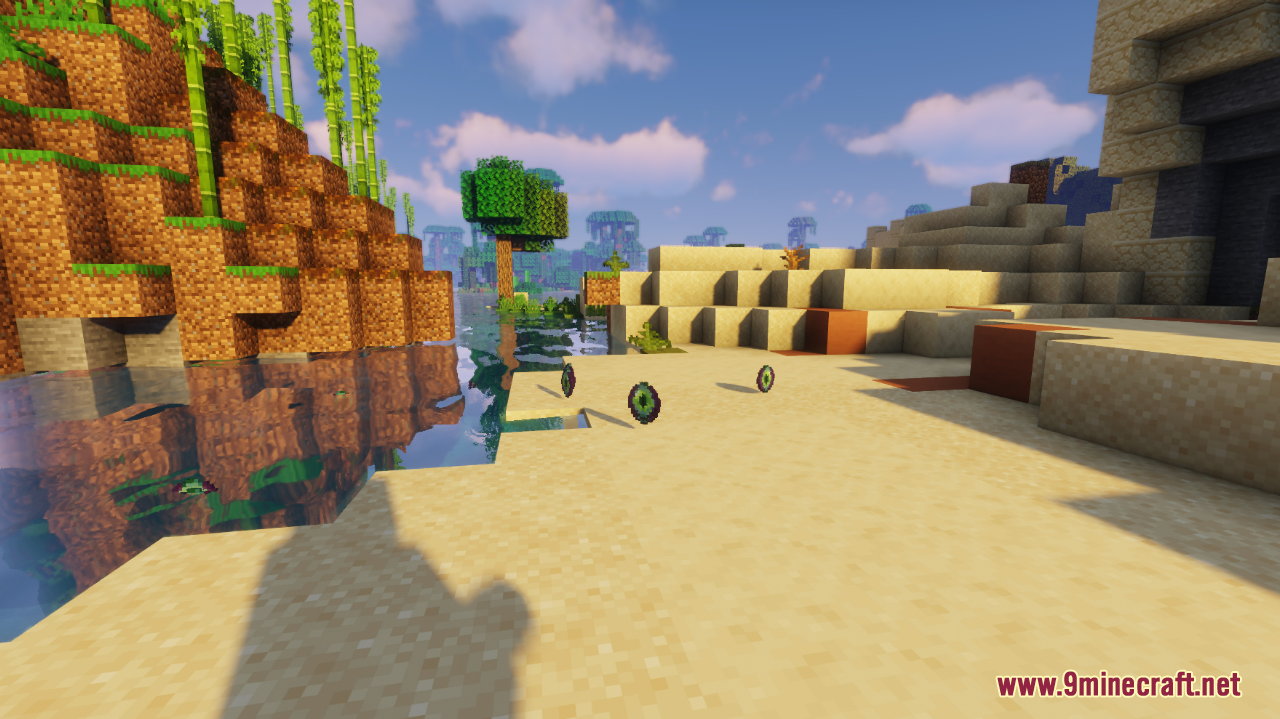
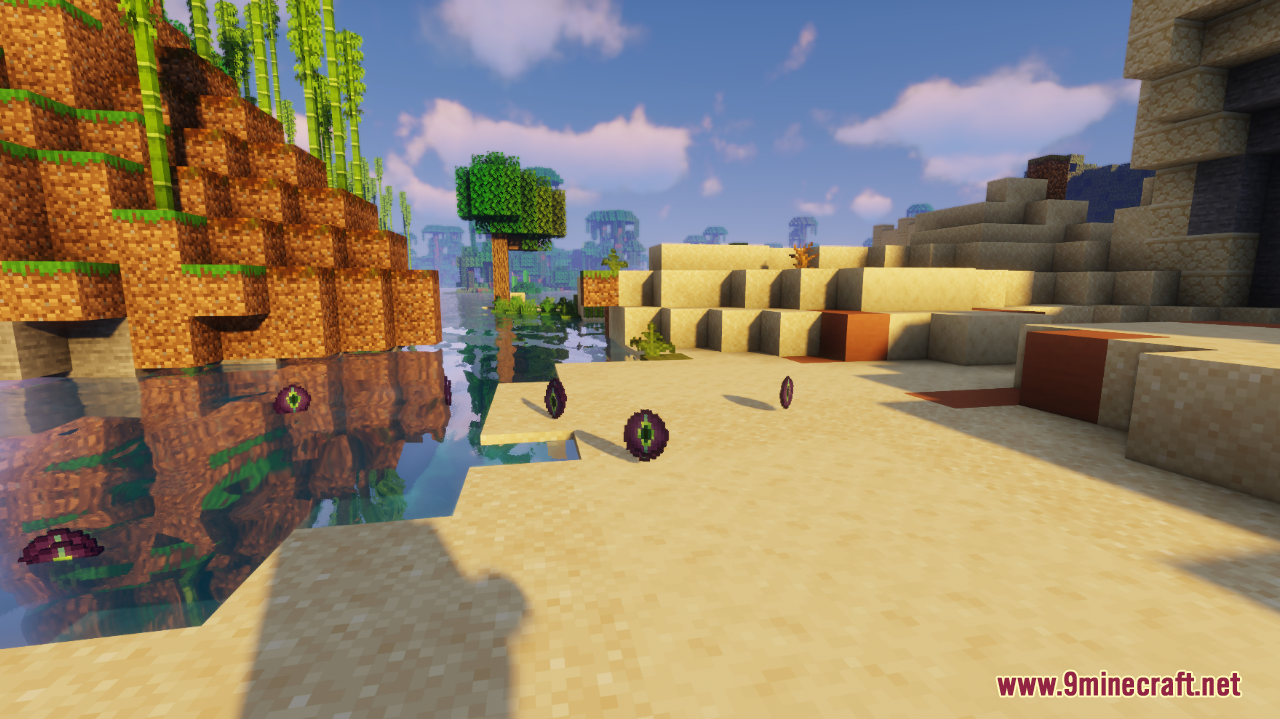
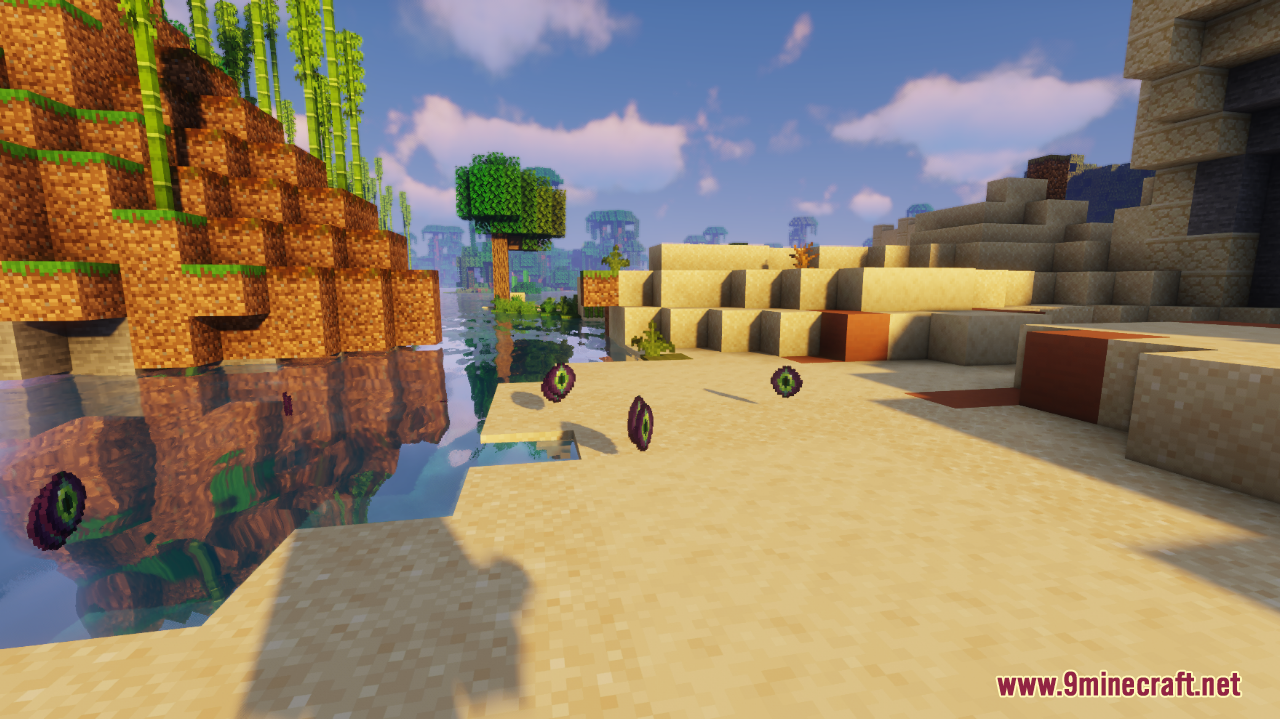
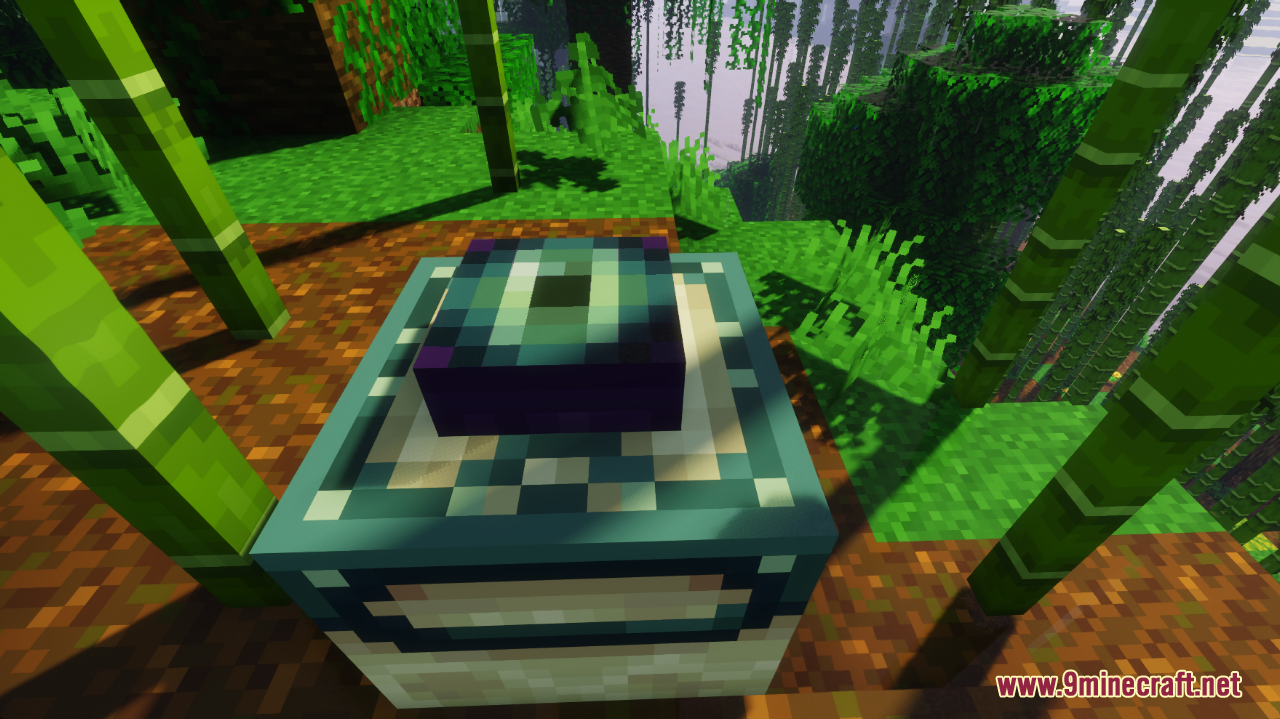
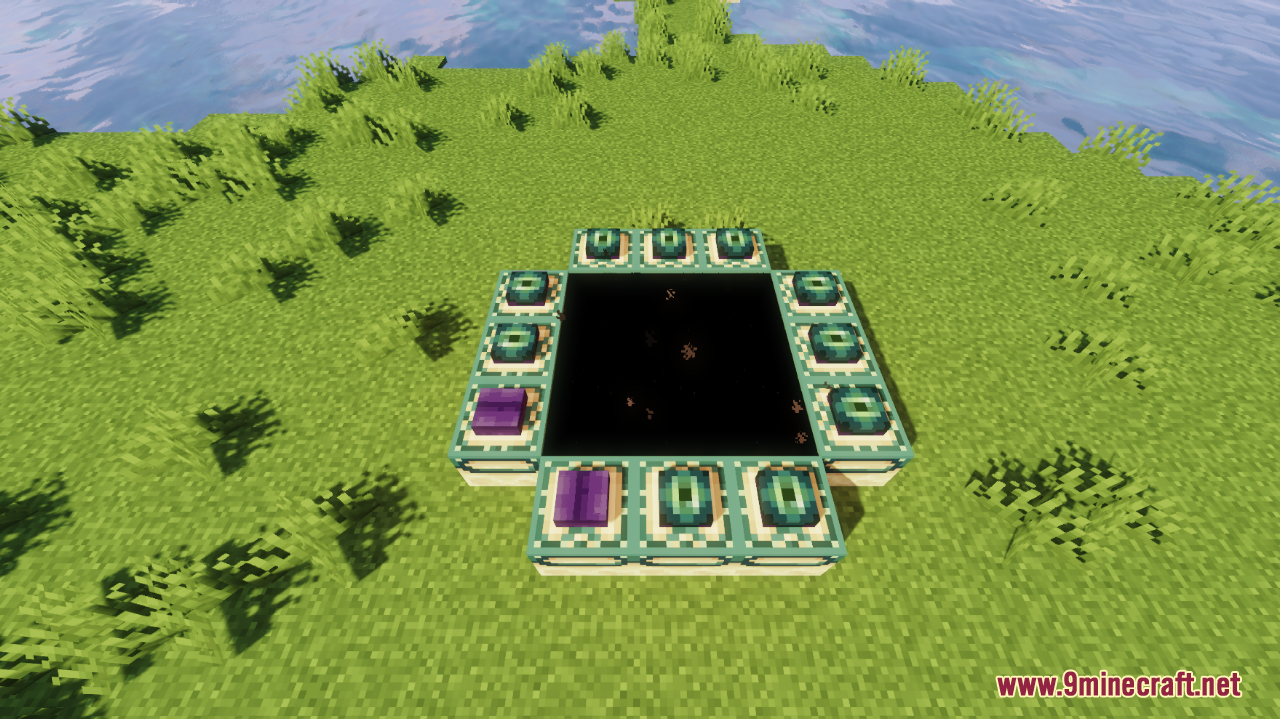
Just have the pack enabled in your resource pack list and hold or look at an Eye of Ender — the blink is a texture change, so it applies automatically with no crafting or commands needed. If it looks static, make sure the pack is at the top of your selected packs.
Why isn't my Eye of Ender blinking?
The most common cause is another resource pack overriding the same texture and sitting above this one in the pack order. Move the Blinking Ender Eyes pack to the top, or remove the conflicting pack, then reload with F3+T.
Does the Heart of the Sea blink too?
Yes, this pack changes both the Eye of Ender and the Heart of the Sea textures so both blink. The Heart of the Sea blinks the same way whether it's in your inventory, a chest, or your hand.
How can I see the Heart of the Sea blink without using it?
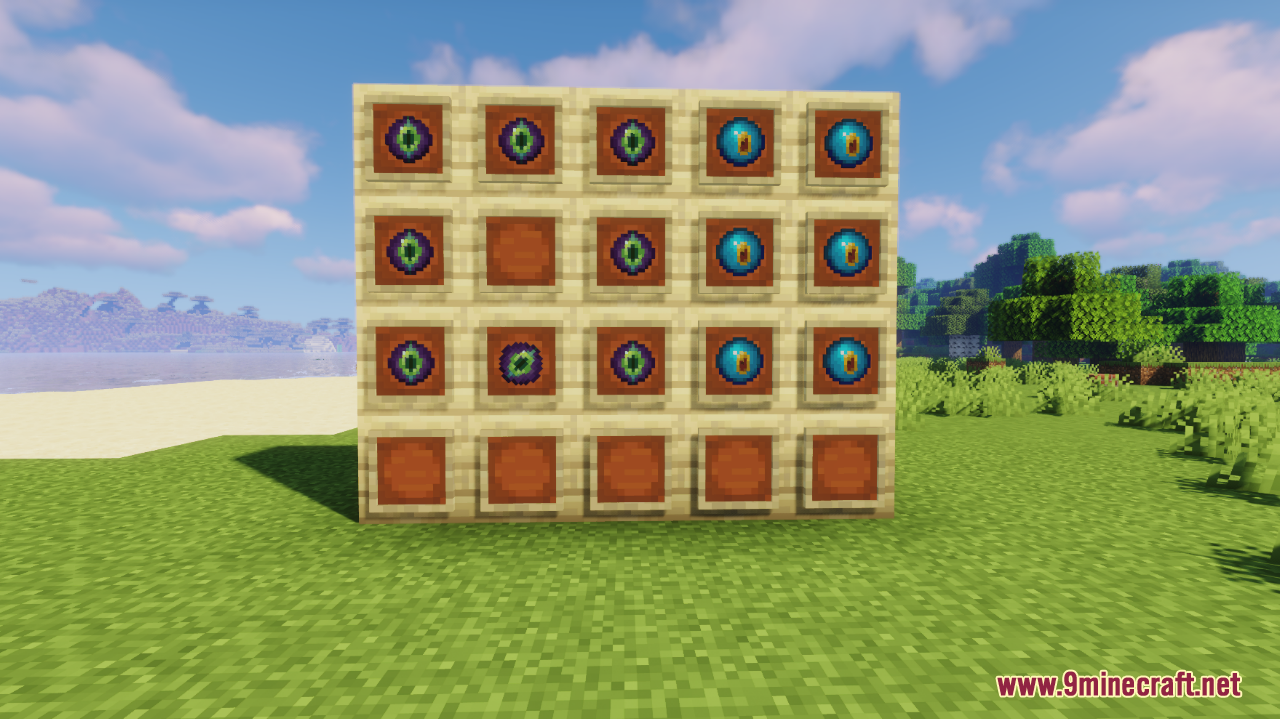
You don't need to activate a conduit — the blink is purely a texture, so it shows in your inventory, in item frames, in chests, and in your hand. Just hover over it or place it somewhere visible.
See all 20 Blinking Ender Eyes questions ›
Gallery
12 images from the Blinking Ender Eyes Resource Pack page.

You May Also Like
Wikis that share the most with this one
Wikis on the same theme: end
UltimacraftShaded Font Resource PackVibrant Pbr Resource PackMatralys 16X Resource PackX-Ray Vision Resource PackLiving Dragon Resource PackNew End Stone Resource Pack3d Entity Eggs Resource PackCapeless Wings Resource PackShield by Side Resource PackA7Mds 3D Potions Resource PackAuthentic Shadows Resource Pack
More resource pack wikis on the site
Blak Suit’s Bushy Grass Resource PackBlades Of Majestica Resource PackBlackium Resource PackBlack Mesa Skyboxes Resource PackBlack Gui Resource PackBlack Girlfriend Totem of Undying Resource PackBlack Flash Pvp Pack Resource PackBharat Rail Transit Resource PackBeyond Huds Resource PackBeyond Horses Resource PackBeyond Epic Fight WEAPON Compat Resource PackBetterX Texture Fix 9minecraft Resource Pack
The most downloaded mods that have a wiki here
A few wikis from each of the other kinds