

 DownloadEnder Drives
Get the files on 9Minecraft
Guides
Step-by-step, in-game.
Access Your Storage Across DimensionsCross-Dimensional Storage Basics One of the most powerful features of Ender Drives is their ability to link storage…Control What Goes In and Out of Your DriveUnderstanding Transfer Modes Ender Drives can be configured to restrict the direction of item flow. This is useful…Set Up Your First Ender Drive NetworkCrafting and Placement Craft an Ender Drive and place it into an existing Applied Energistics 2 network. The drive…Share Storage Safely With Your FTB TeamSetting Up Team Access Ender Drives support FTB Team integration, allowing you to create shared storage that only…
Recipes
Every recipe the mod adds, grouped by how it is made.
Items
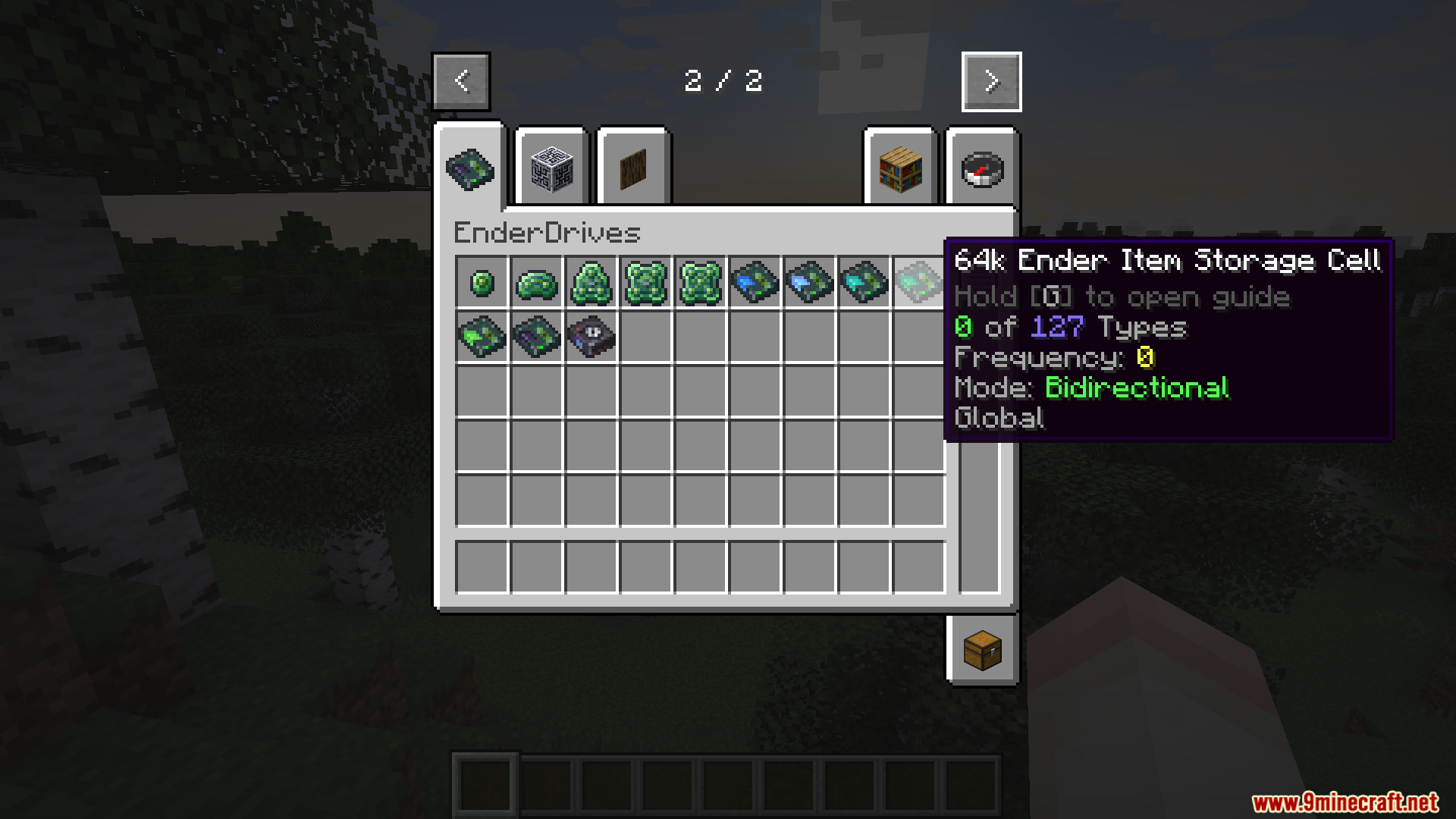
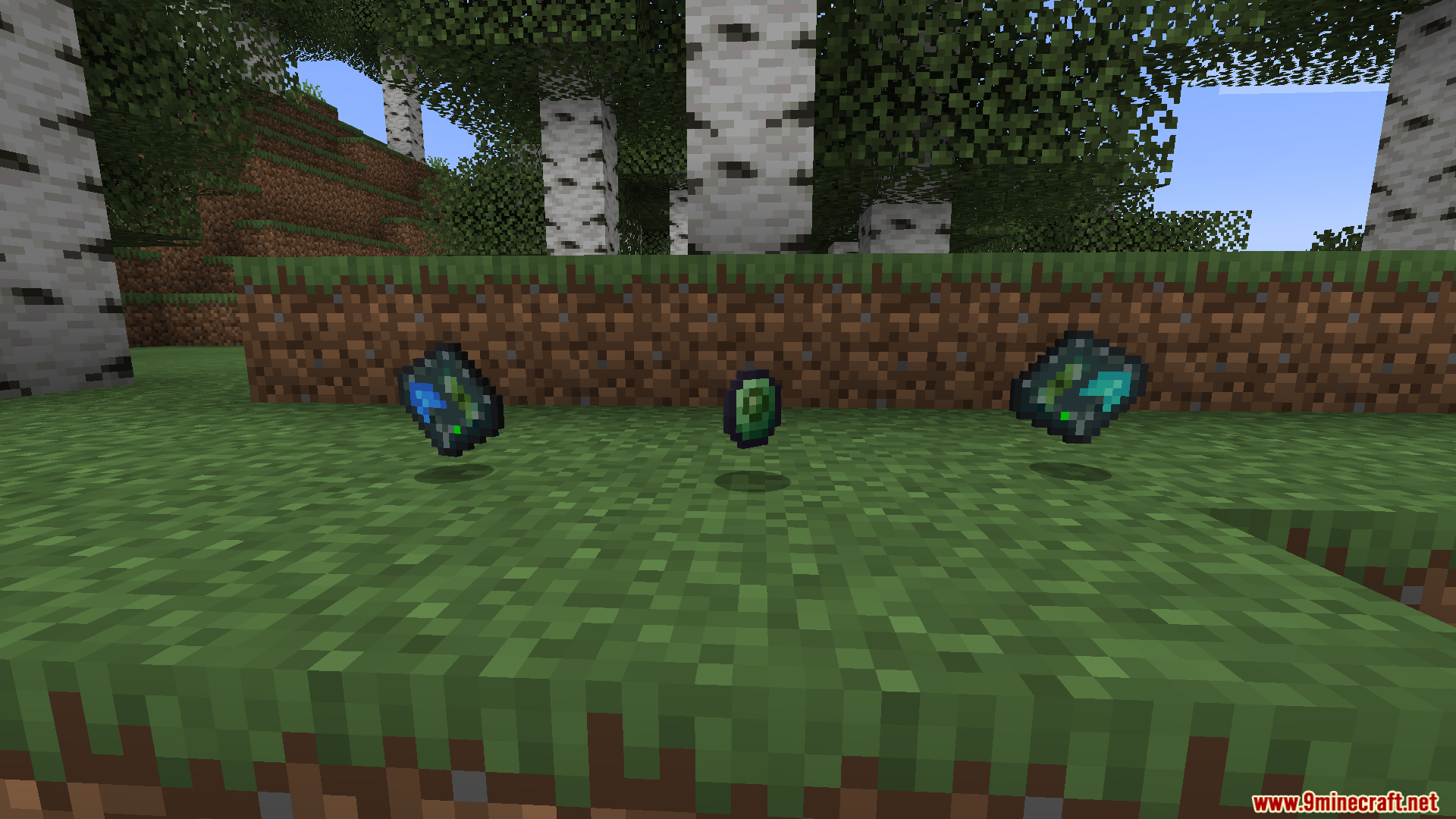
 16k Ender Item Storage Cell
 16k Ender Storage Component
 1k Ender Item Storage Cell
 1k Ender Storage Component
 256k Ender Item Storage Cell
 256k Ender Storage Component
 4k Ender Item Storage Cell
 4k Ender Storage Component
 64k Ender Item Storage Cell
 64k Ender Storage Component
 Creative Ender Item Storage Cell
 Tape Disk Item Storage Cell
Frequently asked questions
How do I make my first Ender Drive?
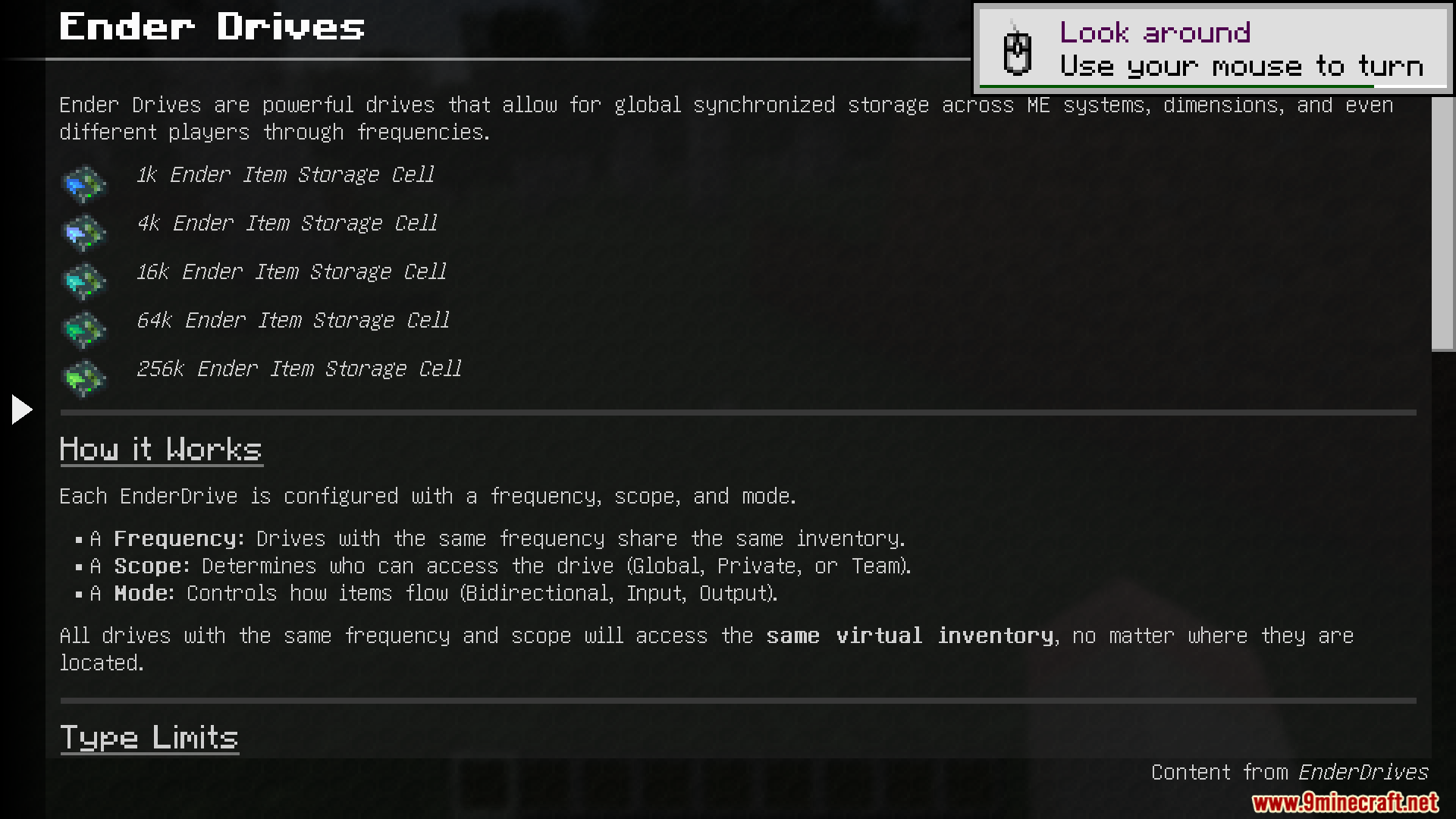
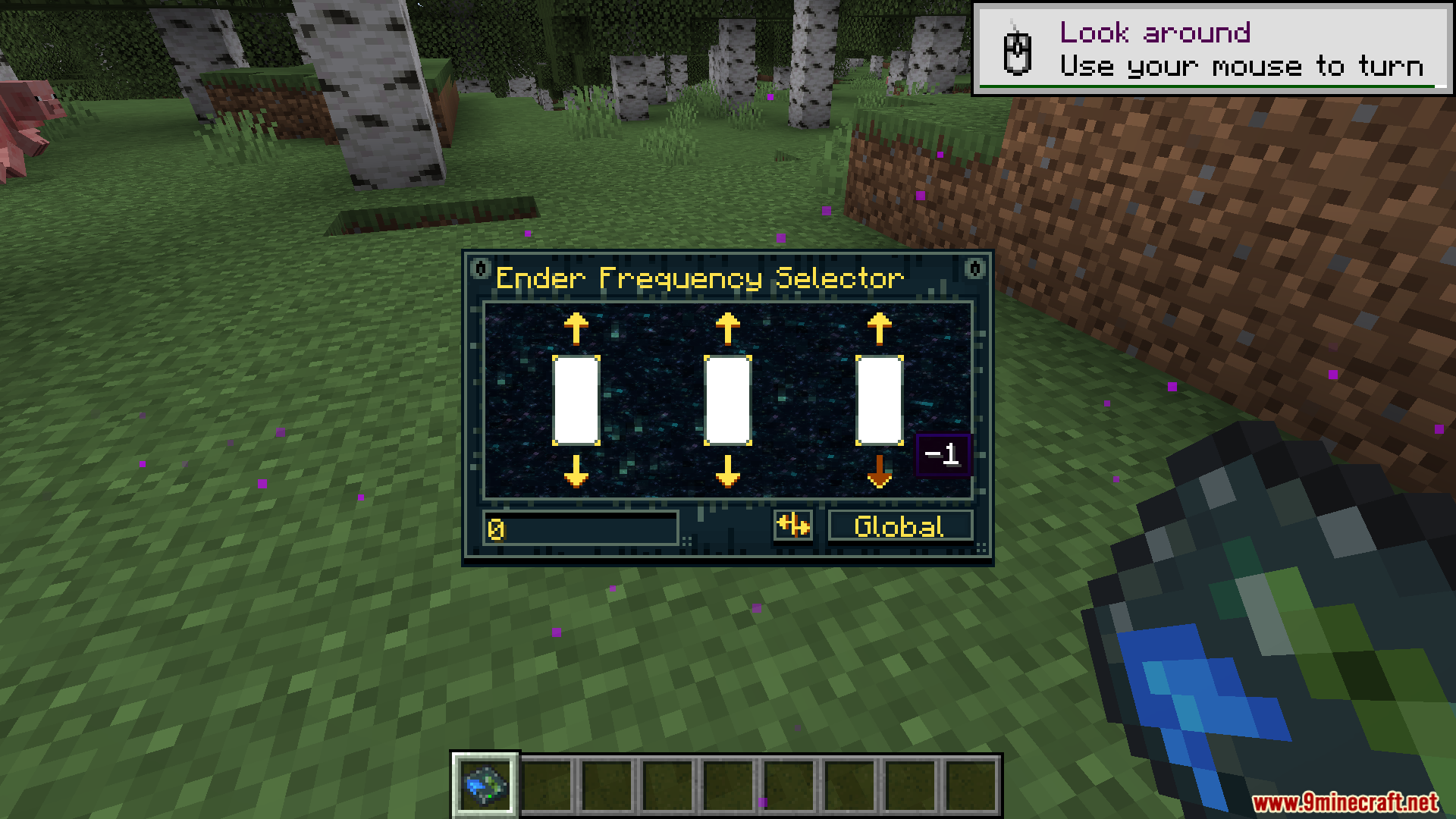
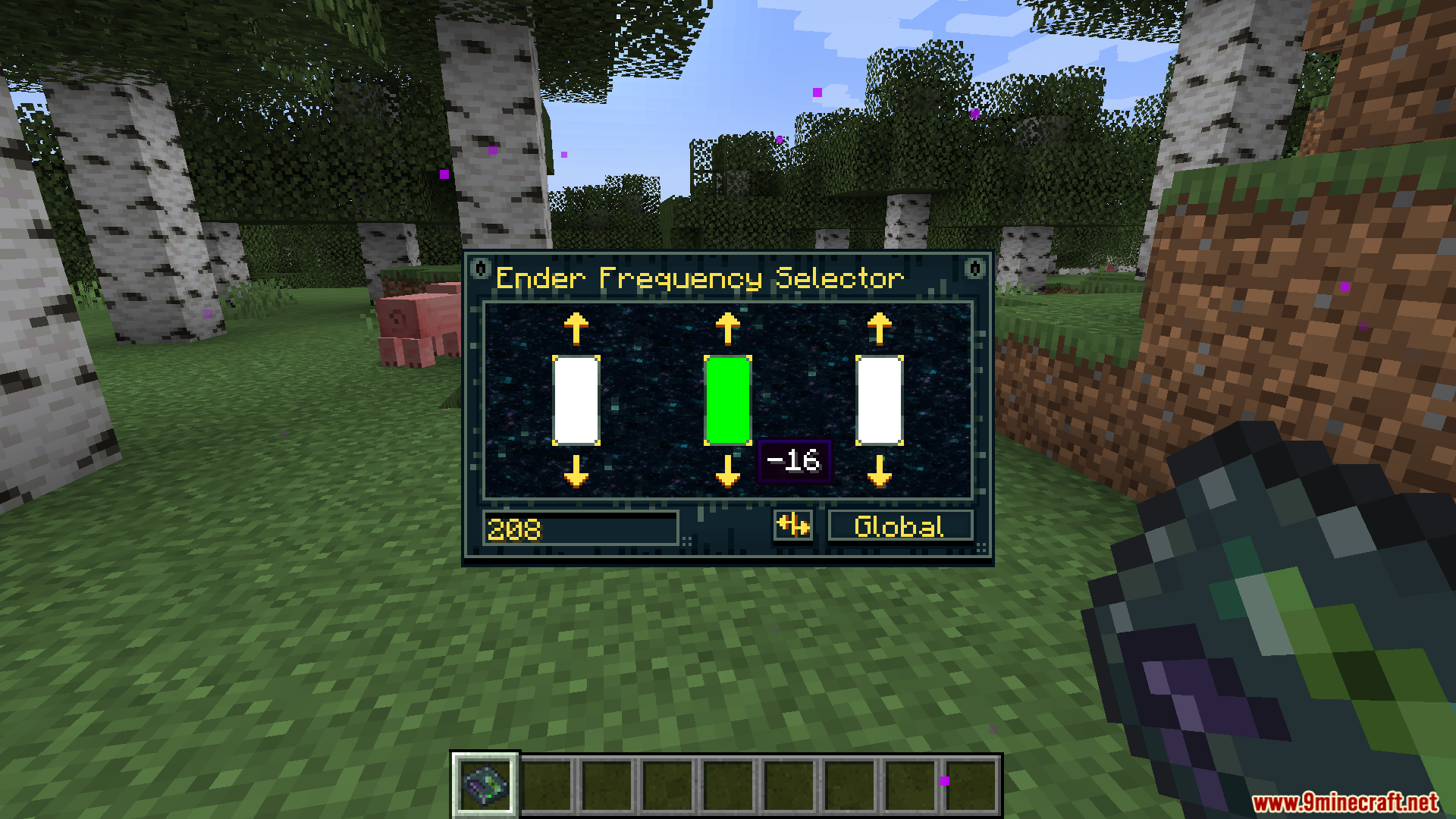
Craft an Ender Drive using the recipe from JEI/NEI, then place it directly into your Applied Energistics 2 network like you would any other drive. Open the drive's interface and set a frequency number—any number you choose—then place another drive with the same frequency elsewhere to link them together.
Do Ender Drives work across dimensions?
Yes, that's their main feature. Place one drive in the Overworld and another in the Nether or End with the same frequency, and they'll share the exact same inventory no matter which dimension you're in.
Can I set a drive to only accept items or only output items?
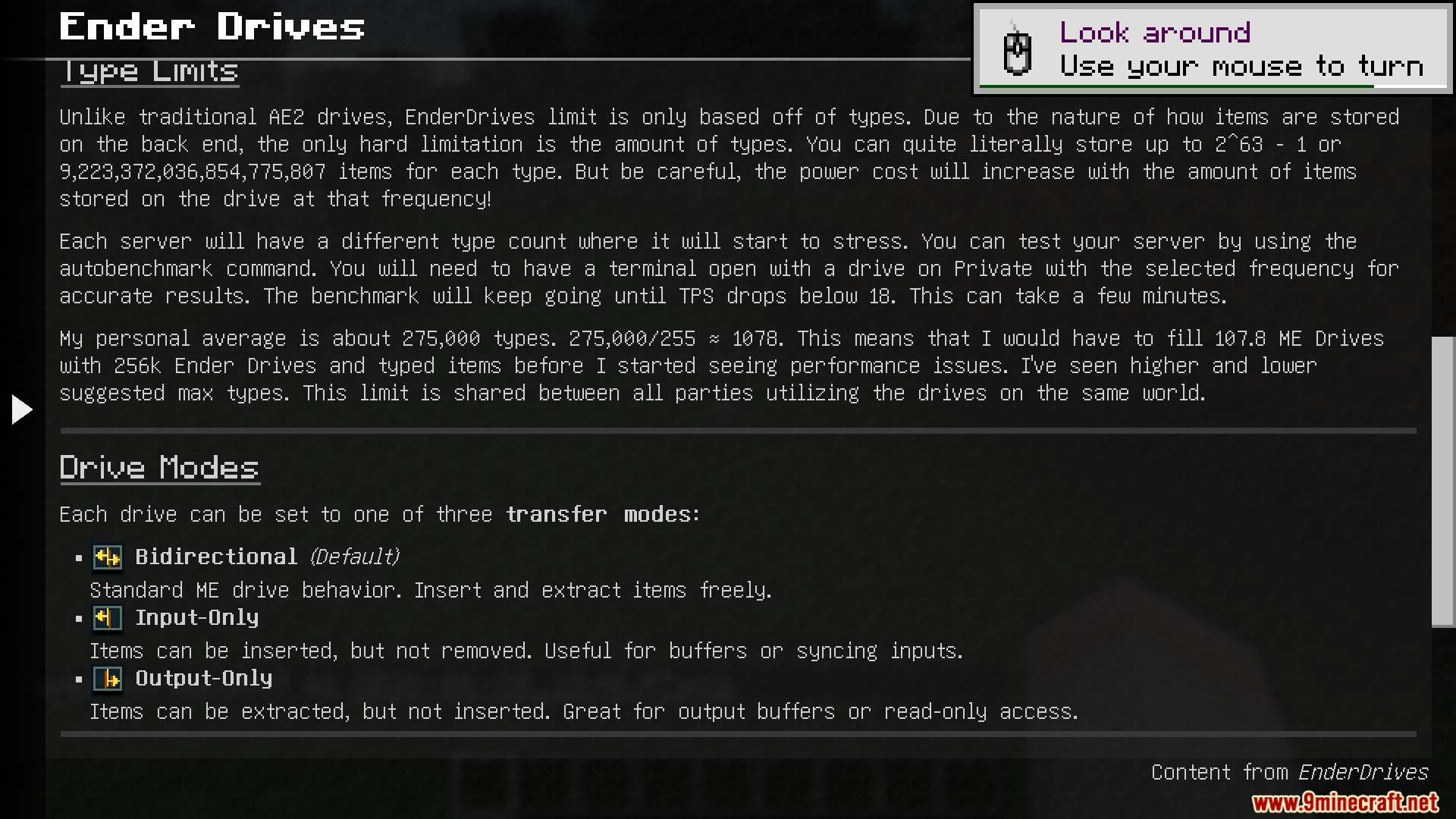
Yes, use the transfer mode setting on the drive. You can set it to input-only, output-only, or bidirectional depending on what you need for that particular drive.
How do I keep my Ender Drive private so other players can't access it?
Open the drive's interface and change the privacy setting from Global to Private. Only you will be able to access drives set to Private, even if someone else knows the frequency number.
See all 10 Ender Drives questions ›
Gallery
9 images from the Ender Drives Mod page.
You May Also Like
Wikis that share the most with this one
Wikis on the same theme: storage
More mod wikis on the site
The most downloaded mods that have a wiki here
A few wikis from each of the other kinds