

 DownloadBackrooms Retextured Resource Pack
Get the files on 9Minecraft
Contents (8)
Guides
Step-by-step, in-game.
Build a Backrooms Main LobbyGather Your Materials The main lobby is built primarily from yellow wool blocks. This resource pack retextures yellow…Build The Endless City or Infinite OfficeUnderstanding These Levels' Architecture The Endless City and Infinite Office are characterized by repetitive,…Create a Poolrooms LevelUnderstanding Poolrooms Aesthetics Poolrooms are characterized by flooded spaces with smooth walls, reflective water…Design Different Room Styles Within One MapLeveraging the Pack's Style Variations This resource pack includes multiple aesthetic options: normal yellow…
Items
B
 Birch Sign
 Book and Quill
C
 Cake
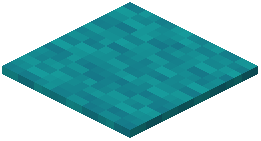 Cyan Carpet
D
 Dark Oak Sign
E
 Enderman Spawn Egg
H
 Honey Bottle
 Husk Spawn Egg
M
 Music Disc 11
 Music Disc (Mellohi)
 Music Disc (Mall)
 Music Disc 13
O
 Oak Button
P
 Polar Bear Spawn Egg
 Pufferfish
R
 Ravager Spawn Egg
 Rotten Flesh
S
 String
V
 Villager Spawn Egg
 Vindicator Spawn Egg
W
 Wither Skeleton Spawn Egg
 Written Book
Blocks
A
 Andesite
B
 Birch Stairs
 Birch Trapdoor
 Black Concrete
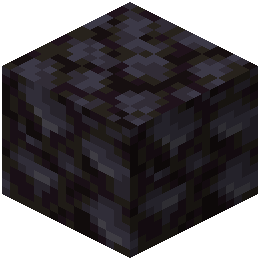 Blackstone
 Blue Concrete
 Brown Concrete
C
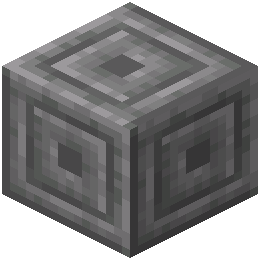 Chiseled Stone Bricks
 Cracked Nether Bricks
 Cyan Concrete
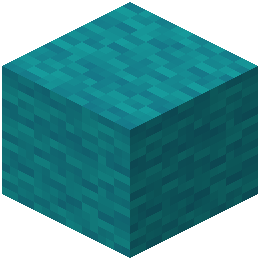 Cyan Wool
D
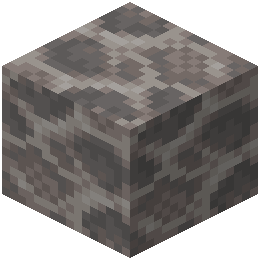 Dead Brain Coral Block
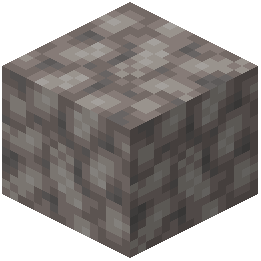 Dead Bubble Coral Block
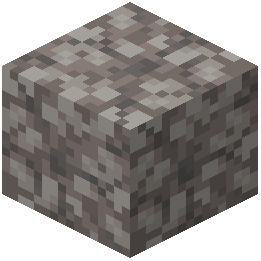 Dead Horn Coral Block
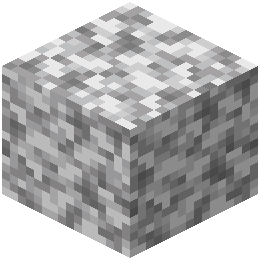 Diorite
G
 Gray Concrete
 Gray Wool
 Green Concrete
I
 Infested Stone
 Iron Bars
L
 Light Blue Concrete
 Light Blue Stained Glass
 Light Blue Wool
 Light Gray Concrete
 Lime Concrete
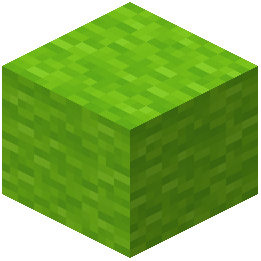 Lime Wool
M
 Magenta Concrete
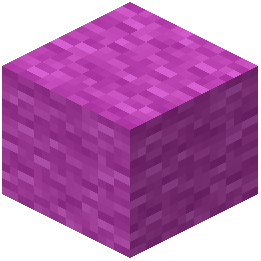 Magenta Wool
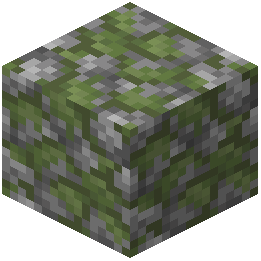 Mossy Cobblestone
O
 Orange Concrete
 Orange Stained Glass
P
 Pink Concrete
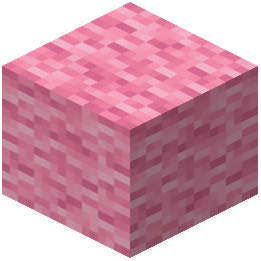 Pink Wool
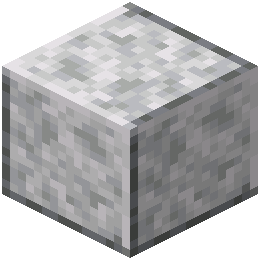 Polished Diorite
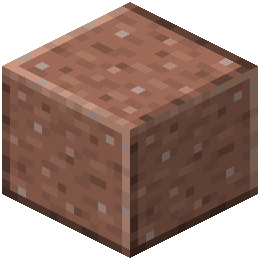 Polished Granite
 Purple Concrete
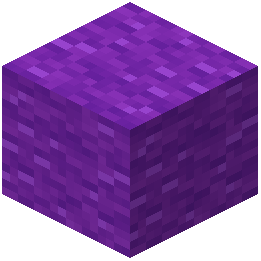 Purple Wool
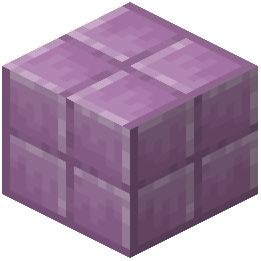 Purpur Block
R
 Red Concrete
S
 Sign
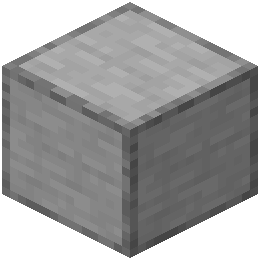 Smooth Stone
W
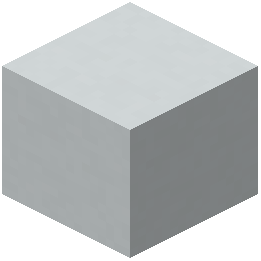 White Concrete
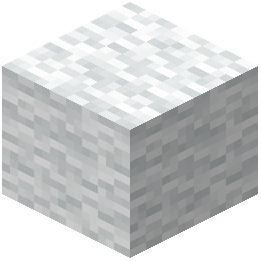 White Wool
Y
 Yellow Concrete
 Yellow Stained Glass
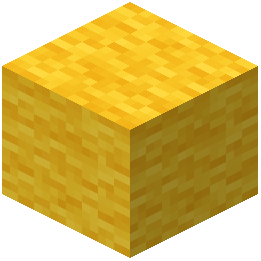 Yellow Wool
What this pack changes
Every texture group the pack replaces, counted from the pack itself.
| Area | Textures replaced |
|---|---|
| Blocks | 191 |
| Items | 29 |
| Mobs & entities | 16 |
| Particles | 10 |
| Misc | 2 |
Pack format 15 (Minecraft 1.20)249 texture files in total
Extra features
Custom sounds
Sound overrides
Custom block/item models
Custom particles
Frequently asked questions
How do I start building a Backrooms map?
Begin by placing brown, orange, or yellow wool blocks where you want walls and ceilings—the resource pack will automatically retexture them into backrooms wallpaper and tiles. Start with a large open room using yellow wool for walls to create the iconic main lobby aesthetic, then add details like doorways and fixtures.
Why do my wool blocks look different on each side?
The resource pack uses directional textures so each face of a wool block displays a different part of the wallpaper or tile pattern. This is intentional and helps create a more realistic, varied look when building large rooms—rotate or place blocks strategically to control which texture shows.
Can I mix different wool colors in the same room?
Yes, you can combine brown, orange, and yellow wool in one build to create visual variety and depth. The guides on designing different room styles show how to layer these colors to distinguish between walls, trim, and architectural features.
What blocks should I use for water and poolrooms?
Use water source blocks freely—the resource pack includes wet tile textures that appear when water is adjacent to or flowing over the wool blocks. Combine this with brown or orange wool to build the flooded office and poolroom levels.
How do I add wall markings and arrows to my rooms?
The resource pack includes special textures with arrows, numbers, and markings built into certain wool block faces. Place and rotate your wool blocks to position these markings where you want them, or layer blocks to create layered marking effects.
Do I need to use only wool blocks, or can I mix in other materials?
You can use other Minecraft blocks like concrete, stone, or dark wood alongside the retextured wool to add structural variety and realism. The wool blocks are the core of the backrooms aesthetic, but combining them with other materials helps break up large flat surfaces.
Will this resource pack work with my existing world, or do I need to start fresh?
The resource pack only changes the appearance of brown, orange, and yellow wool blocks, so it works on any world instantly—no rebuild needed. If your world already has these wool colors placed, they'll immediately show backrooms textures when you load the pack.
Can I use this pack for multiplayer maps or found footage videos?
Yes, this pack is designed specifically for creating found footage maps and multiplayer horror experiences. Share the resource pack file with other players so they see the same backrooms textures you do.
What's the difference between the normal, bright, and modern block styles?
The pack offers multiple texture variants so you can choose between aged yellow wallpaper (normal), clean bright tiles (bright), and sleek modern walls (modern) depending on which backrooms level you're building. You can switch between styles by changing your active resource pack variant.
Why do some of my wool blocks look plain or untextured?
Make sure the resource pack is actually enabled in your resource pack menu and ranked above any conflicting packs. If blocks still appear plain, try reloading your world or checking that you're using the correct wool colors (brown, orange, or yellow)—other colors won't be retextured.
You May Also Like
Wikis that share the most with this one
Endless BackroomsThe Backrooms 3 MapBackrooms Hide and Seek MapDescent Into the Backrooms MapZachs Liminal Backrooms BlocksChar1Ies Backrooms Resource PackMisplaced a Backrooms Horror MapMine Rooms Backrooms Blocks Resource PackMusic Disc Maker Retextured Resource PackESCAPE the BACKROOMS SOUNDTRACK LEVELS MapThe Backrooms a Complete Horror Experience MapHafen
Wikis on the same theme: wood
More resource pack wikis on the site
Baby Mobs Resource PackBaby Makeover Resource PackAzuryx 16X Pvp Pack Resource PackAxolotl Villagers Resource PackAxes Made Better Resource PackAvalon 32X Resource PackAutumn’s Realistic Clouds Resource PackAutumn Fall Resource PackAuthentic Shadows Resource PackAurelis Realism 512X Pbr Resource PackAura Ores Resource PackAttack On Titan Dawn Of Humanity Rp Resource Pack
The most downloaded mods that have a wiki here
A few wikis from each of the other kinds
Gallery
9 images from the Backrooms Retextured Resource Pack page.


