

 DownloadAzuryx 16X Pvp Pack Resource Pack
Get the files on 9Minecraft
Contents (8)
Guides
Step-by-step, in-game.
Bridge and Build Faster in Multiplayer ArenasIdentify Block Types Instantly Simplified textures on common arena blocks let you place and navigate without visual…Maintain Clear Vision During Extended Combat SequencesKeep Your Screen Uncluttered During Long Fights The pack removes noisy pixel patterns from armor and elytra ,…Maximize Visibility During Fast-Paced CombatUse Transparent Weapon Swings to Your Advantage The pack's signature transparent neon slashes are designed to keep…Track Enchanted Gear and Identify Threats QuicklySpot Magical Equipment Instantly The custom enchant glint on this pack uses a distinctive purple highlight that…
Items
77 items · showing 24. Browse all →
 Apple
 Arrow
 Bottle o' Enchanting
 Bow
 Bread
 Breeze Rod
 Bucket
 Bucket of Axolotl
 Coal
 Cooked Chicken
 Cooked Mutton
 Cooked Porkchop
 Cookie
 Copper Ingot
 Diamond
 Diamond Axe
 Diamond Boots
 Diamond Chestplate
 Diamond Helmet
 Diamond Leggings
 Diamond Pickaxe
 Diamond Shovel
 Diamond Sword
 Elytra
Blocks
89 blocks · showing 24. Browse all →
 Acacia Leaves
 Acacia Log
 Acacia Planks
 Azalea Leaves
 Bamboo Planks
 Birch Leaves
 Birch Log
 Birch Planks
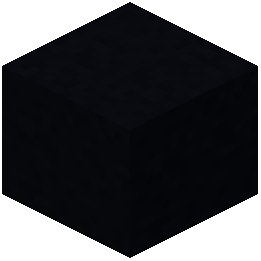 Black Concrete
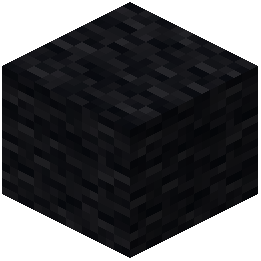 Black Wool
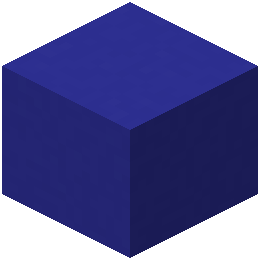 Blue Concrete
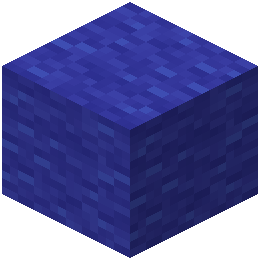 Blue Wool
 Brown Concrete
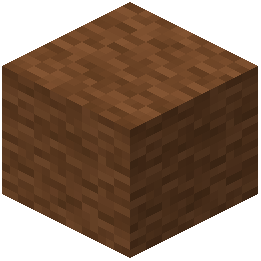 Brown Wool
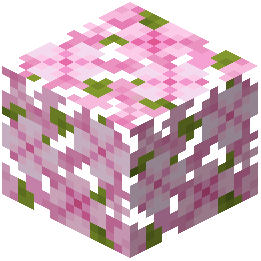 Cherry Leaves
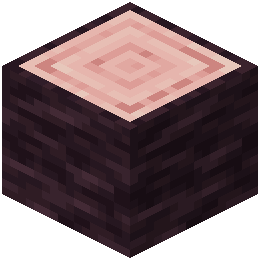 Cherry Log
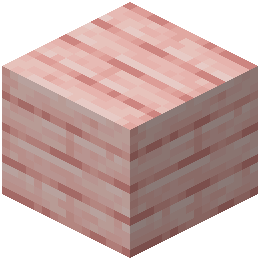 Cherry Planks
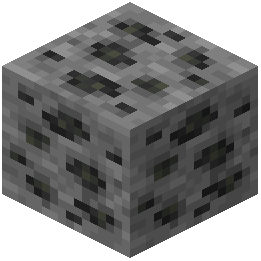 Coal Ore
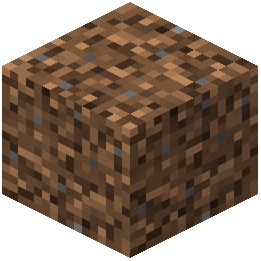 Coarse Dirt
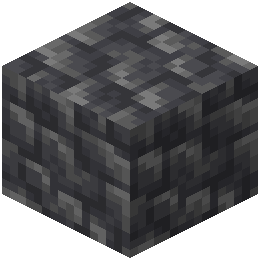 Cobbled Deepslate
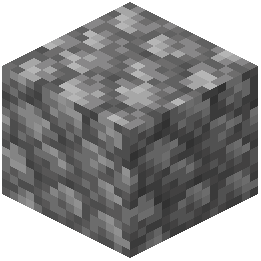 Cobblestone
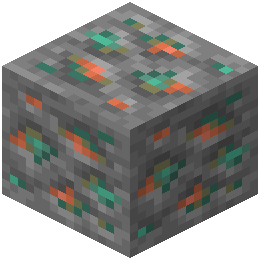 Copper Ore
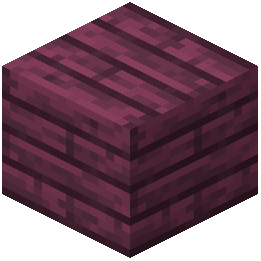 Crimson Planks
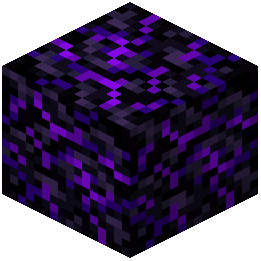 Crying Obsidian
What this pack changes
Every texture group the pack replaces, counted from the pack itself.
| Area | Textures replaced |
|---|---|
| GUI & menus | 497 |
| Particles | 254 |
| Blocks | 125 |
| Mobs & entities | 100 |
| Items | 89 |
| Misc | 13 |
| Font | 5 |
| Effect | 1 |
Pack format 34 (Minecraft 1.21.2)1,084 texture files in total
Extra features
Custom font
Reworked GUI
Frequently asked questions
How do I enable the neon weapon swings?
The neon swings are active by default once you apply the resource pack in your texture pack settings. If you don't see them, make sure the pack is selected and ranked above any conflicting packs in your load order.
Why can't I see my crosshair during combat?
The neon swing effects feature a transparent center specifically to keep your crosshair visible. If it's still blocked, check that you haven't enabled a conflicting resource pack above AZURYX in your texture pack list.
Do the red critical hit particles show up automatically?
Yes, red critical particles appear whenever you land a critical strike (jumping while attacking). They work with the default combat system and require no additional setup.
Can I use this pack with other PvP resource packs?
You can, but load AZURYX last (highest priority) to prevent other packs from overriding its combat visuals and block textures. Conflicting packs may cause visual glitches or cancel out the neon effects.
How do I make wool blocks easier to see while bridging?
The pack already simplifies wool textures to solid, clear colors by default. If you still have trouble, ensure no other texture packs are layered above AZURYX that might be adding detail back to wool.
Do enchanted items look different with this pack?
Yes, enchanted gear displays a custom purple glint that's more visible than the default enchant effect, making it easier to spot magical weapons and armor at a glance.
Why do my ender pearls and golden apples look animated?
AZURYX includes custom moving animations for these items to make them stand out in your hotbar and hand. This is intentional and helps you track consumables during intense matches.
Does this pack work on servers or only singleplayer?
Resource packs work on any server or singleplayer world—they only change what you see on your client. Other players won't see your neon swings or custom textures, but you'll see theirs if they use the same pack.
What should I do if particles look too bright or too dim?
Adjust your game's particle settings and brightness in the video options menu—AZURYX's particles respond to these vanilla settings. If specific particles (like sharpness effects) still look off, try disabling and re-enabling the pack.
You May Also Like
Wikis that share the most with this one
Aura Ores Resource PackAurelis Realism 512X Pbr Resource PackAuthentic Shadows Resource PackAutumn Fall Resource PackAutumn’s Realistic Clouds Resource PackAvalon 32X Resource PackAxes Made Better Resource PackAxolotl Villagers Resource PackBaby Makeover Resource PackBaby Mobs Resource PackBackrooms Retextured Resource PackBananas Pvp Essentials Resource Pack
More resource pack wikis on the site
Attack On Titan Dawn Of Humanity Rp Resource PackAtomic Delight Vanilla Resource PackAssorted Wardens Resource PackAssorted Foxes Resource PackAssembled Legendary Tooltips Resource PackAshen 16X Resource Pack Armory Of The Wild Resource PackArmors & Stuff Resource PackArmored Legacy Resource PackArmored Illager Fresh Animation Resource PackArmor Reimagined Java Resource PackArmor HUD Changes Resource Pack
The most downloaded mods that have a wiki here
A few wikis from each of the other kinds
Gallery
11 images from the Azuryx 16X Pvp Pack Resource Pack page.


