

 DownloadDescent Into the Backrooms Map
Get the files on 9Minecraft
Guides
Step-by-step, in-game.
Finding Exit Portals and Escape RoutesSystematic Room Exploration The Backrooms map hides exit portals throughout its interconnected yellow hallways. Start…Navigating the Disorienting Hallway LayoutUnderstanding the Map Structure The Backrooms map intentionally creates a confusing, repetitive environment. Yellow…Playing Multiplayer Safely and Coordinating with FriendsSetting Up Multiplayer Sessions The map supports up to three players total. Before entering, establish a meeting…Surviving and Managing the Creepy AtmosphereUnderstanding the Environment The map uses specialized lighting and shader effects to create dread. Dim yellow…
Frequently asked questions
How do I start a new game in Descent Into the Backrooms?
Create a new world, and you'll spawn directly into the yellow hallway rooms in Adventure mode. You don't need to do any setup—the map loads you into the horror setting automatically.
Why can't I break blocks or place things?
The map forces Adventure mode to keep the environment intact and ensure you interact with it as intended. You're meant to explore and find exits rather than modify the world.
How do I find the exit portals?
Search through each room and corridor carefully—exits are hidden throughout the map and require exploration to locate. Check dead ends, look for visual clues, and communicate with teammates if playing multiplayer.
See all 10 Descent Into the Backrooms Map questions ›
Gallery
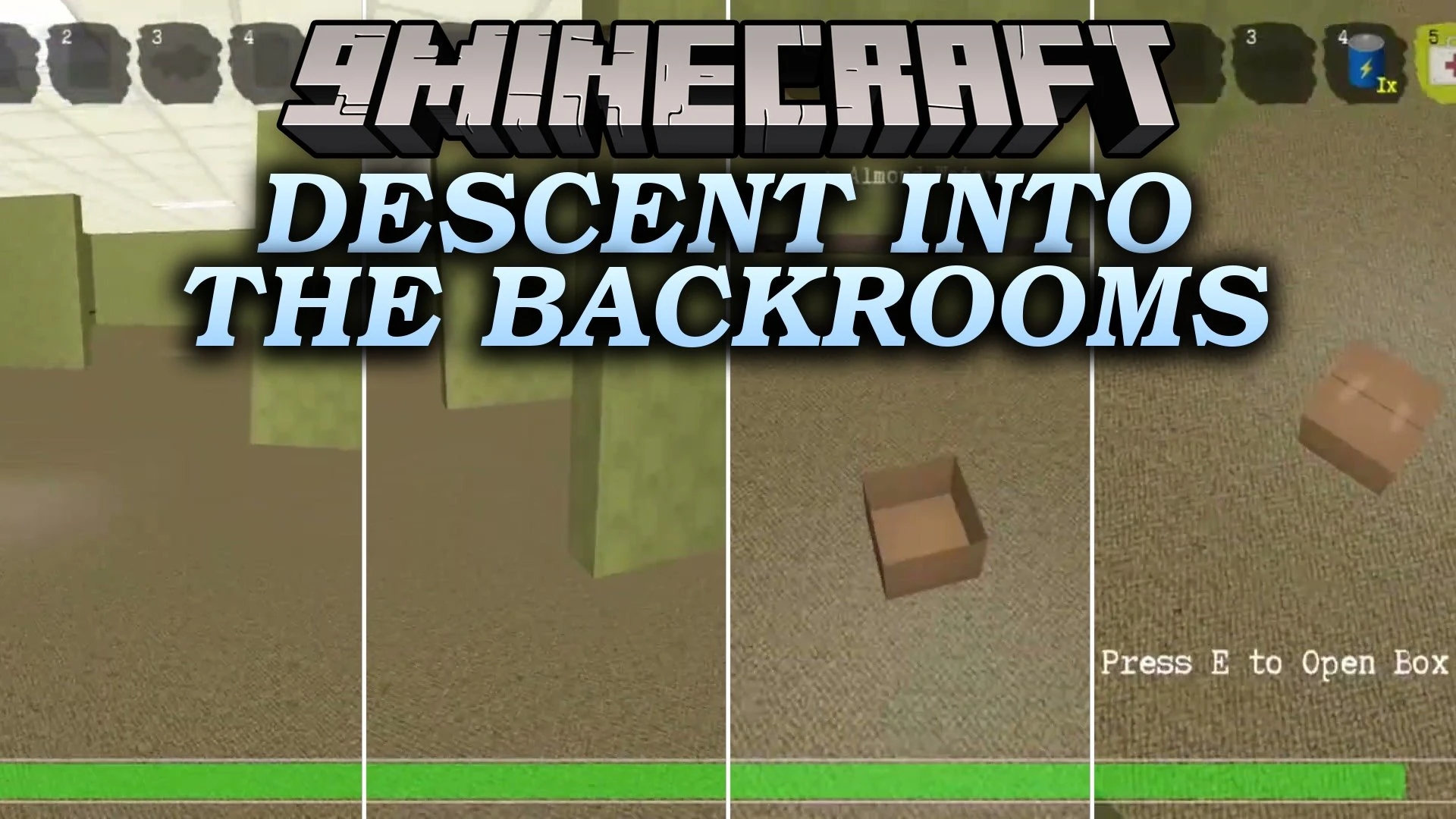
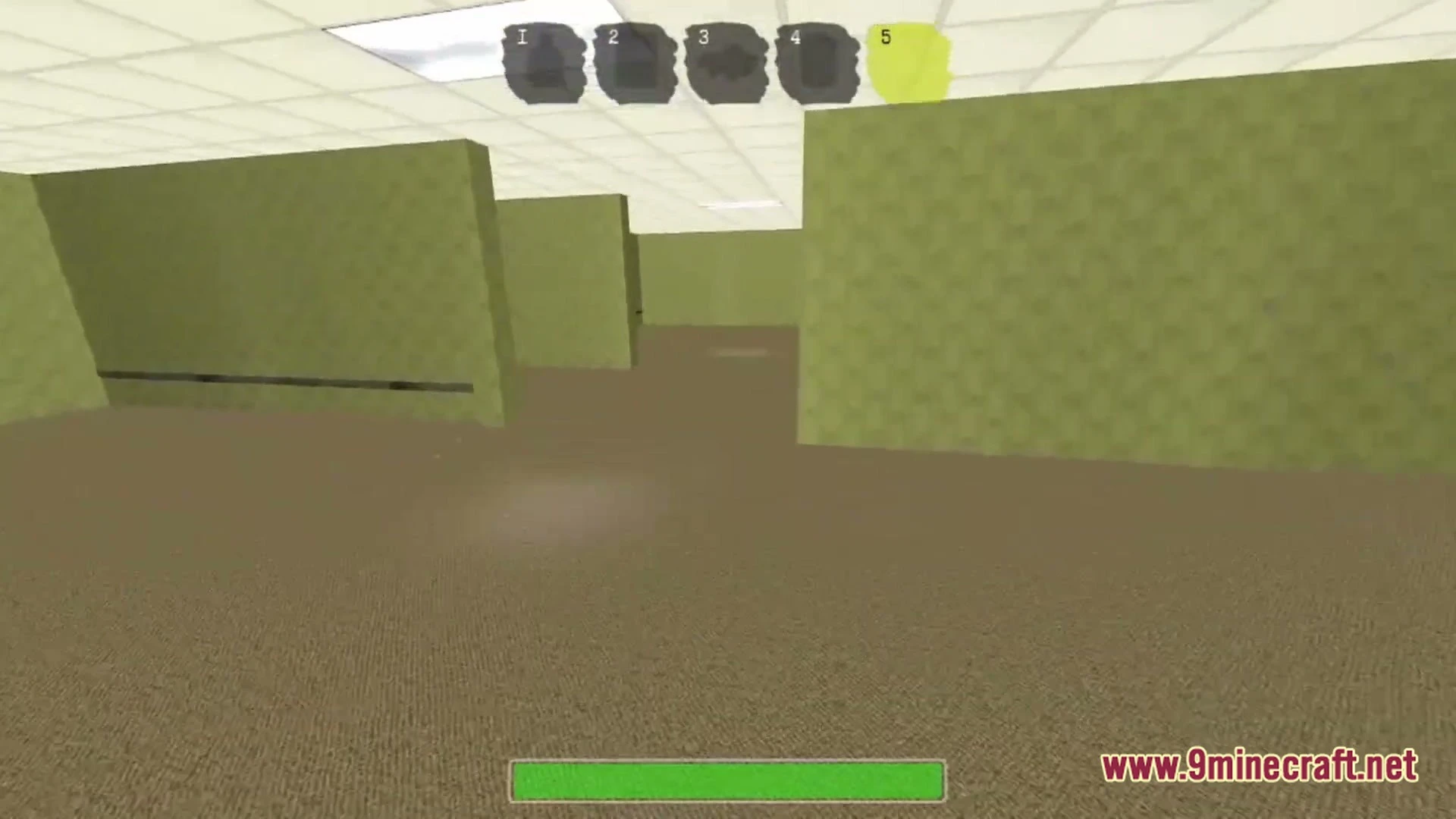
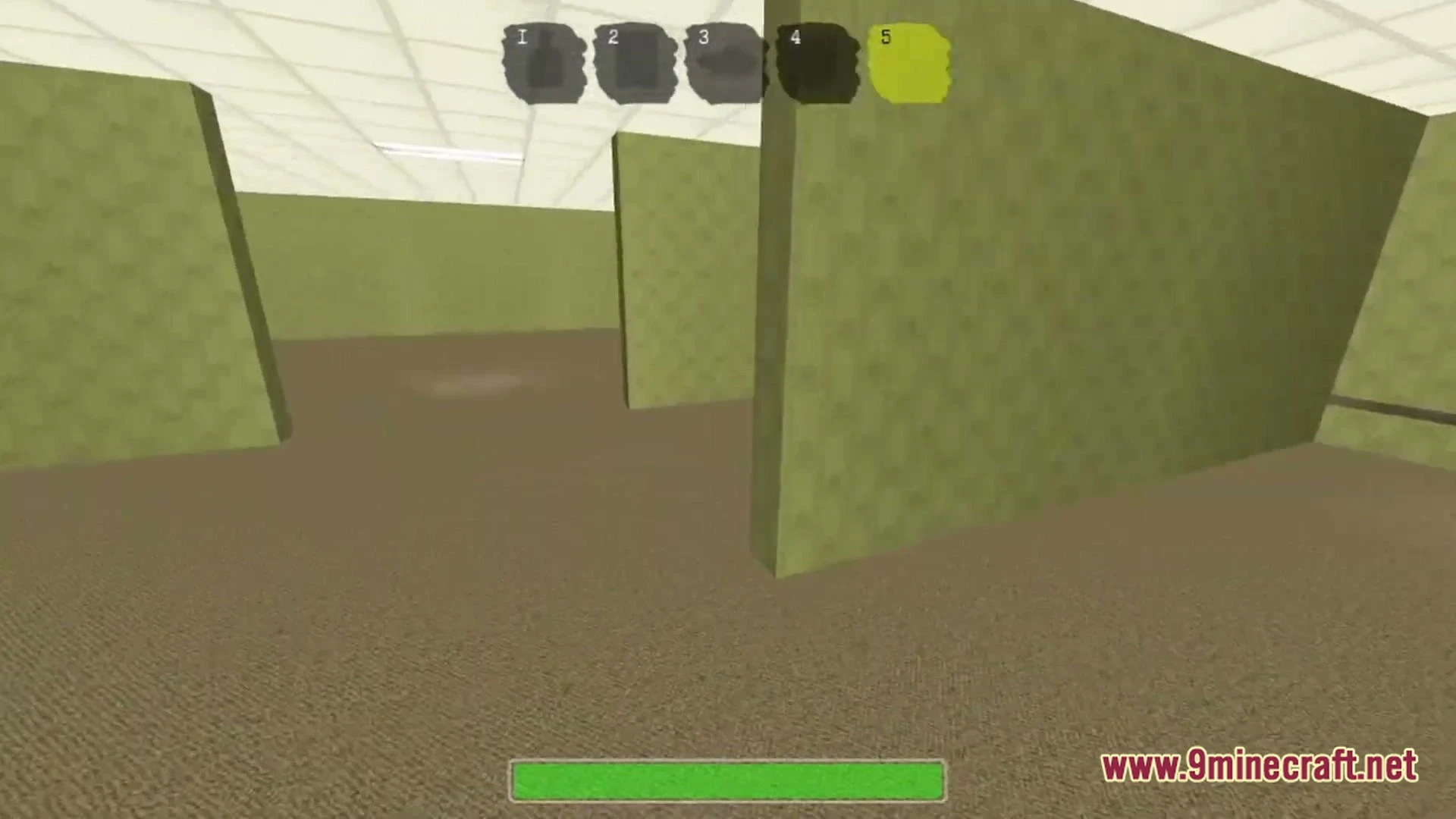
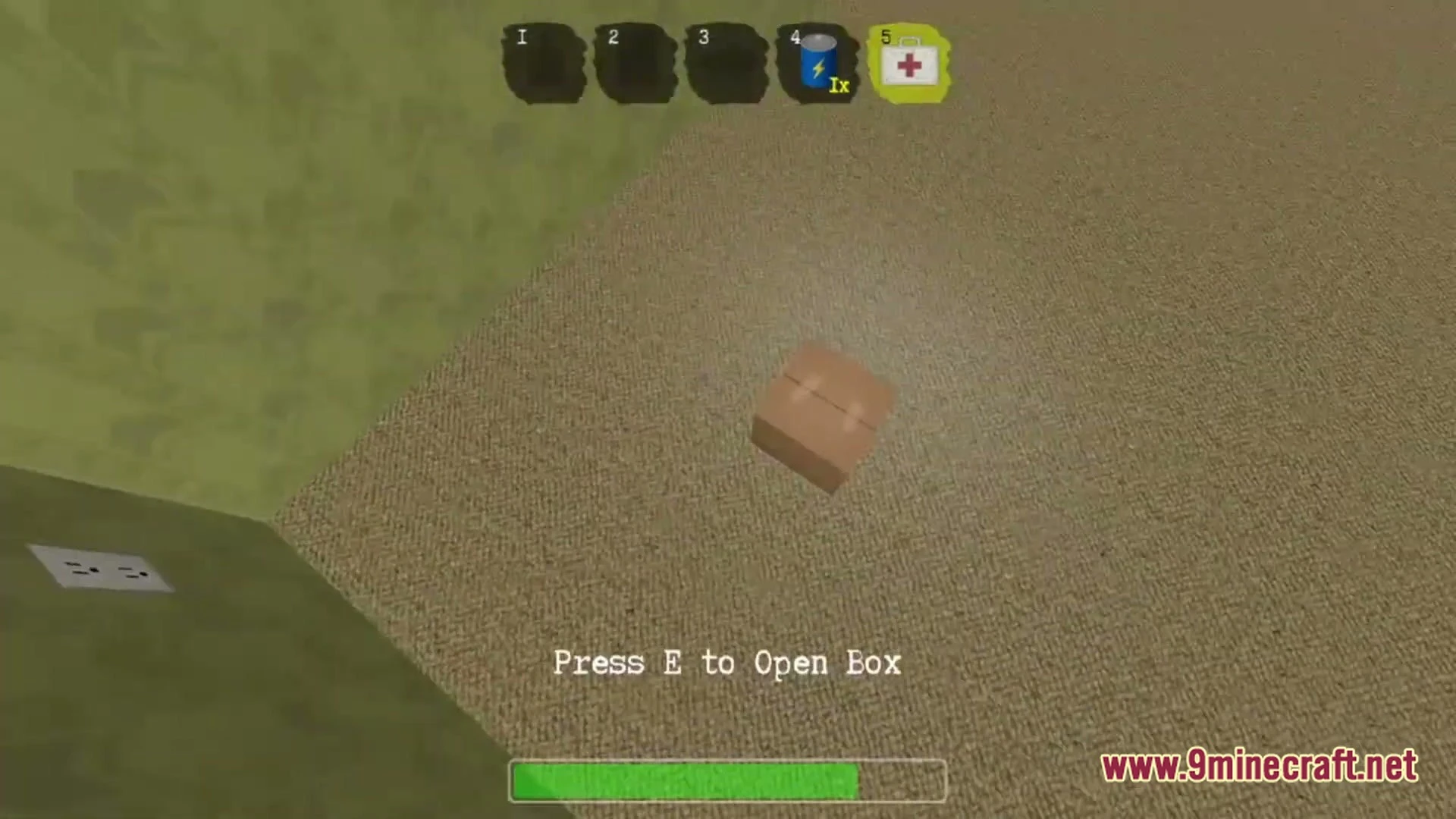
6 images from the Descent Into The Backrooms Map page.
You May Also Like
Wikis that share the most with this one
More map wikis on the site
The most downloaded mods that have a wiki here
A few wikis from each of the other kinds