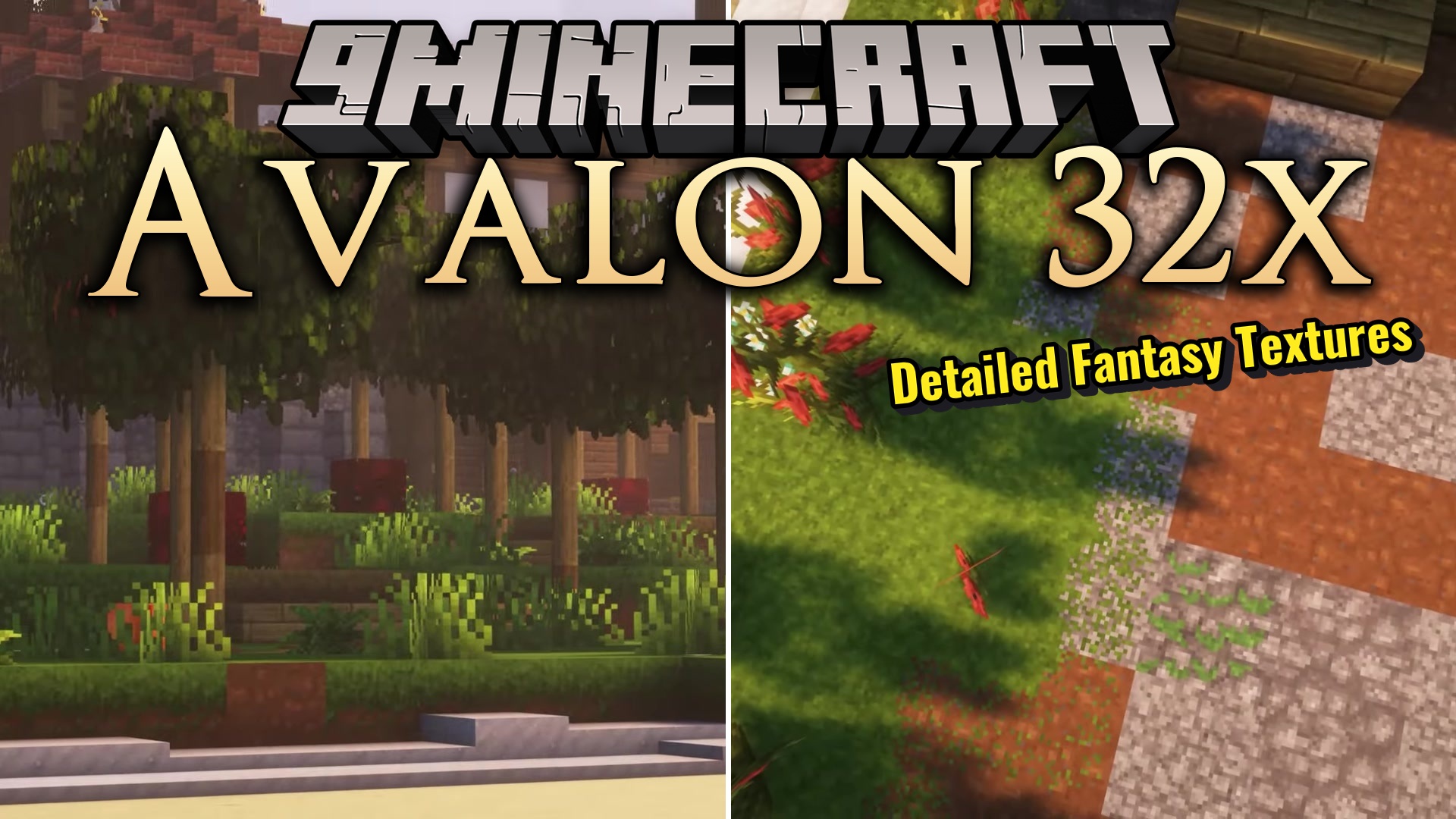
DownloadAvalon 32X Resource Pack
Get the files on 9Minecraft
Contents (8)
Guides
Step-by-step, in-game.
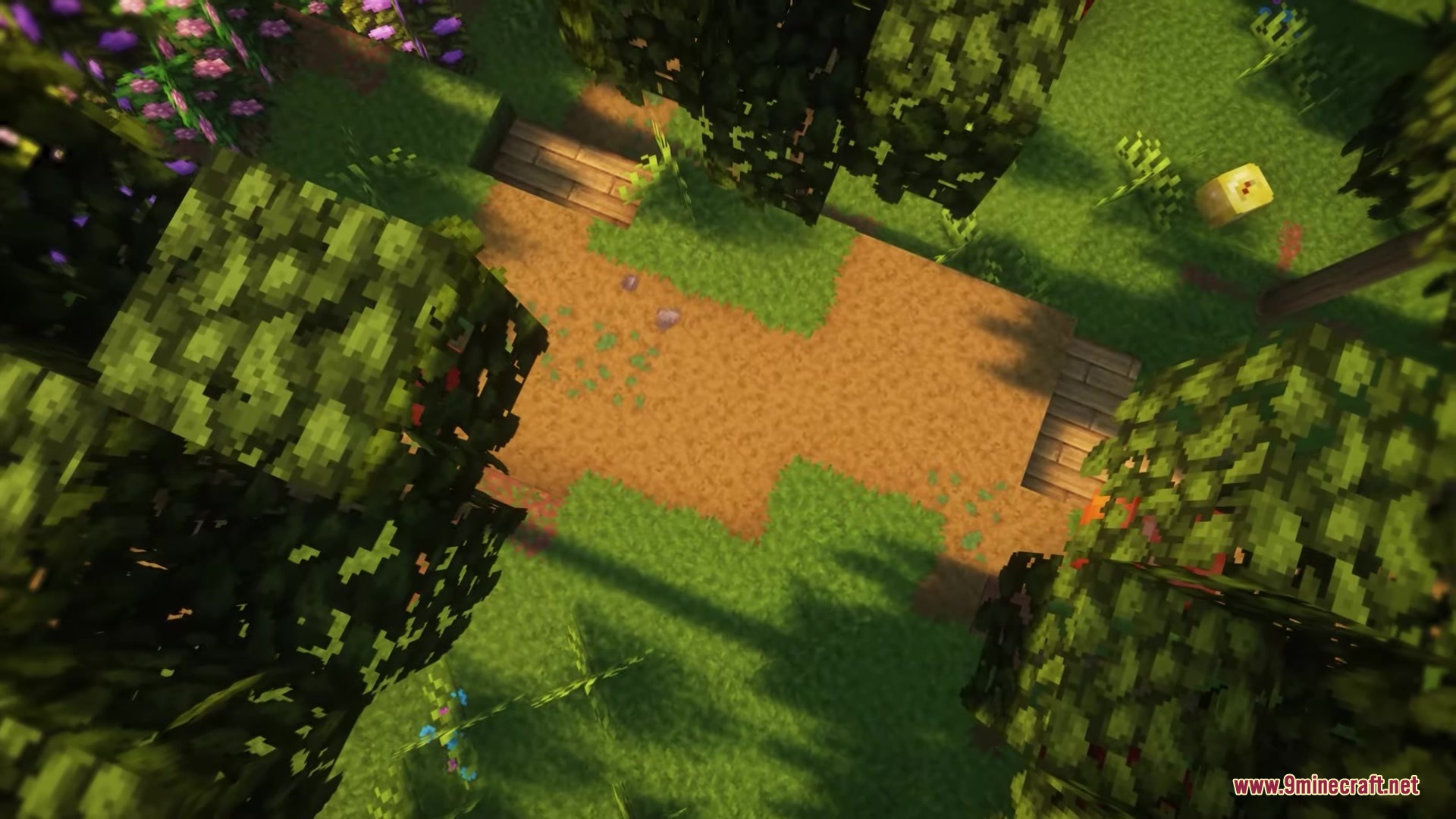
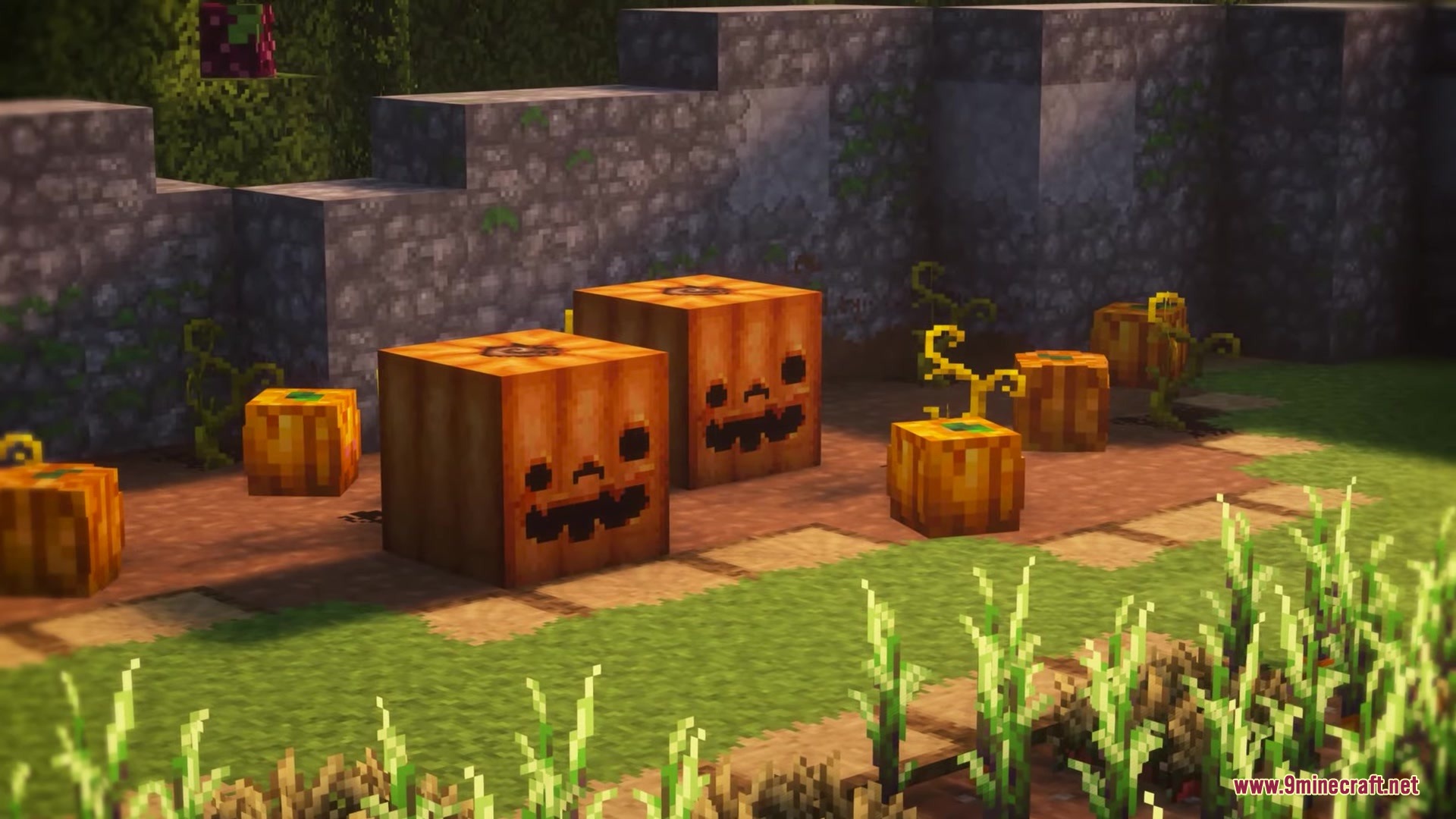
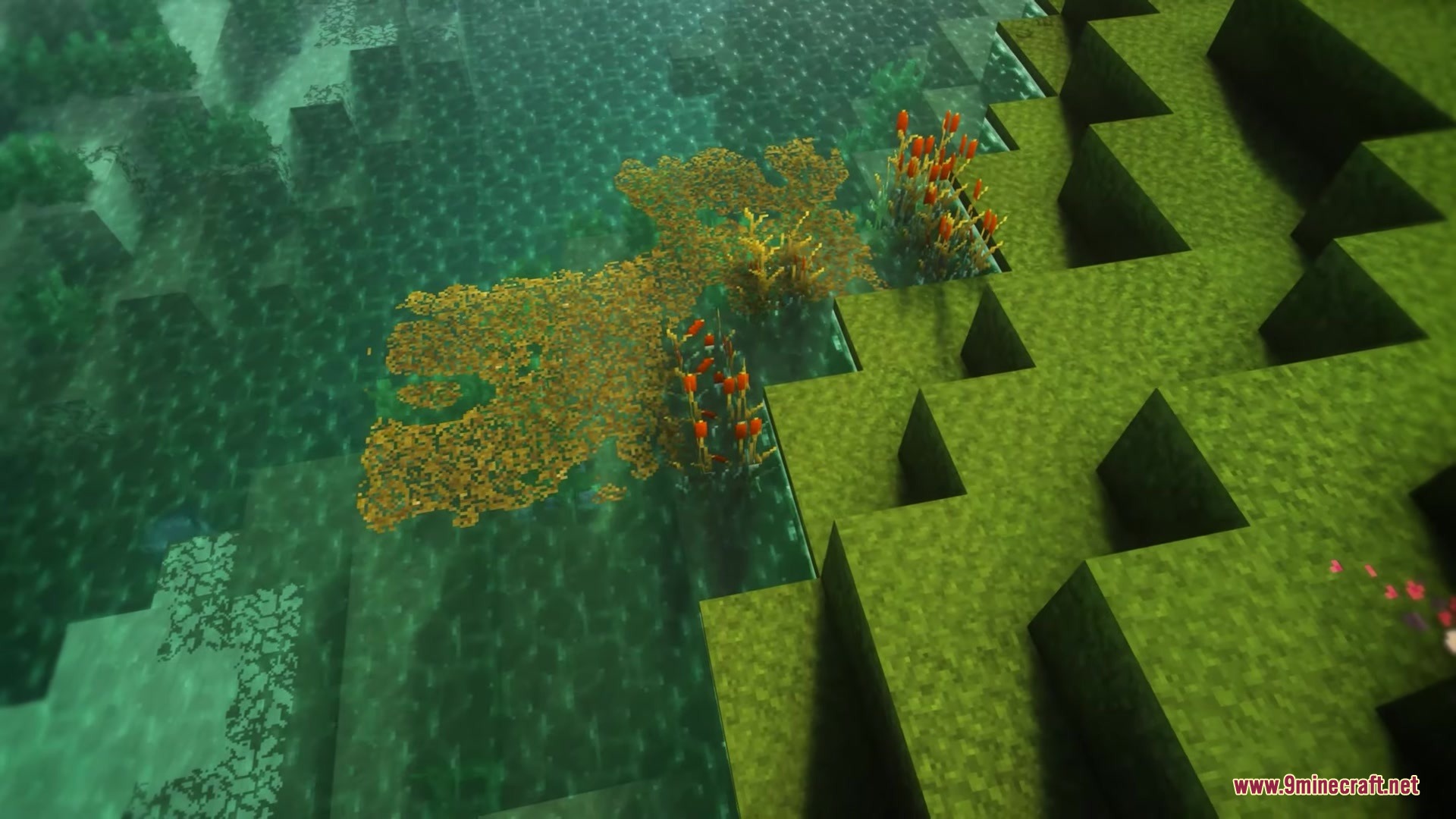
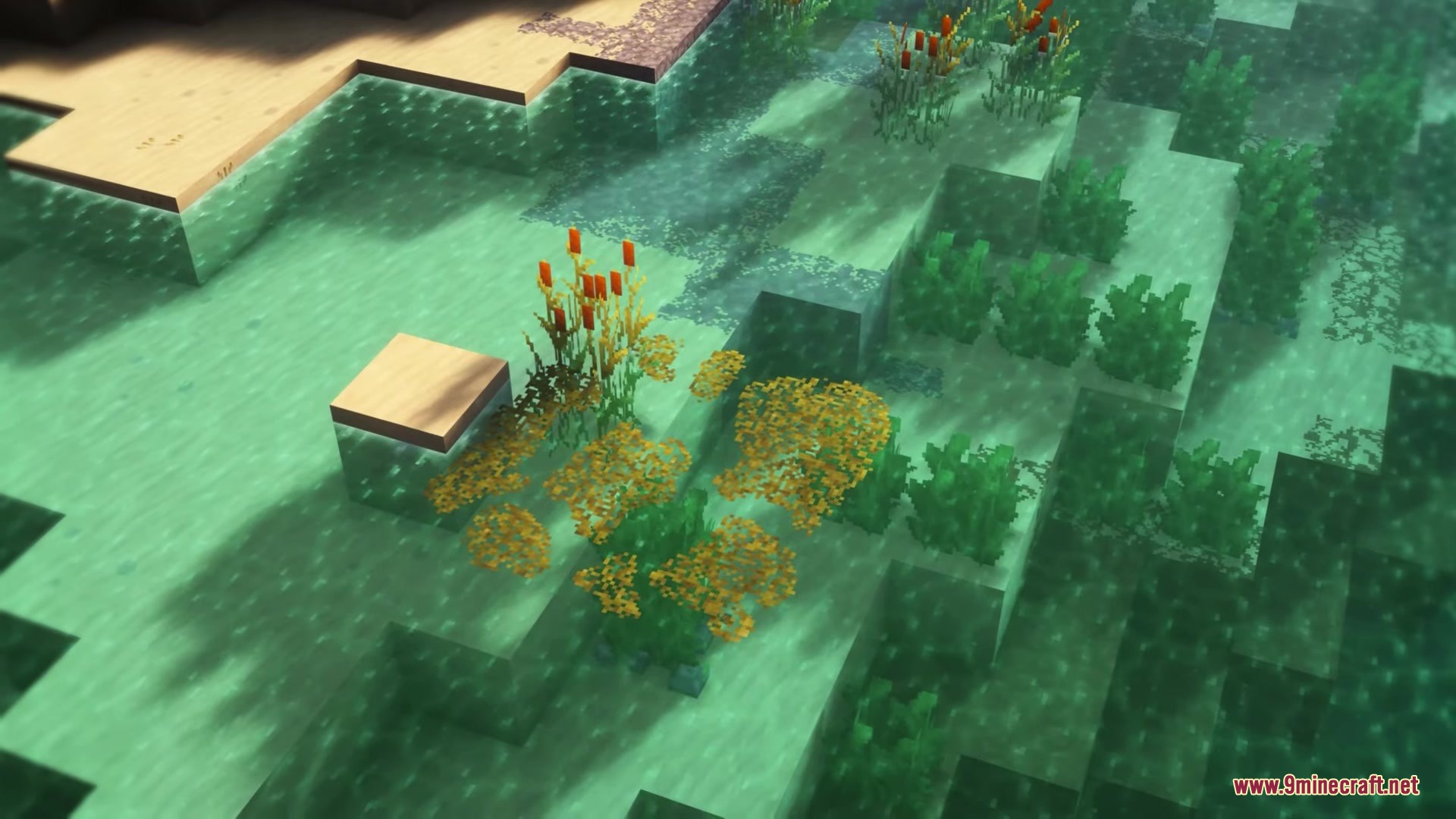
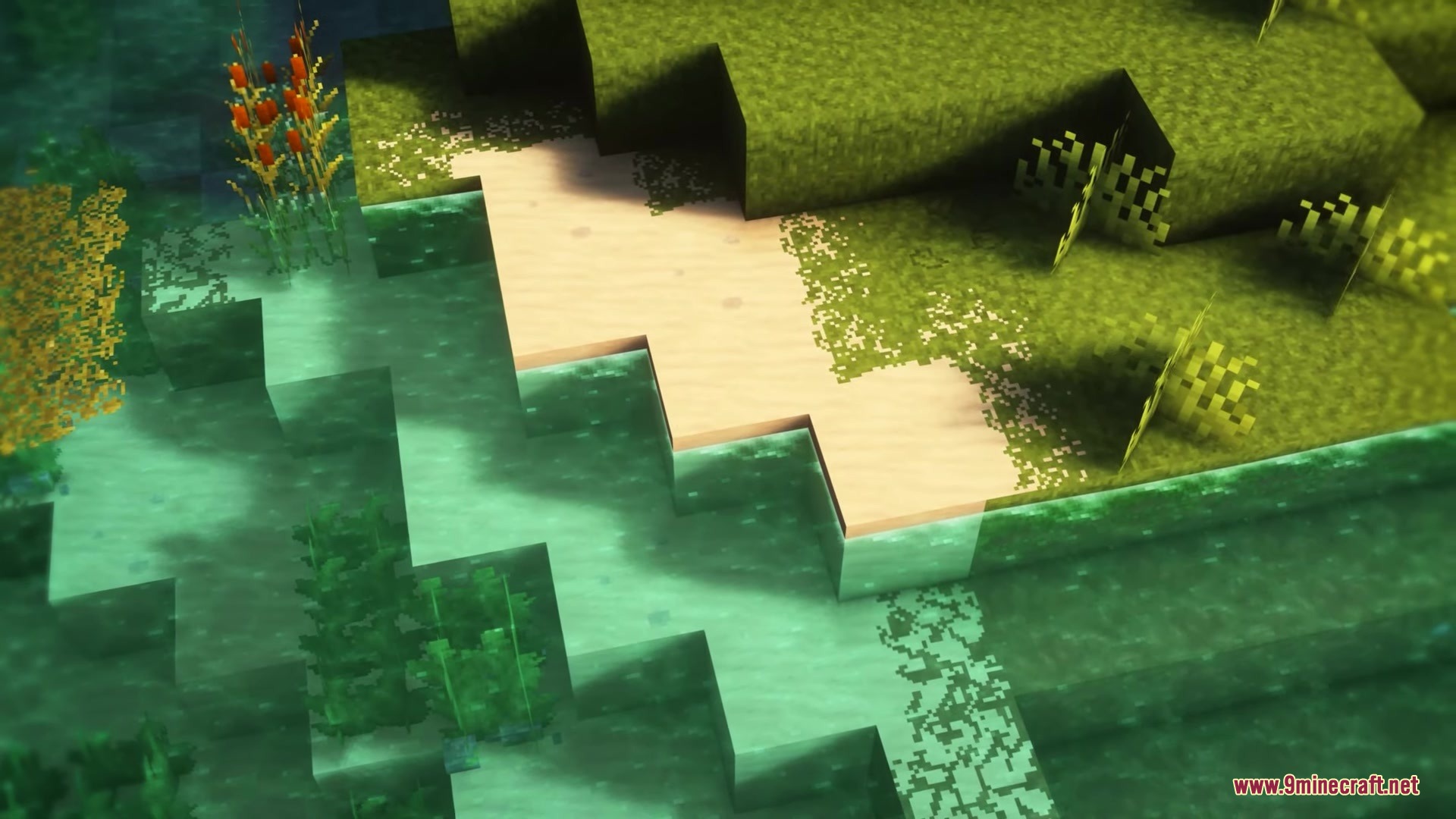
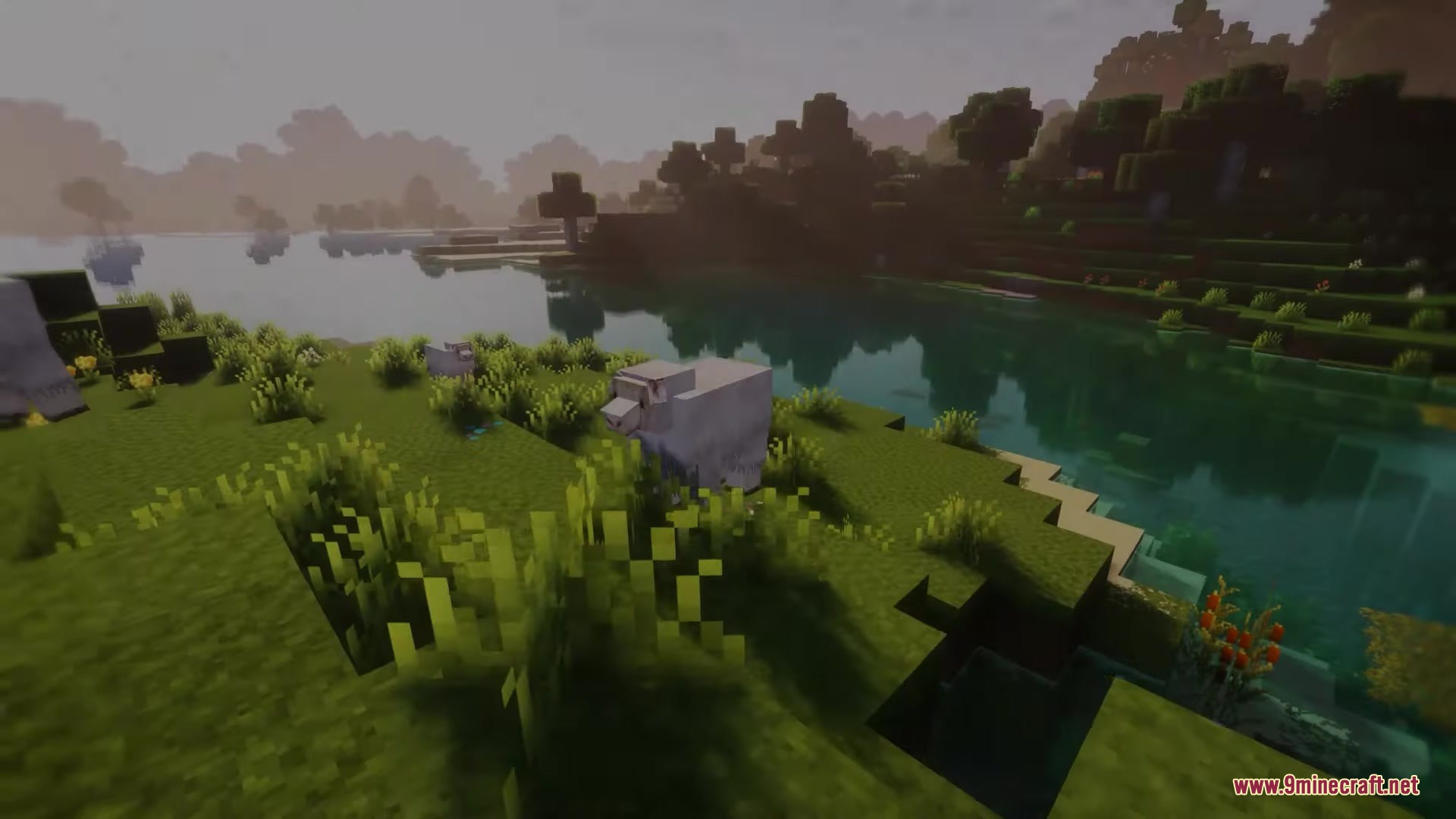
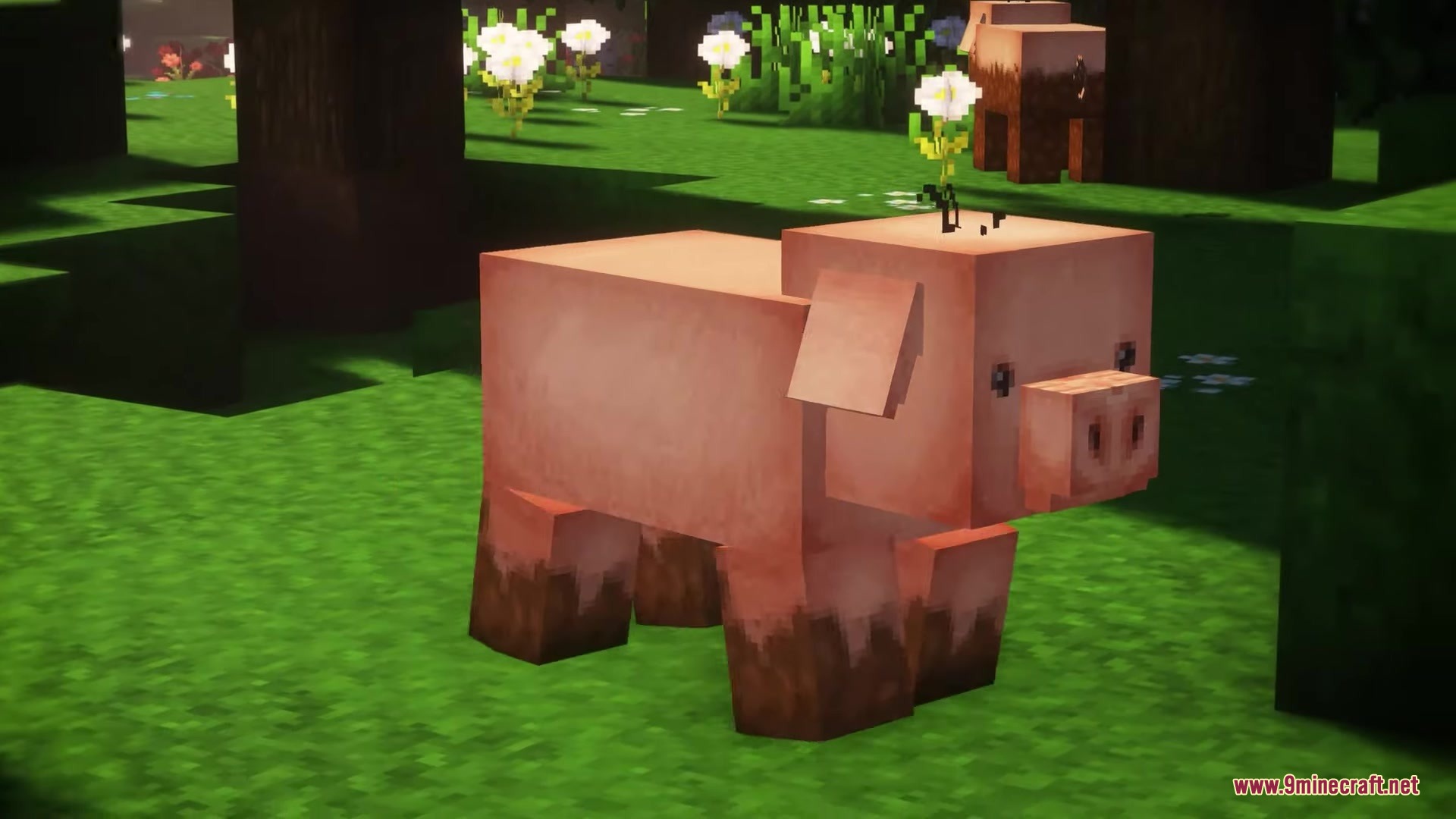
Build Structures That Match Avalon's Fantasy AestheticChoosing Materials That Fit the Pack Avalon 32x excels at making wooden buildings and natural structures look vibrant…Customize Mob Appearances in Your WorldUnderstanding Mob Redesigns Avalon 32x gives all mobs new fantasy-themed models and textures. Pigs become pink with…Enable OptiFine Features to See Full Pack DetailsWhy OptiFine Matters Avalon 32x is designed to work best with OptiFine installed. Without it, you'll miss custom…Make Water and Aquatic Environments Look Their BestPreparing Your Water Settings Avalon 32x transforms water into clear, vibrant fantasy pools with visible coral and…
Items
514 items · showing 24. Browse all →
 Acacia Boat
 Acacia Boat with Chest
 Acacia Door
 Acacia Hanging Sign
 Acacia Sign
 Allay Spawn Egg
 Amethyst Shard
 Angler Pottery Shard
 Angler Pottery Sherd
 Apple
 Archer Pottery Shard
 Archer Pottery Shard
 Archer Pottery Sherd
 Armadillo Scute
 Armadillo Spawn Egg
 Armor Stand
 Arms Up Pottery Shard
 Arms Up Pottery Shard
 Arms Up Pottery Sherd
 Arrow
 Axolotl Spawn Egg
 Baked Potato
 Bamboo
 Bamboo Door
Blocks
490 blocks · showing 24. Browse all →
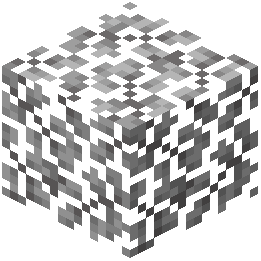 Acacia Leaves
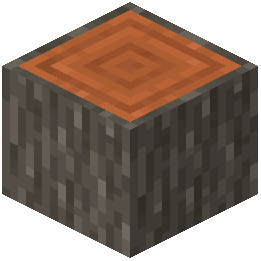 Acacia Log
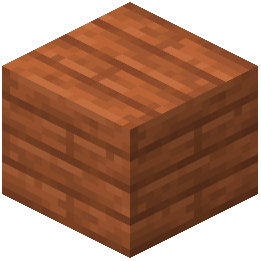 Acacia Planks
 Acacia Sapling
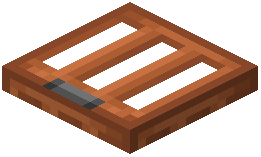 Acacia Trapdoor
 Activator Rail
 Allium
 Amethyst Cluster
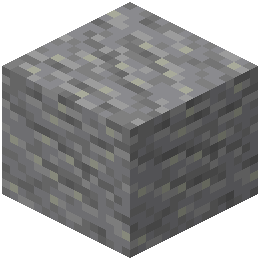 Andesite
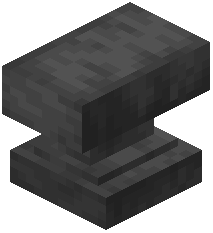 Anvil
 Attached Melon Stem
 Attached Pumpkin Stem
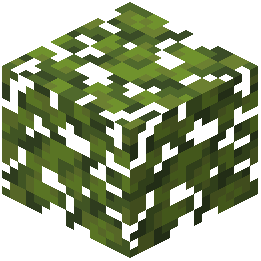 Azalea Leaves
 Azure Bluet
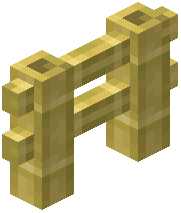 Bamboo Fence
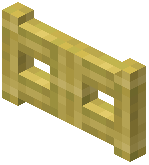 Bamboo Fence Gate
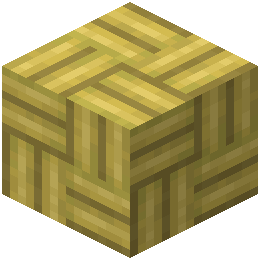 Bamboo Mosaic
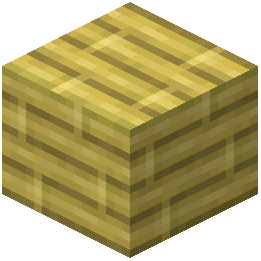 Bamboo Planks
 Bamboo Stairs
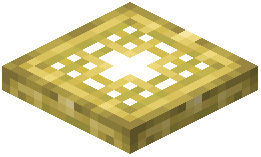 Bamboo Trapdoor
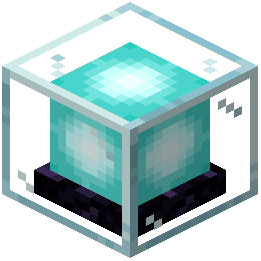 Beacon
 Bedrock
 Big Dripleaf Stem
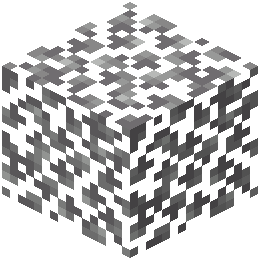 Birch Leaves
What this pack changes
Every texture group the pack replaces, counted from the pack itself.
| Area | Textures replaced |
|---|---|
| Blocks | 1,553 |
| Items | 781 |
| Mobs & entities | 592 |
| GUI & menus | 518 |
| Particles | 255 |
| Armor trims | 56 |
| Paintings | 51 |
| Status effects | 40 |
| Maps | 38 |
| Misc | 16 |
| Sky & weather | 7 |
| Font | 5 |
| Biome colours | 3 |
| Custom | 3 |
| Effect | 1 |
Pack format 16 (Minecraft 1.20)3,919 texture files in total
Extra features
Custom entity models (OptiFine/CEM)
Random entity textures
Custom font
Custom sounds
Sound overrides
Custom block/item models
Reworked GUI
Custom particles
Frequently asked questions
Do I need OptiFine for this pack to work?
OptiFine is required to see the pack's full features, including custom lighting, shadow effects, and connected textures. Without it, you'll get the base textures but miss the visual enhancements that make Avalon special.
Why do my blocks look flat even with OptiFine installed?
Make sure you've enabled Custom Models and Connected Textures in OptiFine's settings. You may also need to update OptiFine to a recent version, as older builds sometimes don't fully support the pack's 3D elements.
Can I use this pack with other resource packs?
You can layer Avalon with other packs in your resource pack list, but they may conflict visually or override each other's textures. For best results, use Avalon alone or pair it only with packs designed to be compatible.
Will this pack work on servers or just single-player?
Resource packs work on both single-player and multiplayer servers—they only change what you see on your client. Other players won't see your Avalon textures unless they install the pack themselves.
How do I make water look as good as in the screenshots?
Enable Shader options in OptiFine (if available) and make sure Water Transparency is set appropriately in your video settings. The pack's aquatic textures shine best with clear water and good lighting, so avoid murky biomes or low brightness.
Are the mob models compatible with armor and held items?
Yes, the custom mob models are designed to work with armor and items, though the visual style may look different from vanilla. Some edge cases with rare items or mods might cause clipping or visual oddities.
Why is my game running slower with this pack?
The 32×32 textures and 3D models demand more resources than vanilla. Lower your render distance, disable fancy graphics, or reduce OptiFine's shader intensity if you're experiencing lag.
Does this pack change how blocks function or just how they look?
This is purely a visual pack—it only changes textures and models, not mechanics. All blocks behave exactly as they do in vanilla Minecraft.
Can I use this pack with mods that add new blocks?
Yes, but new blocks from mods won't have custom Avalon textures and will use their default appearance or a fallback texture. The pack works fine alongside most mods as long as they don't conflict with OptiFine.
How do I revert to vanilla textures if I want to switch packs?
Simply remove Avalon from your resource pack list in the Resource Packs menu, or disable it by moving it to the left side of the list. Your world will immediately return to vanilla textures.
You May Also Like
Wikis that share the most with this one
Wikis on the same theme: wood
More resource pack wikis on the site
Autumn’s Realistic Clouds Resource PackAutumn Fall Resource PackAuthentic Shadows Resource PackAurelis Realism 512X Pbr Resource PackAura Ores Resource PackAttack On Titan Dawn Of Humanity Rp Resource PackAtomic Delight Vanilla Resource PackAssorted Wardens Resource PackAssorted Foxes Resource PackAssembled Legendary Tooltips Resource PackAshen 16X Resource Pack Armory Of The Wild Resource Pack
The most downloaded mods that have a wiki here
A few wikis from each of the other kinds
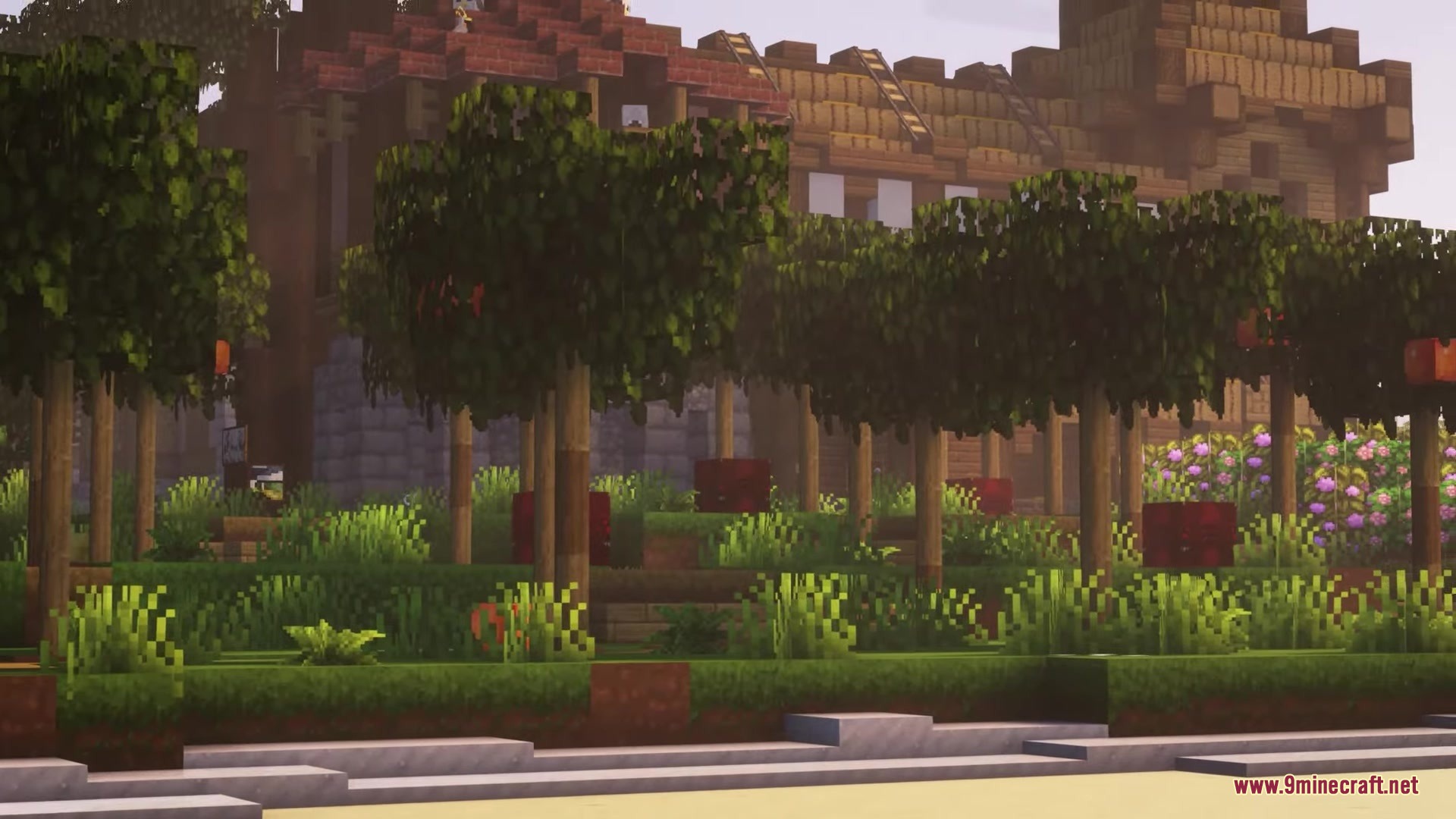
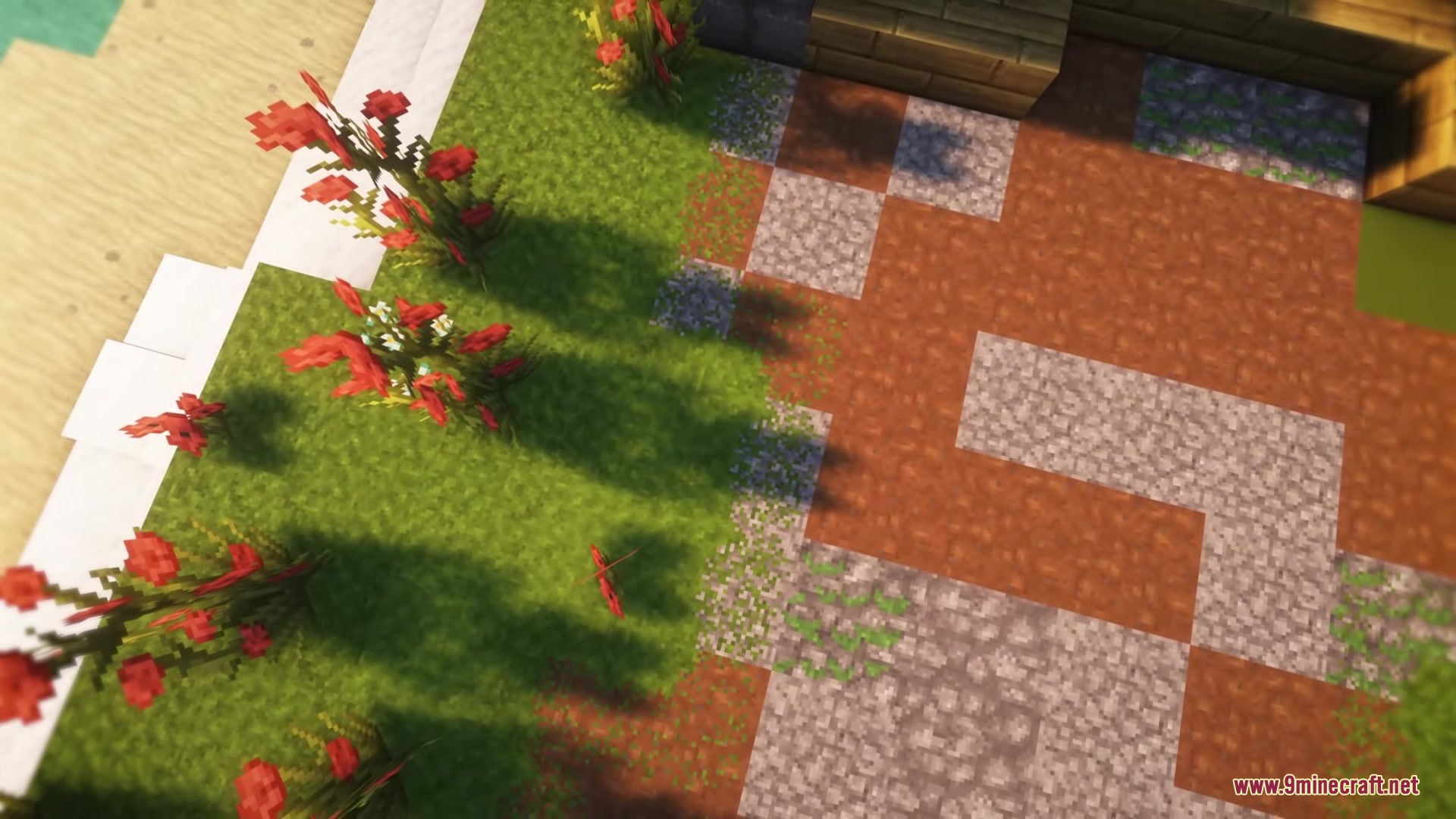
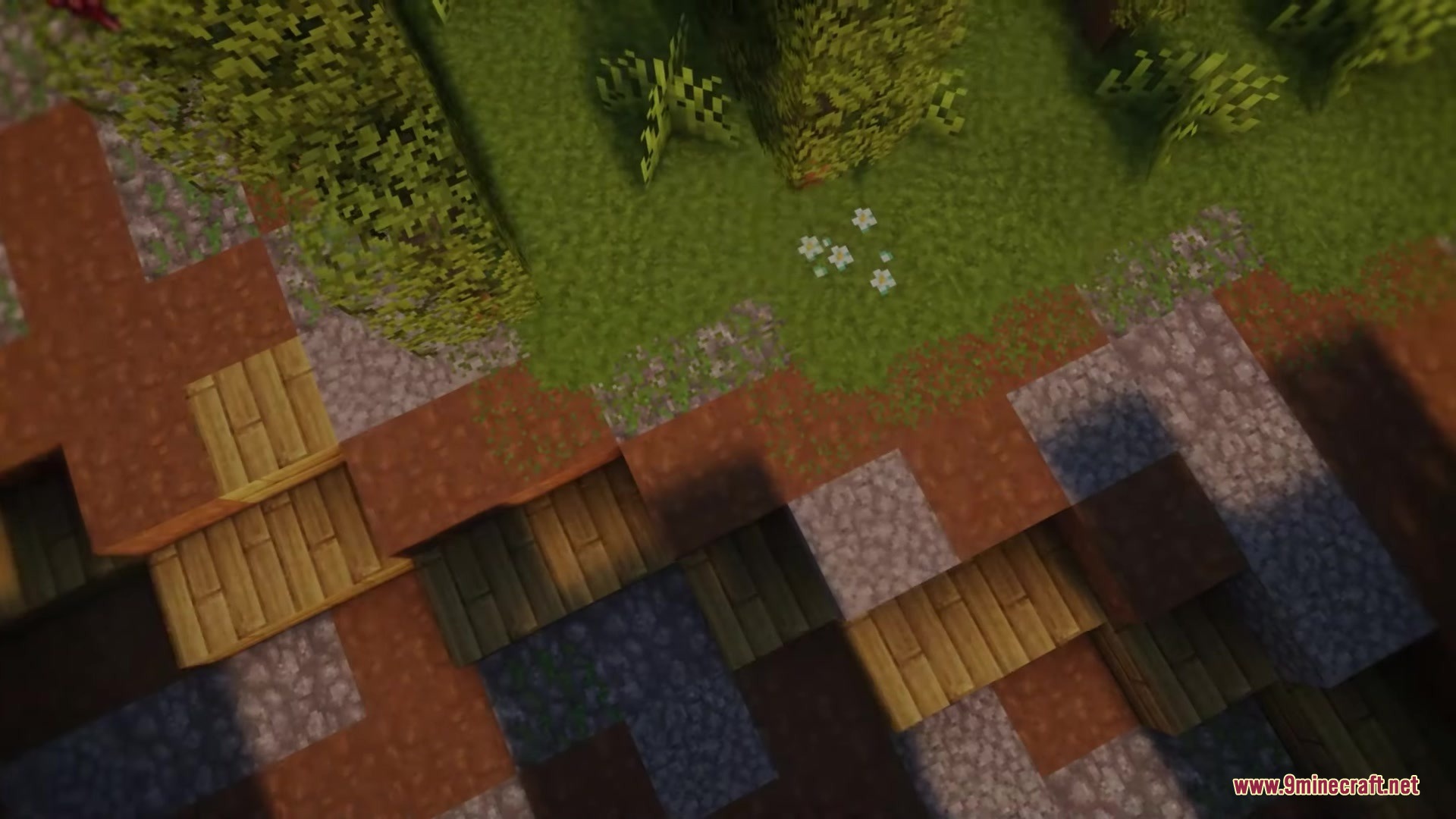
Gallery
12 images from the Avalon 32X Resource Pack page.