

 DownloadThe Backrooms 3 Map
Get the files on 9Minecraft
Guides
Step-by-step, in-game.
Find Hidden Exits in Each RoomWhere Exits Hide Exits in the Backrooms aren't always obvious. They may be concealed behind visual clutter,…Navigate Level 0 Without Getting LostUnderstanding the Layout Level 0 is designed as your introduction to the Backrooms. The rooms are simpler and less…Progress Through All Twenty-One LevelsUnderstanding Level Progression The Backrooms spans twenty-one distinct areas, each with increasing complexity and…Survive Challenge Rooms and Intense LevelsPreparing for Danger Challenge rooms like Level ! demand speed, awareness, and quick decision-making. These areas…
Frequently asked questions
How do I start the map?
Load the map file into a new Minecraft world and you'll spawn in Level 0, a yellow room. Look around to get your bearings, then find the yellow-marked exit to begin progressing through the levels.
What do the yellow rooms mean?
Yellow rooms are safe zones and pathways that guide you through each level. Walk through them to navigate the map and locate exits to the next area.
How do I find hidden exits?
Explore each room thoroughly and look for subtle visual cues or unusual wall sections. Some exits are tucked away in corners or behind obstacles, so check every direction before giving up.
What's the difference between difficulty levels?
Each room has its own difficulty setting that affects enemy spawns, hazards, and puzzle complexity. Early levels like Level 0 are easier to learn the mechanics, while later challenge rooms have more intense threats.
See all 10 The Backrooms 3 Map questions ›
Gallery
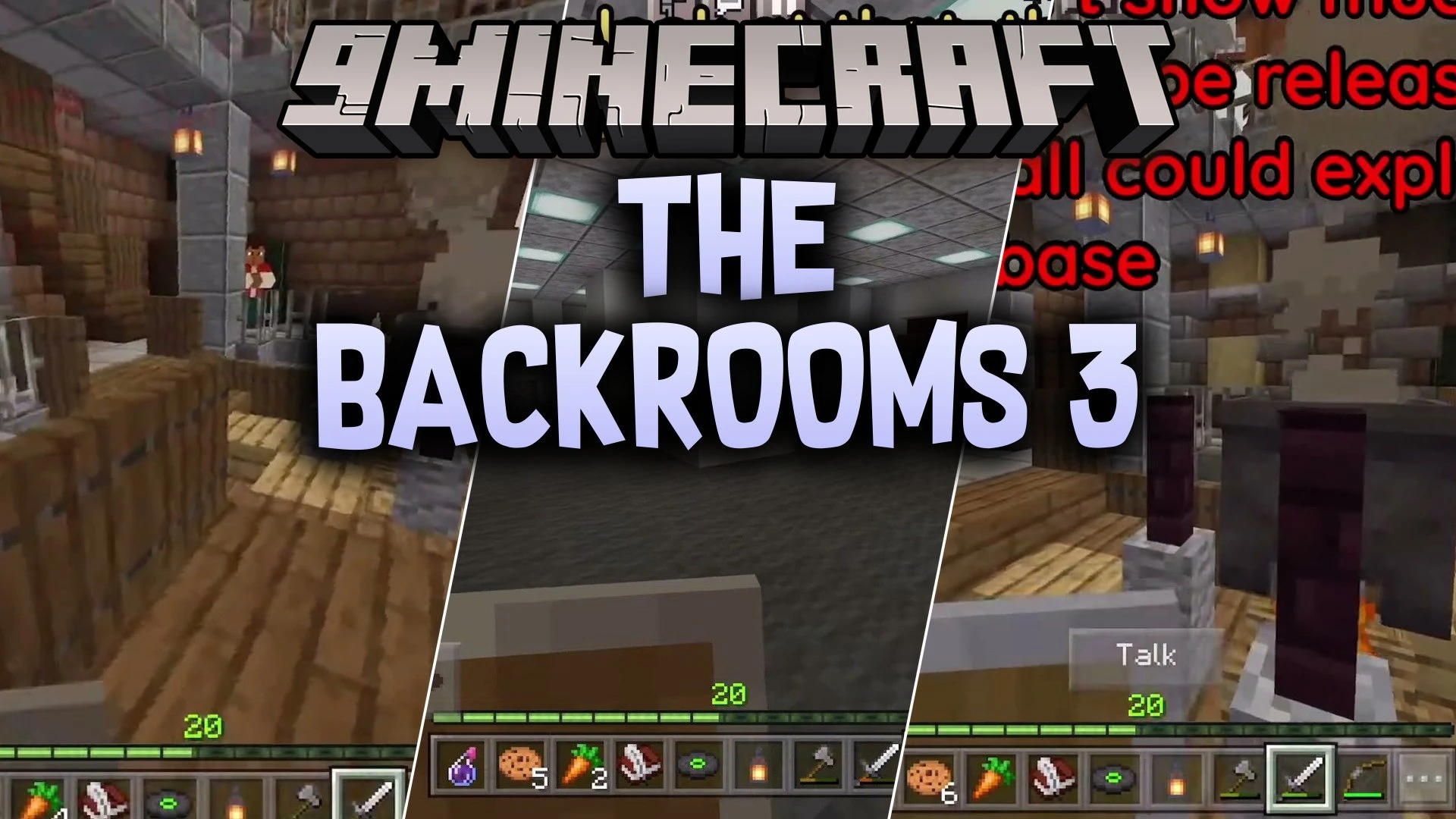
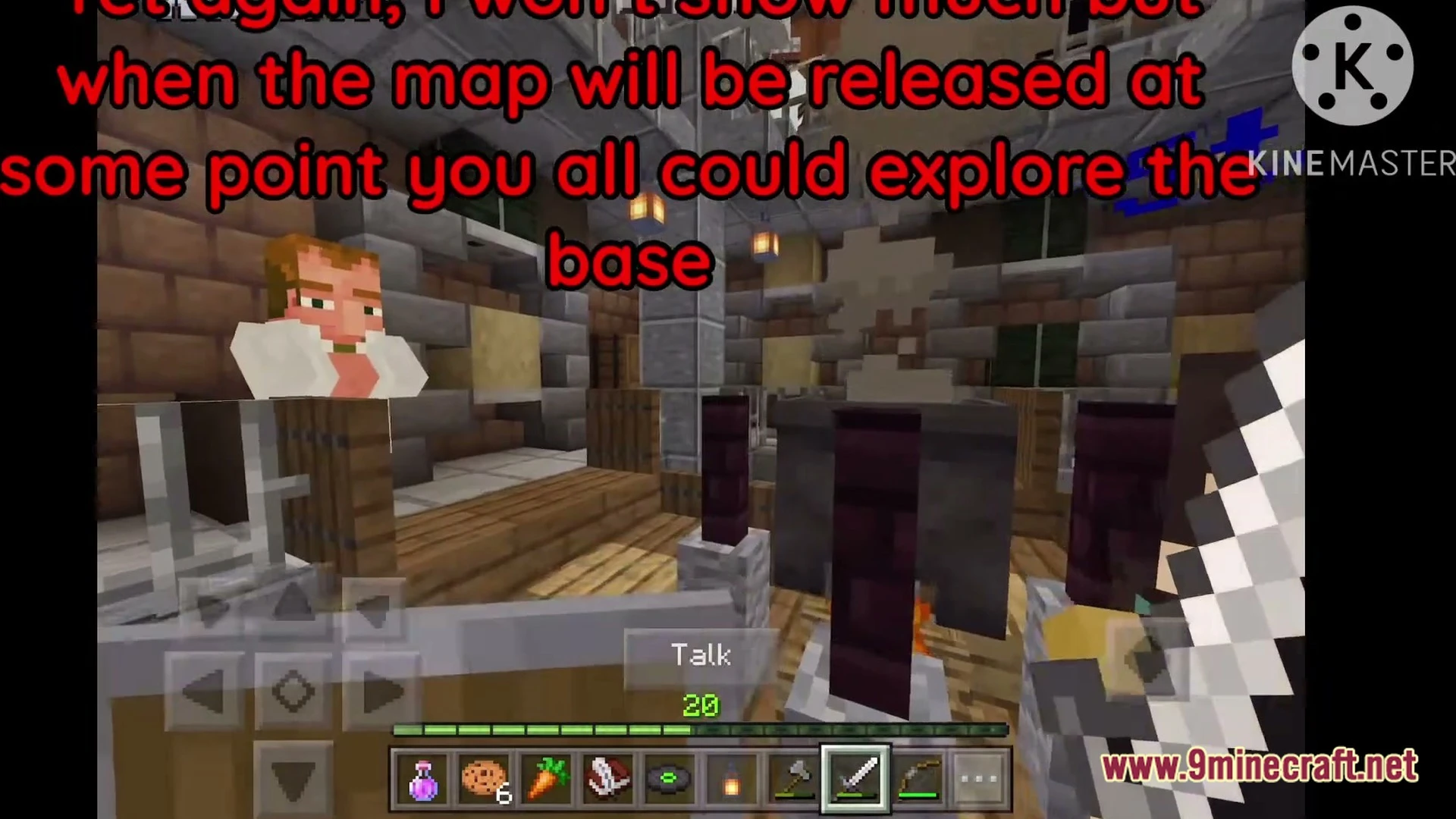
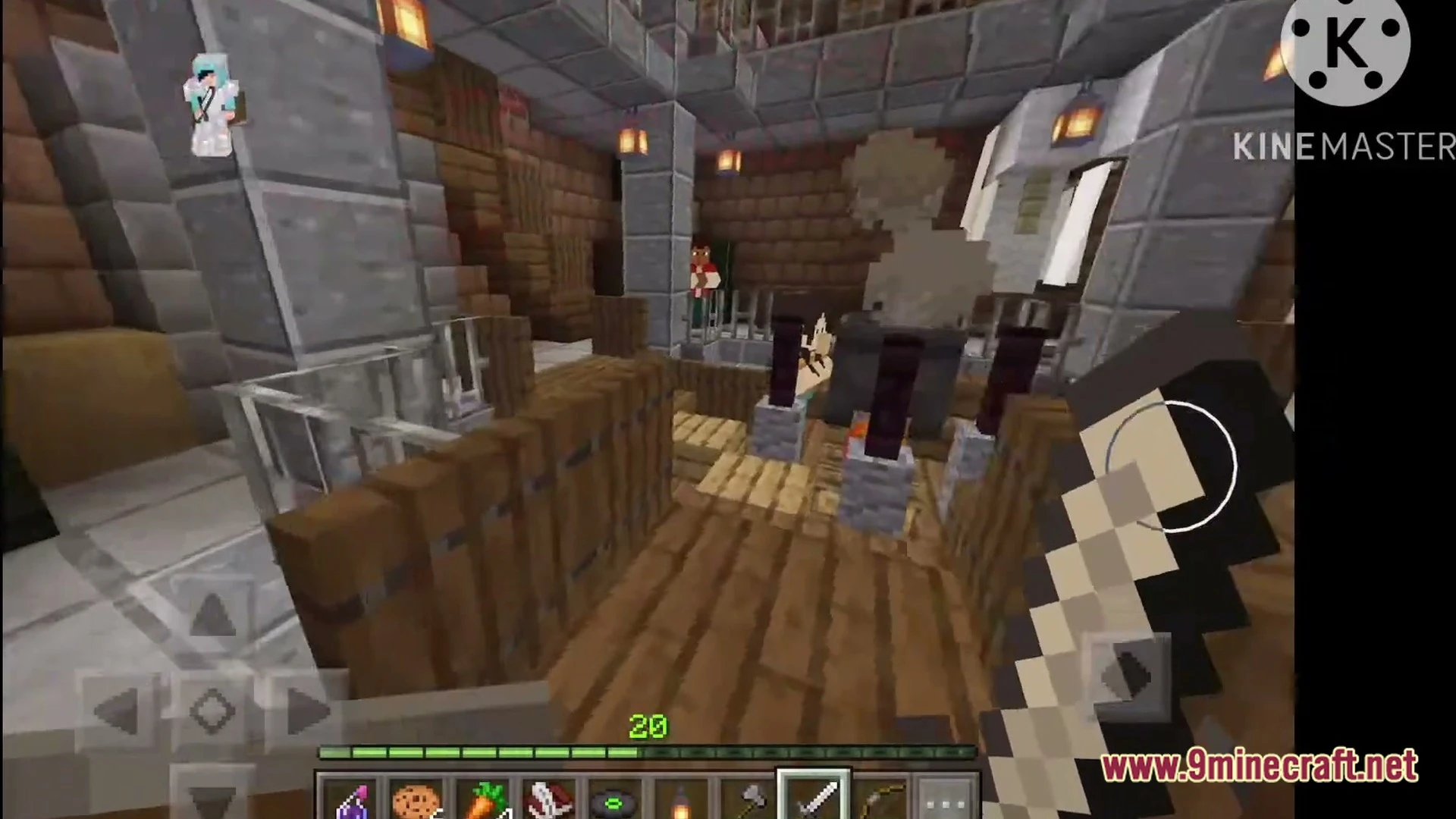
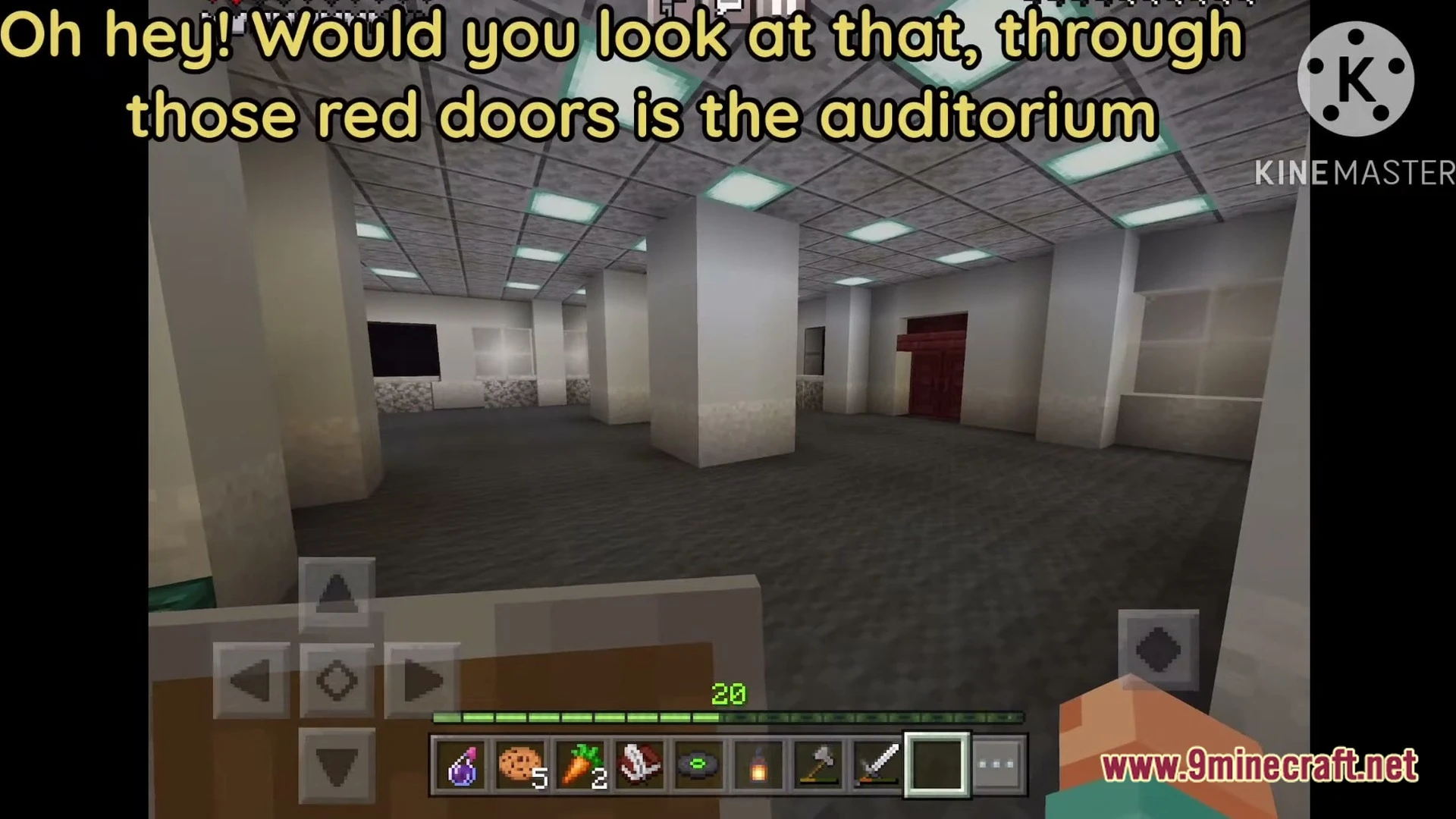
4 images from the The Backrooms 3 Map page.
You May Also Like
Wikis that share the most with this one
Endless BackroomsBackrooms Hide and Seek MapDescent Into the Backrooms MapZachs Liminal Backrooms BlocksChar1Ies Backrooms Resource PackMisplaced a Backrooms Horror MapBackrooms Retextured Resource PackMine Rooms Backrooms Blocks Resource PackESCAPE the BACKROOMS SOUNDTRACK LEVELS MapThe Backrooms a Complete Horror Experience MapBathhouse MapDirt Land Map
Wikis on the same theme: space
More map wikis on the site
The Ashen Wastes MapThat’s Not My House MapTen Trials MapTemple of the Art Spellcrafting Roguelike MapTemple of the Art MapTechno Gamerz Hardcore World MapTax’ Village of Magic by Taknax MapTax’ Future City MapTACZ Aim Trainer MapSurvival Medieval House MapSurvival Challenge Village MapSurveyor Map Framework Mod
The most downloaded mods that have a wiki here
A few wikis from each of the other kinds