

 DownloadVocal Distance Sync Plugin
Get the files on 9Minecraft
Guides
Step-by-step, in-game.
Adjust Individual Player Volume and Apply Sound EffectsControl Who You Hear You don't have to hear everyone at full volume. Fine-tune your audio experience: 1. Open…Create and Manage a Private Voice GroupStart a New Group Voice groups let you talk with specific players without hearing everyone on the server. 1. Type…Set Up Voice Chat for the First TimeInstall and Link Your Account Before you can hear other players, you need to connect the companion app to your…Troubleshoot Voice Chat Not WorkingCheck Your Connection If you can't hear other players or they can't hear you: 1. Verify you completed /vcmc:verify…
Frequently asked questions
Why can't I hear other players even though voice chat is enabled?
Check that both players are within voice range (distance-based audio means you must be close enough to hear each other), that neither player is muted using /vcmc:m false, and that you've both verified your accounts with the companion app. If the issue persists, try leaving and rejoining your voice group or restarting the companion app.
Can Java and Bedrock players talk to each other?
Yes—the plugin supports full crossplay between Java and Bedrock players as long as they're on the same server and within voice range of each other.
How do I create a private voice group that only certain players can join?
Use the command /vcmc:groups create " " " " to create a password-protected group, then share the password with players you want to invite. Other players can join using /vcmc:groups join " ".
See all 10 Vocal Distance Sync questions ›
Gallery
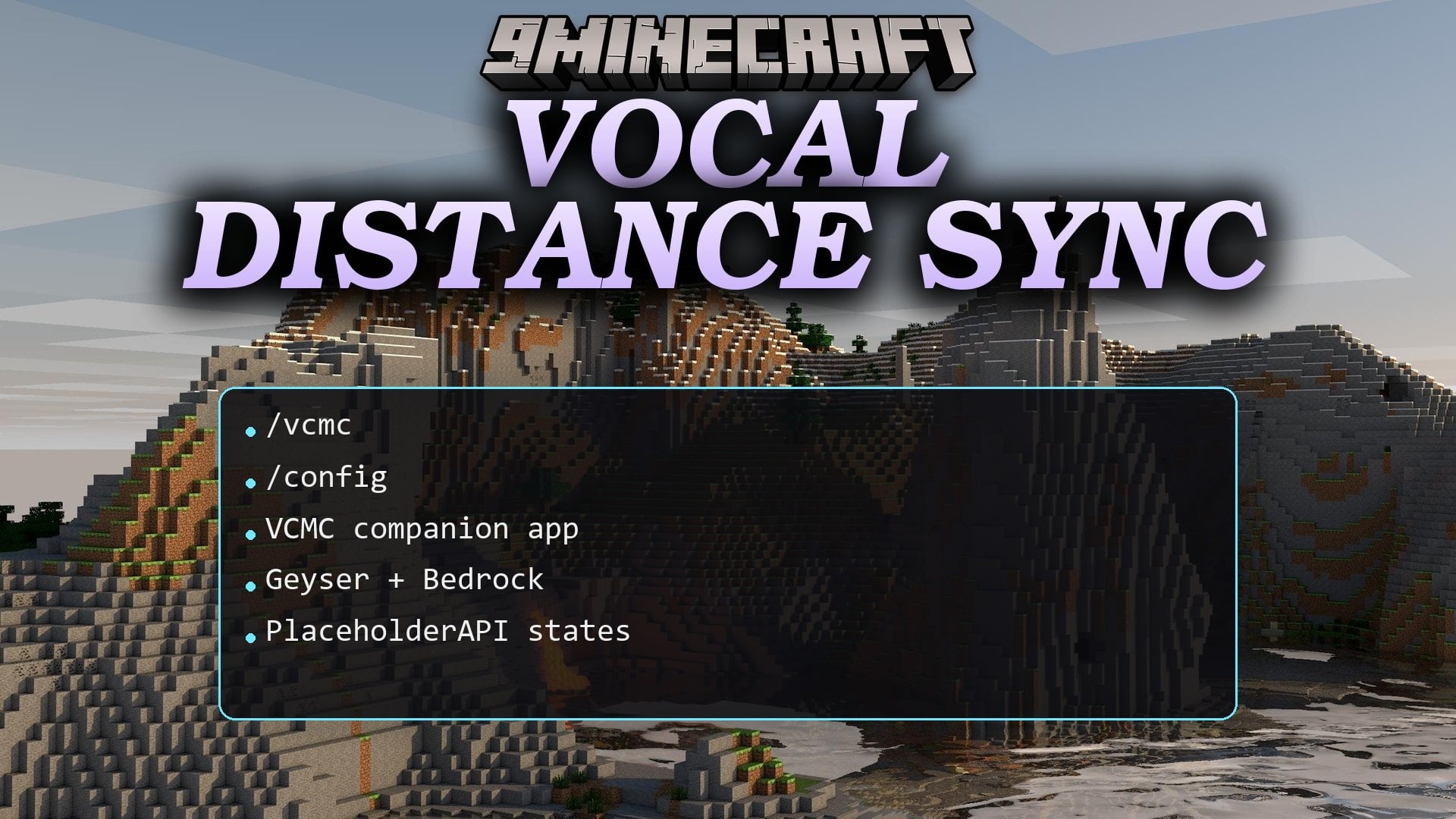
1 image from the Vocal Distance Sync Plugin page.
You May Also Like
Wikis that share the most with this one
 Job X Plugin
Wikis on the same theme: level
More plugin wikis on the site
The most downloaded mods that have a wiki here
A few wikis from each of the other kinds