

 DownloadVia Version Plugin
Get the files on 9Minecraft
Guides
Step-by-step, in-game.
Connect to a Server Running an Older Minecraft VersionCheck Your Client Version Before connecting, verify you're running a newer version of Minecraft than the server. Via…Diagnose Why You Can't Join an Older ServerVerify Plugin Installation The most common reason for connection failure is that Via Version Plugin isn't actually…Play Multiplayer With Friends on Different Game VersionsCoordinate Your Versions For Via Version Plugin to work, at least one player must be on a newer version than the…Understand What Features Work Across Version GapsCompatibility Basics Via Version Plugin translates your newer client to communicate with older servers, but not…
Frequently asked questions
How do I connect to an older server with this mod?
Install the mod on your client, launch Minecraft with it enabled, then add the server address normally in your multiplayer menu—the mod handles the version translation automatically without any extra setup.
What Minecraft versions does Via Version Plugin support?
The mod bridges modern clients to older servers across a wide range of versions, but check the mod's compatibility list to confirm your specific server version is supported.
Do I need to install this on the server too?
No, this is a client-side mod only—you install it on your game client, and it lets you join servers running older versions without requiring any changes on the server side.
Why can't I see blocks or items on the old server?
Some blocks and items don't exist in older versions, so they may appear invisible or as placeholder blocks; this is a limitation of the version gap and not a mod error.
See all 10 Via Version questions ›
Gallery
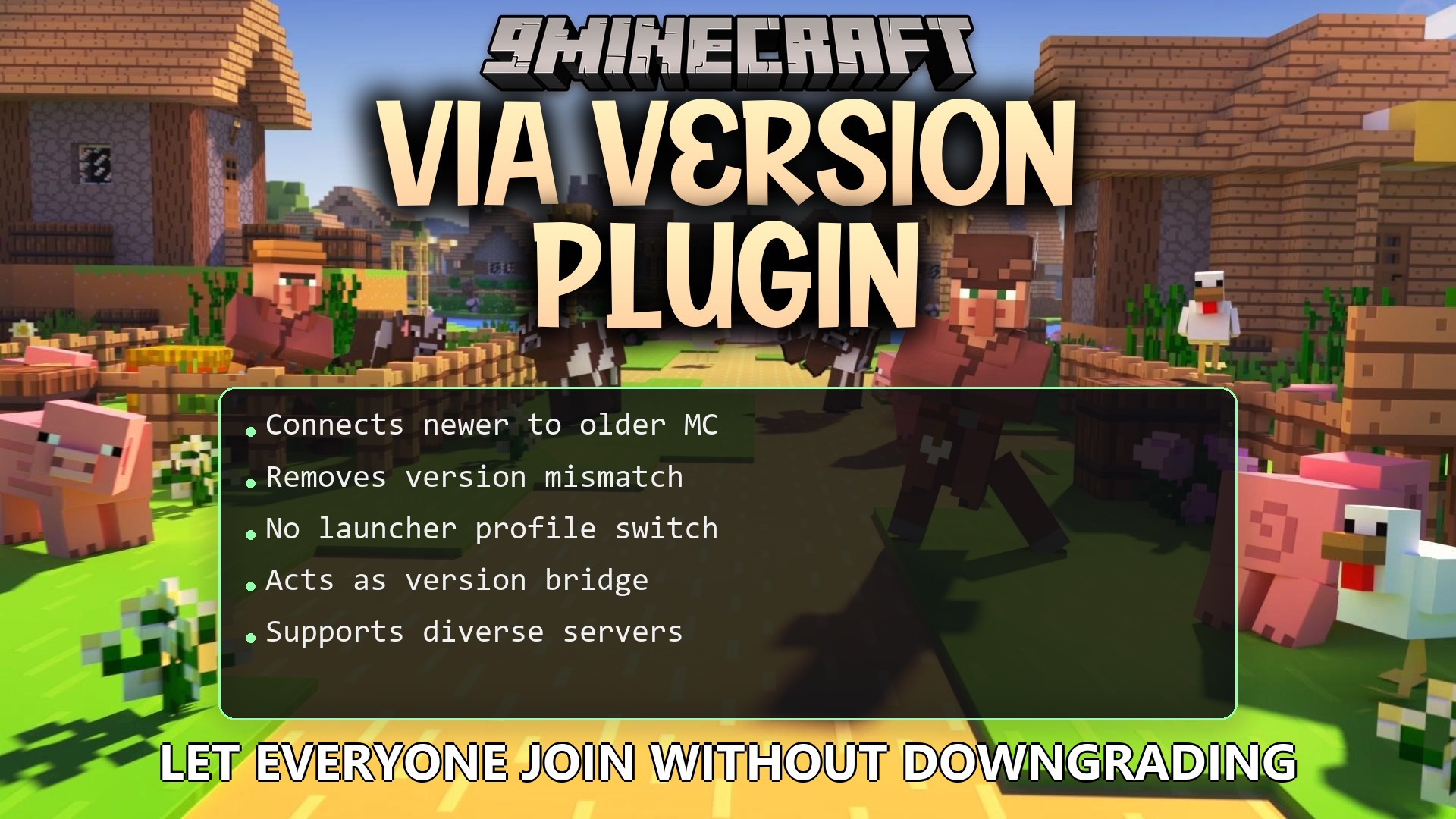
1 image from the Via Version Plugin page.
You May Also Like
Wikis that share the most with this one
 Job X Plugin
Wikis on the same theme: craft
More plugin wikis on the site
The most downloaded mods that have a wiki here
A few wikis from each of the other kinds