

 DownloadEconomy Shop GUI Plugin
Get the files on 9Minecraft
Guides
Step-by-step, in-game.
Adjust Prices and Discounts for Player GroupsEdit Existing Item Prices After adding an item, you can change its buy or sell price: ` /editshop edititem <item>…Let Players Sell Items QuicklyUnderstand Your Sell Options Economy Shop GUI offers three ways for players to sell items: Single command: /sellall…Set Up Your First Shop CategoryCreate a New Category Categories organize your shop into logical sections like Food, Blocks, or Tools. Players see…Support Special Items Like Potions and Custom HeadsAdd Potions to Your Shop Economy Shop GUI handles potions with their specific effects and durations. When you add a…
Frequently asked questions
How do I create my first shop?
Use `/editshop addsection ` to create a category, then `/editshop additem ` to add items to it. Open the shop with `/shop` to see your new category appear as a clickable icon.
Can I sell items directly from my inventory?
Yes—right-click an item in the shop menu to sell it from your inventory, or use `/sellall` to sell every matching item at once. For bulk selling, type `/sellgui` to open a window where you drop multiple items to sell them together.
How do I set different prices for different player groups?
Use `/editshop edititem ` to add discount or multiplier settings to specific items, then assign those settings to player groups via permissions. Check the guide 'Adjust Prices and Discounts for Player Groups' for the exact syntax.
Do potions and custom heads work in the shop?
Yes—the plugin supports potions, spawners, player heads, custom leather armor colors, and fireworks. Add them like any other item using `/editshop additem`, and the shop will display them correctly.
See all 10 Economy Shop GUI questions ›
Gallery
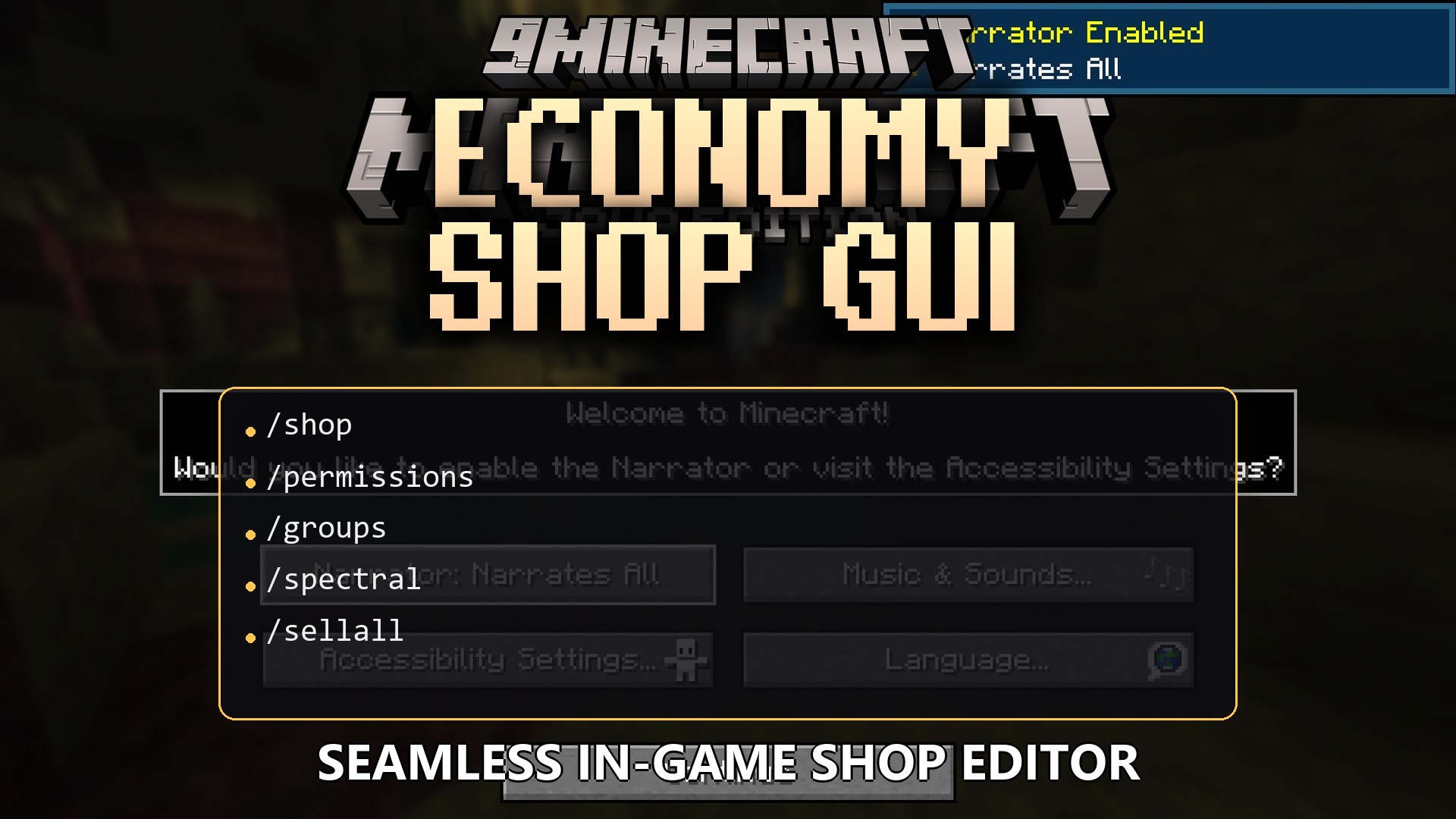
1 image from the Economy Shop Gui Plugin page.
You May Also Like
Wikis that share the most with this one
 Job X Plugin
More plugin wikis on the site
The most downloaded mods that have a wiki here
A few wikis from each of the other kinds