

 DownloadCrazy Crates Plugin
Get the files on 9Minecraft
Guides
Step-by-step, in-game.
Add Custom Prizes to Existing CratesUsing the additem Command The easiest way to add prizes is through the in-game command: 1. Hold or have the item you…Create and Manage Virtual CratesUnderstanding Virtual Crates Virtual crates don't exist as physical blocks—they're accessed through menus and…Customize Crate Animations and AppearanceChoosing Crate Types Crazy Crates includes 10 different crate types, each with unique opening animations and visual…Set Up Your First Physical CratePlacing and Configuring the Crate Physical crates are block-based and appear in the world. To create one: 1. Choose a…
Frequently asked questions
How do I create my first crate?
Use `/cc additem ` to add rewards to a crate, then place the physical crate block in the world. You can also create virtual crates through the crate config file, which players access via `/cc` menu without needing a physical block.
What's the difference between physical and virtual crates?
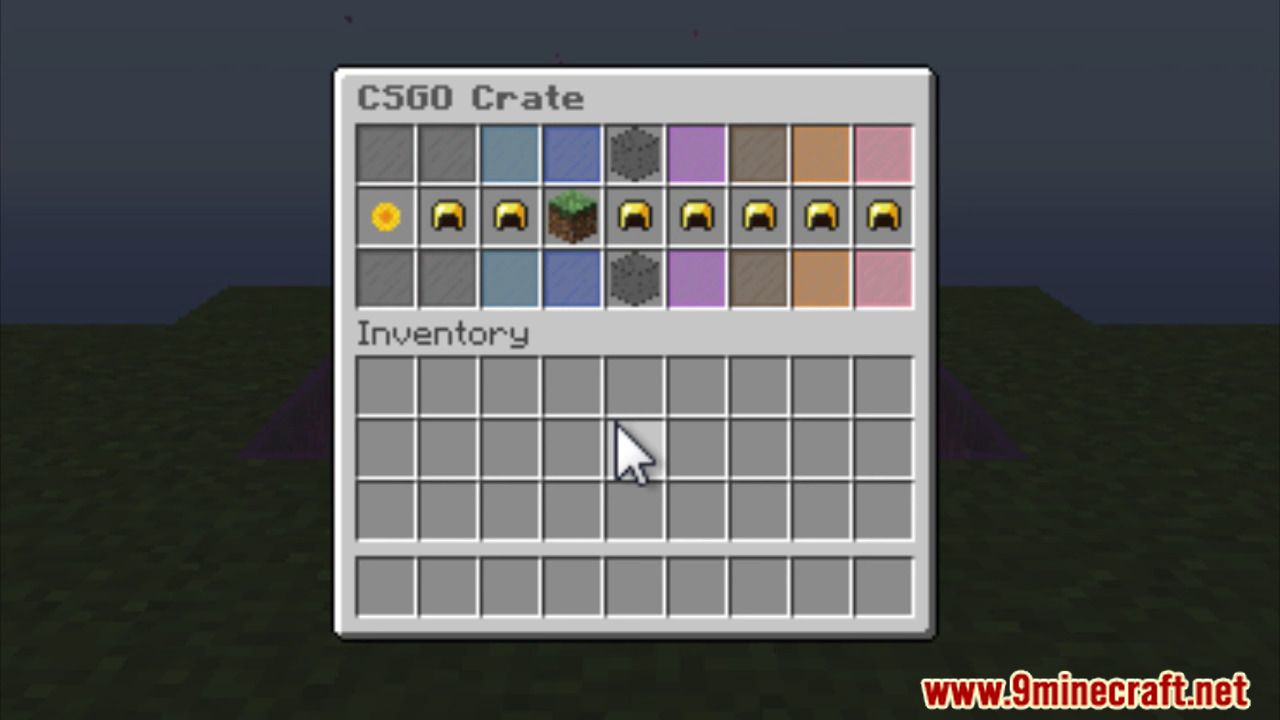
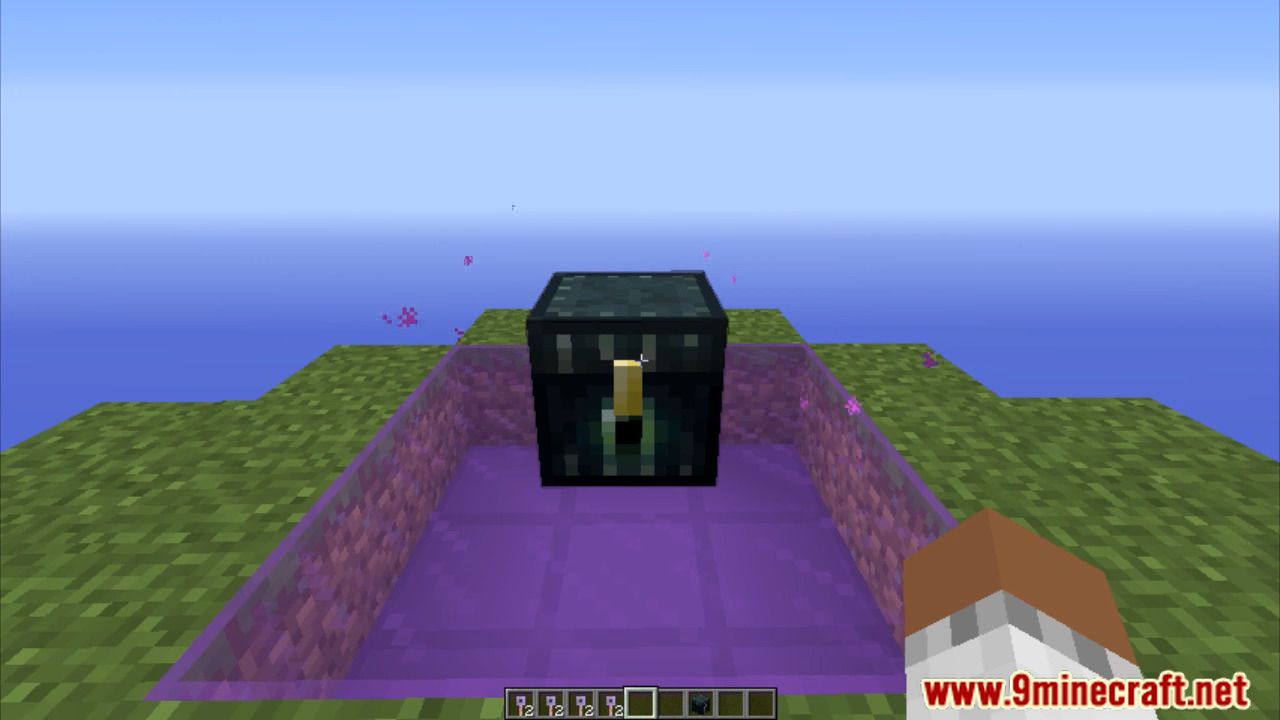
Physical crates are blocks placed in your world that players right-click to open, while virtual crates exist only in menus and players access them through `/cc`. Both use the same key system and can contain identical prizes.
How do I give players keys?
You can give physical keys as items or virtual keys through commands with admin permissions. Players can check their key balance with `/key` and transfer virtual keys to other players using `/cc transfer `.
Can I customize what animation plays when someone opens a crate?
Yes, each of the 10 crate types has different animations built-in, and you can customize animations and appearance through the crate config file for each crate individually.
See all 10 Crazy Crates questions ›
Gallery
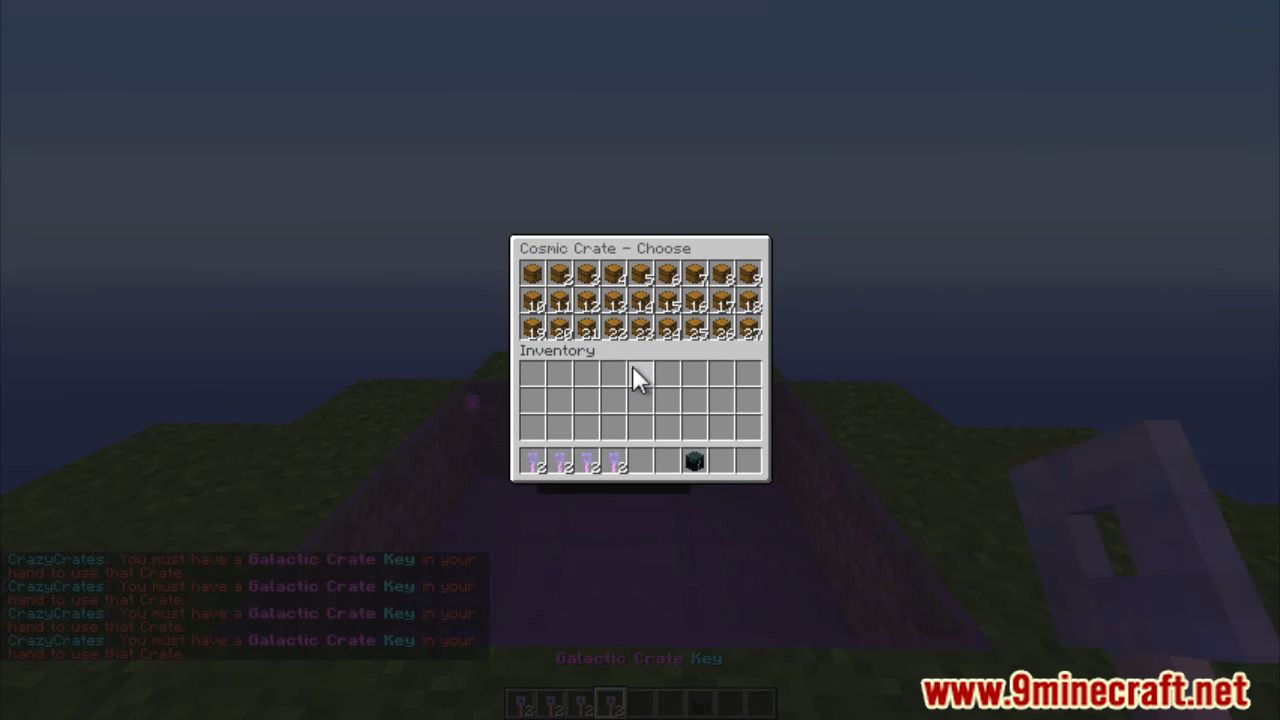
6 images from the Crazy Crates Plugin page.

You May Also Like
Wikis that share the most with this one
 Job X Plugin
More plugin wikis on the site
The most downloaded mods that have a wiki here
A few wikis from each of the other kinds