

 Just Enough Items mod
 DownloadRoughly Enough Items Mod
Get the files on 9Minecraft
Contents (7)
Guides
Step-by-step, in-game.
How to Bookmark Items and Use Cheat Mode in REIBookmarking Items Hover any item in the REI list and press the bookmark keybind to add it to the bookmark area on the…How to Configure REI Settings and Hide Cluttered ItemsOpening the Config Menu Click the settings button next to the REI search bar to open the configuration menu. From…How to Search for Items and Filter by Mod in Roughly Enough ItemsUsing the Search Bar When you open your inventory, the REI item list appears on the right side of the screen. Click…How to View Crafting Recipes and Uses for an Item in REIOpening the Recipe Screen Hover your cursor over any item in the REI list or in your own inventory. Press the recipe…
Configuration
Every setting in the mod config file, with what it changes.
| Option | What it does |
|---|---|
new | Create Filtering Rule |
filteringScreen | Customized Filtering |
filteringRulesScreen | Customized Filtering Rules |
delete | Delete |
hide | Hide Selected |
selectAll | Select All |
show | Show Selected |
hint | Try Dragging! |
selectNone | Unselect All |
Configurecategories
| Option | What it does |
|---|---|
false | Disabled |
true | Enabled |
Filtering
| Option | What it does |
|---|---|
true | Available for Quick Craft |
false | Excluded from Quick Craft |
toggle | Toggle |
Frequently asked questions
How do I open the REI item list?
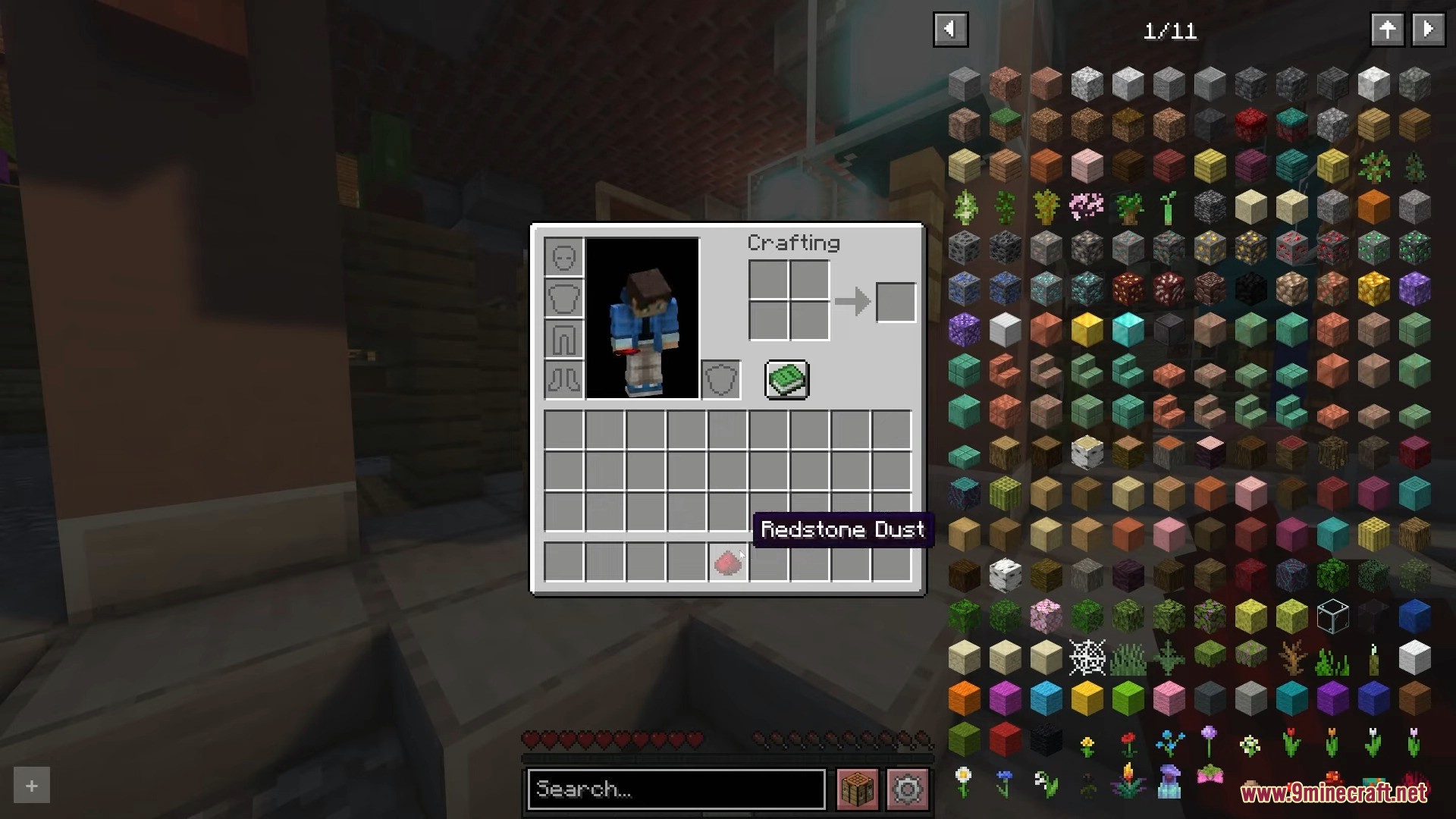
The item list appears on the right side of your inventory and most container screens by default. If you don't see it, check your keybinds for the REI toggle key and make sure the overlay isn't hidden in settings.
What key opens the REI config menu?
There's a settings button in the REI interface, usually near the search bar or bottom of the item list. You can also bind a key to open the config directly in your controls menu.
How do I search for an item in REI?
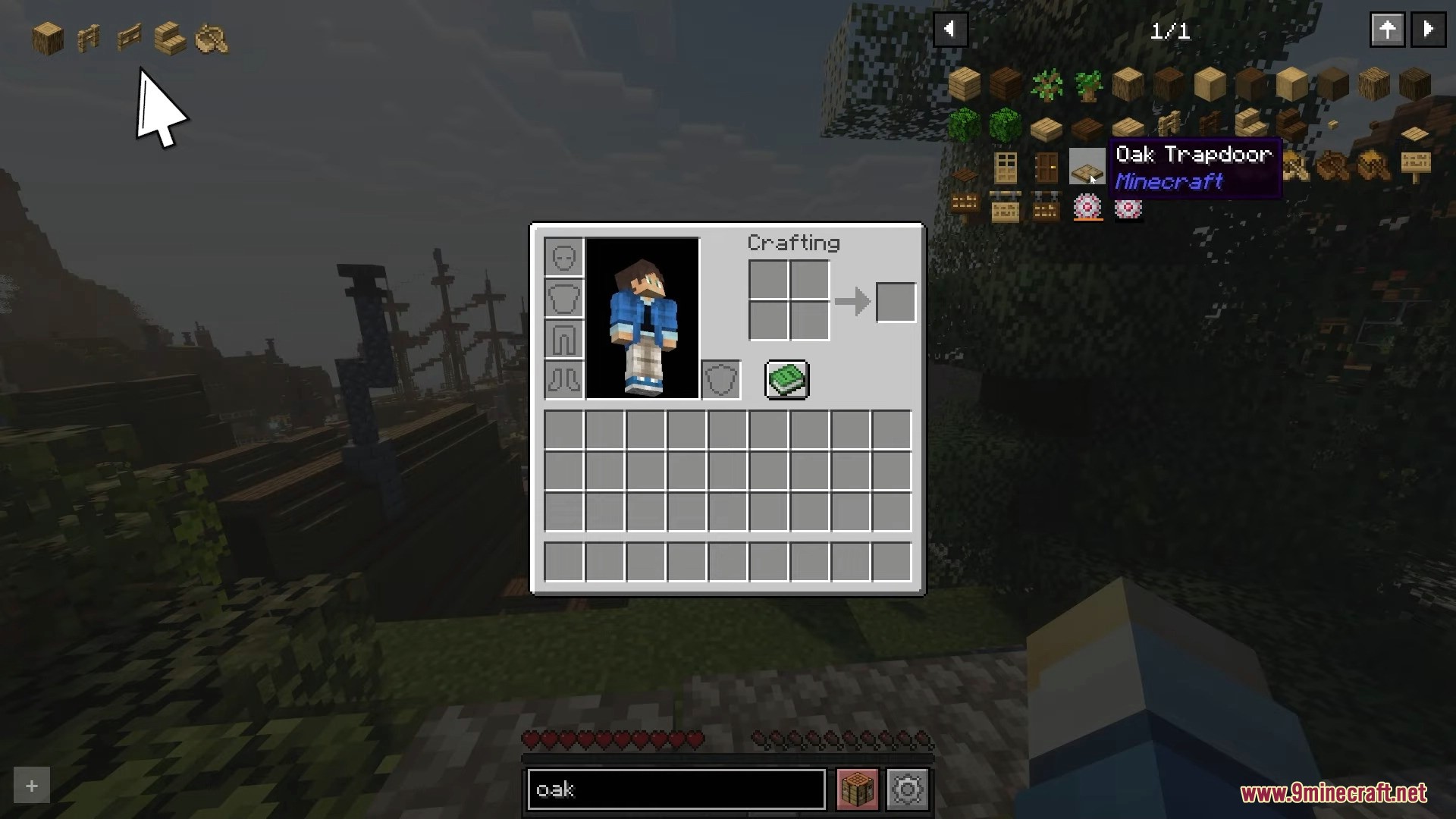
Click the search bar at the top of the item list and start typing the item name. You can also just start typing while hovering over the list, and REI will filter items as you go.
How do I see the recipe for an item?
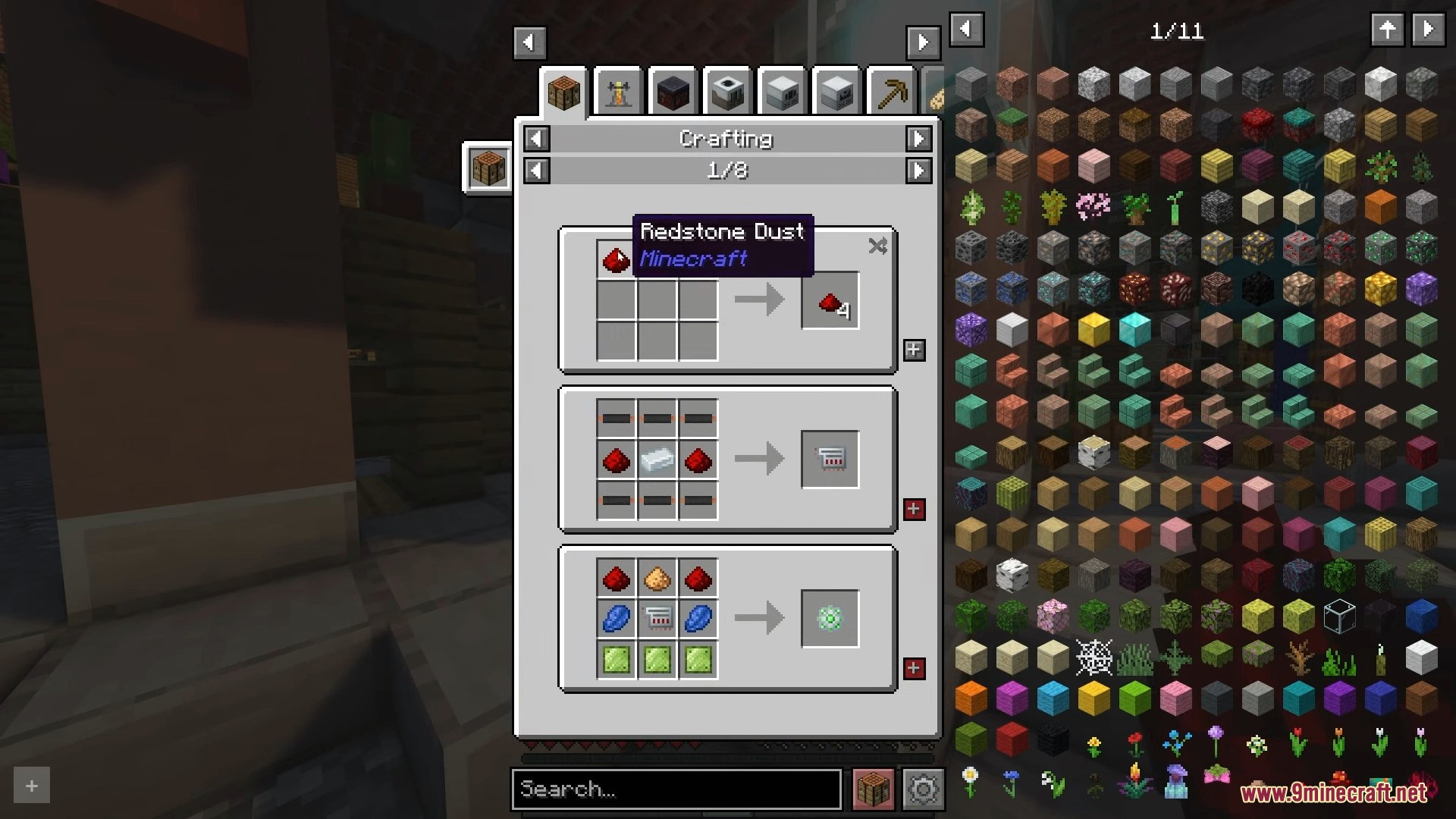
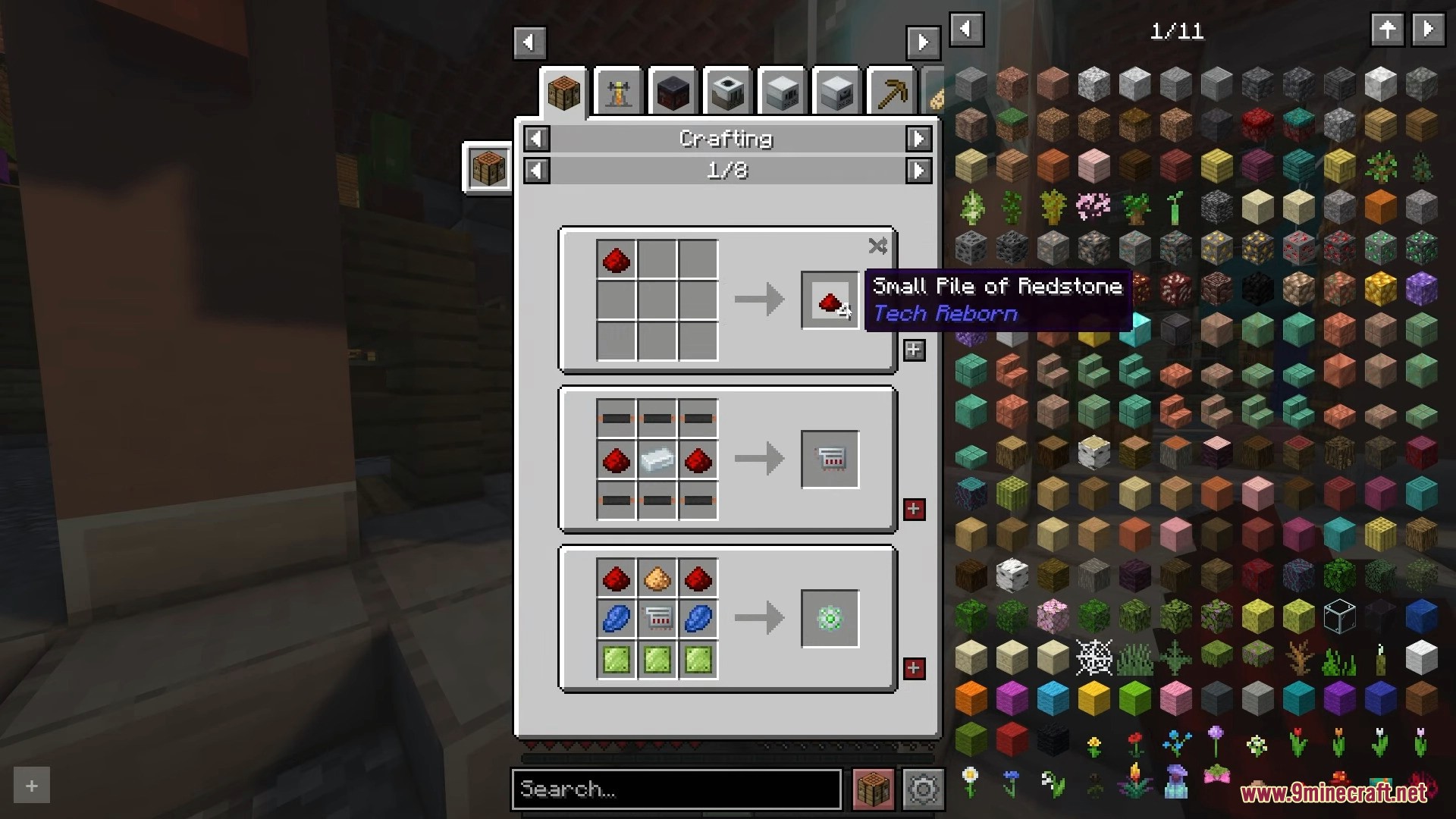
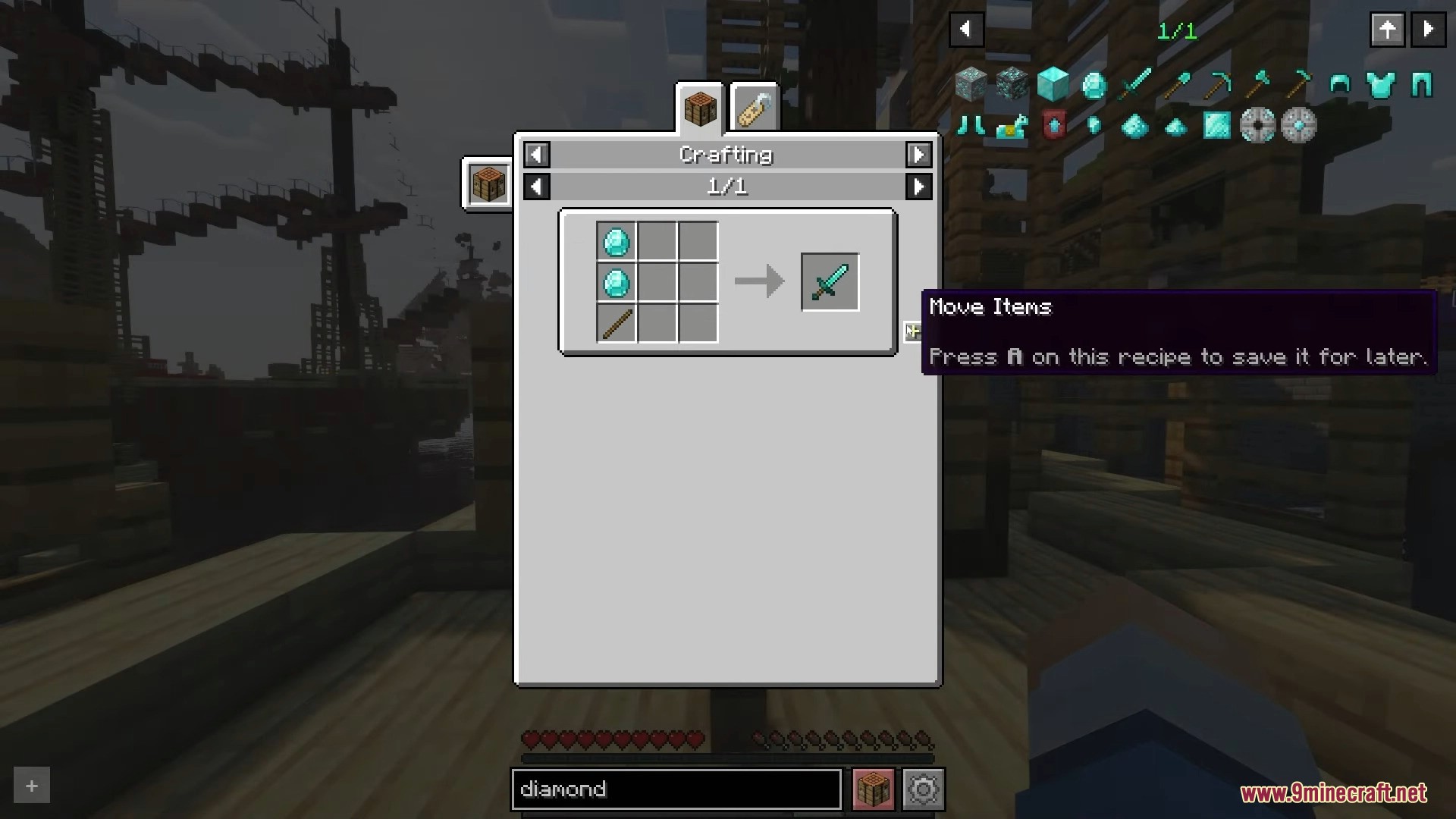
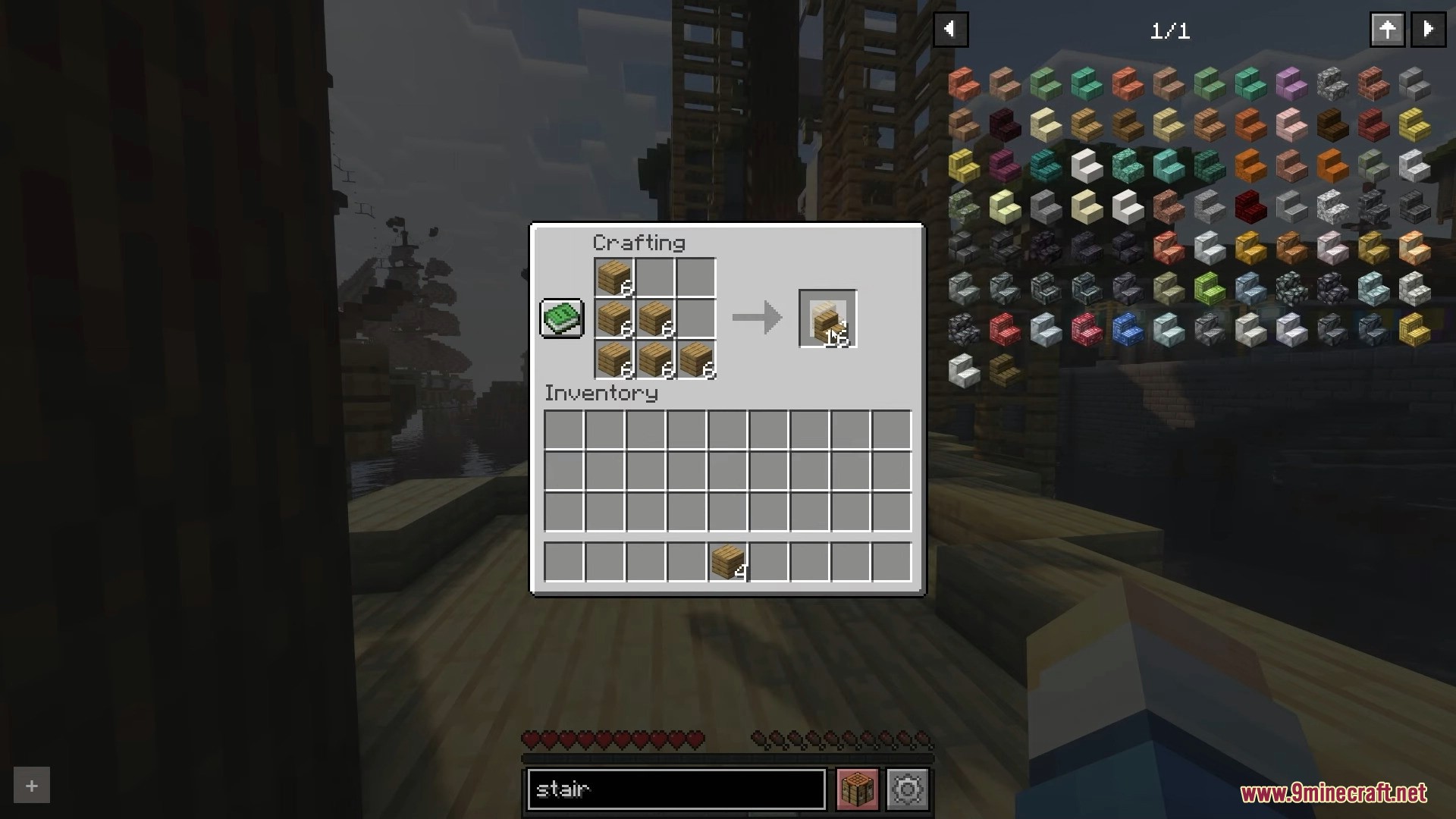
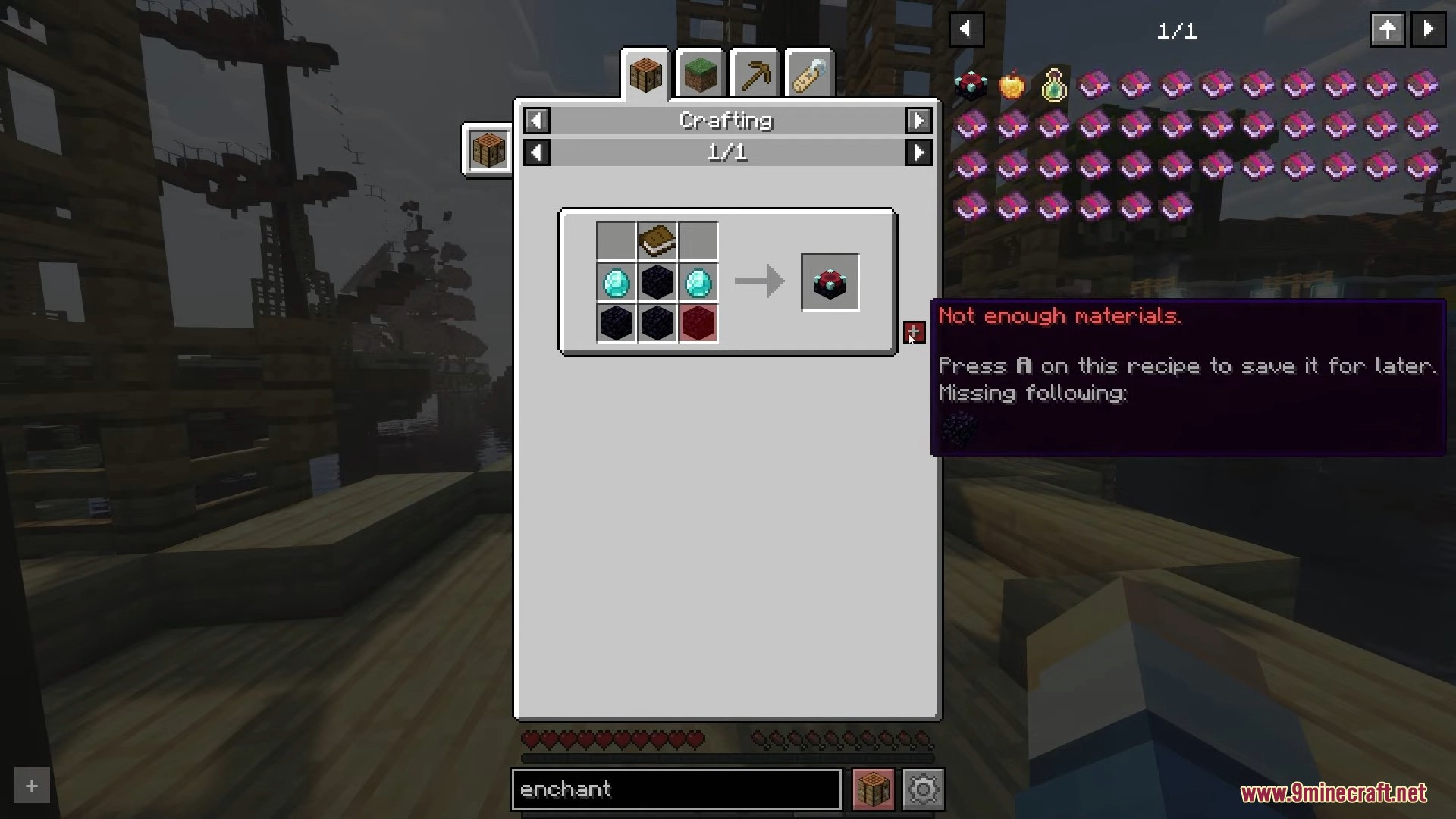
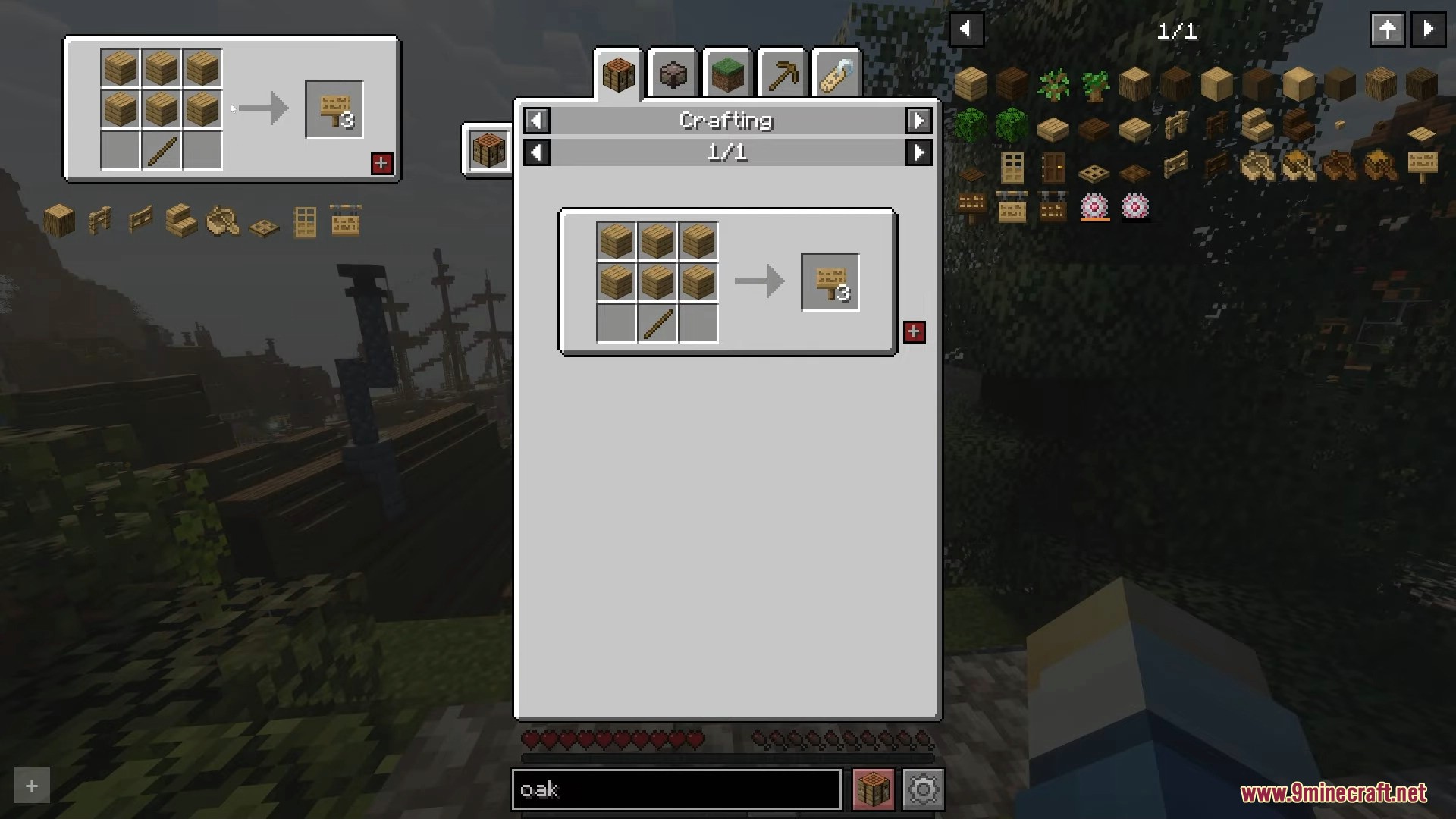
Hover over the item and press the recipe key (default is R). The recipe screen will show every way that item can be crafted.
See all 10 Roughly Enough Items questions ›
Gallery
12 images from the Roughly Enough Items page.
You May Also Like
Wikis that share the most with this one
More mod wikis on the site
The most downloaded mods that have a wiki here
A few wikis from each of the other kinds