DownloadLiving Legend Rewamped Model
Get the files on 9Minecraft
Contents (8)
Guides
Step-by-step, in-game.
Items
A
 Apple
B
 Bottle o' Enchanting
 Bow
 Bucket of Tropical Fish
C
 Copper Ingot
D
 Dark Oak Boat
 Diamond
 Diamond Axe
 Diamond Boots
 Diamond Chestplate
 Diamond Helmet
 Diamond Leggings
 Diamond Pickaxe
 Diamond Sword
E
 Echo Shard
 Elytra
 End Crystal
 Ender Pearl
 Eye of Ender
F
 Fire Charge
G
 Glow Ink Sac
 Glowstone Dust
 Gold Ingot
 Golden Apple
 Golden Axe
 Golden Carrot
 Golden Pickaxe
 Golden Sword
H
 Heart of the Sea
I
 Iron Axe
 Iron Door
 Iron Hoe
 Iron Ingot
 Iron Pickaxe
 Iron Sword
J
 Jungle Boat
 Jungle Door
M
 Mangrove Boat
N
 Netherite Axe
 Netherite Pickaxe
 Netherite Sword
O
 Oak Boat
P
 Phantom Membrane
R
 Redstone Dust
S
 Slimeball
 Soul Campfire
 Spectral Arrow
 Spruce Boat
 Spruce Door
 Stone Axe
 Stone Pickaxe
 Stone Sword
T
 Tall Grass
 Totem of Undying
W
 Water Bucket
 Wooden Axe
 Wooden Pickaxe
 Wooden Sword
Blocks
69 blocks · showing 24. Browse all →
 Acacia Leaves
 Attached Melon Stem
 Attached Pumpkin Stem
 Azalea Leaves
 Birch Leaves
 Black Stained Glass
 Blue Stained Glass
 Brown Stained Glass
 Cherry Leaves
 Chiseled Nether Bricks
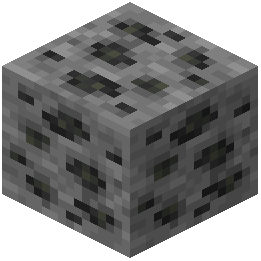 Coal Ore
 Cobweb
 Command Block
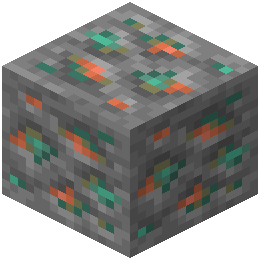 Copper Ore
 Cracked Nether Bricks
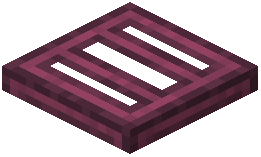 Crimson Trapdoor
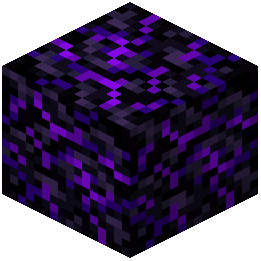 Crying Obsidian
 Cyan Stained Glass
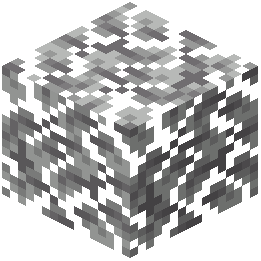 Dark Oak Leaves
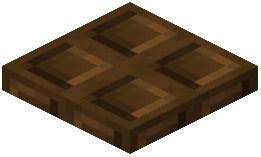 Dark Oak Trapdoor
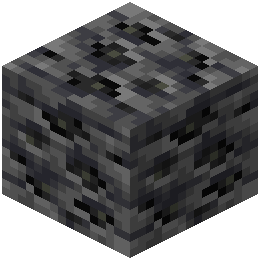 Deepslate Coal Ore
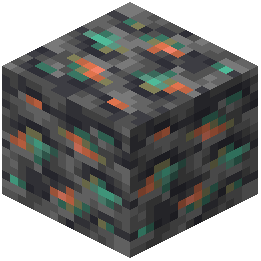 Deepslate Copper Ore
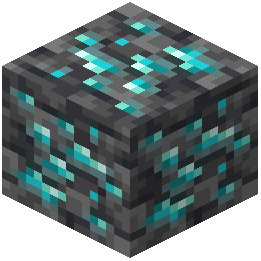 Deepslate Diamond Ore
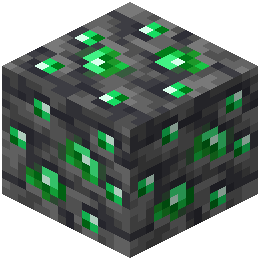 Deepslate Emerald Ore
What this pack changes
Every texture group the pack replaces, counted from the pack itself.
| Area | Textures replaced |
|---|---|
| GUI & menus | 358 |
| Font | 228 |
| Blocks | 225 |
| Mobs & entities | 96 |
| Particles | 94 |
| Items | 71 |
| Armor trims | 51 |
| Status effects | 34 |
| Sky & weather | 10 |
| Misc | 8 |
| Models | 8 |
| Biome colours | 2 |
Pack format 15–75 (Minecraft 1.20–1.21.9)1,185 texture files in total
Extra features
Custom font
Custom block/item models
Reworked GUI
Frequently asked questions
What types of visual improvements does Living Legend Rewamped Model add to Minecraft?
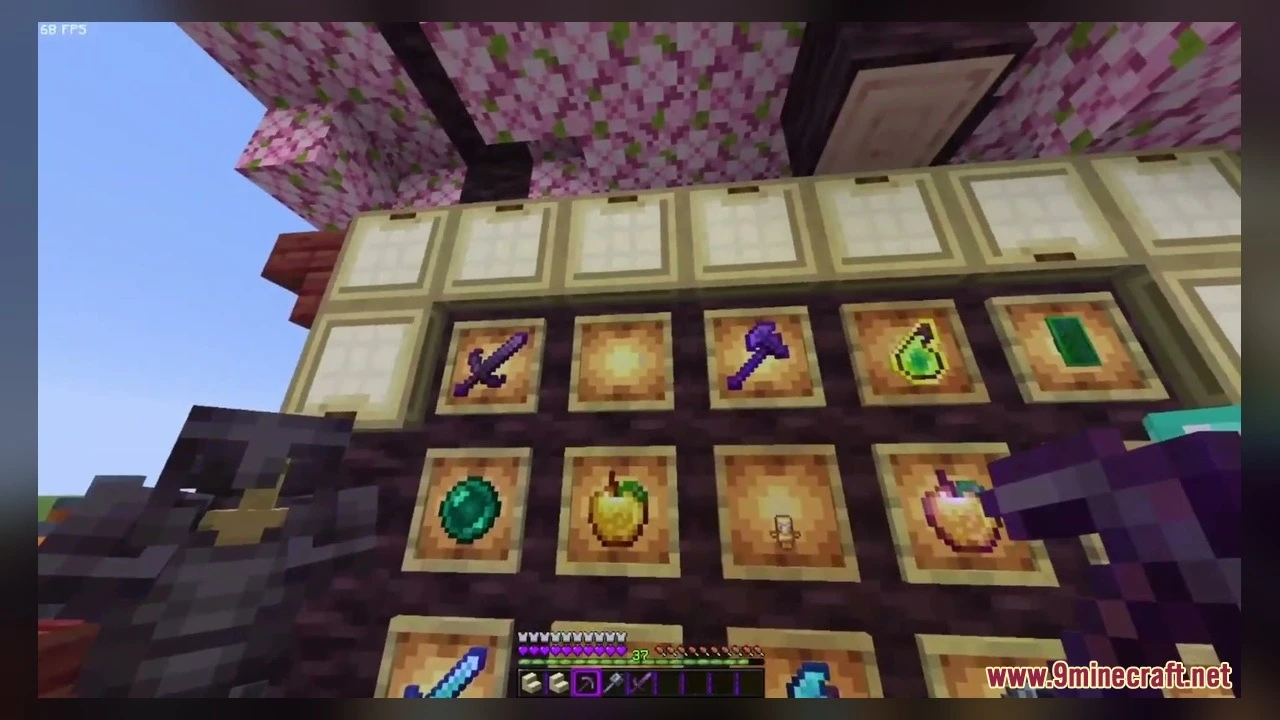
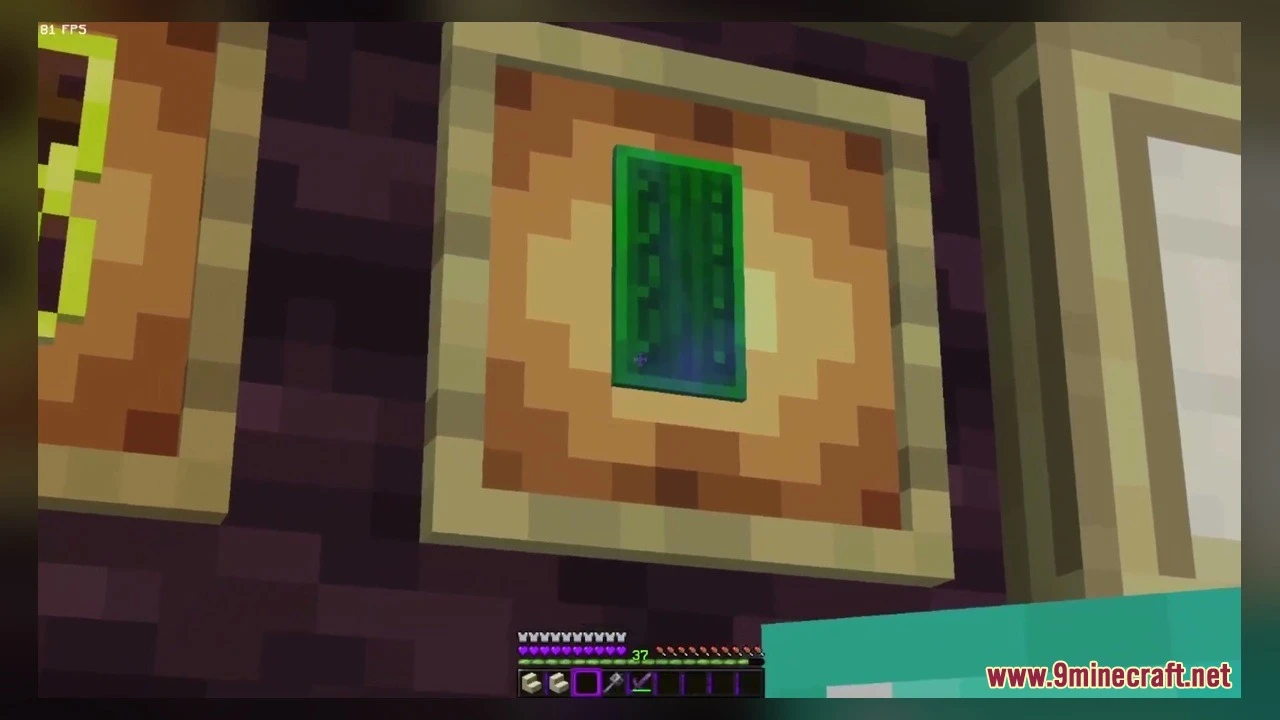
The mod adds fresh 3D visuals and cleaner graphics including custom block shapes, unique plant models, reworked mob appearances, and smooth animated textures on items and natural surfaces.
Which plants receive 3D model updates in this resource pack?
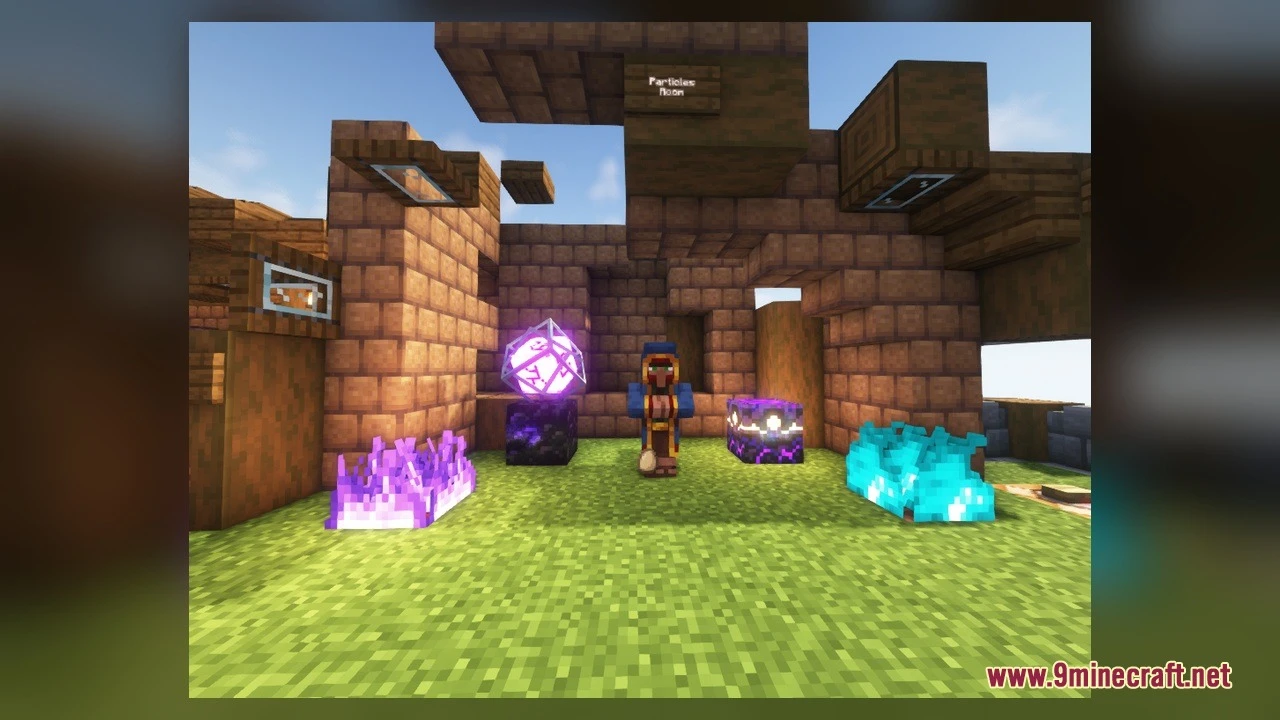
The pack adds 3D models for candytuft, lunar lilies, waterlilies, tall plants, sunflowers, and white dandelions.
How does Living Legend Rewamped Model help during PvP combat?
The pack reduces particle clutter to keep the screen clear during fast battles and refreshes the user interface for quick navigation in multiplayer games.
What mobs receive visual updates in this pack?
The pack gives redesigned looks to creeperz and webster spiders with updated 3D models.
Where should you explore to see the new terrain block visuals?
You can walk along grass paths and dirt paths to see how ground blocks connect with 3D depth, and visit swamp biomes or lakes to inspect updated waterlily and lily pad shapes.
What is required to use Living Legend Rewamped Model?
You need a Minecraft game version with animated texture compatibility and must place the pack file into your resourcepacks folder and activate it in the resource packs menu.
You May Also Like
Wikis that share the most with this one
Wikis on the same theme: end
More mod wikis on the site
The most downloaded mods that have a wiki here
A few wikis from each of the other kinds
Gallery
7 images from the Living Legend Rewamped Model page.