DownloadLittle Big Redstone
Get the files on 9Minecraft
Guides
Step-by-step, in-game.
Build Your First Microchip CircuitSetting Up Your Microchip Place a Microchip block in your world and right-click to open its menu. This is your…Connect Microchips to Chests, Tanks, and Power SystemsLinking External Devices Microchips aren't isolated—they connect to the world around them. 1. Build your logic…Organize Complex Circuits with Logic Arrays and Sticky NotesUsing Logic Arrays for Storage Logic Arrays act as inventory bags for your redstone components. Instead of carrying…Save and Share Circuit Designs with Floppy DisksCopying a Circuit Layout Once you've built a working circuit inside a Microchip, you can save its design to reuse…
Recipes
Every recipe the mod adds, grouped by how it is made.
Items
B
 Black Floppy Disk
 Black Logic Array
 Blue Floppy Disk
 Blue Logic Array
 Brown Floppy Disk
 Brown Logic Array
C
 Comparator
 Cyan Floppy Disk
 Cyan Logic Array
G
 Gray Floppy Disk
 Gray Logic Array
 Green Floppy Disk
 Green Logic Array
L
 Light Blue Floppy Disk
 Light Blue Logic Array
 Light Gray Floppy Disk
 Light Gray Logic Array
 Lime Floppy Disk
 Lime Logic Array
M
 Magenta Floppy Disk
 Magenta Logic Array
O
 Orange Floppy Disk
 Orange Logic Array
P
 Pink Floppy Disk
 Pink Logic Array
 Purple Floppy Disk
 Purple Logic Array
R
 Red Floppy Disk
 Red Logic Array
 Redstone Bit
 Redstone Circuit Board
W
 White Floppy Disk
 White Logic Array
Y
 Yellow Floppy Disk
 Yellow Logic Array
Blocks
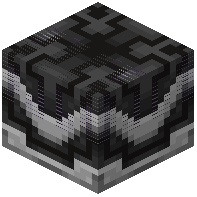 Black Microchip
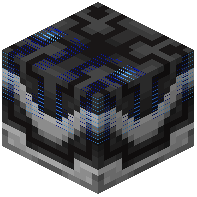 Blue Microchip
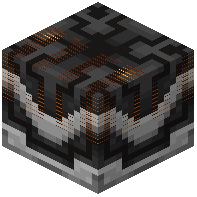 Brown Microchip
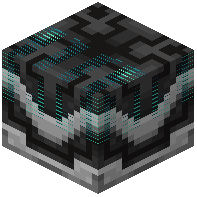 Cyan Microchip
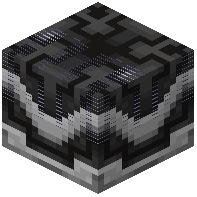 Gray Microchip
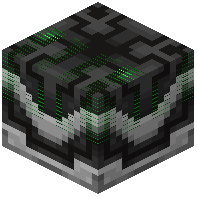 Green Microchip
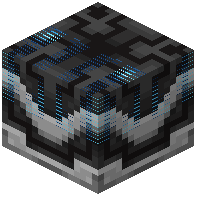 Light Blue Microchip
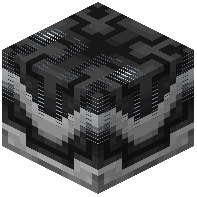 Light Gray Microchip
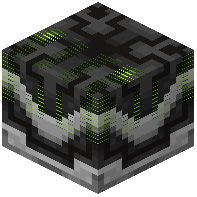 Lime Microchip
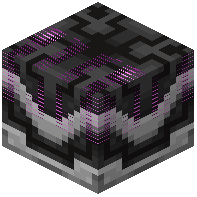 Magenta Microchip
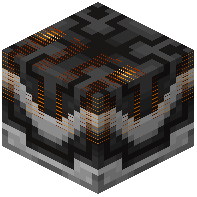 Orange Microchip
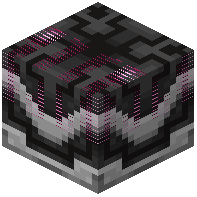 Pink Microchip
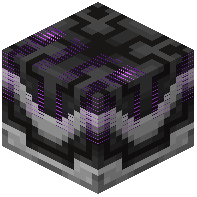 Purple Microchip
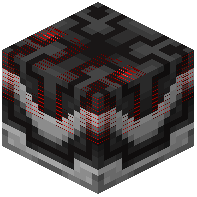 Red Microchip
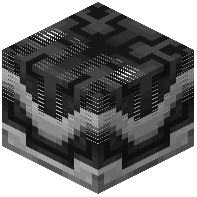 White Microchip
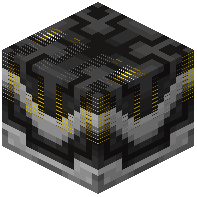 Yellow Microchip
Frequently asked questions
How do I start using Little Big Redstone Mod?
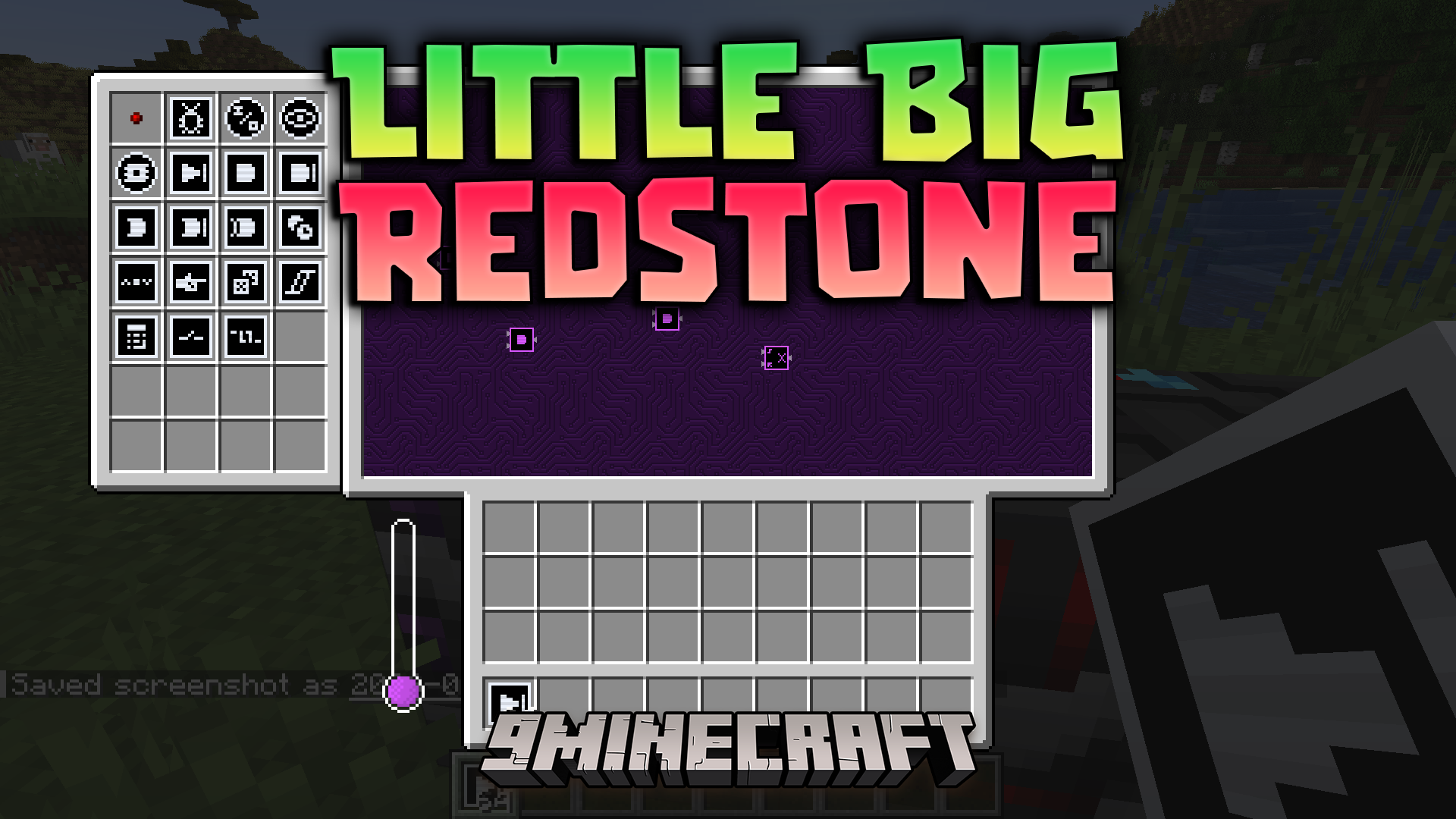
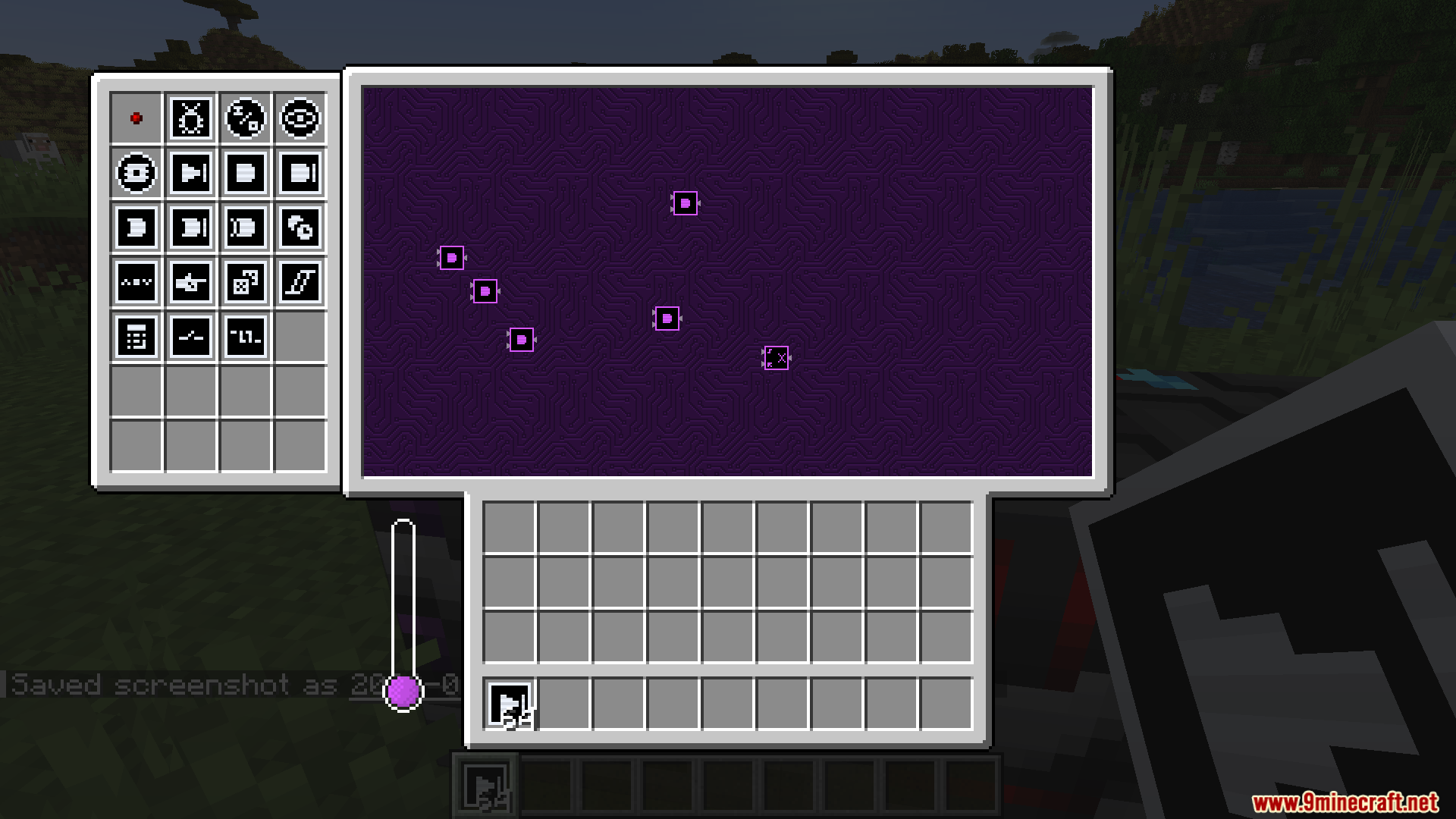
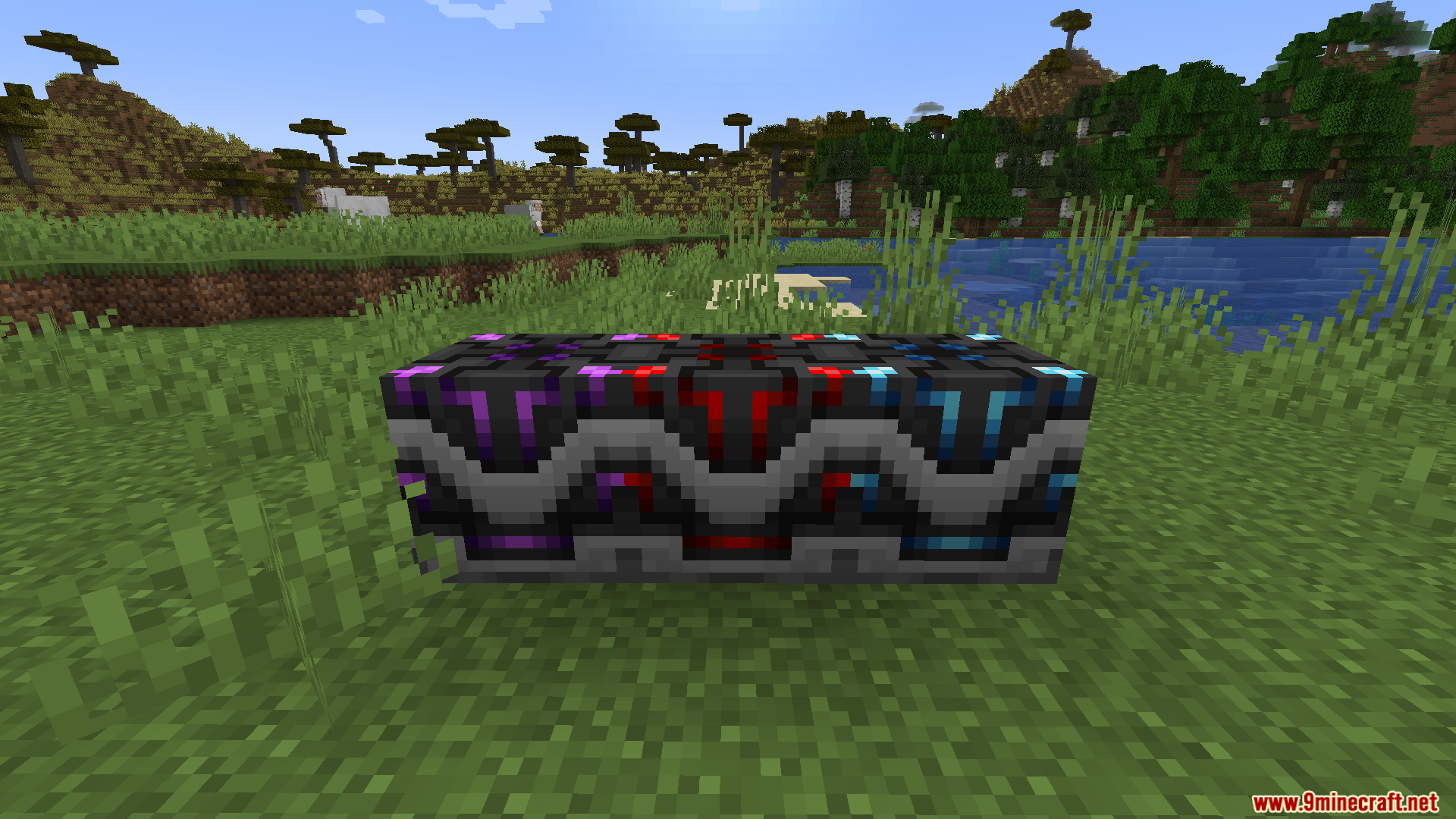
Craft a Microchip block, place it in the world, and open its menu to begin building your circuit inside. Use redstone bits to connect logic components together, and hover over any part to see what it does.
Can I connect a microchip to a chest or tank?
Yes, Microchips can connect to item chests, fluid tanks, and energy power banks from outside the block. Set up the connections in the microchip menu to read from or write to these external systems.
What's the difference between a microchip and a logic array?
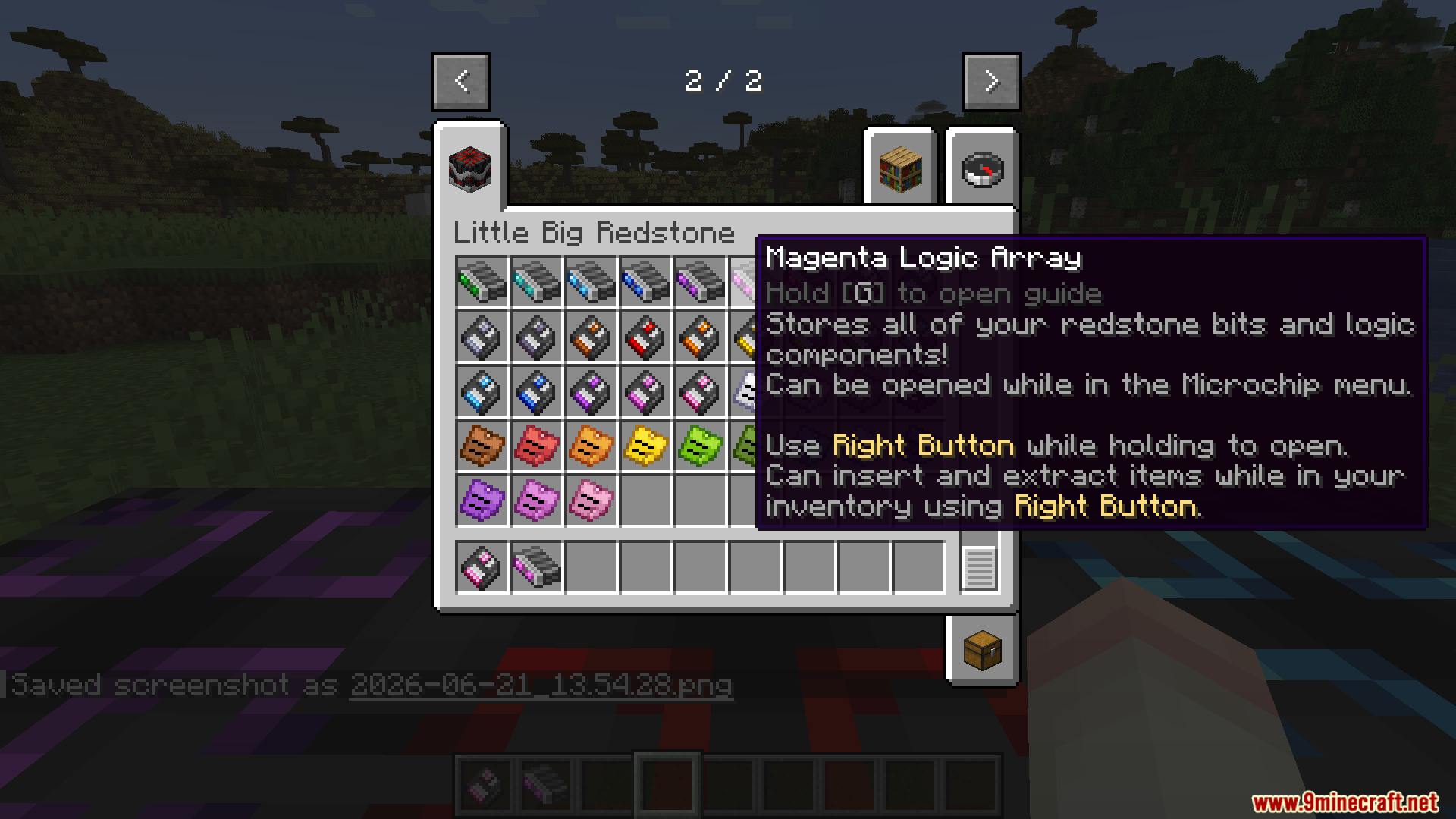
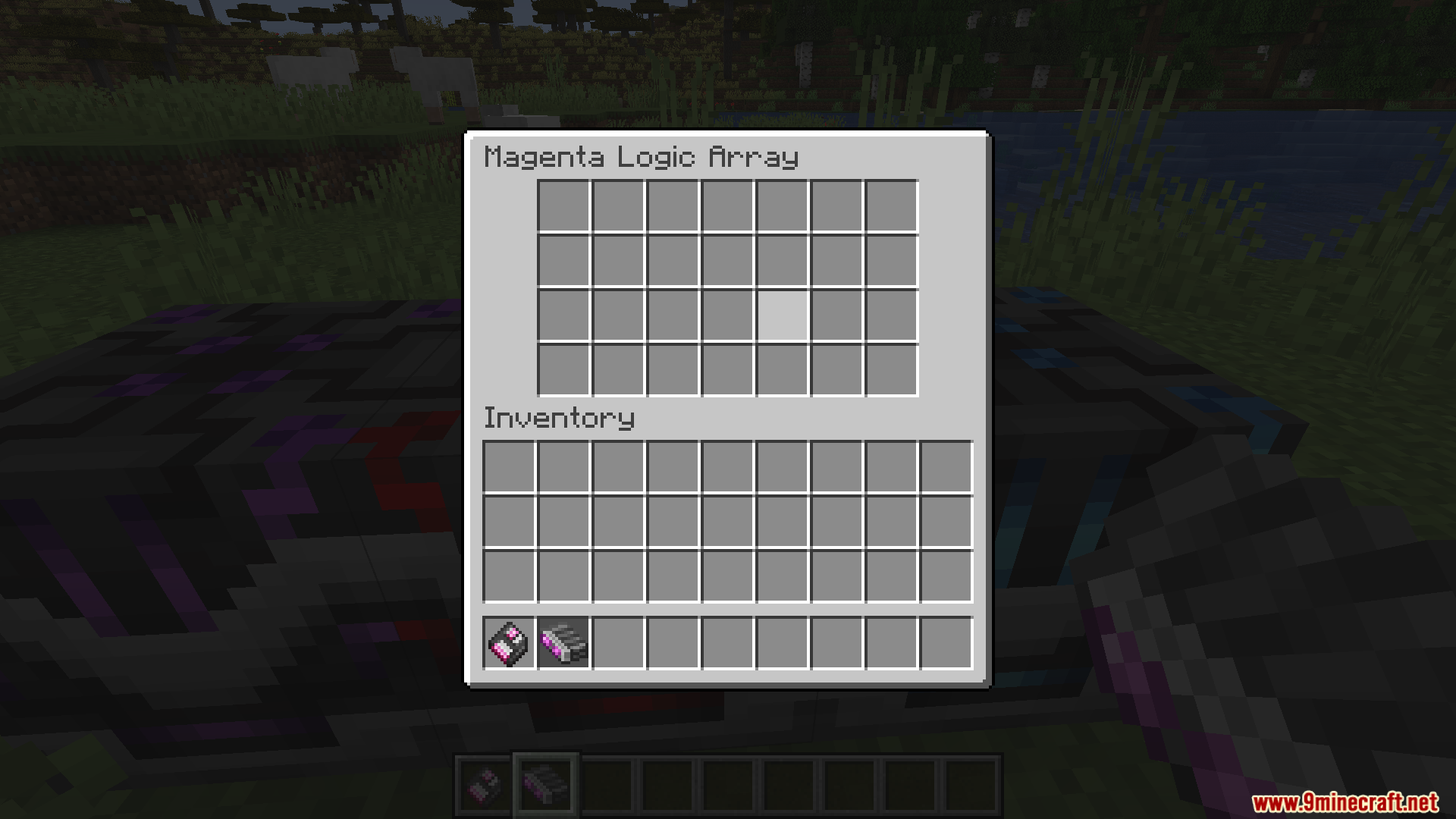
A Microchip is the block where you build and run your circuits. A Logic Array is a storage container that holds redstone components and parts so you can organize and transport them easily.
How do I copy my circuit design to use it again?
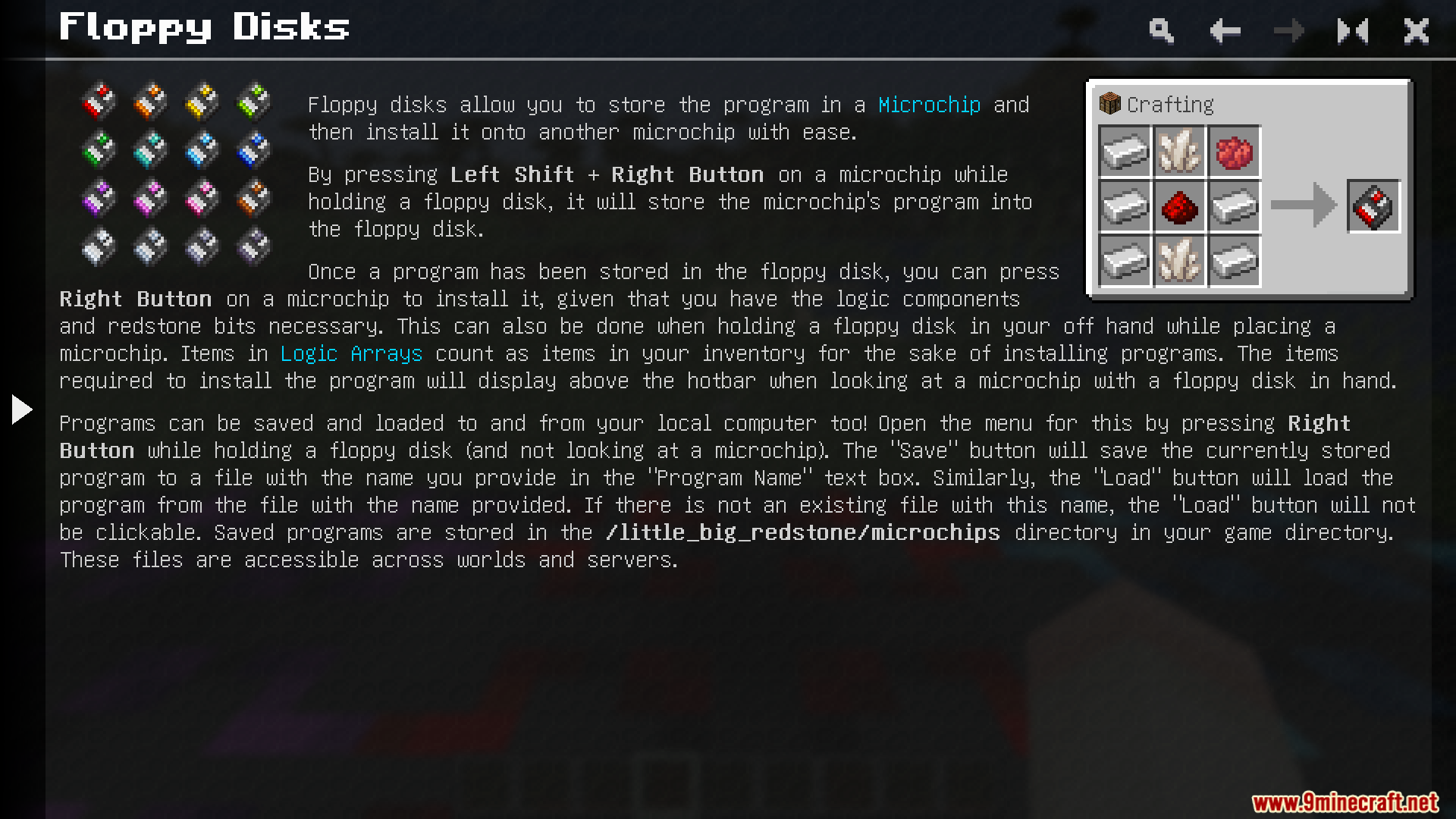
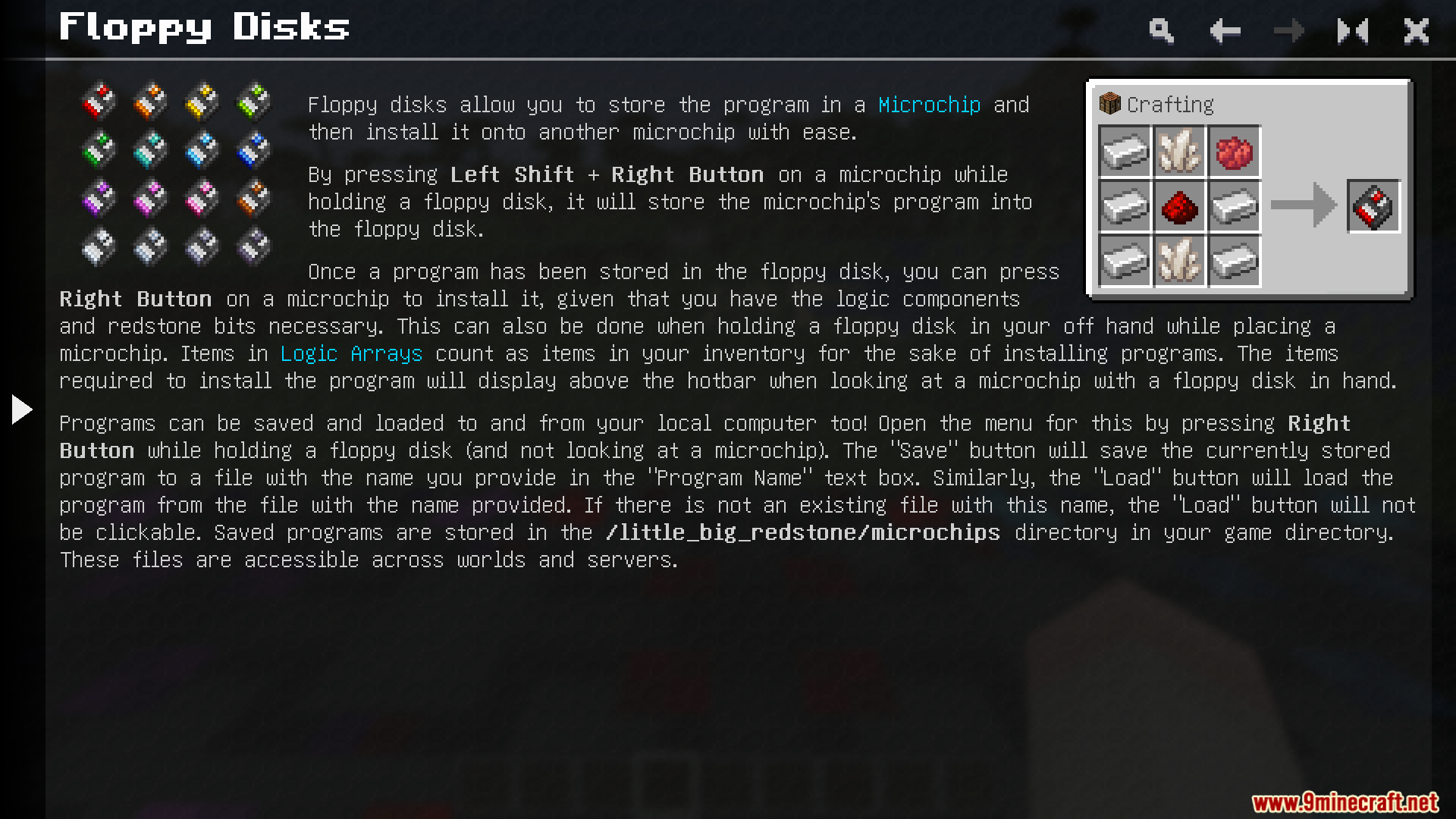
Use a Floppy Disk to save your finished microchip layout, then place it in a new Microchip block to paste the design—as long as you have all the required parts in your inventory.
Can I color my redstone wires to keep them organized?
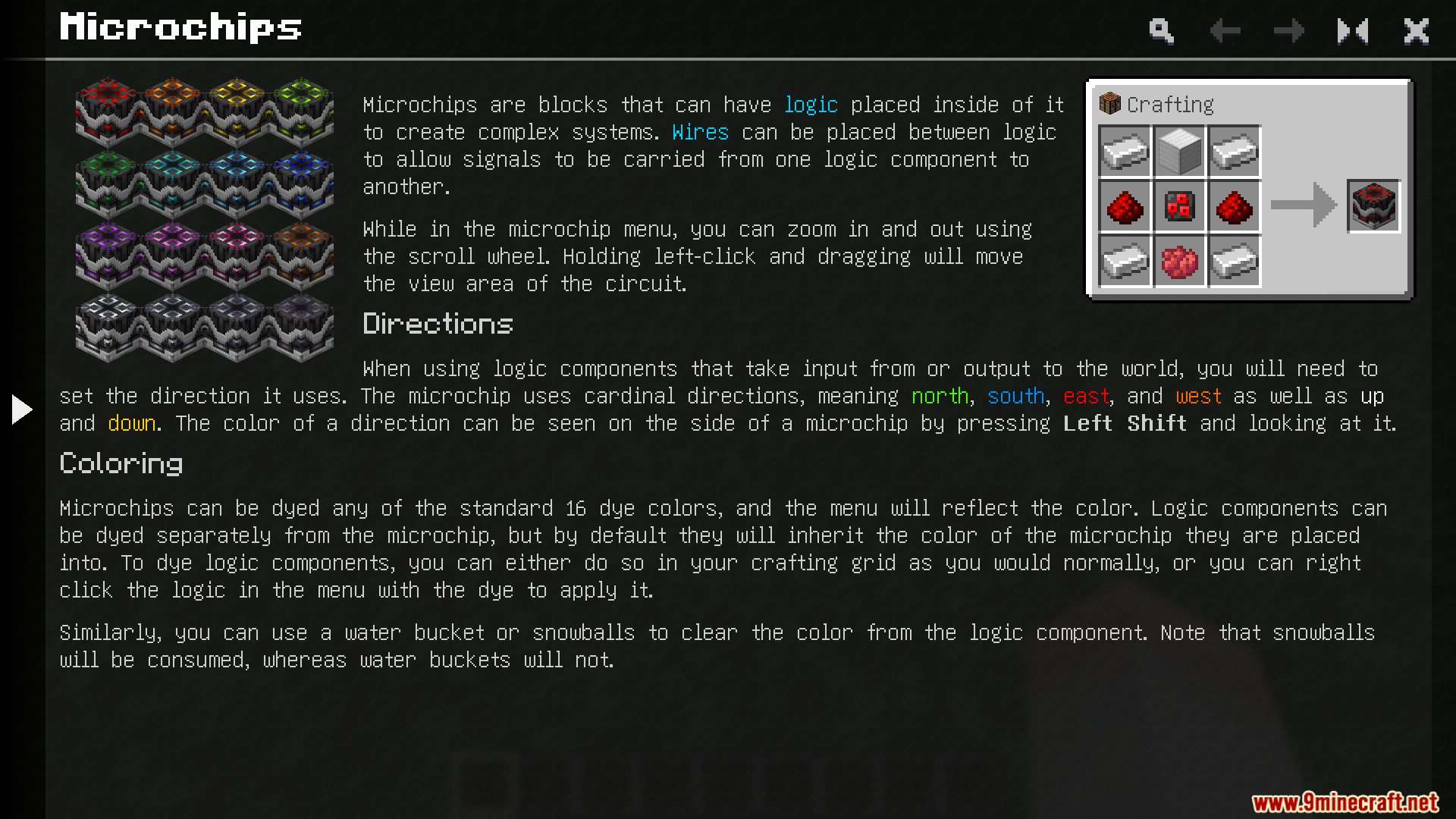
Yes, click on any logic component with dye to change its color, or use a snowball to wash the color off. All components come in every dye color for full customization.
What happens if I break a microchip block?
Breaking a Microchip drops the block itself; your circuit design is saved inside it and will load again when you place it back down.
Do sticky notes save their text if I move them?
Yes, Sticky Notes keep all their written text and colors saved even after you break and move them, so your notes stay with the block.
Can I put sticky notes inside a microchip menu?
Yes, Sticky Notes can be placed inside the microchip menu itself to help you document what each part of your circuit does.
What logic gates and components are available?
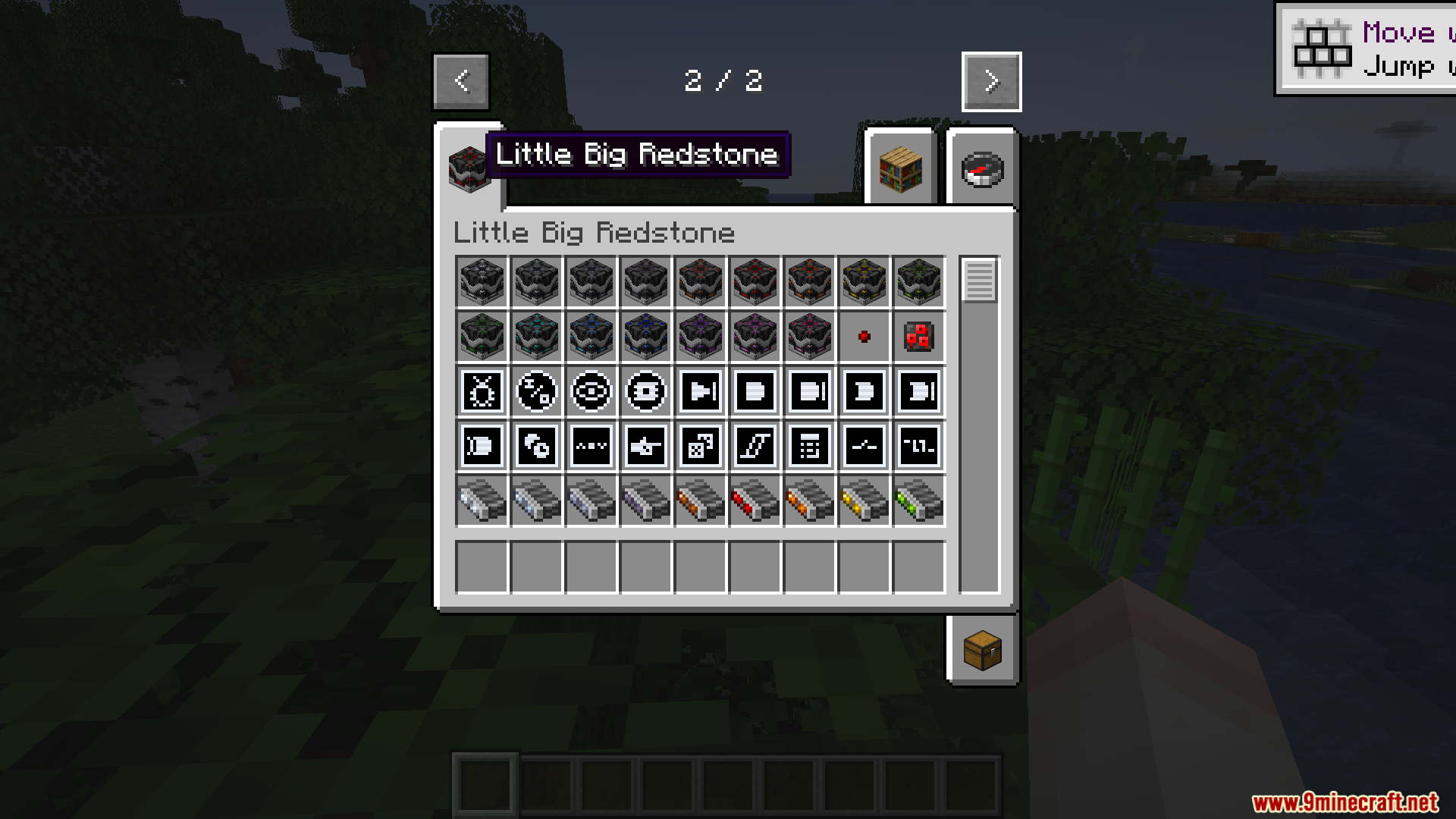
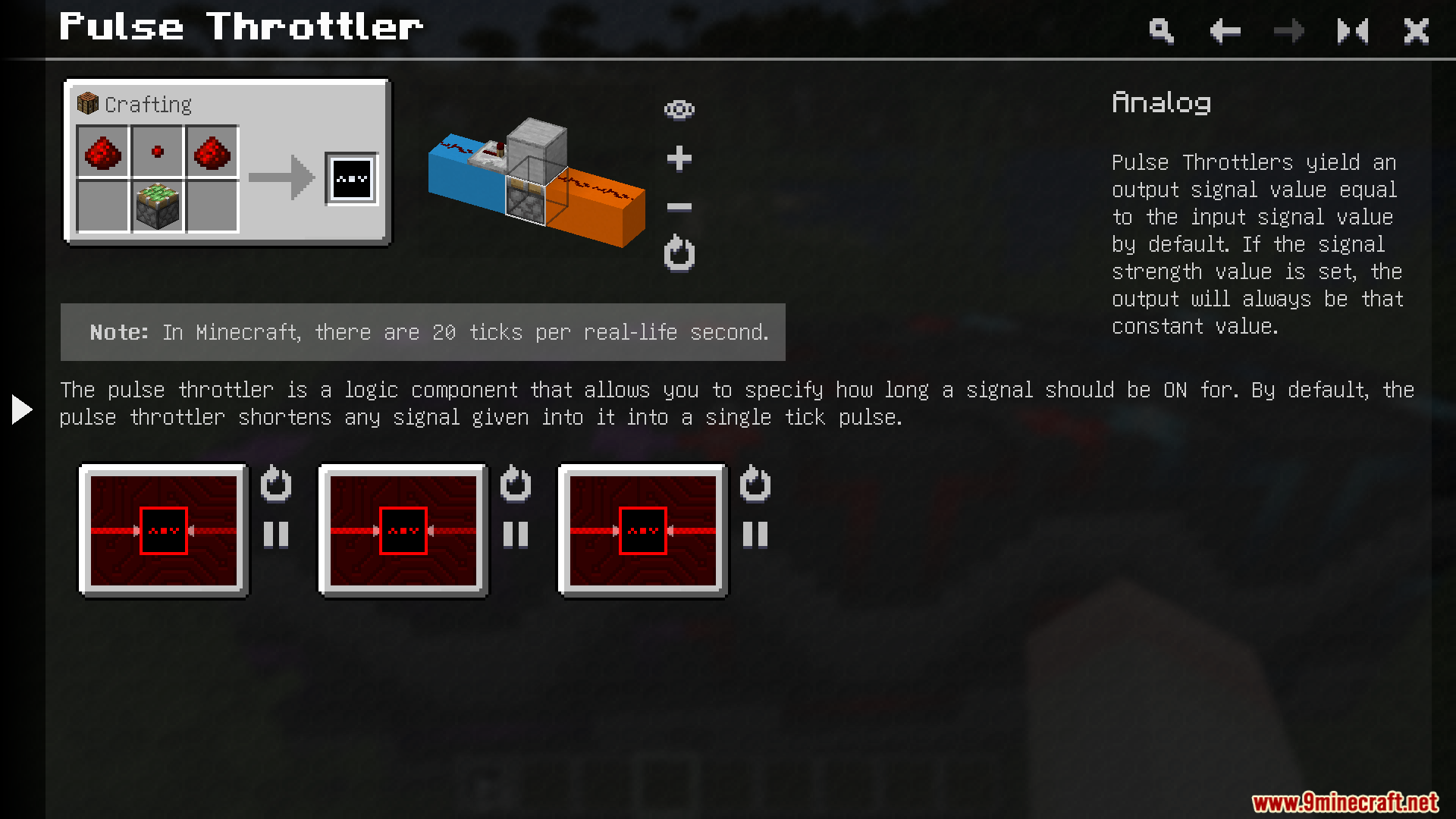
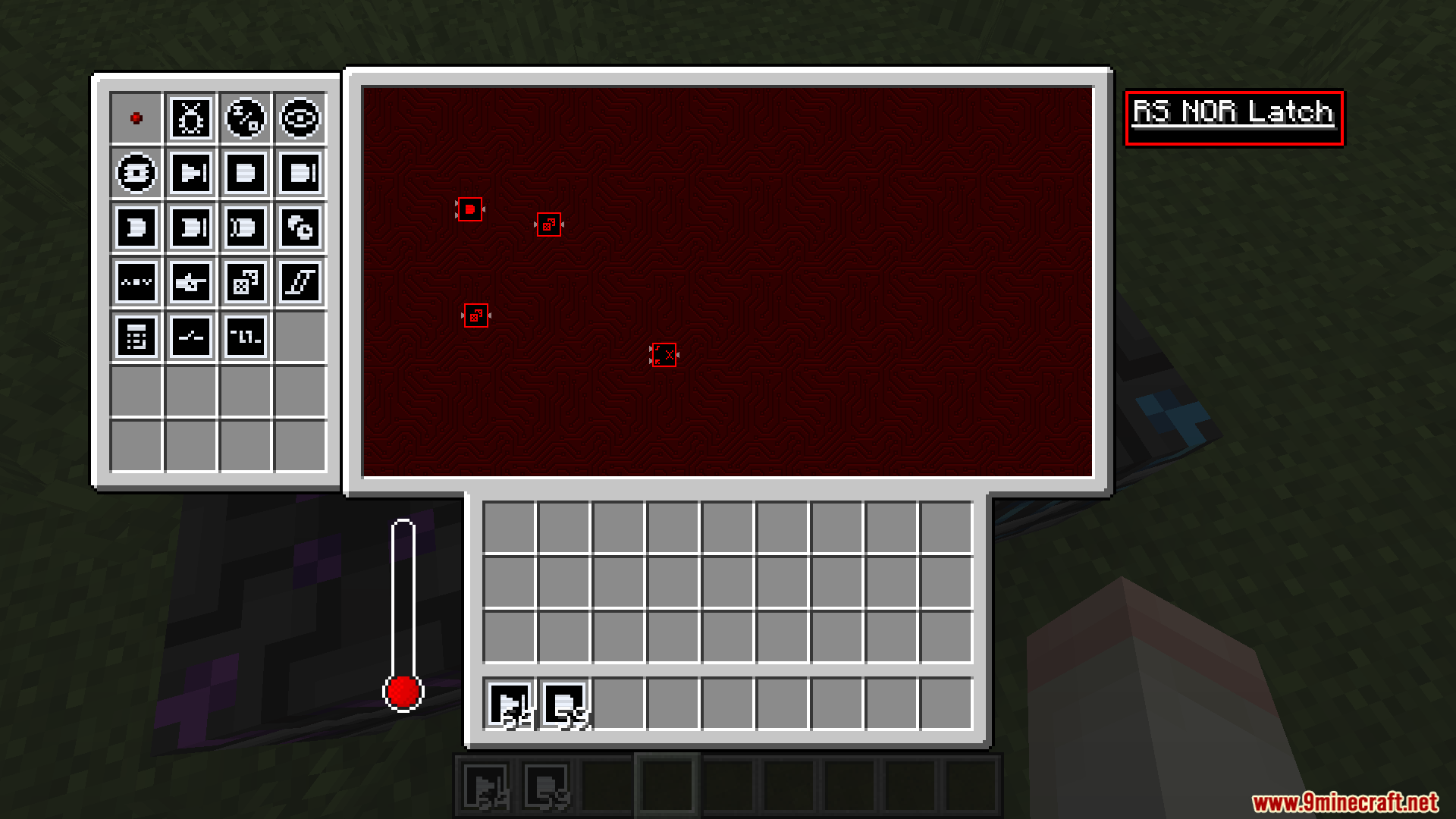
The mod includes standard redstone logic parts like RS NOR Latches, Pulse Throttlers, and other gates—check the creative inventory or the in-game guide for a full list with crafting recipes.
Do microchips cause lag compared to regular redstone?
Microchips are designed to reduce lag by compressing large redstone circuits into a single block, making them more efficient than sprawling redstone contraptions in the world.
You May Also Like
Wikis that share the most with this one
Wikis on the same theme: redstone
More mod wikis on the site
The most downloaded mods that have a wiki here
A few wikis from each of the other kinds
Gallery
12 images from the Little Big Redstone Mod page.