

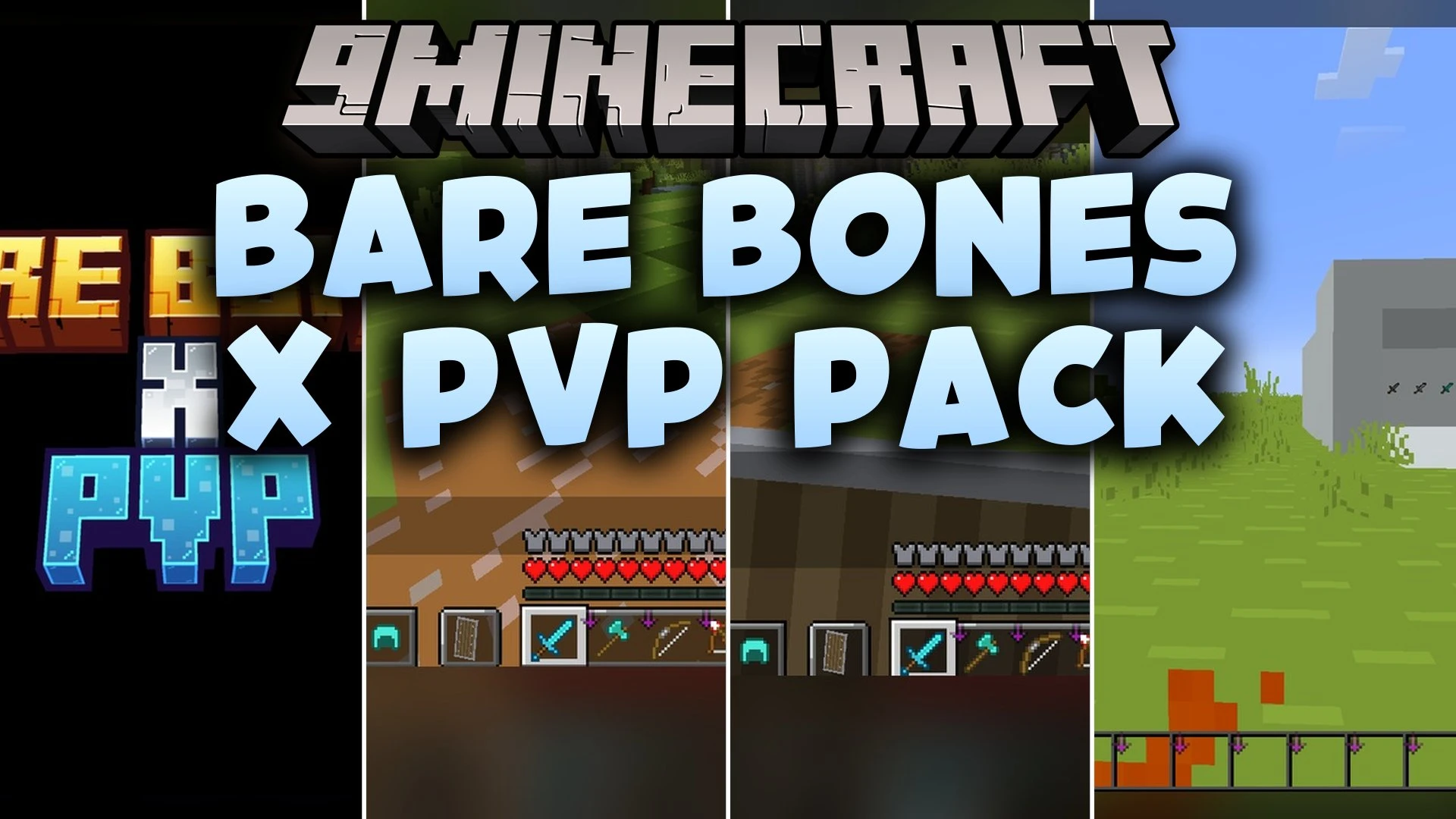
 DownloadBare Bones X Pvp Model
Get the files on 9Minecraft
Guides
Step-by-step, in-game.
Comparing Door Models Across Wood TypesView the Three Door Variants Bare Bones X PvP Model redesigns wooden doors with distinct 3D frames. Each wood type…Identifying Calibrated Sculk Sensors by Their New ModelRecognizing the Updated Sensor Design Calibrated sculk sensors receive modern 3D components in Bare Bones X PvP…Inspecting Amethyst Clusters and Chains in DetailViewing Geometric Redesigns Amethyst clusters and chains receive sharper geometric angles in this pack. Instead of…Setting Up Activator Rails to See Powered StatesUnderstanding Activator Rail Visuals Activator rails in Bare Bones X PvP Model display clear active and raised…
Items
A
 Apple
B
 Bow
C
 Copper Axe
 Copper Pickaxe
 Copper Shovel
 Copper Sword
D
 Diamond Axe
 Diamond Sword
G
 Golden Apple
 Golden Axe
 Golden Sword
I
 Iron Axe
 Iron Sword
N
 Netherite Axe
 Netherite Sword
S
 Stone Axe
 Stone Sword
W
 Wooden Axe
 Wooden Sword
Blocks
B
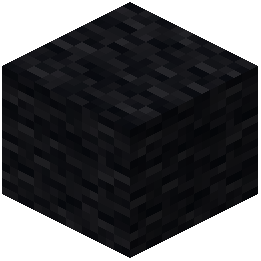 Black Wool
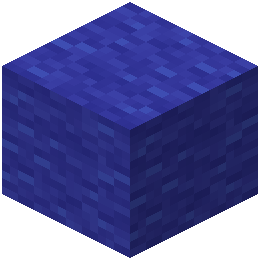 Blue Wool
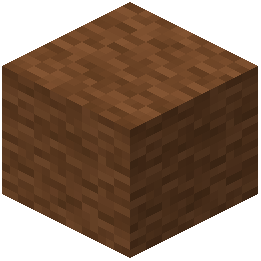 Brown Wool
C
 Cobweb
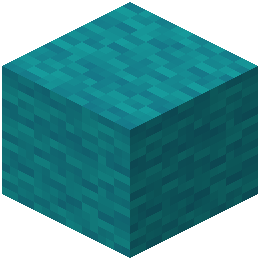 Cyan Wool
E
 End Crystal
 End Rod
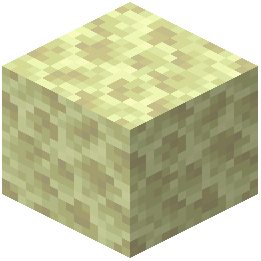 End Stone
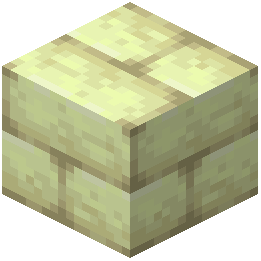 End Stone Bricks
G
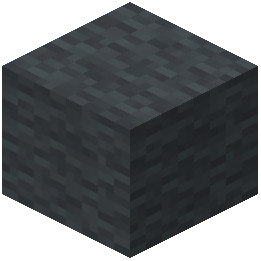 Gray Wool
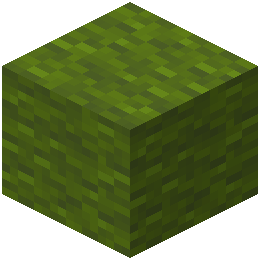 Green Wool
L
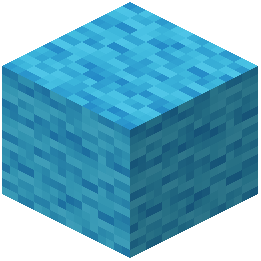 Light Blue Wool
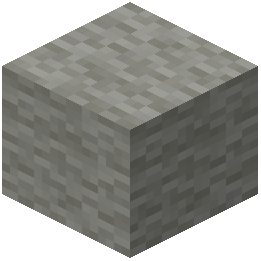 Light Gray Wool
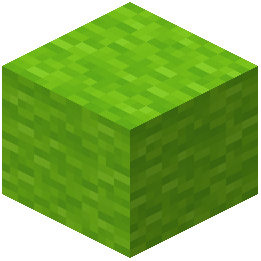 Lime Wool
M
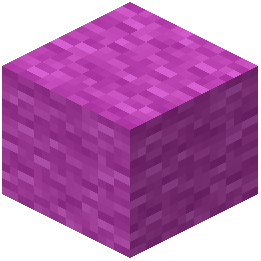 Magenta Wool
N
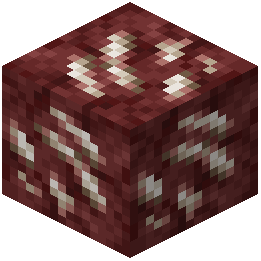 Nether Quartz Ore
O
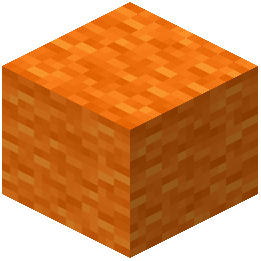 Orange Wool
P
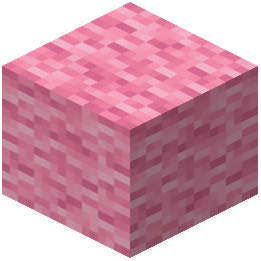 Pink Wool
 Powder Snow
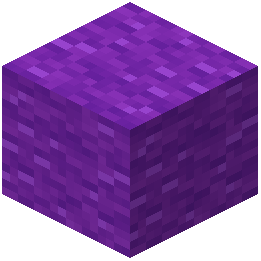 Purple Wool
R
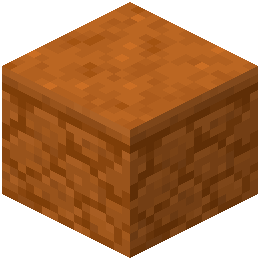 Red Sandstone
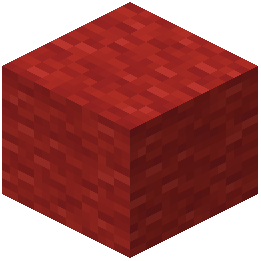 Red Wool
S
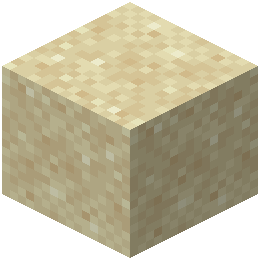 Sand
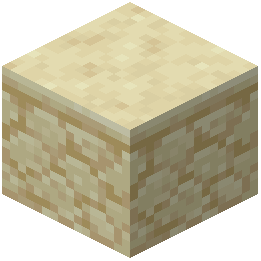 Sandstone
 String
W
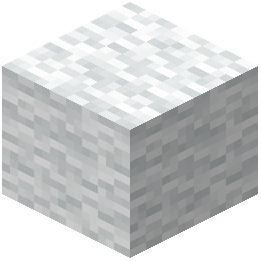 White Wool
Y
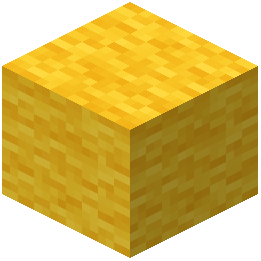 Yellow Wool
What this pack changes
Every texture group the pack replaces, counted from the pack itself.
| Area | Textures replaced |
|---|---|
| GUI & menus | 411 |
| Font | 224 |
| Items | 191 |
| Blocks | 156 |
| Mobs & entities | 56 |
| Particles | 55 |
| Models | 24 |
| Sky & weather | 15 |
| Misc | 2 |
Pack format 15–84 (Minecraft 1.20–1.21.9)1,135 texture files in total
Extra features
Custom entity models (OptiFine/CEM)
Custom font
Sound overrides
Custom block/item models
Reworked GUI
Custom particles
Frequently asked questions
Do I need to restart my world to see the new models?
No, the models appear immediately after you activate the resource pack in your Resource Packs menu. If you don't see changes right away, try closing and reopening your world.
Why do my doors still look flat?
Make sure you've activated Bare Bones X PvP Model in your Resource Packs menu and that it appears above any conflicting packs in the active list. The 3D door models only apply to acacia, birch, and bamboo doors.
Can I use this pack with other resource packs?
Yes, but place Bare Bones X PvP Model higher in your active packs list than any other packs to prevent conflicts. If models still don't appear correctly, check that other packs aren't overriding the custom meshes.
What Minecraft version do I need for this to work?
Your version must support animated textures, which is available in modern Java Edition releases. Check the mod's requirements page if you're unsure whether your version qualifies.
Do the new models affect my FPS or performance?
The custom meshes are designed to be lightweight, but performance depends on your hardware and render distance. If you experience lag, try lowering your graphics settings or render distance.
How do I see the powered state of an activator rail?
Place an activator rail, then power it with redstone (a redstone block, torch, or repeater nearby). The rail will visually change to show its powered state with a raised or distinct appearance.
Are the new sculk sensor models just visual or do they change function?
The new calibrated sculk sensor models are purely visual and don't change how the block works mechanically. They're redesigned with modern 3D components to match the pack's clean aesthetic.
Can I see the chain and amethyst cluster models in creative mode?
Yes, place chains by hanging them from blocks above, and place amethyst clusters on solid blocks to see their custom 3D shapes in any game mode.
What happens to trapdoors that aren't made of acacia, birch, or bamboo?
Only acacia, birch, and bamboo trapdoors receive the new 3D frame models. Other wood types keep their standard appearance.
Do I need to enable any special settings in my video options?
No special settings are required beyond activating the pack, but enabling animated textures in your video options ensures all animated details display correctly.
Gallery
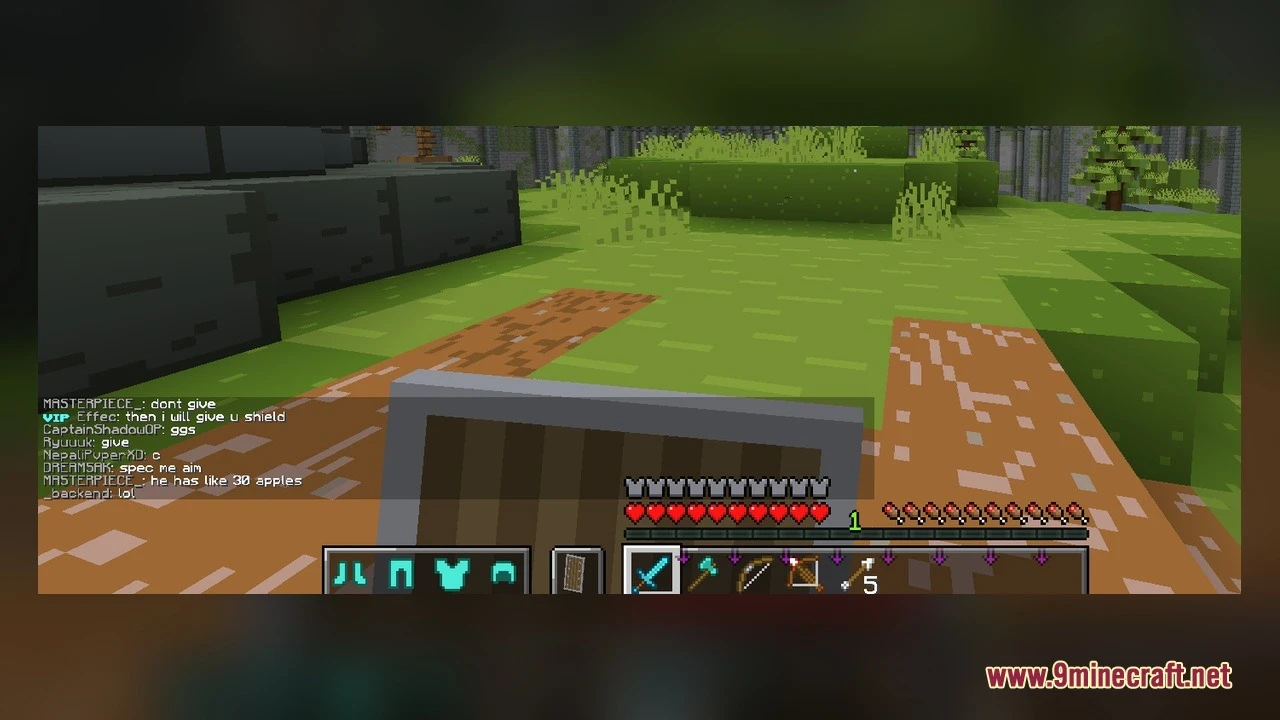
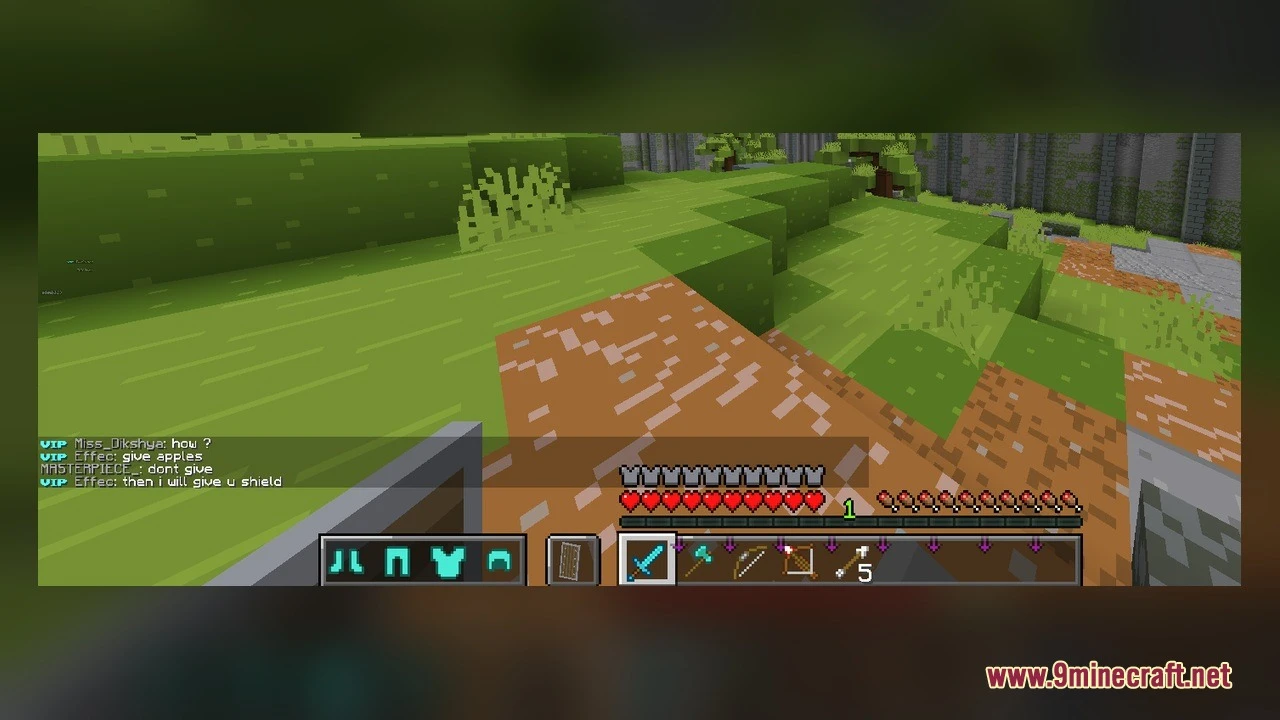
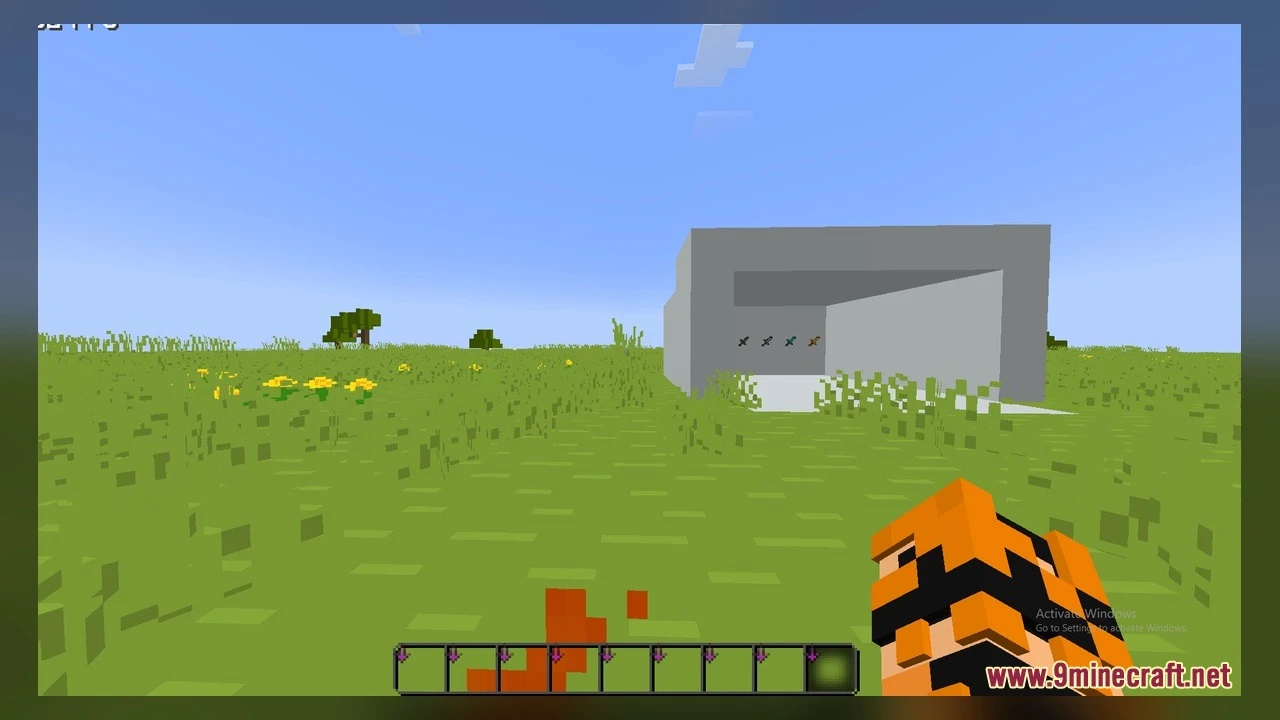
5 images from the Bare Bones X Pvp Model page.
You May Also Like
Wikis that share the most with this one
 Bare Bones 2D Block Items Resource Pack
Wikis on the same theme: weapon
More mod wikis on the site
The most downloaded mods that have a wiki here
A few wikis from each of the other kinds