

 DownloadBan Sleeping Mod
Get the files on 9Minecraft
Guides
Step-by-step, in-game.
Build a Mob-Proof Nighttime BaseDesign Your Structure Create a shelter with walls at least two blocks high to prevent most ground mobs from entering.…Establish a Sustainable Nighttime RoutinePlan Your Daily Schedule Daytime is for gathering resources, farming, and preparing defenses. Collect wood, mine…Manage Phantom Spawning and CombatUnderstand Phantom Behavior Phantoms spawn after you haven't slept for several in-game days. They only appear at…Survive Your First Night Without SleepingPrepare Before Sunset Gather resources during the day to fortify yourself for the night ahead. Collect wood, stone,…
Frequently asked questions
How do I turn off sleeping when I right-click a bed?
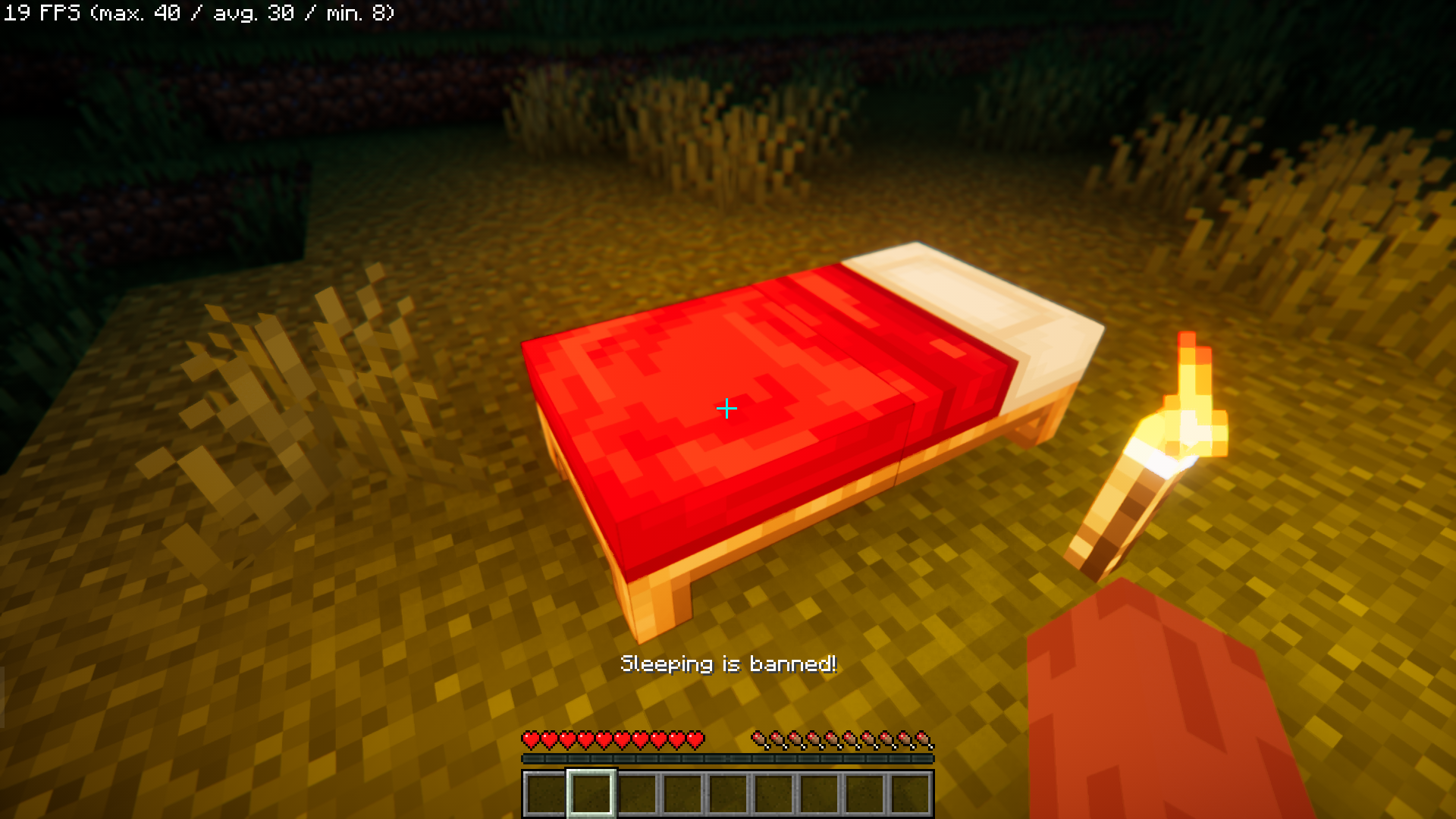
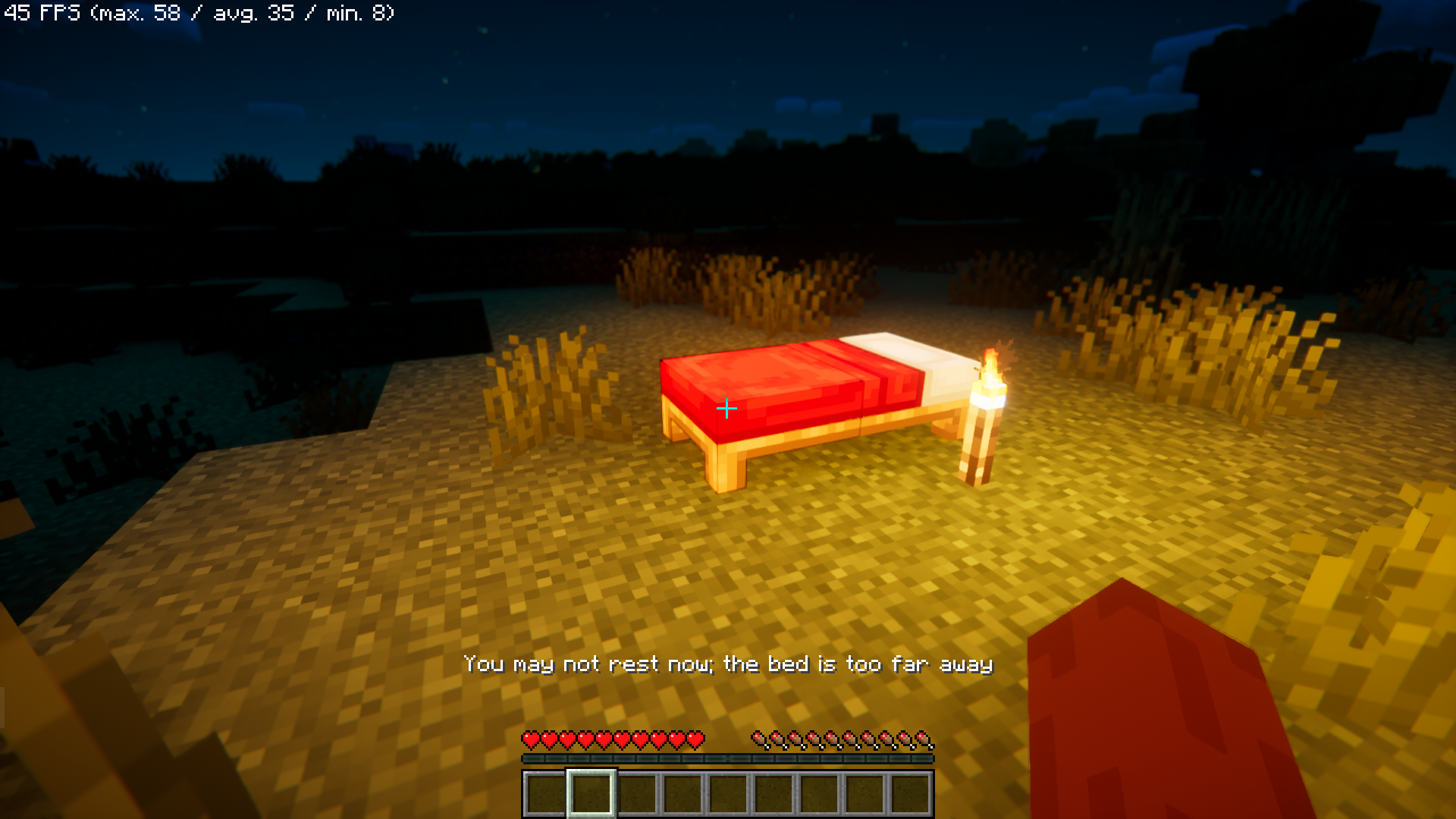
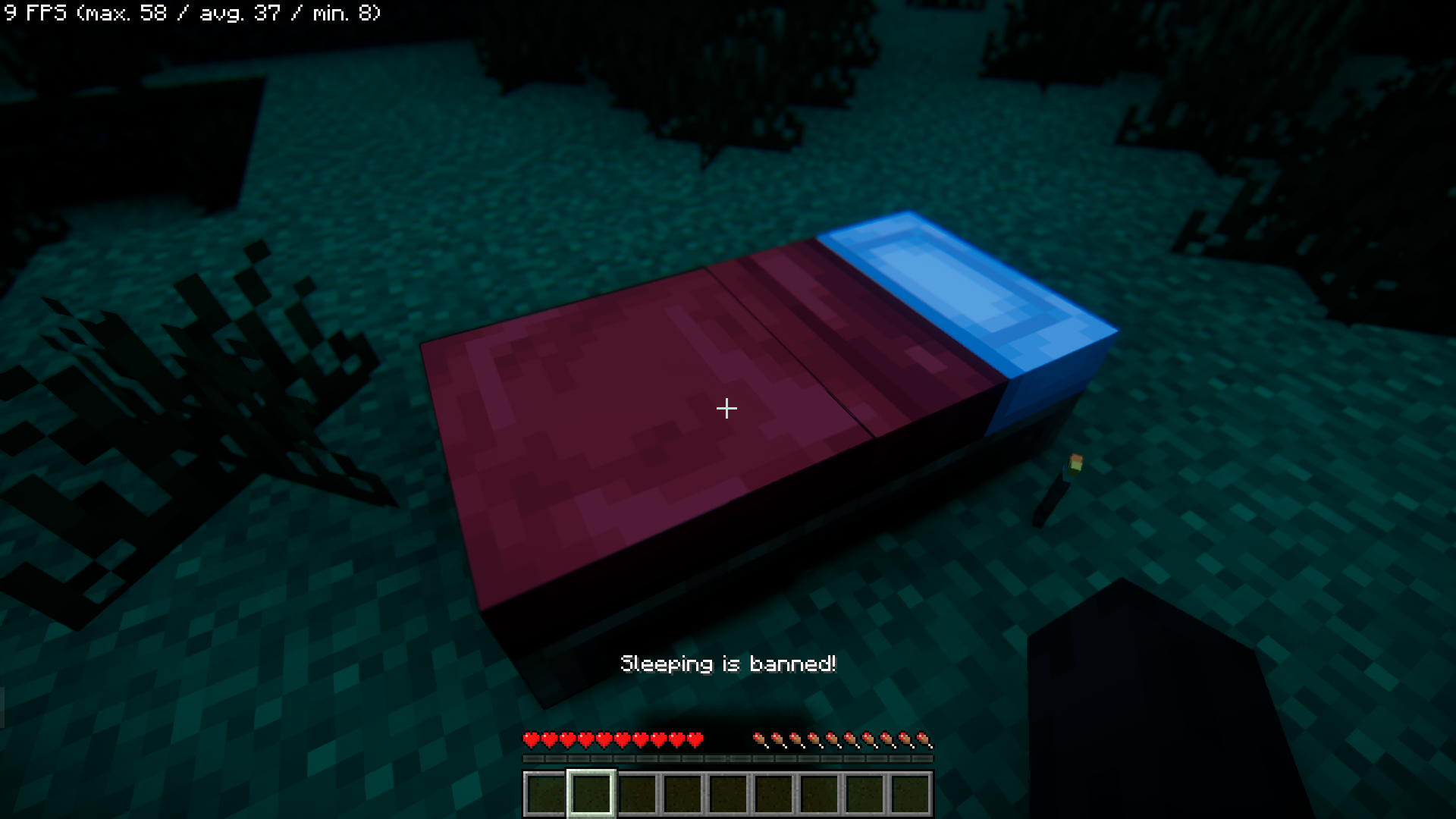
Sleeping is disabled by default when the mod is installed—right-clicking any bed at night will display "Sleeping is banned!" and nothing will happen. If you want to re-enable sleeping, you'll need to remove the mod or check your mod configuration files for toggle options.
Do phantoms spawn faster now that I can't sleep?
Yes, phantoms spawn based on how many in-game days you've gone without sleeping. Since you cannot sleep with this mod, phantoms will eventually spawn and become increasingly common the longer you stay awake.
What's the best way to survive the first night?
Build a small enclosed shelter before nightfall using blocks like wood or stone, stay inside during the night, and gather basic weapons and tools during the day. Avoid going outside until you have armor and a sword to defend yourself against mobs.
Can I still use beds for anything else?
No, beds are completely non-functional with this mod—you cannot sleep in them, set your spawn point, or use them for any purpose. They remain as decorative blocks only.
See all 10 Ban Sleeping questions ›
Gallery
7 images from the Ban Sleeping Mod page.
You May Also Like
Wikis that share the most with this one
More mod wikis on the site
The most downloaded mods that have a wiki here
A few wikis from each of the other kinds