DownloadAssorted Tech
Get the files on 9Minecraft
Guides
Step-by-step, in-game.
Build a Directional Mob Pusher or Puller with FansUnderstanding Fan Modes Fans can either push mobs away from the block or pull them toward it. This makes them…Create a Player-Only Security Gate with Iron SensorsDetecting Only Players Iron sensors are designed specifically to detect players and ignore all other entities. This…Protect Your Base with Wall-Mounted Spikes and AlarmsInstalling Defensive Spikes Wall-mounted spikes deal damage to any mob or player in their area when activated by…Set Up an Automated Mob Farm with Entity SensorsChoosing the Right Sensor Entity sensors are the foundation of any automated mob detection system. Select your sensor…
Recipes
Every recipe the mod adds, grouped by how it is made.
Items
 Gravity Boots
Blocks
A
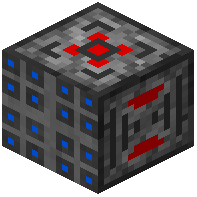 Accel Bridge Control
 Alarm Box
 Aluminum Spikes
 Amethyst Spikes
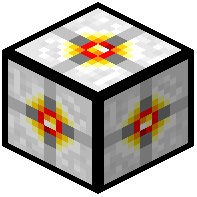 Attractor
B
 Bridge Piece
 Bronze Spikes
C
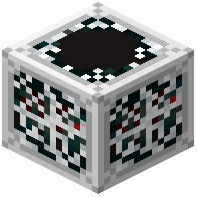 Cobweb Sensor
 Copper Spikes
D
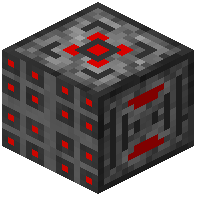 Death Bridge Control
 Diamond Spikes
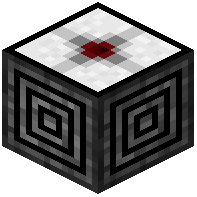 Directional Attractor
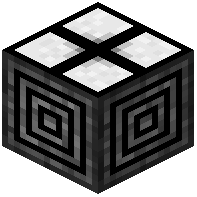 Directional Gravitor
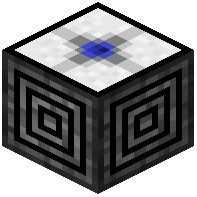 Directional Repulsor
E
 Electrum Spikes
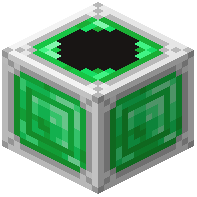 Emerald Sensor
 Emerald Spikes
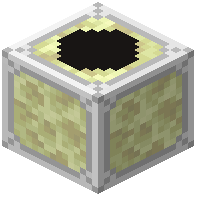 End Stone Sensor
F
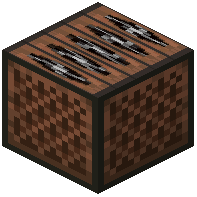 Fan
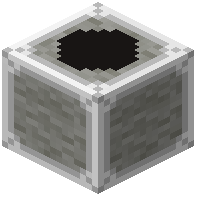 Feather Sensor
 Flip Flop Torch
G
 Glowstone Torch
 Gold Sensor
 Gold Spikes
 Gravitor
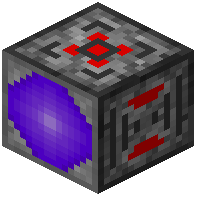 Gravity Lift Control
H
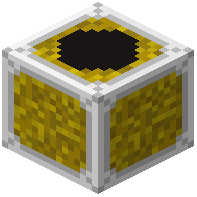 Hay Bale Sensor
I
 Invar Spikes
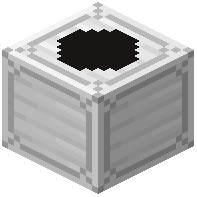 Iron Sensor
 Iron Spikes
L
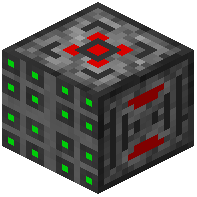 Laser Bridge Control
 Lead Spikes
M
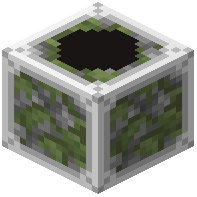 Mossy Cobblestone Sensor
N
 Netherite Spikes
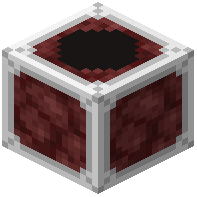 Netherrack Sensor
 Nickel Spikes
P
 Peridot Spikes
 Platinum Spikes
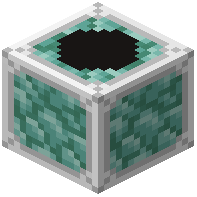 Prismarine Sensor
R
 Repulsor
 Ruby Spikes
S
 Sapphire Spikes
 Silver Spikes
 Steel Spikes
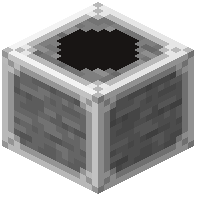 Stone Sensor
 Stone Spikes
T
 Tin Spikes
 Topaz Spikes
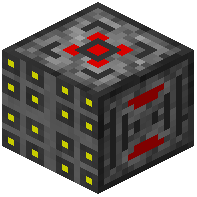 Trick Bridge Control
W
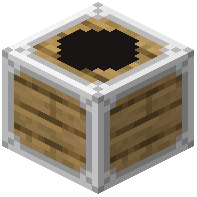 Wood Sensor
 Wood Spikes
Frequently asked questions
How do I start using entity sensors?
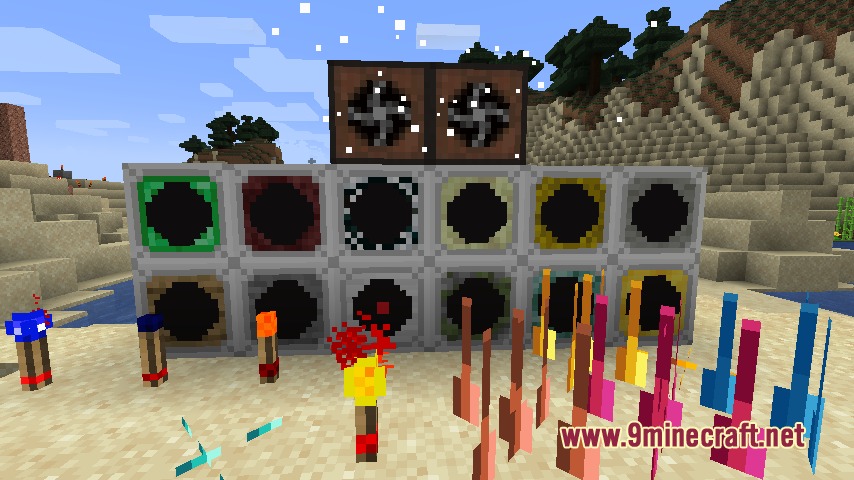
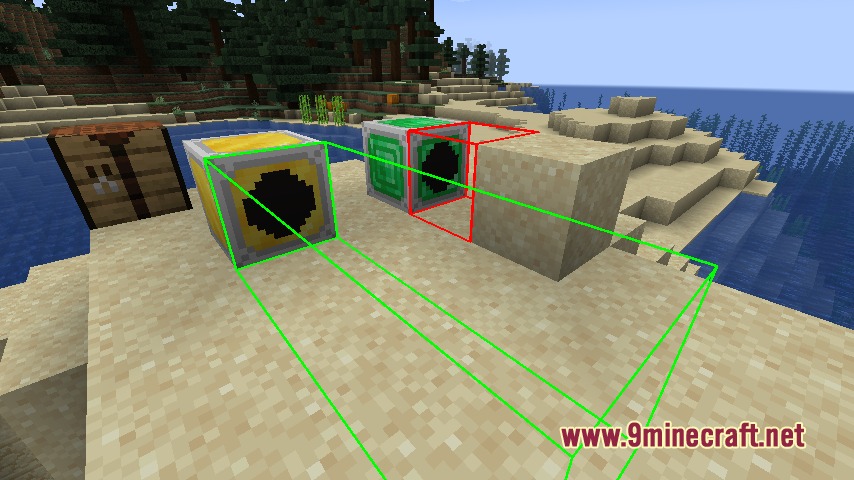
Place a sensor block facing the direction you want it to scan, then right-click it with an empty hand to adjust the scan distance. Use a redstone torch on the sensor to see a green outline showing its detection range, which helps you position it correctly.
What's the difference between wood and stone sensors?
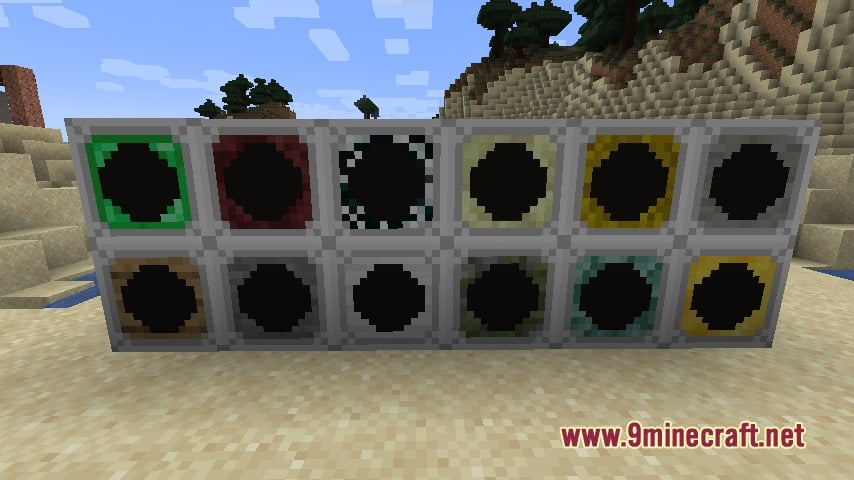
Wood sensors detect any entity (mobs, players, items, animals), while stone sensors only detect living creatures and exclude dropped items. Choose based on whether you need to react to everything or just living things.
Can I use iron sensors to detect only players and not villagers?
No, iron sensors detect both players and villagers together—there's no way to filter out one or the other with that sensor type alone. You'd need to use additional logic or placement strategy to distinguish between them.
How do fans work and what's the difference between push and pull?
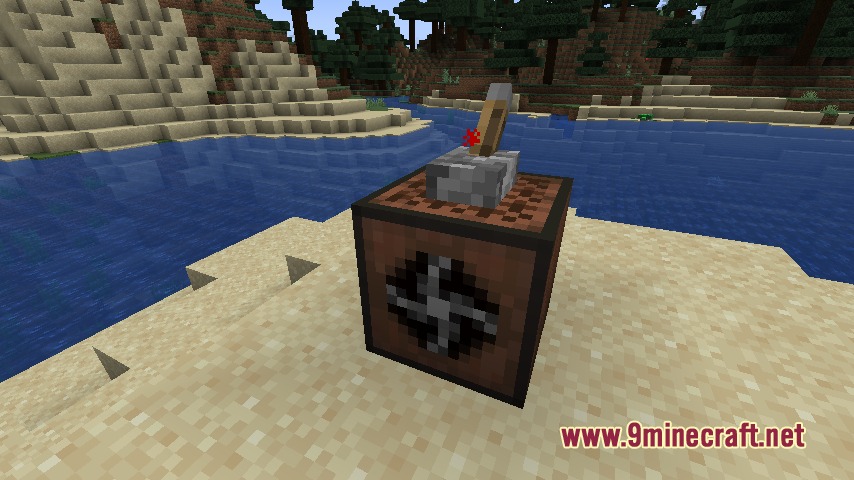
Right-click a fan to open its menu and select push (moves entities away from the fan) or pull (draws entities toward it). Fans shut down when powered by redstone, so wire them to turn off when you don't want them active.
Do laser bridges work in water or lava?
Laser bridges create solid walkable paths, but check your specific mod version's documentation or test in-game, as behavior in liquids may vary depending on the bridge variant you're using.
What do gravity controllers do and how do I use them?
Gravity controllers change how entities fall and move vertically in their area—they can slow falling speed or push entities in specific directions. Place them near where you want gravity effects to occur and power them with redstone to activate.
Can spikes damage players or only mobs?
Wall-mounted spikes deal direct damage to any mob or player standing in their area when powered, so they work as a defense against both. Make sure they're powered by redstone and positioned where intruders will pass.
How many different sounds do alarm boxes have?
Alarm boxes have fourteen selectable sound effects to choose from. Right-click the alarm box to cycle through the options and pick the sound you want to trigger when it receives redstone power.
Do I need special boots to use gravity controllers?
Gravity boots protect players from being pushed around by gravity controllers, so if you're building a gravity-based system and don't want to be affected, wear the boots. Other players without them will be affected by the gravity blocks.
Can I use flip flop torches with other redstone components?
Yes, flip flop torches toggle their output each time they receive a redstone pulse, making them useful for creating on/off cycles in logic circuits. Connect them to other redstone components like you would normal redstone torches.
You May Also Like
Wikis that share the most with this one
Wikis on the same theme: tech
More mod wikis on the site
The most downloaded mods that have a wiki here
A few wikis from each of the other kinds
Gallery
5 images from the Assorted Tech Mod page.