

 DownloadXaero’s Minimap Mod
Get the files on 9Minecraft
Guides
Step-by-step, in-game.
How to Create, Name, and Manage Waypoints in Xaero's MinimapCreating a Waypoint Press B while standing where you want the marker. A waypoint is dropped at your current…How to Customize the Minimap Size, Position, and HUDOpening the Settings Xaero's Minimap is highly configurable. Open the mod's settings screen (typically from the…How to Read the Minimap Underground and in CavesWhy the Minimap Changes Underground Xaero's Minimap detects when you are below the surface and switches to a…How to Use the Minimap to Navigate Back to Your Base or Death LocationNavigating With Waypoints Once you've placed a waypoint at your base (press B while there), it shows on the minimap…
Frequently asked questions
How do I open the waypoint list?
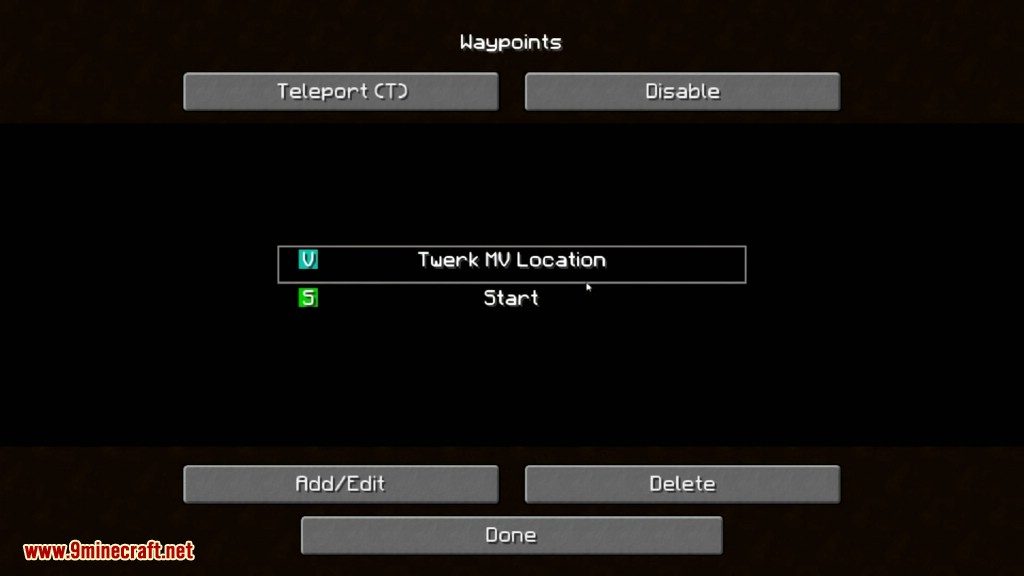
Press U to open your full waypoint list, where you can view, edit, hide, or delete any waypoint regardless of whether it's shown on screen. Press B to create a new waypoint at your current position.
How do I create a waypoint at my current location?
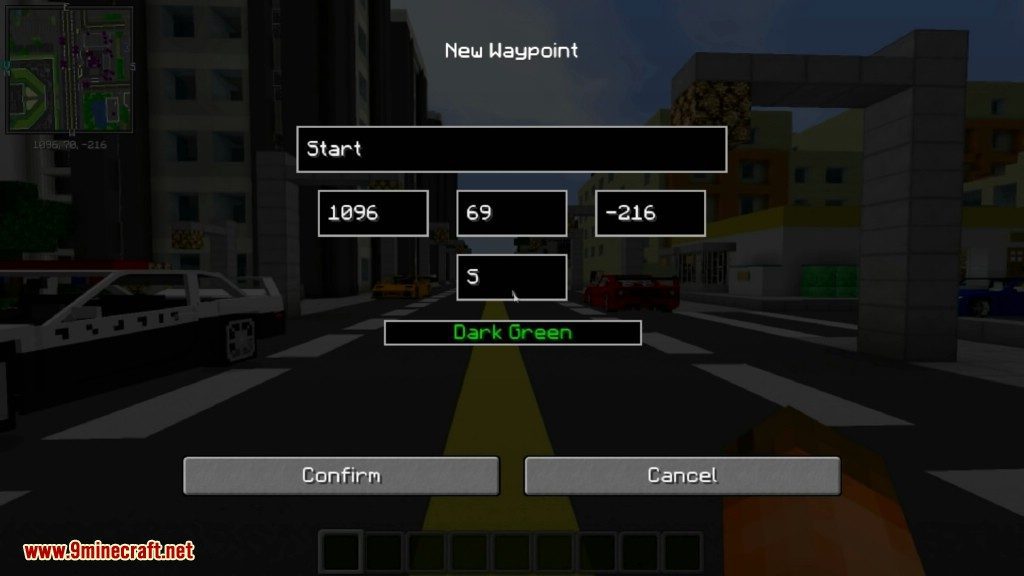
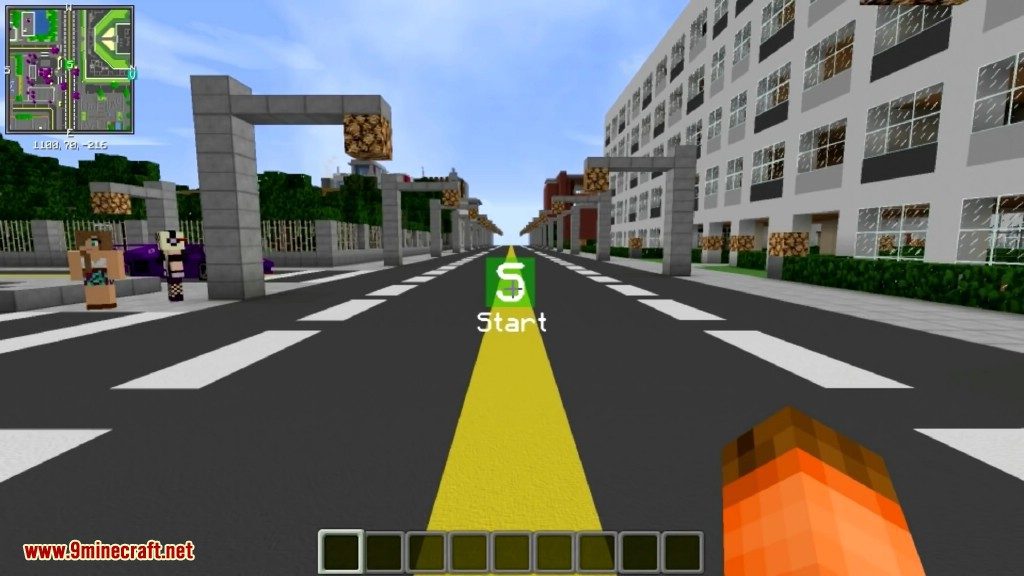
Press B while standing where you want the waypoint, then name it and pick a color and icon in the menu that appears. You can also open the waypoint list with U and add one manually.
How do I teleport to a waypoint?
Open the waypoint list with U, select the waypoint, and use the teleport option if cheats or the appropriate permissions are enabled on your world or server. On servers without teleport permission, the option won't work.
Why did a deathpoint appear on my map?
Xaero's Minimap automatically creates a deathpoint where you die so you can find your items again. You can rename, recolor, or delete it from the waypoint list like any other waypoint.
See all 18 Xaero’s Minimap questions ›
Dependencies
Other mods needed to run this one.
Openpartiesandclaims (optional)Xaeroworldmap (optional)Xaerolib (required)
Gallery
11 images from the Xaeros Minimap page.
You May Also Like
Wikis that share the most with this one
More mod wikis on the site
The most downloaded mods that have a wiki here
A few wikis from each of the other kinds