

 Xaero’s Minimap
 DownloadXaero’s World Map Mod
Get the files on 9Minecraft
Guides
Step-by-step, in-game.
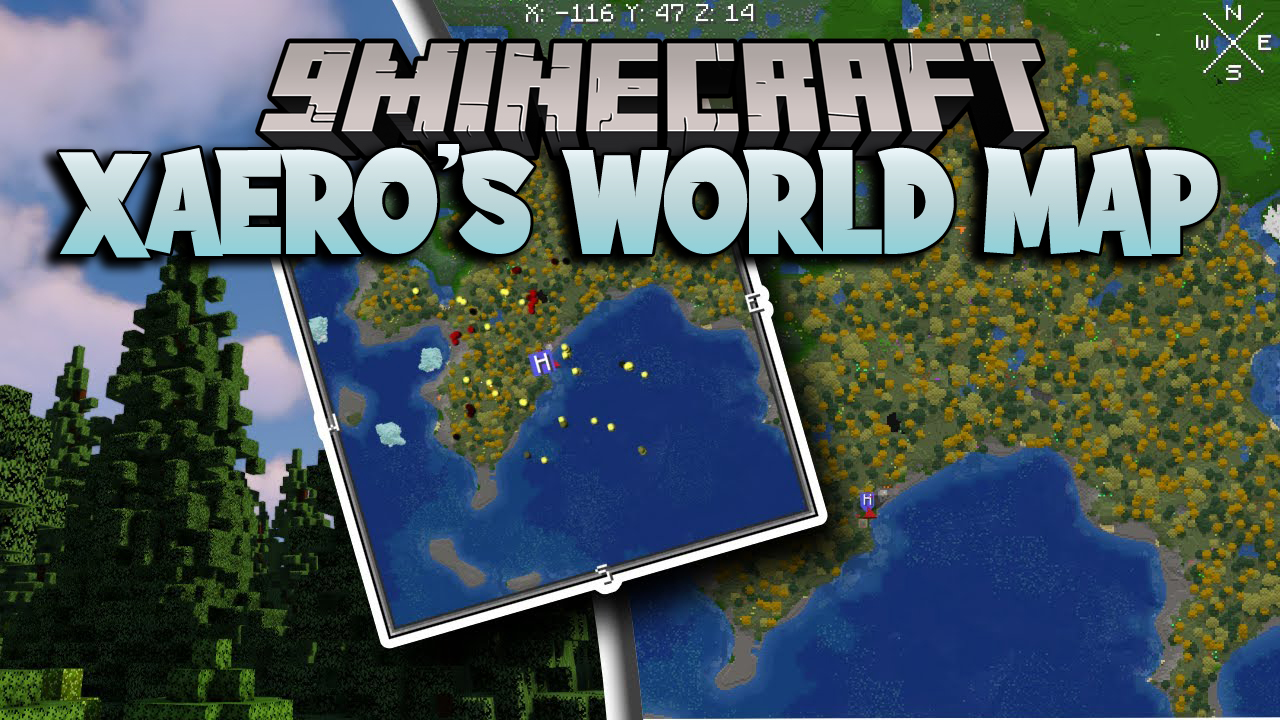
How to Open, Pan and Zoom Xaero's World MapOpening the map Press the map key (default M ) to open the fullscreen world map. Press it again, or press Escape , to…Making Waypoints and Navigating With ThemCreating a waypoint Waypoints are the main reason to run the world map alongside the minimap. To make one: 1. Open…Switching Between Cave Mode, Nether and Vanilla Map StylesCave and dimension modes The world map understands that the Nether and cave dimensions are layered, not flat. When…Using the World Map on Servers, Realms and MultiWorld SetupsWhat works where The world map works in singleplayer, multiplayer and on Realms. Each server and each world keeps a…
Frequently asked questions
How do I get the world map to start filling in?
Just walk around. The map writes itself as you explore, revealing chunks you've visited in each world, dimension, or server separately. There's no button to press to begin mapping.
Why is my world map blank in a new area?
The map only records terrain you've actually been near, so unexplored regions stay blank until you travel through them. Move into the area and the chunks will fill in automatically.
Does Xaero's World Map work without Xaero's Minimap?
Yes, it runs as a standalone mod. It's designed to pair well with Xaero's Minimap, but the fullscreen map functions on its own.
How do I move around and zoom the map?
Open the map with M, drag with your mouse to pan, and use the mouse wheel to zoom in and out like a web map. The interface is interactive, so you can also click on it.
See all 18 Xaero’s World Map questions ›
Dependencies
Other mods needed to run this one.
Openpartiesandclaims (optional)Xaerominimap (optional)Xaerobetterpvp (optional)Xaerolib (required)
Gallery
5 images from the World Map Mod page.


You May Also Like
Wikis that share the most with this one
Wikis on the same theme: world
More map wikis on the site
The most downloaded mods that have a wiki here
A few wikis from each of the other kinds