

 DownloadX-PlayerInfo Mod
Get the files on 9Minecraft
Guides
Step-by-step, in-game.
Customize Which Stats DisplayAccessing the Config File Locate your mod configuration file at config/X-PlayerInfo.json . Open it with any text…Enable Mock Testing for Precise Damage DataUnderstanding Mock Testing The mockTest option in your config file simulates attacks on your player to gather…Monitor Armor Durability While PlayingChecking Durability in Real-Time Press TAB to open your stats display. The screen shows the remaining durability of…View Your Current Player StatsOpening the Stats Screen Press the TAB key while in-game to open the full-screen player information display. This…
Frequently asked questions
How do I open the player stats screen?
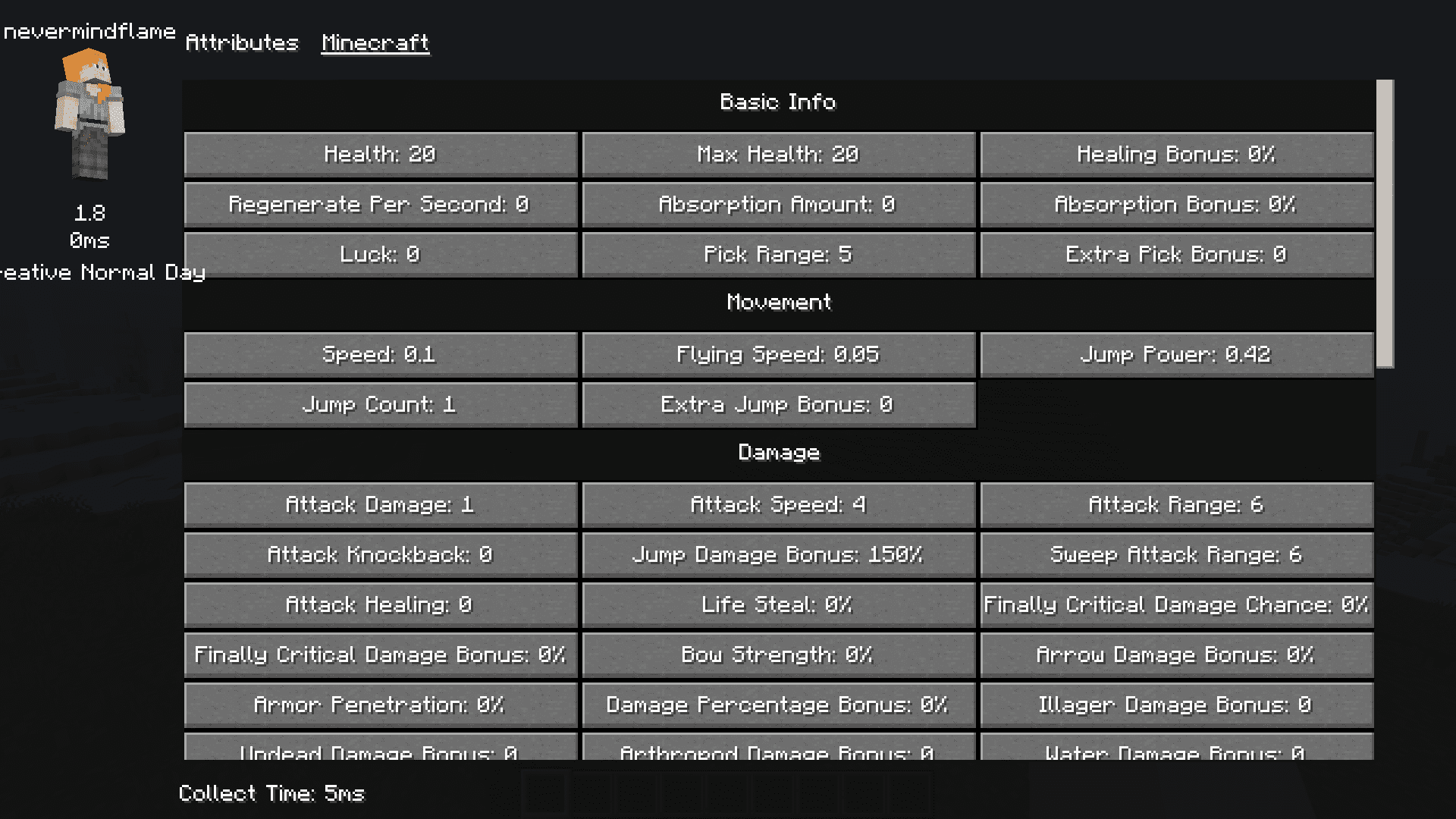
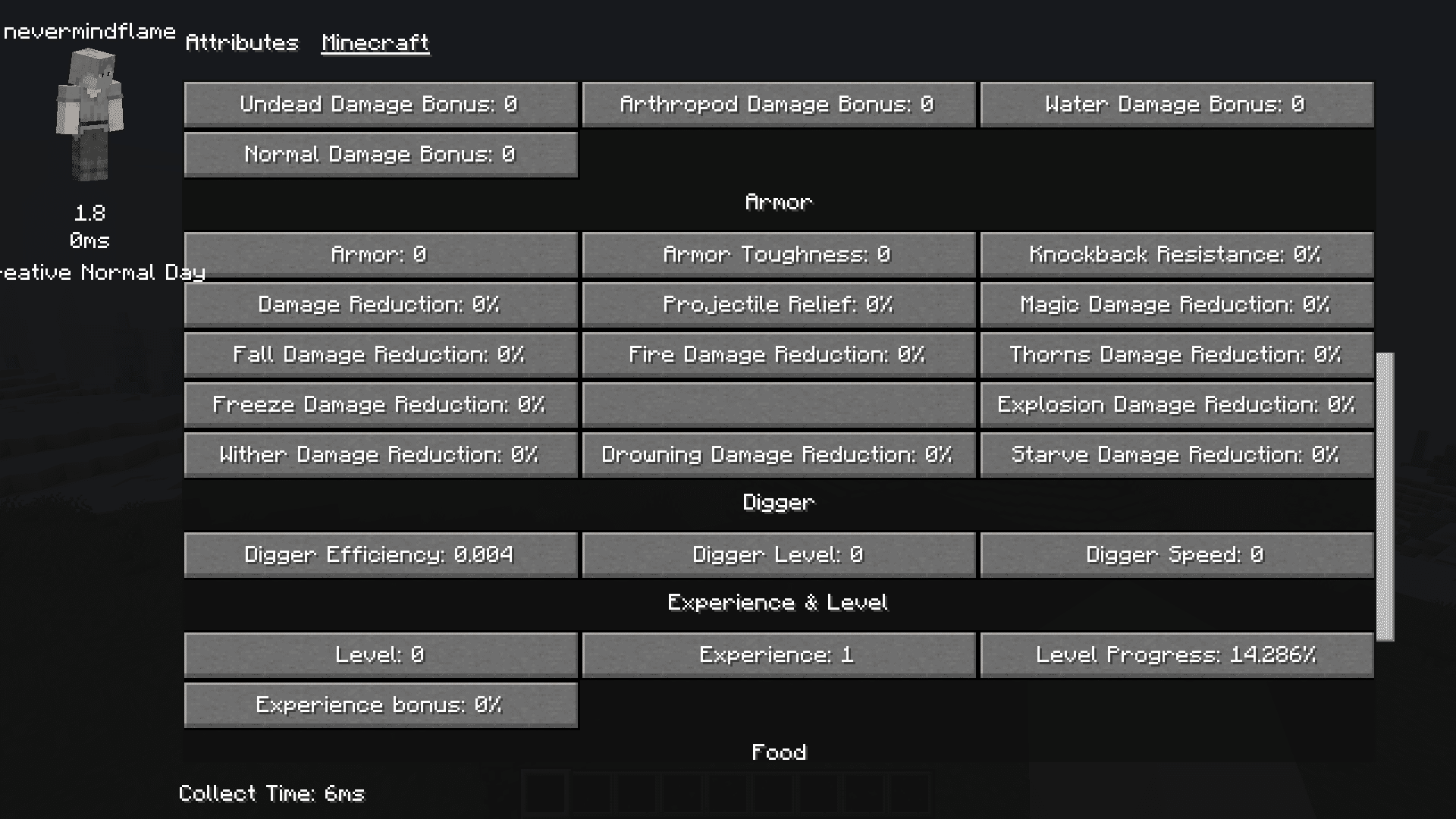
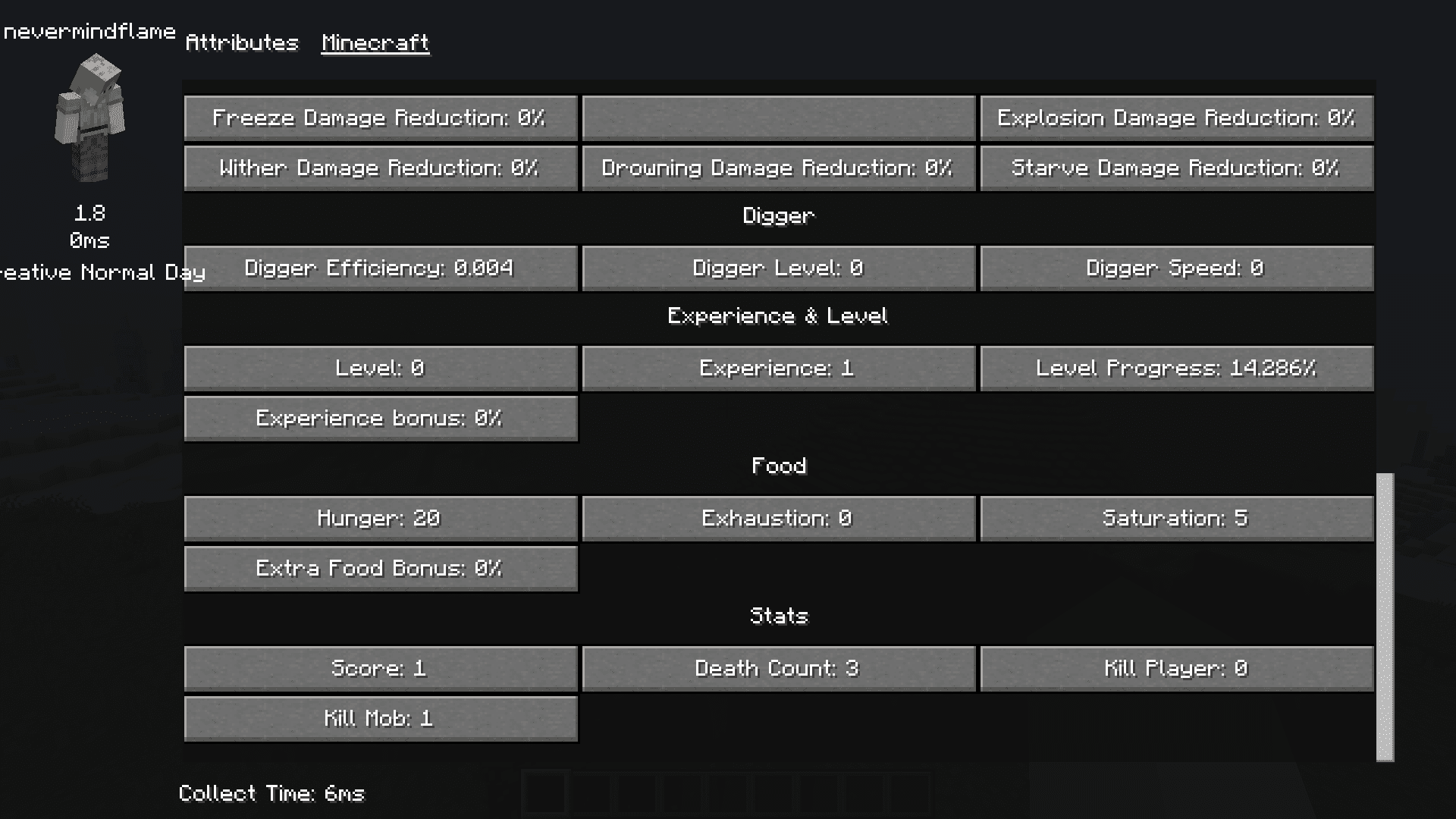
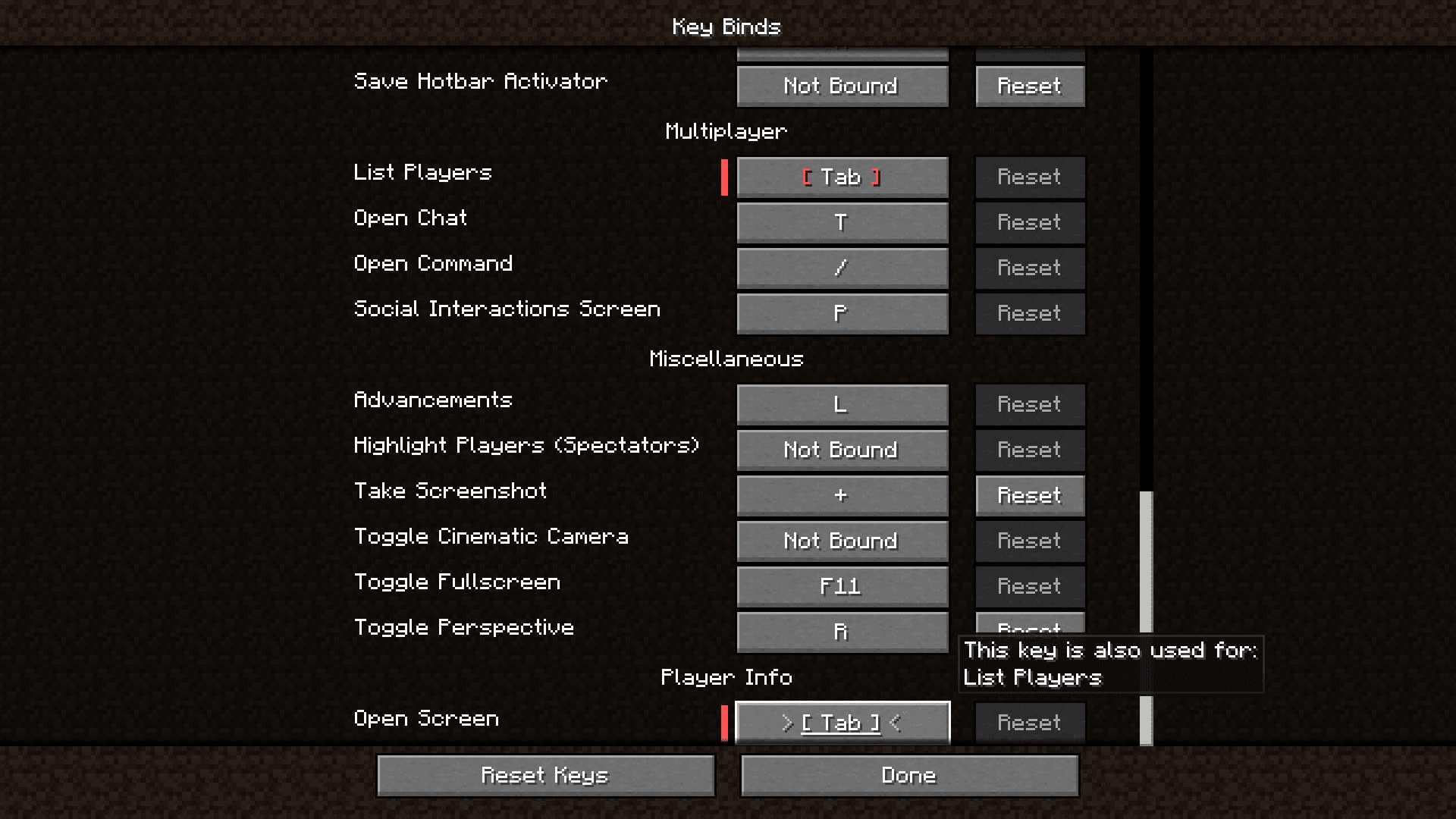
Press the TAB key while in-game to open the full-screen player information display. This will show all your current stats including damage, armor, XP, and movement data.
Can I customize what stats appear on the display?
Yes, you can customize which stats display by editing the configuration file located at 'config/X-PlayerInfo.json'. Modify the settings to show only the information you want to see.
What does the mockTest option do?
When enabled in the config file, mockTest simulates attacks on your player to provide more precise damage and armor data. However, it can conflict with other mods that use interruptible actions like waystones, so enable it only if you need the extra accuracy.
Why is my damage stat showing as zero or incorrect?
If mockTest is disabled, the mod estimates damage based on your held item and enchantments, which may not reflect actual damage in all situations. Enable mockTest in the config for more accurate readings, but be aware this may cause issues with certain other mods.
See all 10 X-PlayerInfo questions ›
Gallery
6 images from the X Playerinfo Mod page.
You May Also Like
Wikis that share the most with this one
More mod wikis on the site
The most downloaded mods that have a wiki here
A few wikis from each of the other kinds