

 DownloadWorld Start Commands and Global Gamerules Mod
Get the files on 9Minecraft
Guides
Step-by-step, in-game.
Frequently asked questions
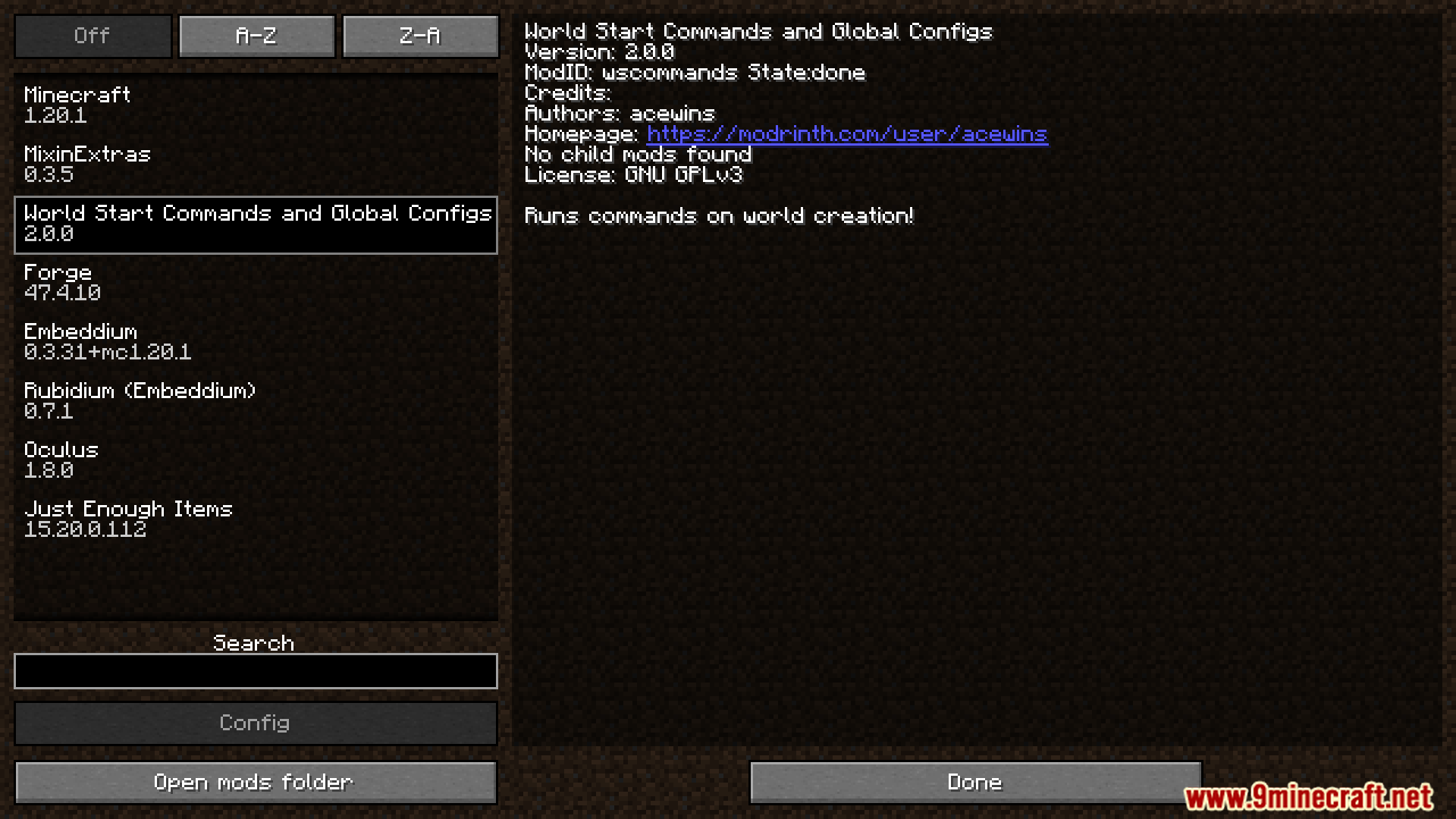
What does the World Start Commands and Global Gamerules Mod do?
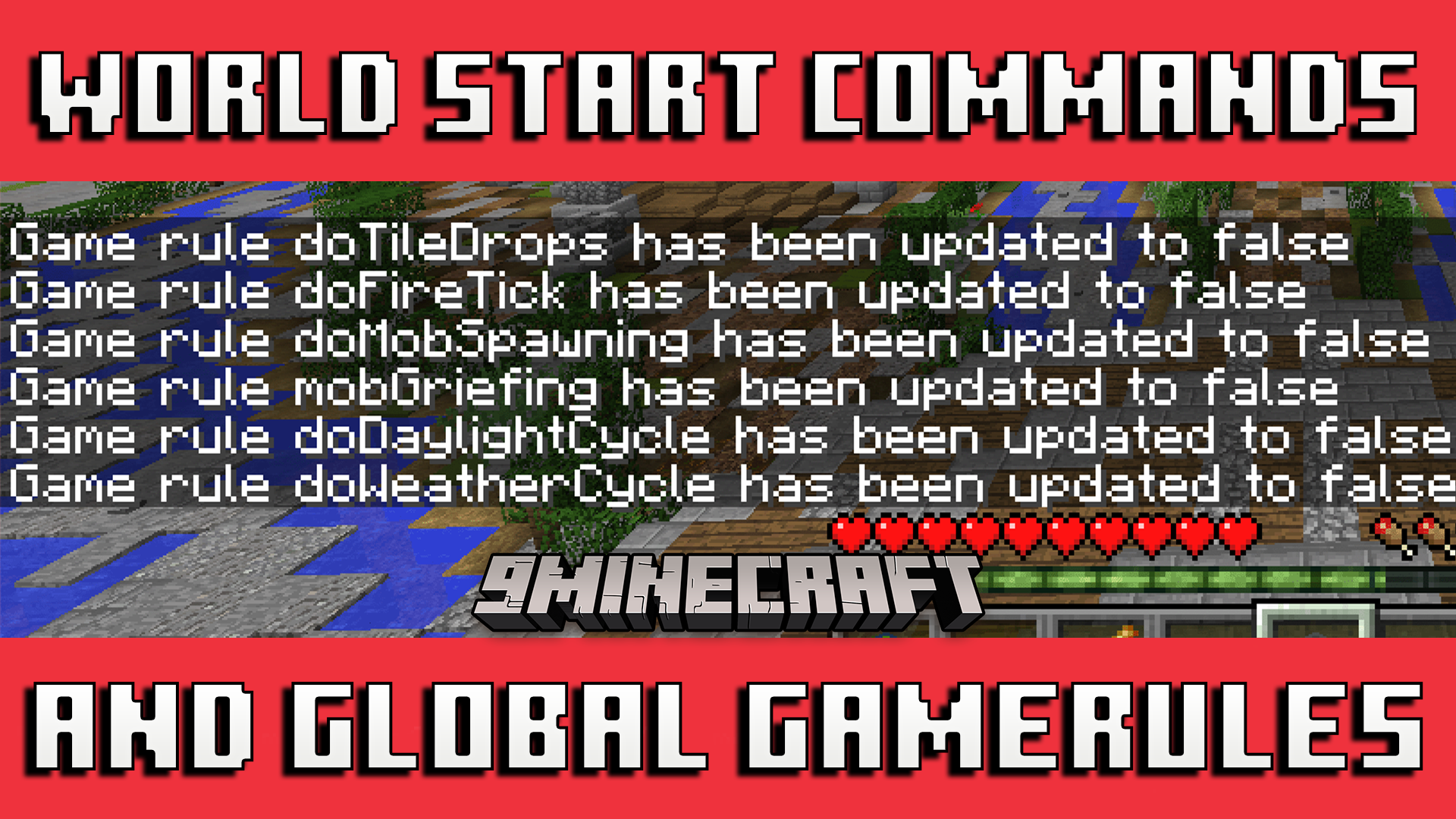
It runs commands automatically when you create a new world and lets you set global gamerules that apply to every world you play. You can use it to run any normal Minecraft command right at the start of your game.
Where do I put the commands I want to run at world start?
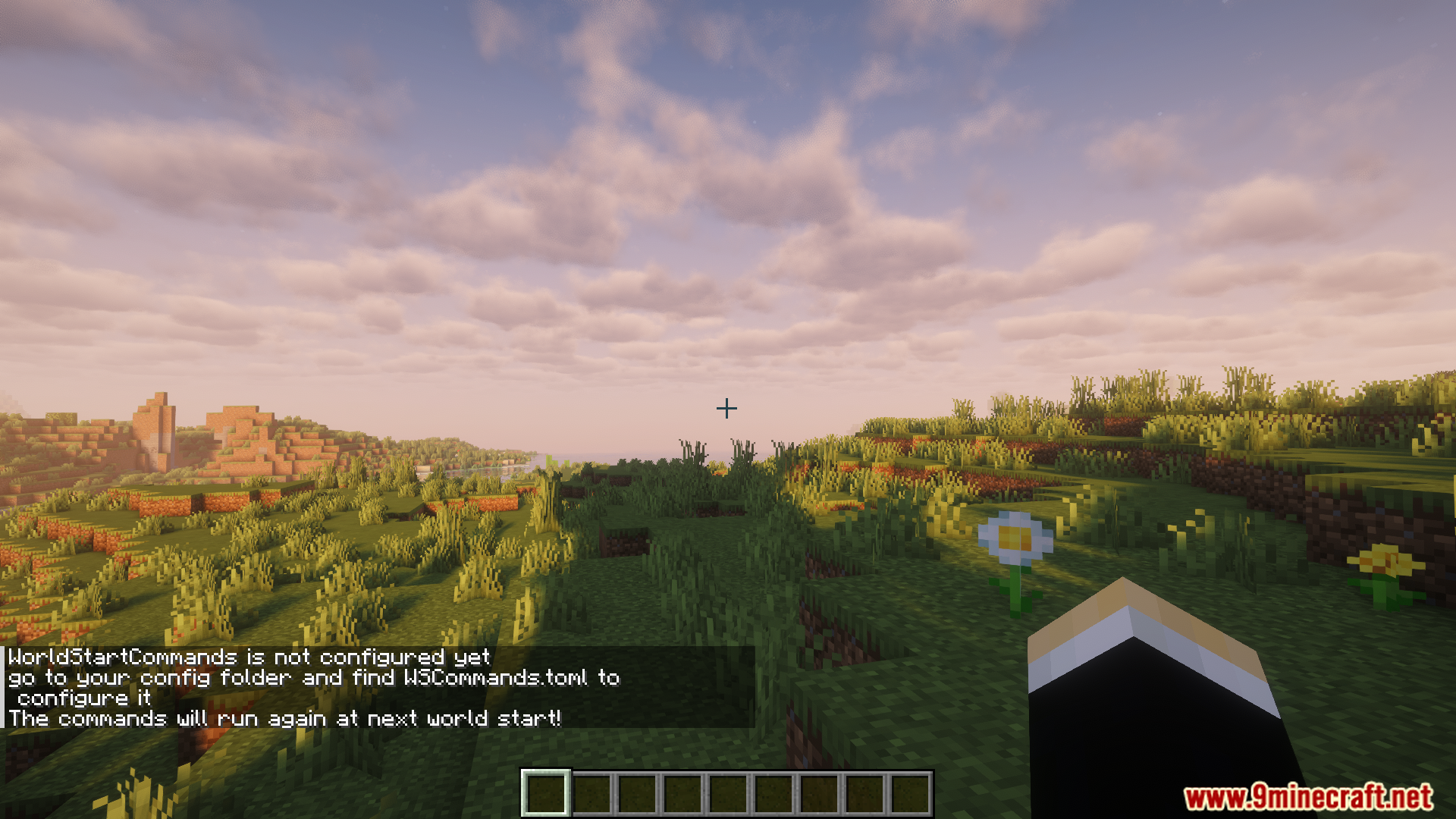
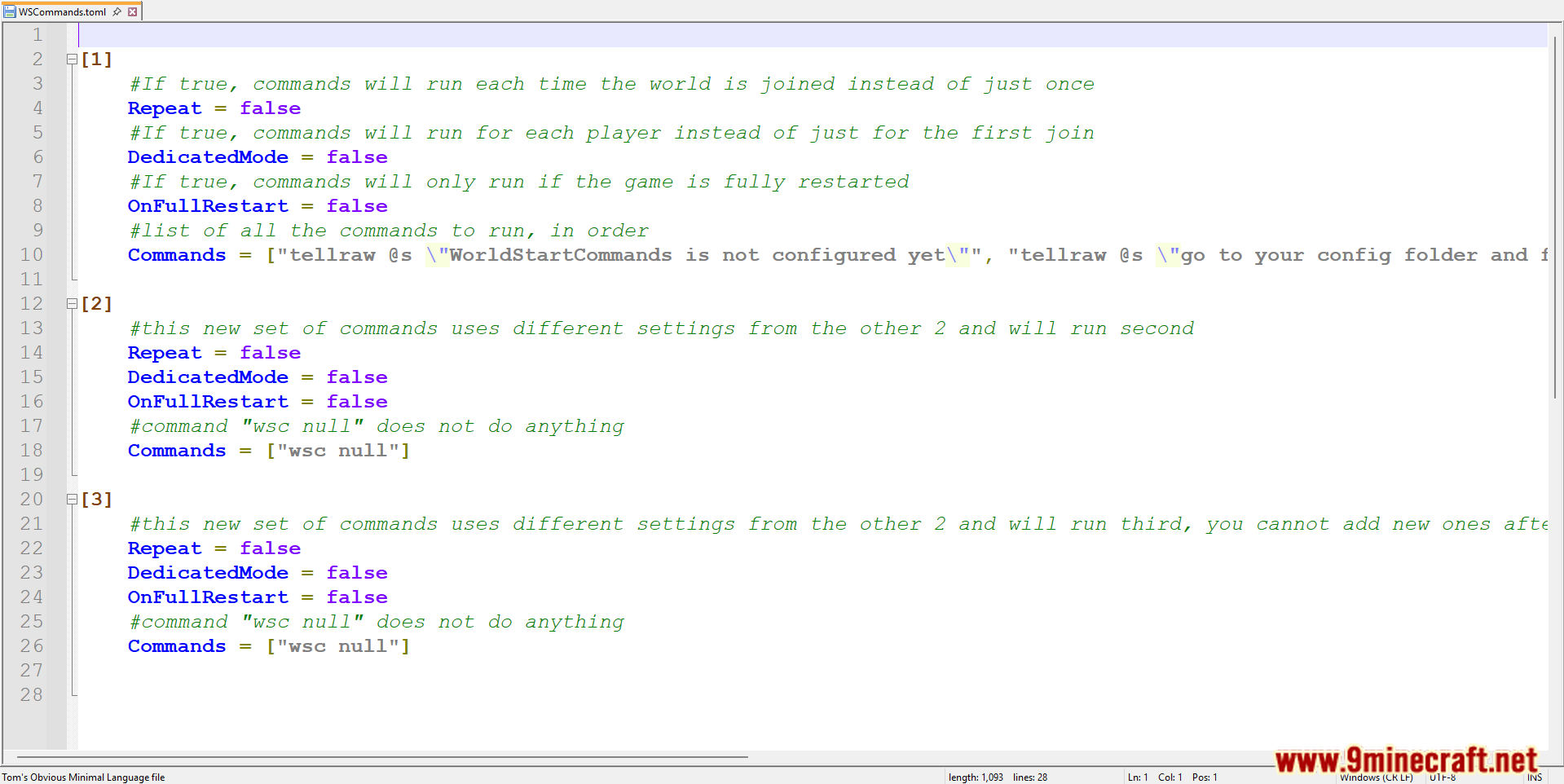
You put them in a config file called WSCommands.toml in your config folder. The mod creates this file for you.
How do I set a gamerule like keeping inventory on every new world?
Add the gamerule command to WSCommands.toml, typing it exactly right, such as gamerule keepInventory. Because it's a global gamerule, it will work on every new world you make.
Do I need to change anything when copying commands into the config file?
Yes, you must change some special symbols when copying commands in, like turning \ into \\. This keeps the file readable by the mod.
See all 6 World Start Commands and Global Gamerules questions ›
Gallery
5 images from the World Start Commands And Global Gamerules Mod page.
You May Also Like
Wikis that share the most with this one
Wikis on the same theme: world
More mod wikis on the site
The most downloaded mods that have a wiki here
A few wikis from each of the other kinds