

 DownloadWAIG Mod
Get the files on 9Minecraft
Guides
Step-by-step, in-game.
Adjust Compass HUD Position to Avoid Screen OverlapUnderstanding HUD Positioning The WAIG compass HUD is designed to automatically avoid blocking important UI elements…Configure the Compass to Only Show When Holding a CompassSet Conditional Display The WAIG mod allows you to limit compass HUD visibility to when you're actively holding or…Enable and Disable the Compass HUDToggle the HUD On and Off The compass HUD can be quickly toggled using your keyboard. By default, the mod uses the F6…Use the Compass HUD to NavigateReading the Compass Display The WAIG compass HUD shows your current facing direction in an RPG-style format. Use it…
Frequently asked questions
How do I turn on the compass HUD?
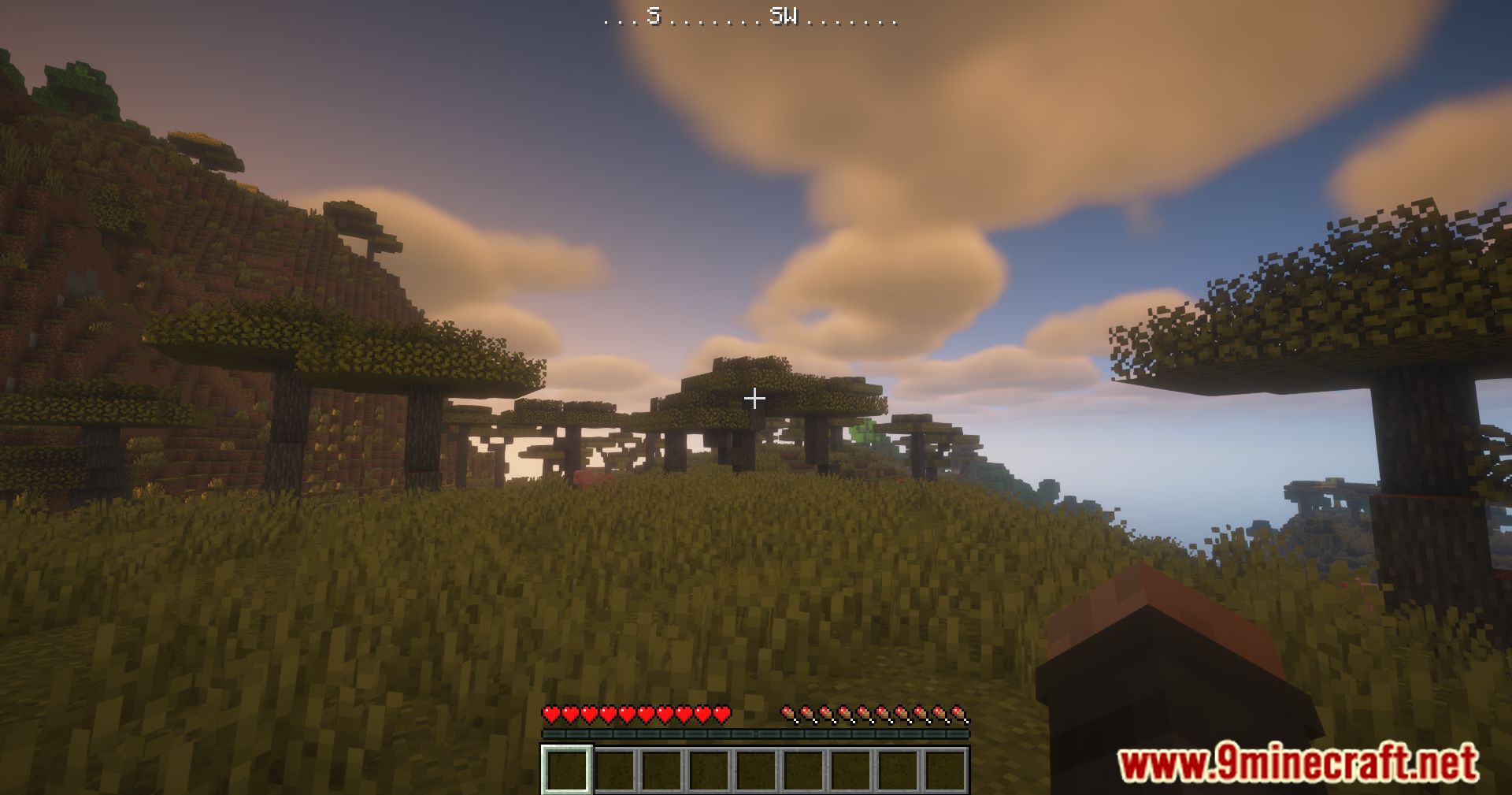
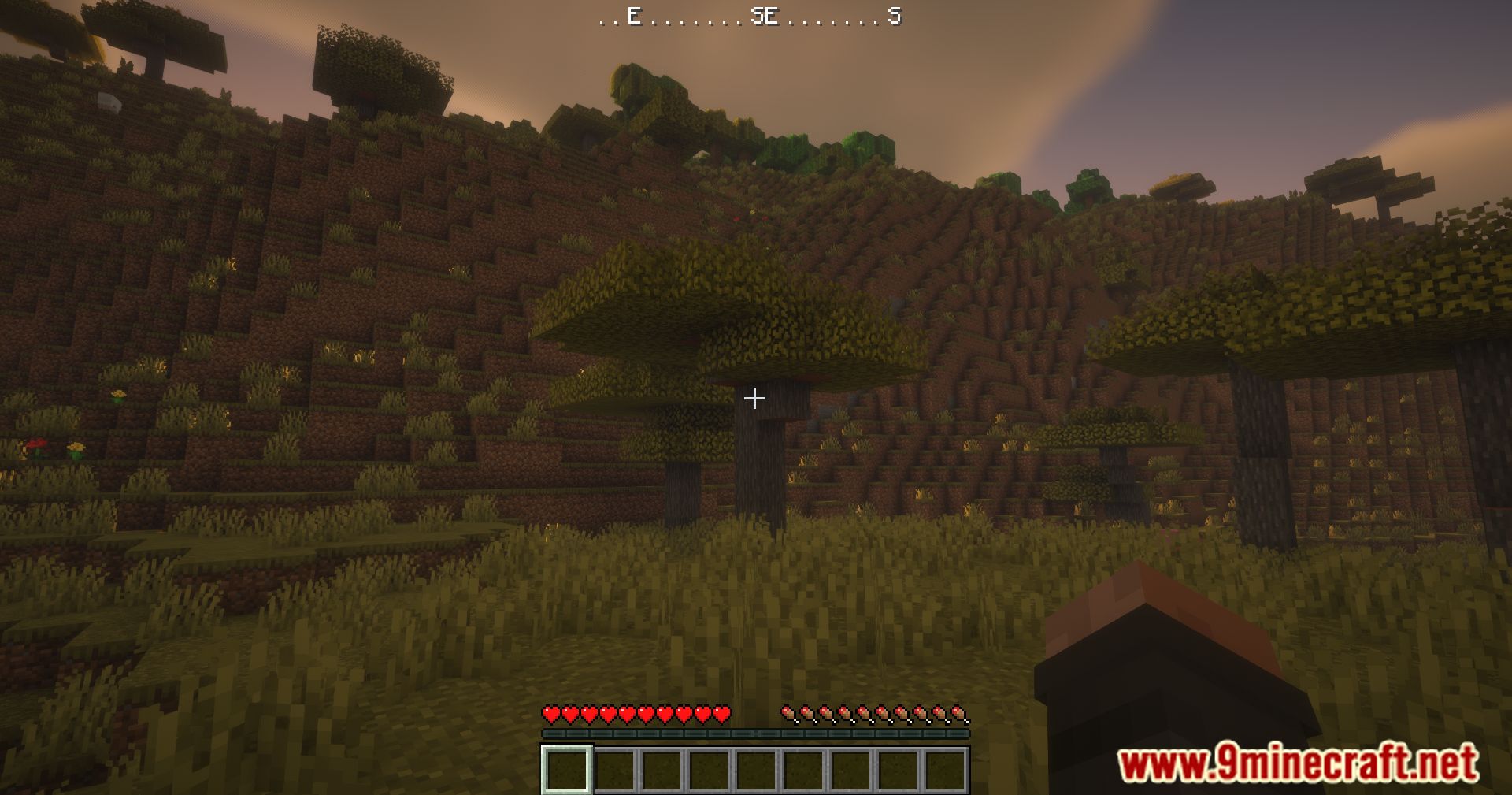
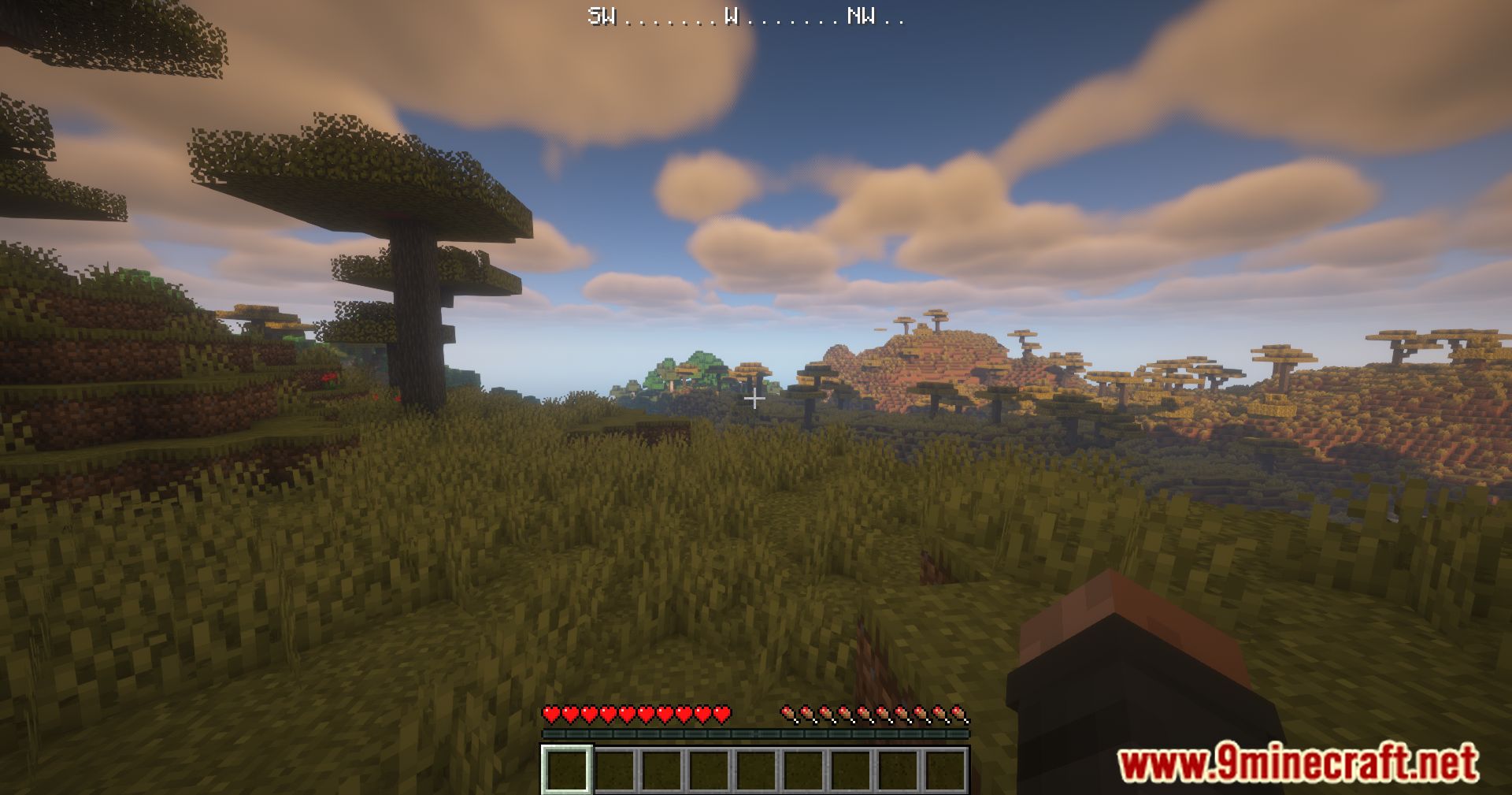
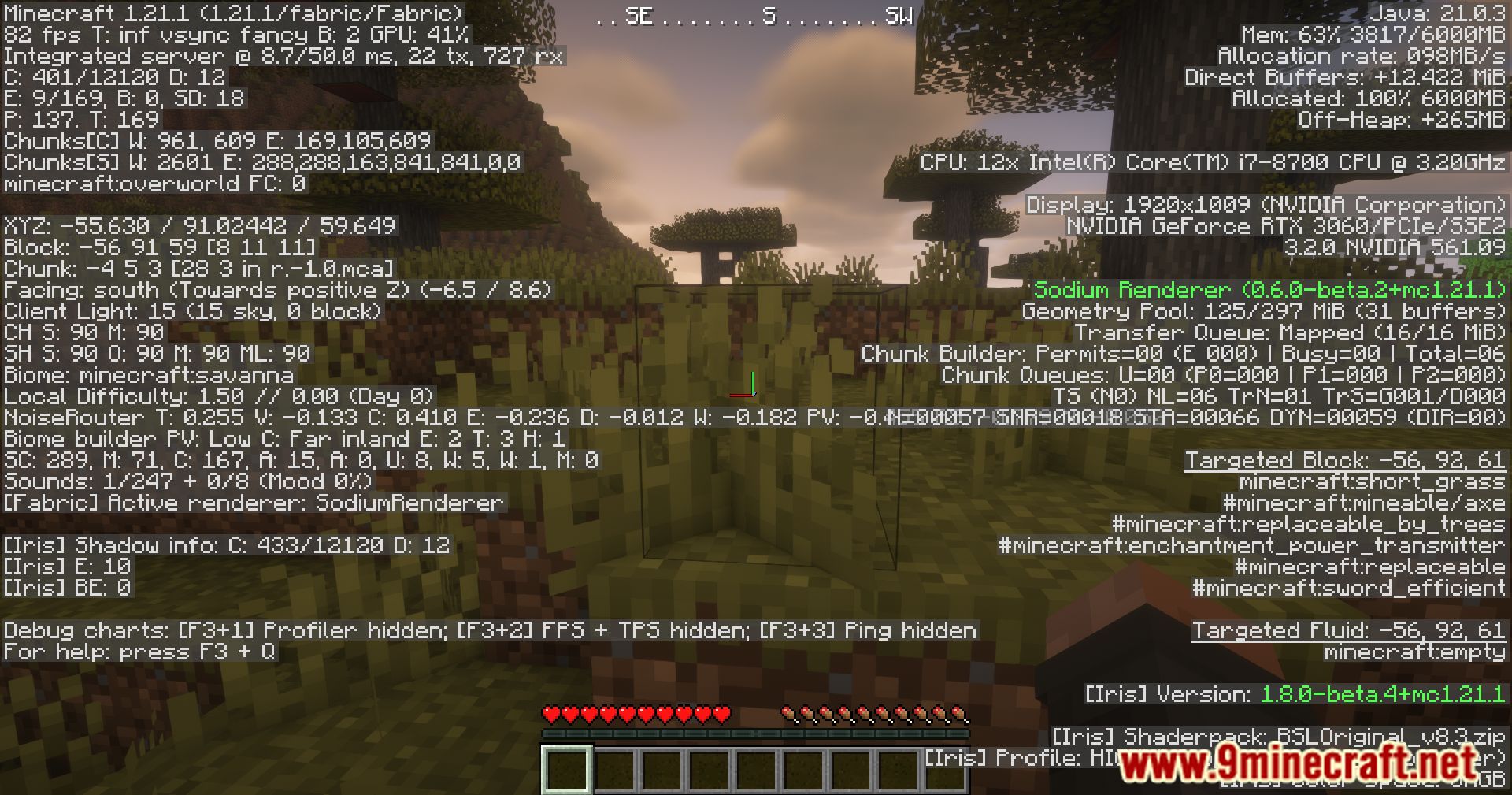
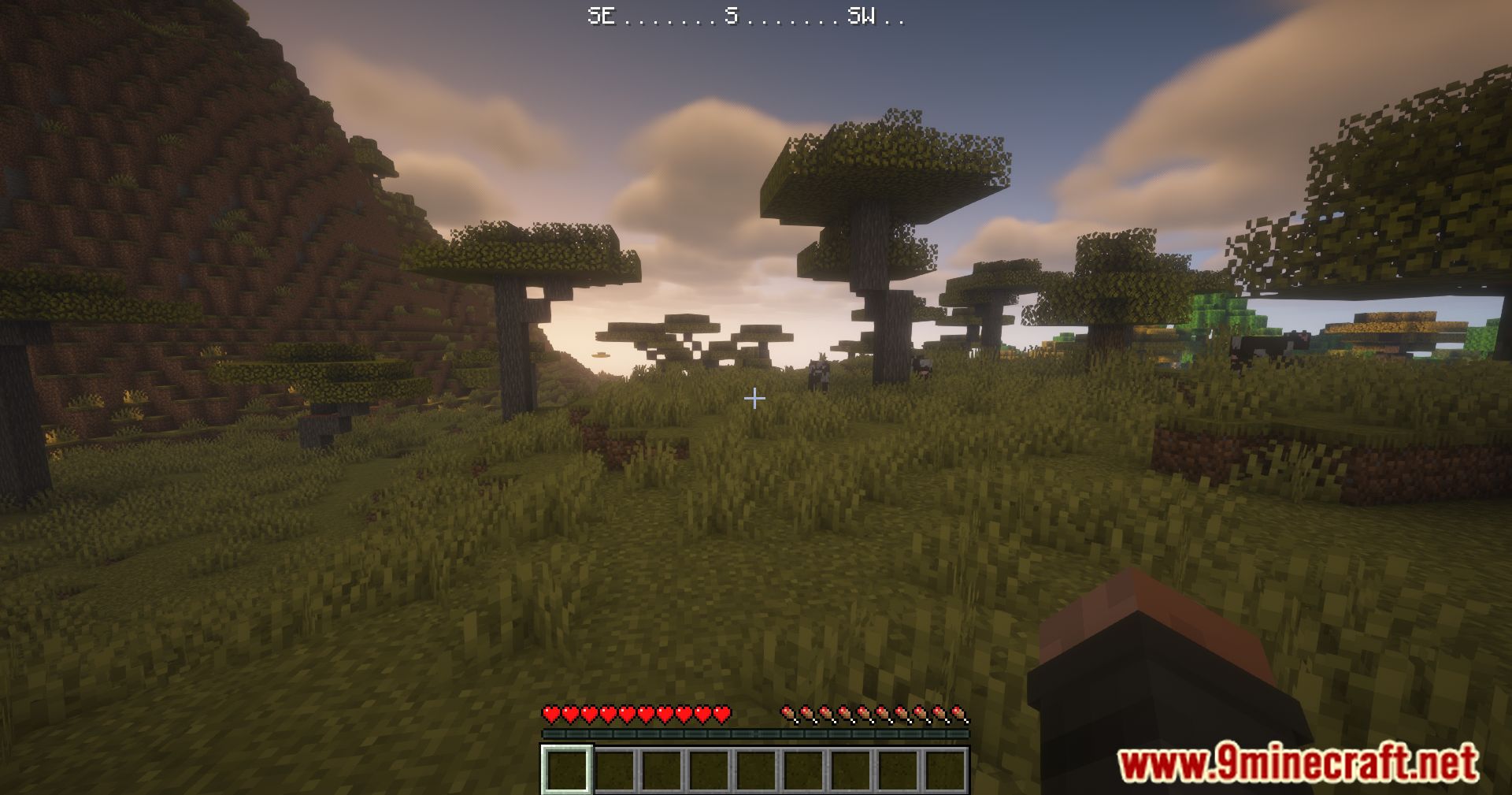
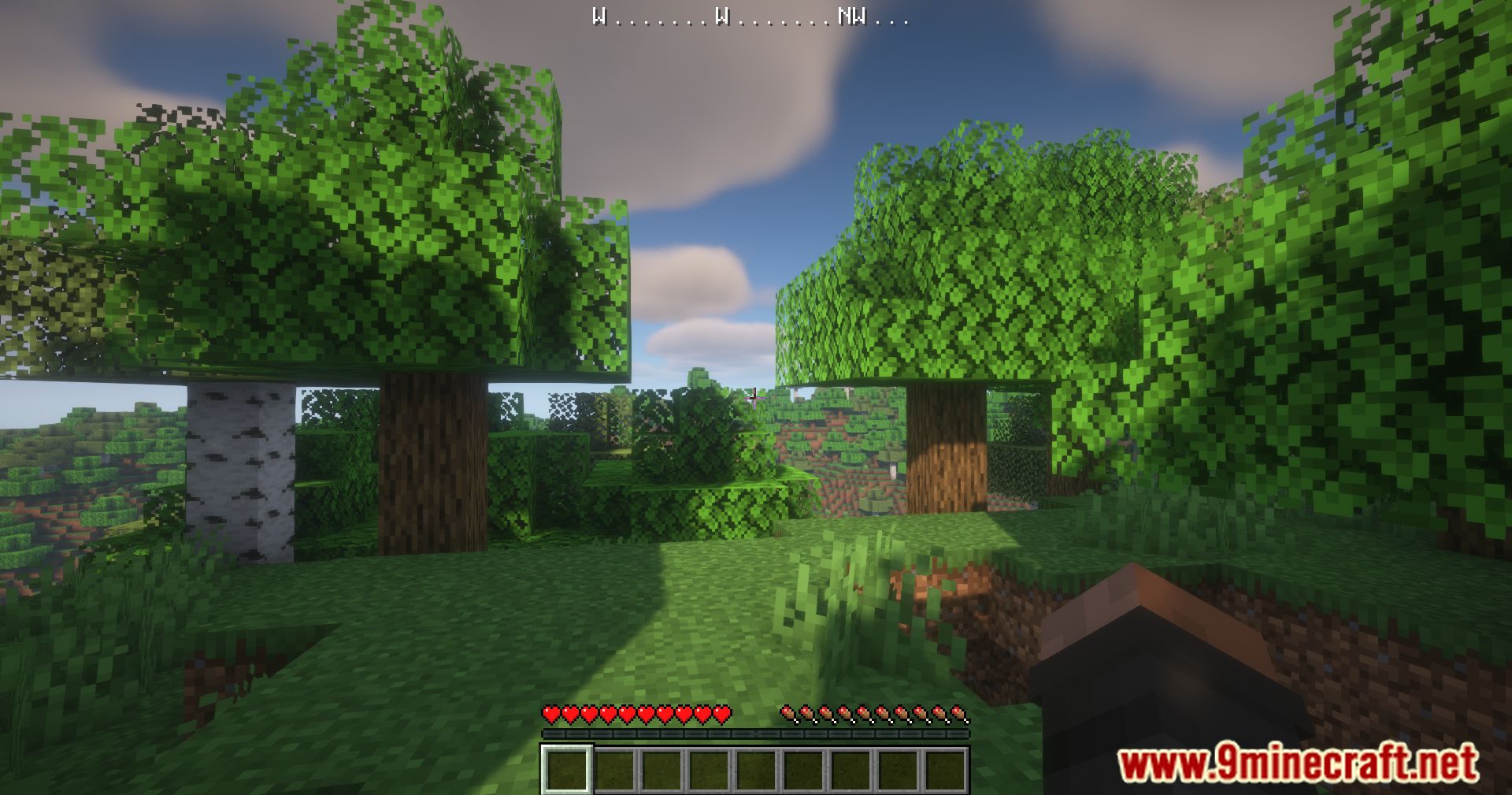
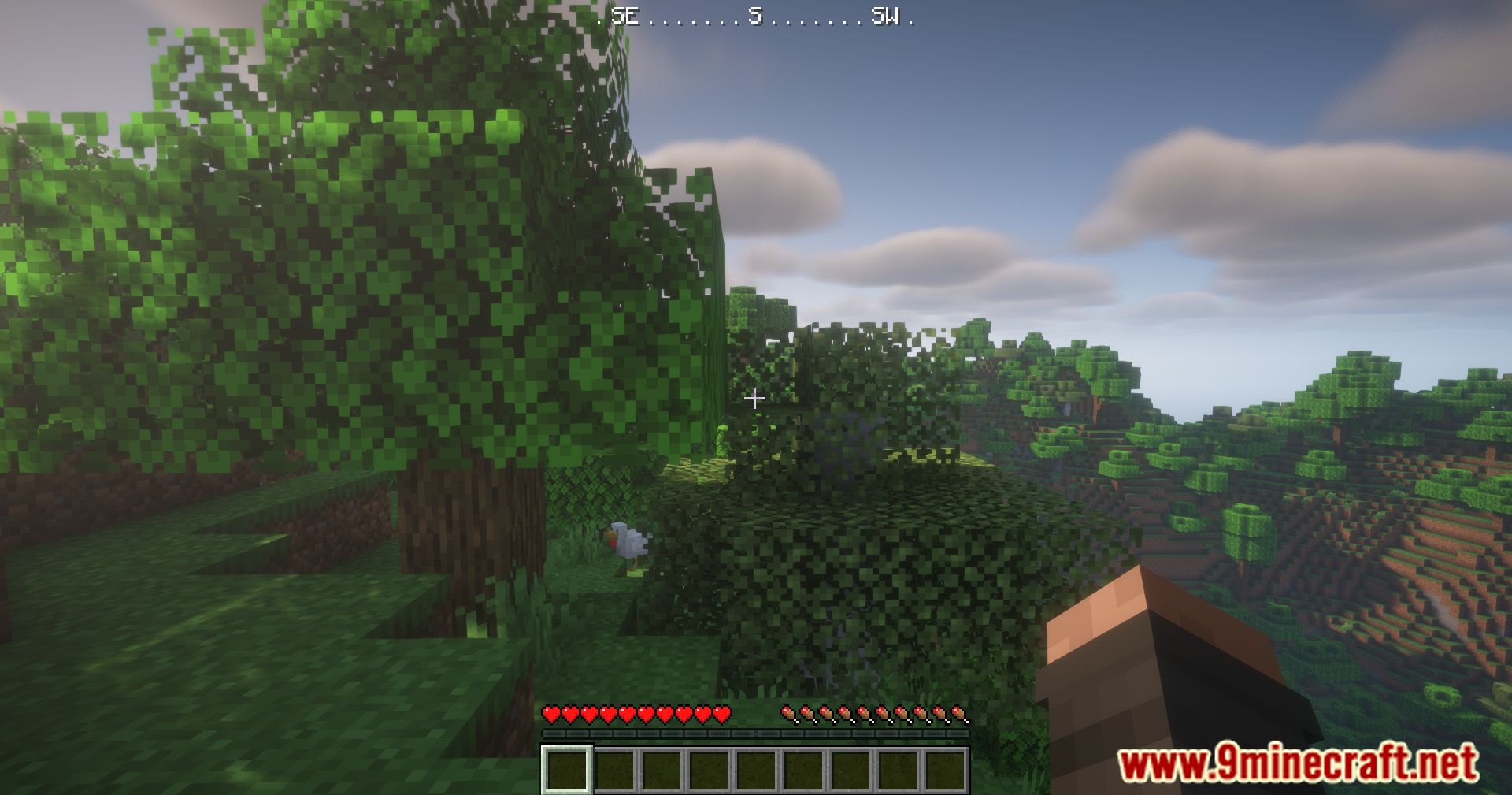
Press F6 to toggle the compass HUD on and off. The compass will appear in the corner of your screen showing which direction you're facing.
Can I change the keybind from F6?
Yes, you can rebind the toggle key through your Minecraft controls settings. Go to Options > Controls and search for the WAIG Mod compass keybind to set it to your preferred key.
The compass is blocking my boss bar. How do I move it?
The compass HUD automatically adjusts its position to avoid overlapping with boss bars in most cases, but you can manually reposition it through the mod's configuration settings if needed.
Can I make the compass only show when I'm holding a compass item?
Yes, this is a configurable option in the mod settings. Enable the conditional display feature to restrict the HUD to only appear when you're holding or carrying a compass.
Gallery
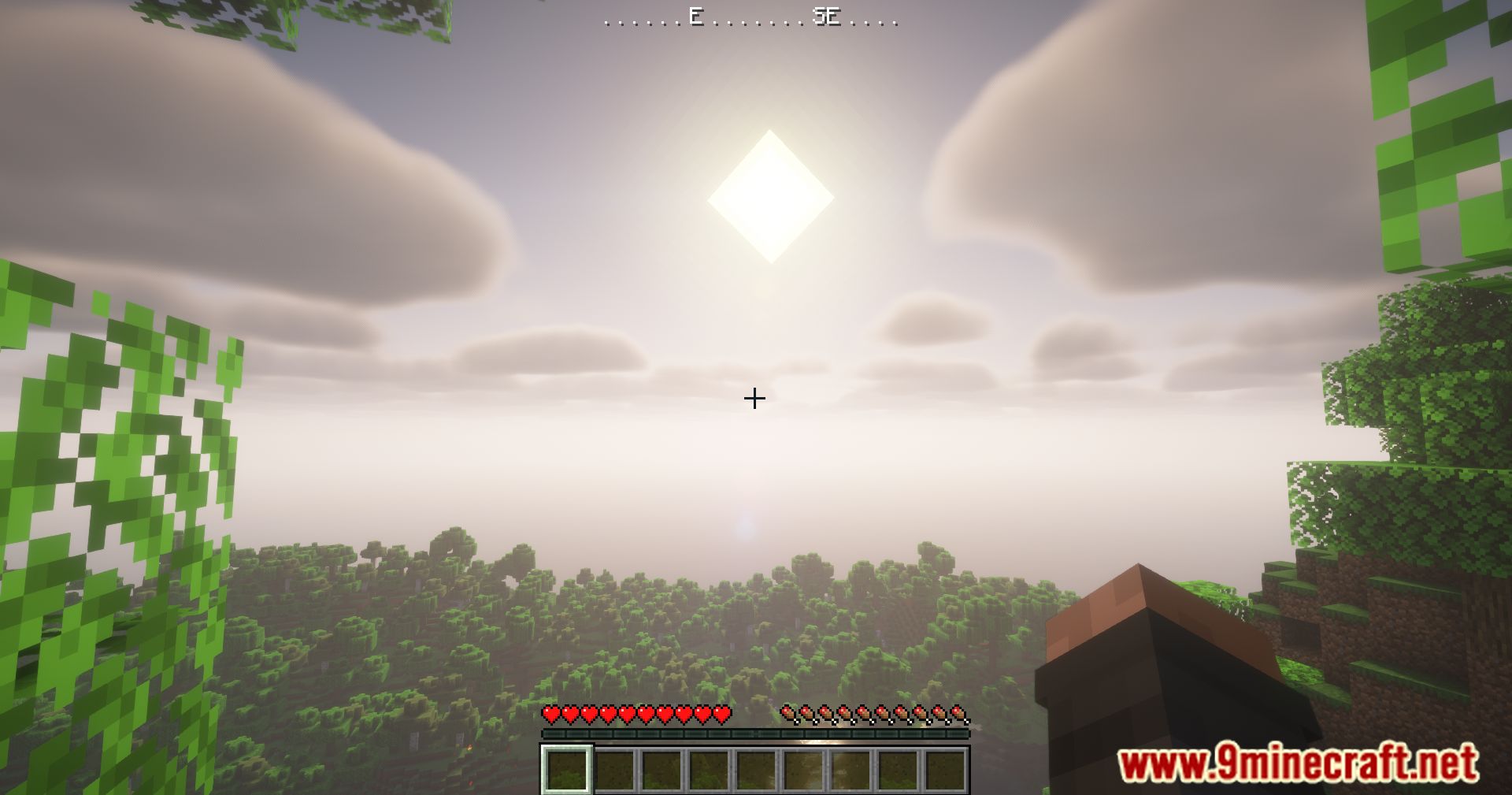
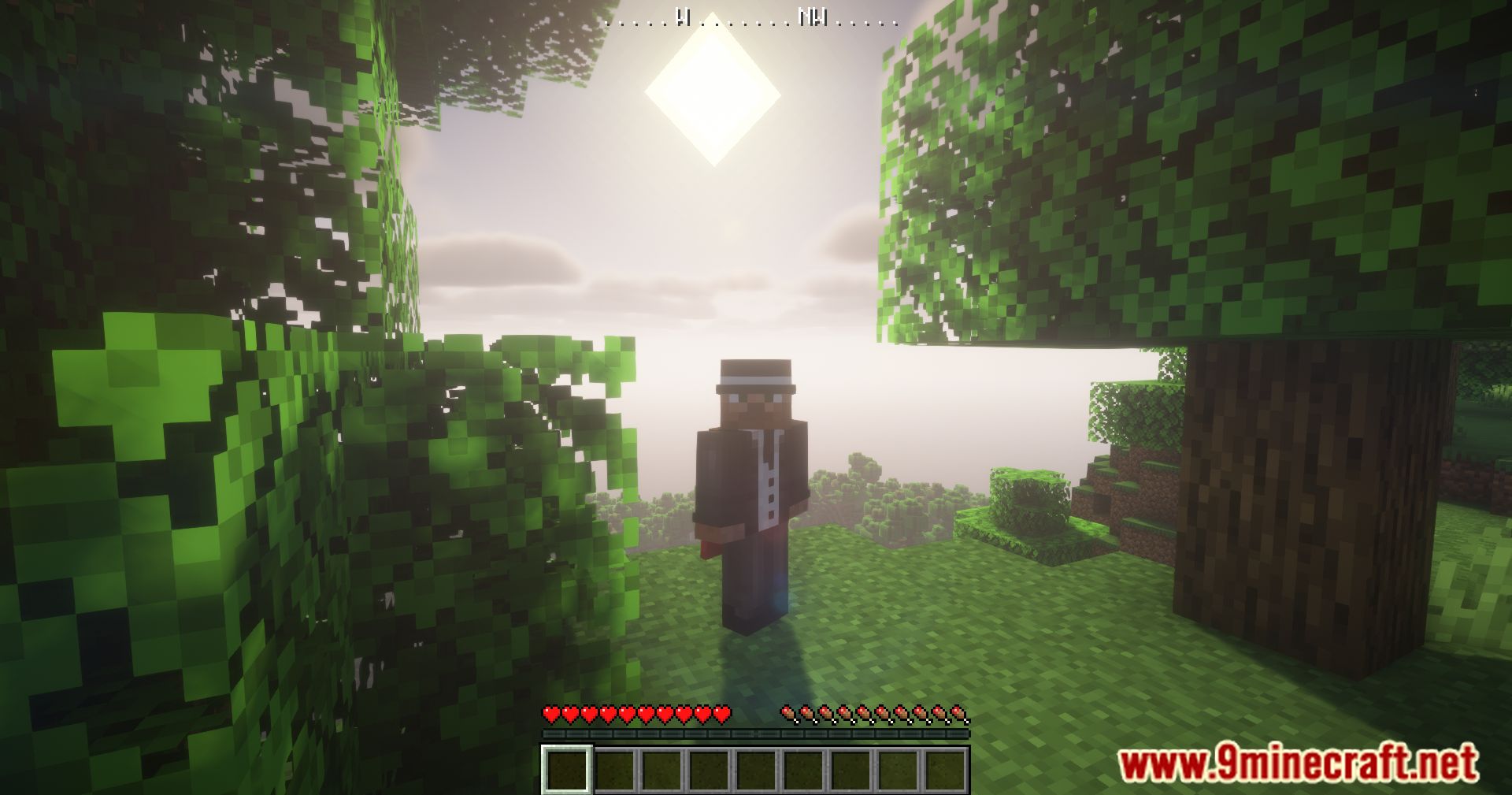
11 images from the Waig Mod page.

You May Also Like
Wikis that share the most with this one
More mod wikis on the site
 Voxy Make it Compatible Mod
The most downloaded mods that have a wiki here
A few wikis from each of the other kinds