

 DownloadVortex Scripting Core Mod
Get the files on 9Minecraft
Guides
Step-by-step, in-game.
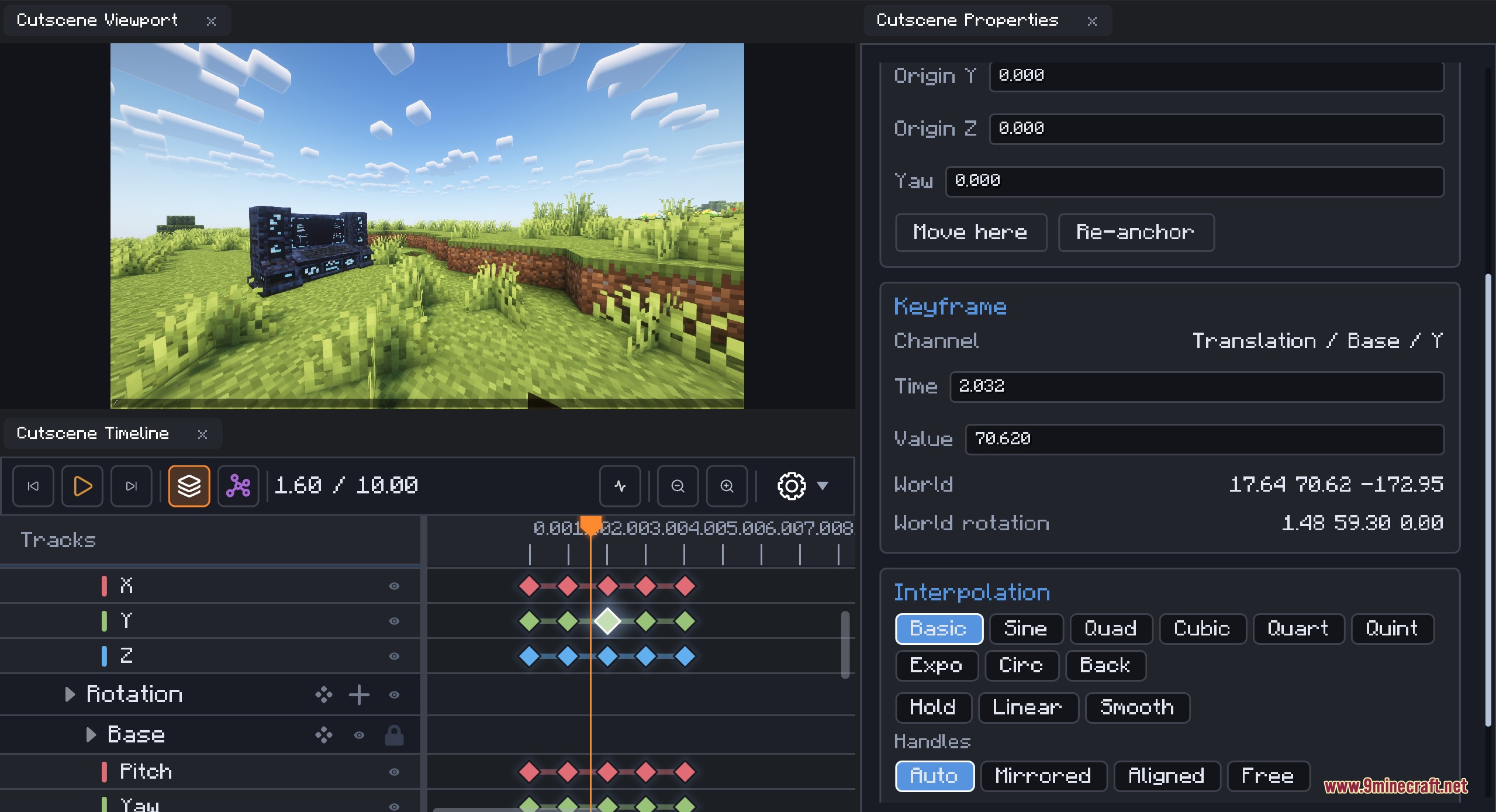
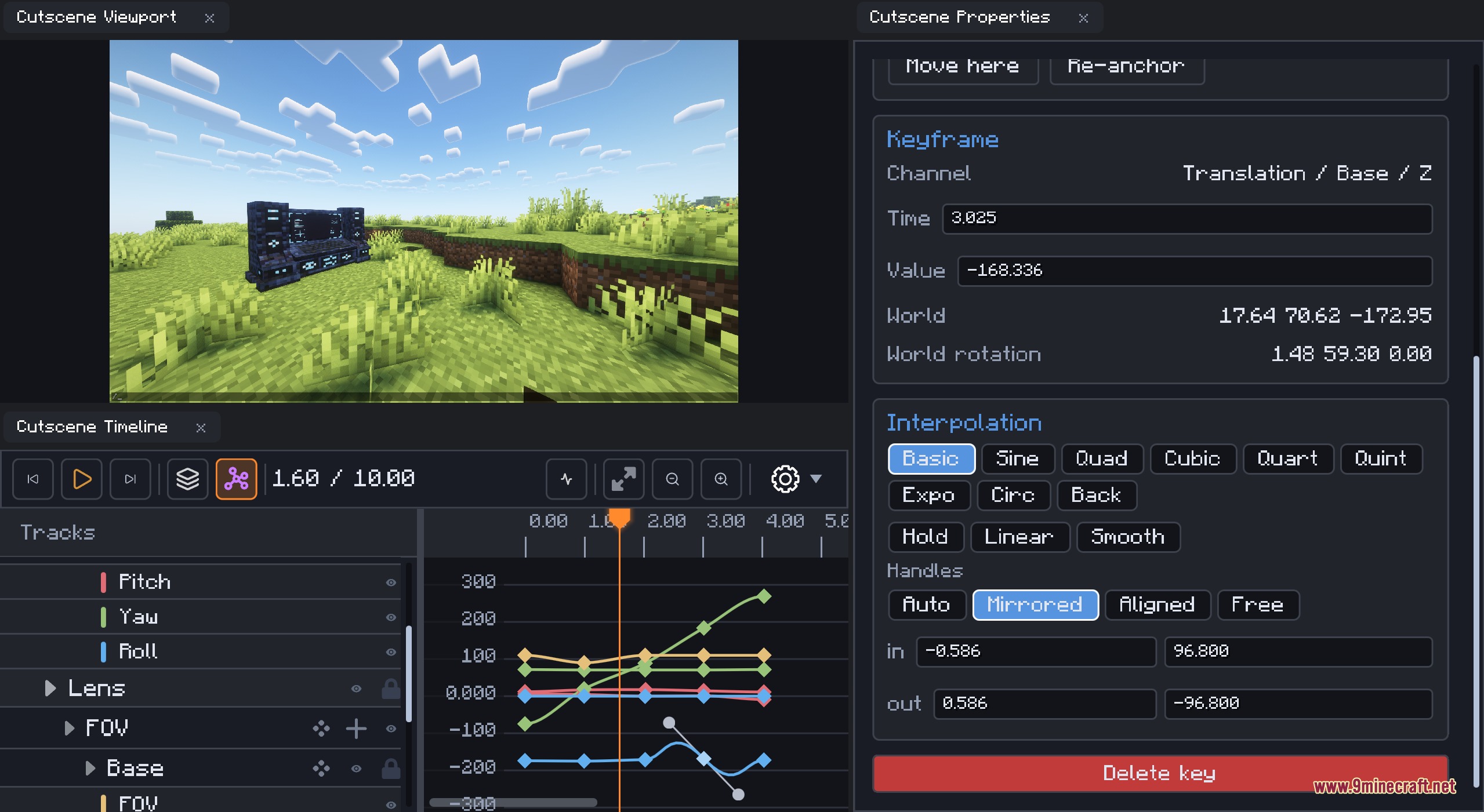
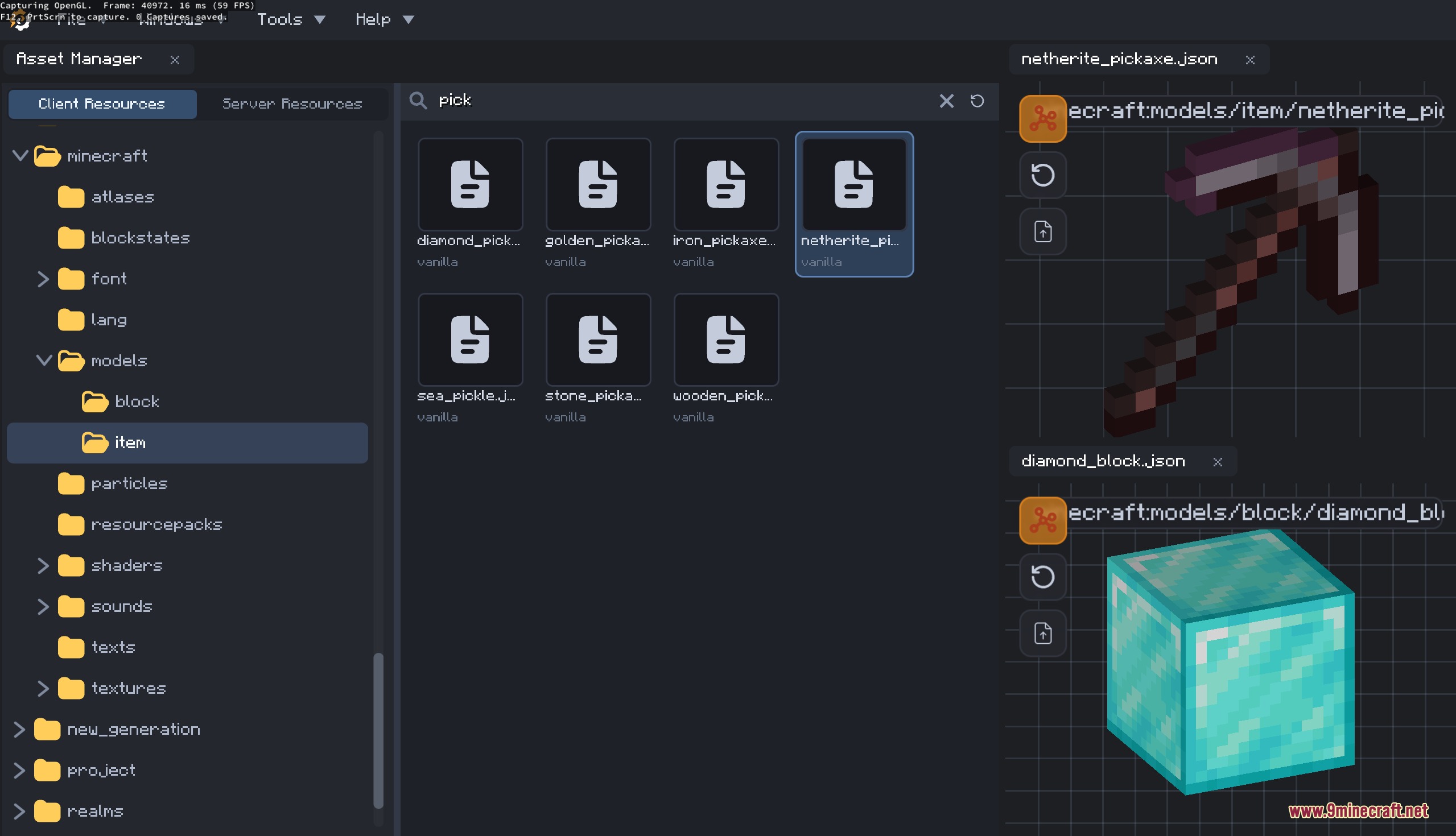
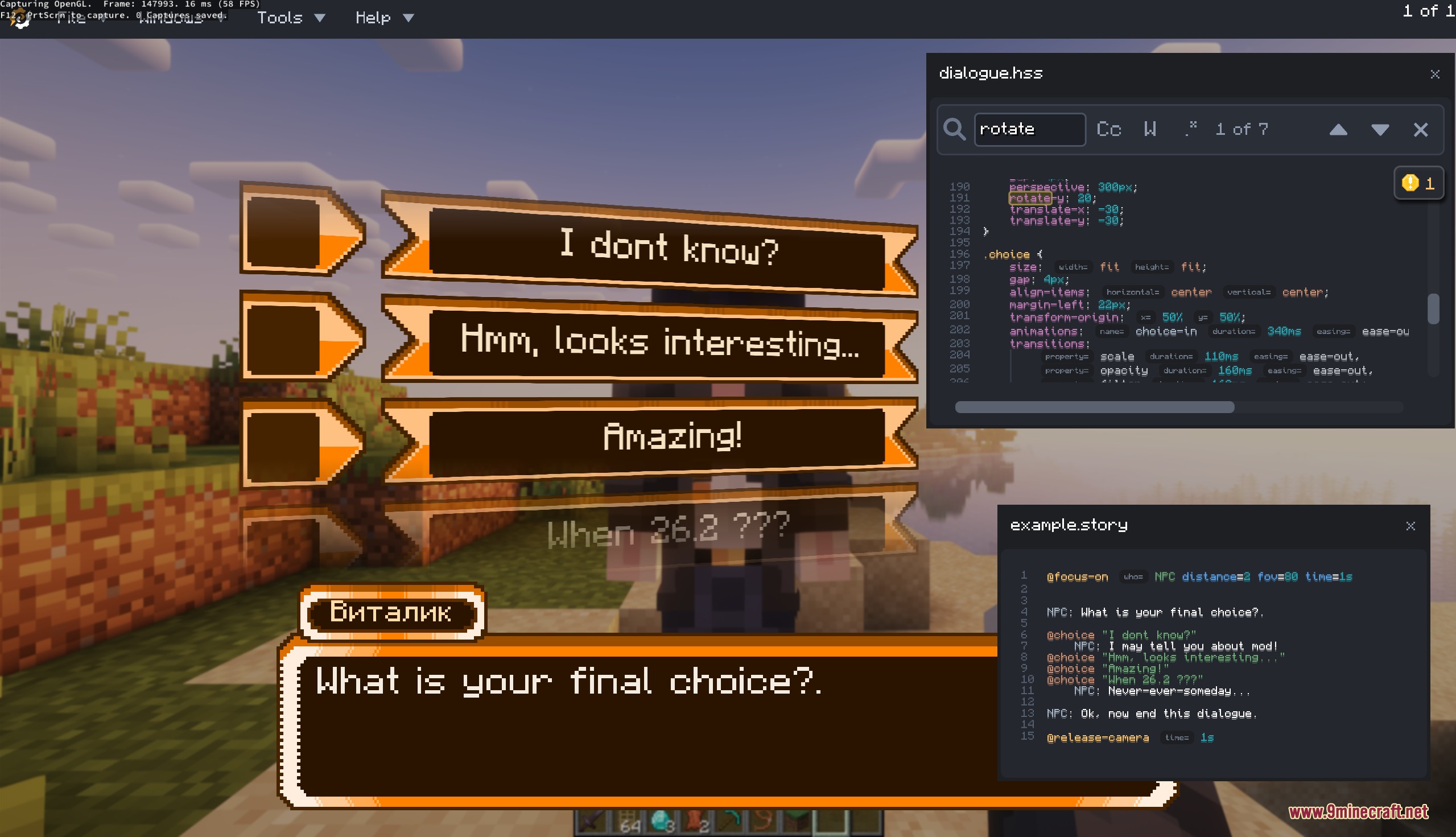
Animate an NPC Using Expression Language and State TransitionsLoading Your Model and Viewing Animations Import your 3D model (glTF, GLB, OBJ, or Bedrock geo.json) using the…Build a Cutscene with Camera Movement and Weather EffectsCreating the Cutscene Open the built-in cutscene editor from the mod's main menu or in-game interface. Create a new…Create Your First Interactive NPC with DialogueSetting Up the NPC Open the in-game script editor and create a new NPC entity. Use the NPC creation tools to position…Override Game Resources Using the Asset ManagerAccessing the Asset Manager Open the asset manager tool from the mod's interface. It displays both client and server…
Frequently asked questions
How do I open the script editor in-game?
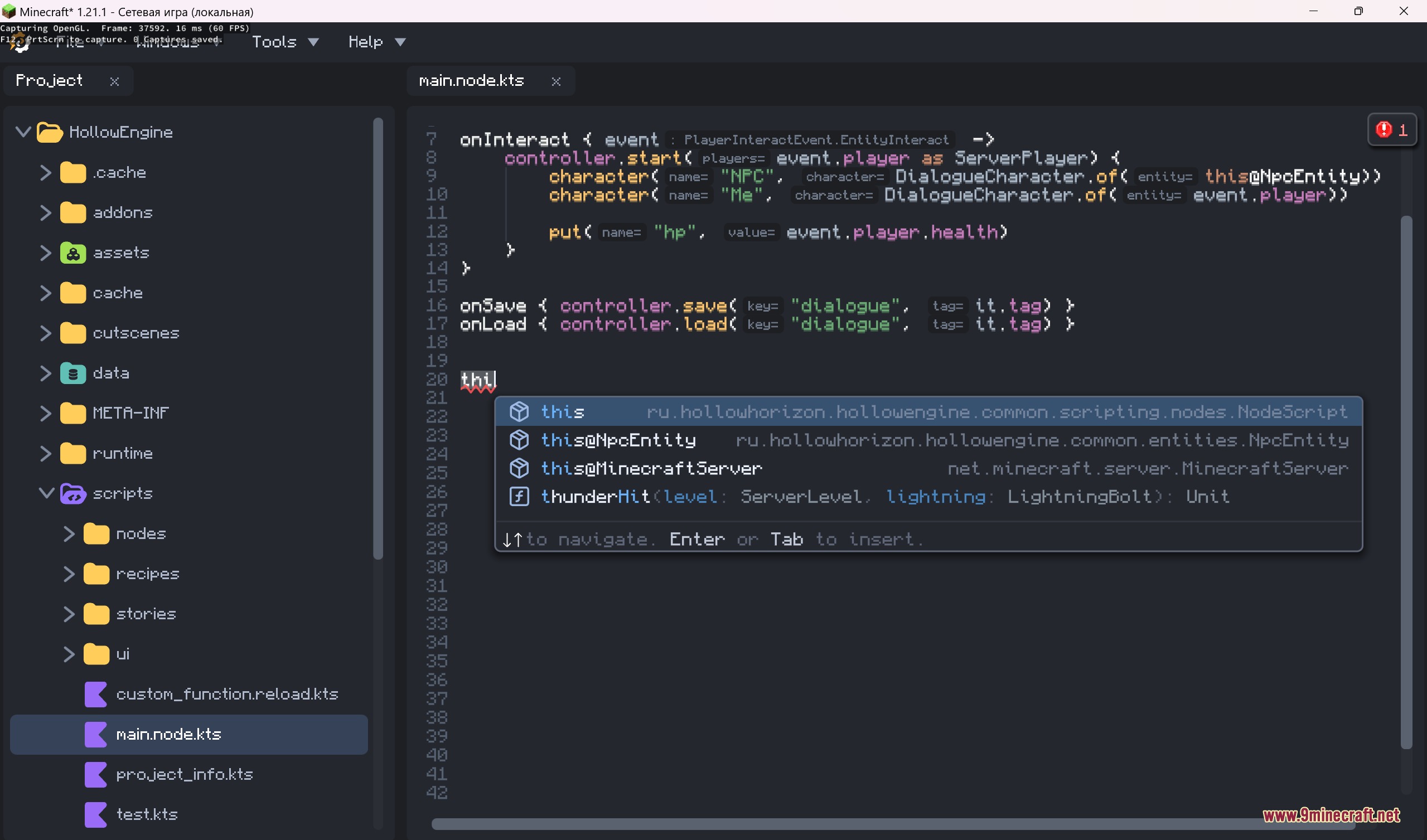
Open your inventory and look for the Vortex Scripting Core interface or keybind (check your controls menu). The in-game script editor will appear with code completion and hints enabled by default.
What's the difference between client-side and server-side scripts?
Server-side scripts control game logic, NPC behavior, and quest progression that all players see; client-side scripts handle visual effects, UI, and player-specific interactions. Most quest and NPC systems should run on the server to stay synchronized.
Can I use custom 3D models for NPCs?
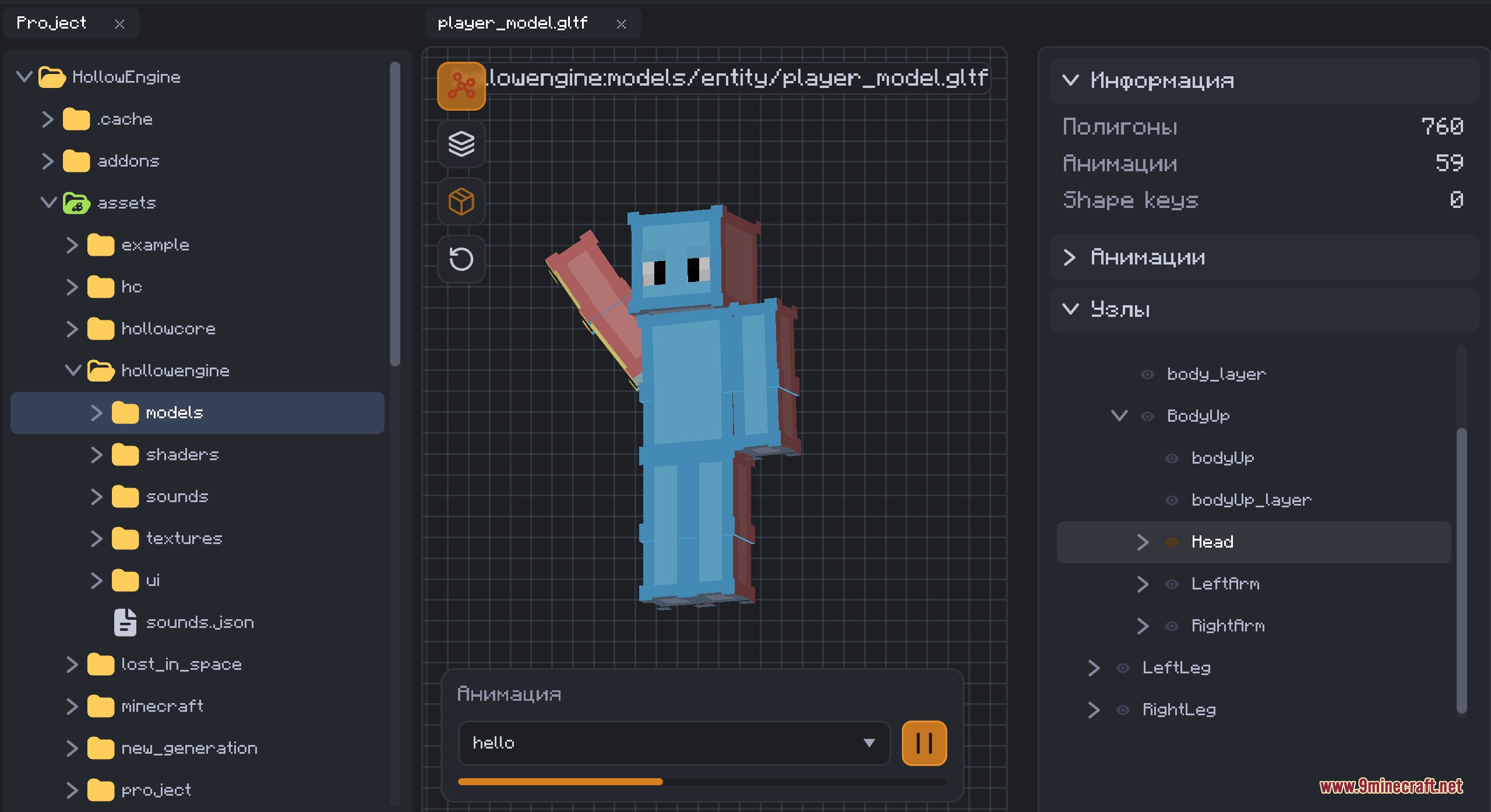
Yes, the mod supports glTF, GLB, OBJ, and Bedrock geo.json formats. Import your model through the asset manager or script editor, then assign it to your NPC in the dialogue/animation system.
How do I make an NPC play different animations based on what they're doing?
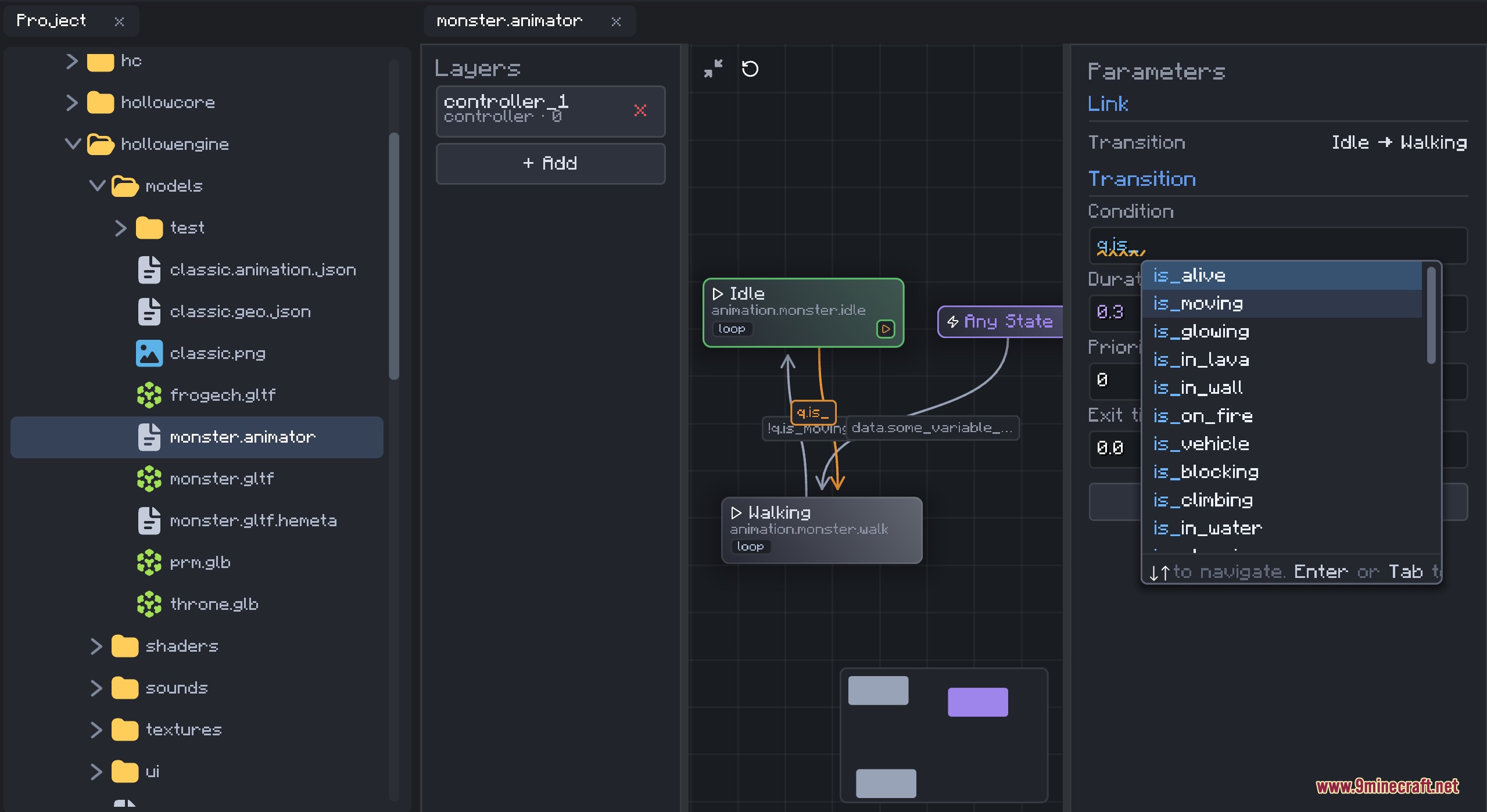
Use the animation editor to set up state transitions with expression language triggers—for example, trigger 'walk' when the NPC moves, or 'talk' when dialogue plays. The mod syncs these states between client and server automatically.
See all 10 Vortex Scripting Core questions ›
Gallery
8 images from the Vortex Scripting Core Mod page.
You May Also Like
Wikis that share the most with this one
More mod wikis on the site
The most downloaded mods that have a wiki here
A few wikis from each of the other kinds