

 traverse
 DownloadVoxelMap Updated Mod
Get the files on 9Minecraft
Guides
Step-by-step, in-game.
How to Configure the Minimap, Mob Radar, and Map SettingsVoxelMap Updated is highly configurable. Tuning it to your liking makes it far more useful and less distracting.…How to Create and Manage Waypoints in VoxelMap UpdatedWaypoints are the core of VoxelMap Updated's navigation system. They let you mark any spot in any dimension and jump…How to Find Your Death Point and Recover Your ItemsOne of VoxelMap Updated's most useful features is automatically marking where you died, so you can run back and grab…How to Teleport to Waypoints with VoxelMap UpdatedVoxelMap Updated lets you teleport directly to any waypoint you've saved, which turns long treks into a single click.…
Frequently asked questions
How do I open the VoxelMap world map?
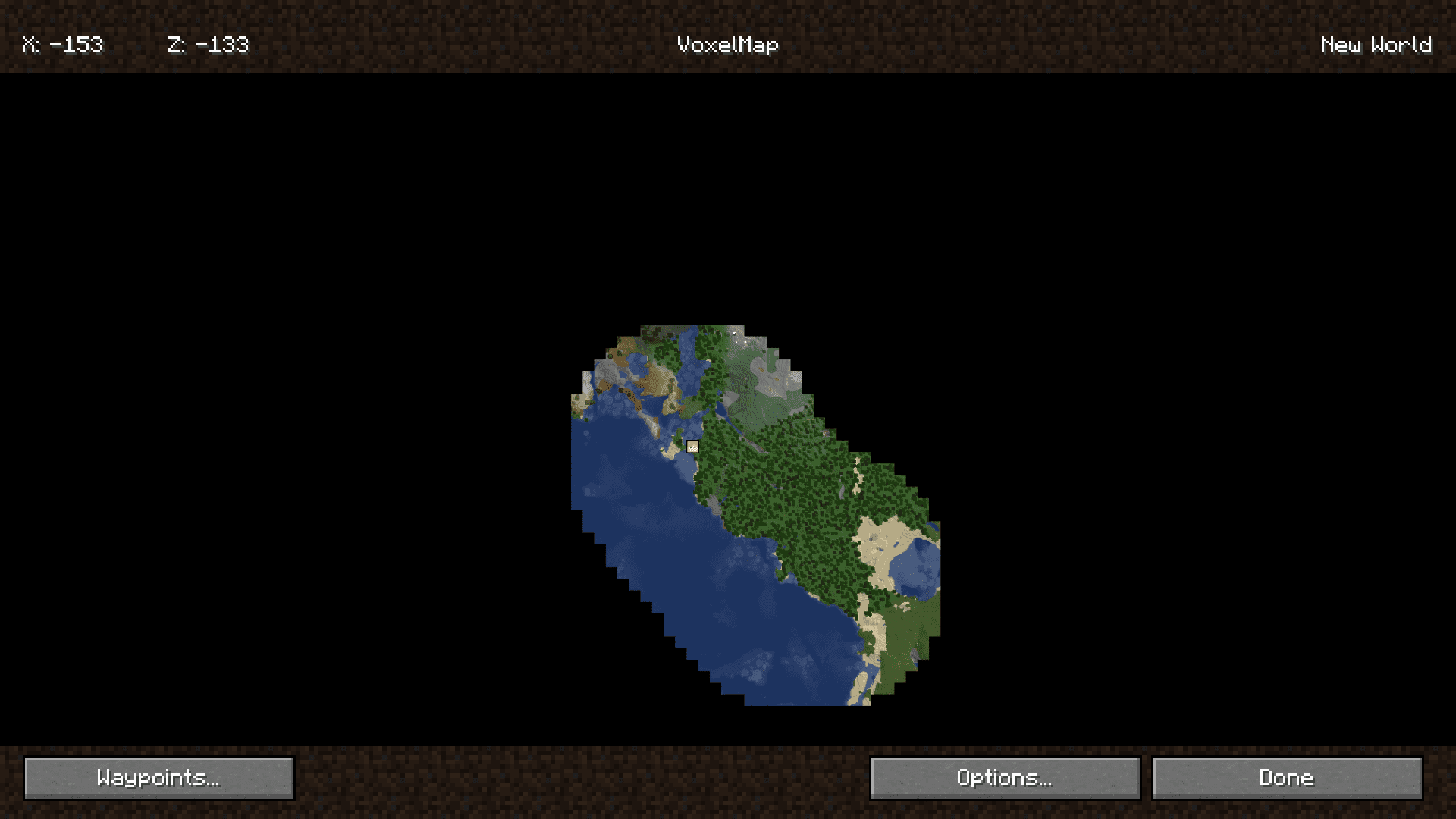
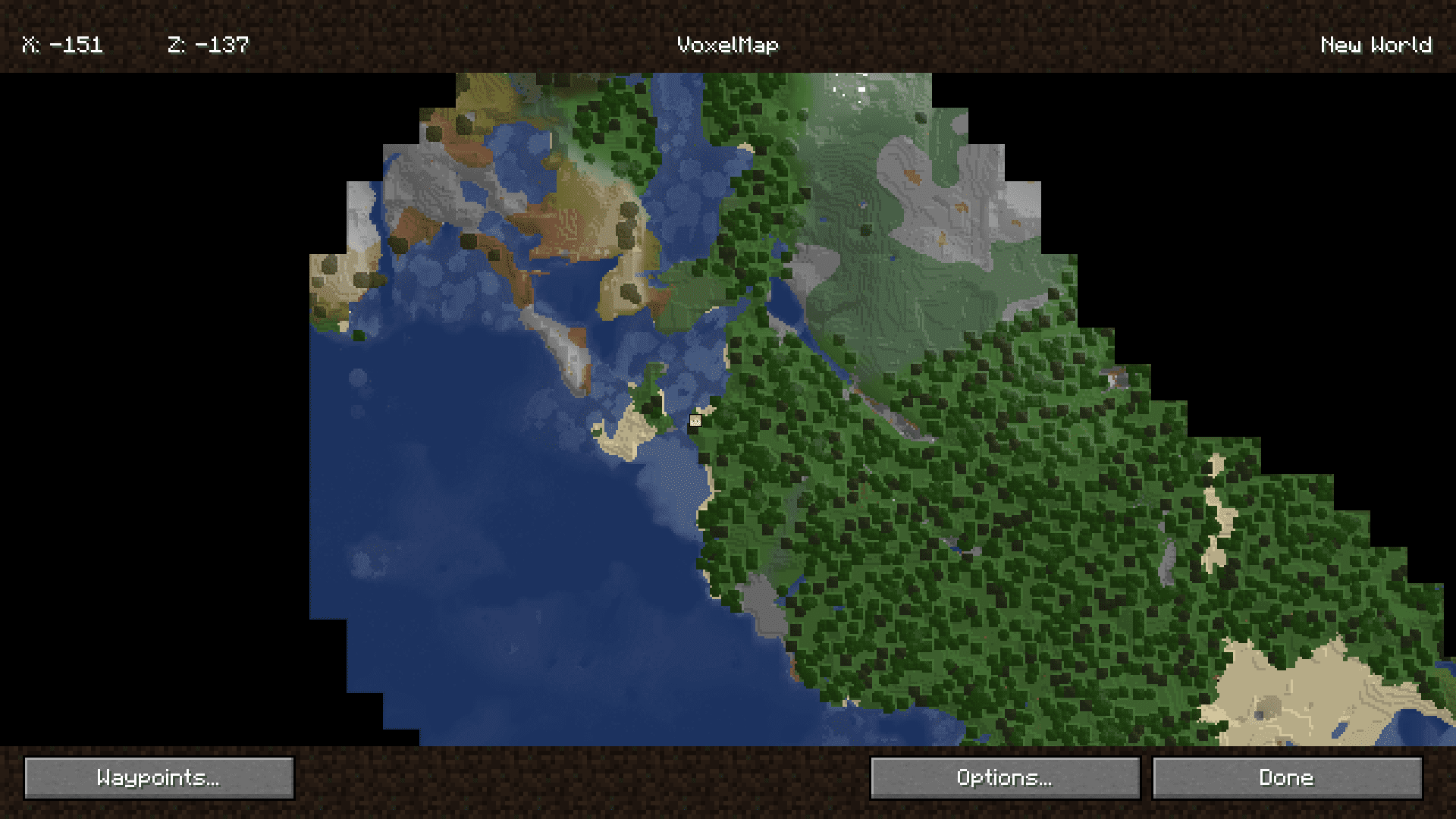
Press the map key (default is M) to toggle between the minimap and the full-screen world map. You can rebind this in the mod's settings or your controls menu if it conflicts with another mod.
Why is my minimap not showing up?
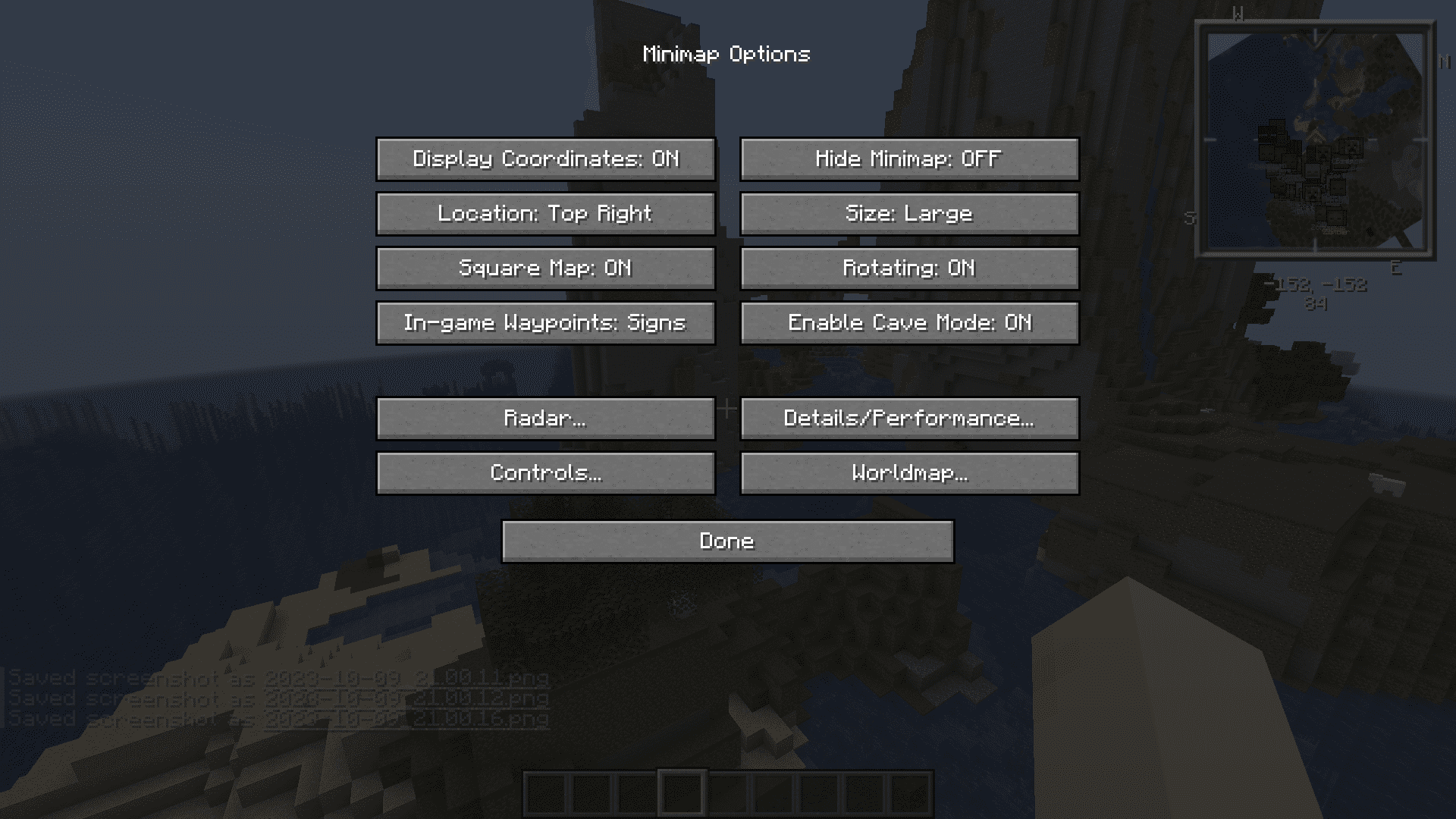
Check that the minimap is enabled in VoxelMap's settings and that no other minimap mod is conflicting with it. Some HUD-hiding settings or fullscreen map modes will also hide the minimap until you toggle back.
How do I move the minimap to a different corner?
Open the VoxelMap settings menu and change the minimap position option, or drag the minimap directly if your version supports it. Coordinates and other HUD elements can be repositioned the same way.
How do I create a waypoint at my current location?
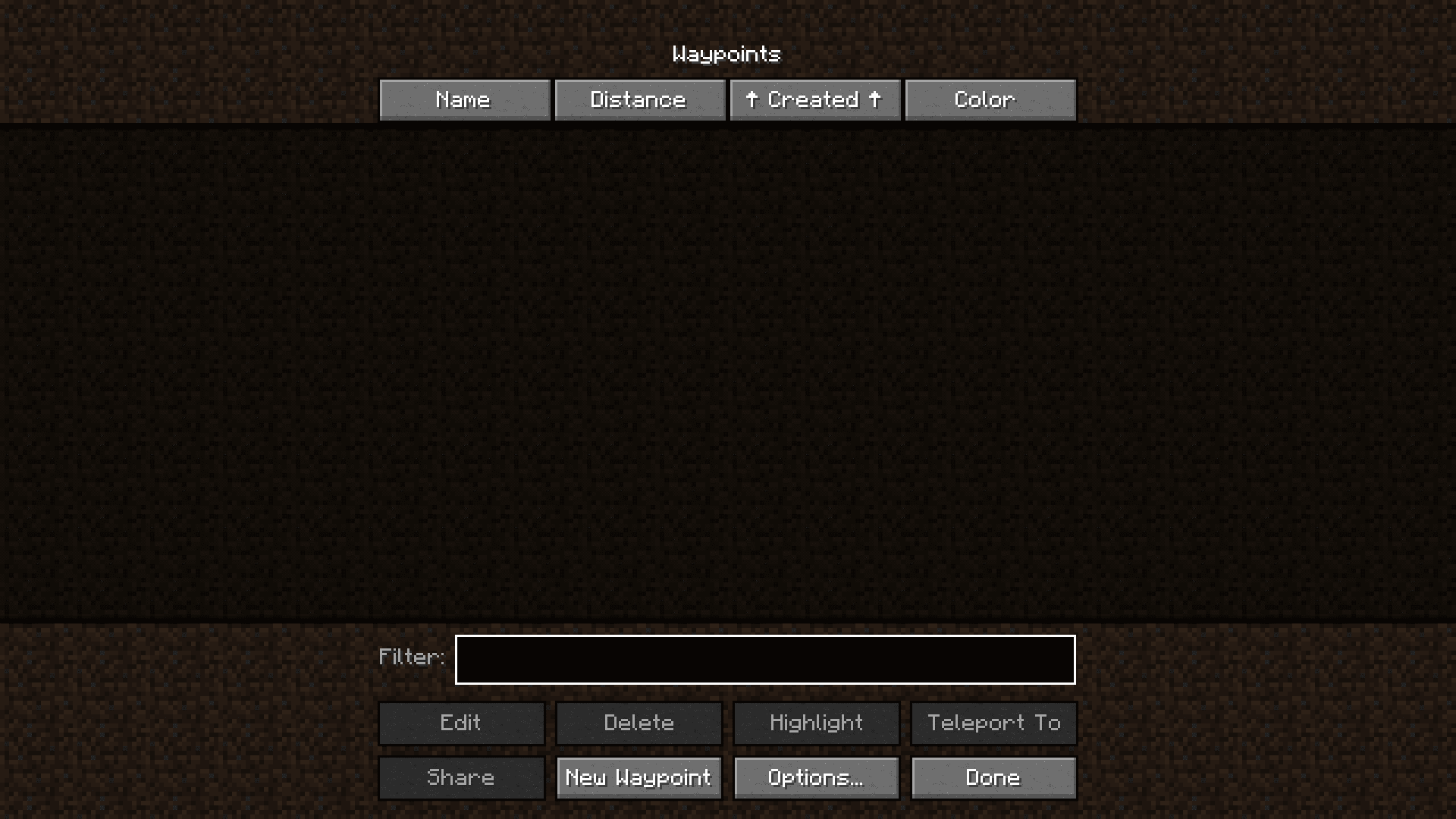
Open the world map or minimap menu and use the waypoint creation option to drop a point at your current coordinates. You can then rename it, recolor it, and assign it to a dimension.
See all 10 VoxelMap Updated questions ›
Gallery
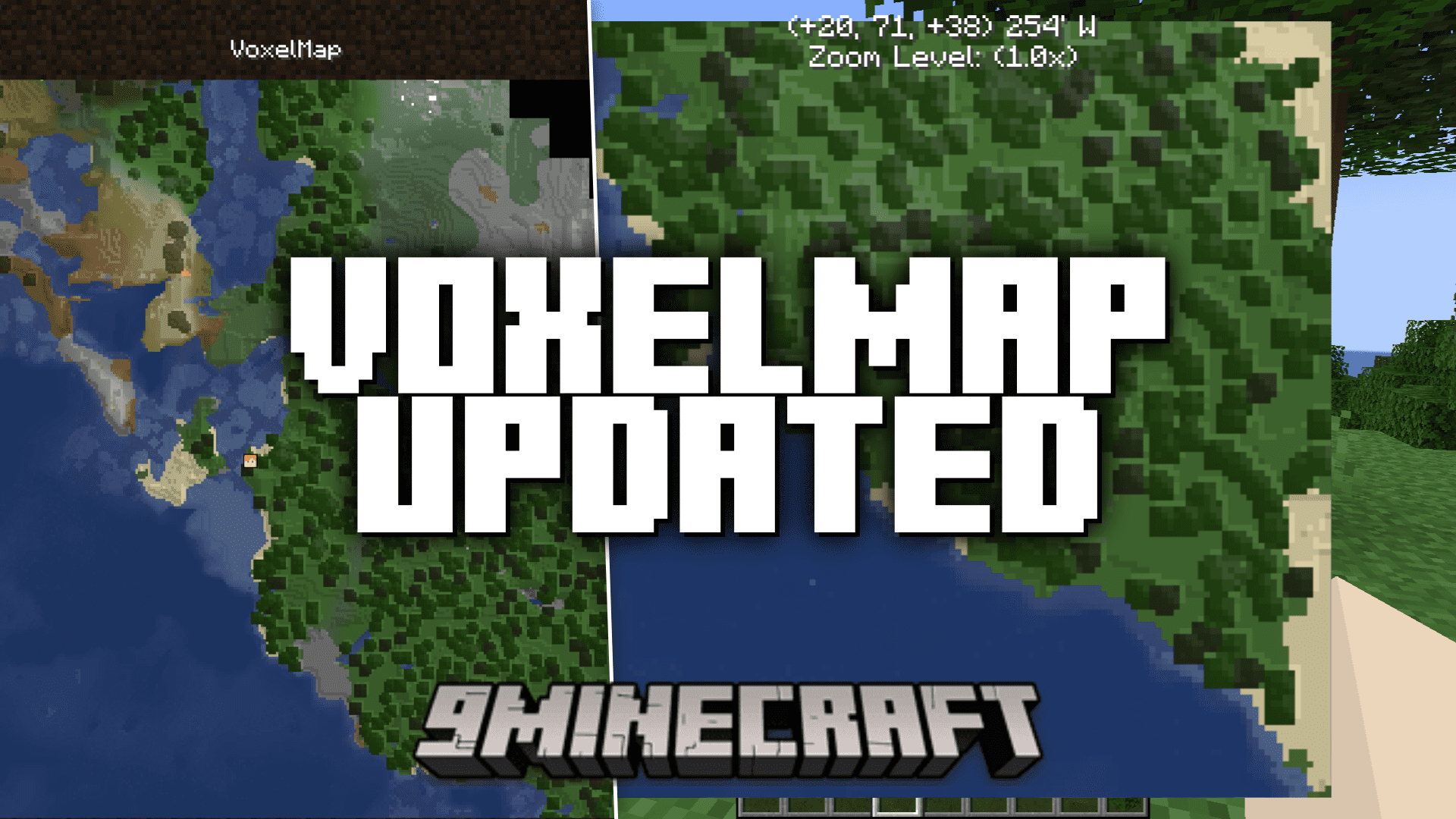
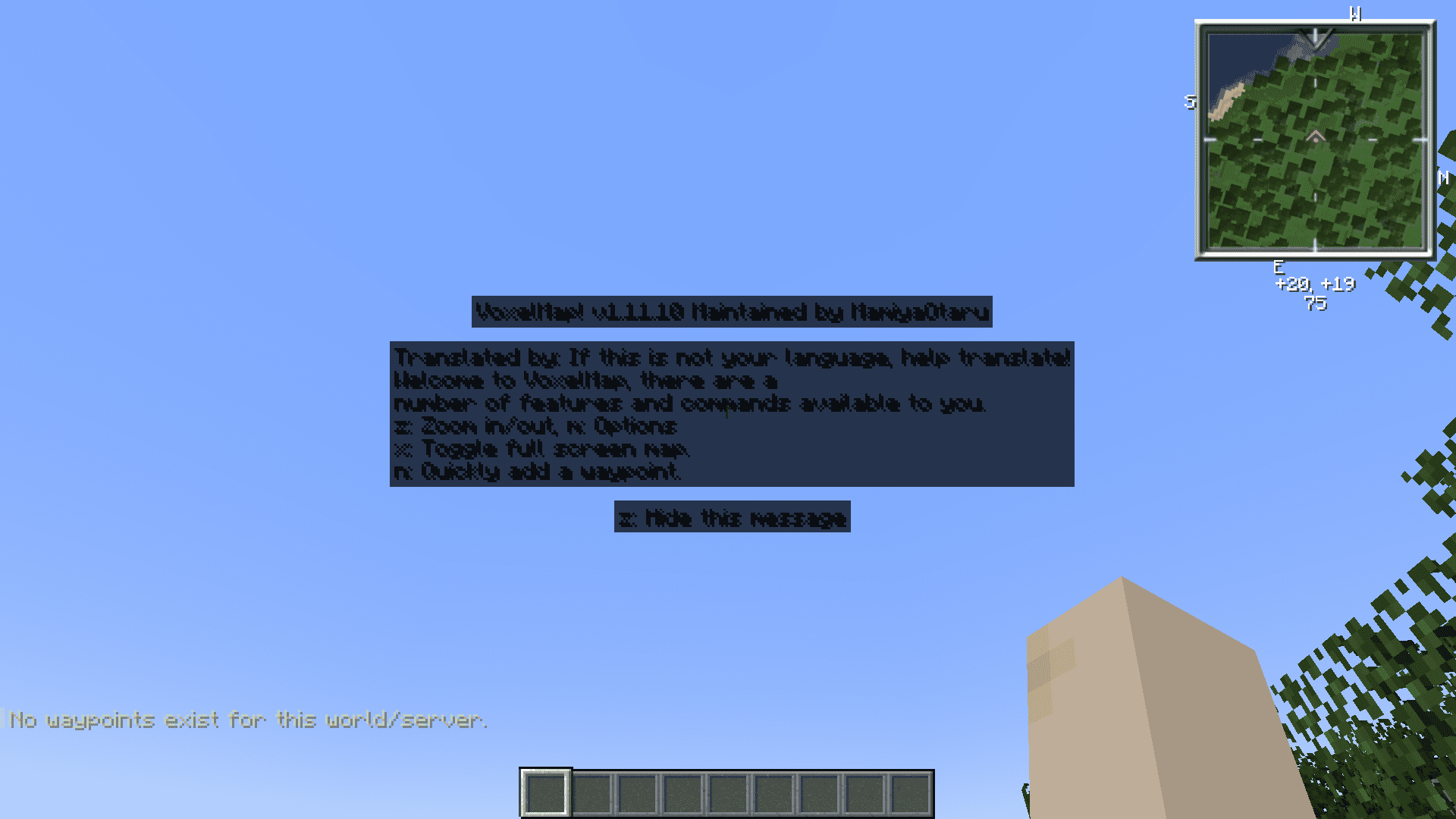
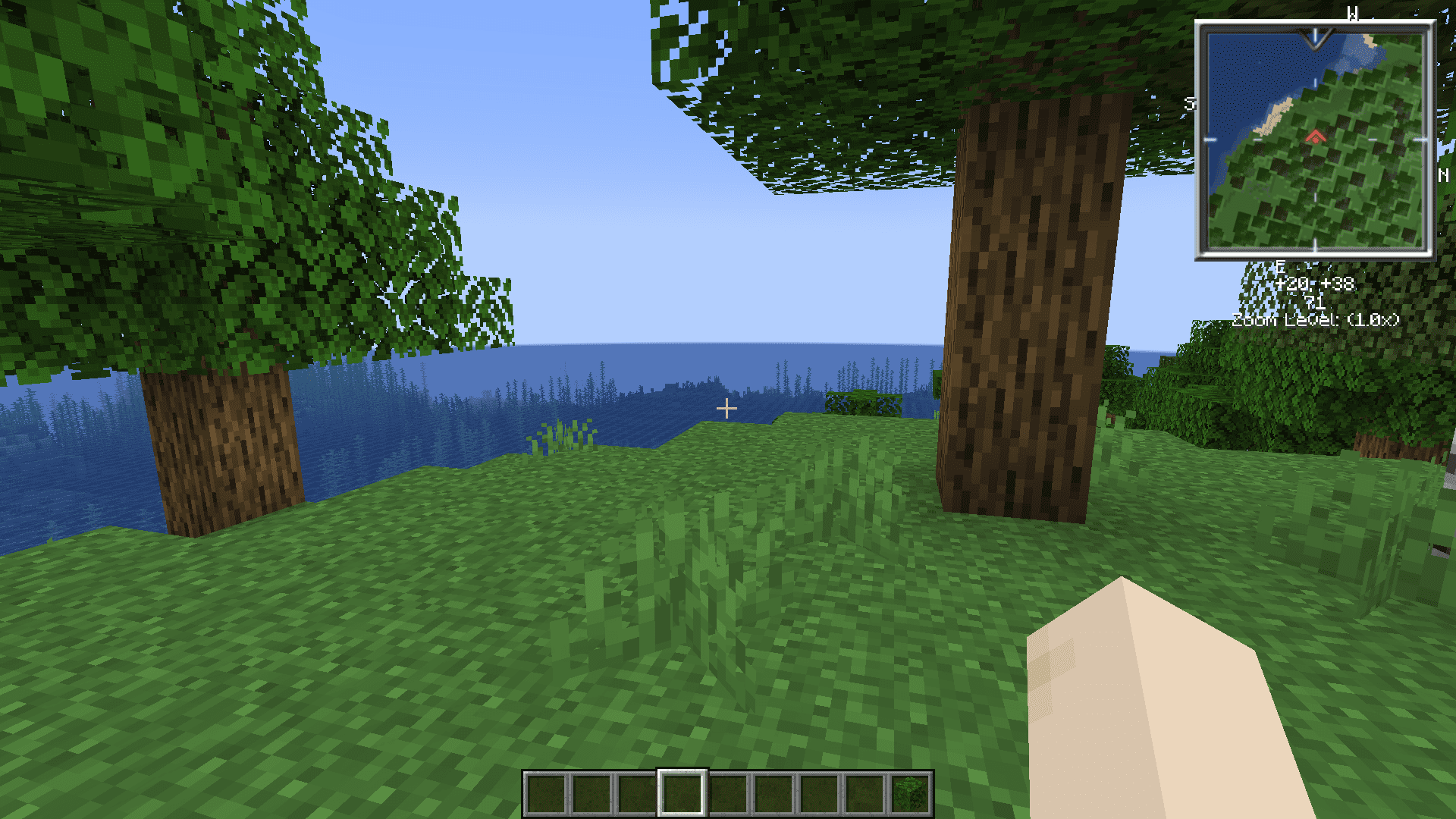
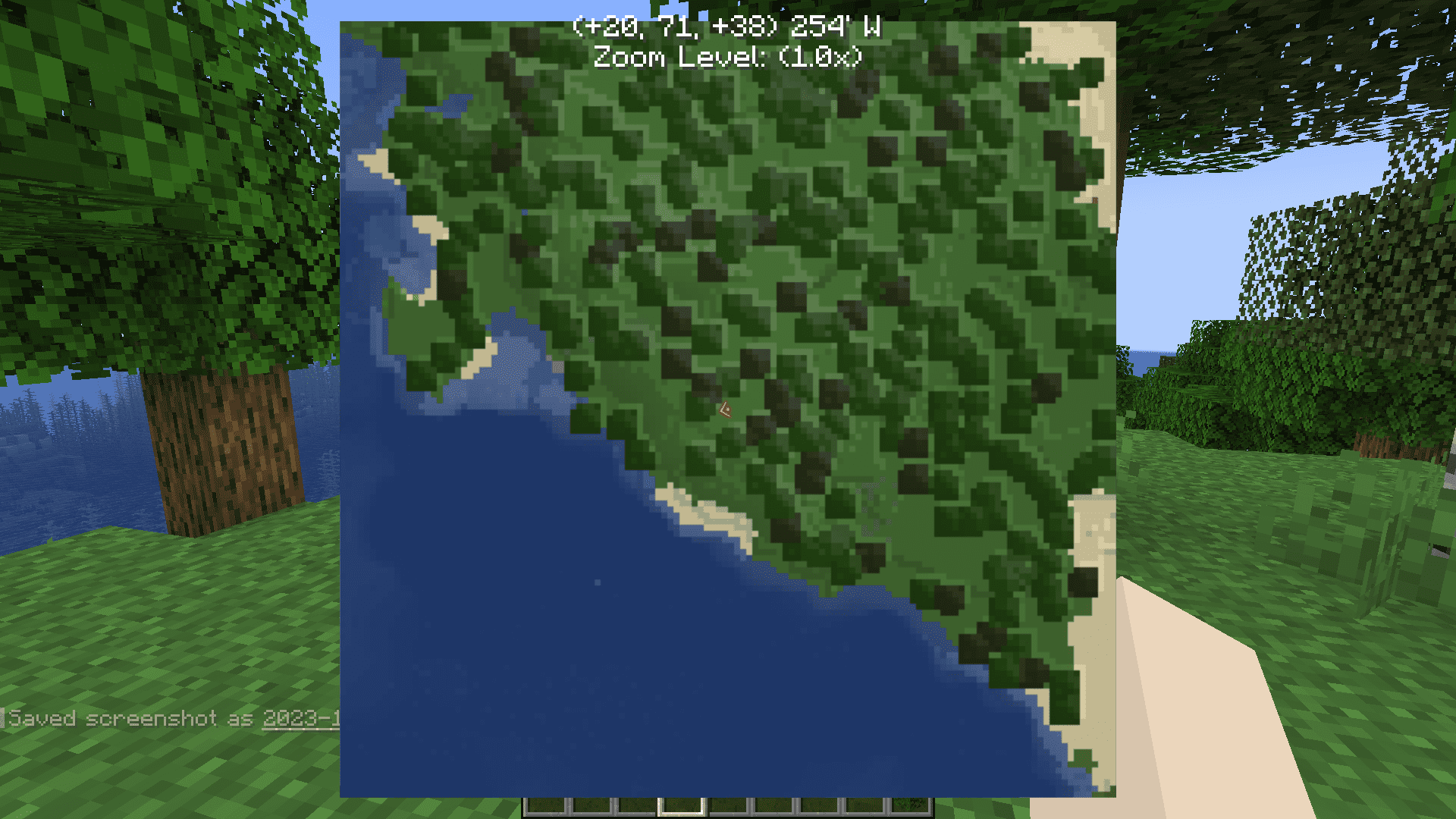
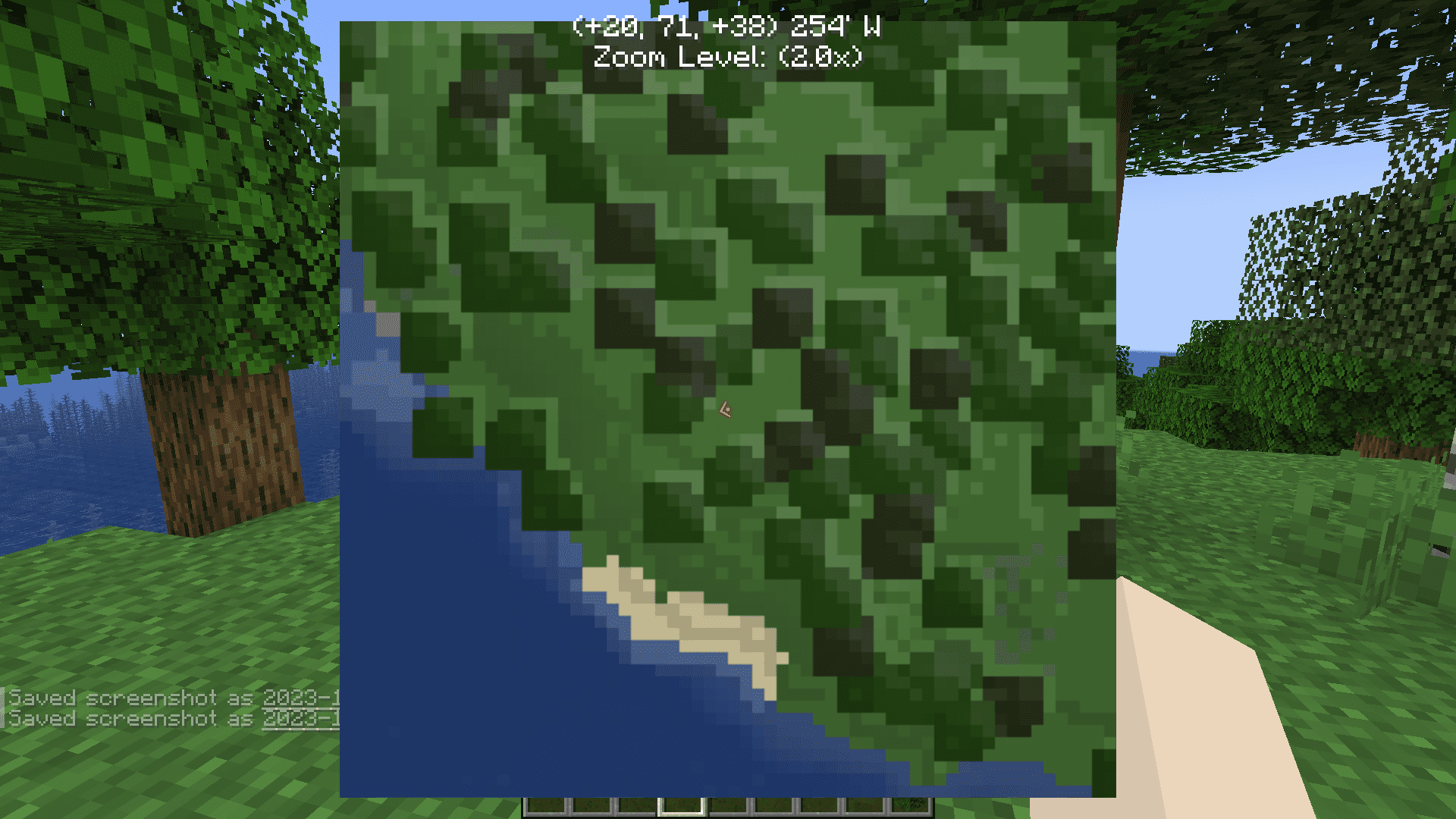
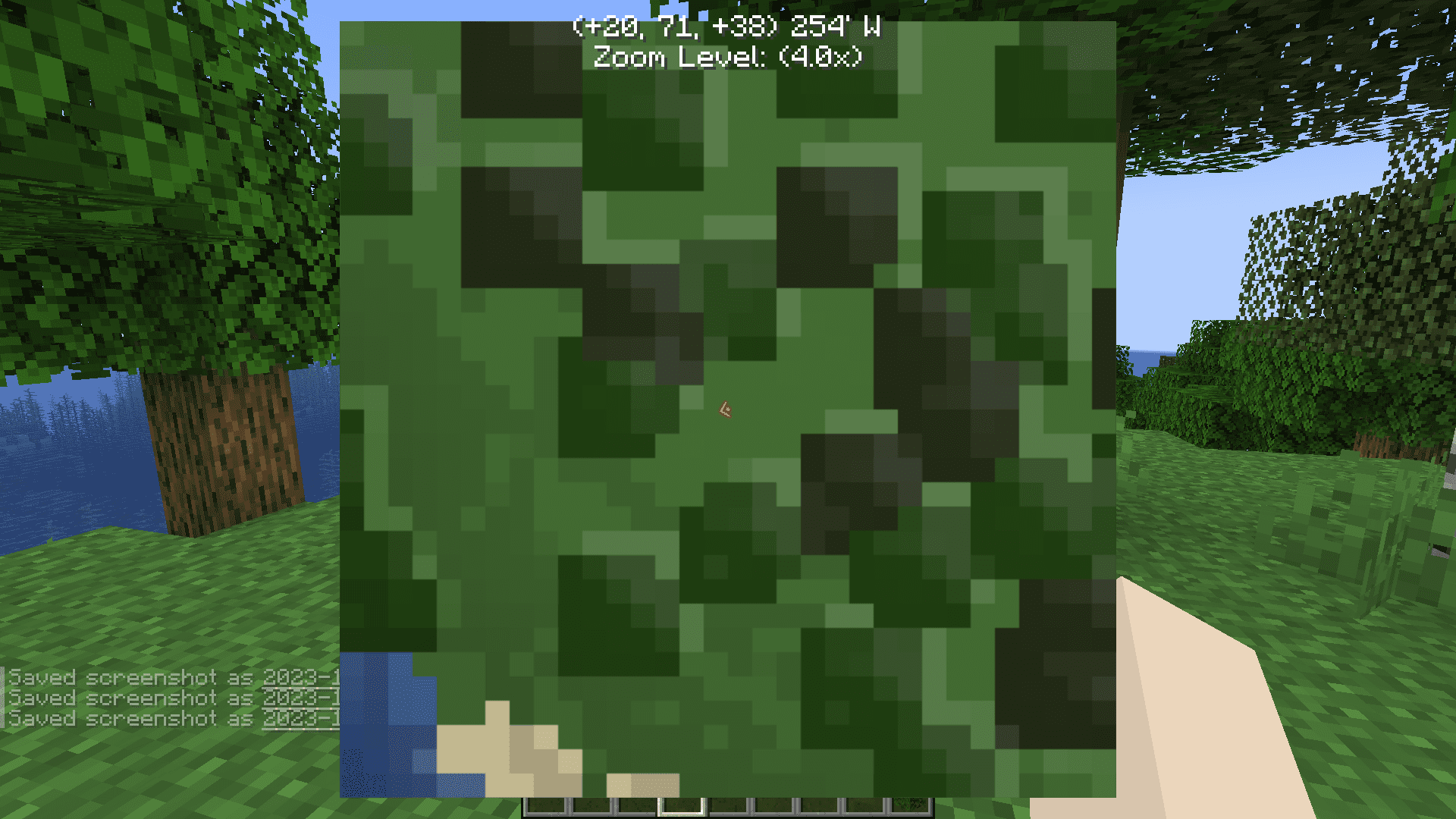
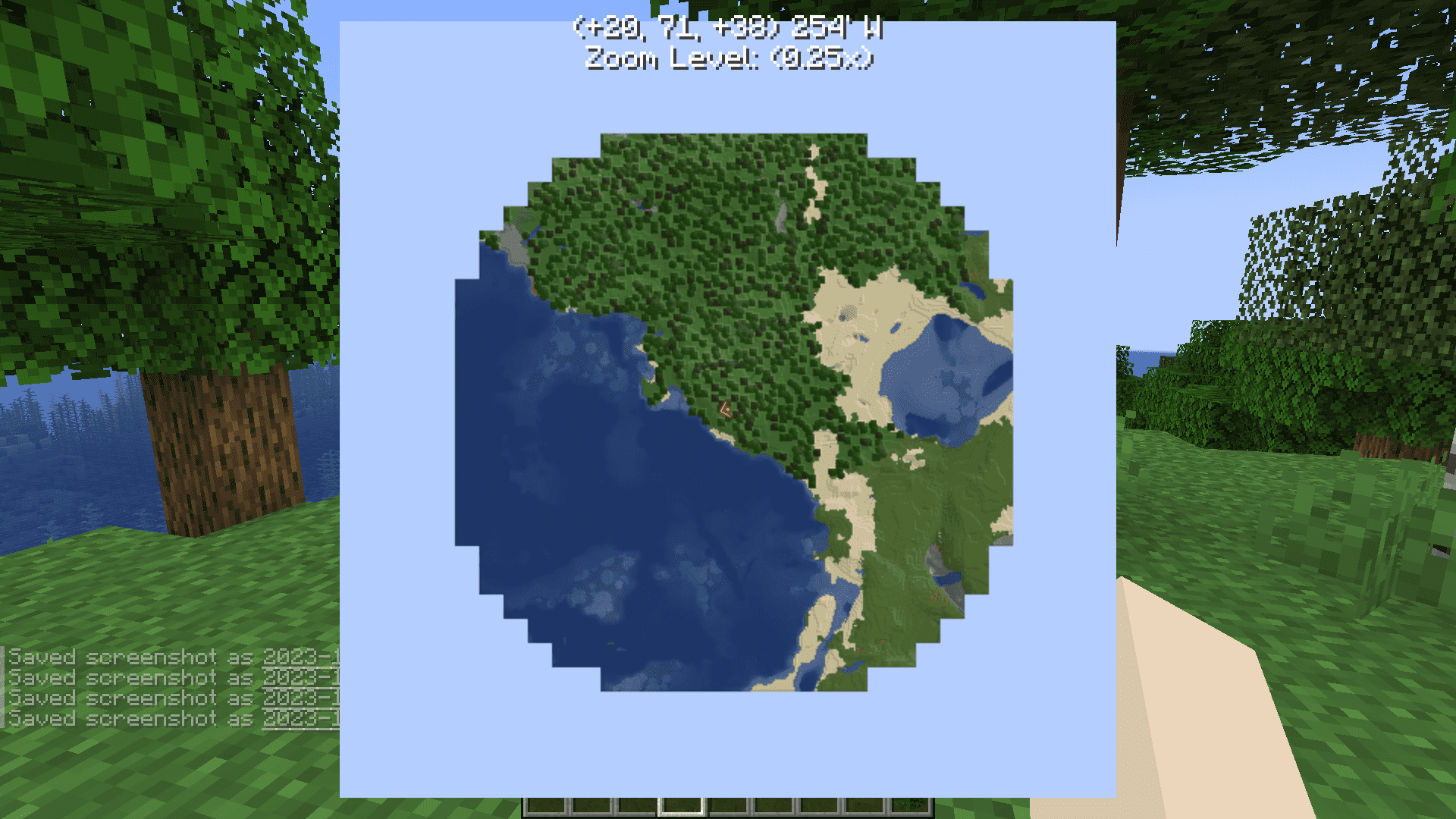
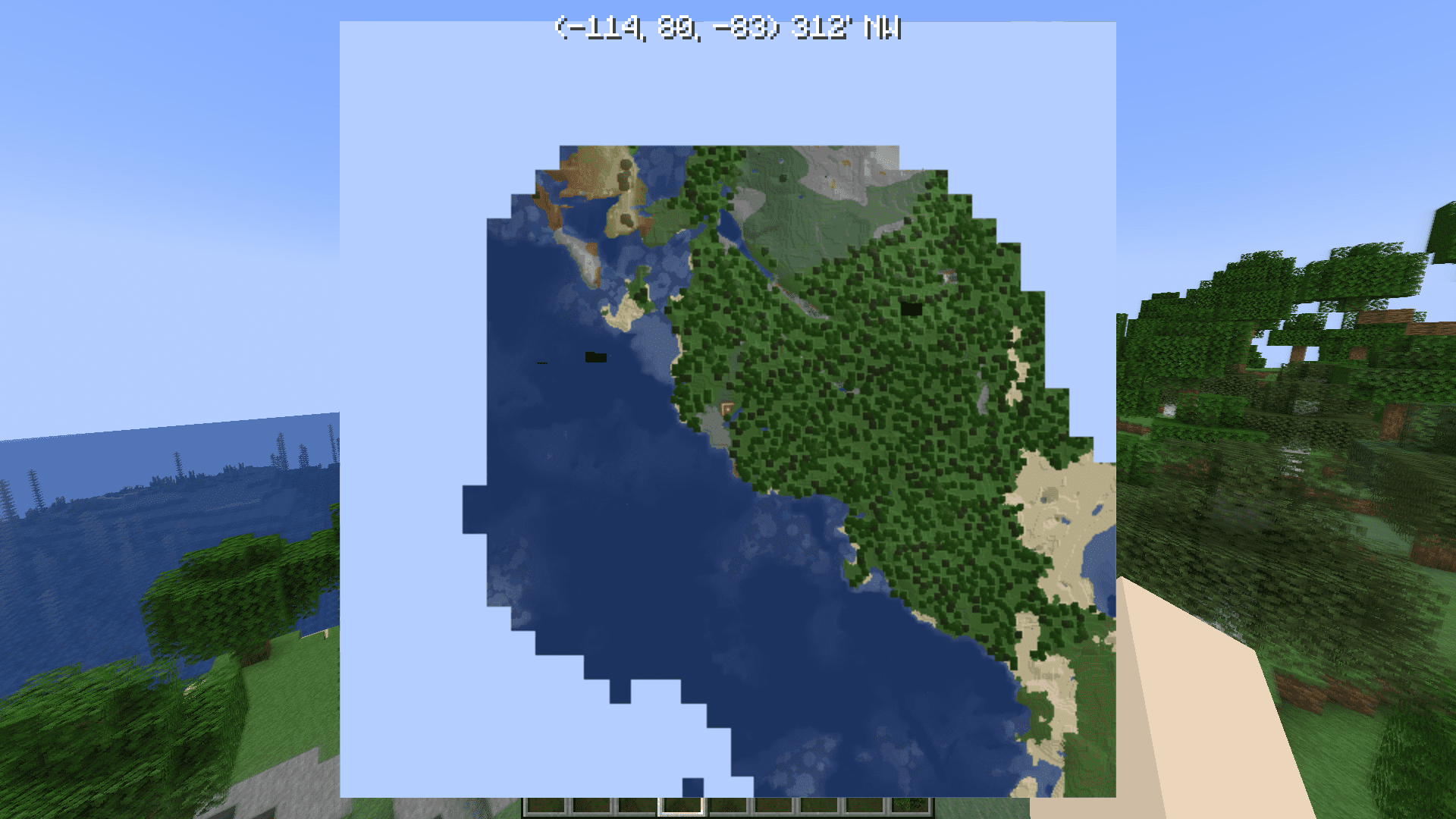
12 images from the Voxelmap Updated Mod page.
You May Also Like
Wikis that share the most with this one
More mod wikis on the site
The most downloaded mods that have a wiki here
A few wikis from each of the other kinds