

 DownloadVTDownloader Mod
Get the files on 9Minecraft
Guides
Step-by-step, in-game.
How to Download Vanilla Tweaks Packs In-Game with VTDownloaderOpening the Downloader Open the resource pack selection screen from Options, then click the VTDownloader button that…How to Find Downloaded Vanilla Tweaks Packs After Using VTDownloaderWhere the Files Go VTDownloader saves downloaded packs into the same resource packs folder Minecraft uses for all…How to Fix VTDownloader Packs Not Appearing or ApplyingPack Missing from the List If a pack you downloaded does not appear in the resource pack selection screen, first…How to Update or Re-Download a Vanilla Tweaks Pack with VTDownloaderWhy Re-Download Vanilla Tweaks packs occasionally change, and a pack you downloaded earlier may no longer match the…
Frequently asked questions
How do I open VTDownloader in Minecraft?
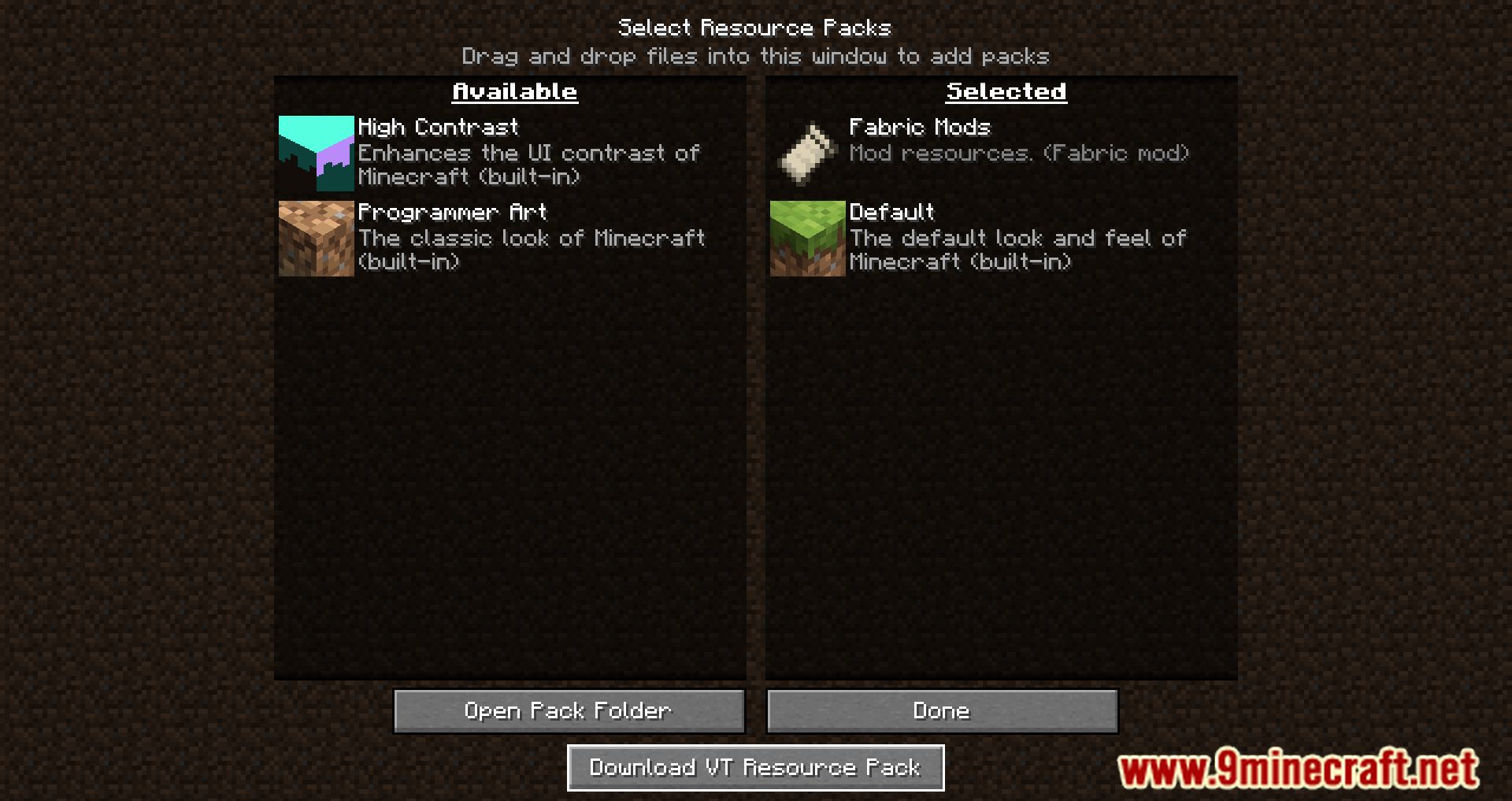
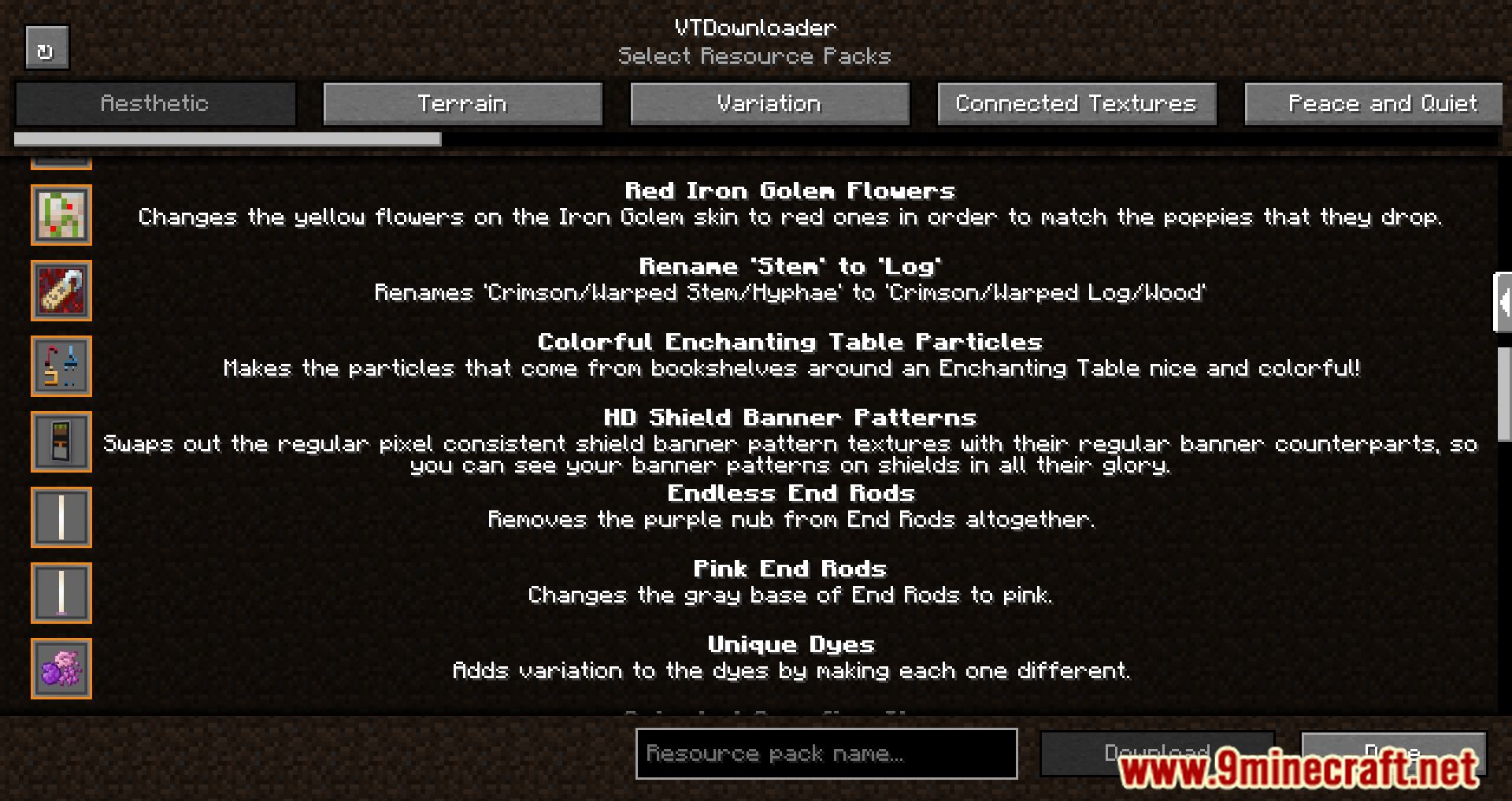
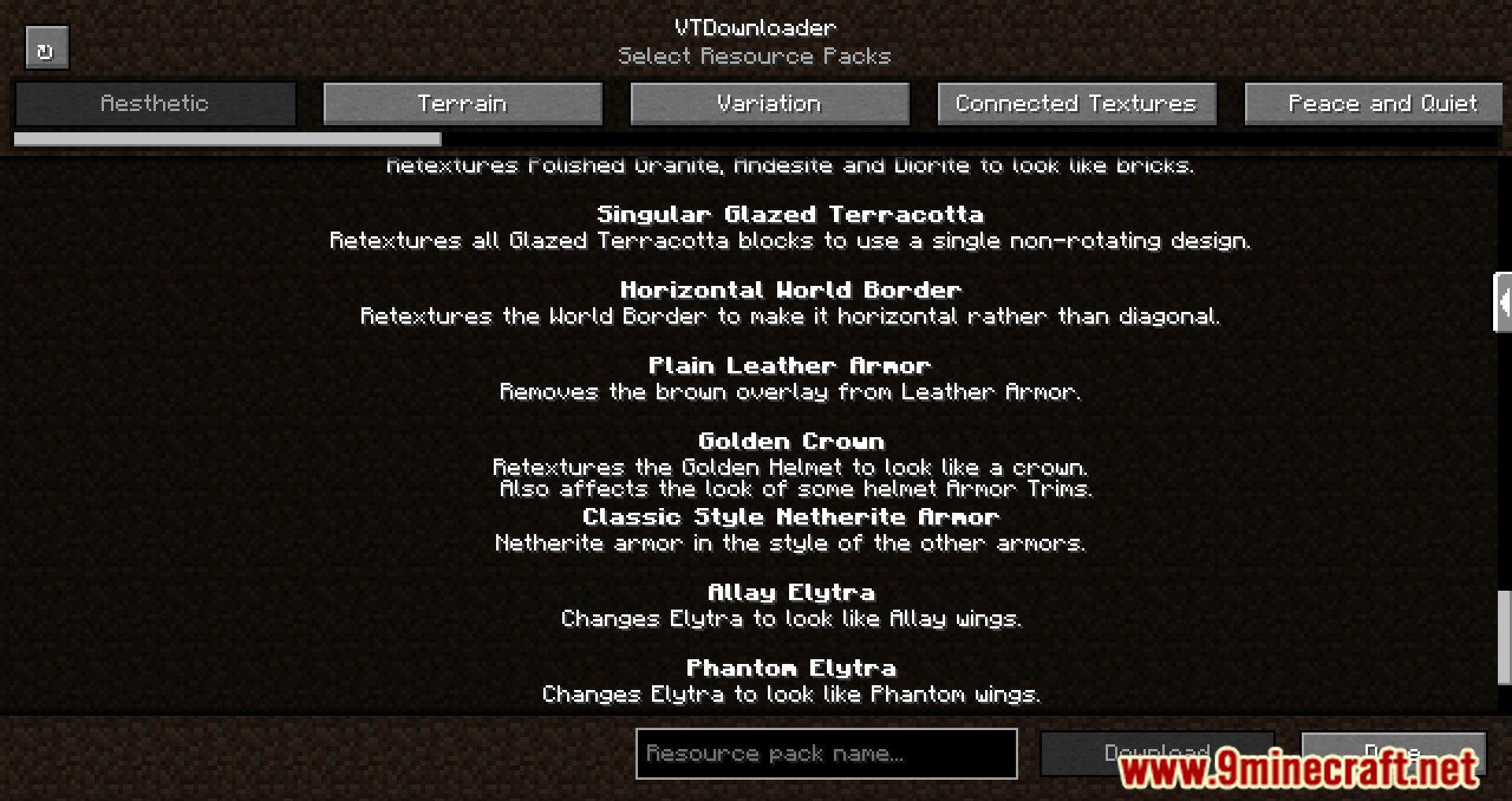
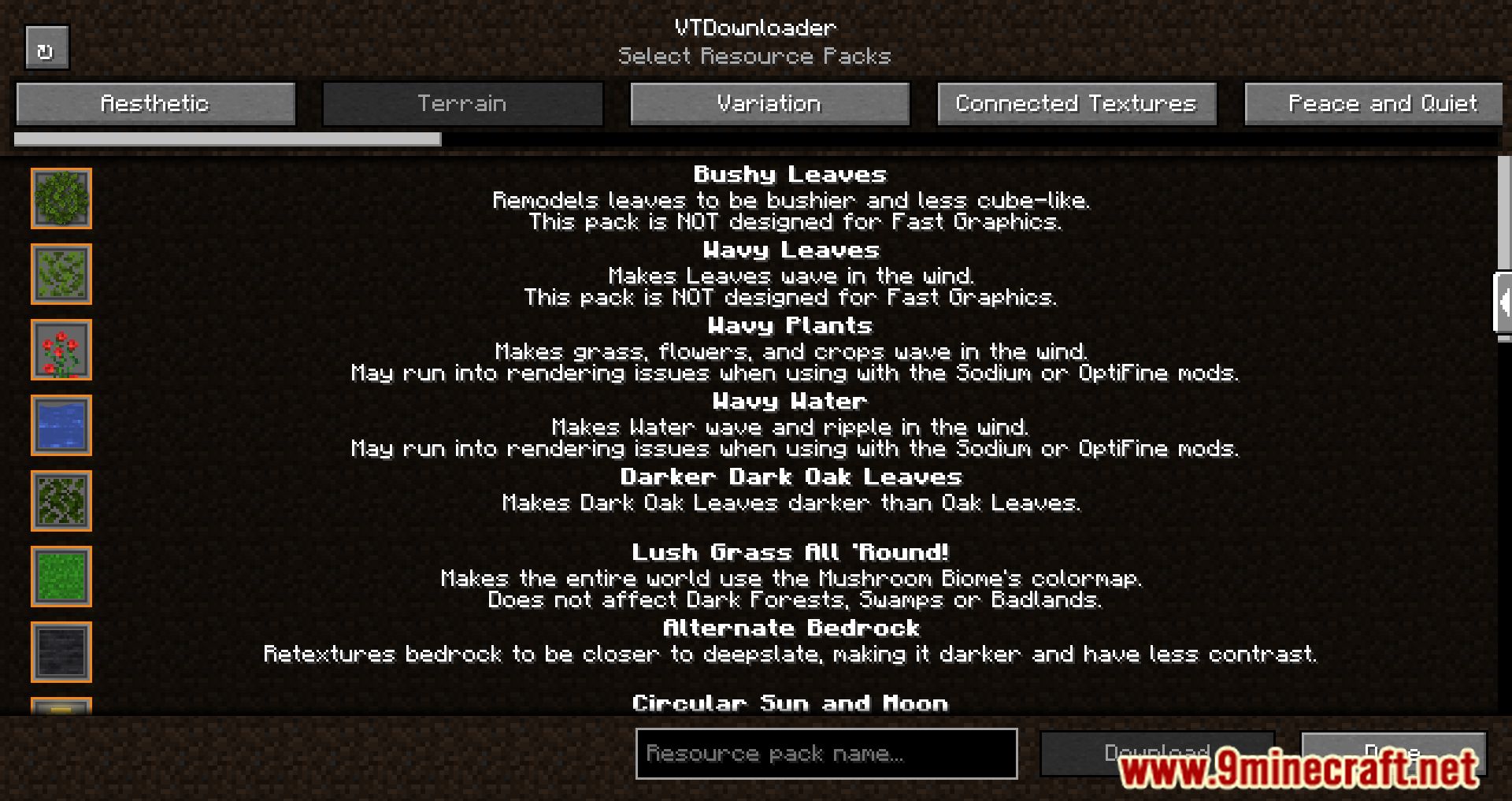
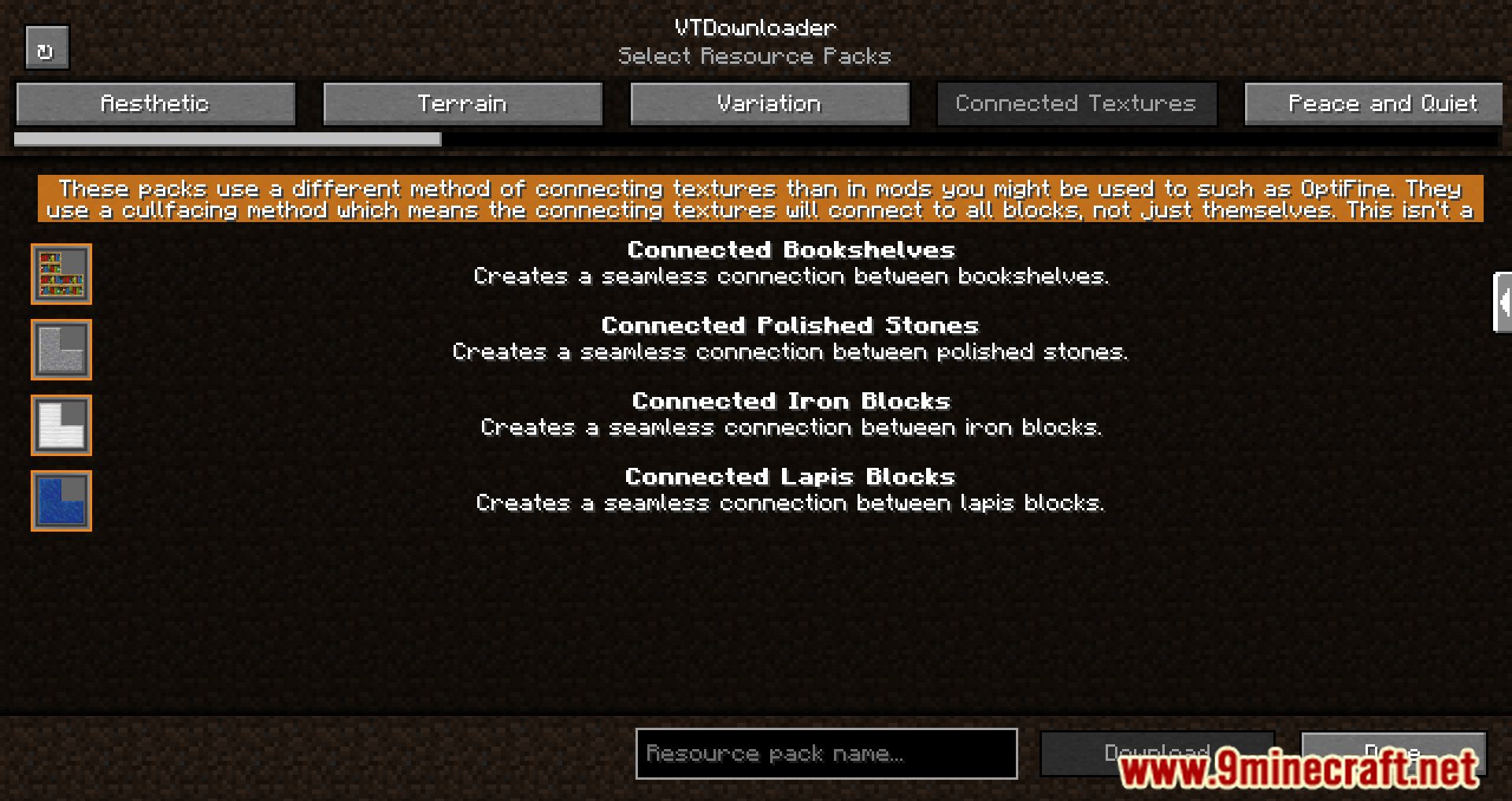
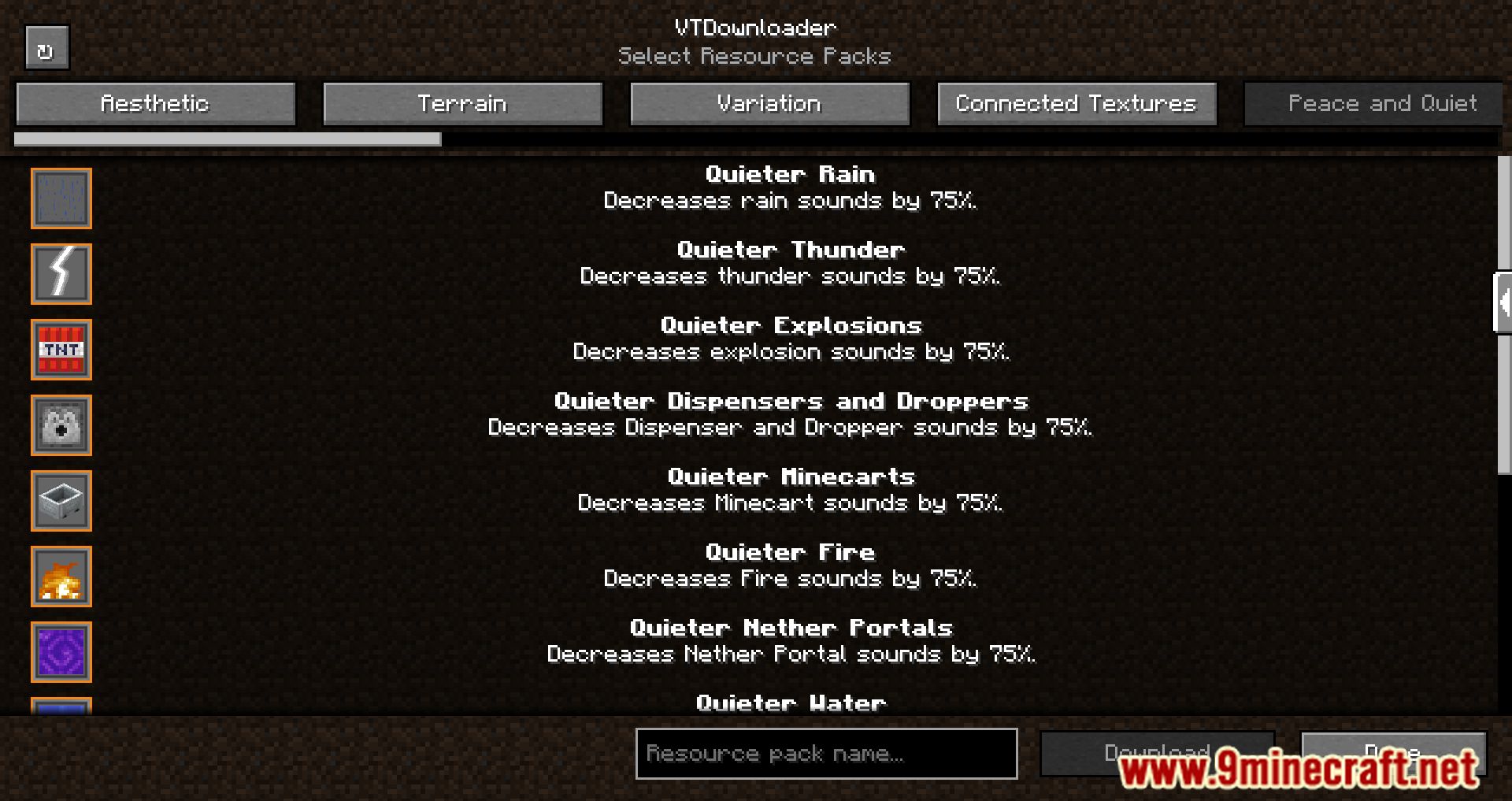
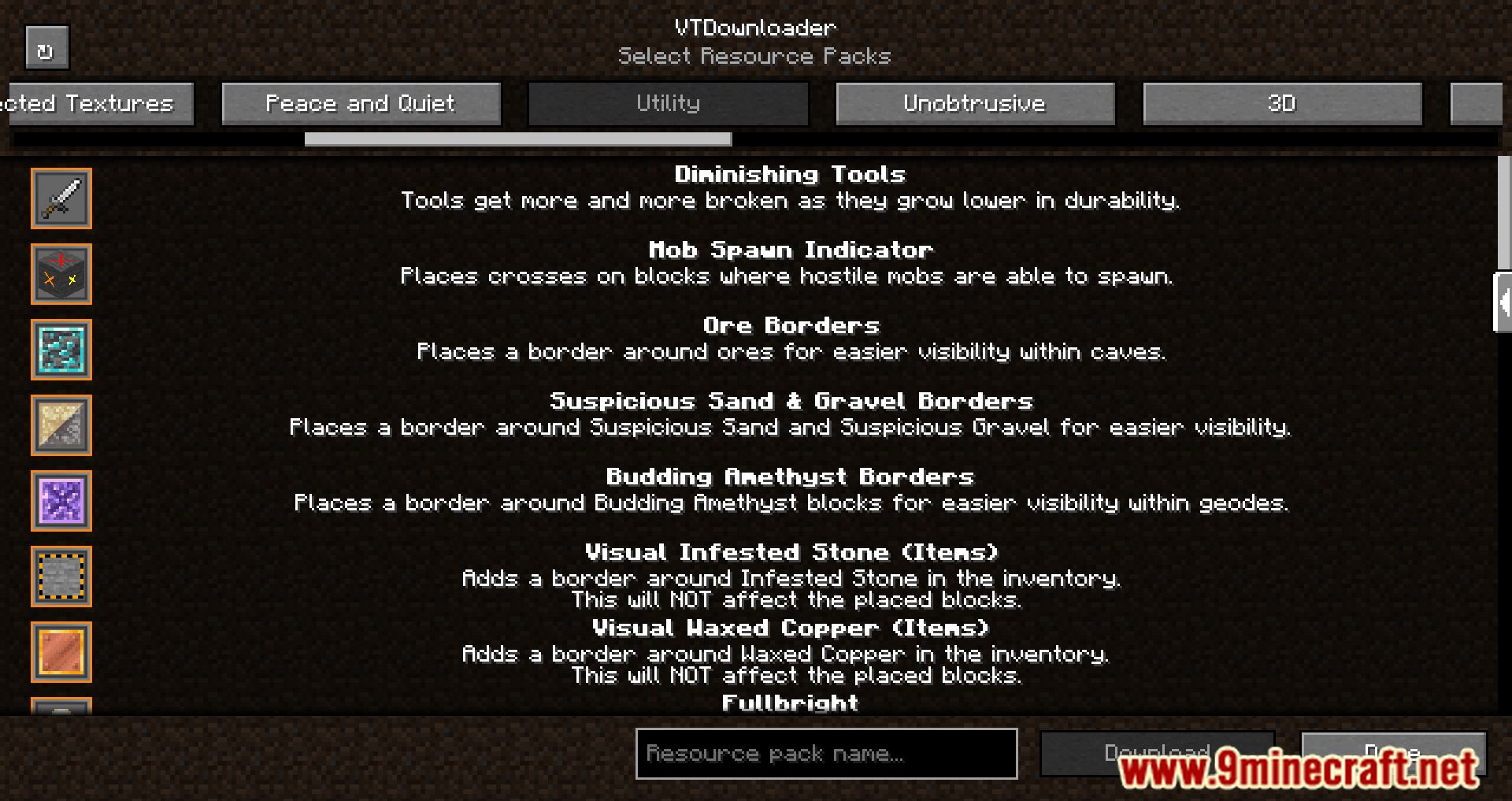
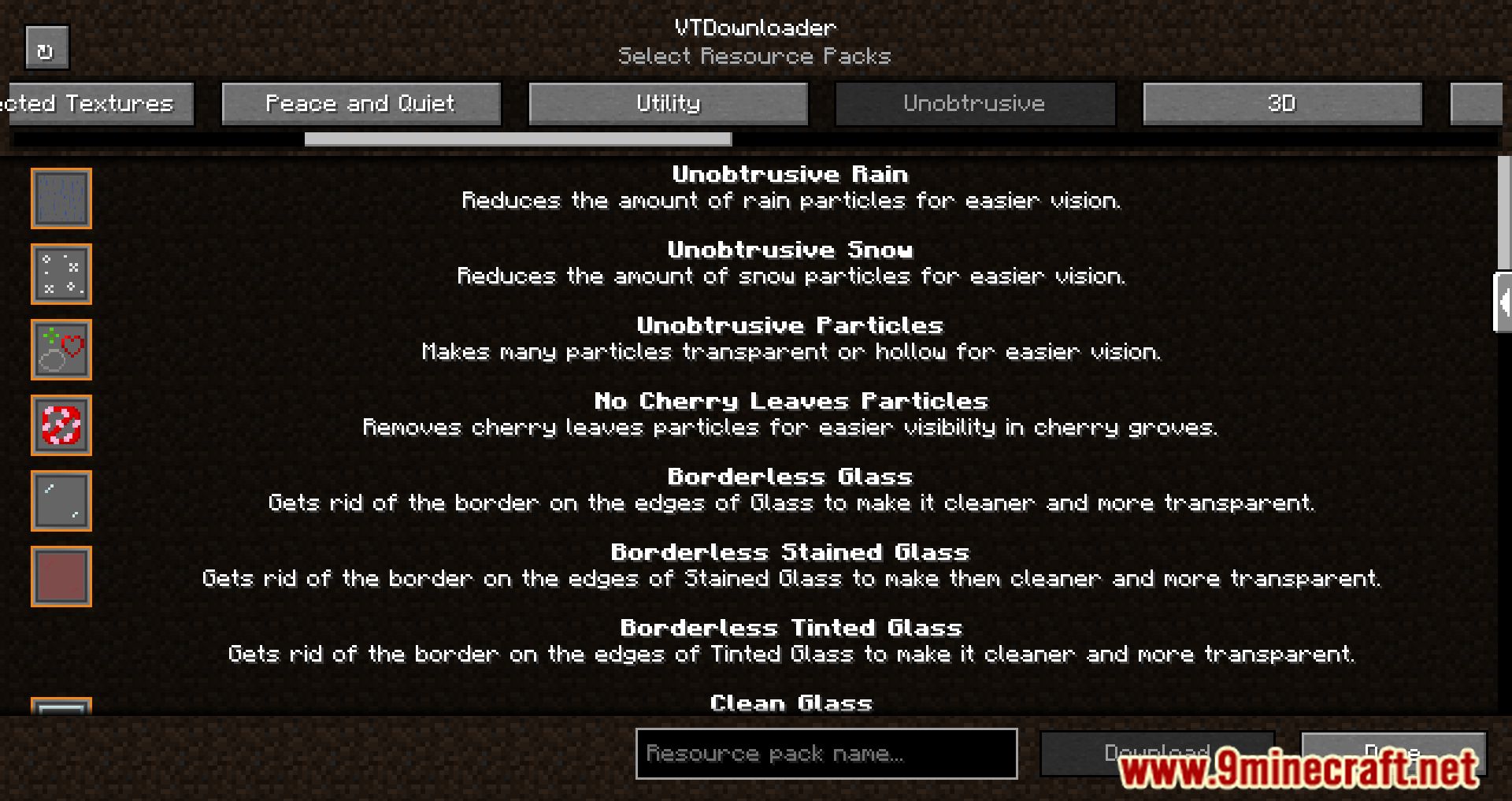
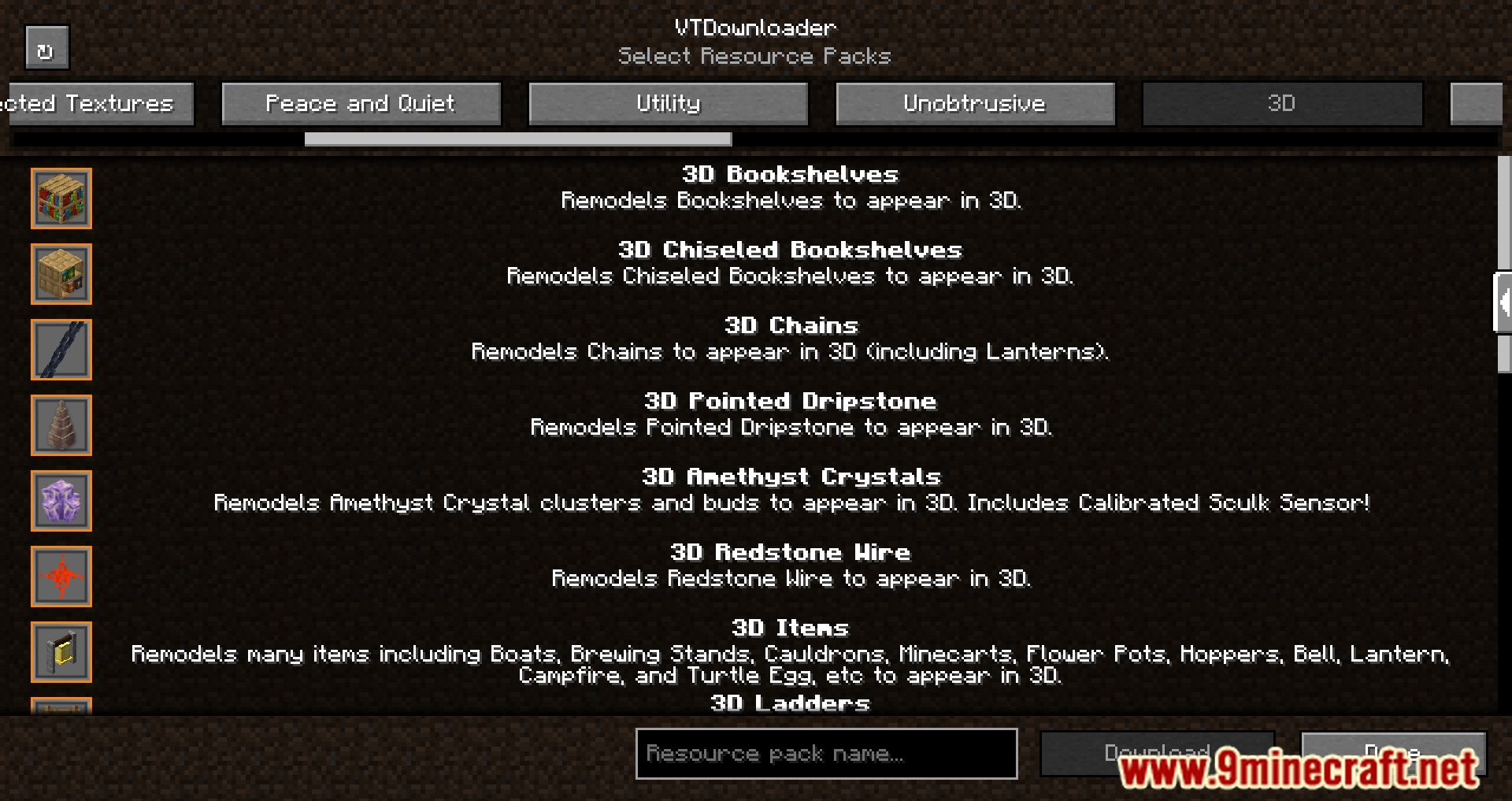
Open the resource pack selection screen from Options, then click the VTDownloader button added there. The download browser opens directly in-game, so you don't need to leave Minecraft.
Do I need to be online to use VTDownloader?
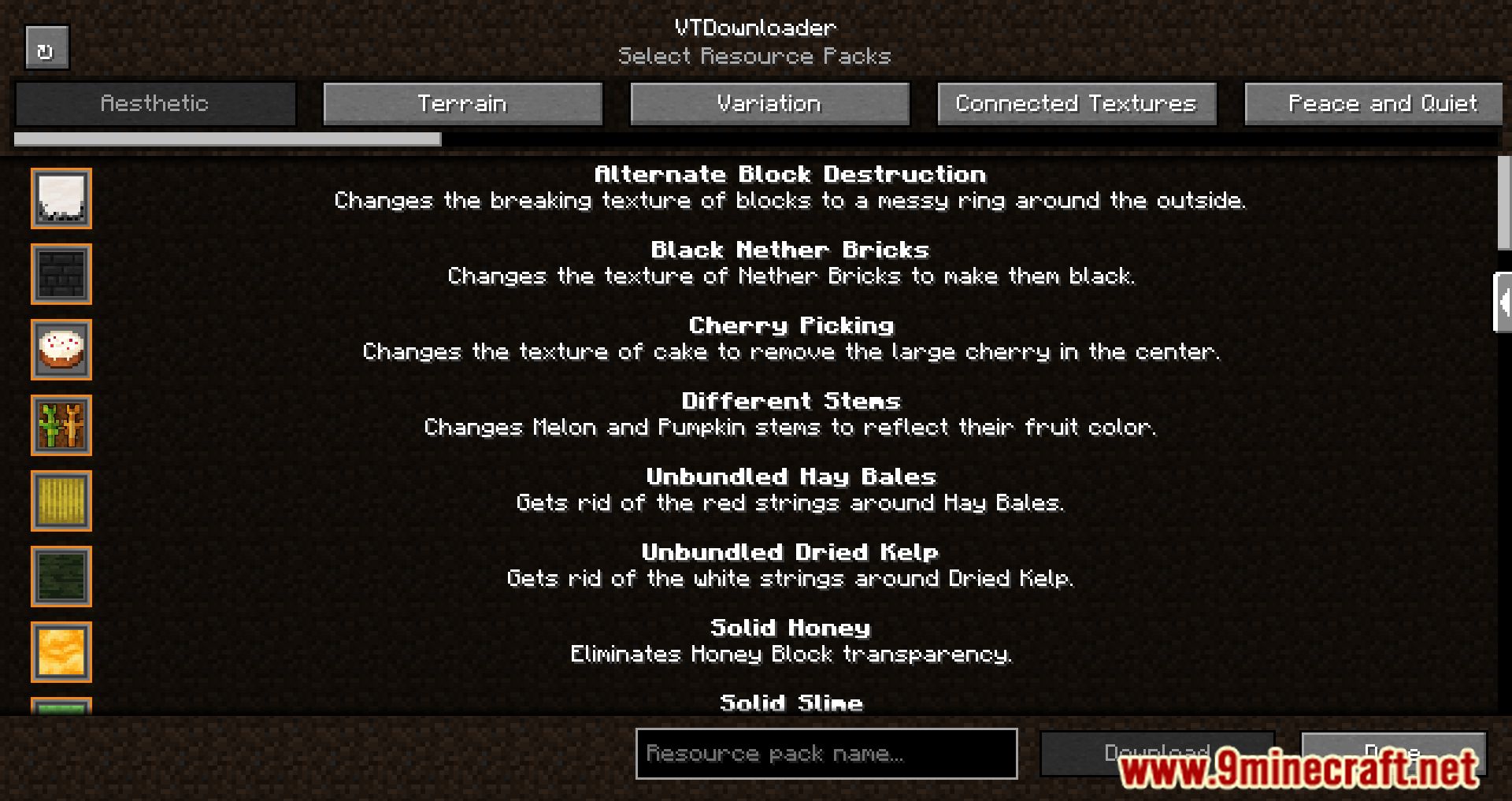
Yes, the mod fetches the Vanilla Tweaks pack list and downloads files from the internet, so you need an active connection. If the browser shows nothing or fails to load, check your connection and try again.
Where do downloaded Vanilla Tweaks packs go?
VTDownloader saves them straight into your resource packs folder for the current Minecraft instance. After downloading, they appear in the resource pack list and can be enabled like any other pack.
Do I have to enable the pack manually after downloading?
Yes, downloading only places the pack in your resource packs folder. You still need to move it to the selected side and apply it in the resource pack screen.
See all 10 VTDownloader questions ›
Gallery
12 images from the Vtdownloader Mod page.
You May Also Like
Wikis that share the most with this one
 Voxy Make it Compatible Mod
More mod wikis on the site
The most downloaded mods that have a wiki here
A few wikis from each of the other kinds