

 DownloadVanishing Survival HUD Mod
Get the files on 9Minecraft
Guides
Step-by-step, in-game.
Adjust How Quickly the Interface Fades After You Stop InteractingChange the Inactivity Timer The mod measures how long you go without changing items, taking damage, or eating before…Keep Your Health Bar Always Visible During CombatSet a Health Percentage Trigger The mod lets you configure a custom health threshold so your health bar only appears…Make the Hunger Meter Appear Only When You're StarvingConfigure Hunger Percentage Threshold Similar to the health bar, you can set the hunger meter to display only when…Prevent Item Tooltips from Appearing When Switching Hotbar SlotsHide Held Item Popups The mod includes an option to suppress the tooltip that normally appears when you pick up or…
Frequently asked questions
How do I turn on the mod after installing it?
The mod is active by default once installed. Open your in-game settings menu (usually accessible from the pause screen or through a keybind) to find Vanishing Survival HUD options and adjust behavior to your preference.
Why is my health bar still visible when I'm not taking damage?
Check your settings menu for the inactivity timeout duration and transparency level for inactive UI. You may have set the fade time very long, or the health bar opacity too high—lower both values to make it disappear faster.
Can I make the hunger meter only show when I'm actually hungry?
Yes, use the custom hunger percentage trigger option in settings to set a threshold (for example, only display when hunger drops below a certain level). This prevents the meter from appearing during normal exploration.
Does the mod work with other HUD mods?
Compatibility depends on how other mods modify the HUD. If another mod also controls interface visibility or positioning, they may conflict; test by disabling other HUD mods one at a time to identify issues.
See all 10 Vanishing Survival HUD questions ›
Gallery
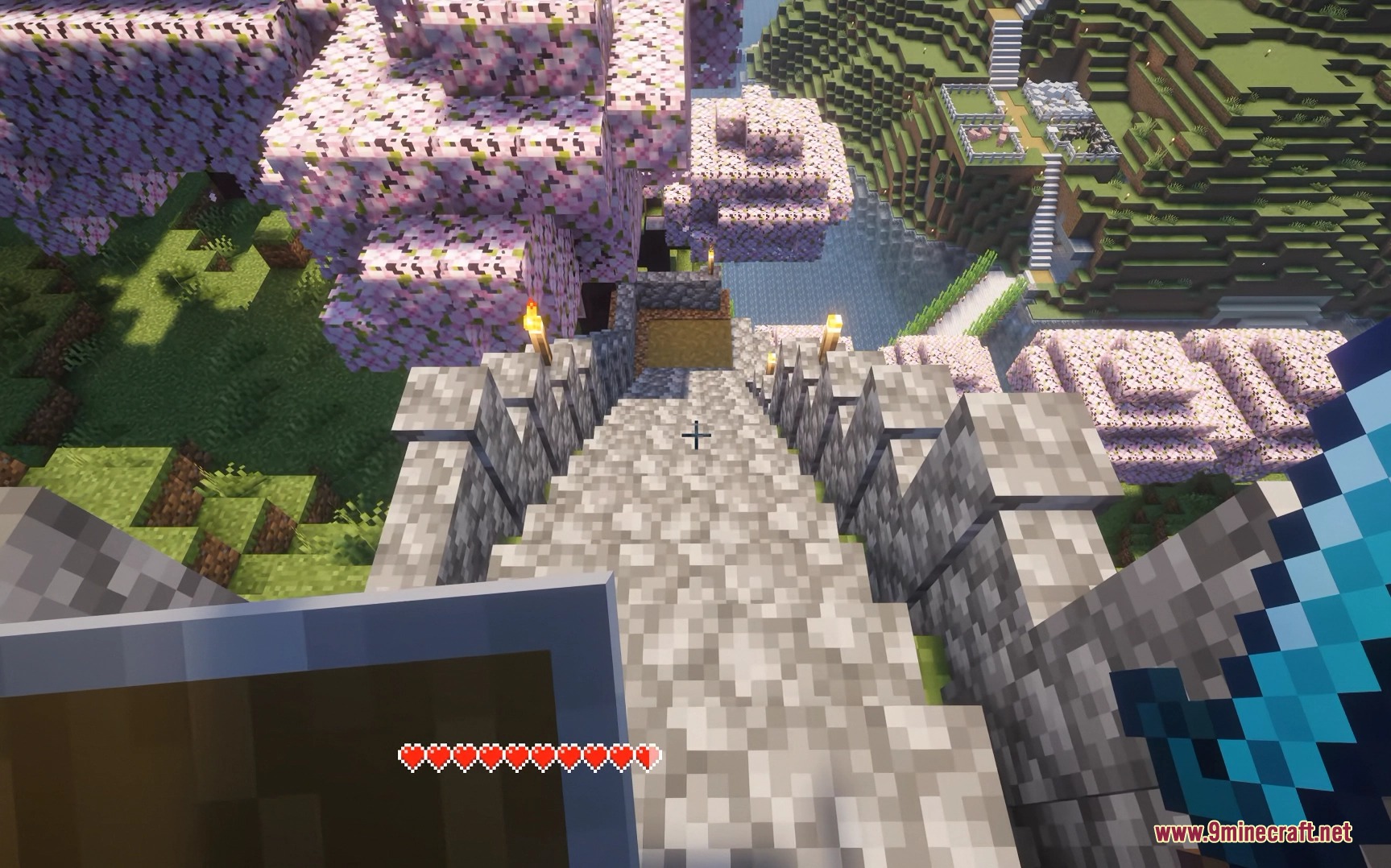
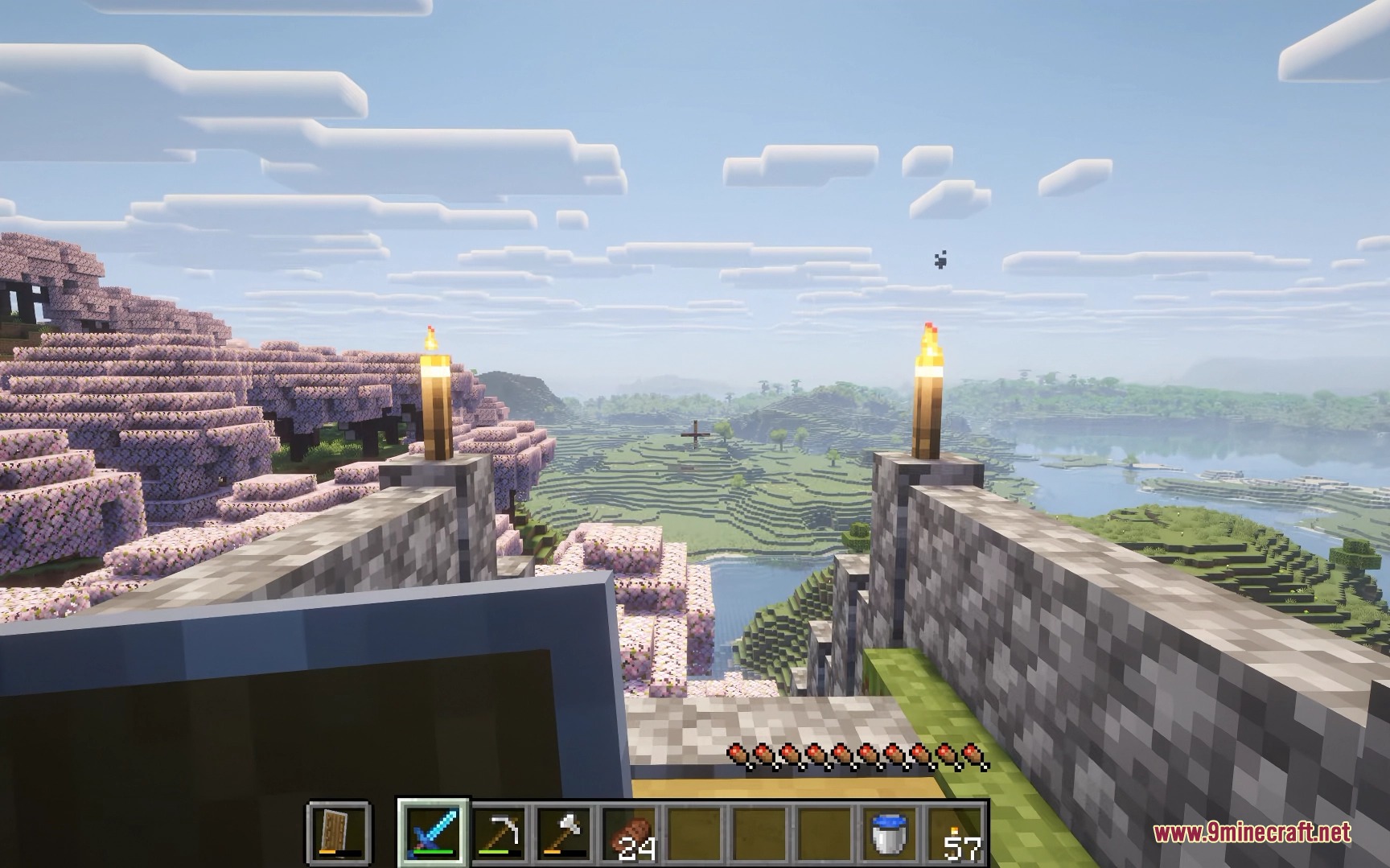
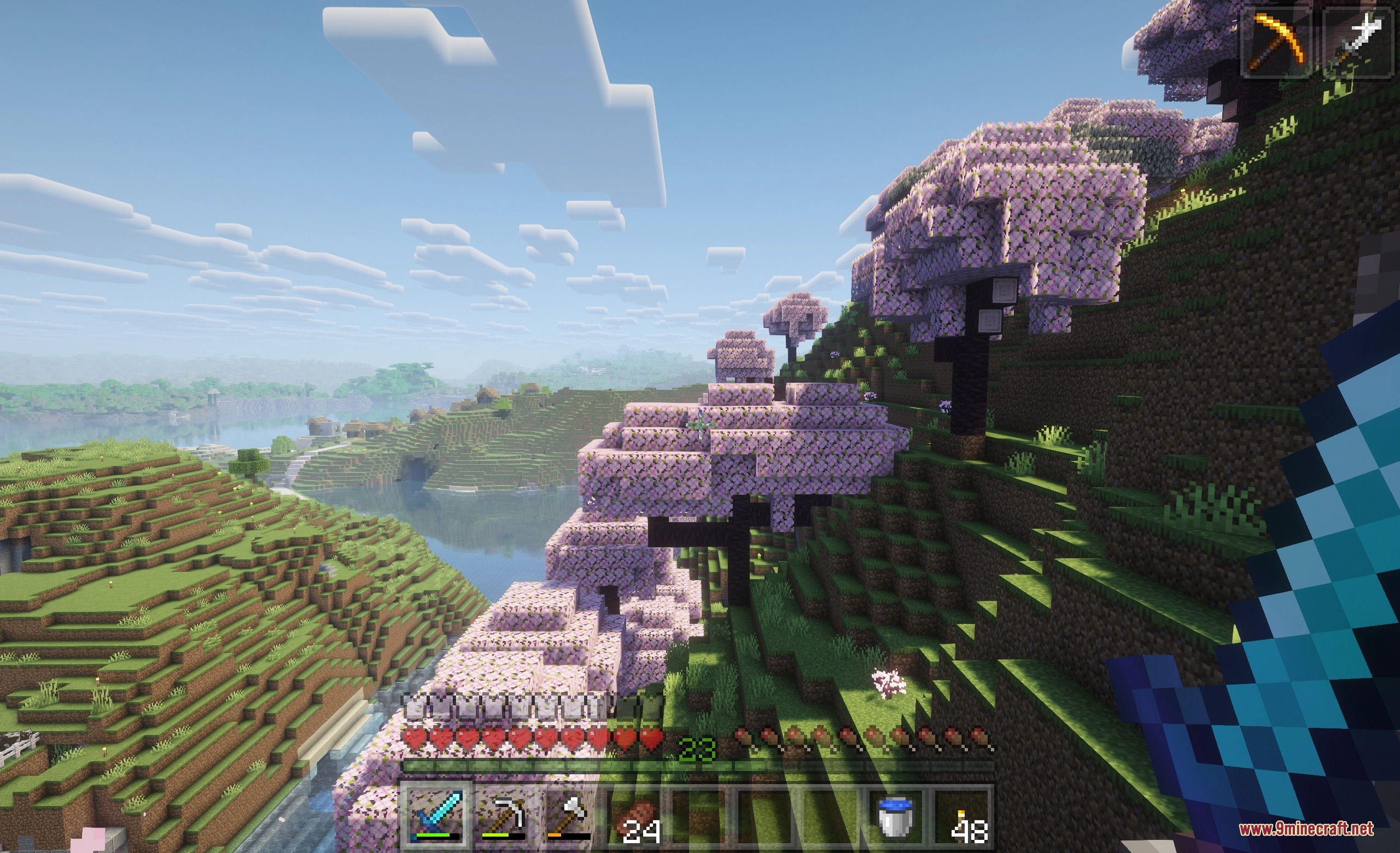
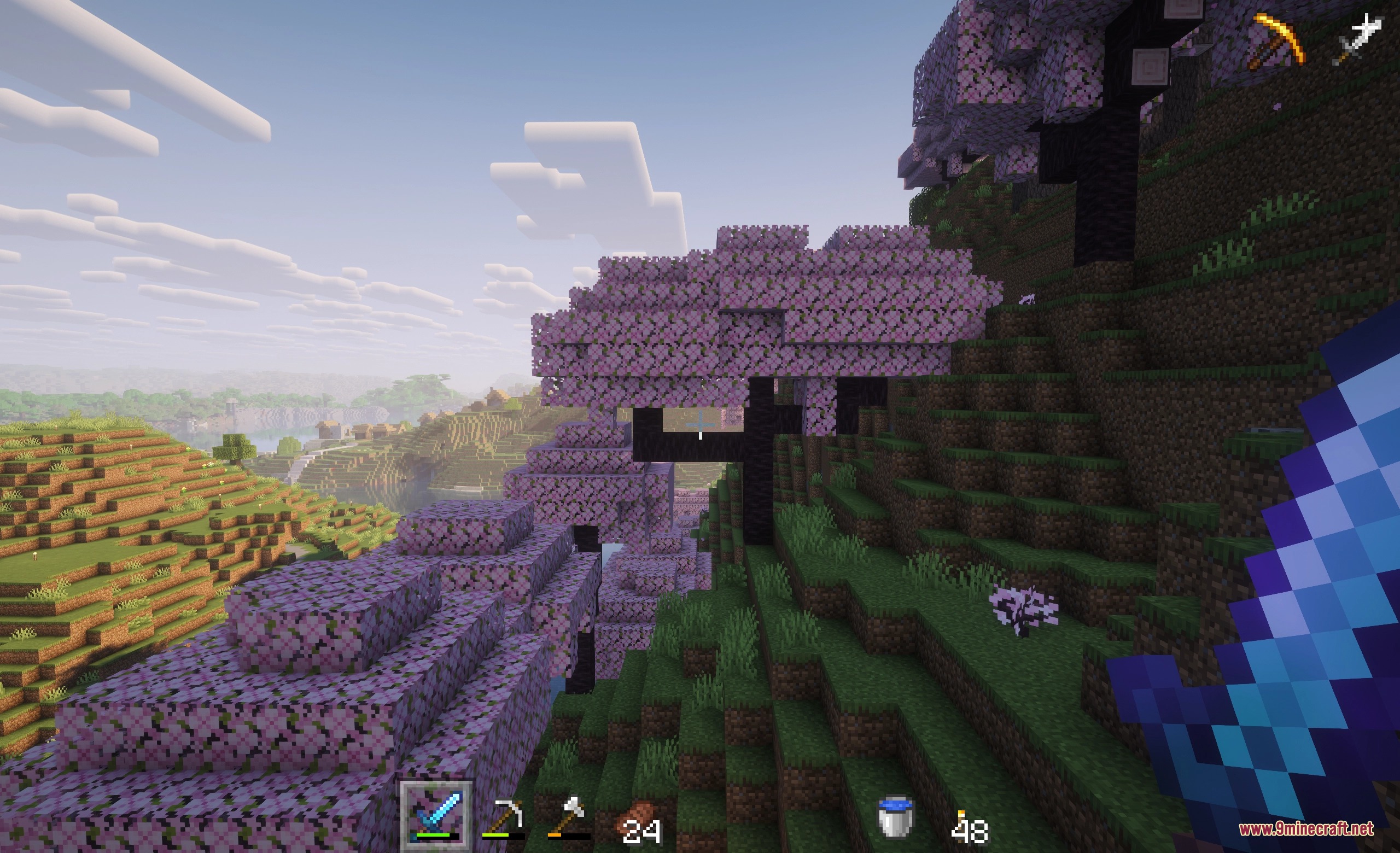
5 images from the Vanishing Survival Hud Mod page.
You May Also Like
Wikis that share the most with this one
More mod wikis on the site
 Vanilla Pvp Essentials Model
The most downloaded mods that have a wiki here
A few wikis from each of the other kinds