

 DownloadVault Vision Peek Mod
Get the files on 9Minecraft
Guides
Step-by-step, in-game.
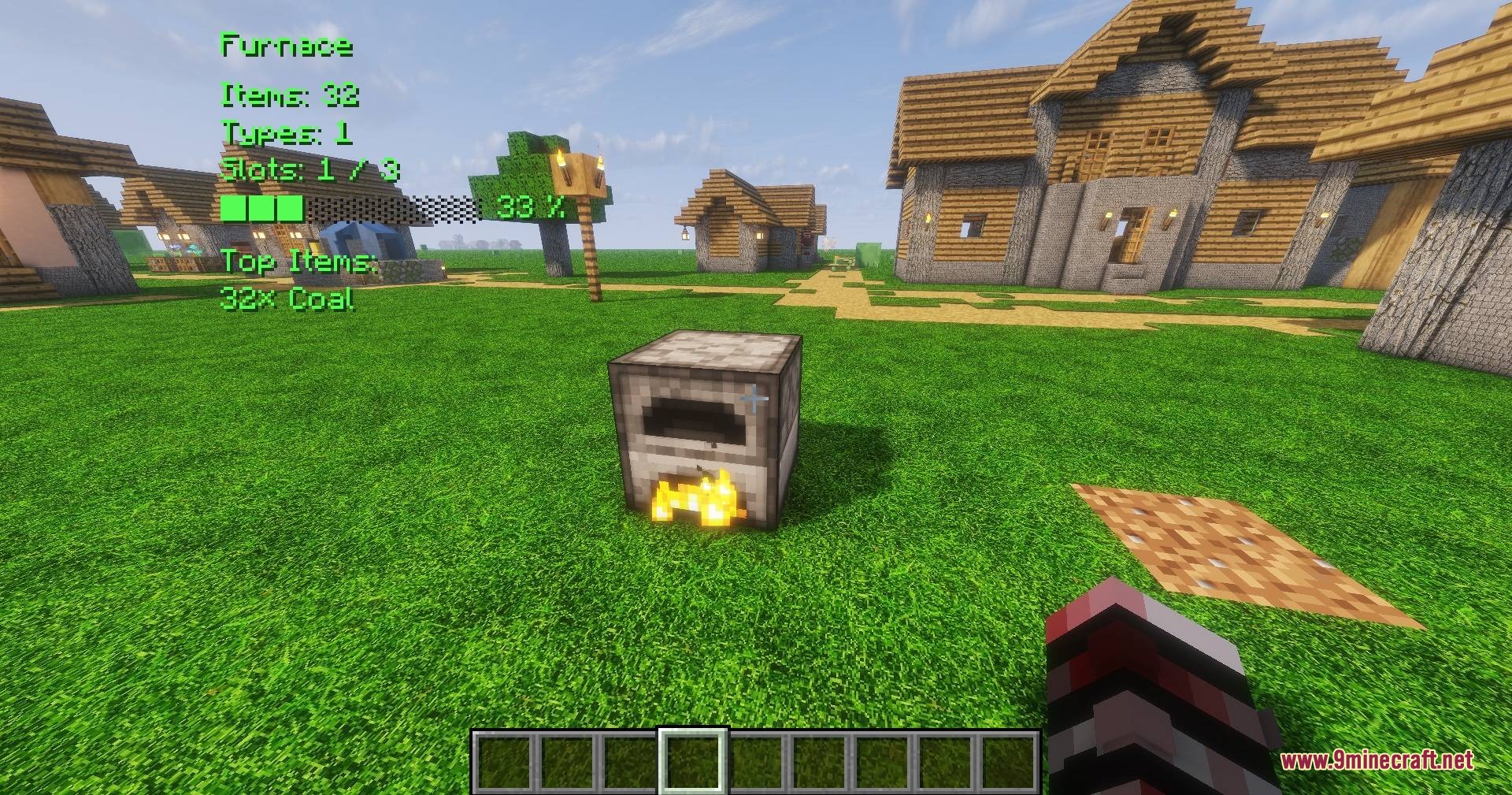
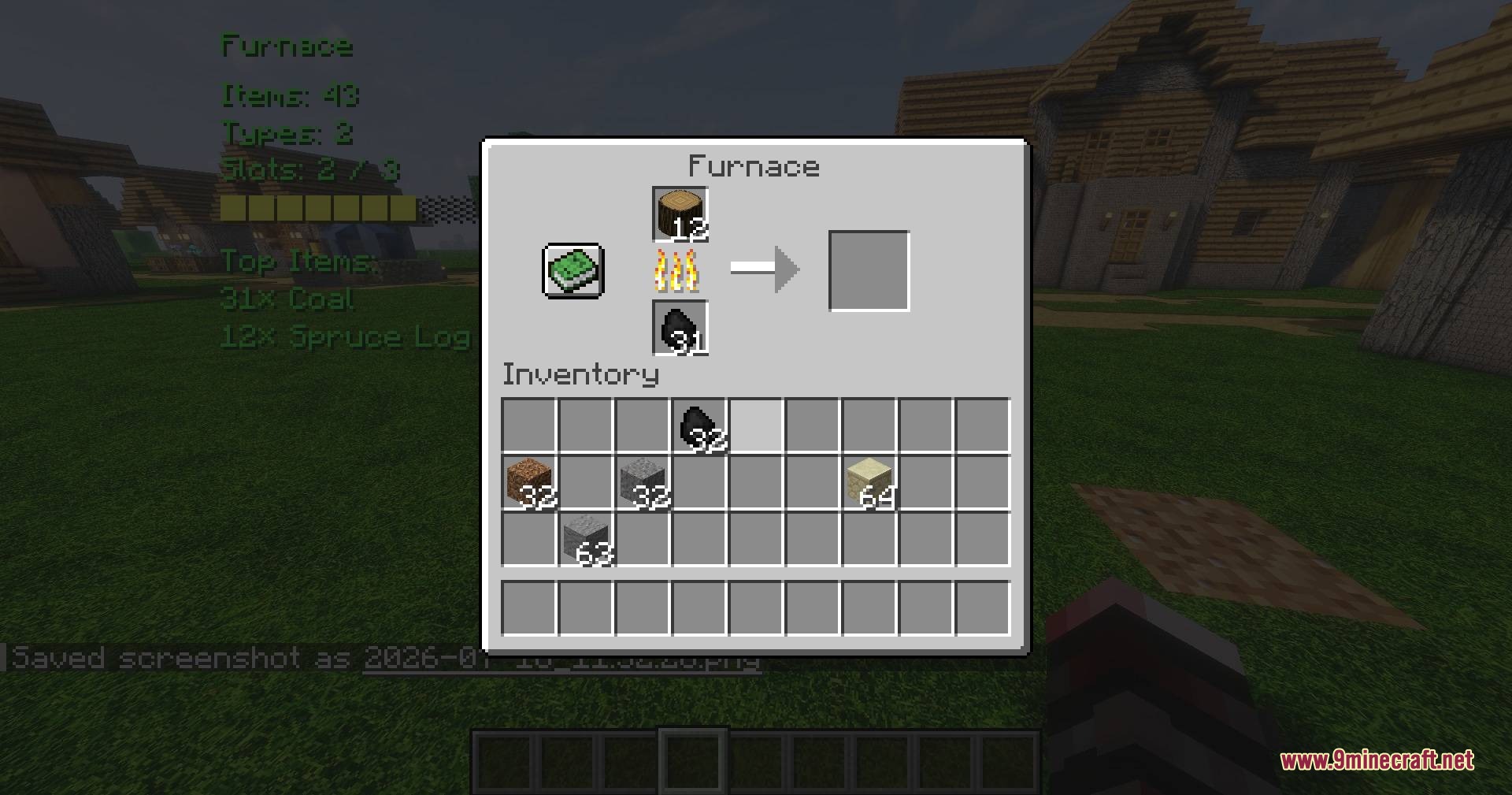
Check Furnace and Brewing Stand ContentsScanning Cooking Blocks Vault Vision Peek Mod works with cooking and brewing containers just like regular storage.…Customize HUD Position and Text ColorsAccess the Settings Menu Press Insert on your keyboard to open the Vault Vision Peek Mod settings menu. This is where…Display Item Counts Without Opening ContainersQuick Peek at Storage Vault Vision Peek Mod lets you see what's inside any container instantly without opening it.…Monitor Modded Storage and Custom ContainersBeyond Vanilla Containers Vault Vision Peek Mod isn't limited to Minecraft's default storage blocks. It reads modded…
Frequently asked questions
How do I see container contents without opening them?
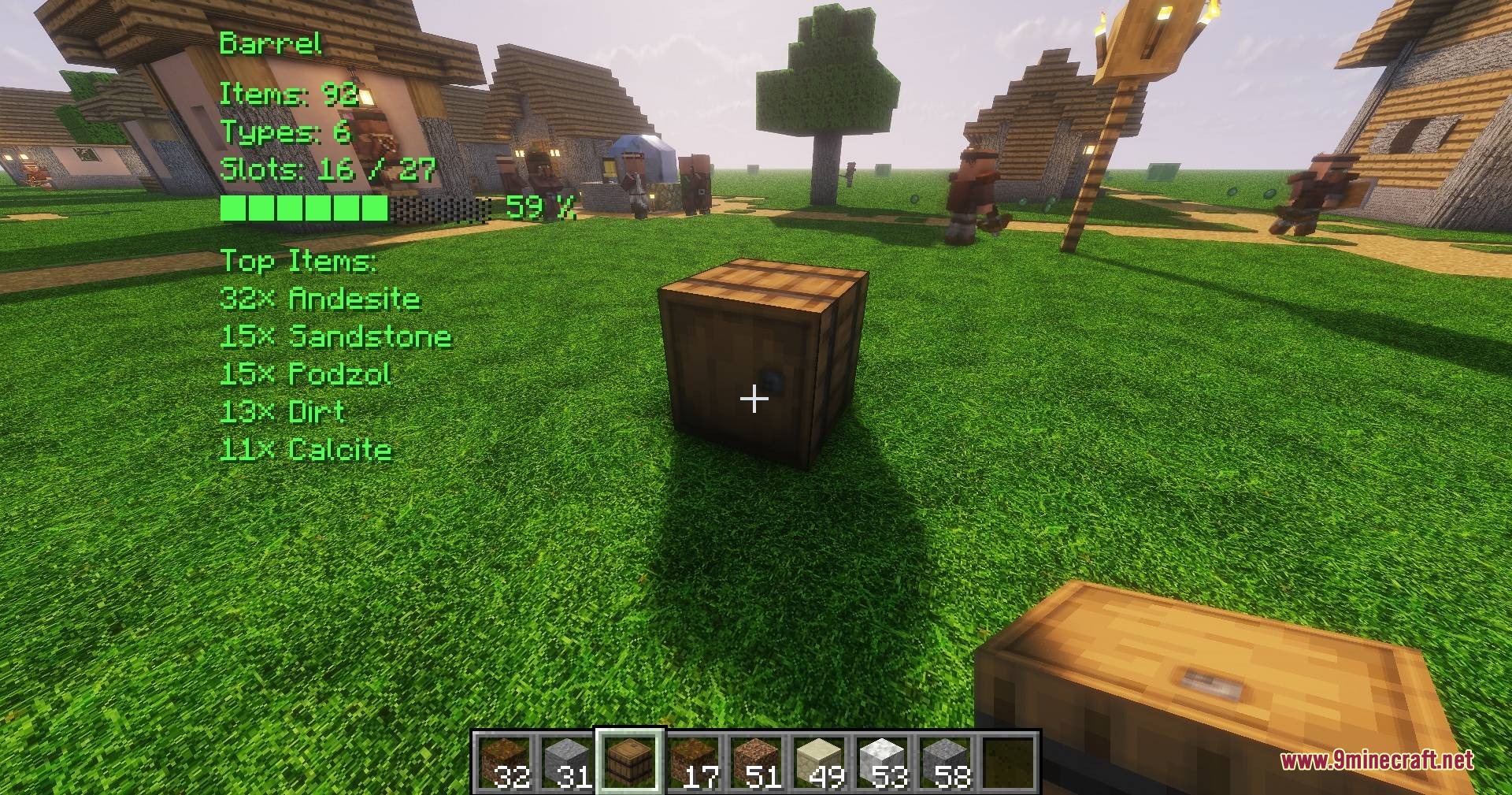
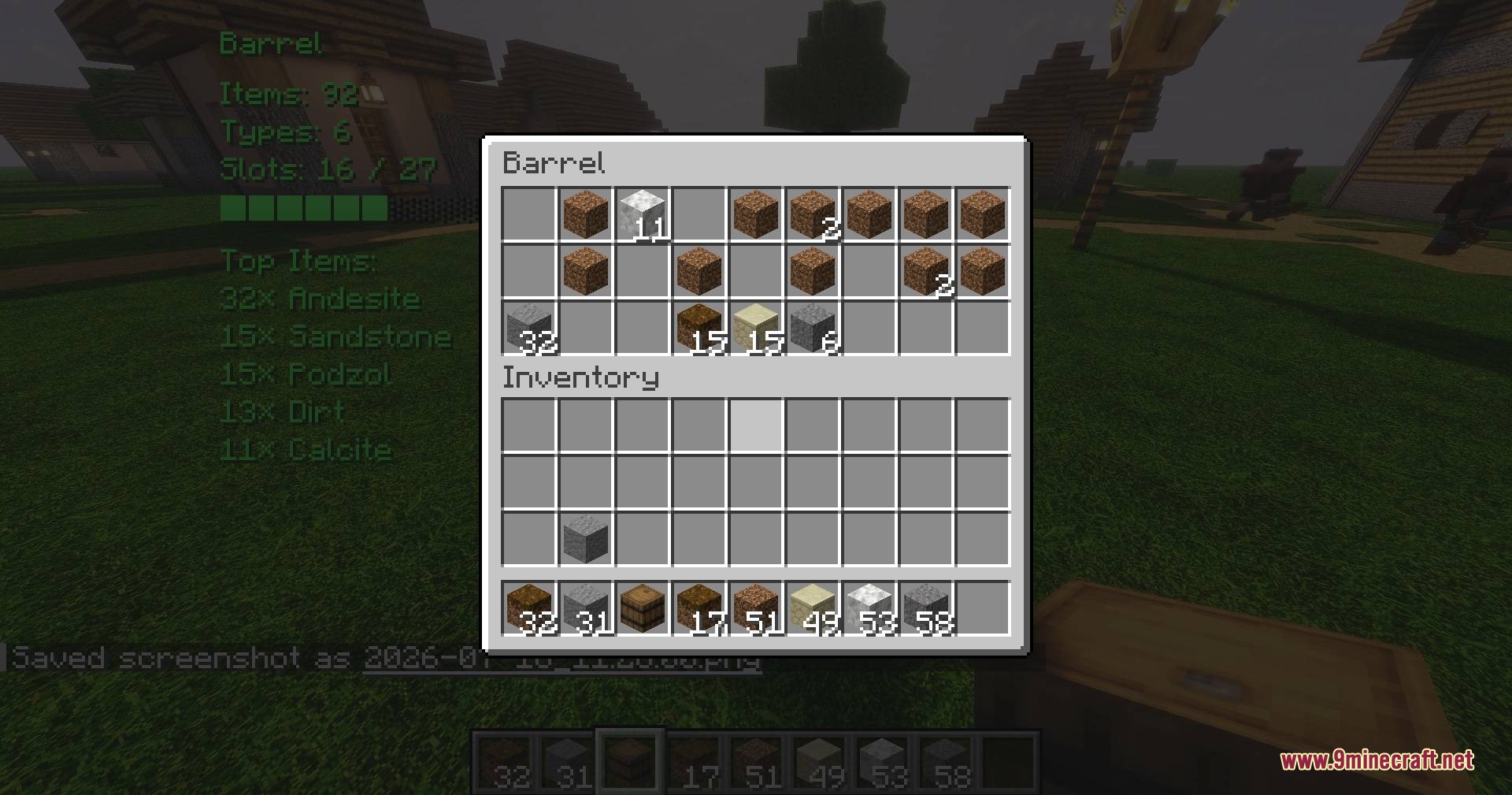
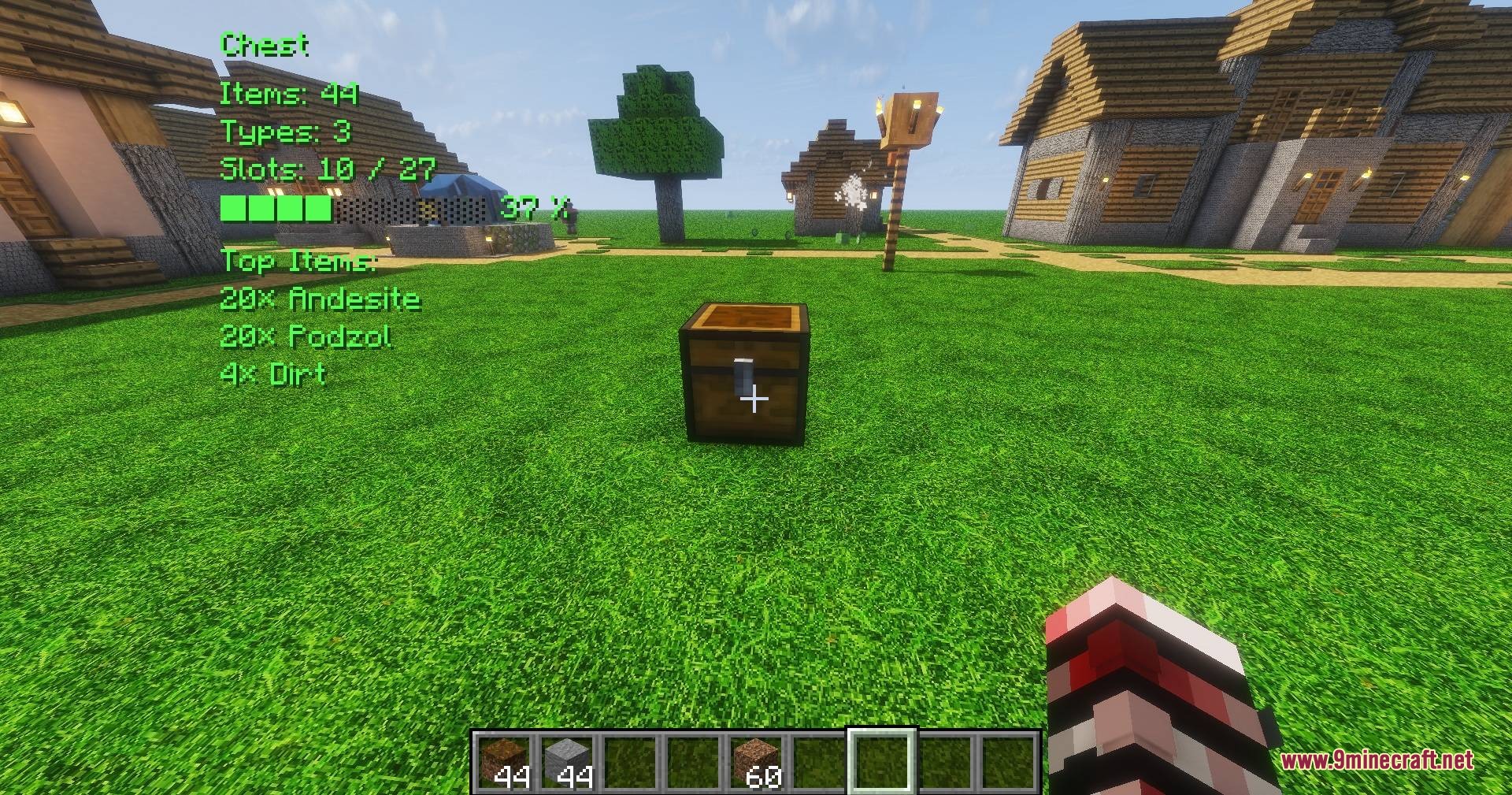
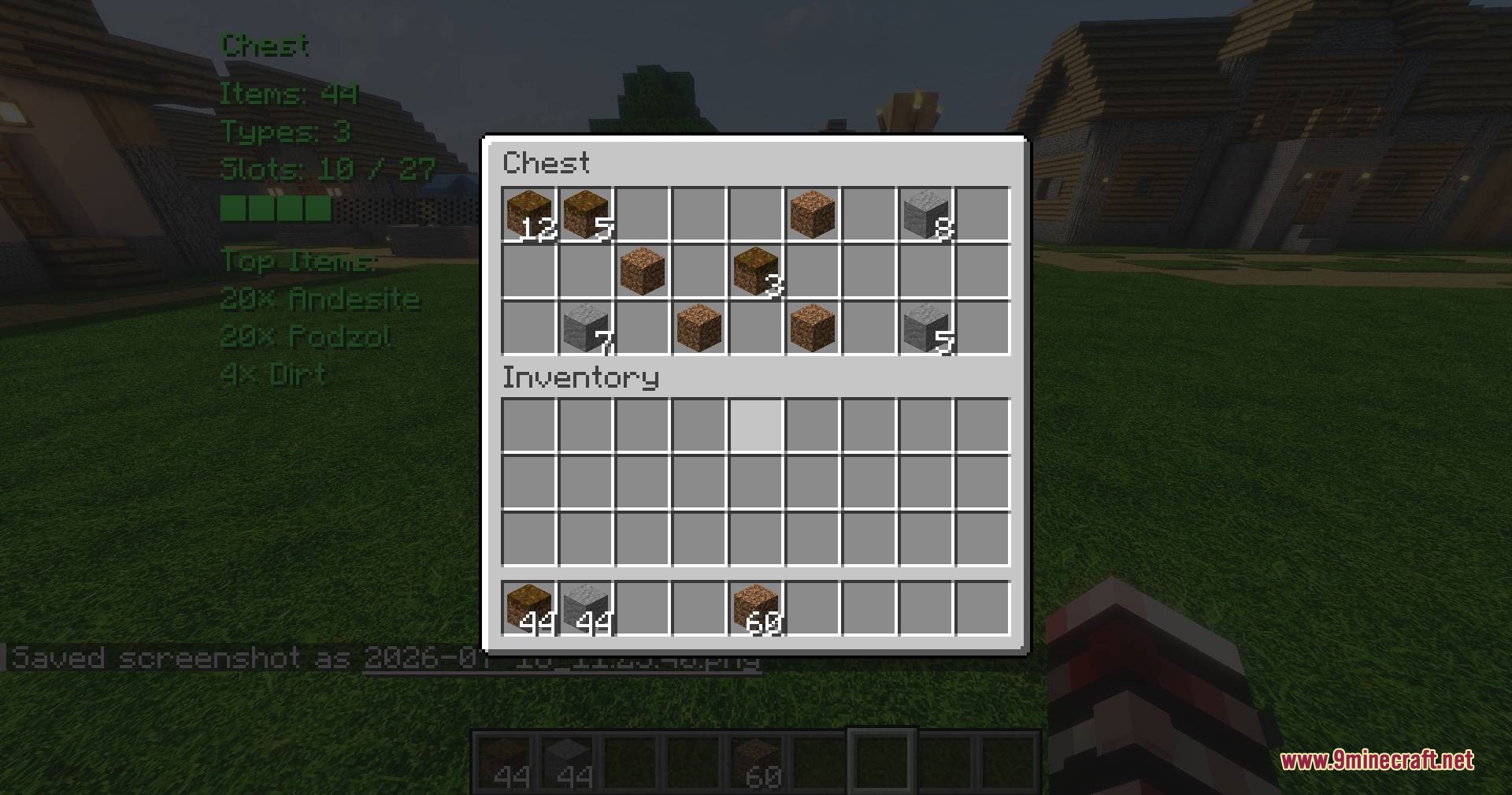
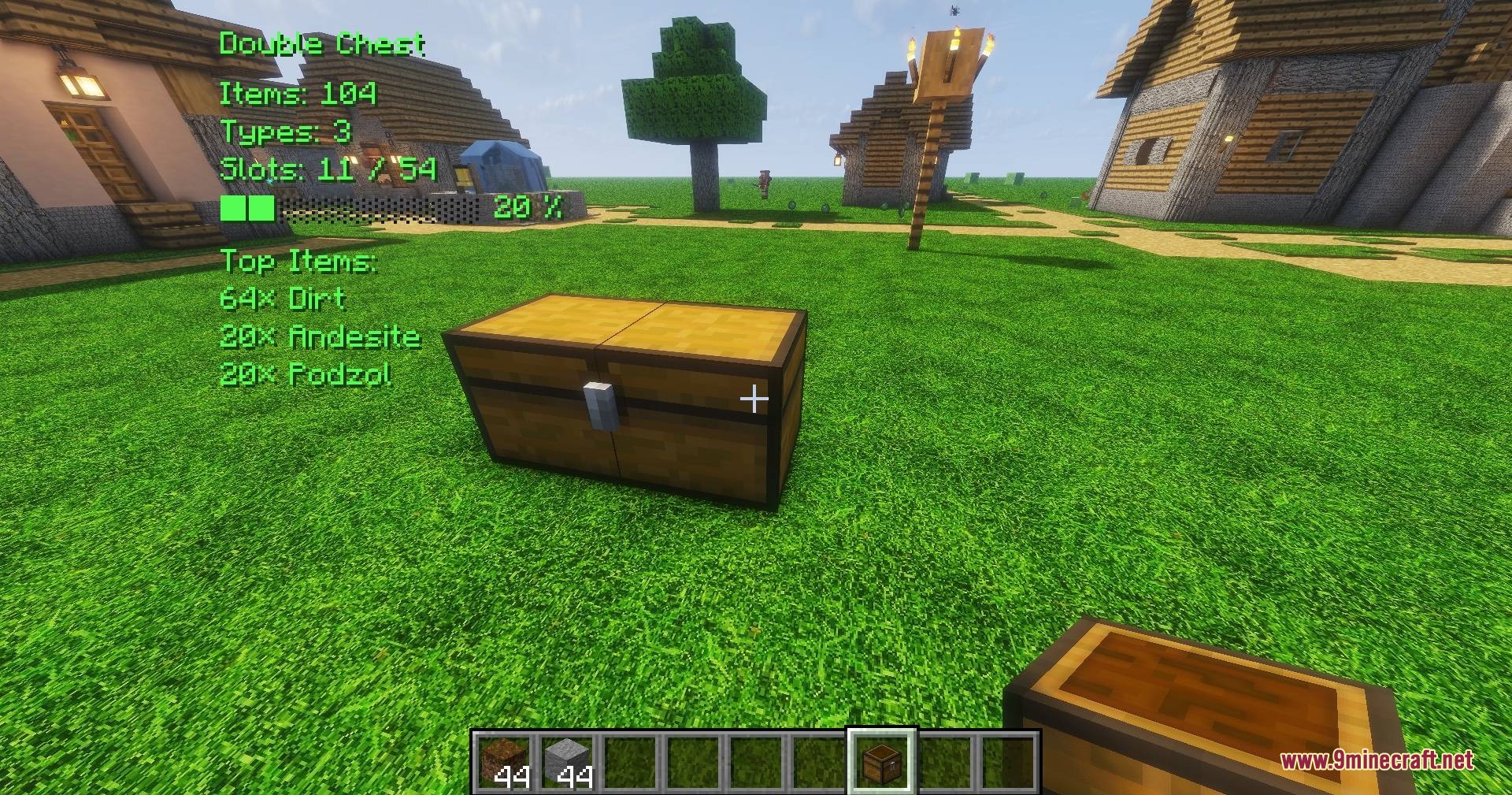
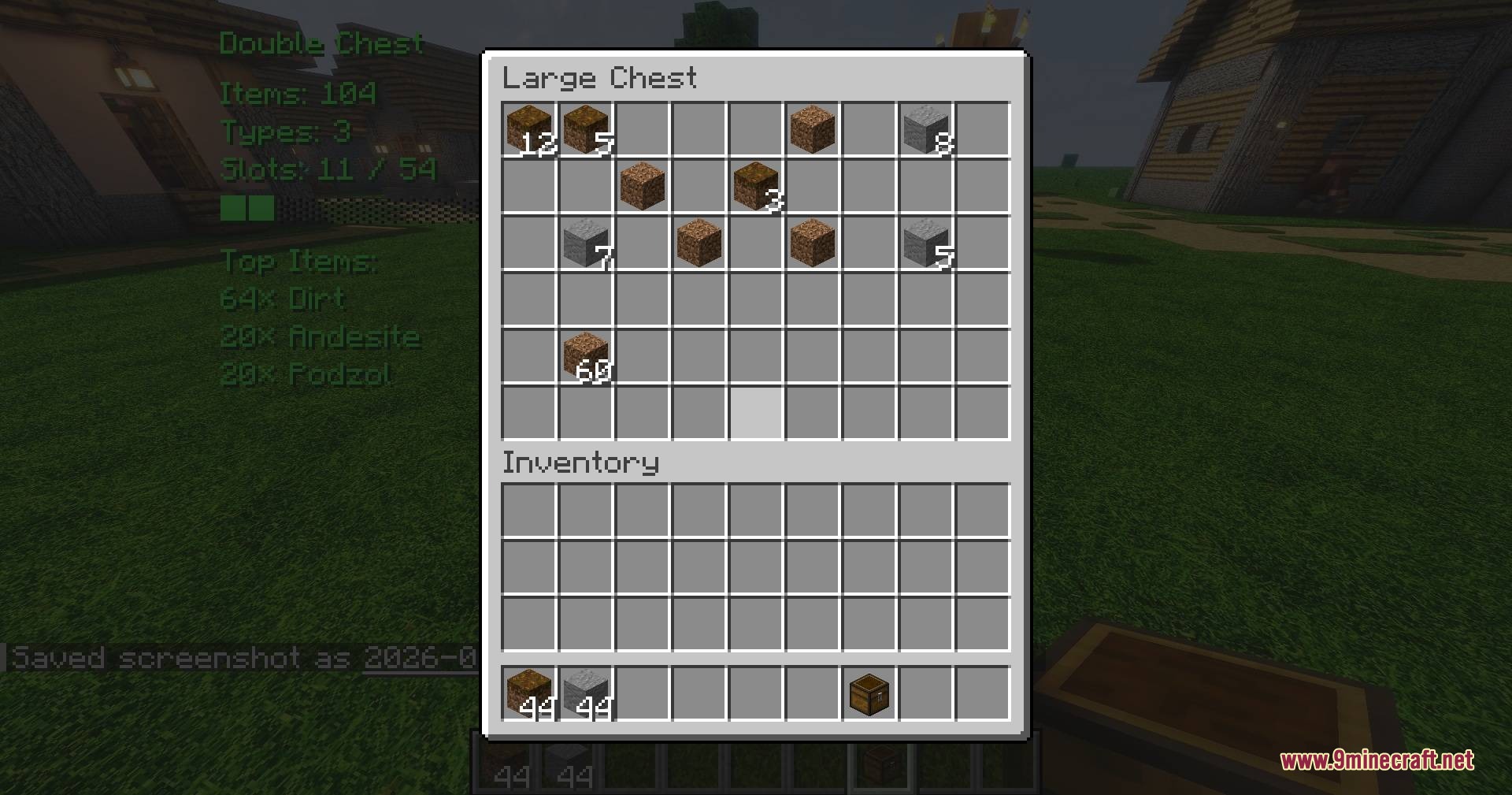
Look directly at any storage container (chest, barrel, furnace, etc.) and the HUD will automatically display item counts and details on your screen. If the HUD doesn't appear, press Delete to toggle it on.
What does the fill level indicator show?
The fill level shows what percentage of the container's total capacity is currently used, letting you quickly see if storage is nearly full or has plenty of space remaining.
Can I move the HUD to a different position on my screen?
Yes, press Insert to open the mod settings menu, then adjust the HUD position and text color options to suit your preference.
Does this mod work on multiplayer servers?
Yes, the mod scans containers server-side to minimize network traffic, so it works smoothly on multiplayer worlds without causing lag.
See all 10 Vault Vision Peek questions ›
Gallery
9 images from the Vault Vision Peek Mod page.
You May Also Like
Wikis that share the most with this one
More mod wikis on the site
The most downloaded mods that have a wiki here
A few wikis from each of the other kinds