

 DownloadUku’s Armor HUD Mod
Get the files on 9Minecraft
Guides
Step-by-step, in-game.
Hiding the Armor HUD When You Don't Want ItToggling the Overlay Some players love the constant readout; others find any extra overlay distracting, especially…How to Move or Reposition the Armor HUD on Your ScreenOpening the Configuration Uku's Armor HUD renders as a four-columned overlay that mirrors the hotbar, so by default…Reading Armor Durability at a Glance During CombatWhat the Bar Shows The overlay is a four-columned bar styled like the hotbar, with one column per armor slot: helmet,…Understanding the Durability Warning and What Triggers ItWhat the Warning Means The armor HUD exists because you normally cannot see armor durability without opening your…
Frequently asked questions
How do I get the armor hud to show up?
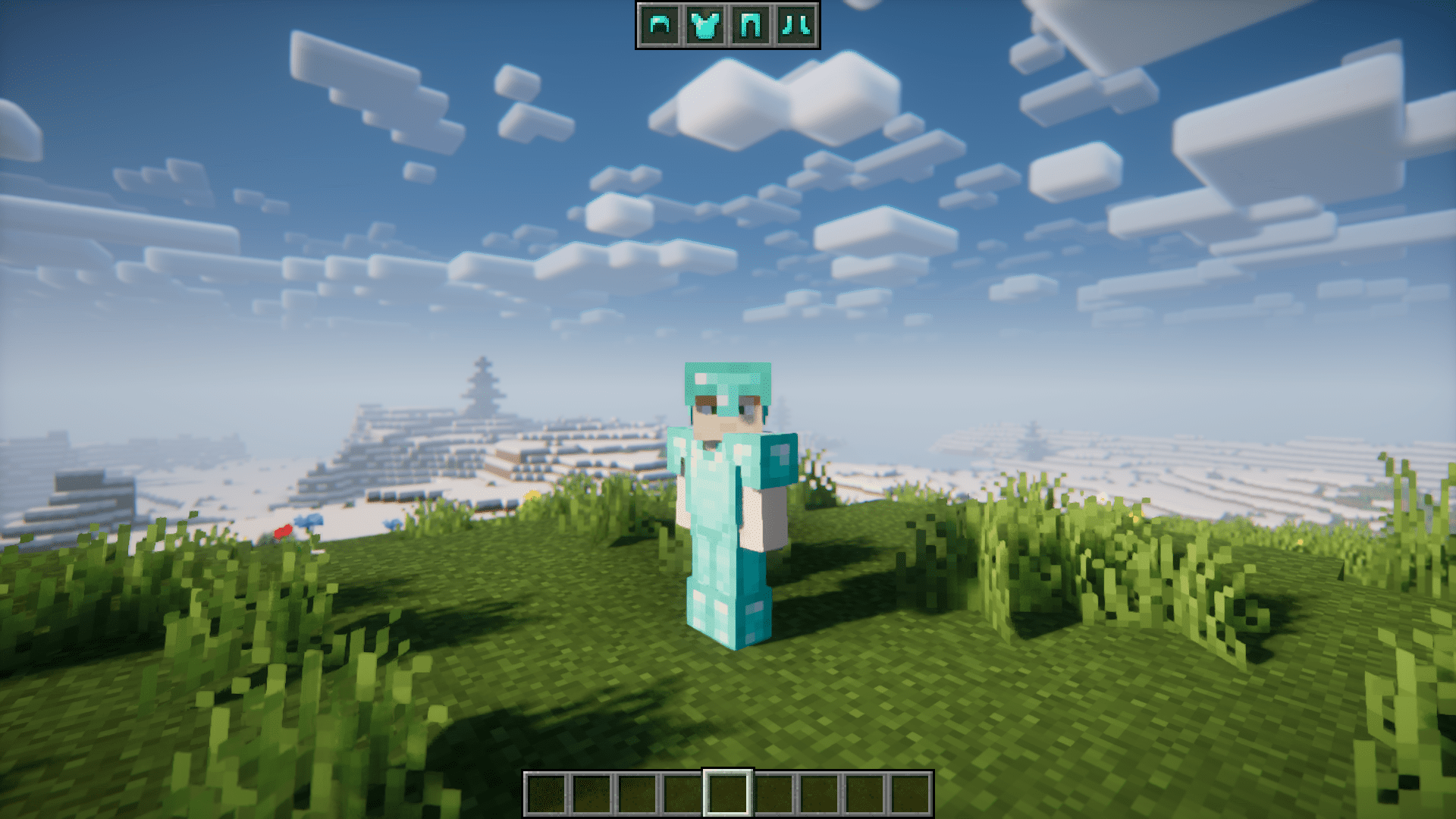
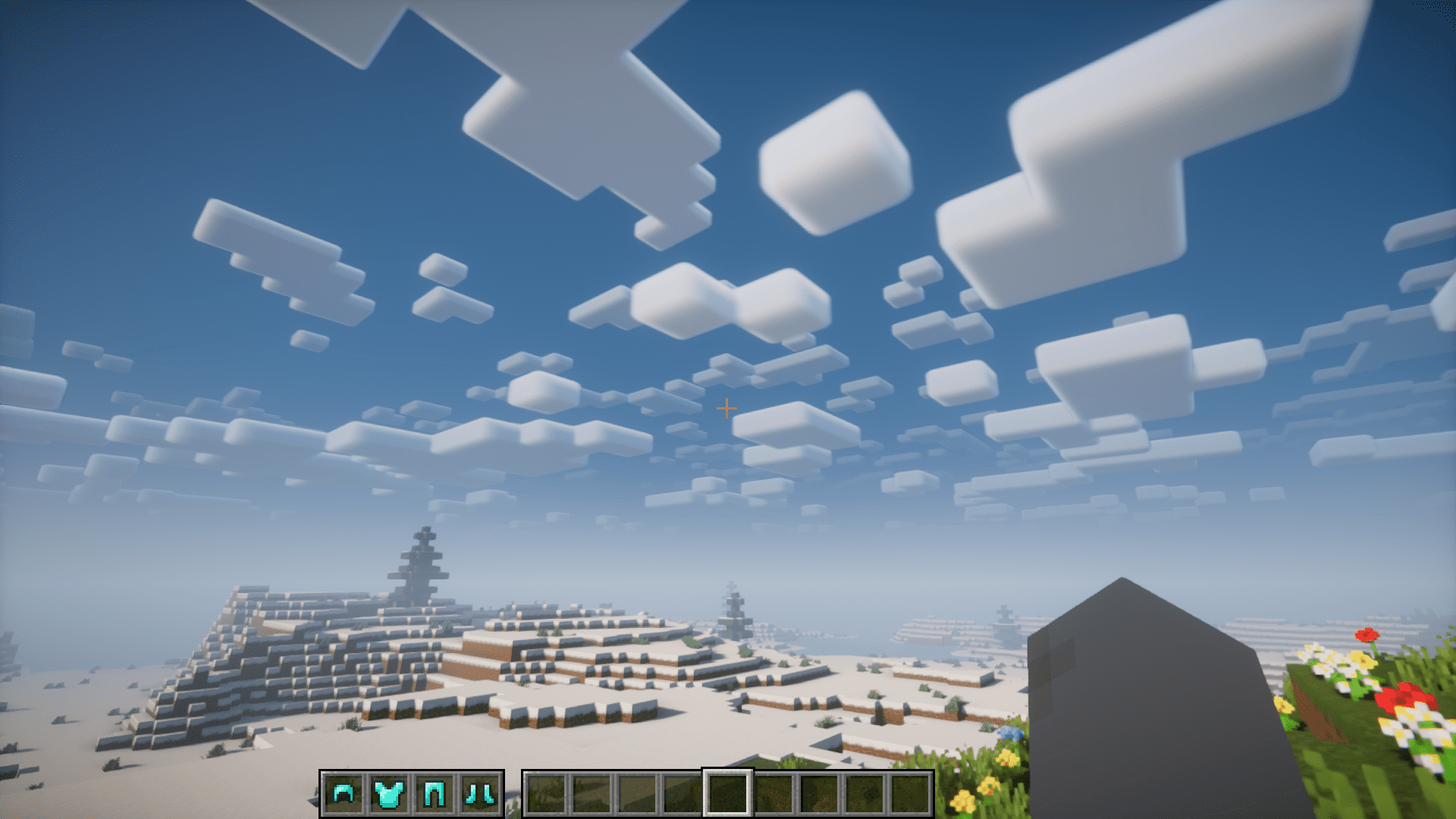
The HUD appears automatically once you have armor equipped in any slot. If nothing shows, make sure you're wearing at least one piece and that the mod is enabled in your mod list.
How do I move the armor hud?
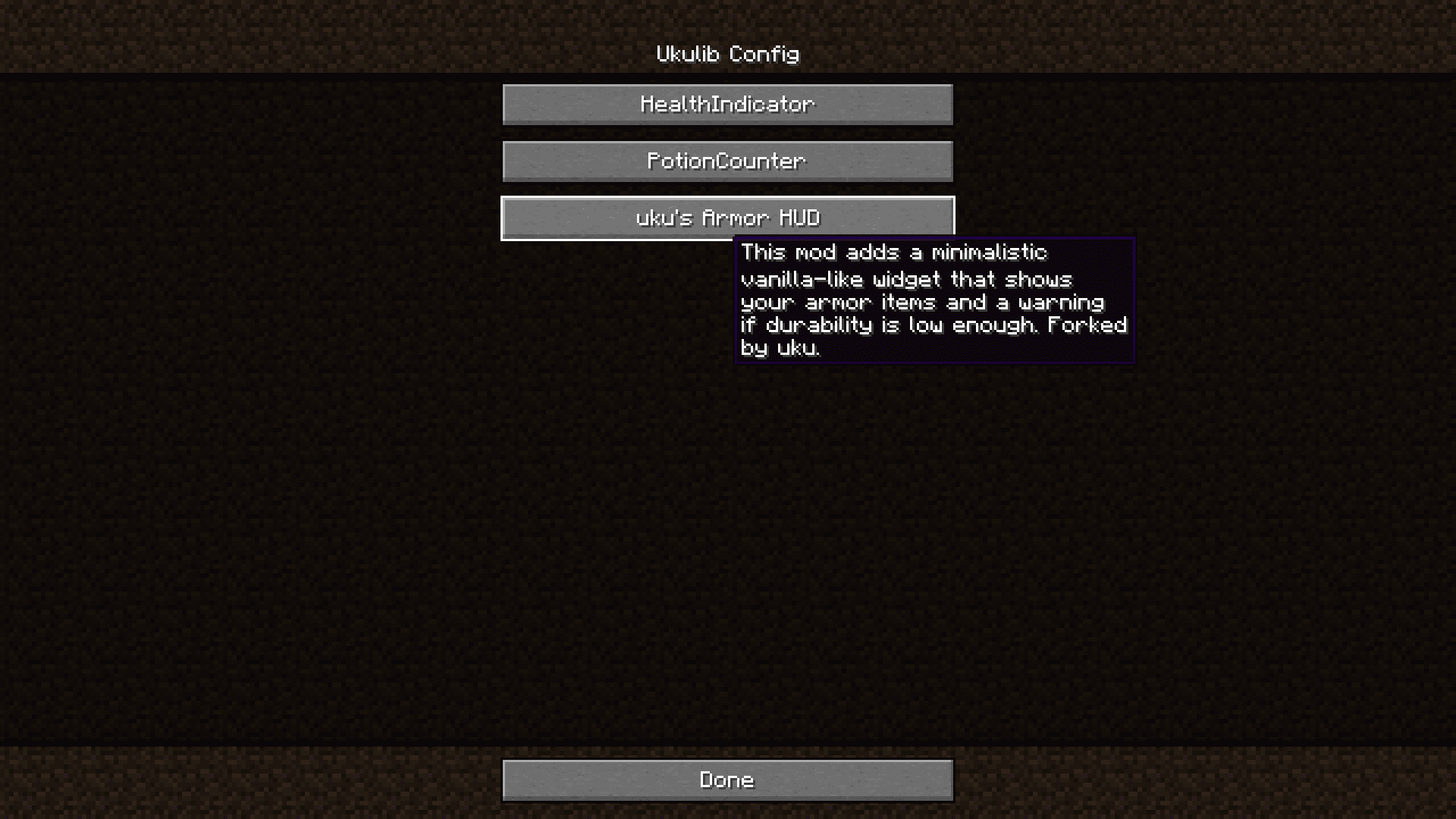
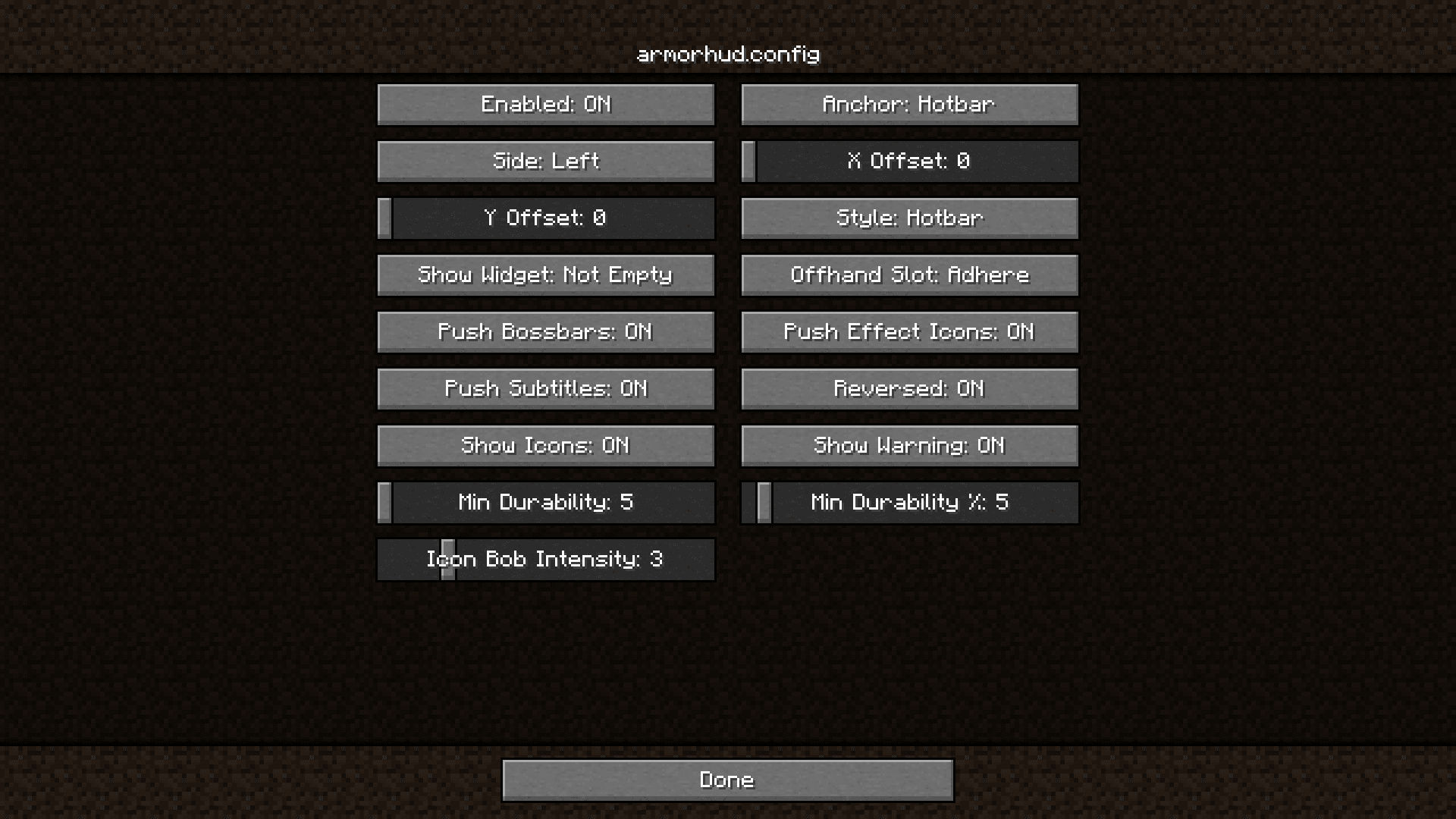
Open the mod's config screen and drag the HUD widget to where you want it, or adjust its position values there. The position is saved and persists between sessions.
How do I hide the armor hud?
You can toggle the HUD off in the mod's config, or bind a key to show/hide it if the mod provides one. Check your controls menu for an unbound keybind.
What triggers the durability warning?
The warning activates when a piece of your armor's durability drops below a low threshold, highlighting that item so you notice it before it breaks. It's meant to catch armor that's about to fail mid-fight.
See all 10 Uku’s Armor HUD questions ›
Gallery
6 images from the Ukus Armor Hud Mod page.

You May Also Like
Wikis that share the most with this one
Wikis on the same theme: armor
More mod wikis on the site
 Tws Baking Process Mod
The most downloaded mods that have a wiki here
A few wikis from each of the other kinds