

 DownloadTranslate Allin One Fork Mod
Get the files on 9Minecraft
Guides
Step-by-step, in-game.
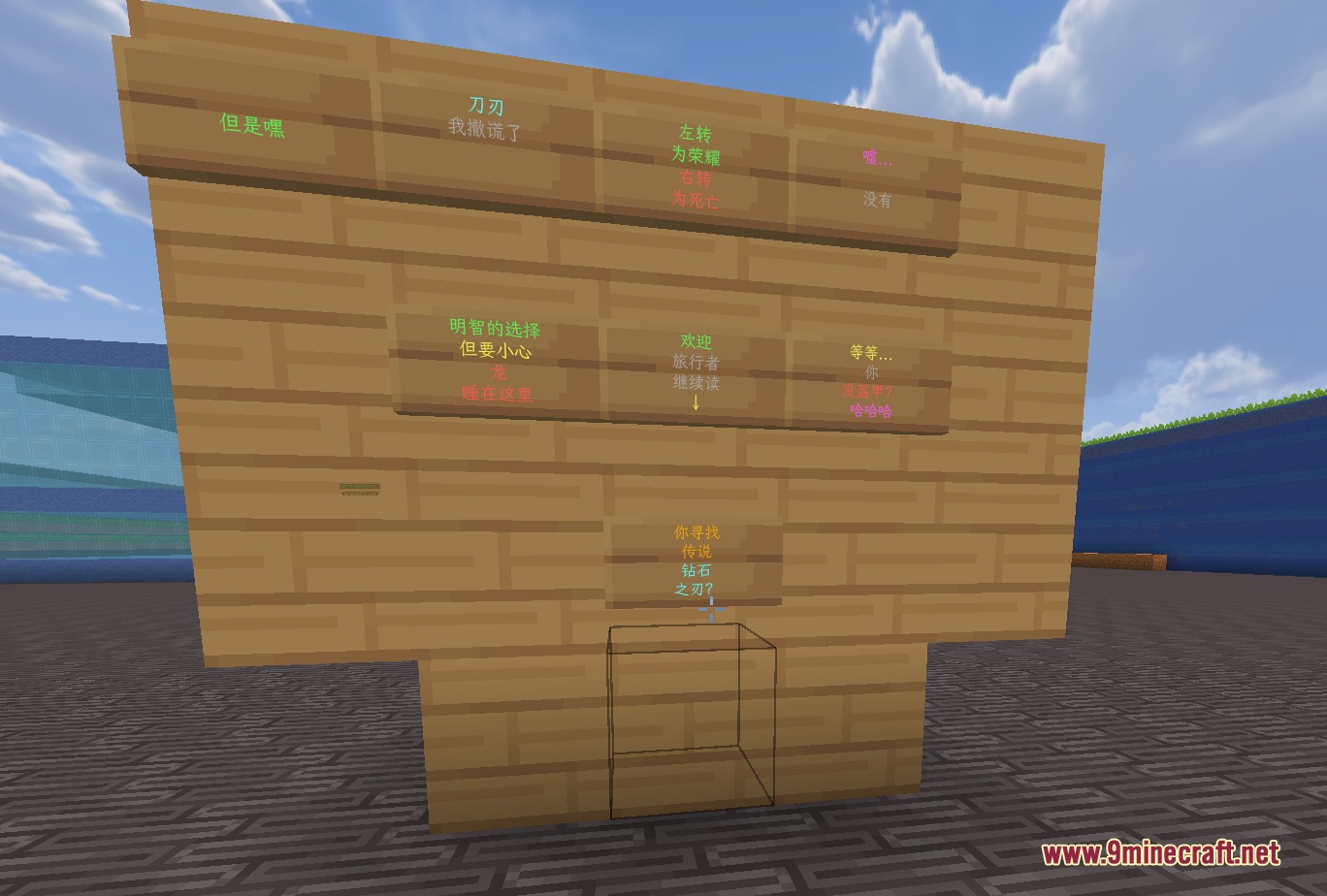
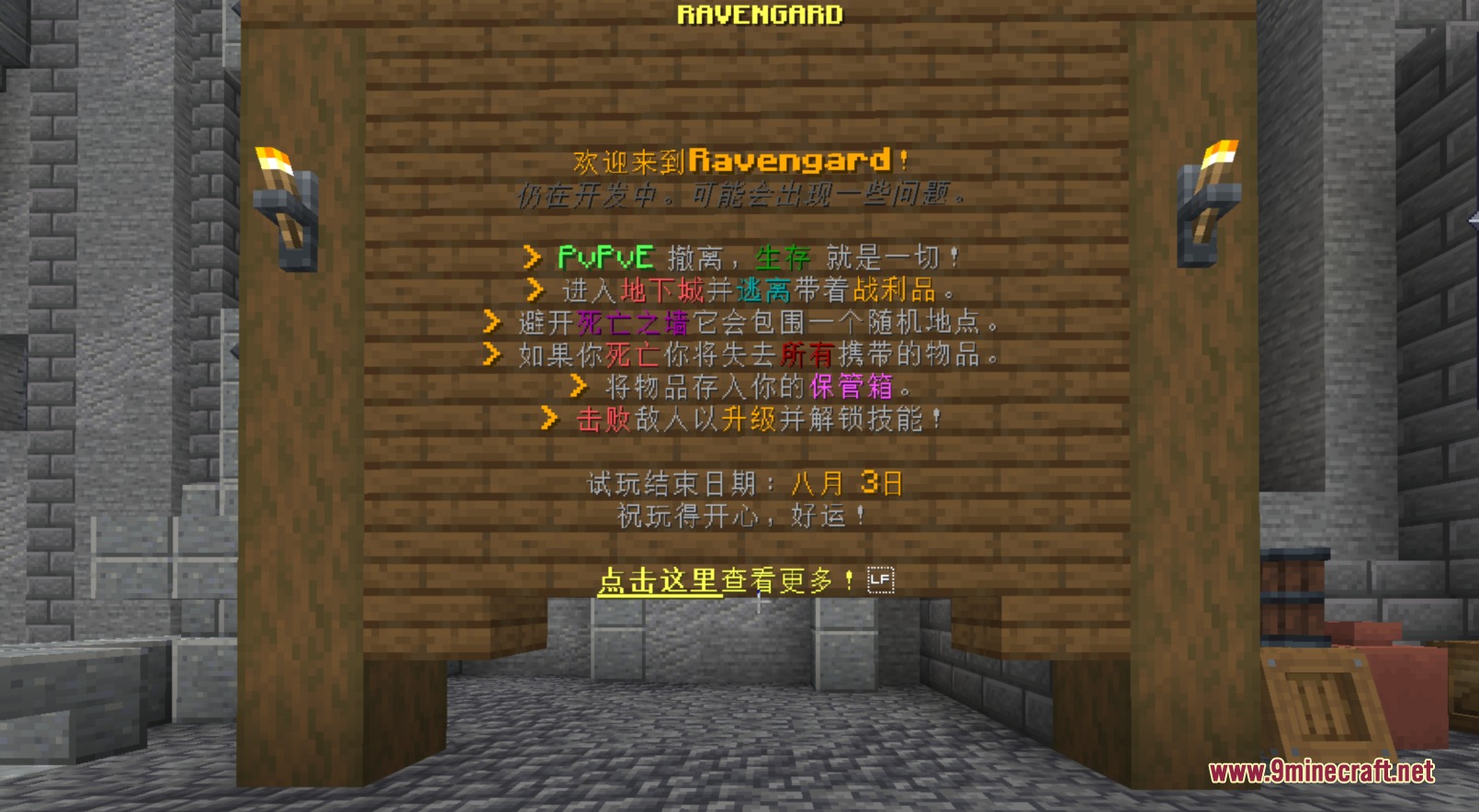
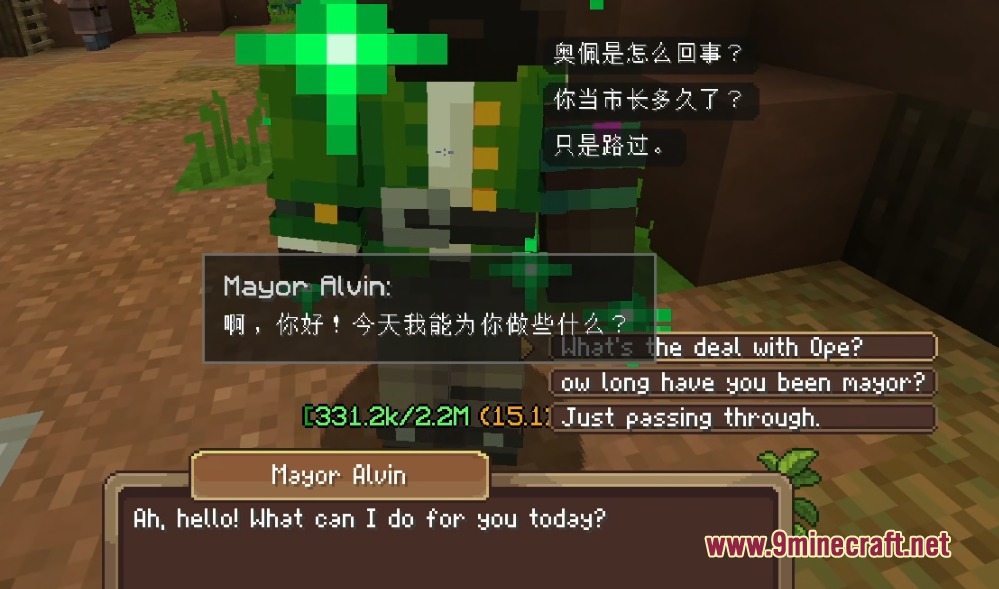
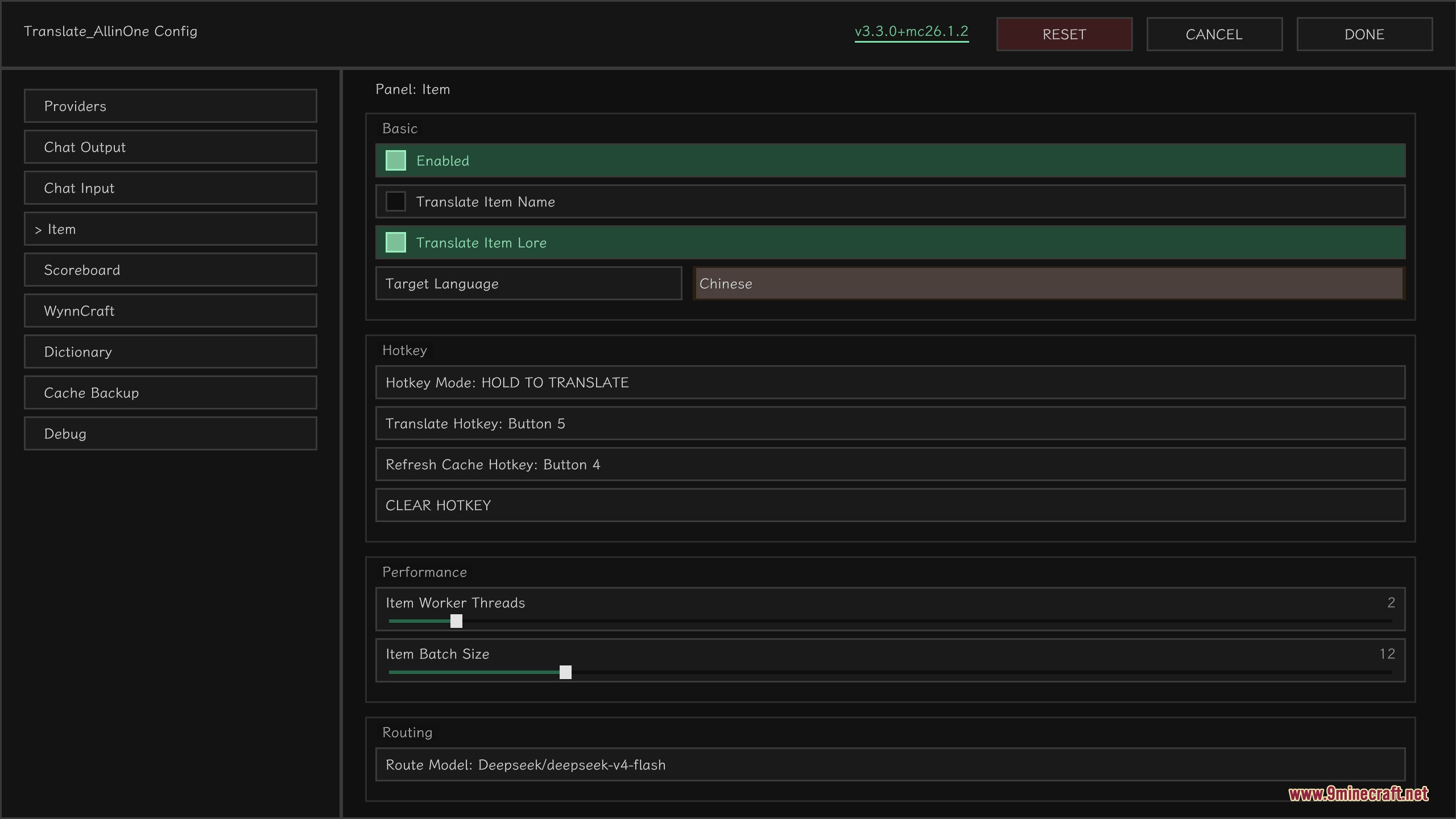
Read Custom Item Lore and Names in Your LanguageEnabling Item Text Translation Servers often add custom lore and names to items. The mod can translate these while…Translate Chat Messages from Other PlayersAutomatic and Manual Translation When other players send messages in a foreign language, the mod displays them in…Translate Signs and Holograms in the WorldTranslating Wooden Signs Signs placed by the server or other players can be translated without modifying the actual…Translate Your Own Messages Before SendingUsing the Smart Typing Assistant Before you send a message to a foreign-language server, the mod can translate it…
Frequently asked questions
How do I start using the mod after installing it?
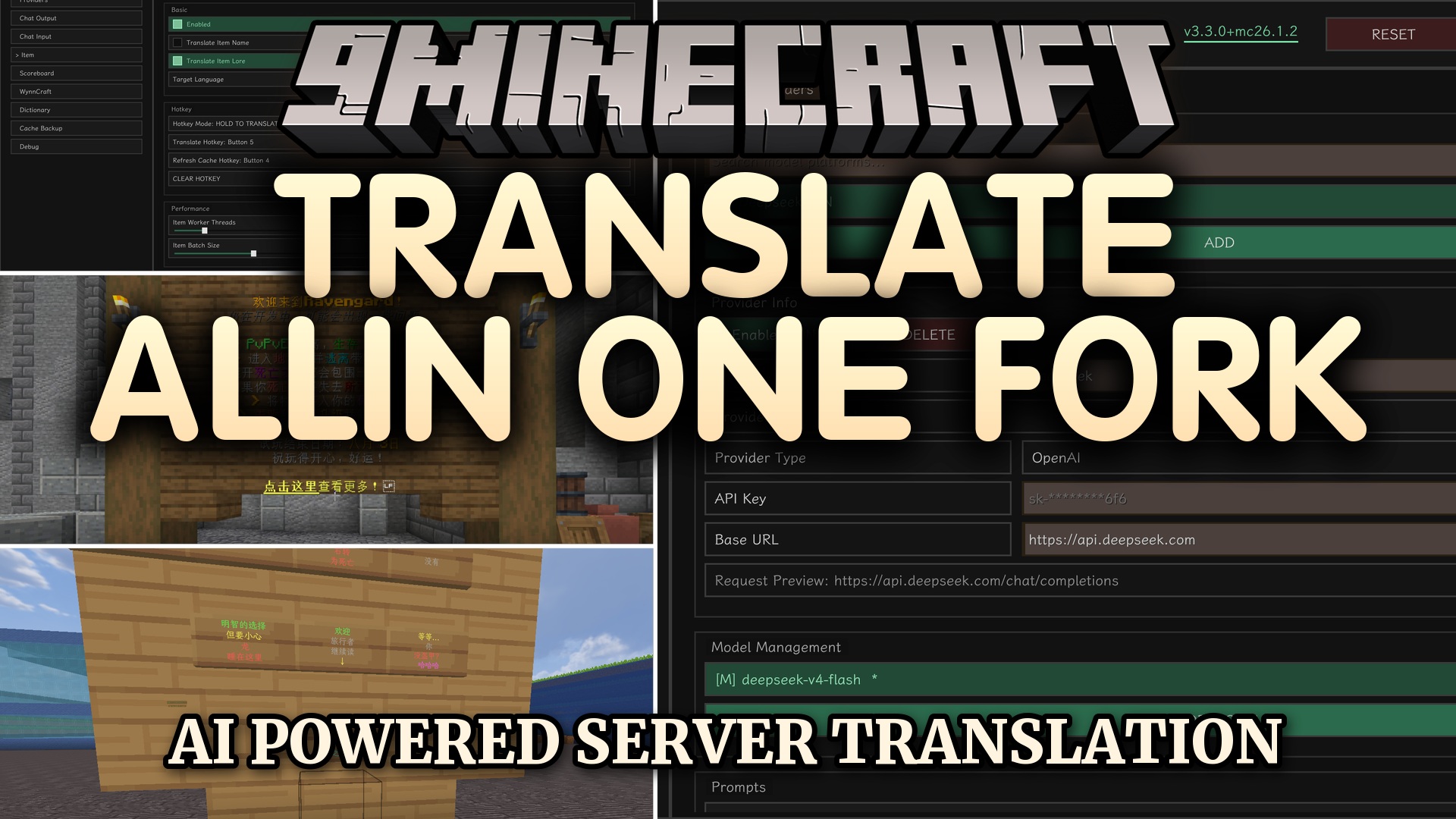
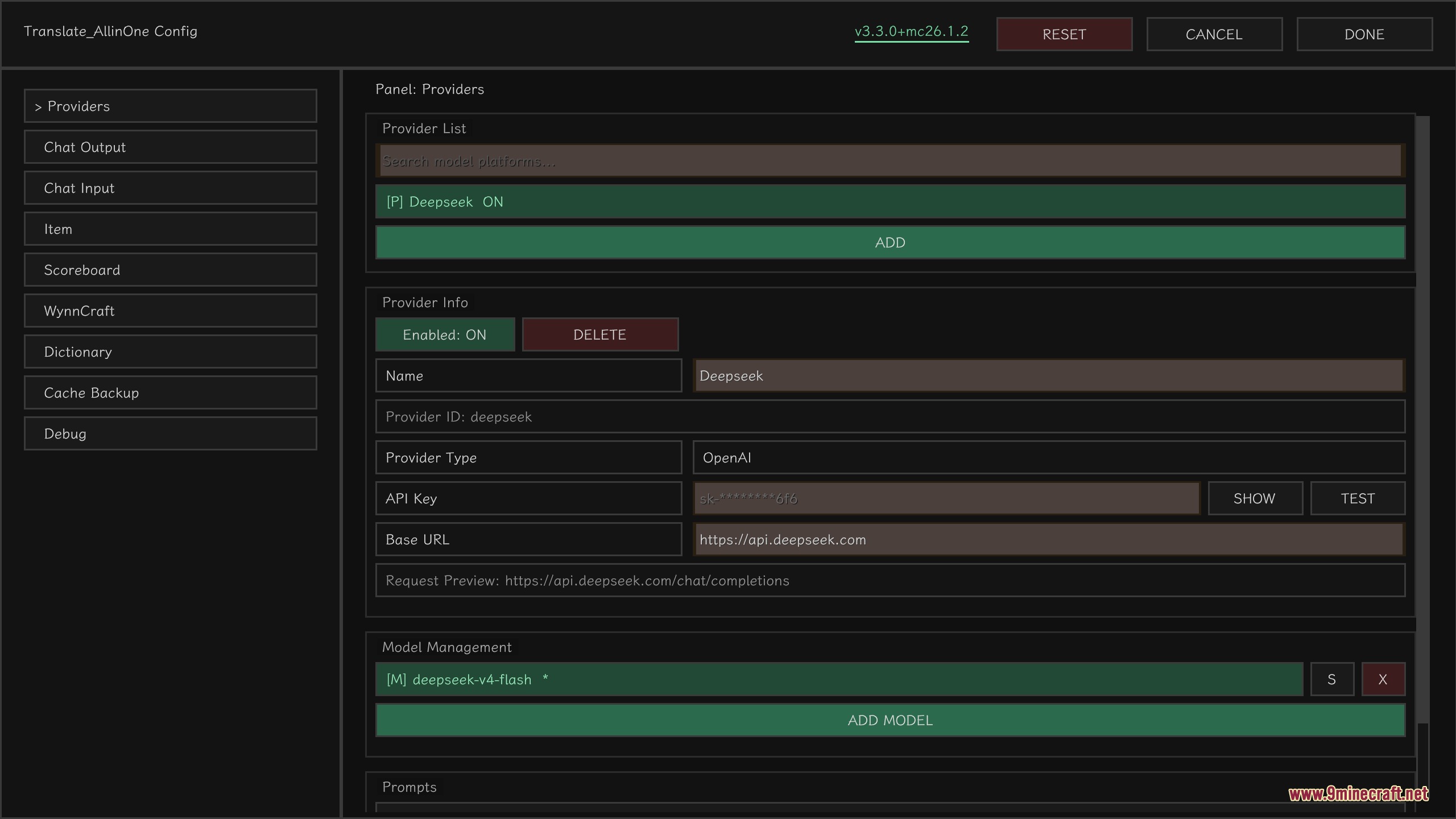
Type /taio in chat to open the configuration screen. From there, you'll need to connect an AI provider (like OpenAI or Ollama) and choose your target language before the mod can start translating.
What AI services can I use with this mod?
The mod supports multiple AI providers including OpenAI and Ollama. You can configure which service to use in the /taio settings menu, and you'll need valid credentials or a local Ollama instance running.
Can I translate chat from players without them knowing?
Yes, the mod translates incoming messages automatically as they appear in your chat. You can also click the [T] button next to any message to translate just that line on demand.
How do I translate my own messages before sending them?
Use the chat input panel built into the mod to type your message, and it will show you a translation before you press enter. You can adjust the tone to sound more friendly or professional before sending.
See all 10 Translate Allin One Fork questions ›
Gallery
7 images from the Translate Allin One Fork Mod page.
You May Also Like
Wikis that share the most with this one
More mod wikis on the site
The most downloaded mods that have a wiki here
A few wikis from each of the other kinds