

 DownloadTill It Breaks Updated Mod
Get the files on 9Minecraft
Guides
Step-by-step, in-game.
Adjust the Size and Position of Durability NumbersOpen Configuration Settings Access the Till It Breaks mod configuration menu. Look for display customization options…Disable the Vanilla Durability Bar While Keeping the Number DisplayLocate Durability Bar Settings Open your Till It Breaks mod configuration. Find the option specifically for vanilla…Hide the Durability Number Display on Specific ItemsAccess the Configuration Menu Open your mod configuration settings. The exact location depends on your mod menu…Show Durability Percentages Instead of Raw NumbersAccess Display Format Options Open your Till It Breaks configuration. Look for settings related to durability display…
Frequently asked questions
How do I turn on the durability number display?
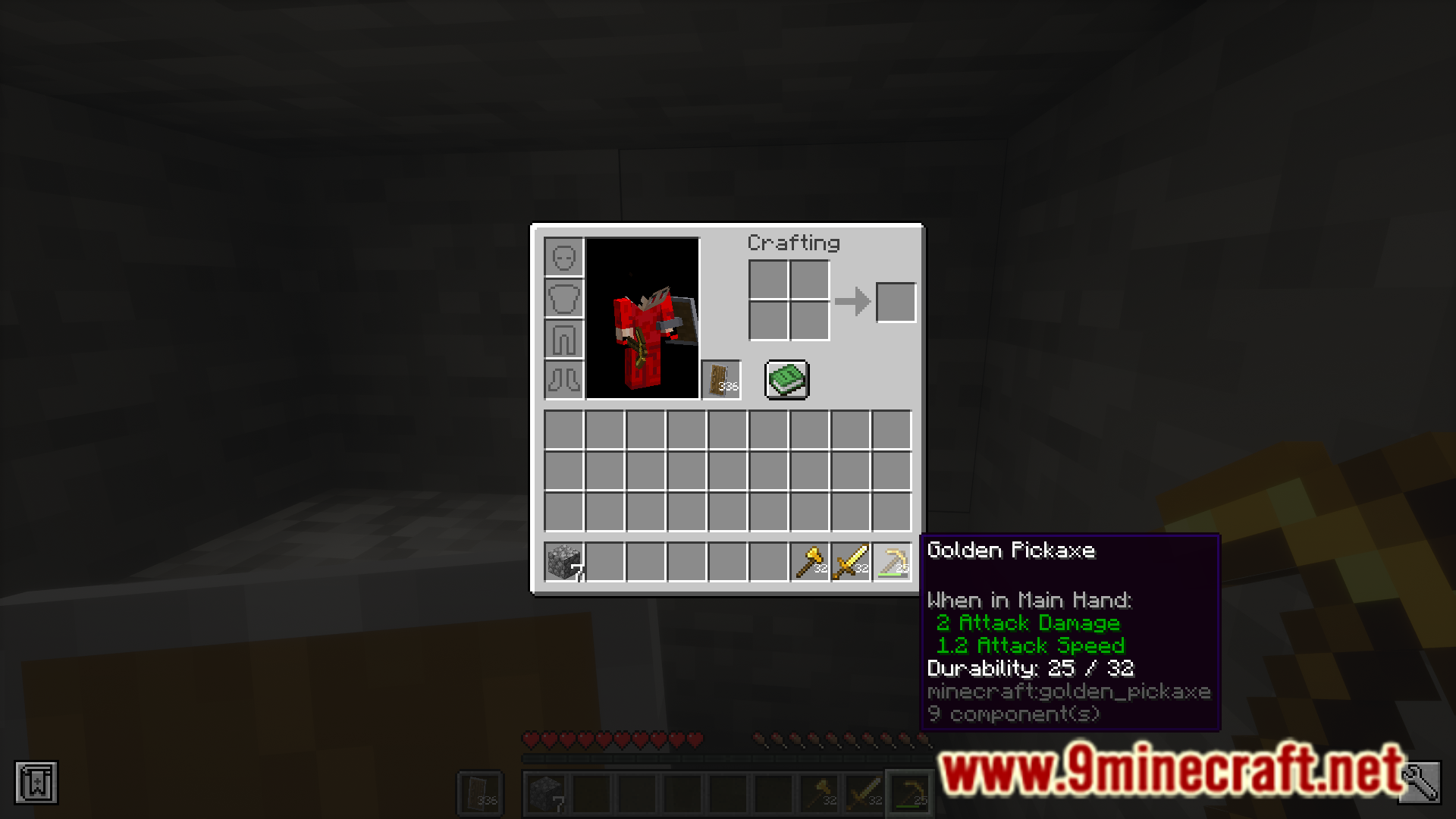
The durability numbers should display automatically once the mod is installed and loaded. If you don't see them, check your mod configuration settings to ensure the display feature is enabled rather than disabled.
Can I hide the durability number on just one item?
Yes, you can configure the mod to hide the durability display for specific items through the mod's settings. This is useful if certain items clutter your inventory view.
How do I remove the vanilla durability bar but keep the number?
Open the mod's configuration options and look for the setting to disable the vanilla durability bar while keeping the number display enabled. This gives you a cleaner look with just the numeric durability.
Can I show durability as a percentage instead of exact numbers?
Yes, the mod supports displaying durability as a percentage rather than raw numbers. You can toggle this in the mod's configuration settings.
See all 10 Till It Breaks Updated questions ›
Gallery
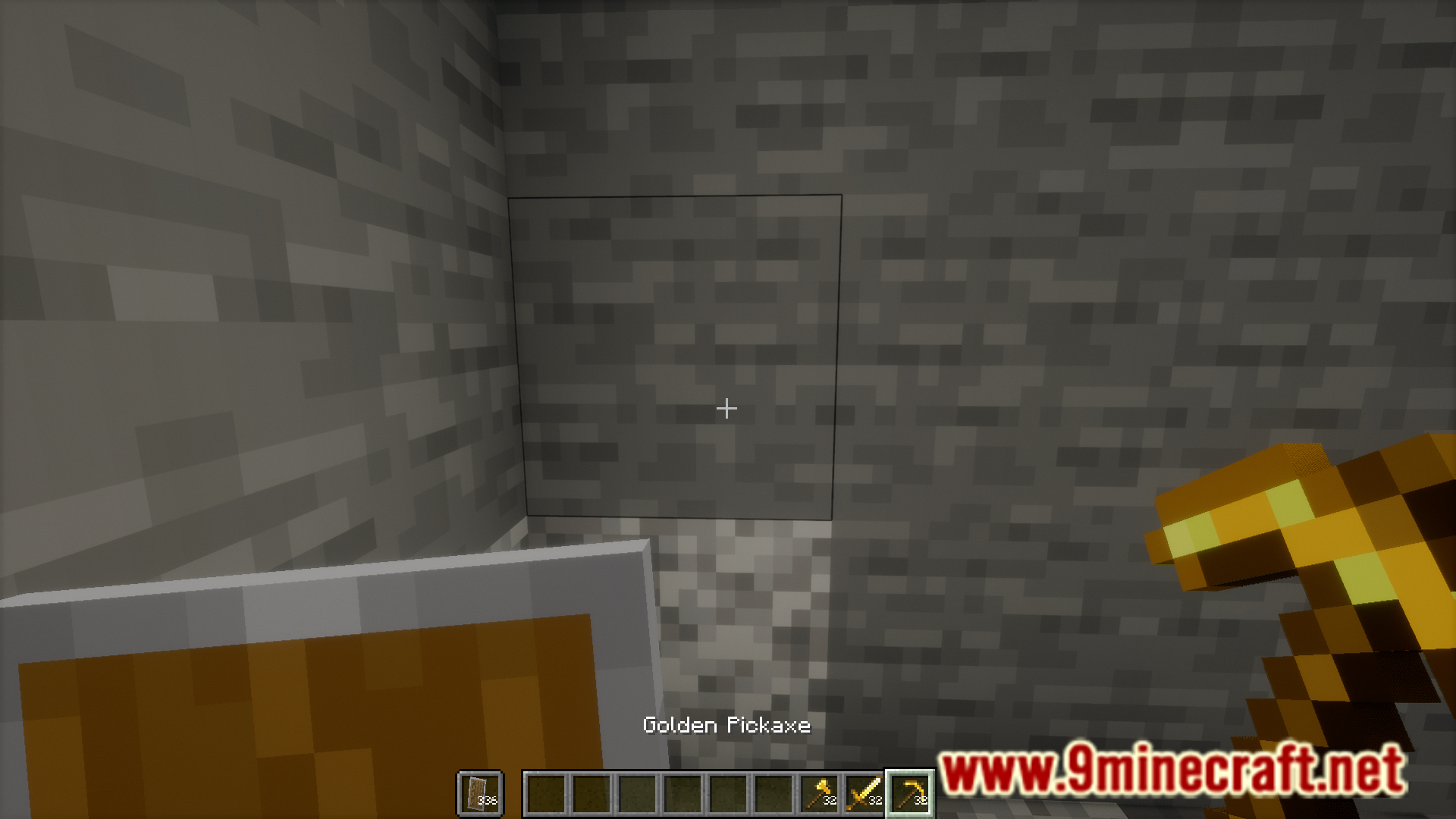
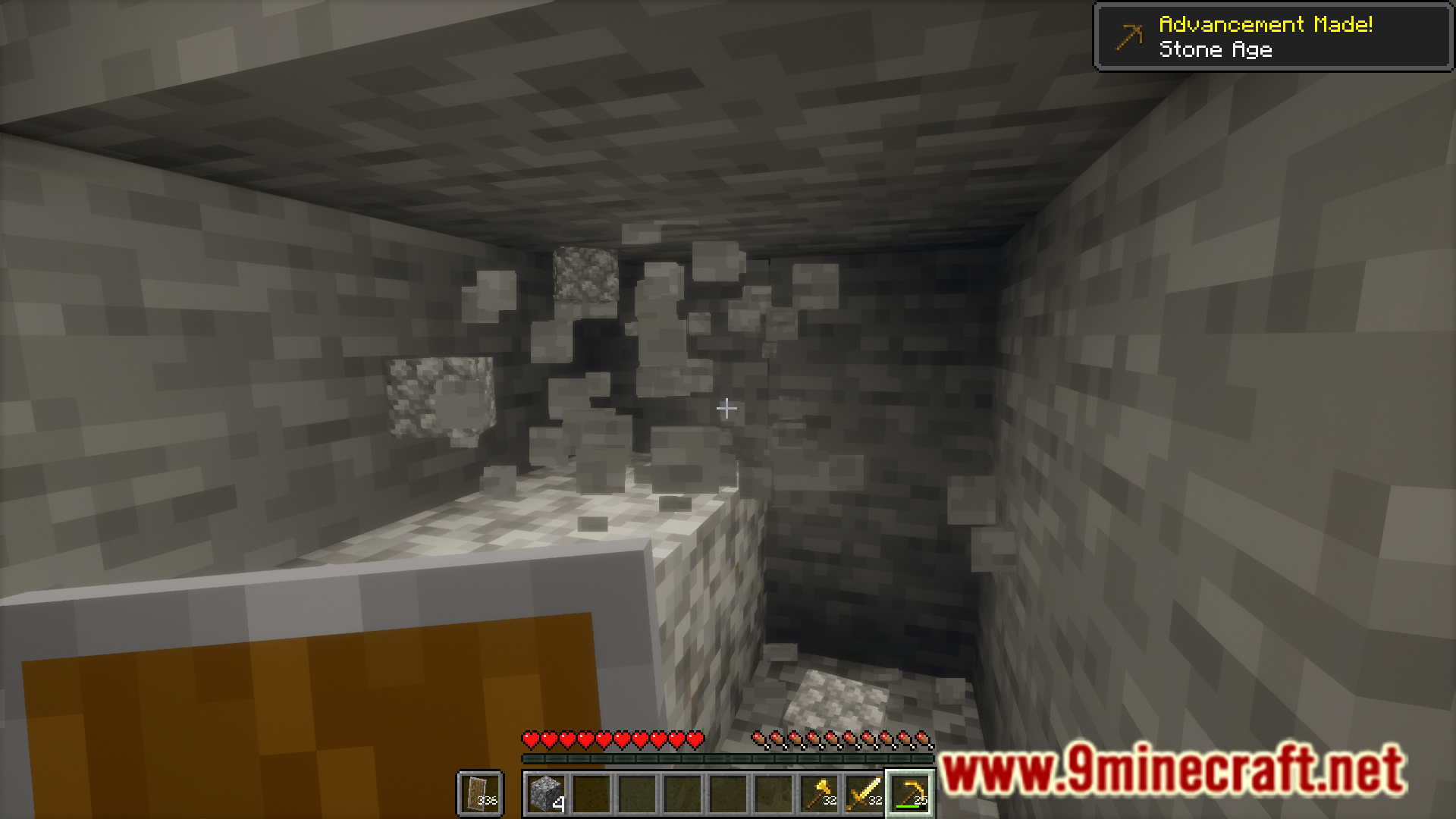
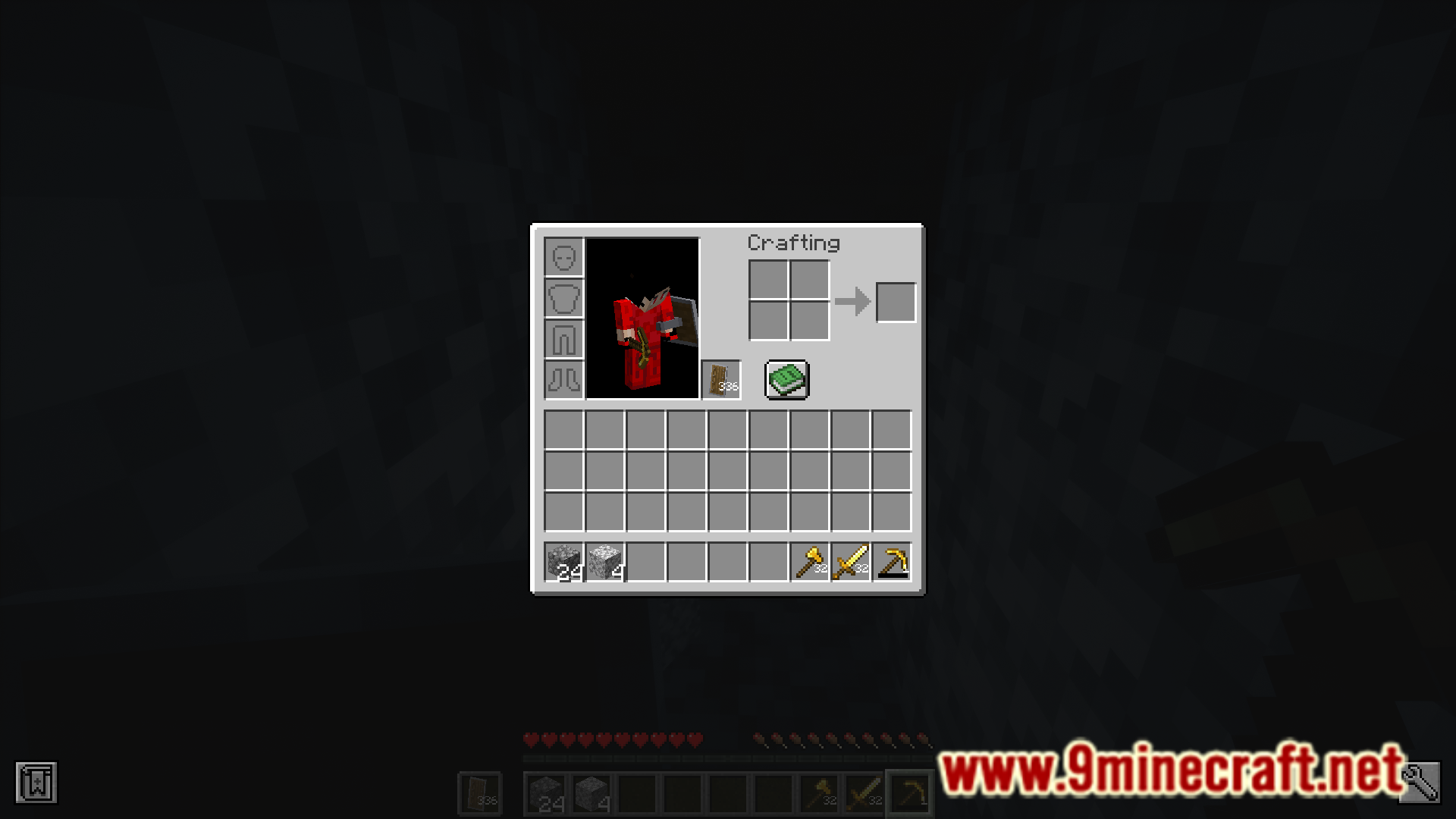
6 images from the Till It Breaks Updated Mod page.


You May Also Like
Wikis that share the most with this one
Wikis on the same theme: tool
More mod wikis on the site
The most downloaded mods that have a wiki here
A few wikis from each of the other kinds