

 DownloadThomilist’s Show Durability Mod
Get the files on 9Minecraft
Guides
Step-by-step, in-game.
Identify Damaged Items Quickly in Large InventoriesScanning for Worn Tools When managing multiple tools and weapons, the durability numbers let you spot damaged items…Toggle Durability Display On and OffUsing the Default Keybind The mod displays item durability by default, but you can hide it whenever you need a…Use Durability Display in Multiplayer Without Server InstallationClient-Side Compatibility This mod runs entirely on your client, meaning you don't need server permission or…View Exact Durability Numbers While PlayingReading Durability in Your Hotbar When the durability display is enabled (default), every item with durability will…
Frequently asked questions
How do I turn on the durability display?
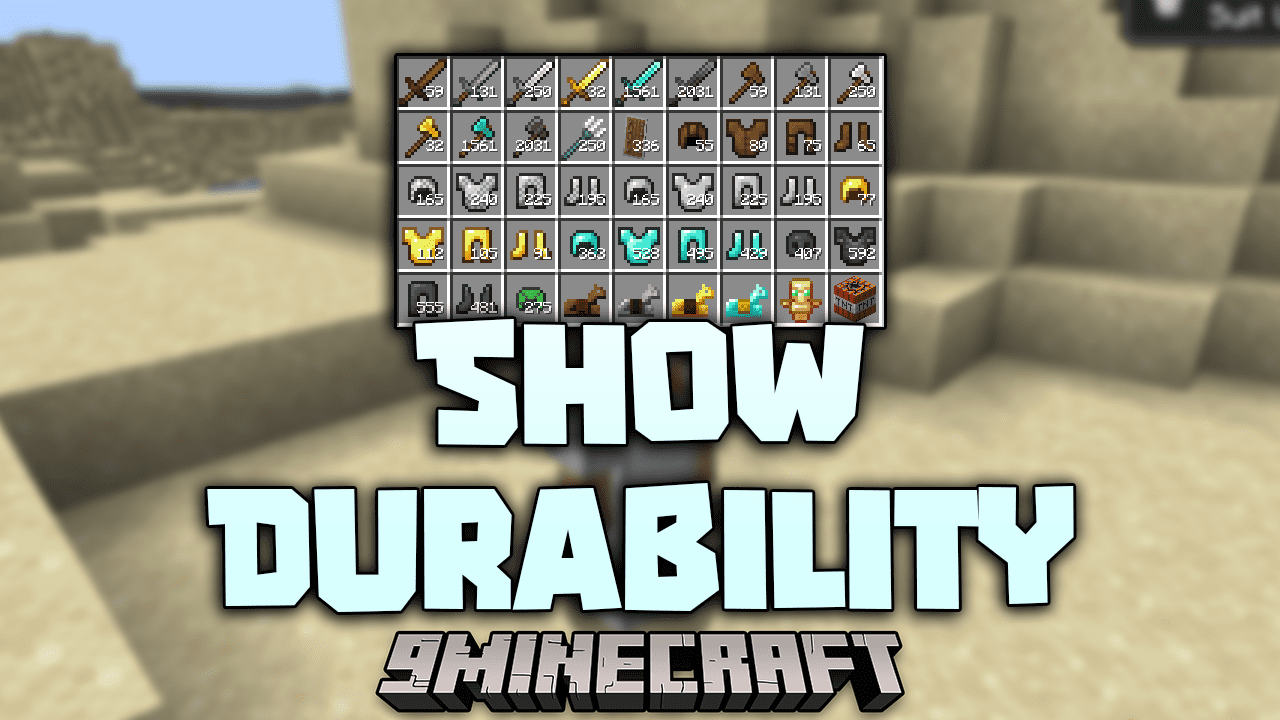
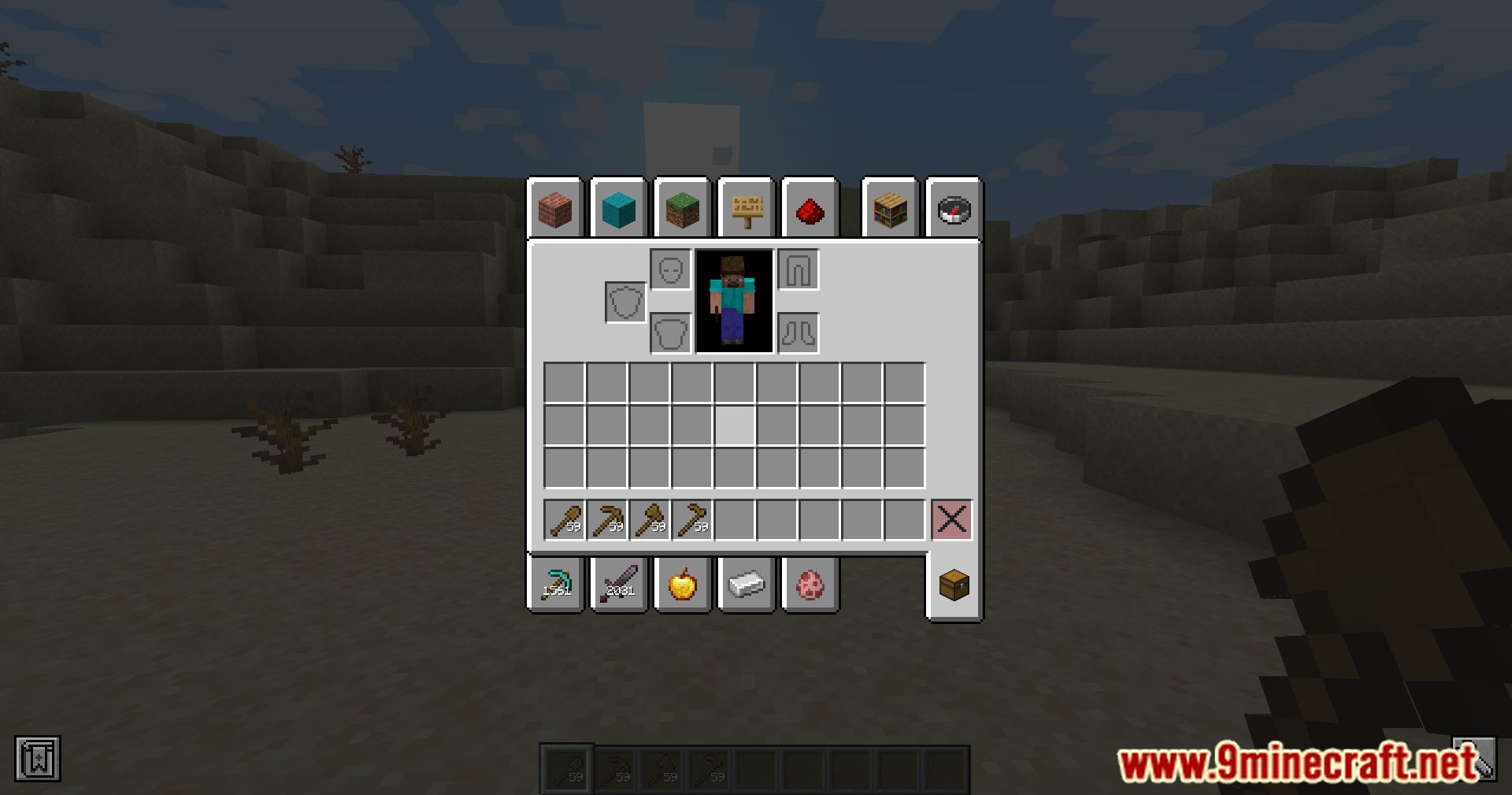
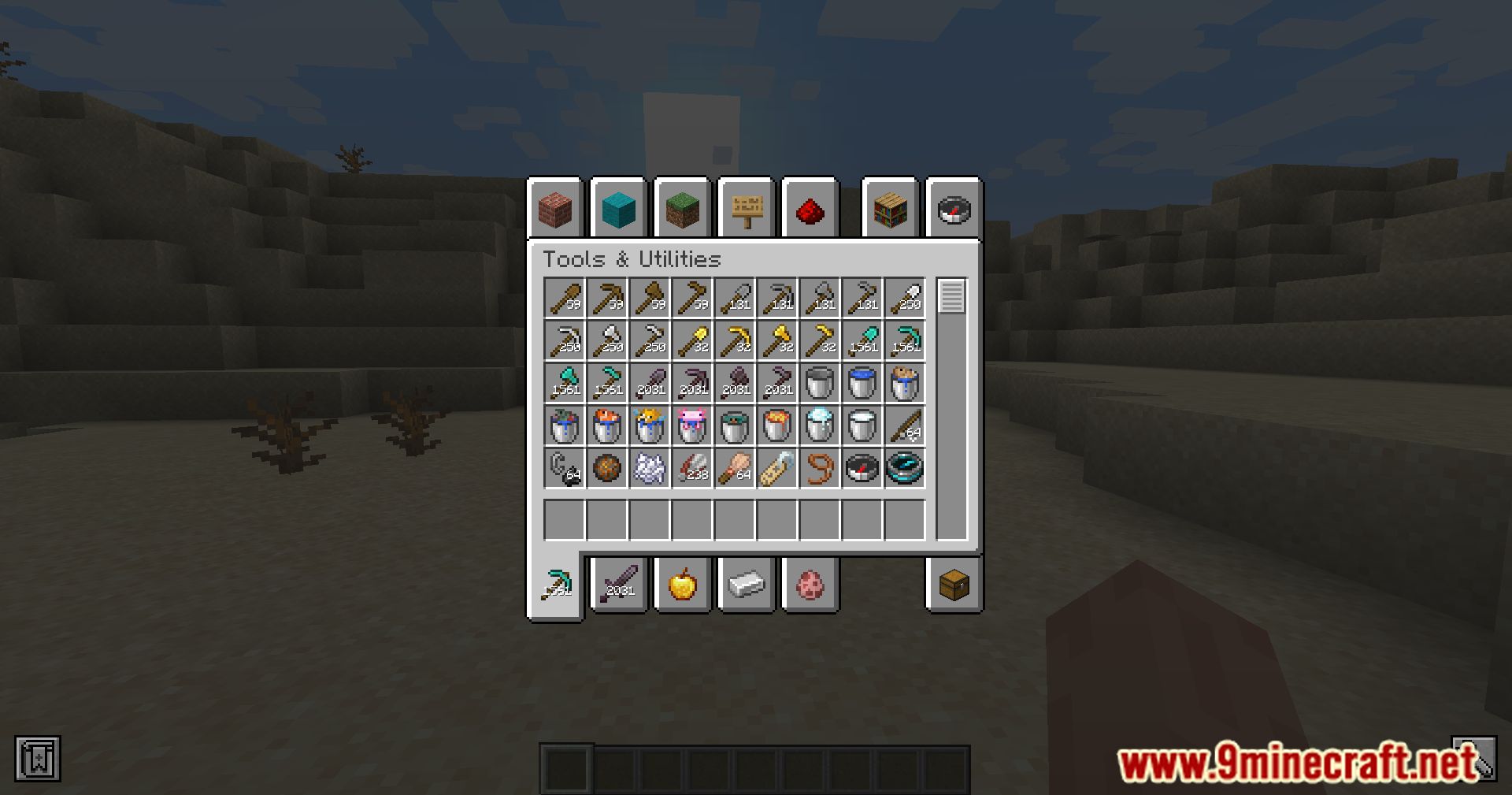
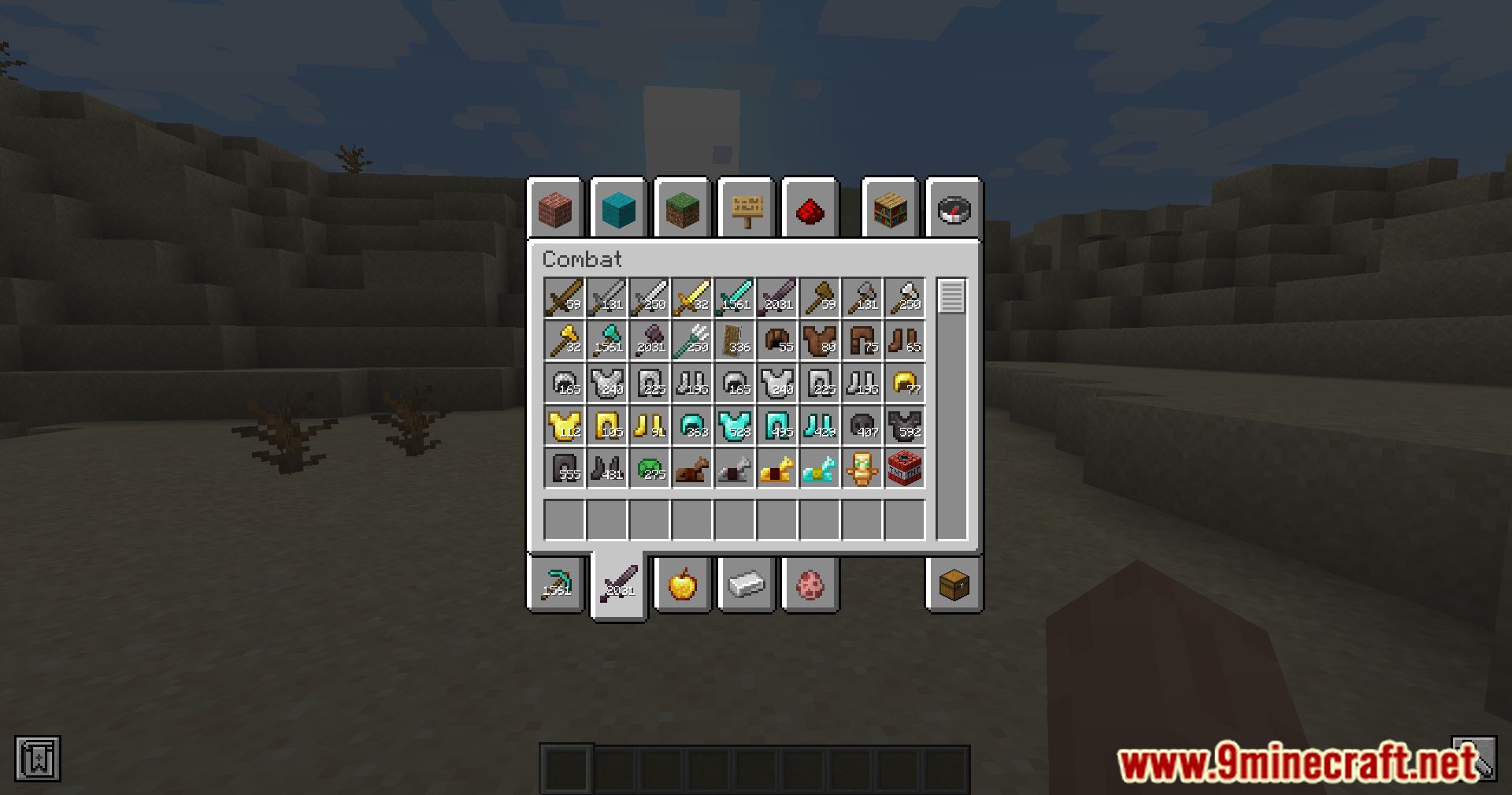
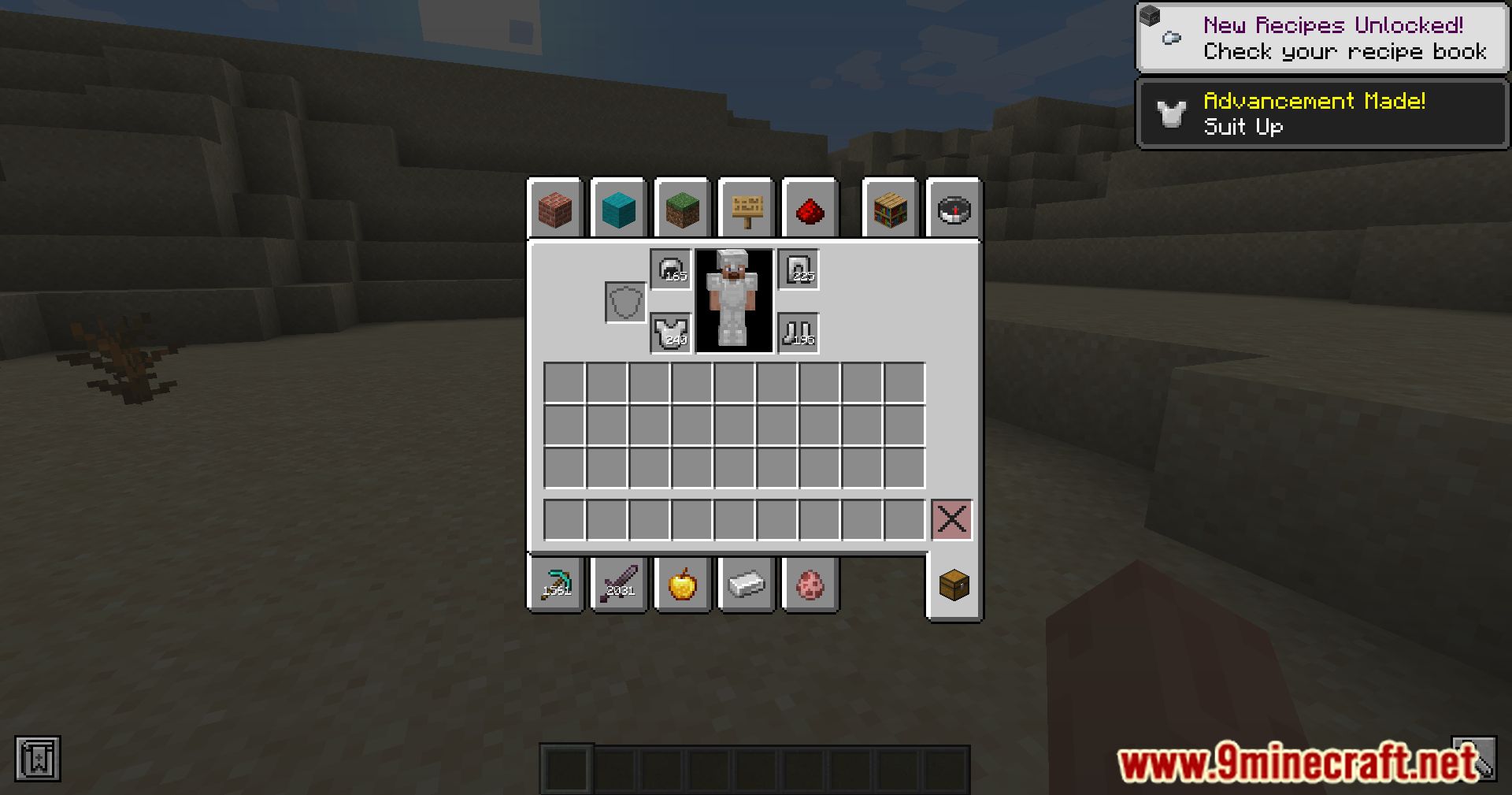
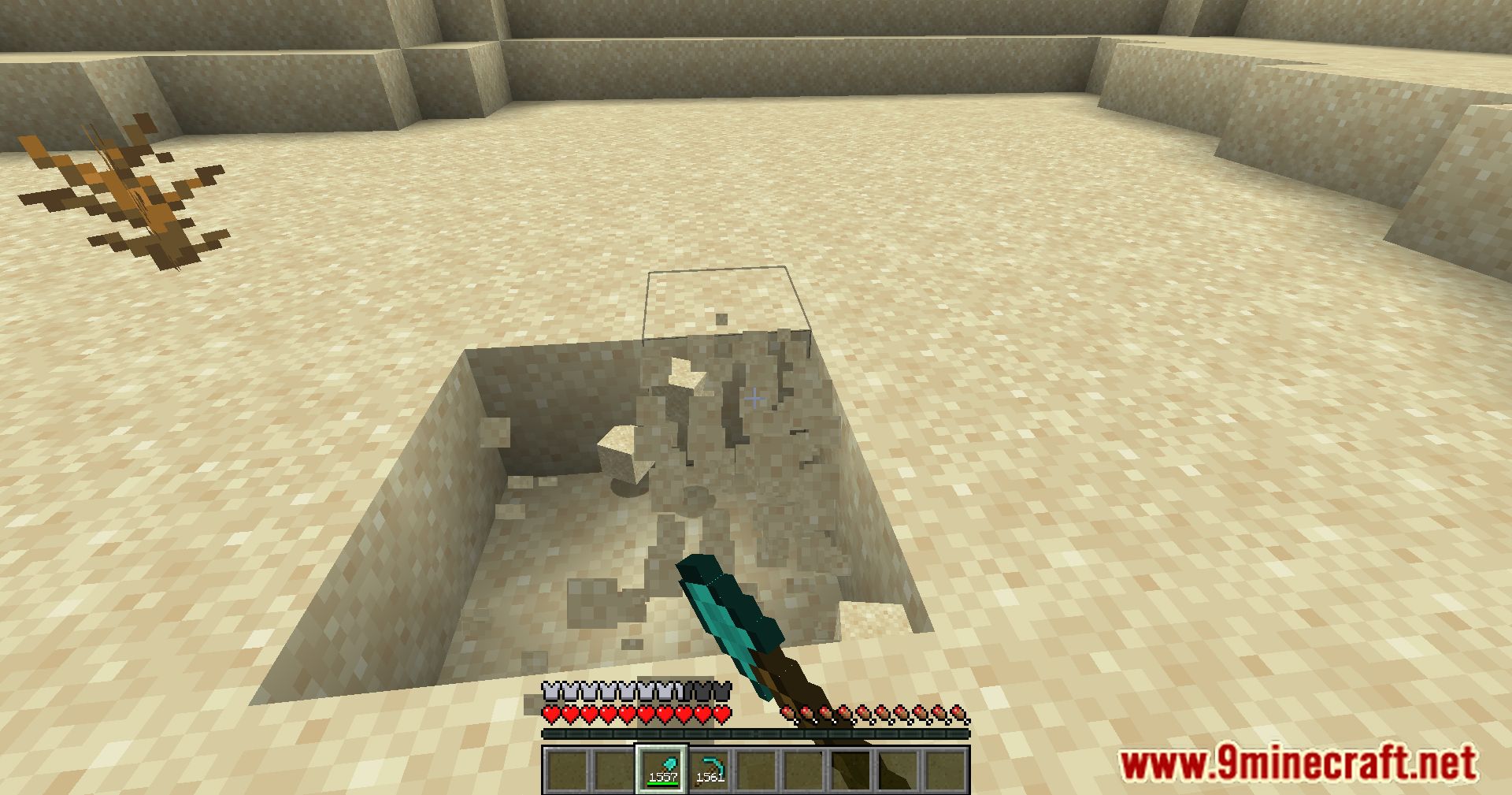
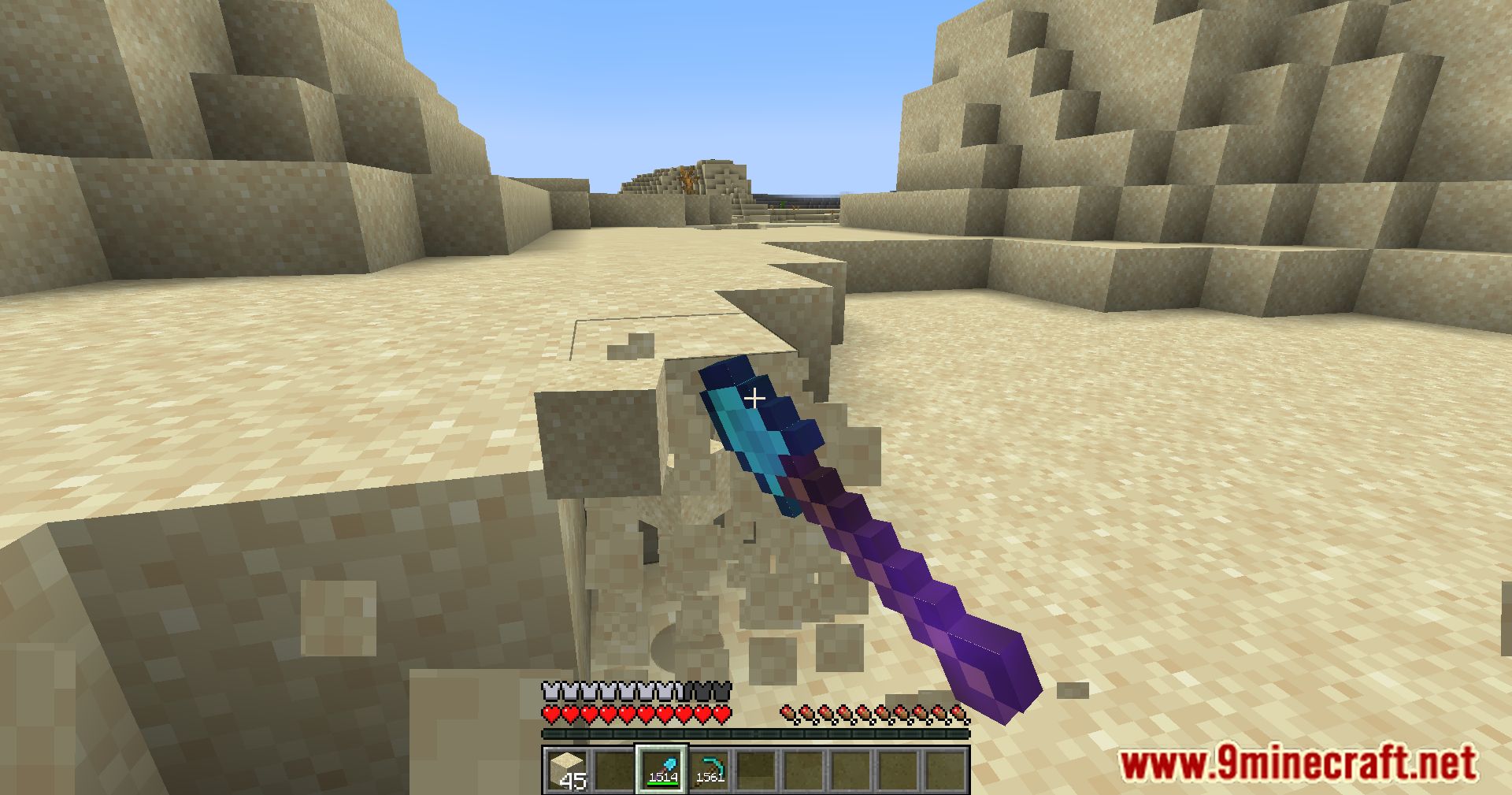
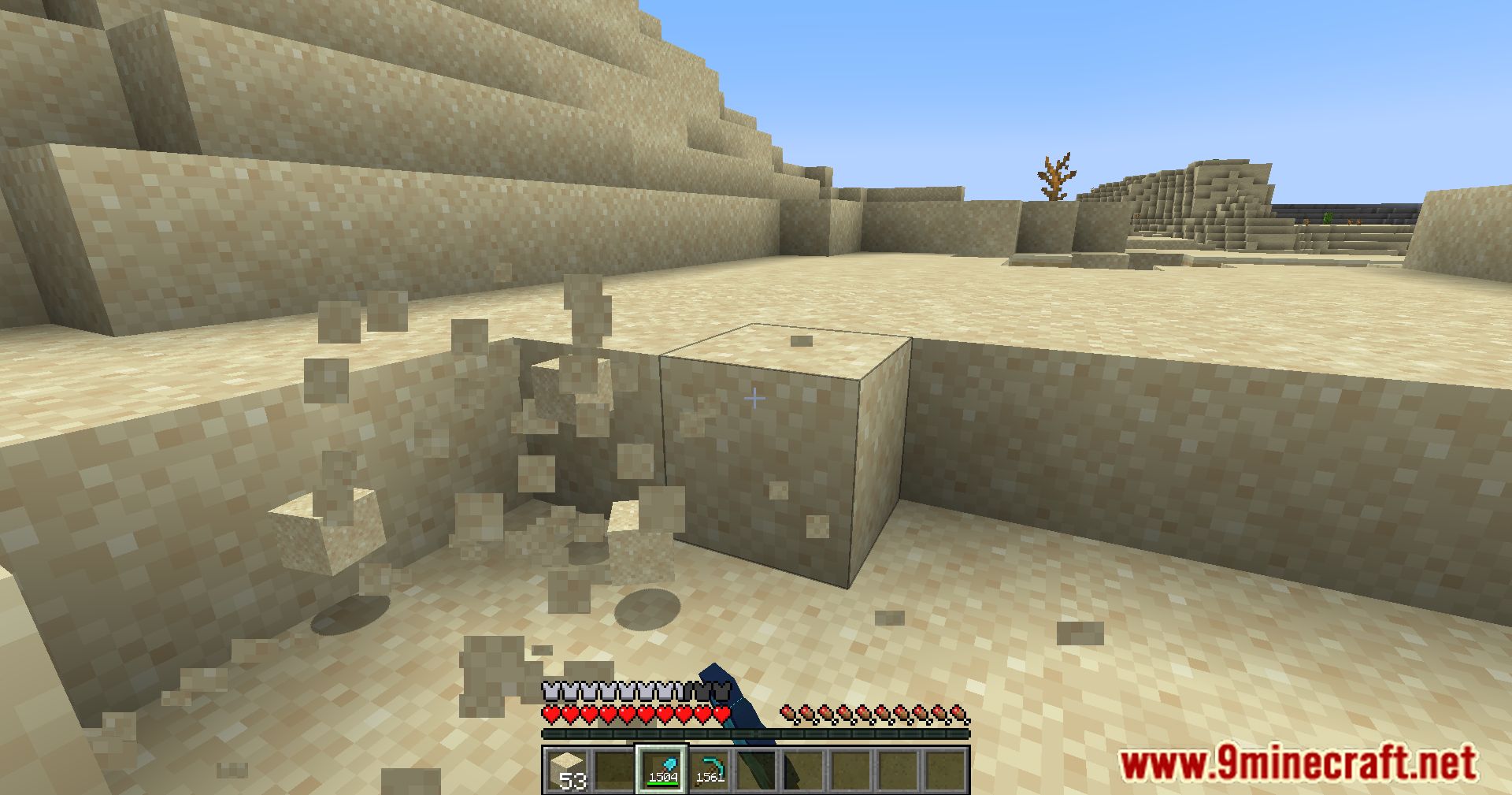
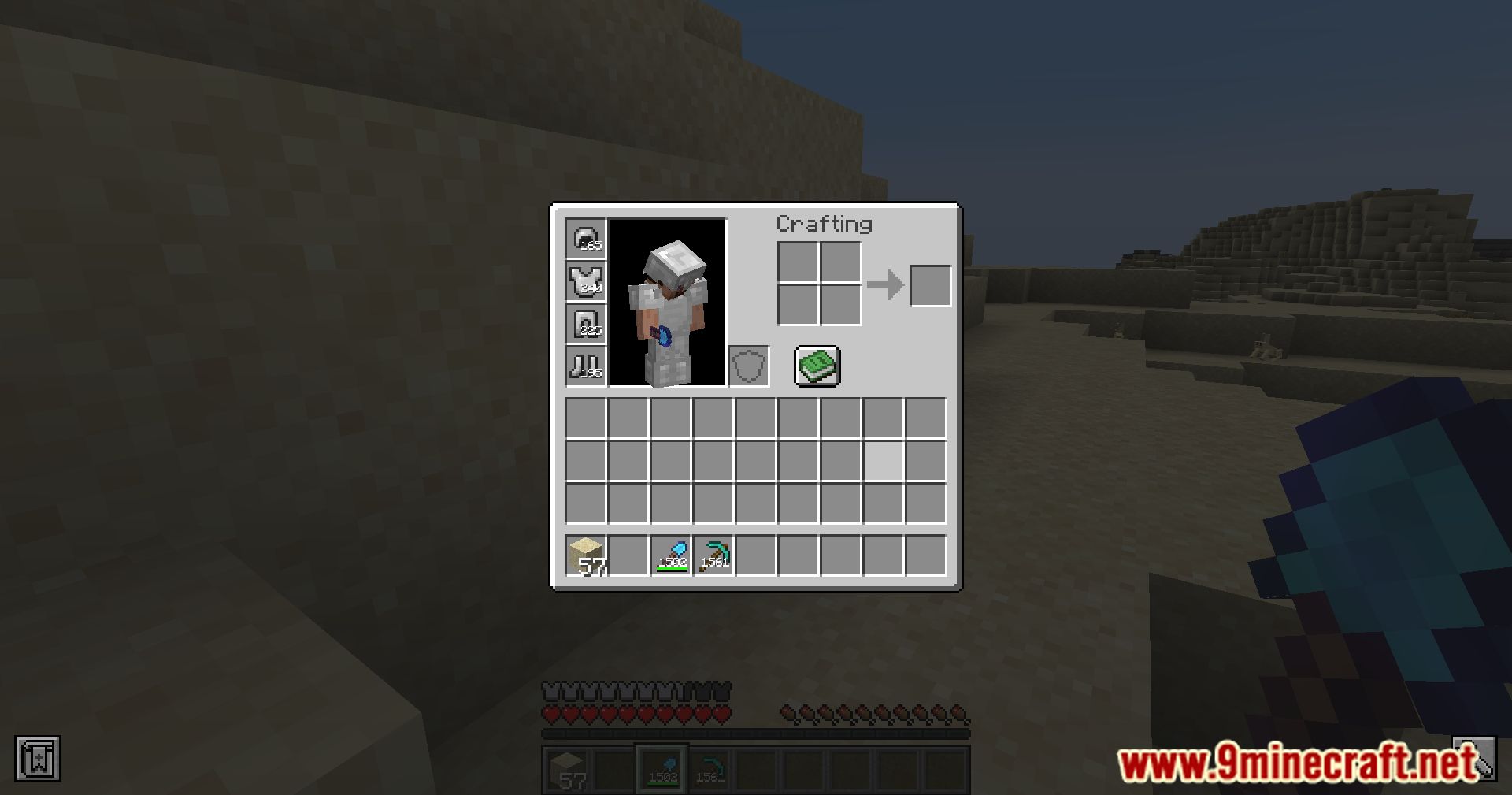
Press the B key (default keybind) to toggle the durability display on or off. You'll see durability numbers appear on damaged items in your inventory and hotbar immediately.
Can I change the keybind for toggling durability?
Yes, you can rebind the durability toggle key in your Minecraft controls settings. Open Options > Controls and search for the durability display keybind to assign a different key.
Why aren't durability numbers showing on my items?
Make sure the durability display is toggled on by pressing B. The mod only shows numbers on items that have taken damage; brand-new items at full durability won't display a number.
Does this mod work on multiplayer servers?
Yes, the mod is client-side only, so it works on any multiplayer server without requiring the server to install it. Only you will see the durability numbers.
See all 10 Thomilist’s Show Durability questions ›
Gallery
12 images from the Thomilist Show Durability Mod page.
You May Also Like
Wikis that share the most with this one
Wikis on the same theme: tool
More mod wikis on the site
The most downloaded mods that have a wiki here
A few wikis from each of the other kinds