

 DownloadShow Keybinds Mod
Get the files on 9Minecraft
Guides
Step-by-step, in-game.
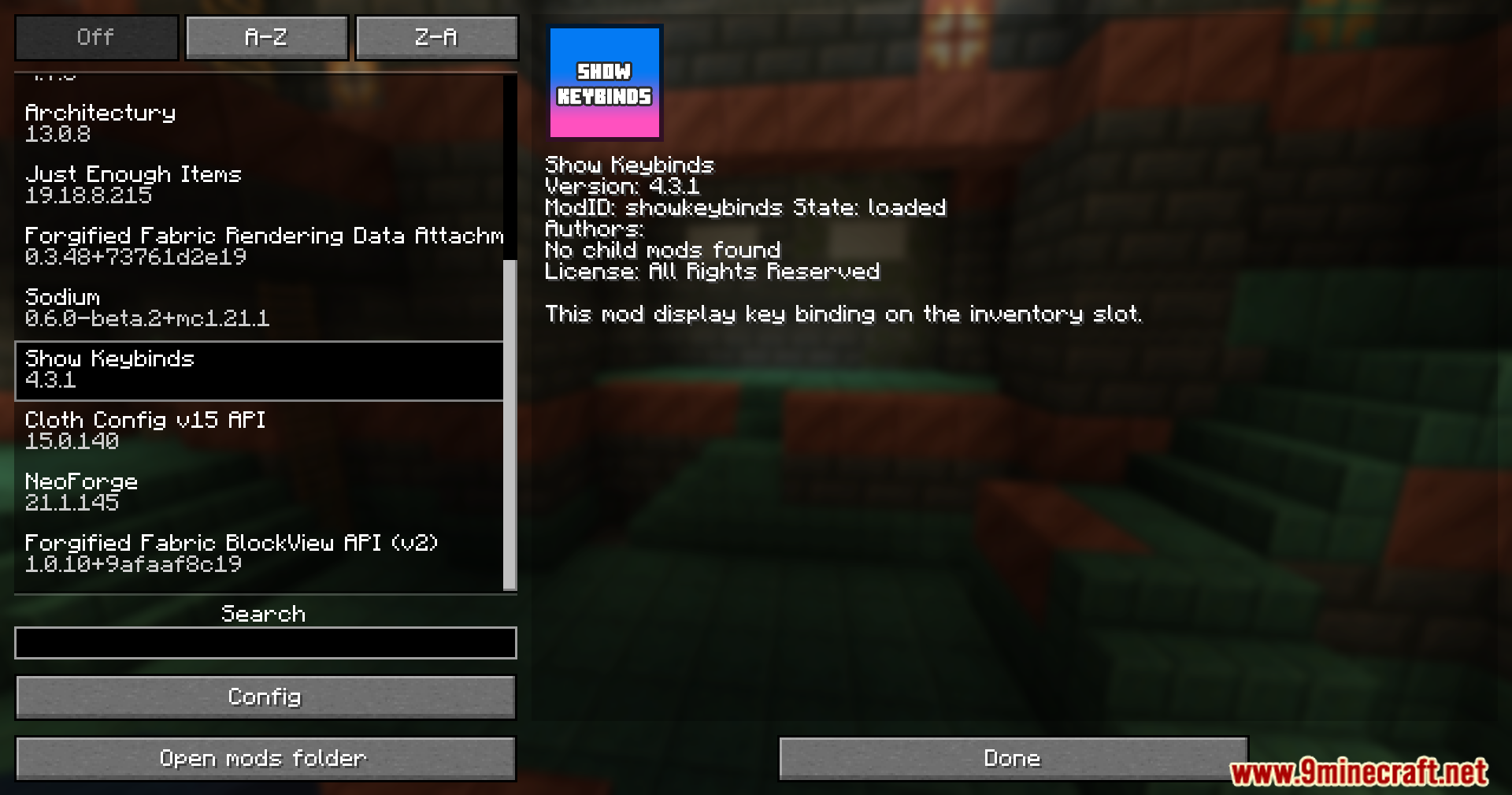
Customize Keybind Display SettingsAccess Mod Options Open your inventory and look for mod configuration options. The Show Keybinds Mod typically…Display Keybinds on Your HotbarEnable the Display The Show Keybinds Mod automatically displays your current keybinds above or on each hotbar slot…Troubleshoot Missing or Incorrect Keybind LabelsVerify Mod is Active Confirm the Show Keybinds Mod is loaded by checking your mod list in the main menu or pause…Use Keybind Display with Modded ControlsBenefit from Complex Keybinds If you're playing with mods that add many new items, abilities, or features, you likely…
Frequently asked questions
How do I turn on the keybind display?
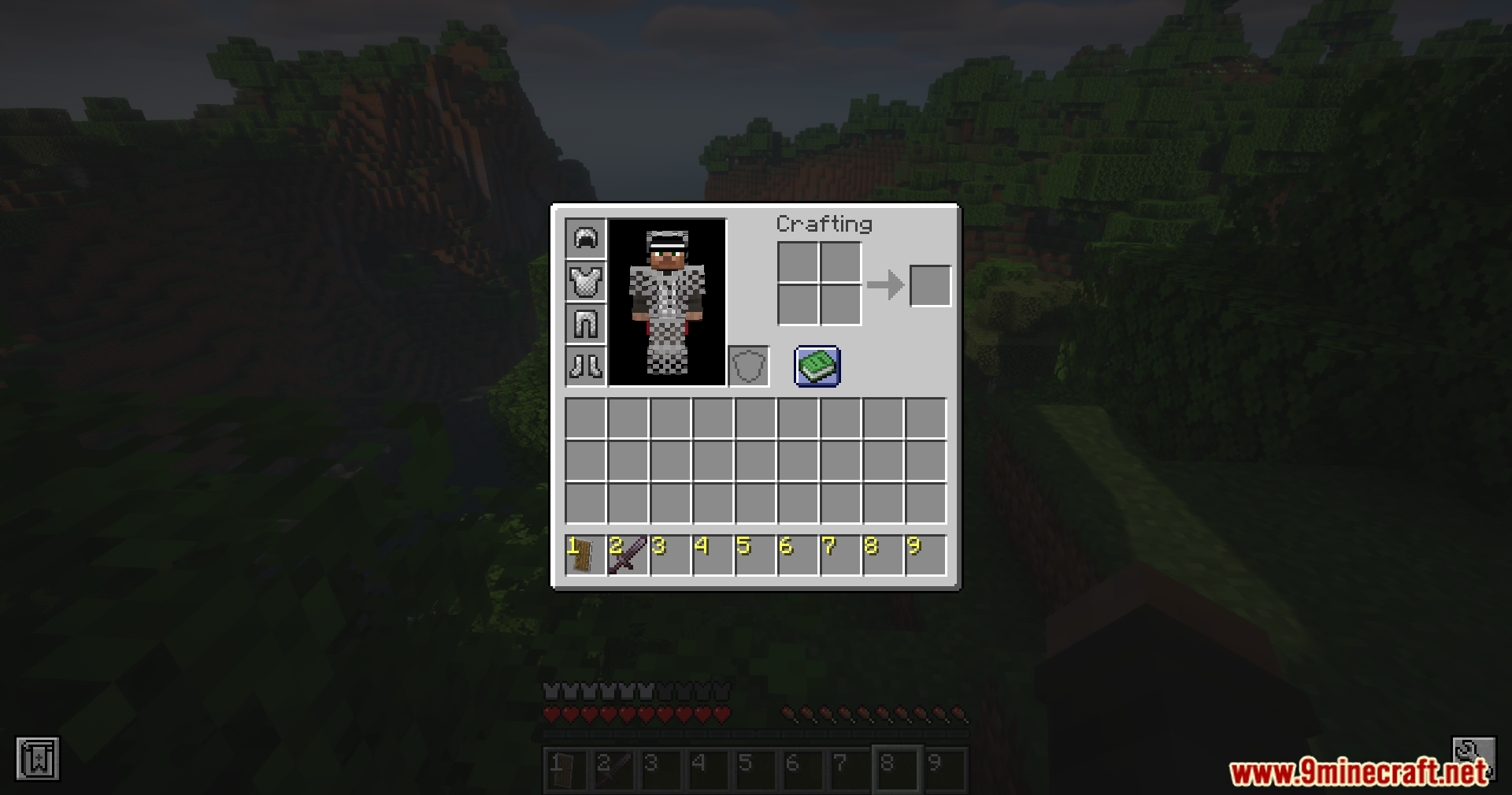
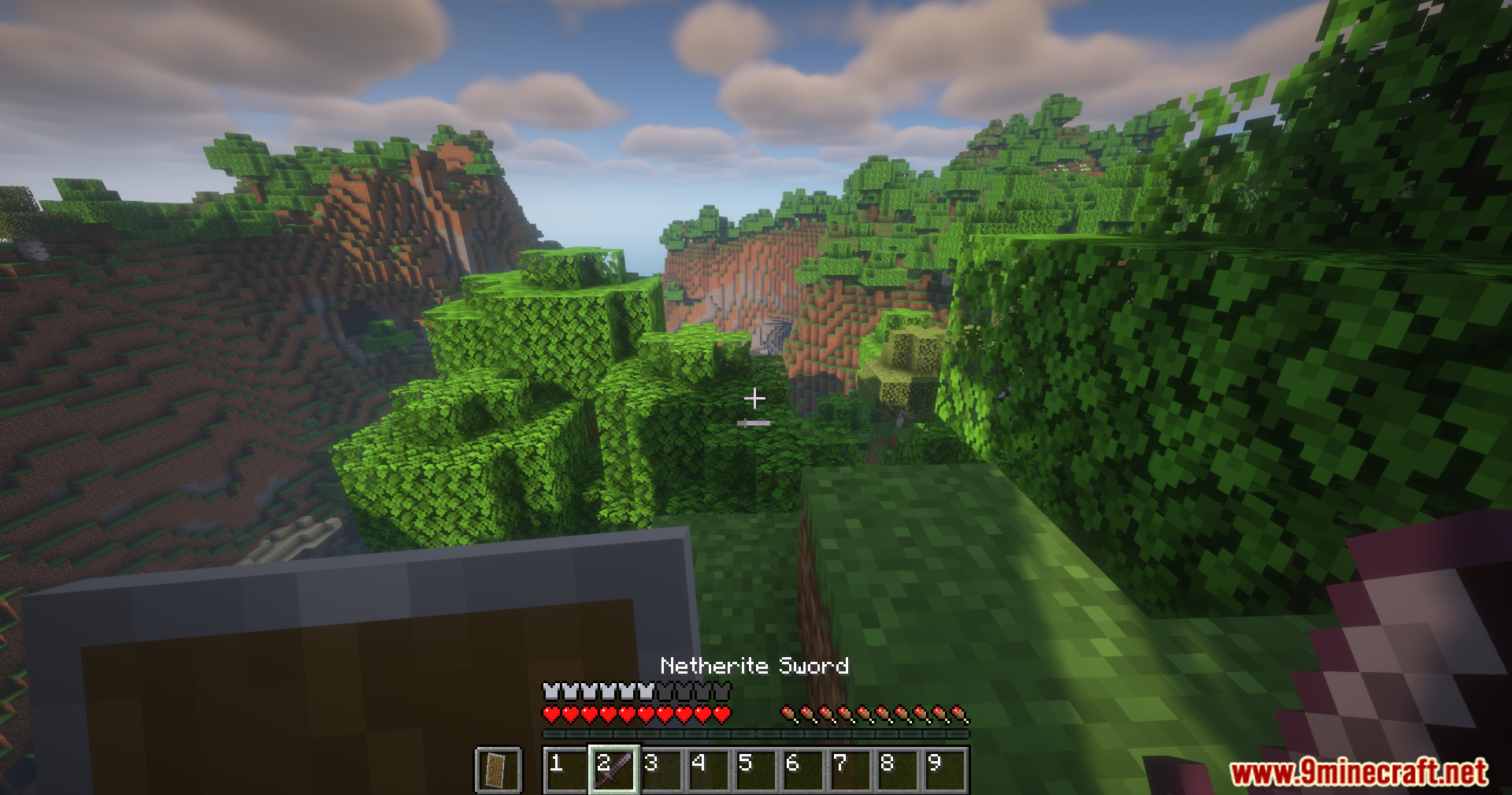
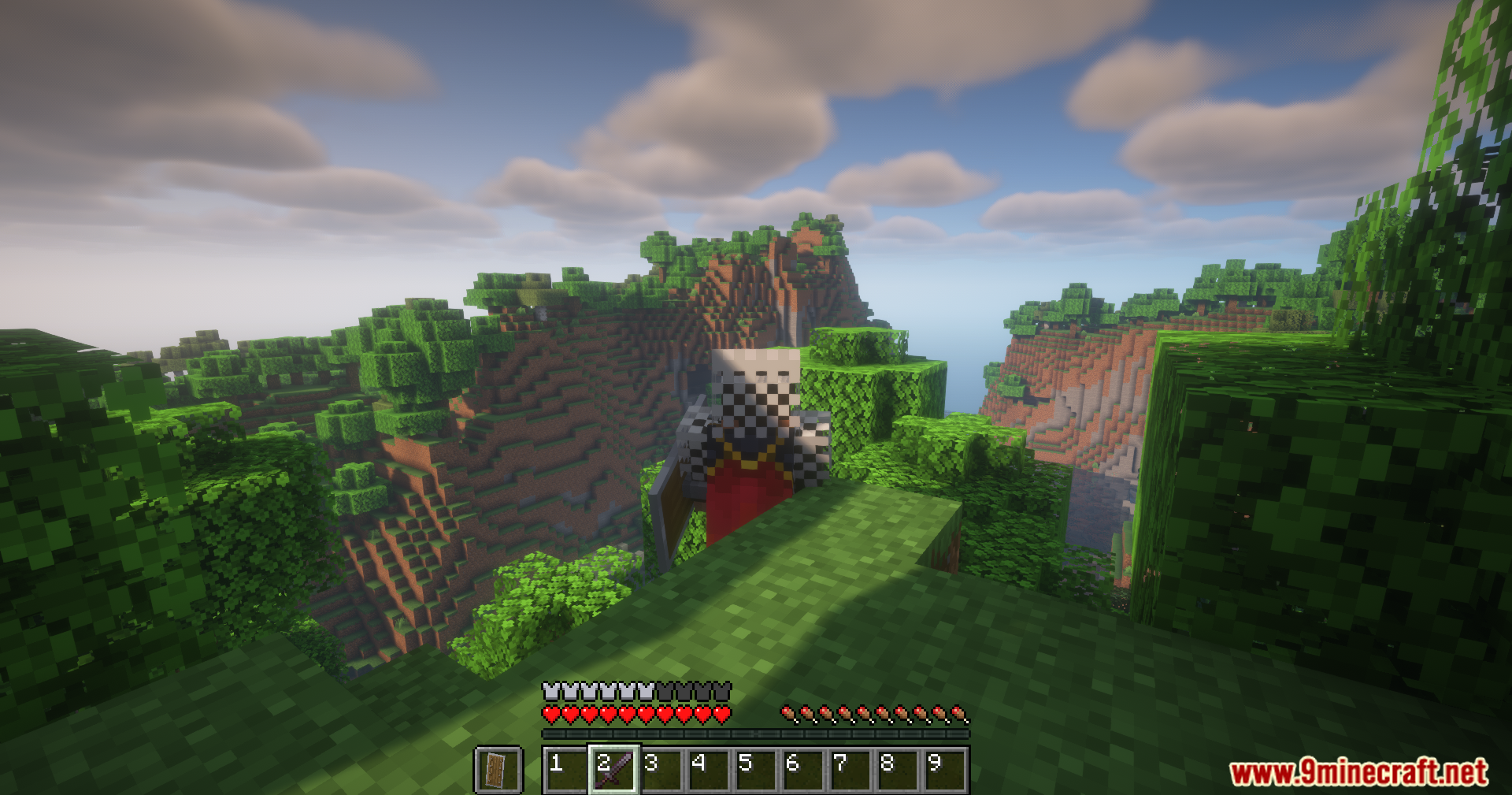
Open your inventory and look at the hotbar — keybinds should display by default above or below each slot. If you don't see them, check the mod's config file to ensure the display is enabled.
Can I customize which keybinds show on the hotbar?
Yes, you can configure the mod's settings to show or hide specific keybinds, adjust their position, and change text formatting through the config file or in-game settings menu if available.
Does this mod work with other mods that change controls?
The mod reads keybinds from Minecraft's control settings, so it will display whatever keys you've bound in your controls menu — including keys bound by other mods.
Why are some keybinds showing the wrong keys?
Make sure you've actually bound those keys in your Controls settings; the mod only displays what's configured there. If a mod's keybind isn't showing, that mod may not register its keys in the standard Minecraft keybind system.
See all 10 Show Keybinds questions ›
Gallery
11 images from the Show Keybinds Mod page.
You May Also Like
Wikis that share the most with this one
More mod wikis on the site
The most downloaded mods that have a wiki here
A few wikis from each of the other kinds