

 DownloadTesseract
Get the files on 9Minecraft
Guides
Step-by-step, in-game.
Control Tesseract Transfers with RedstoneEnable Redstone Control Tesseracts can be toggled on and off using redstone signals, letting you automate when…Create Multiple Independent Channels on One TesseractUse Separate Channels for Different Resources A single Tesseract can manage multiple channels simultaneously—one for…Set Up a Shared Energy NetworkCreate a Public Energy Channel Tesseracts can distribute power from a central generator to multiple bases using the…Transfer Items Between DimensionsSet Up Tesseracts in Both Dimensions Tesseracts work across dimensions, making them ideal for moving items between…
Recipes
Every recipe the mod adds, grouped by how it is made.
Blocks
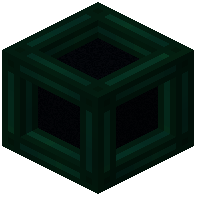 Tesseract
Configuration
Every setting in the mod config file, with what it changes.
| Option | What it does |
|---|---|
tesseract | Tesseract - Info |
remove_default | Tesseract - Remove default info |
Frequently asked questions
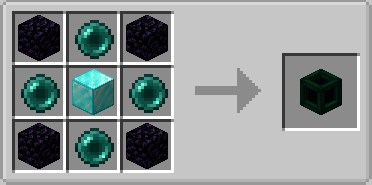
How do I craft a Tesseract?
Open your crafting table and arrange the materials according to the crafting recipe shown in the mod wiki. Once crafted, place the Tesseract block in the world and right-click it to open the GUI.
Can I transfer items and energy through the same Tesseract?
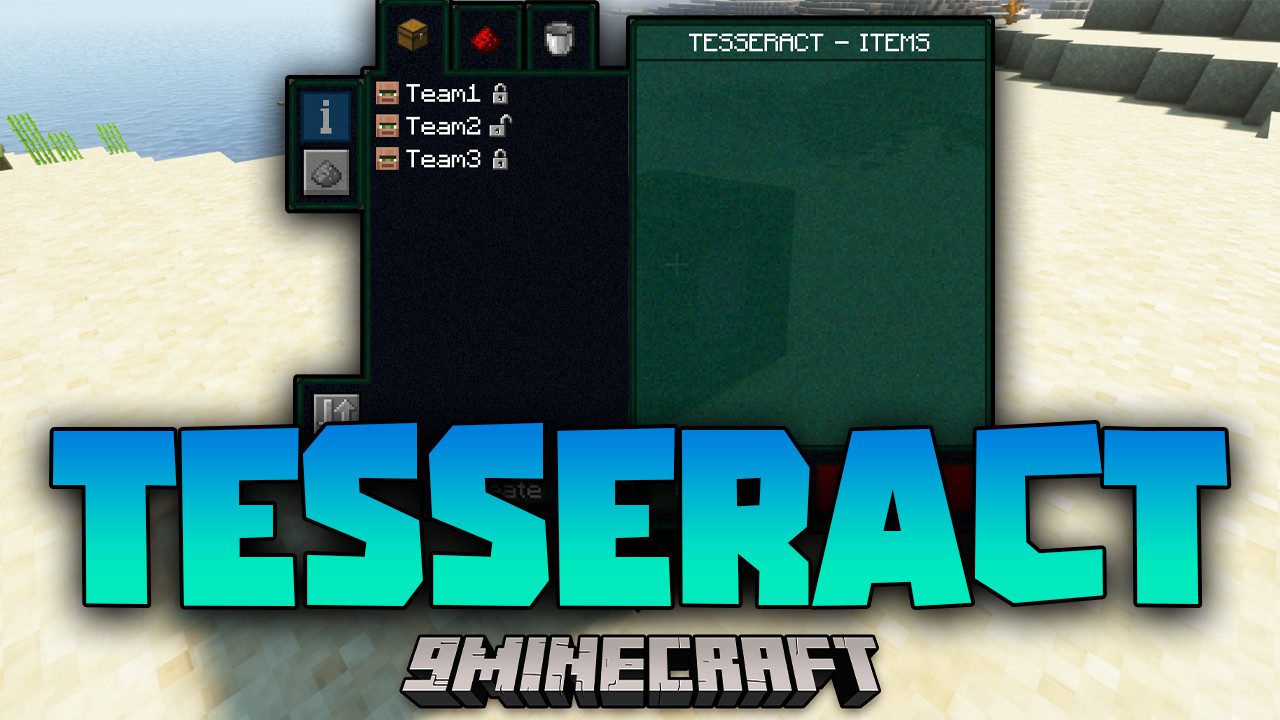
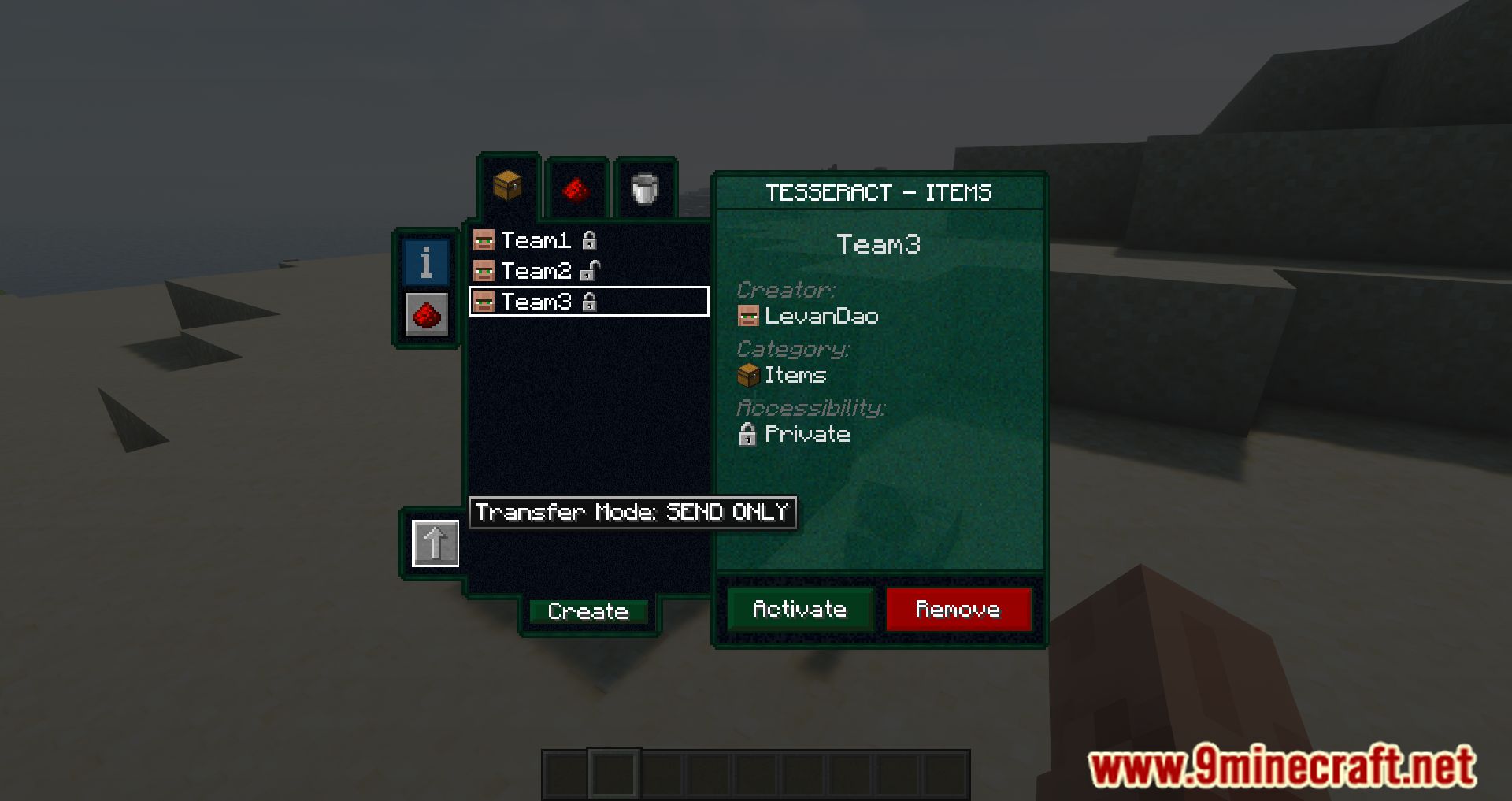
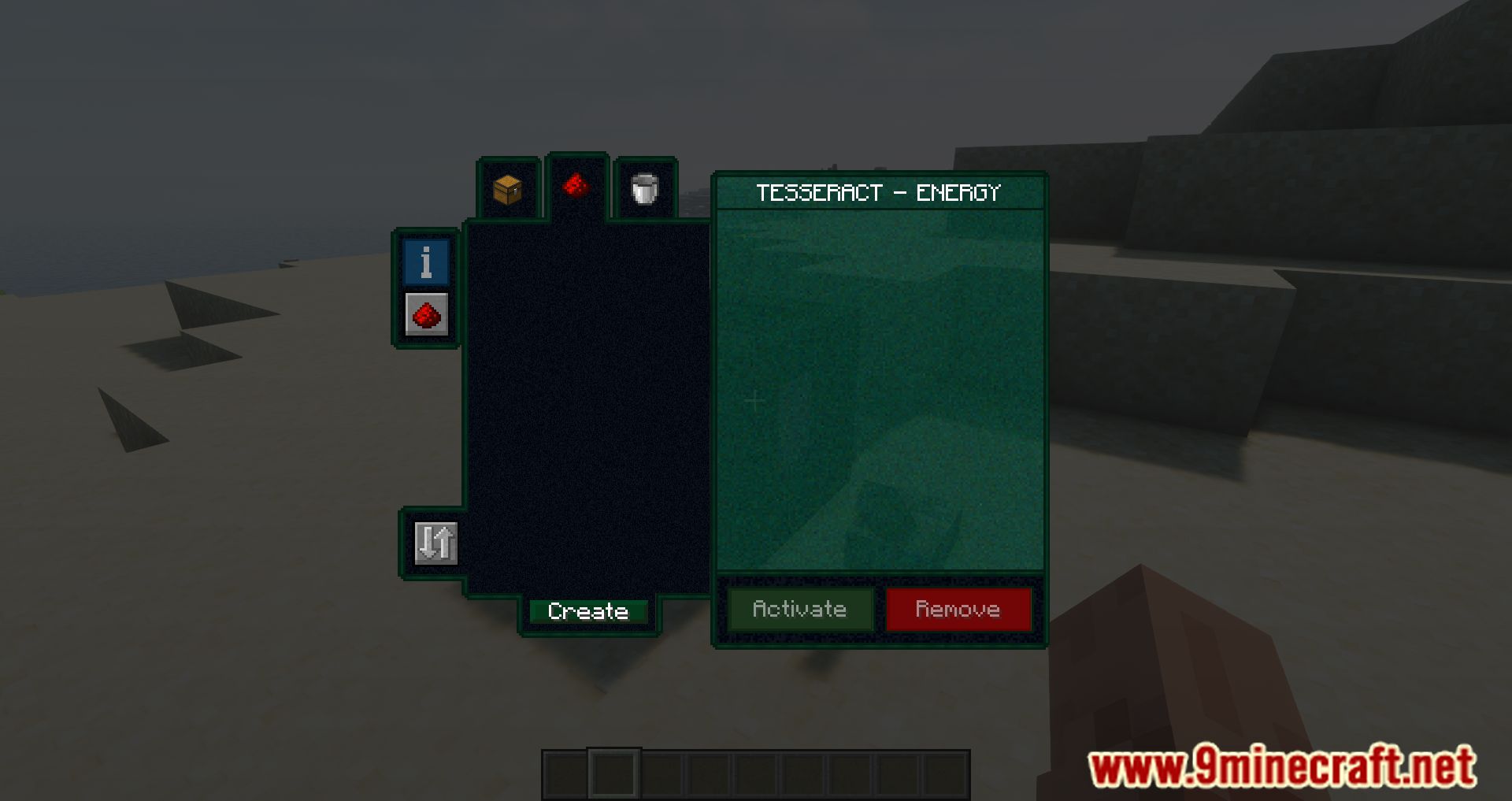
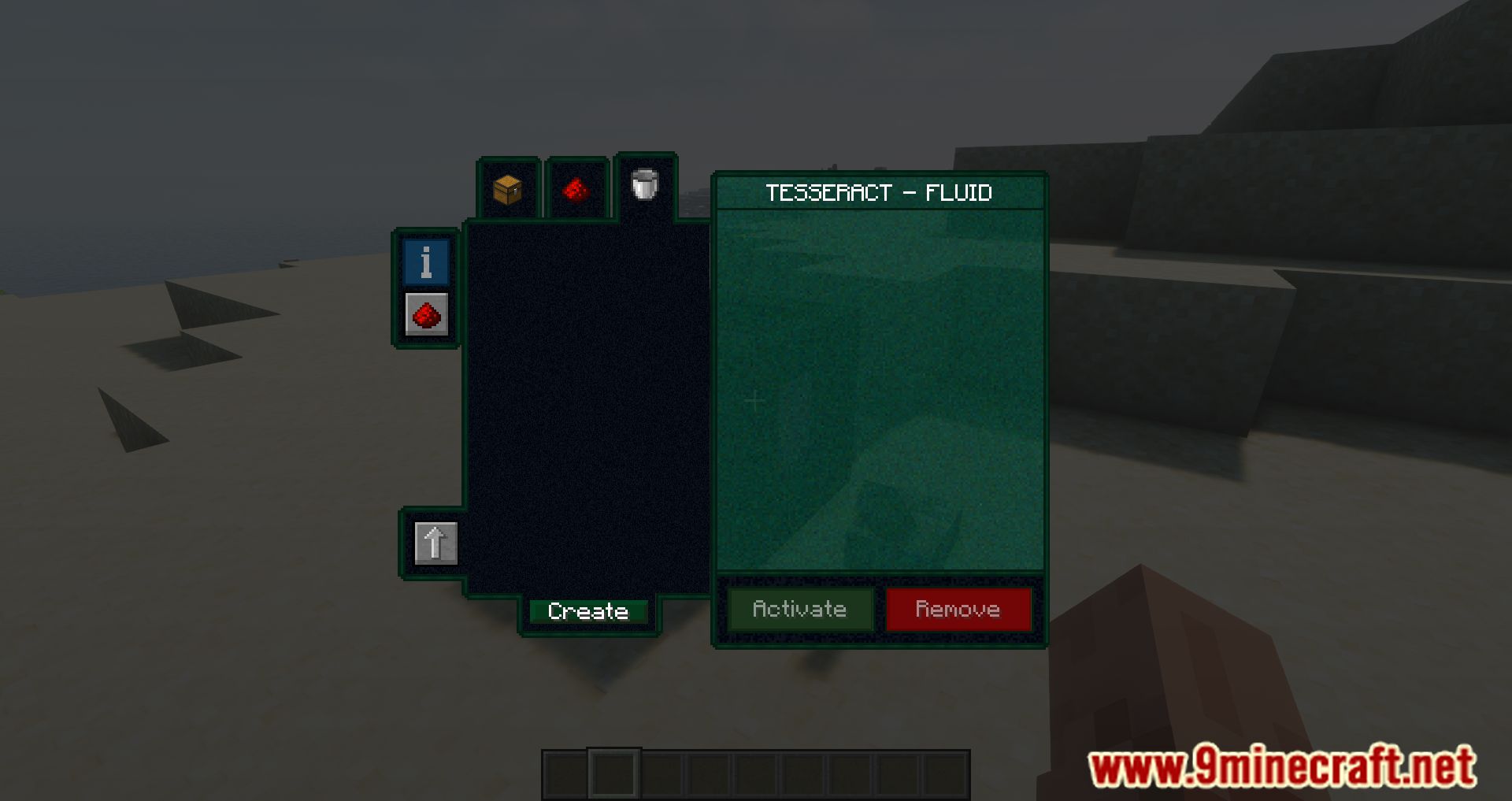
Yes. Each Tesseract has separate category tabs for Items, Fluids, and Energy, so you can create independent channels for each type of transfer on a single block.
What's the difference between a locked and unlocked channel?
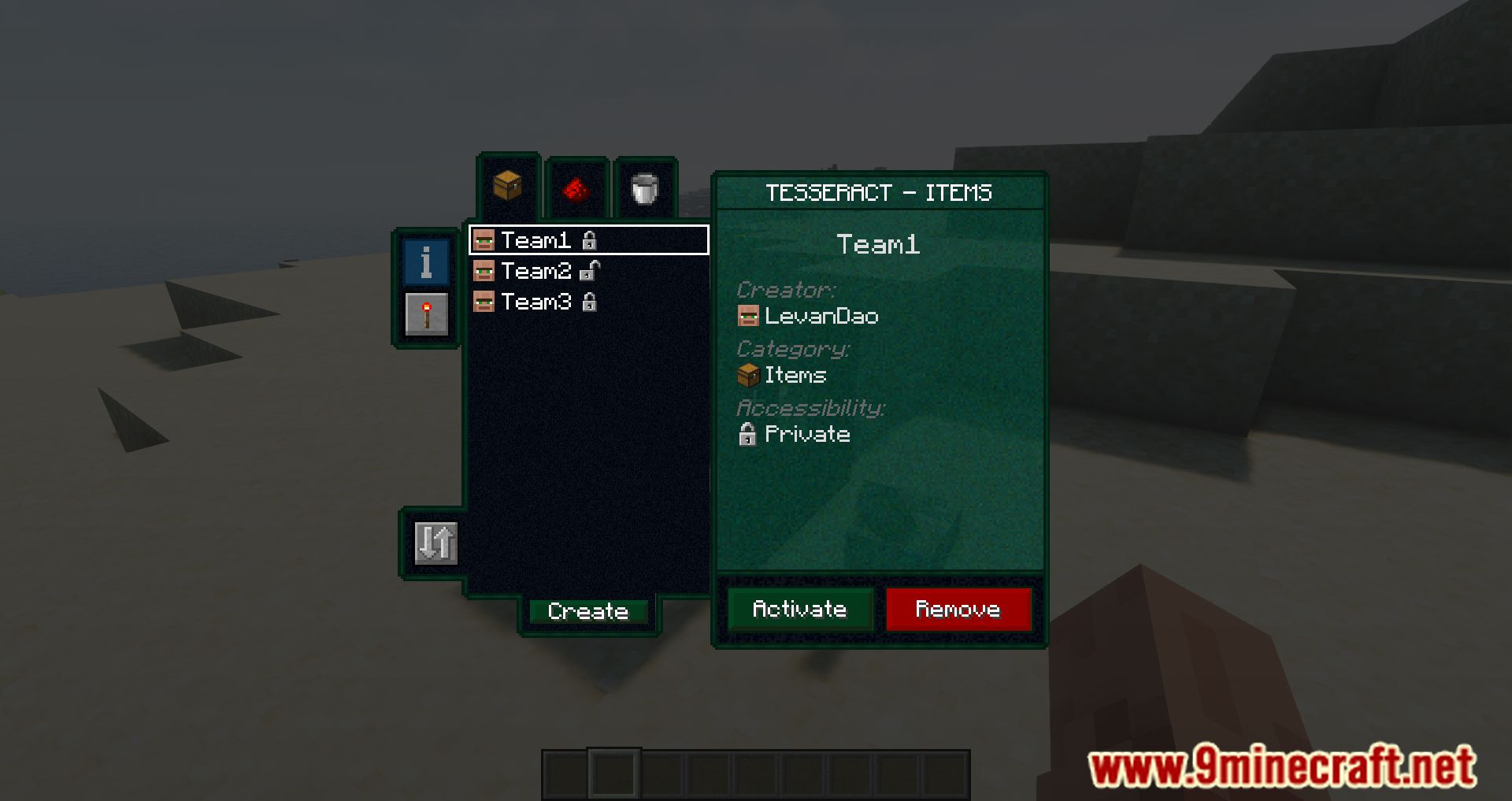
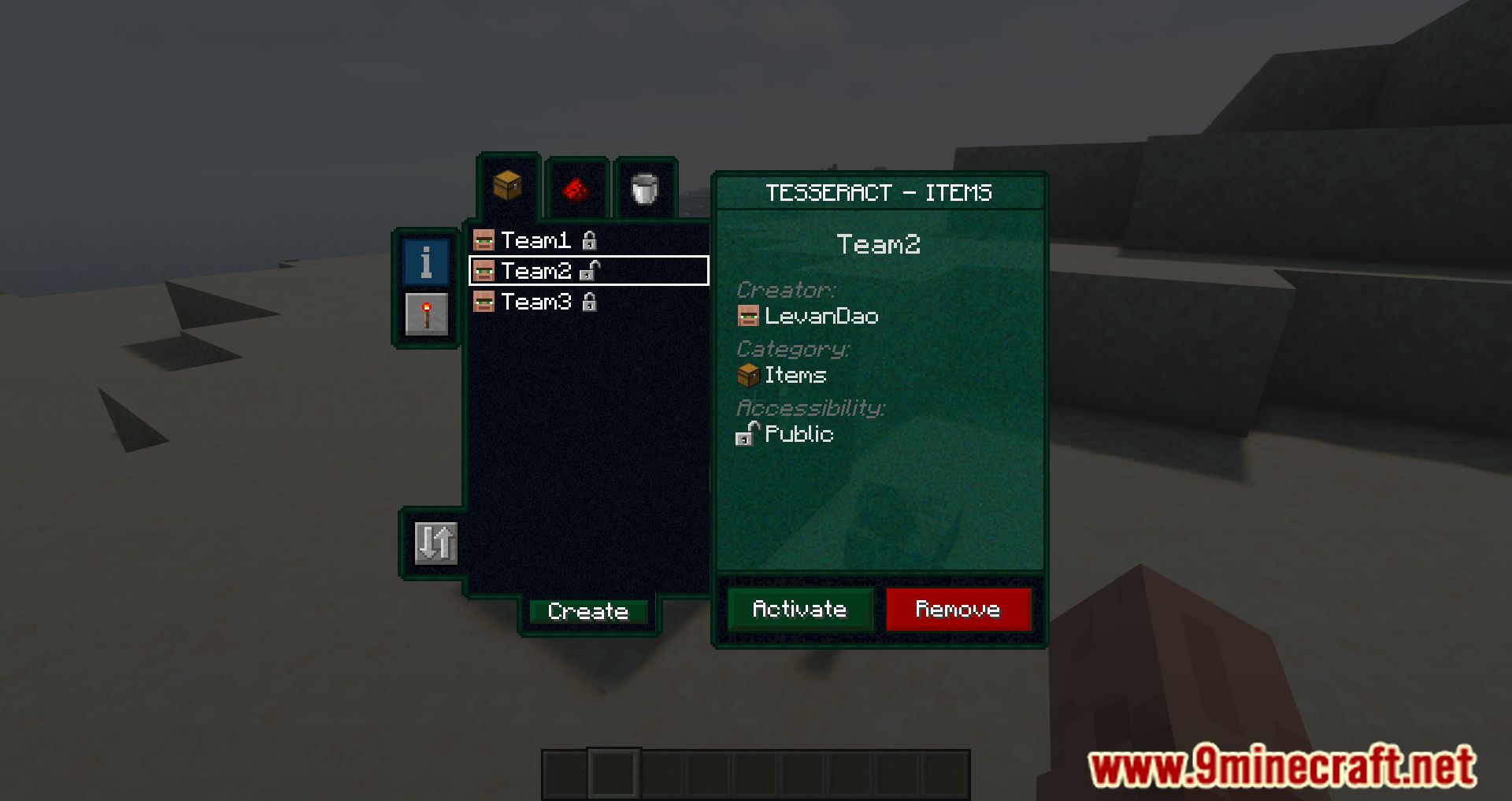
A locked (private) channel can only be used by you, while an unlocked (public) channel can be accessed by any player on the server. Choose the lock state when you create the channel.
Do I need to create a new Tesseract for each channel?
No. A single Tesseract can have multiple channels active at the same time—just create and activate different channels in the same category tab or in different tabs.
How do I connect two Tesseracts together?
Create a channel on the first Tesseract, then open the second Tesseract's GUI, select the same category tab, find that channel in the list, and click Activate. Both Tesseracts must use the same channel name to transfer resources.
Can I control when a Tesseract transfers items with redstone?
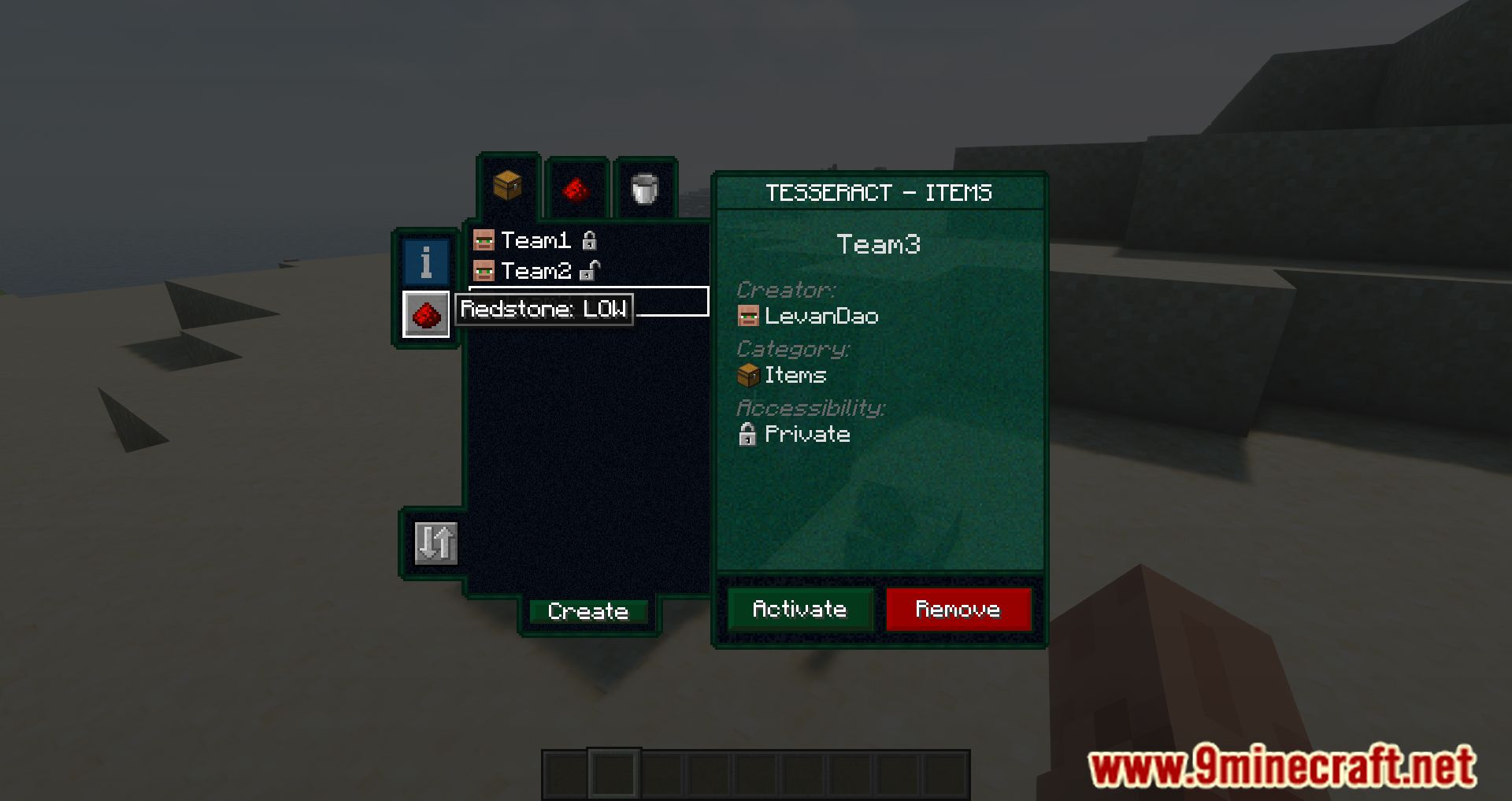
Yes. You can use redstone signals to control Tesseract connections—see the redstone control guide for setup details.
What happens if I make a Tesseract bigger?
Larger Tesseracts have increased transfer rates and storage capacity, allowing you to move more resources faster between linked points.
Can I filter which items go through a Tesseract?
Yes. Open the Tesseract GUI and use the configuration options to accept or block specific items and fluids from passing through that Tesseract.
Does Tesseract Mod work with other mods' energy systems?
Yes. Tesseract Mod is compatible with most mods that use Forge Energy, so you can transfer power from other mod machines through Tesseract Energy channels.
Can I transfer fluids between dimensions?
Yes. Create a Fluids channel on one Tesseract, activate it on another Tesseract in a different dimension, and they will transfer fluids between each other instantly.
Gallery
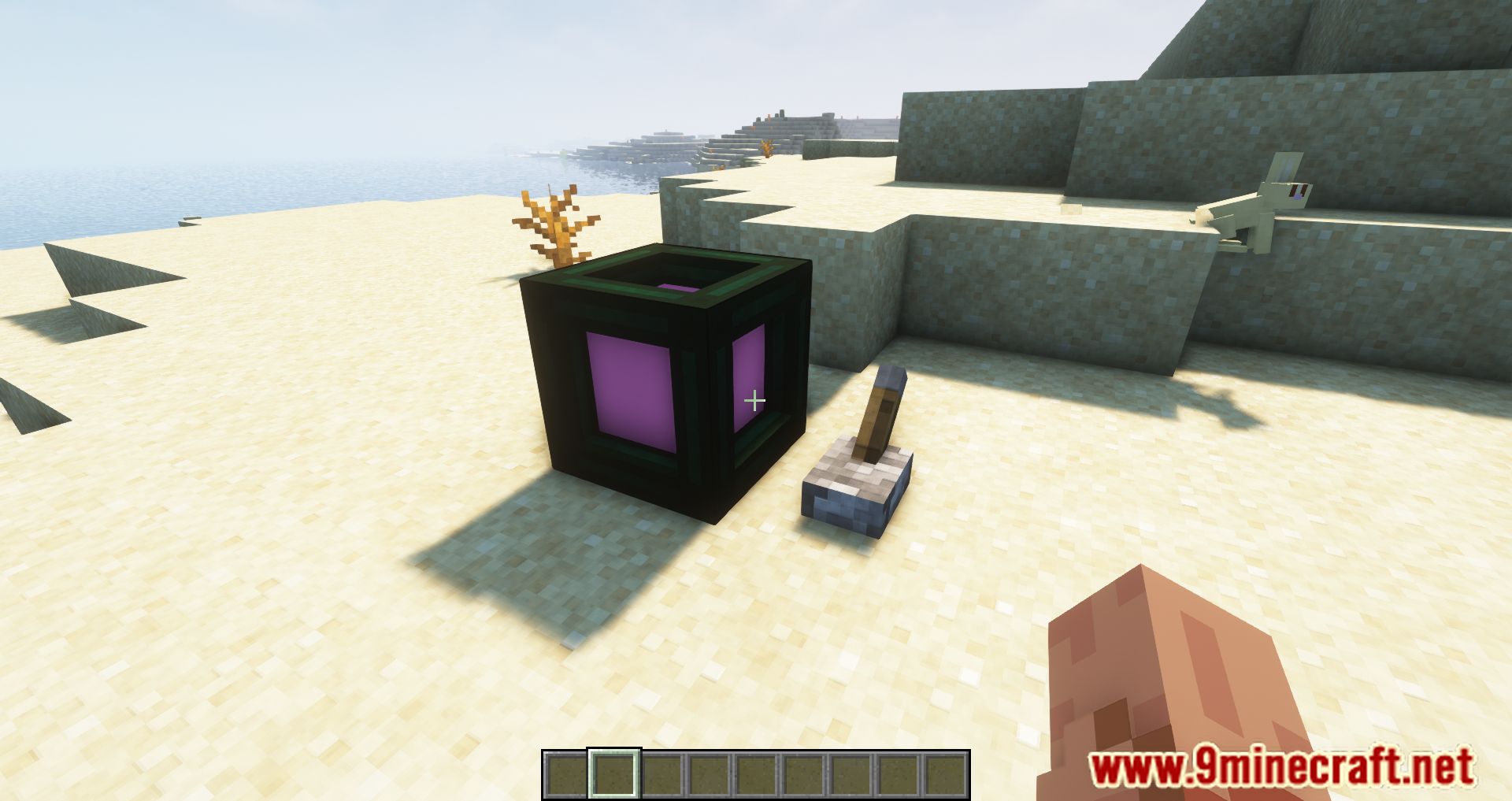
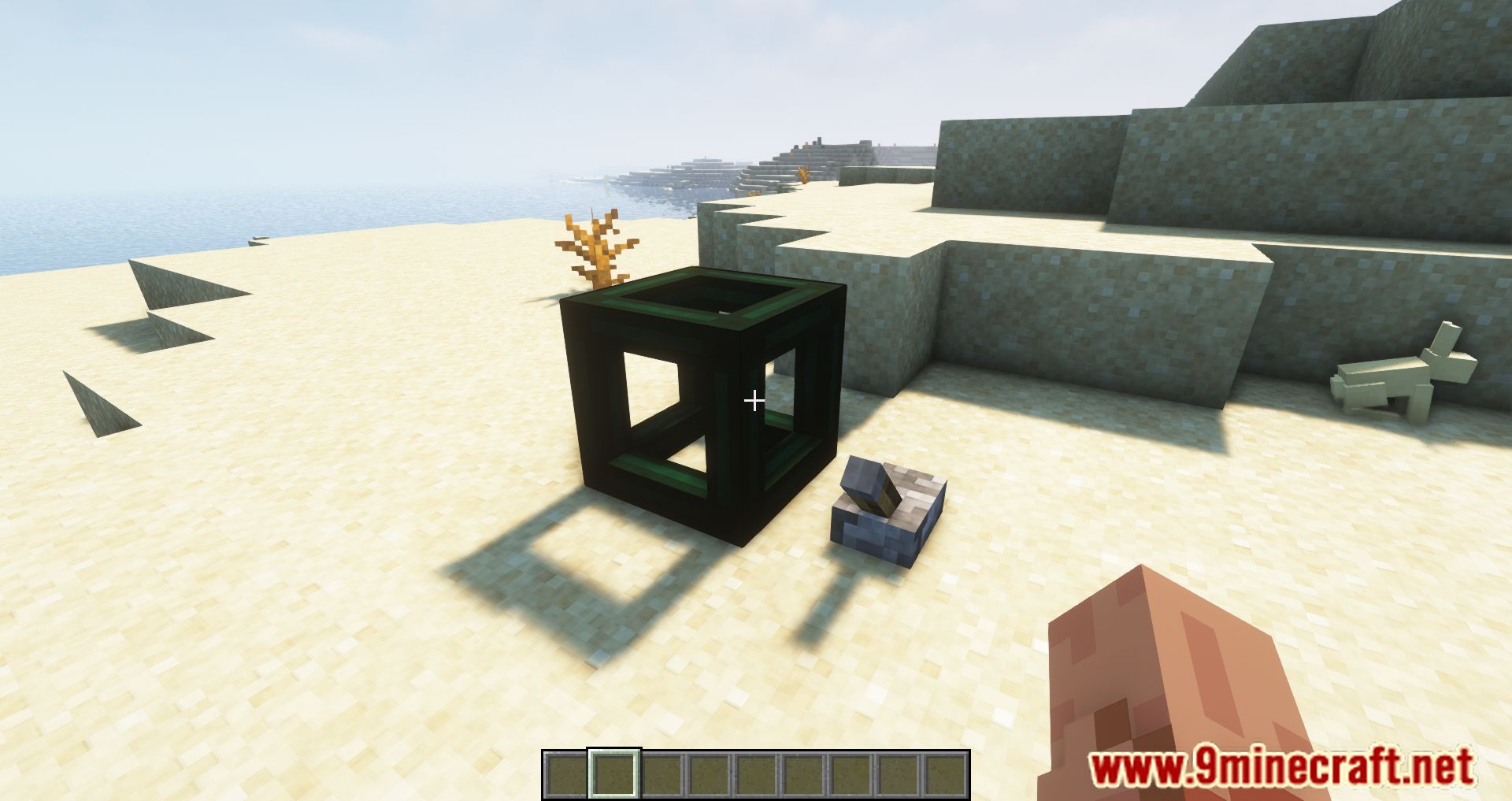
11 images from the Tesseract Mod page.
You May Also Like
Wikis that share the most with this one
More mod wikis on the site
The most downloaded mods that have a wiki here
A few wikis from each of the other kinds