

 DownloadTesseract
Get the files on 9Minecraft
Enable Redstone Control
Tesseracts can be toggled on and off using redstone signals, letting you automate when transfers occur.
Step 1: Place your 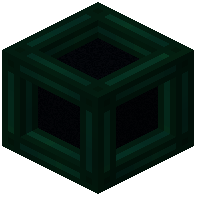 Tesseract and connect it to a channel as normal.
Step 2: Open the Tesseract's GUI and look for redstone control options (typically in a settings or configuration section).
Step 3: Enable redstone mode for the channel you want to control.
Step 4: Connect a redstone signal to the Tesseract using:
- A lever or button for manual control
- A redstone comparator reading from a container
- A timer circuit for scheduled transfers
- A daylight sensor for time-based automation
Practical Uses
When redstone power is applied, the Tesseract activates; when it's removed, transfers stop. Use this to:
- Pause energy distribution during low-power situations
- Only transfer items when a storage chest is full
- Schedule fluid transfers to specific times
- Prevent accidental resource overflow
Combine multiple redstone signals with logic gates for complex automation.