

 DownloadTerrarium Expanded Mod
Get the files on 9Minecraft
Guides
Step-by-step, in-game.
Choose the Right Zoom Level for Your WorldUnderstanding Zoom Levels Terrarium Expanded offers five zoom levels that control how much real-world terrain fits…Integrate Biome Mods for Enhanced Terrain VarietyCompatible Biome Mods Terrarium Expanded works directly with three popular biome mods: Biomes O' Plenty , Regions…Locate Real-World Coordinates in Your Minecraft WorldFinding Your Location Terrarium Expanded generates Minecraft terrain based on actual Earth coordinates. Your spawn…Speed Up World Generation with Tile CachingHow Tile Caching Works Terrarium Expanded downloads real-world elevation and biome data from AWS Terrarium tiles to…
Frequently asked questions
How do I start a new world with Terrarium Expanded?
Create a new world and select Terrarium Expanded as your world type during world creation. You'll then be prompted to choose a zoom level (8–12) that determines your world size and terrain detail; Zoom 10 is recommended for most players as a balanced starting point.
What zoom level should I pick?
Zoom 8–9 load fastest but show broad terrain; Zoom 10 balances detail and performance; Zoom 11–12 show finer real-world accuracy but generate chunks slower. Pick Zoom 10 unless you have a powerful PC or want faster loading on older hardware.
How do I find a specific real-world location in my Minecraft world?
Use the mod's coordinate conversion tools (found in the guides or mod documentation) to translate real-world latitude/longitude into Minecraft X/Z coordinates, then use `/tp` to jump there or navigate manually.
Why is my world generation so slow?
Higher zoom levels (11–12) and biome mod integration both increase generation time. Enable tile caching in your config so downloaded terrain data is saved locally—revisiting areas will load much faster on subsequent visits.
See all 10 Terrarium Expanded questions ›
Gallery
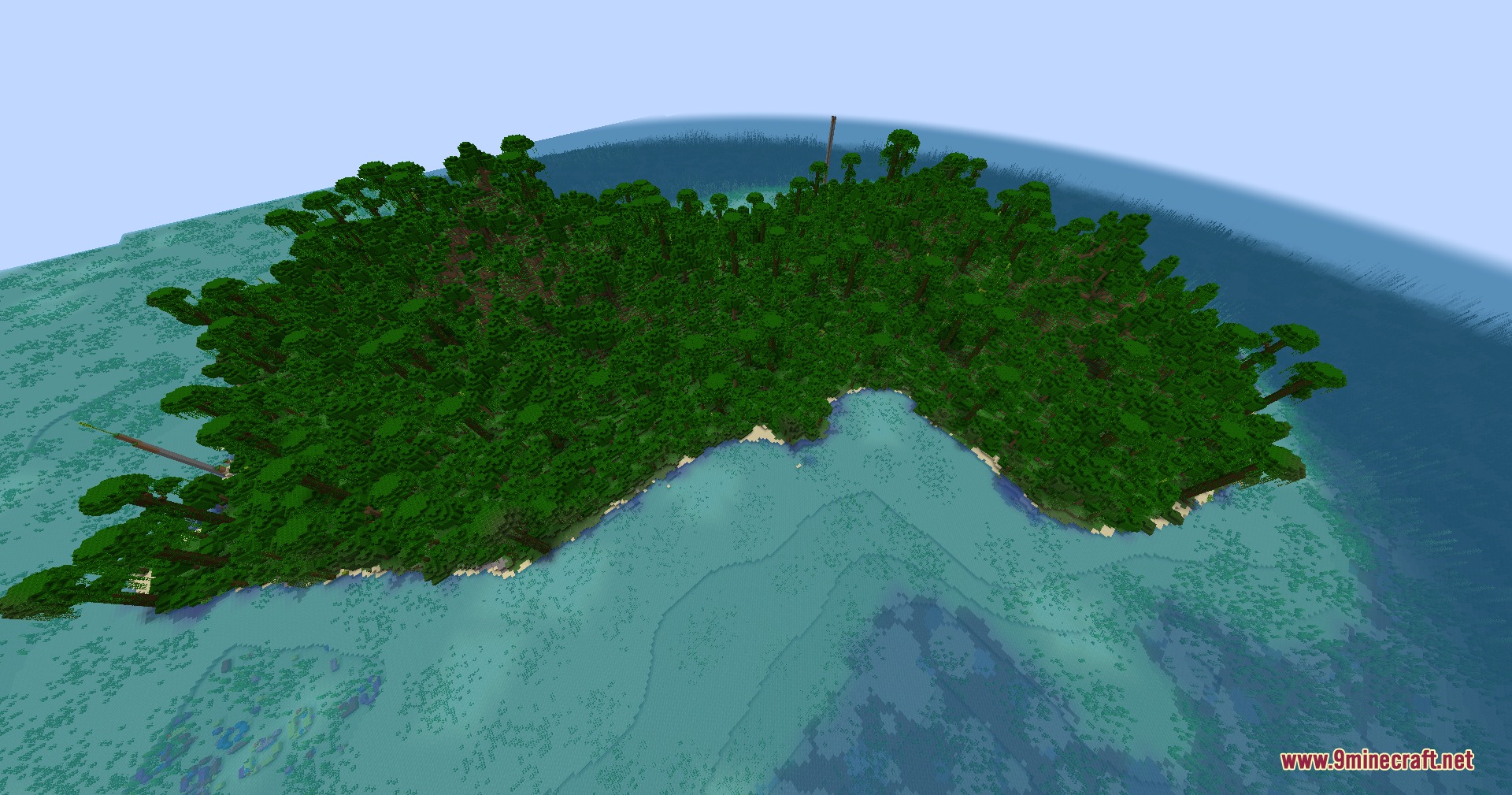
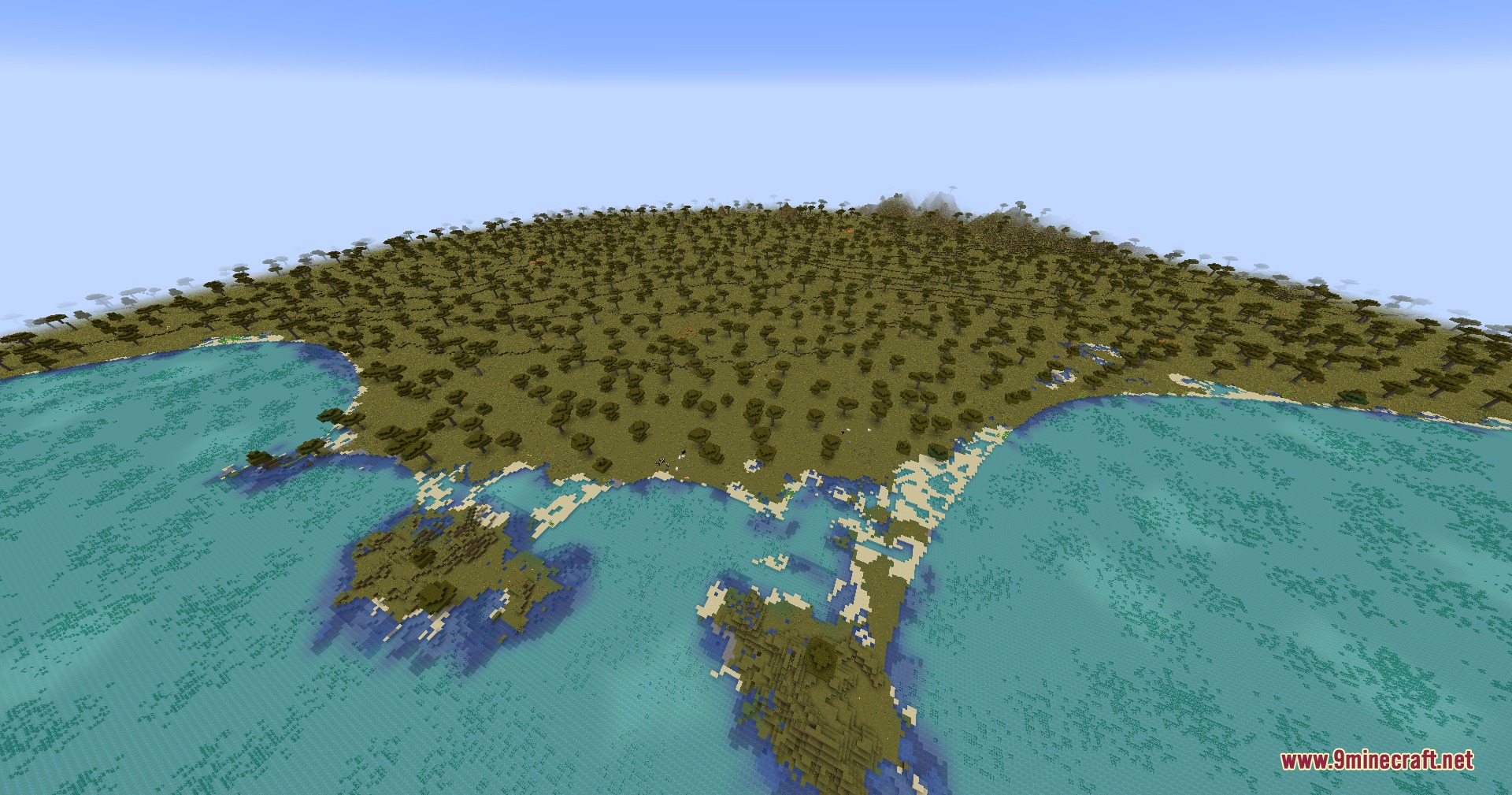
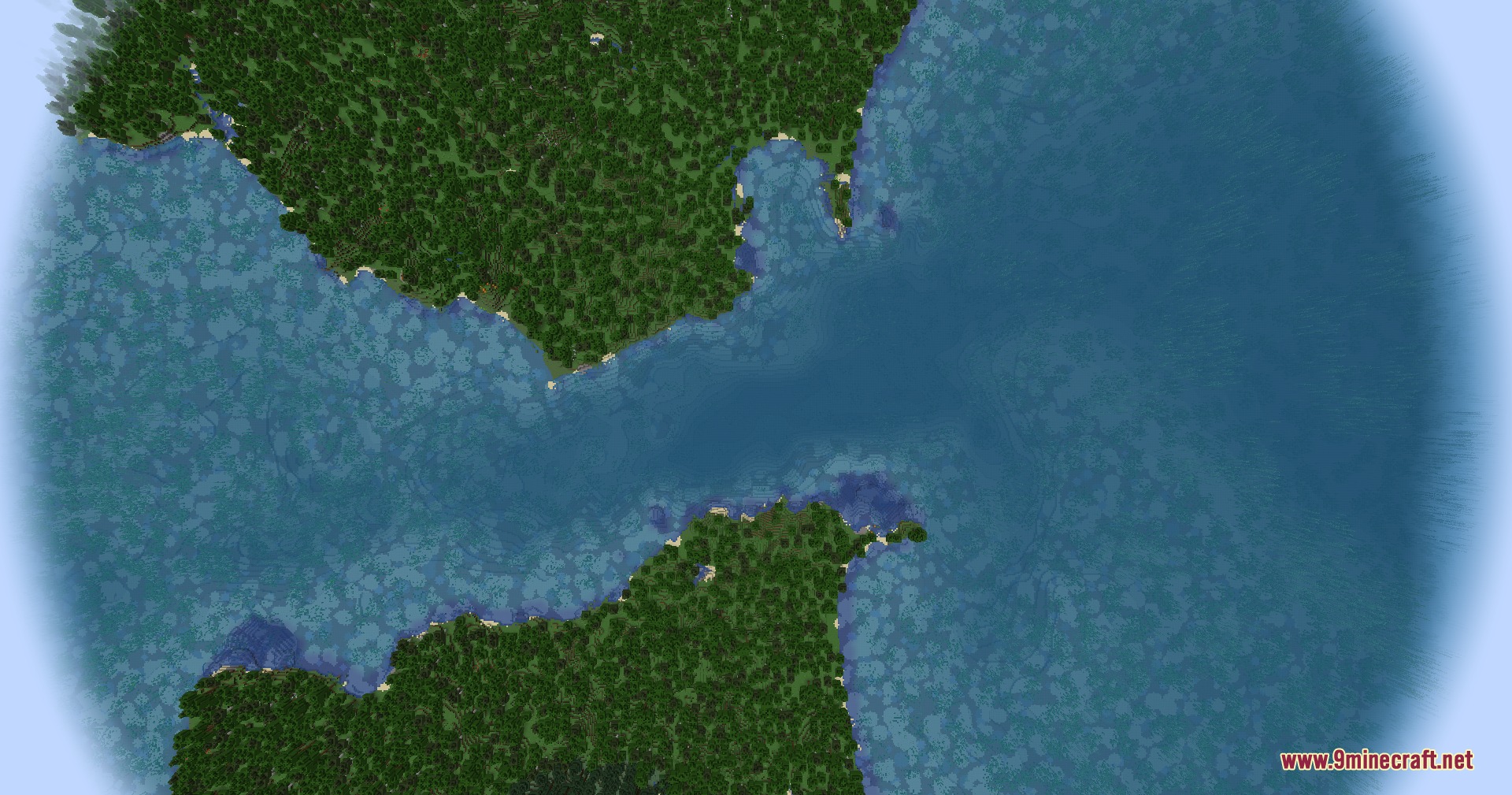
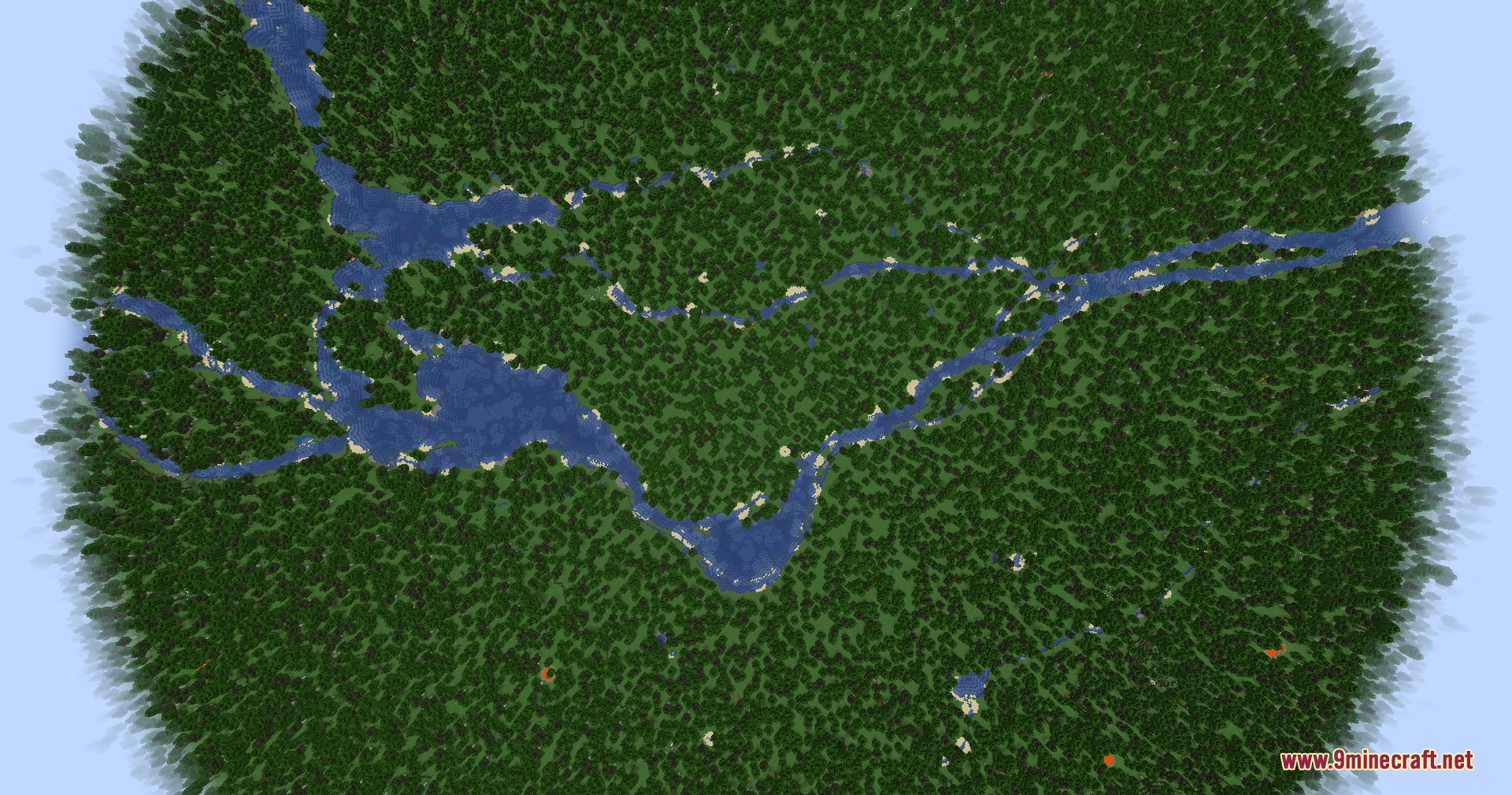
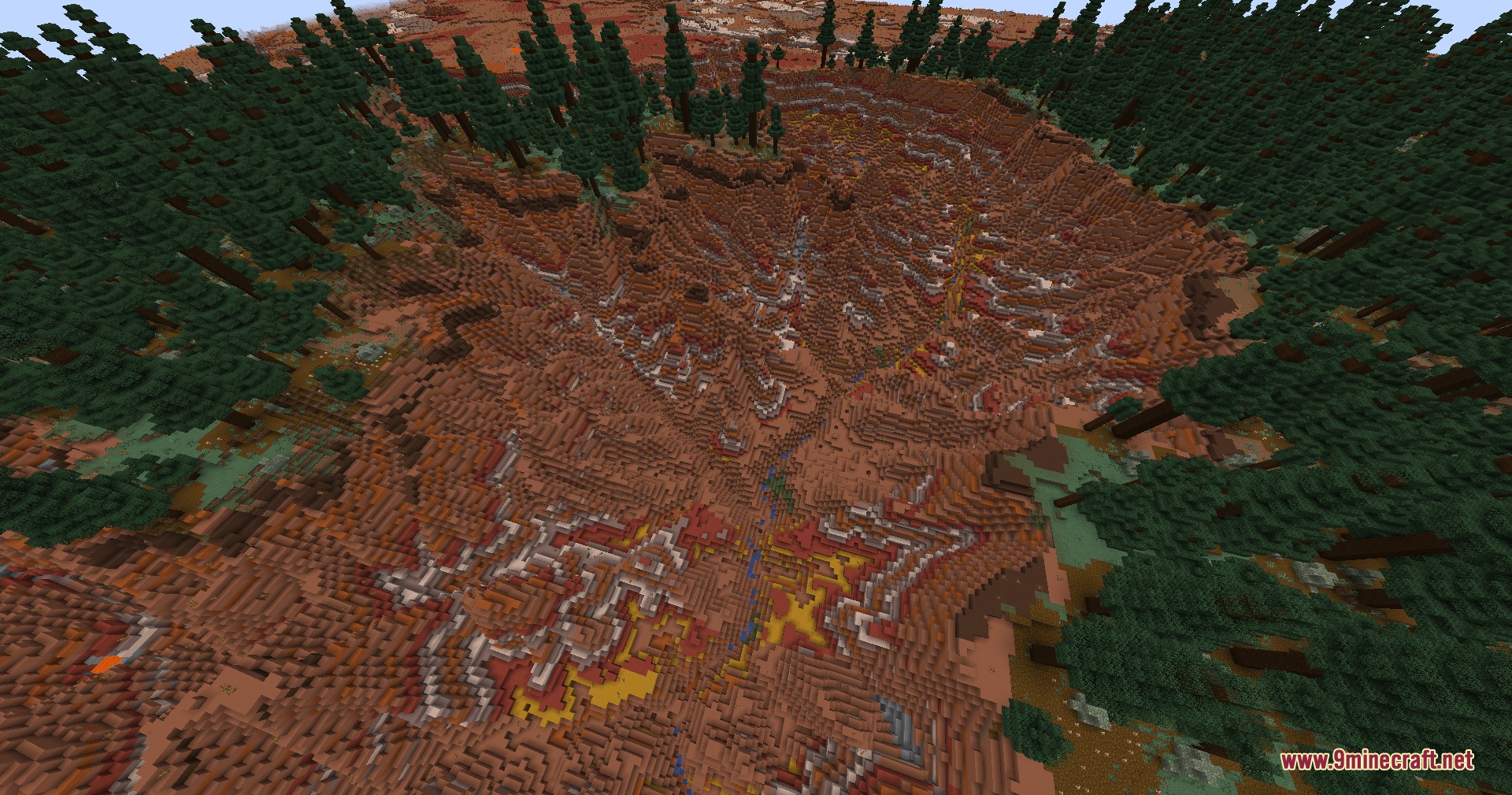
9 images from the Terrarium Expanded Mod page.
You May Also Like
Wikis that share the most with this one
Wikis on the same theme: biome
More mod wikis on the site
The most downloaded mods that have a wiki here
A few wikis from each of the other kinds