

 DownloadSwitchy Mod
Get the files on 9Minecraft
Guides
Step-by-step, in-game.
Create and Switch Between Your First PresetsSetting Up a New Preset Presets are the core of Switchy — they store your customizations separately so you can swap…Customize Your Nickname and Pronouns Across PresetsSetting Nickname and Pronouns Switchy lets you define a nickname and pronouns for each preset independently. This is…Manage Separate Inventories for Different PresetsUsing Switchy Inventories Add-on If you have Switchy Inventories installed, each preset can store a completely…Use Switchy with Other Mods (RPGStats, Hexcasting, Origins)Mod Compatibility and Preset Integration Switchy is designed to work with other mods by storing and restoring their…
Frequently asked questions
How do I create my first preset?
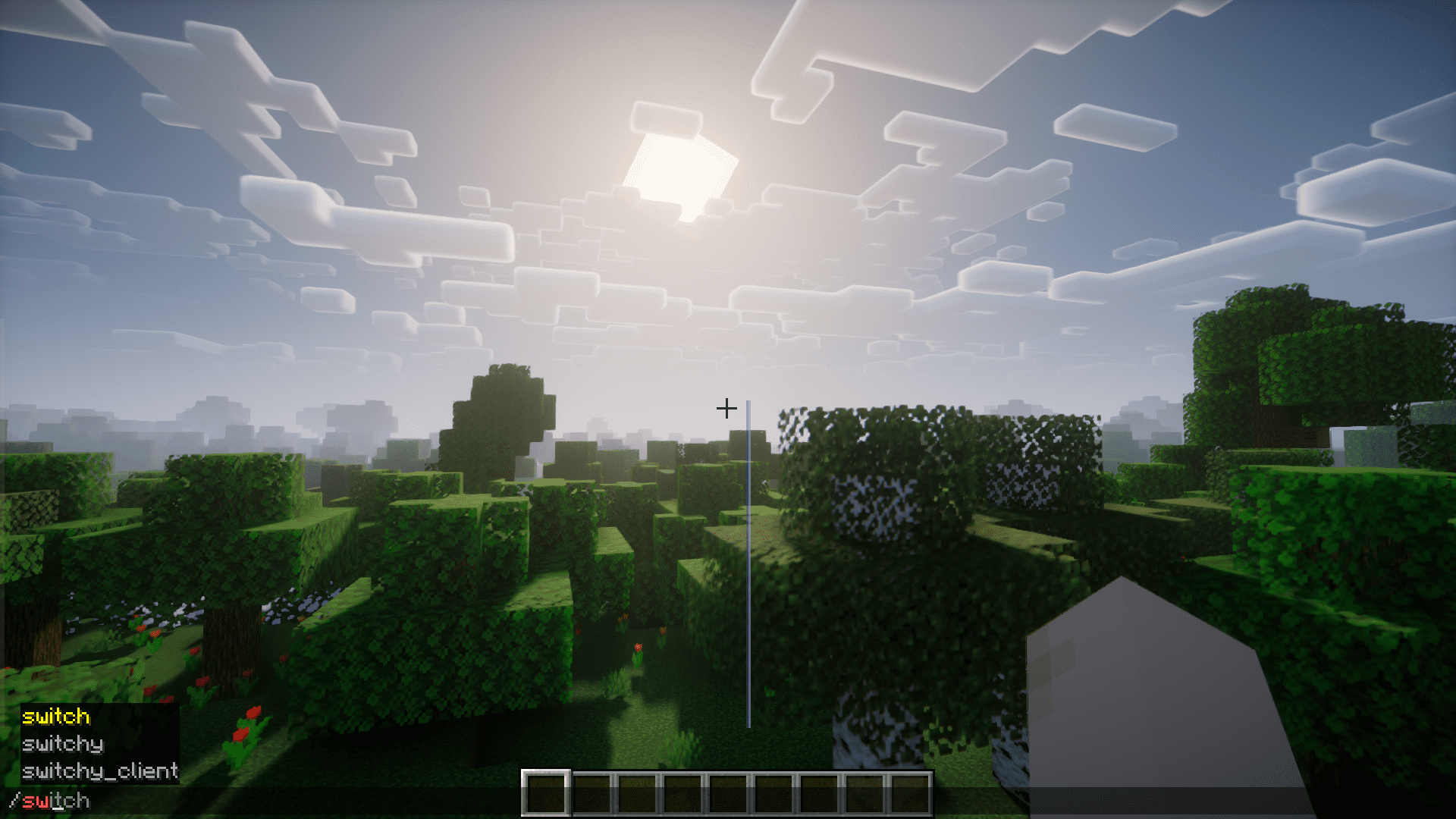
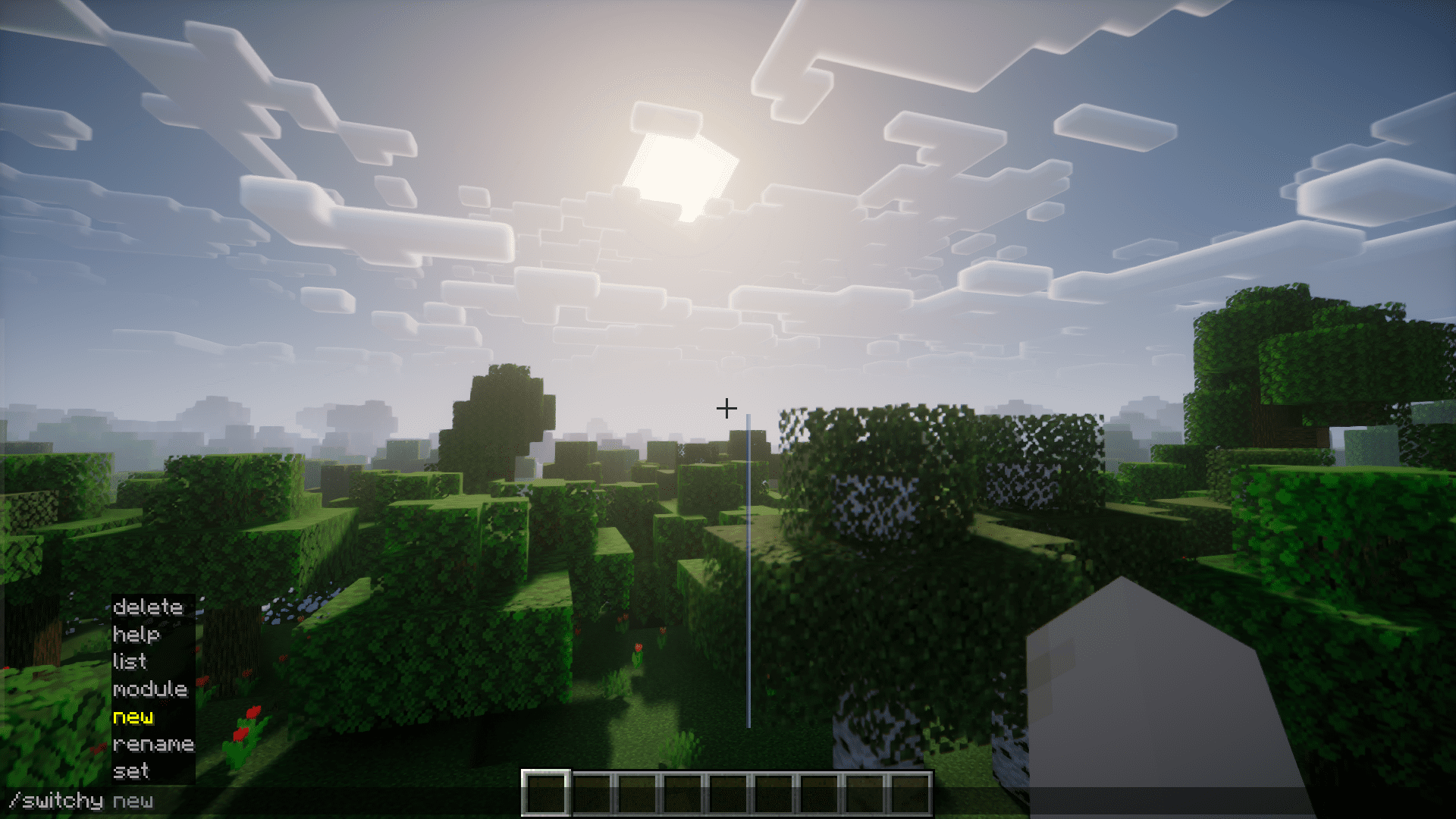
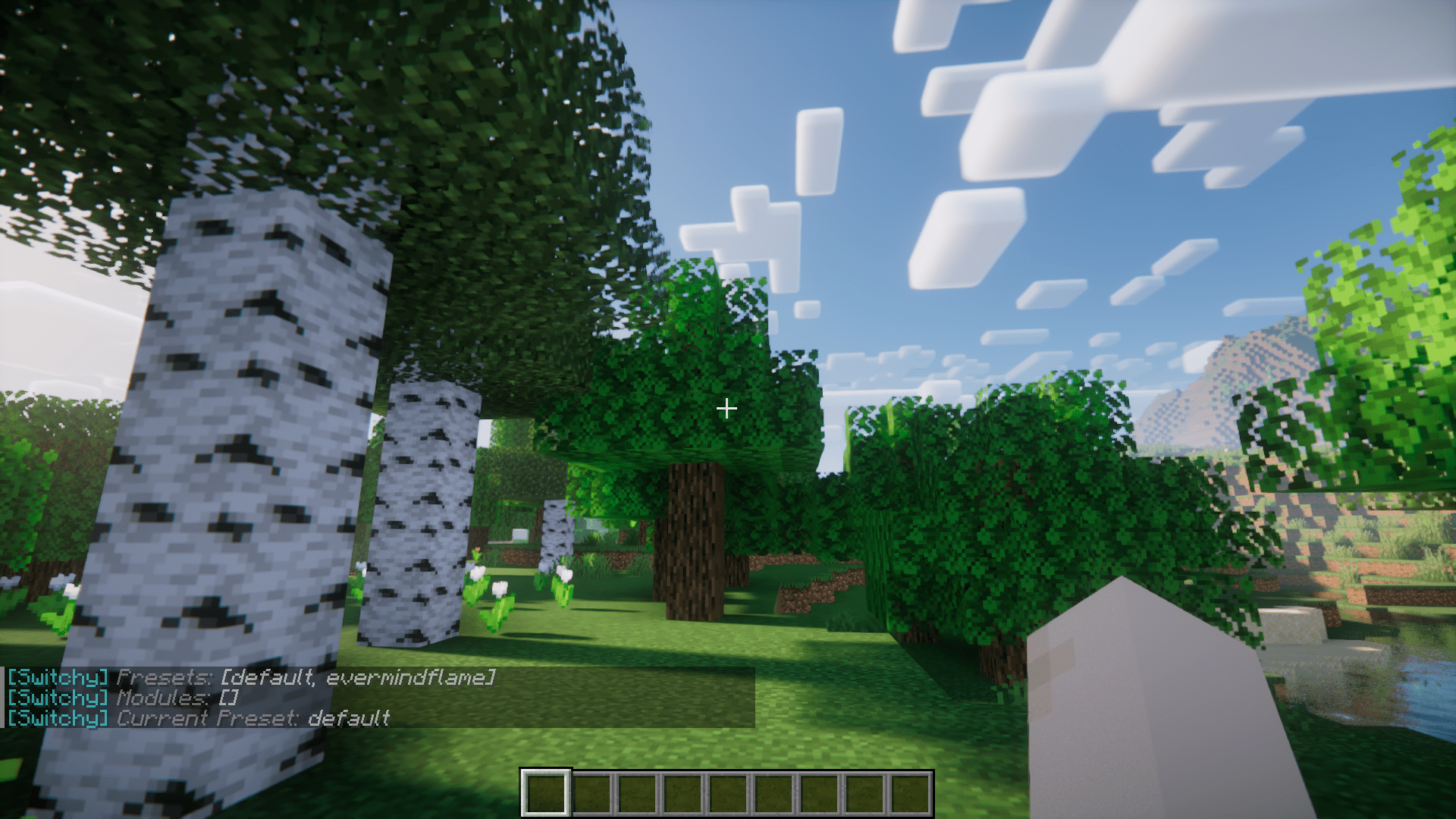
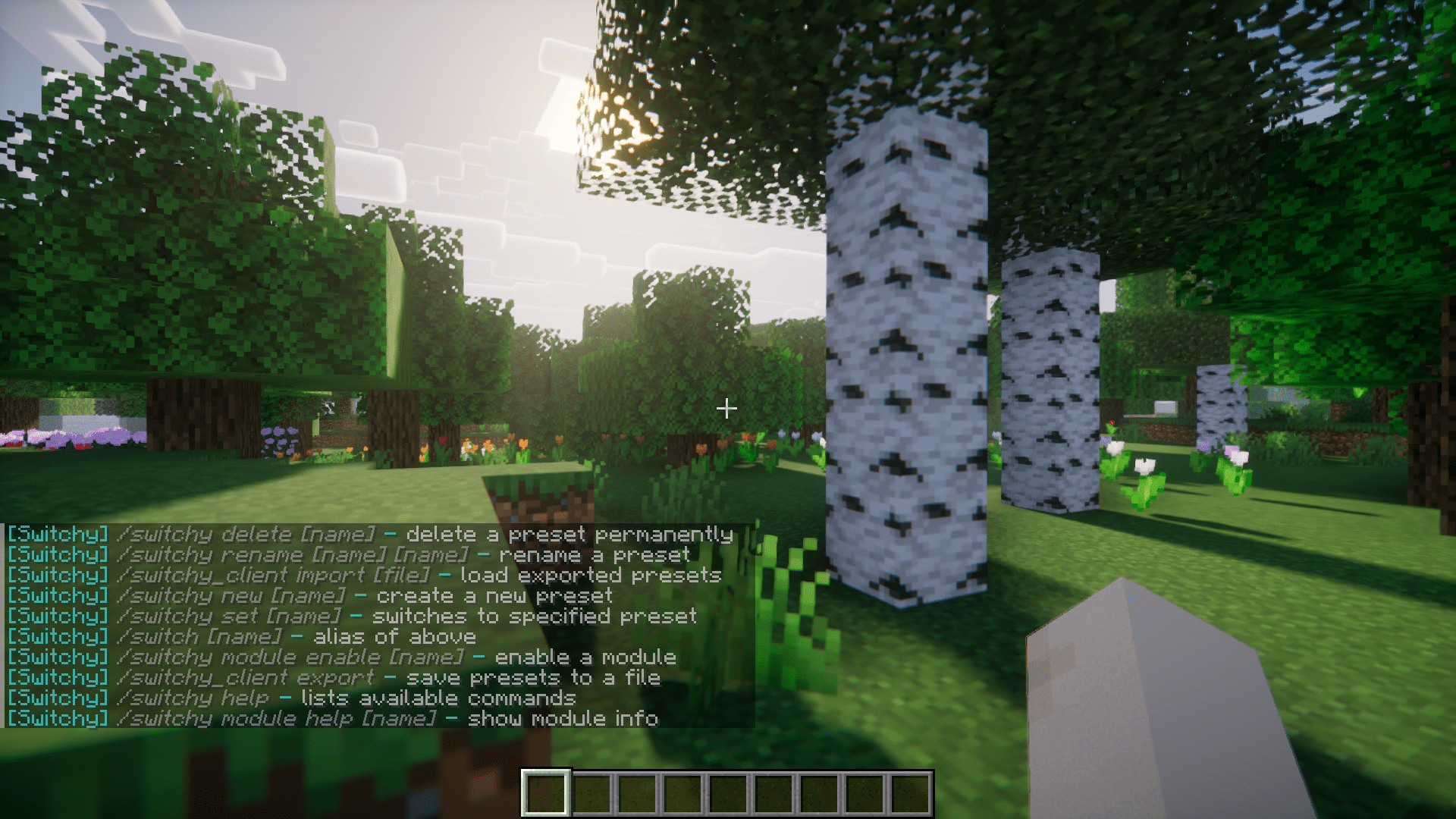
Use the `/switchy create ` command to create a new preset. Your current player data (nickname, inventory, etc.) will be saved to this preset, and you can switch between presets anytime using `/switchy switch `.
What data does a preset actually save?
Presets store whatever modules you have enabled—this typically includes nicknames, pronouns, skins, inventory contents, and power states from mods like Origins. When you switch presets, Switchy saves your current data and loads the saved data from the new preset.
Can I have different inventories for each preset?
Yes, if you have Switchy Inventories installed as an add-on. This allows each preset to maintain its own separate inventory, so switching presets will also swap your items.
Do I need oωo to use Switchy?
No—Switchy works standalone with commands. The oωo mod is optional and provides a client-side GUI companion for easier preset management, but all core functionality is accessible through commands.
See all 10 Switchy questions ›
Gallery
5 images from the Switchy Mod page.
You May Also Like
Wikis that share the most with this one
More mod wikis on the site
The most downloaded mods that have a wiki here
A few wikis from each of the other kinds