

 DownloadSwift Vault Flow Mod
Get the files on 9Minecraft
Guides
Step-by-step, in-game.
Create a Custom Filter Without PresetsStart from Scratch Open your storage container and access the filter panel. Leave any preset templates unused—you'll…Organize Multiple Chests with Consistent Color SchemesPlan Your Color System Before coloring multiple chests, decide what each color represents: ores, building blocks,…Pull Items Back Into Your Inventory on DemandUnderstand Pull Mode The pull function works opposite to deposit: it grabs matching items from your storage container…Set Up Auto-Sorting for Your First ChestOpen and Configure Your Chest Right-click any vanilla chest, barrel, or ender chest to open the Swift Vault Flow…
Frequently asked questions
How do I set up my first chest with Swift Vault Flow?
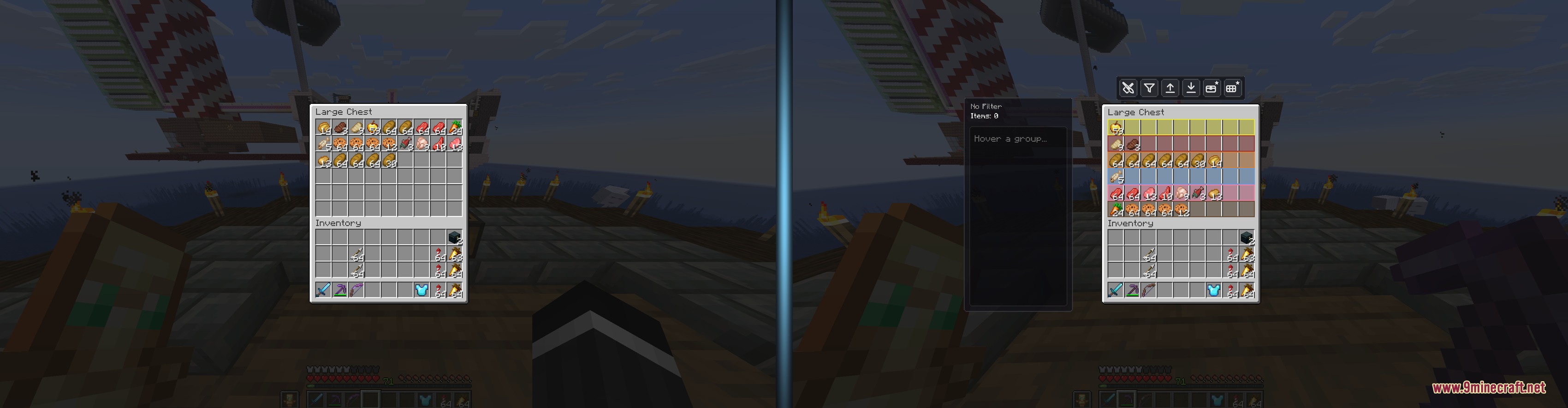
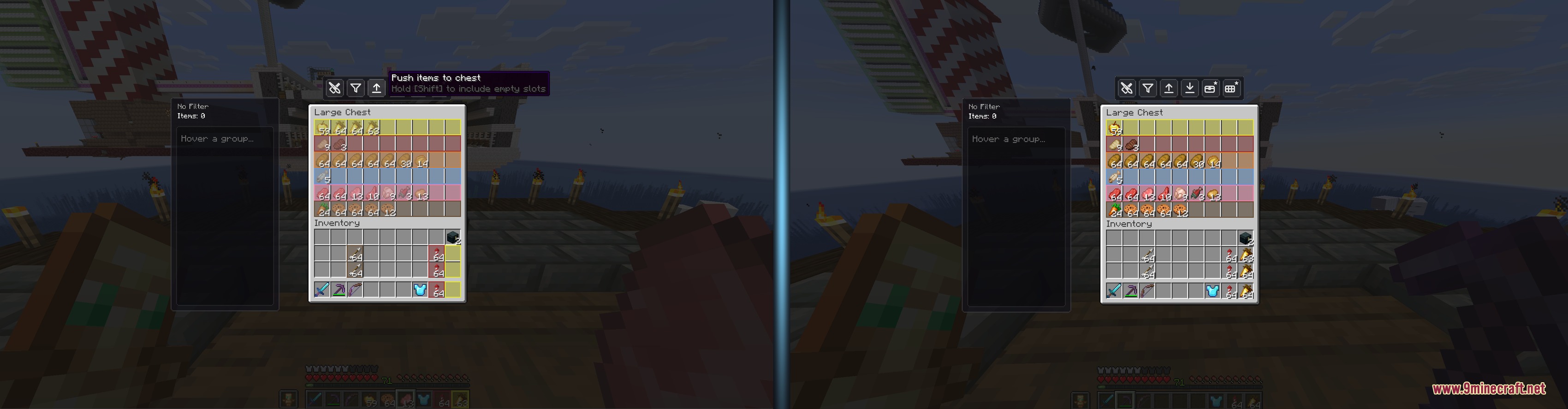
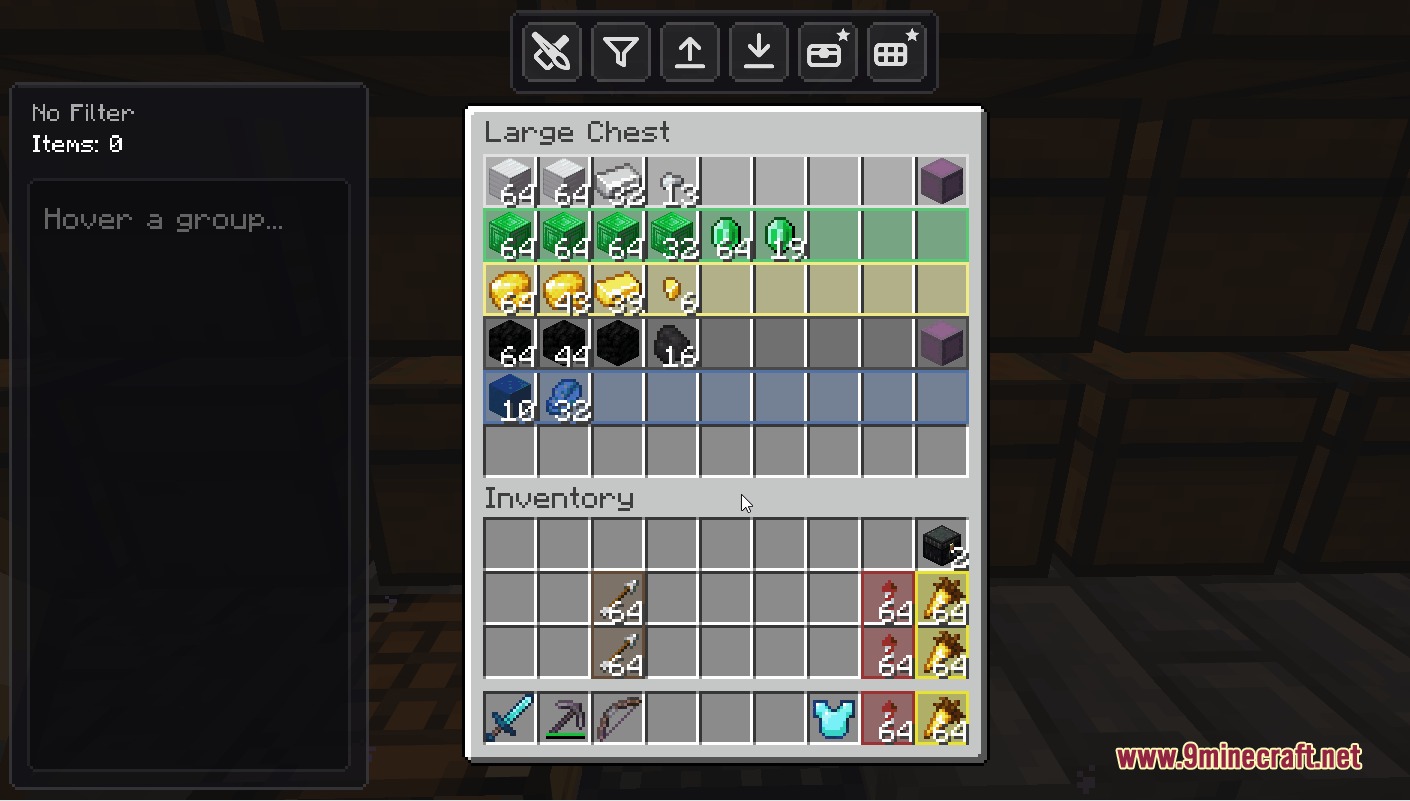
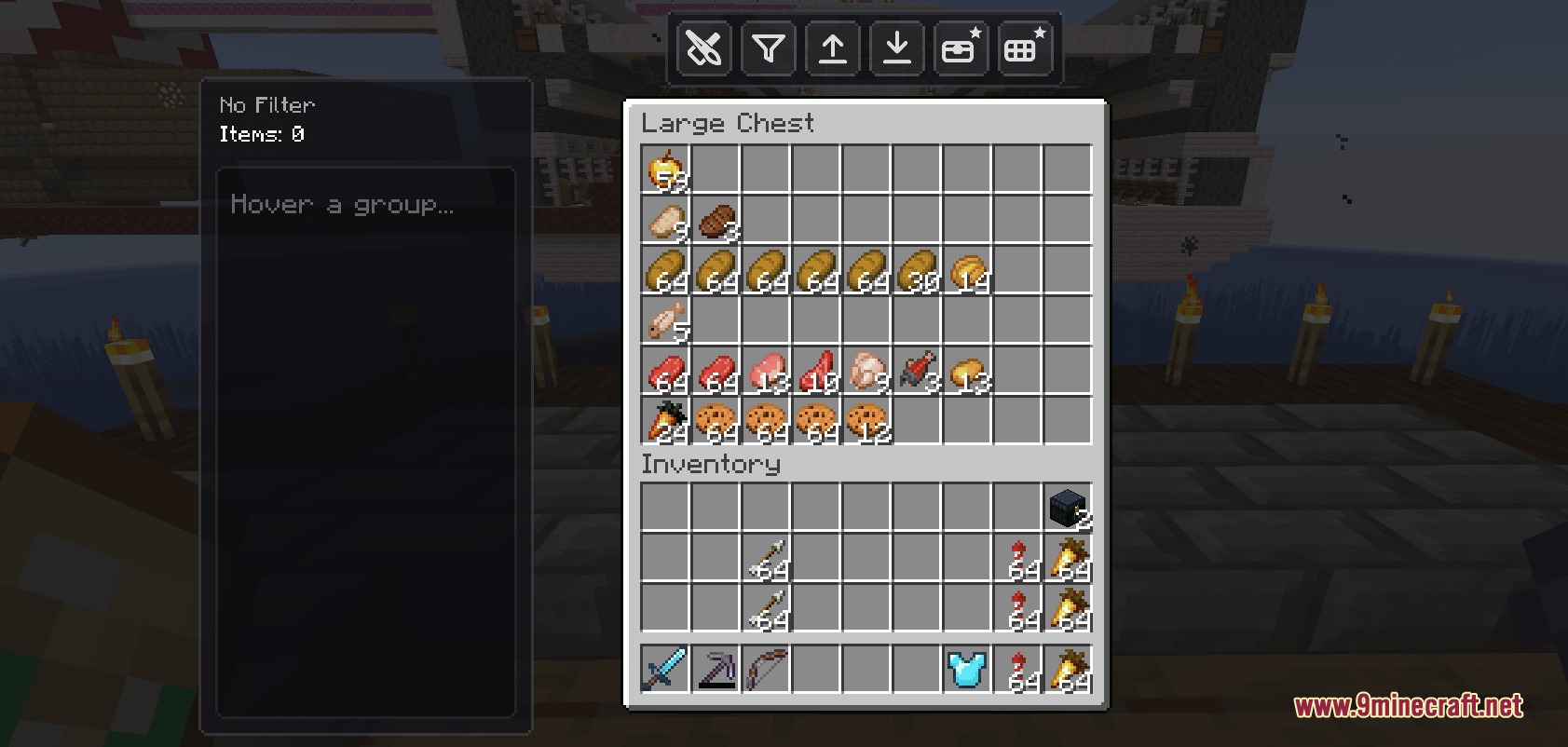
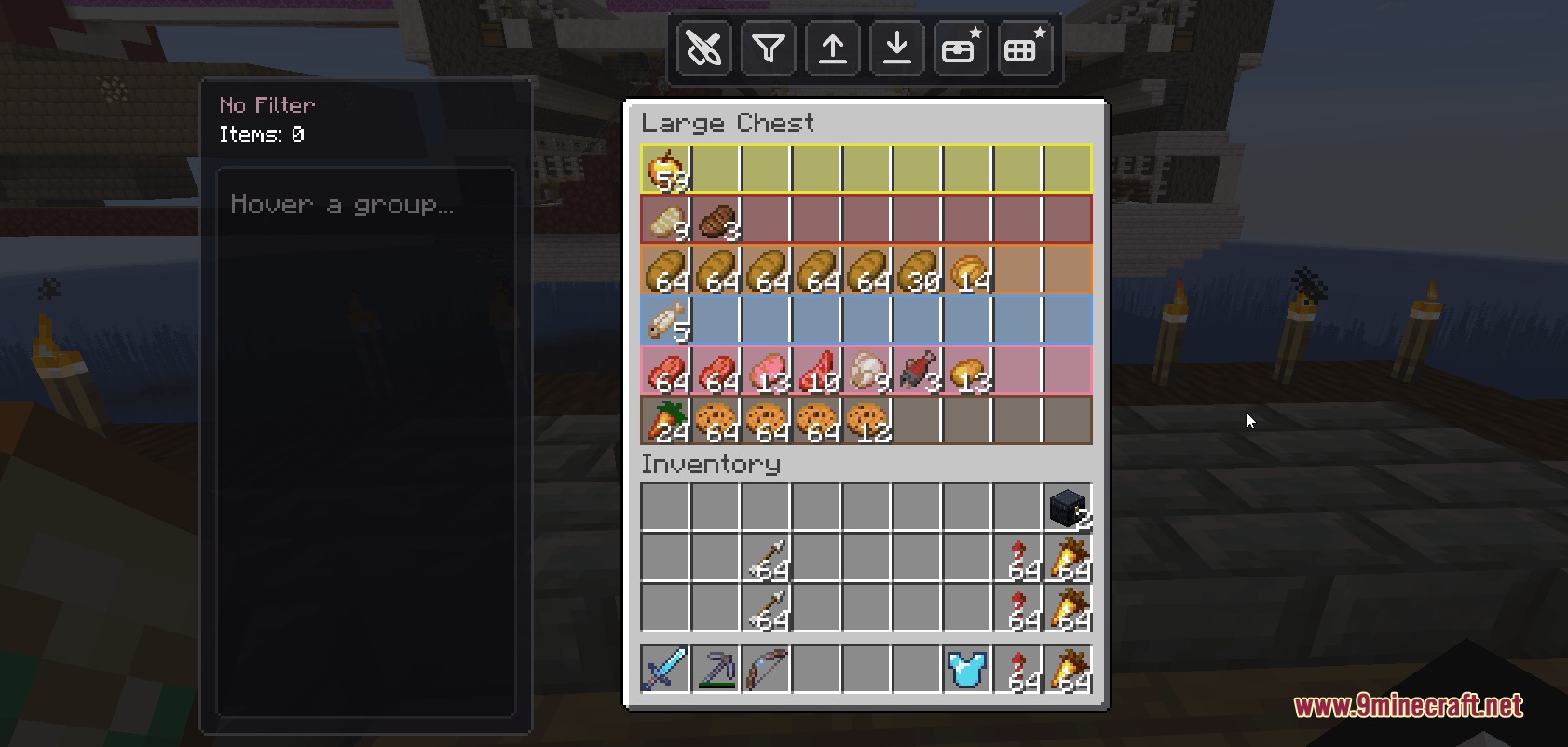
Open any chest and look for the Swift Vault Flow menu panel. Drag items into the filter list or select a preset layout that matches your storage type, then assign colors to different zones by clicking the painting tools. Once your rules are saved, press the deposit button to automatically sort matching items from your inventory into their assigned slots.
Can I use this mod with shulker boxes?
Yes, the mod saves your custom filter and color settings directly onto shulker boxes, so your sorting rules stay intact when you move or transport them to different locations.
What's the difference between Area Mode and Trace Mode?
Area Mode lets you paint entire rectangular sections of a chest grid in one click, while Trace Mode lets you draw custom outlines around irregular or non-rectangular slot patterns for more precise organization.
How do I pull items back into my inventory?
Click the pull button in the Swift Vault Flow menu, or press your configured keybind, and the mod will transfer matching items from the chest back into your hotbar or inventory based on your active filter rules.
See all 10 Swift Vault Flow questions ›
Gallery
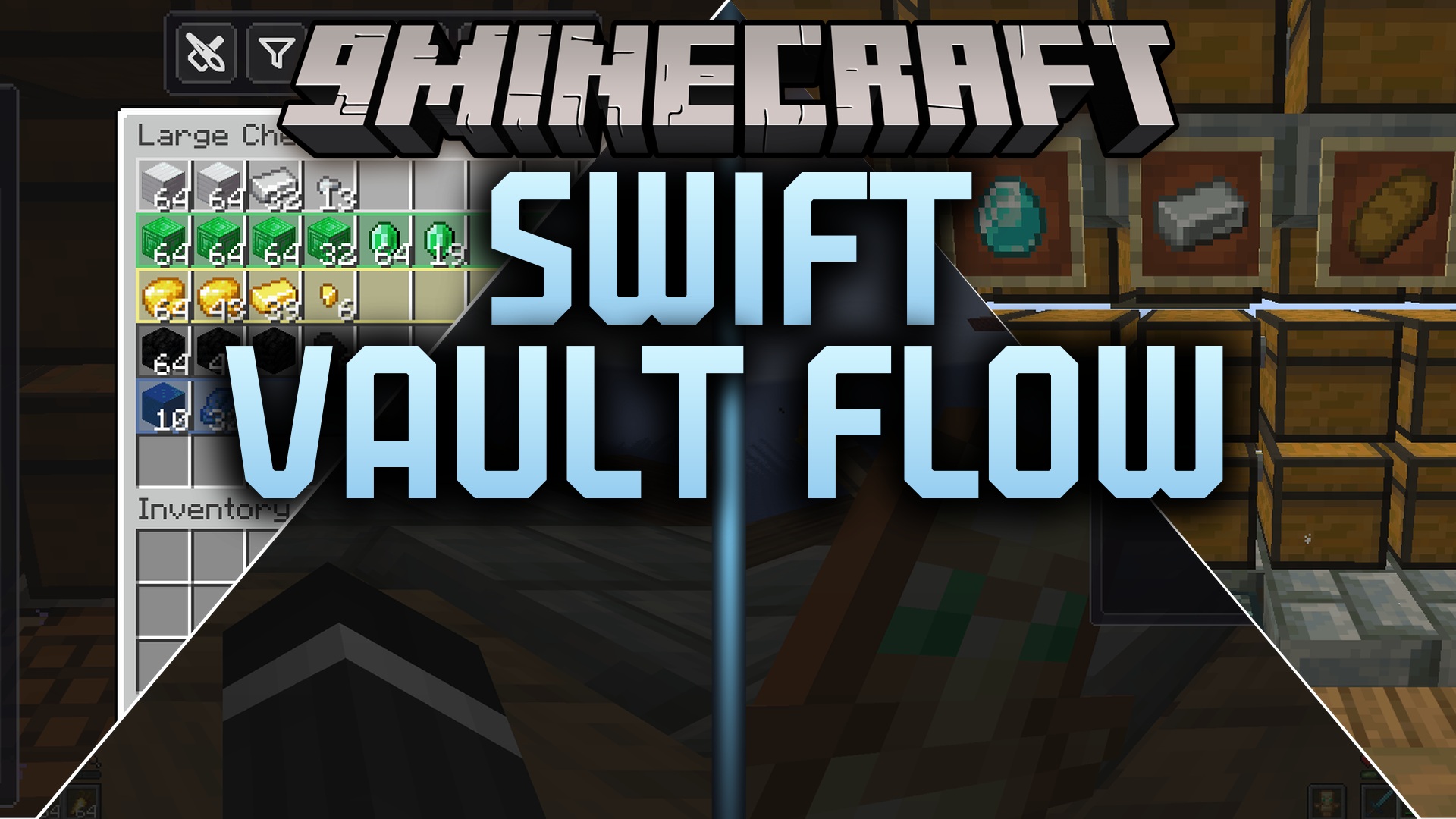
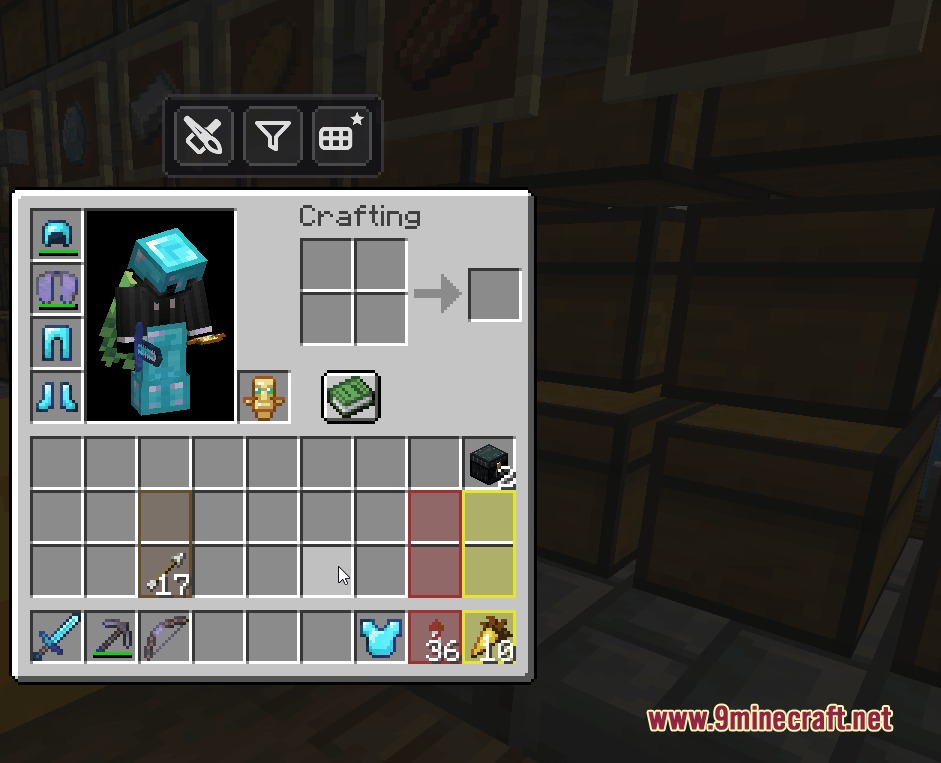
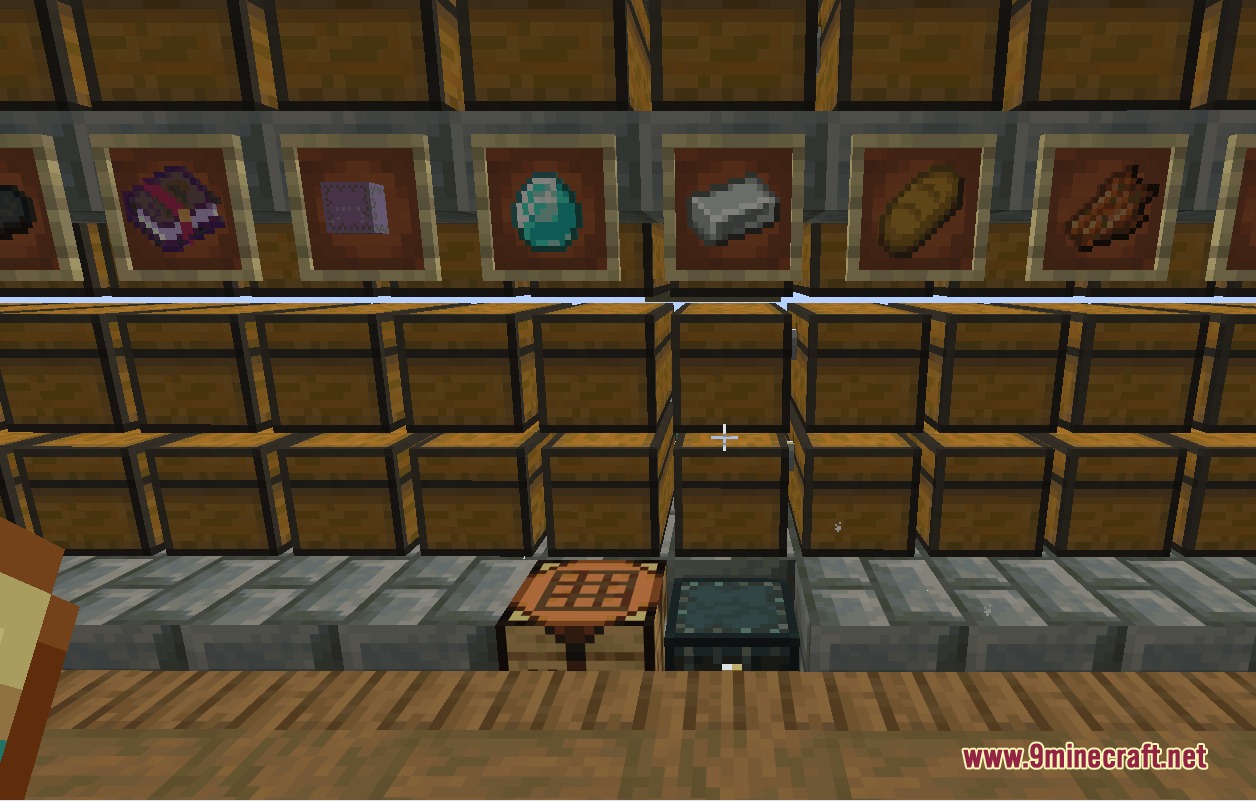
9 images from the Swift Vault Flow Mod page.
You May Also Like
Wikis that share the most with this one
Wikis on the same theme: storage
More mod wikis on the site
The most downloaded mods that have a wiki here
A few wikis from each of the other kinds