

 DownloadSquaremap Mod
Get the files on 9Minecraft
Guides
Step-by-step, in-game.
Access Your World Map from a BrowserFinding Your Map URL Once Squaremap is installed and your server has started, the map is automatically being rendered…Configure the Map Port and SettingsLocating the Configuration File After your first server start with Squaremap installed, a configuration file is…Render and View Multiple DimensionsUnderstanding Dimension Rendering Squaremap can display multiple dimensions (Overworld, Nether, End) as separate map…Troubleshoot Map Rendering IssuesCommon Rendering Problems If your map appears blank, loads slowly, or shows incomplete terrain: Check Server Logs…
Frequently asked questions
How do I access the map after installing the mod?
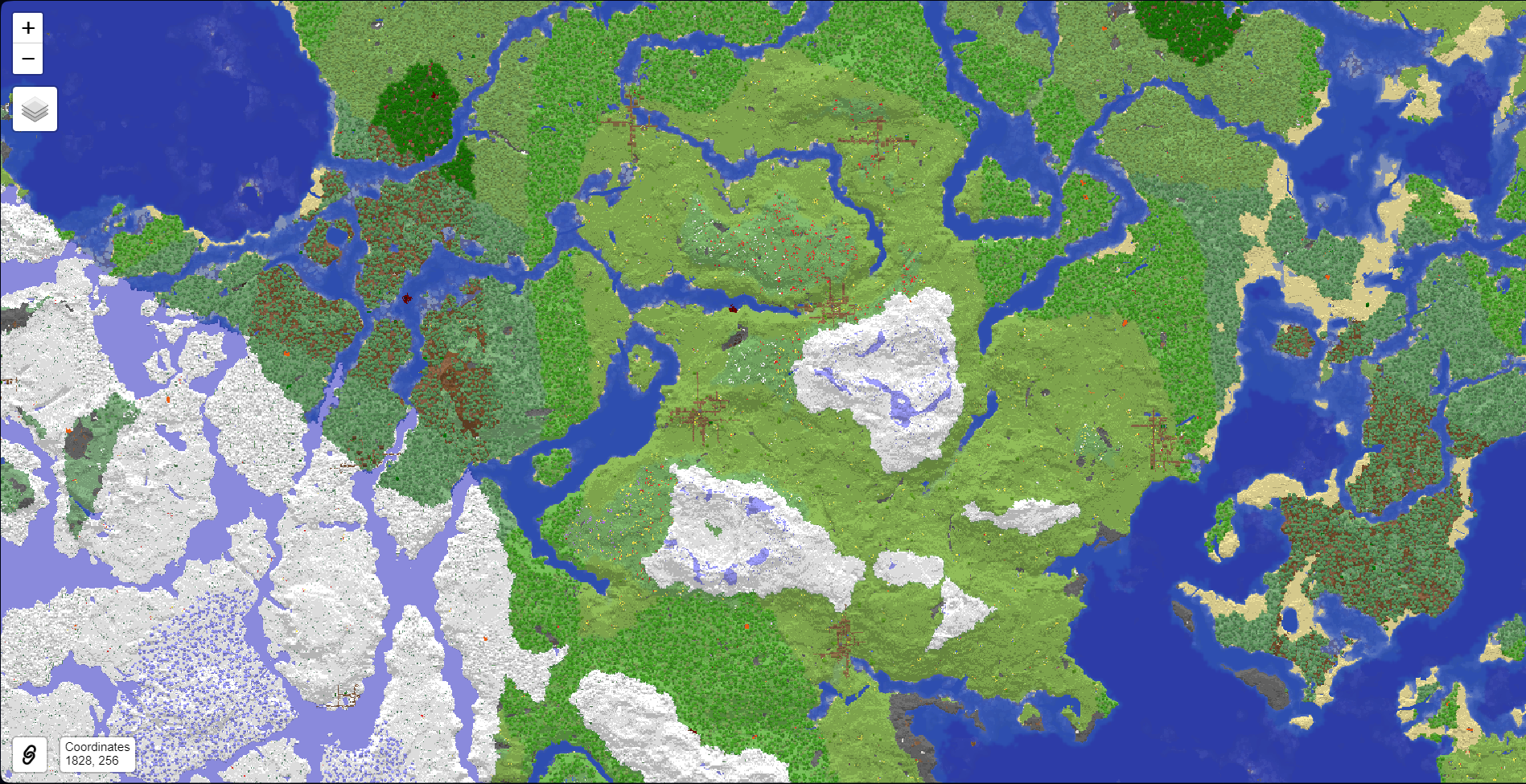
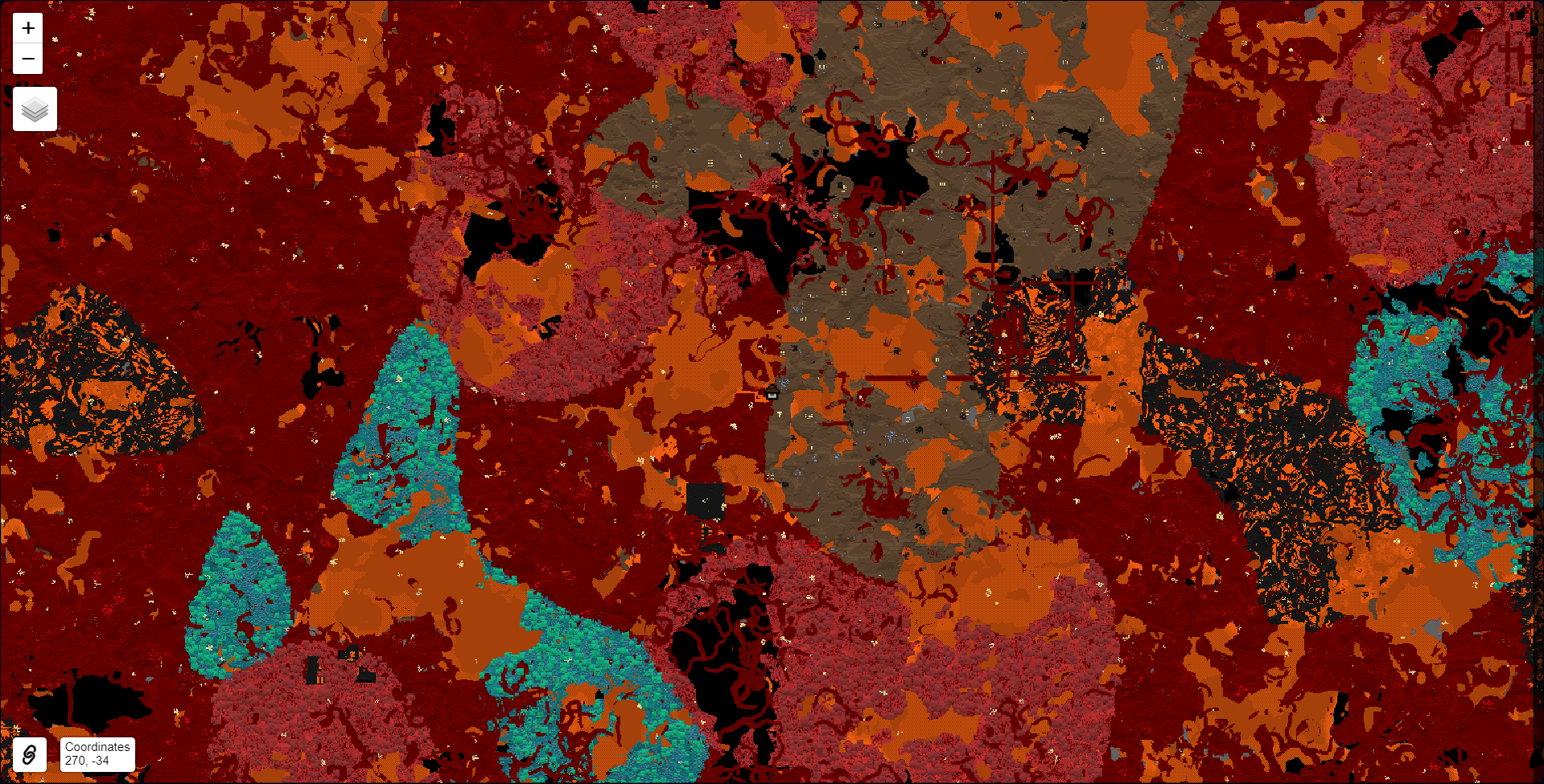
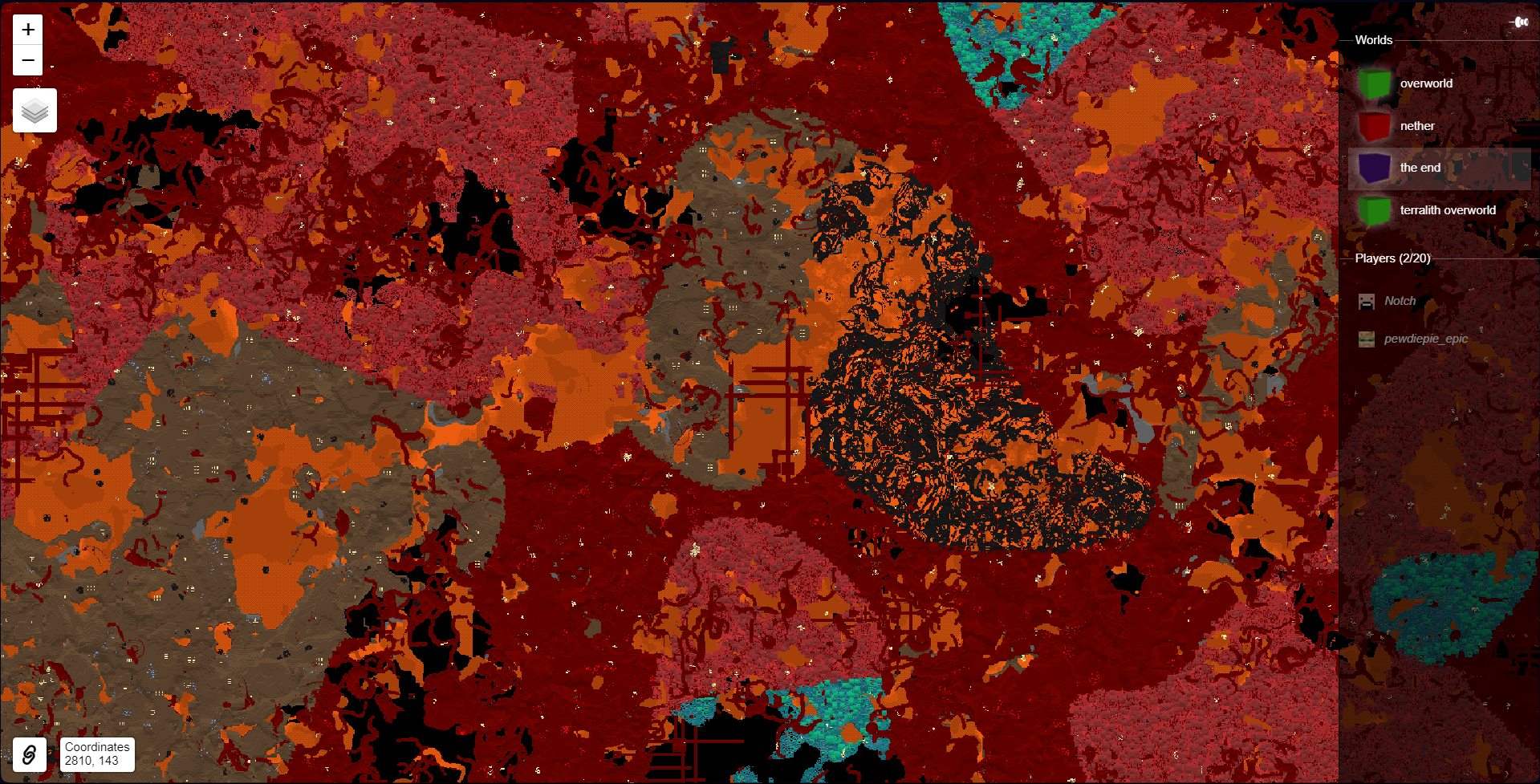
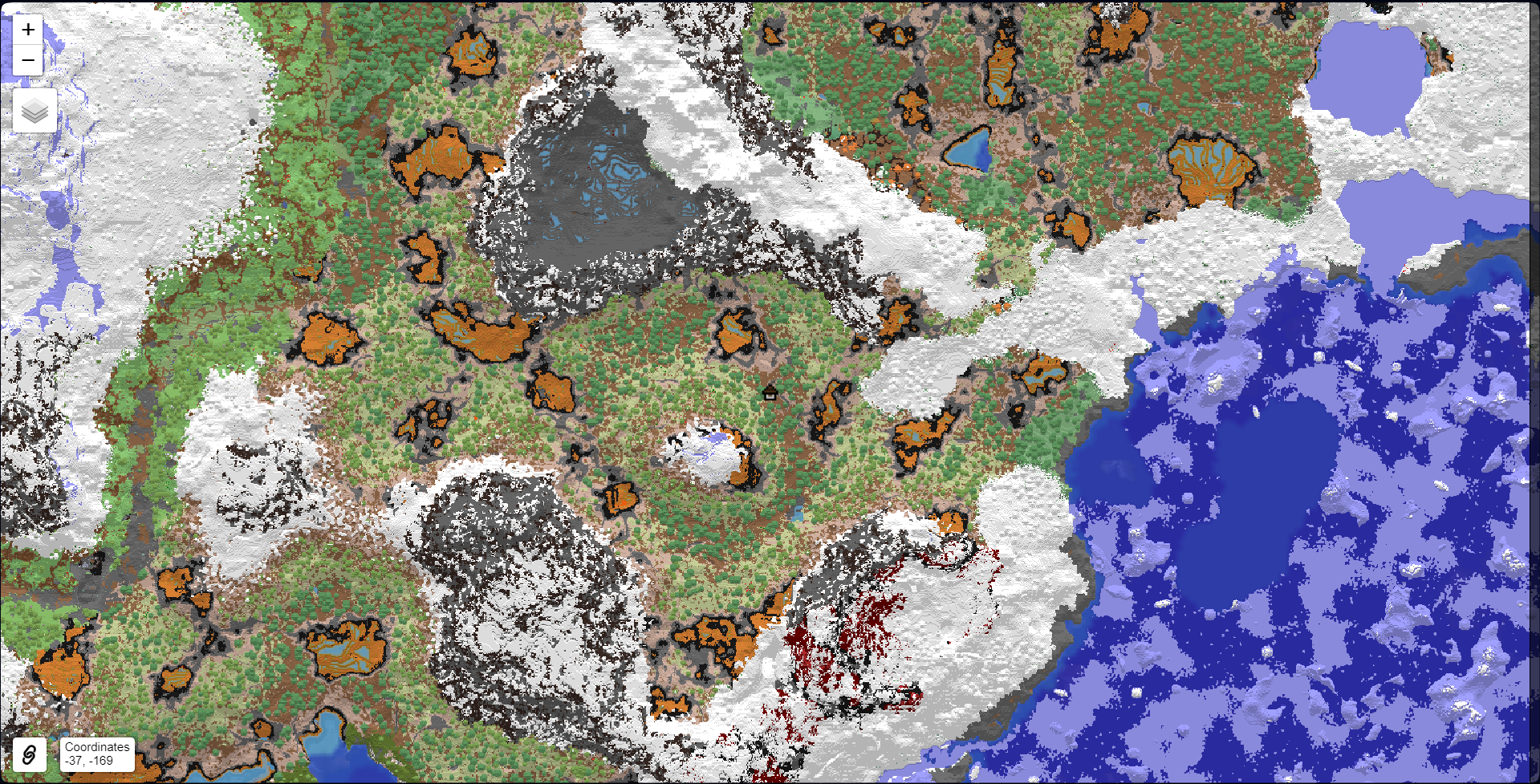
Open your web browser and navigate to (or whatever port you configured). The map will load a top-down view of your world in vanilla map style.
Does Squaremap work on single player worlds?
Yes, the mod works on both multiplayer servers and single player worlds. Install it the same way and access the map through your browser.
See all 10 Squaremap questions ›
Gallery
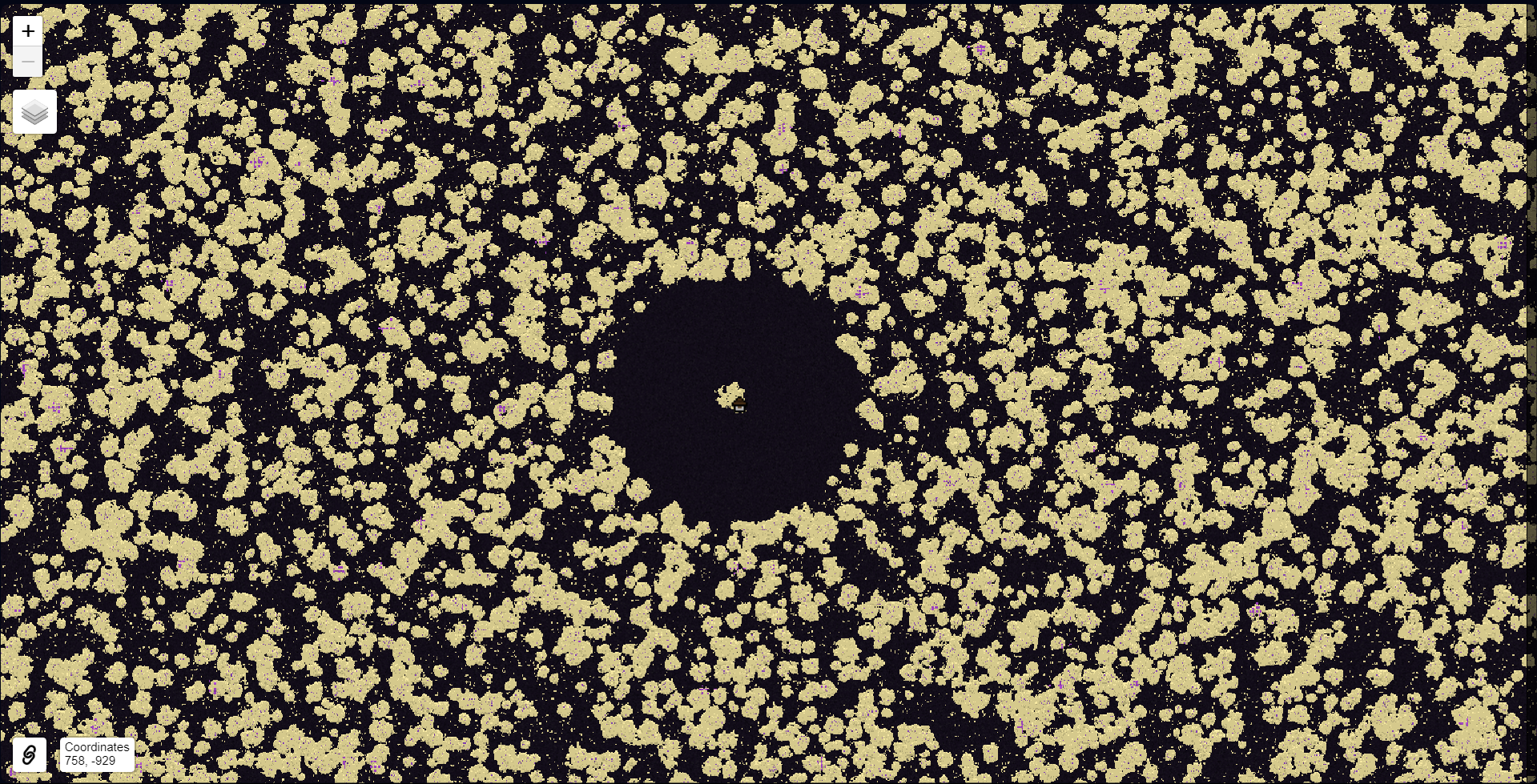
6 images from the Squaremap Mod page.
You May Also Like
Wikis that share the most with this one
Wikis on the same theme: world
More mod wikis on the site
The most downloaded mods that have a wiki here
A few wikis from each of the other kinds