

 DownloadSprout Weaver Mod
Get the files on 9Minecraft
Guides
Step-by-step, in-game.
Disable Mob Spawning from Monster Spawners OnlyTargeting Spawner Blocks 1. Open the Sprout Weaver mod menu. 2. Find and select the mob type you want to disable in…Make a Specific Mob Stronger by Increasing Its Damage and HealthAccessing Attribute Modifiers 1. Open the Sprout Weaver mod menu. 2. Search for and select the mob you want to…Prevent Mobs from Spawning in Specific BiomesUsing the In-Game Menu 1. Open the Sprout Weaver mod menu in-game. 2. Search for or select the mob you want to…Restrict Mob Spawning to Specific Times of Day or Moon PhasesSetting Time-Based Conditions 1. Open the Sprout Weaver mod menu. 2. Select the mob you want to time-restrict. 3. Go…
Frequently asked questions
How do I open the Sprout Weaver menu in-game?
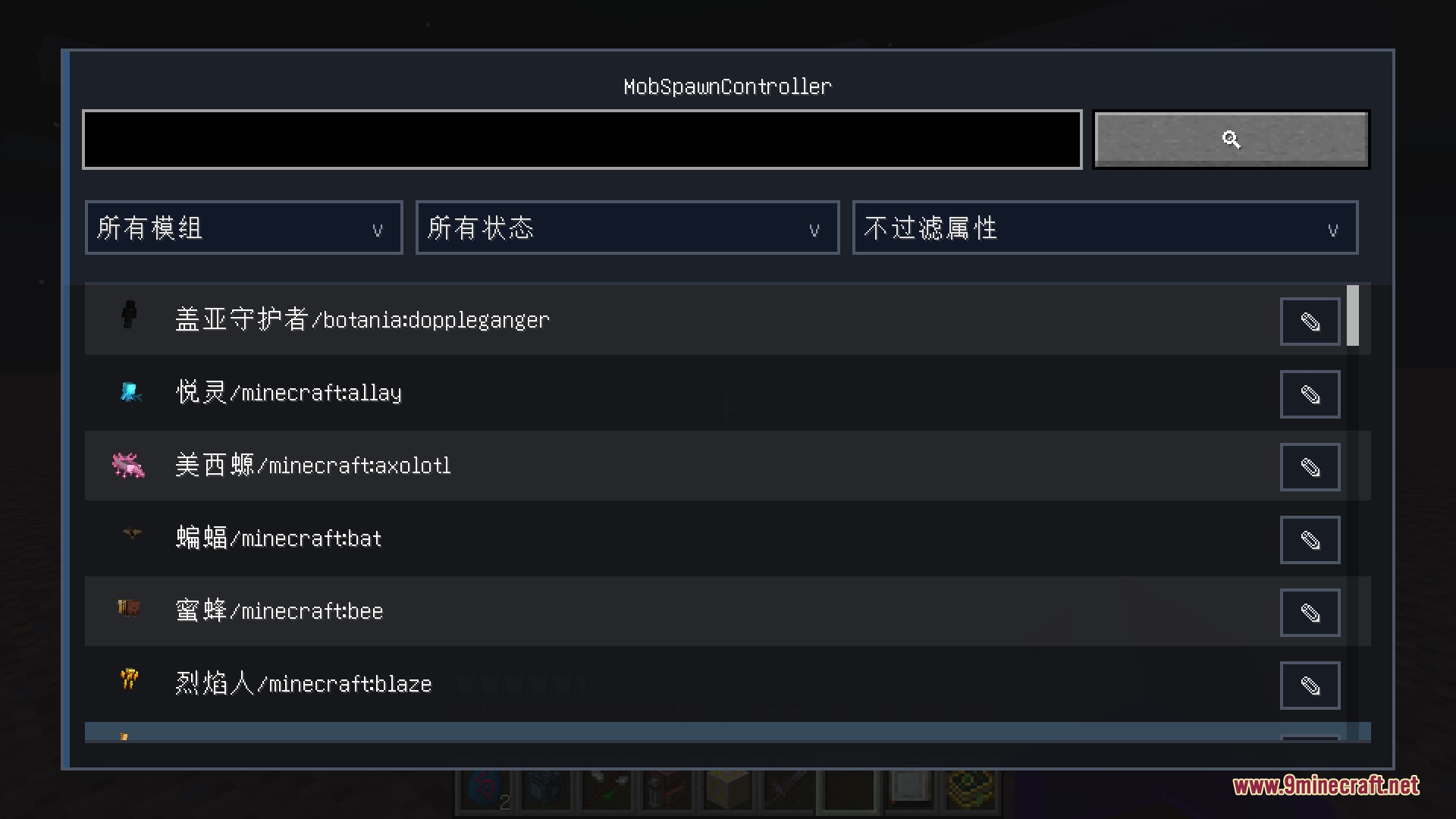
Press the designated mod menu key (configurable in your controls settings) to open the visual interface. If you're unsure of the keybind, check your Controls menu under "Mods" or use the command /msc to access menu options.
Can I disable spawning for one spawn type but keep others active?
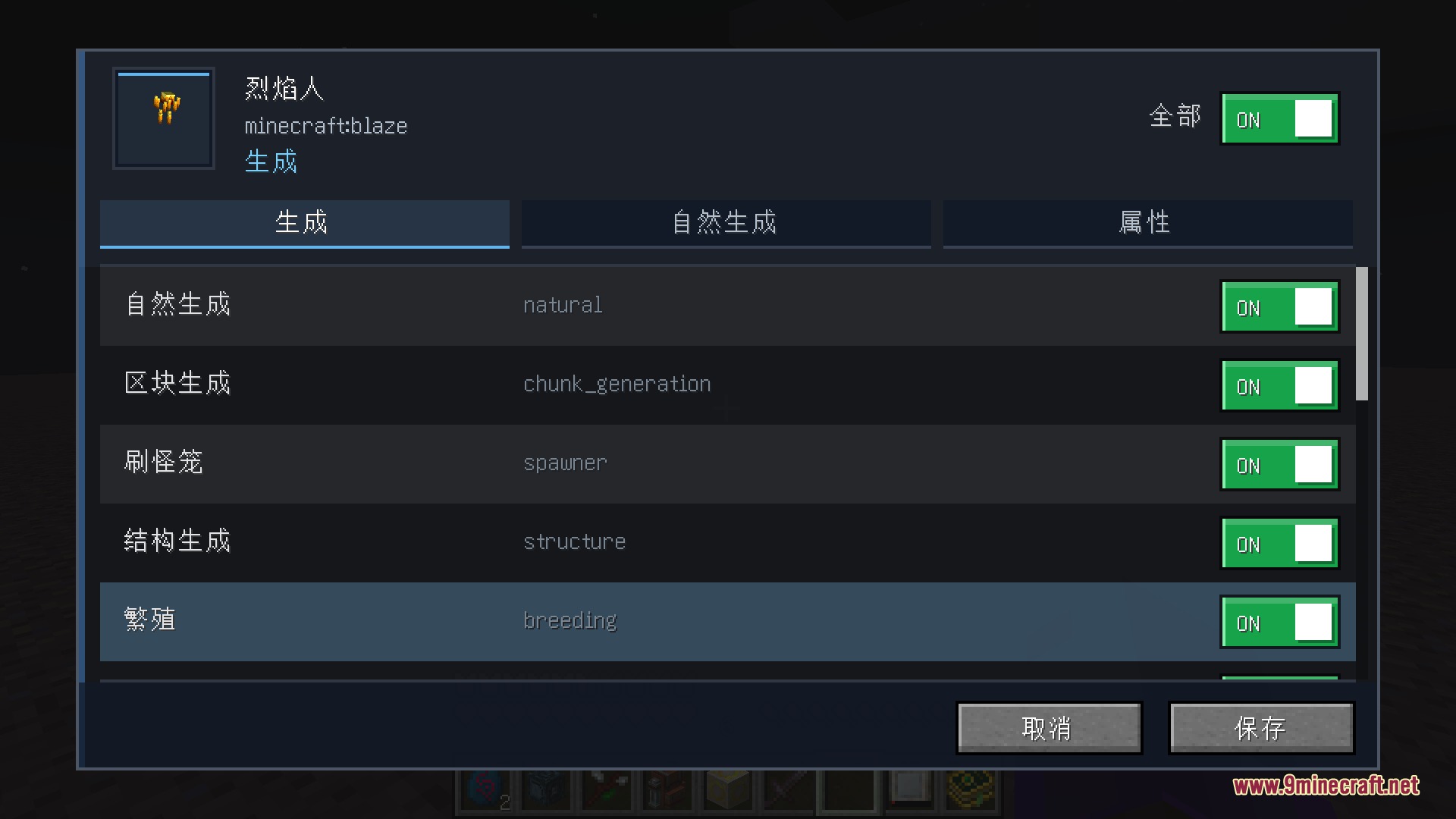
Yes, the mod lets you toggle individual spawn types per mob—you can disable natural spawns while keeping monster spawner spawns active, for example. Use the in-game menu to select your mob, then toggle each spawn type (natural, spawner, breeding, etc.) independently.
Where are my custom mob rules saved?
All rules are saved in a JSON file stored per world in your world's data folder. This file loads automatically when the server starts, so your settings persist across sessions.
Do custom mob attributes apply to mobs that already spawned before I changed the rules?
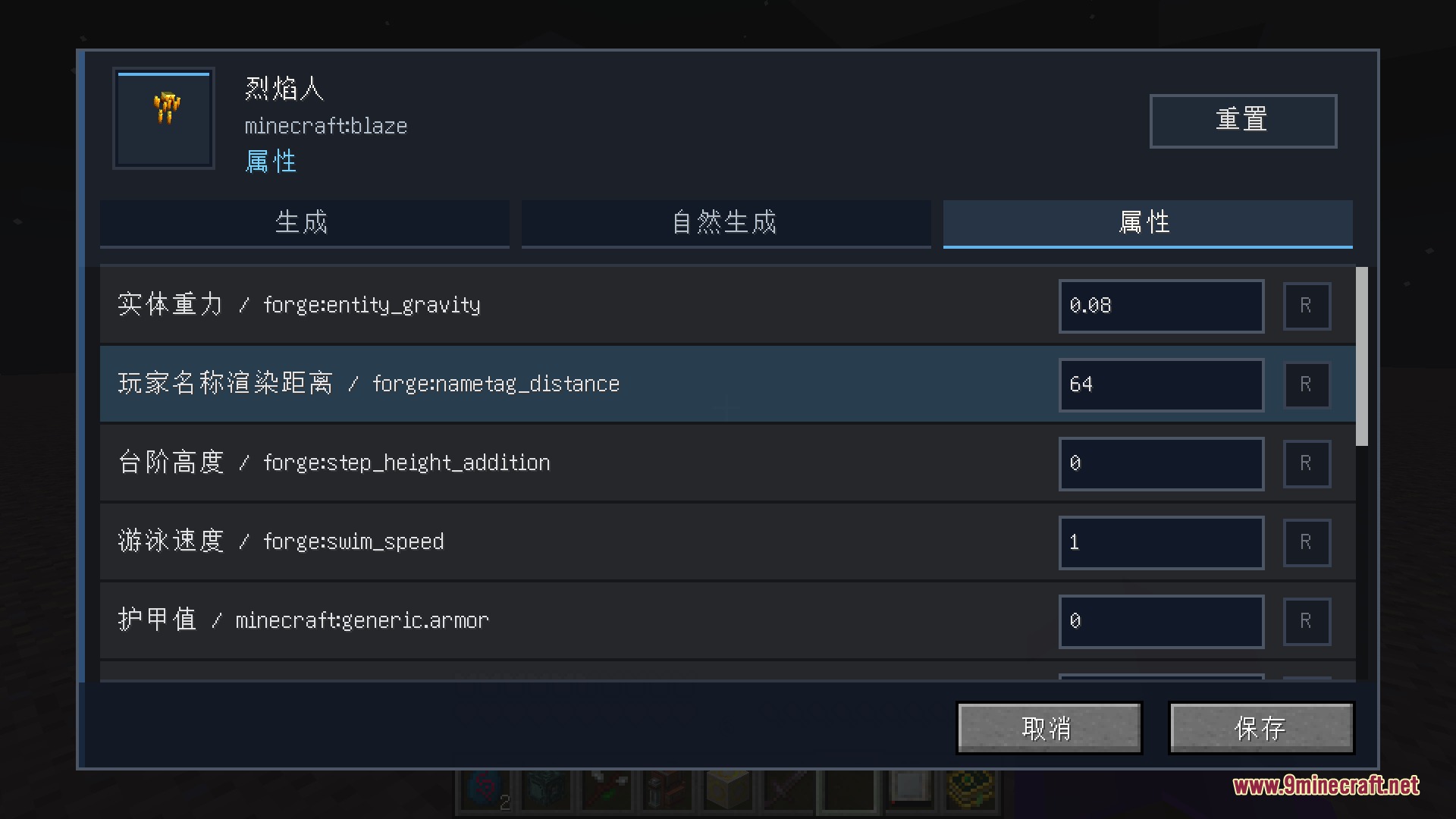
No, attribute changes only apply to mobs that spawn after you save your settings. Existing mobs in the world will keep their original stats unless you reload the world or use commands to refresh entities.
See all 10 Sprout Weaver questions ›
Gallery
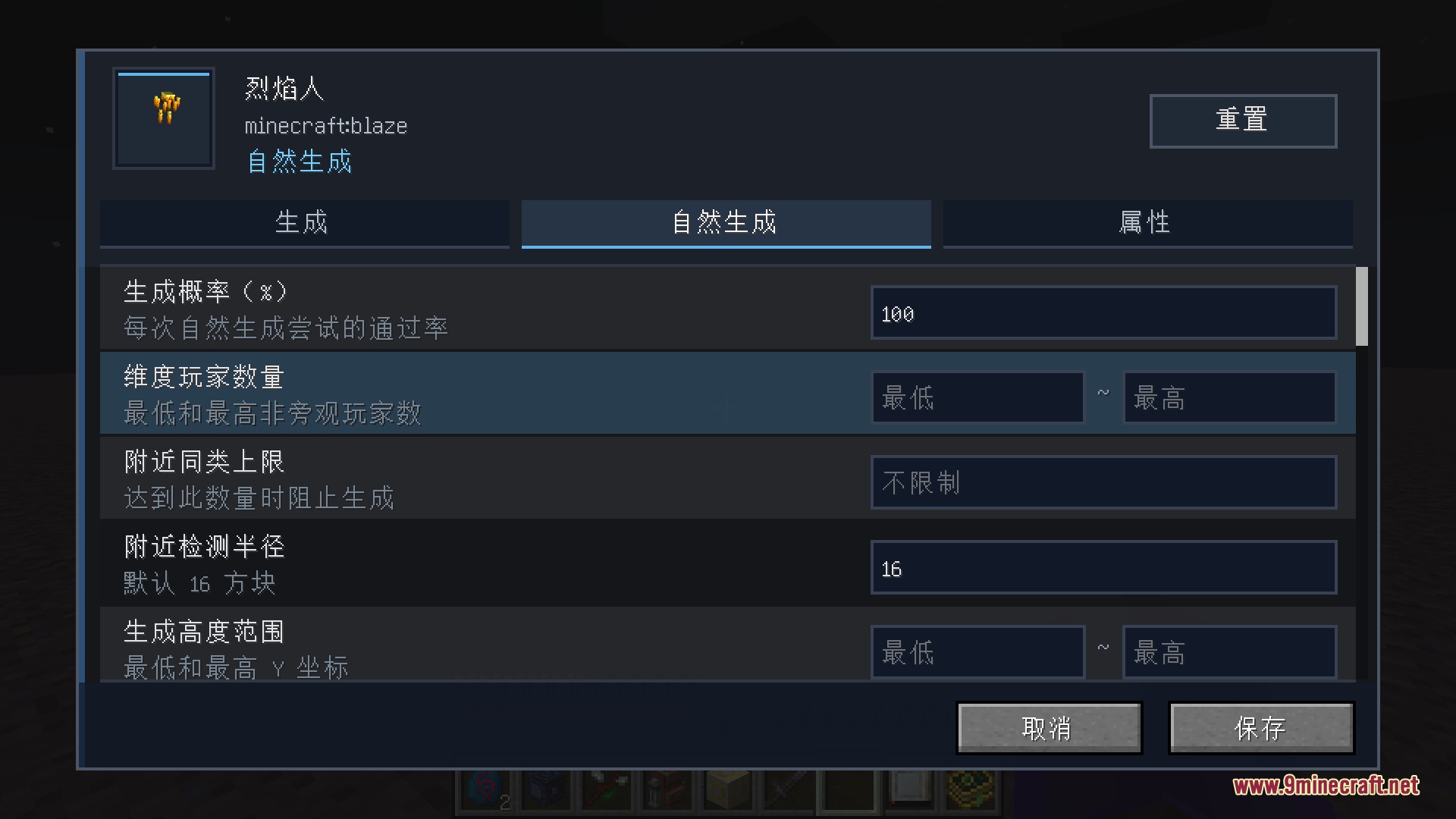
5 images from the Sprout Weaver Mod page.
You May Also Like
Wikis that share the most with this one
More mod wikis on the site
The most downloaded mods that have a wiki here
A few wikis from each of the other kinds