

 DownloadSpuds Shops
Get the files on 9Minecraft
Guides
Step-by-step, in-game.
Customize Your Shop's Appearance with Different Display TypesChoosing the Right Display Type Each shop display serves different aesthetic and functional purposes: Display Case: A…Grant Other Players Permission to Manage Your ShopCreating and Signing Contracts Craft a contract scroll and give it to another player. Ask them to right-click the…Prevent Your Shop from Running Out of StockUnderstanding Stock Management Your shop display shows items visually, but actual inventory is stored separately. You…Set Up a Shop Display and Configure Your First TradePlacing and Linking Your Shop Craft a shop display block (Display Case, Trader's Crate, Chain Hook, Magic Rug,…
Recipes
Every recipe the mod adds, grouped by how it is made.
Items
177 items · showing 24. Browse all →
 Contract Scroll
 Shop Acacia Black
 Shop Acacia Blue
 Shop Acacia Brown
 Shop Acacia Cyan
 Shop Acacia Gray
 Shop Acacia Green
 Shop Acacia Light Blue
 Shop Acacia Light Gray
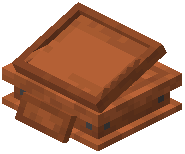 Shop Acacia Lime
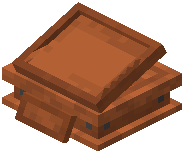 Shop Acacia Magenta
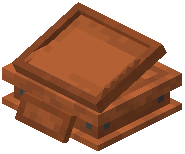 Shop Acacia Orange
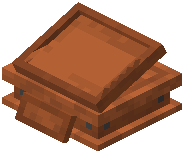 Shop Acacia Pink
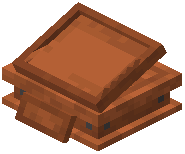 Shop Acacia Purple
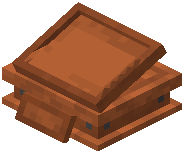 Shop Acacia Red
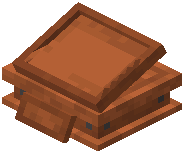 Shop Acacia White
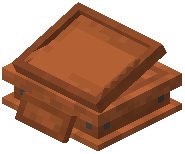 Shop Acacia Yellow
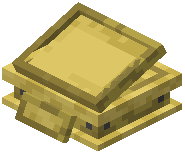 Shop Bamboo Black
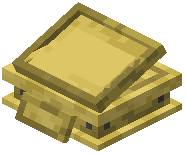 Shop Bamboo Blue
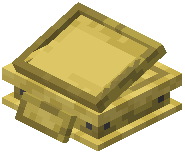 Shop Bamboo Brown
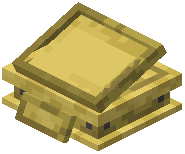 Shop Bamboo Cyan
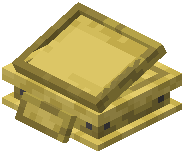 Shop Bamboo Gray
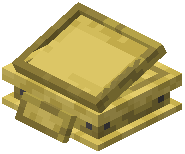 Shop Bamboo Green
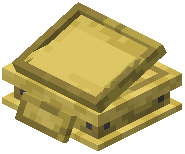 Shop Bamboo Light Blue
Blocks
A
 Acacia Shelf Shop
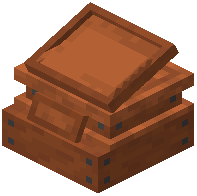 Acacia Shop
 Andesite Windowsill Shop
B
 Bamboo Shelf Shop
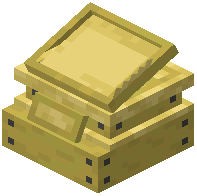 Bamboo Shop
 Birch Shelf Shop
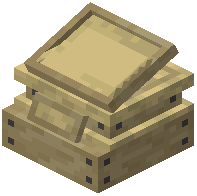 Birch Shop
C
 Calcite Windowsill Shop
 Cherry Shelf Shop
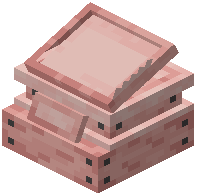 Cherry Shop
 Crimson Shelf Shop
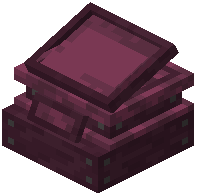 Crimson Shop
D
 Dark Oak Shelf Shop
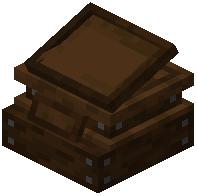 Dark oak Shop
H
 Hook Shop
J
 Jungle Shelf Shop
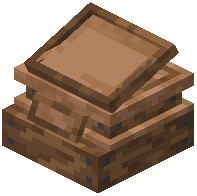 Jungle Shop
M
 Mangrove Shelf Shop
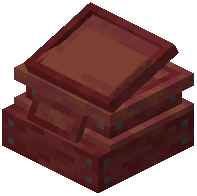 Mangrove Shop
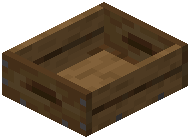 Merchant's Crate
O
 Oak Shelf Shop
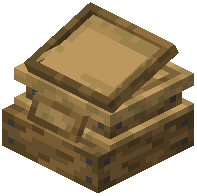 Oak Shop
R
 Rug Shop Black
 Rug Shop Blue
 Rug Shop Brown
 Rug Shop Cyan
 Rug Shop Gray
 Rug Shop Green
 Rug Shop Light Blue
 Rug Shop Light Gray
 Rug Shop Lime
 Rug Shop Magenta
 Rug Shop Orange
 Rug Shop Pink
 Rug Shop Purple
 Rug Shop Red
 Rug Shop White
 Rug Shop Yellow
S
 Spruce Shelf Shop
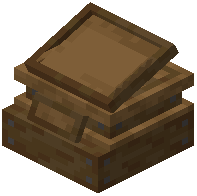 Spruce Shop
W
 Warped Shelf Shop
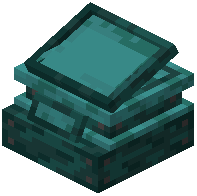 Warped Shop
Frequently asked questions
How do I start using this mod?
Craft a shop display block (like a Display Case, Trader's Crate, or Shelf) and place it in the world—it will automatically link to you as the owner. Right-click the shop to open its menu, then add items you want to sell and set prices for each trade.
Do I lose items when I put them in a shop display?
No, setting up trades does not consume items from your inventory. The display slots only show what you're selling; your actual items stay safe in your inventory or storage.
Can other players steal from my shop?
No, shops are unbreakable to everyone except you and server admins. Only players you give permission to can interact with the shop's inventory or break it down.
How do I let someone else manage my shop?
Craft a contract scroll, have them right-click it to sign their name, then place the signed contract into a permission row in your shop menu and assign them a role (Owner, Manager, Supervisor, or Clerk).
What's the difference between the shop roles?
Owner can edit trades and break the shop; Manager can manage inventory and hire workers; Supervisor can only manage items inside; Clerk can only add new stock but never remove anything.
What happens when my shop runs out of stock?
A floating icon will pop up to warn you that the shop is out of stock, so you can refill it before customers can't buy anymore.
Can I change how my shop looks?
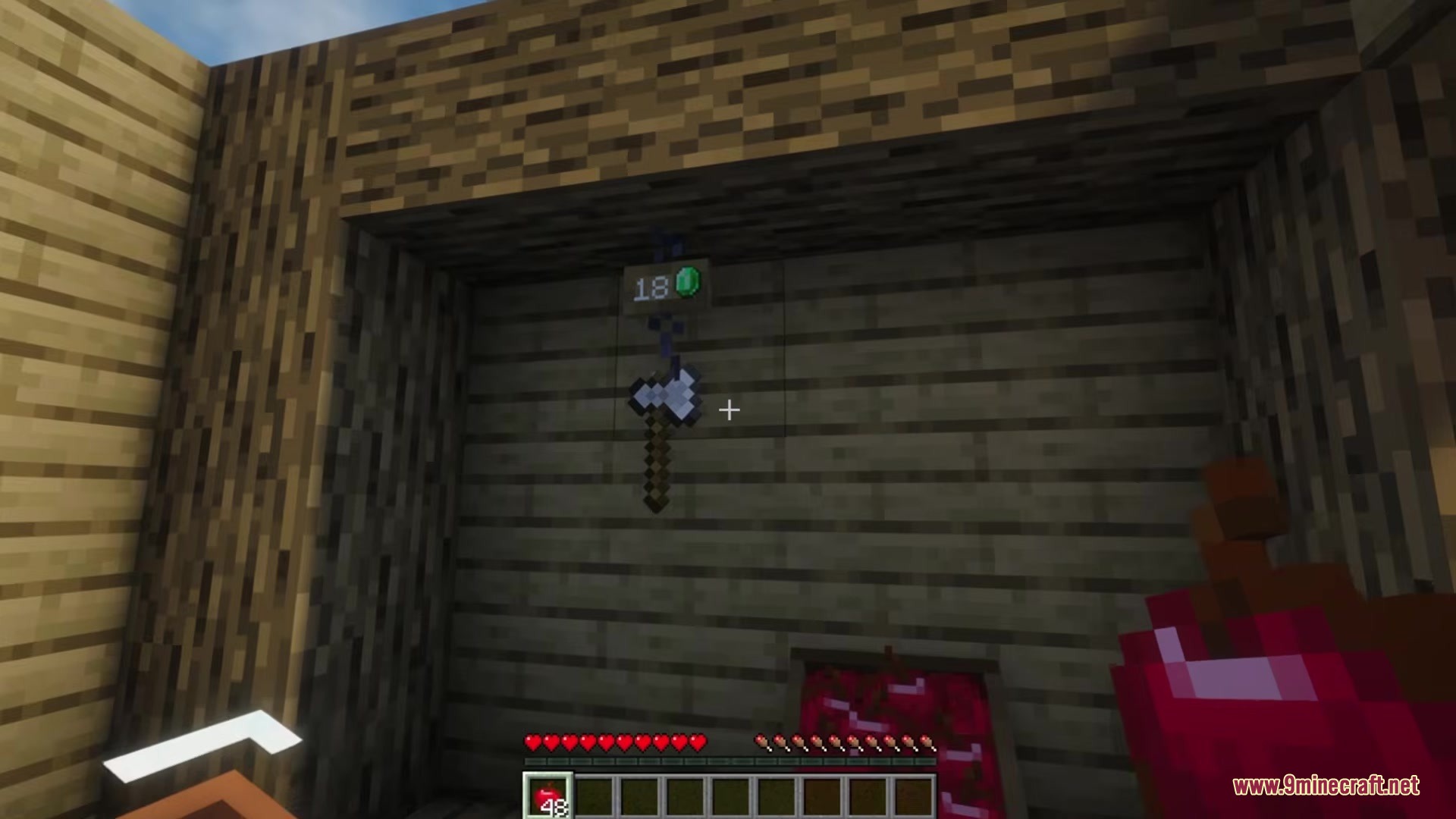
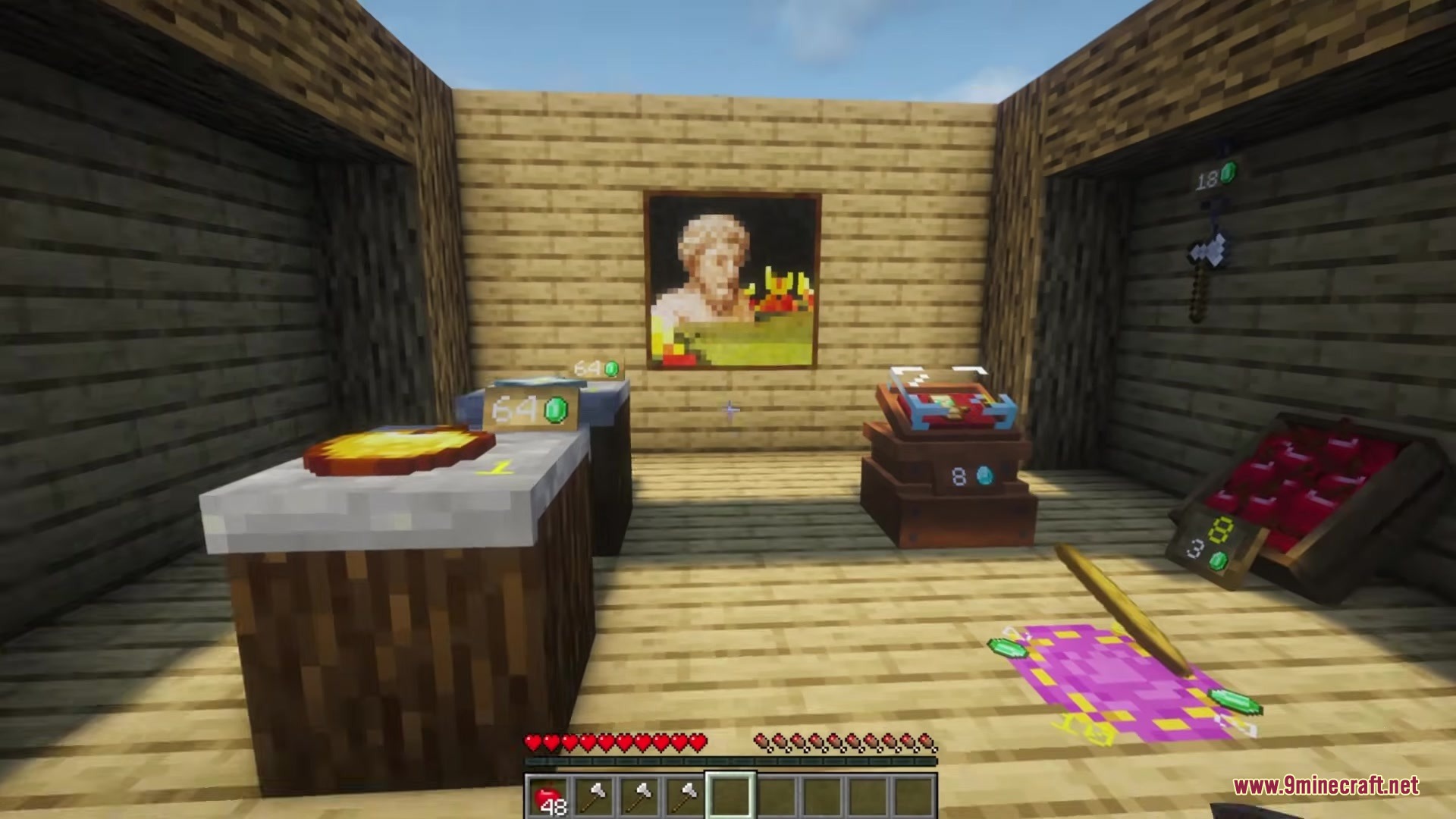
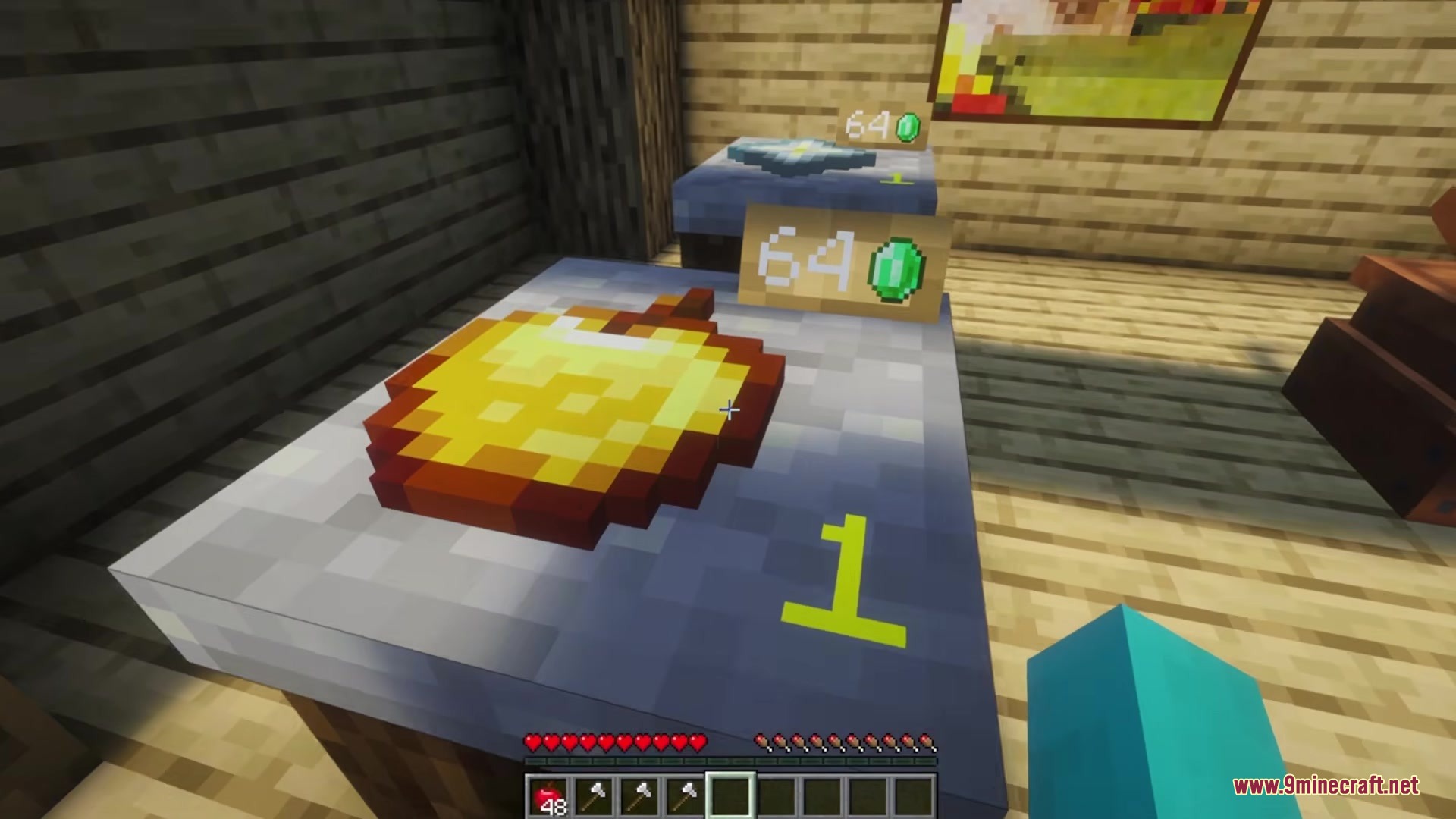
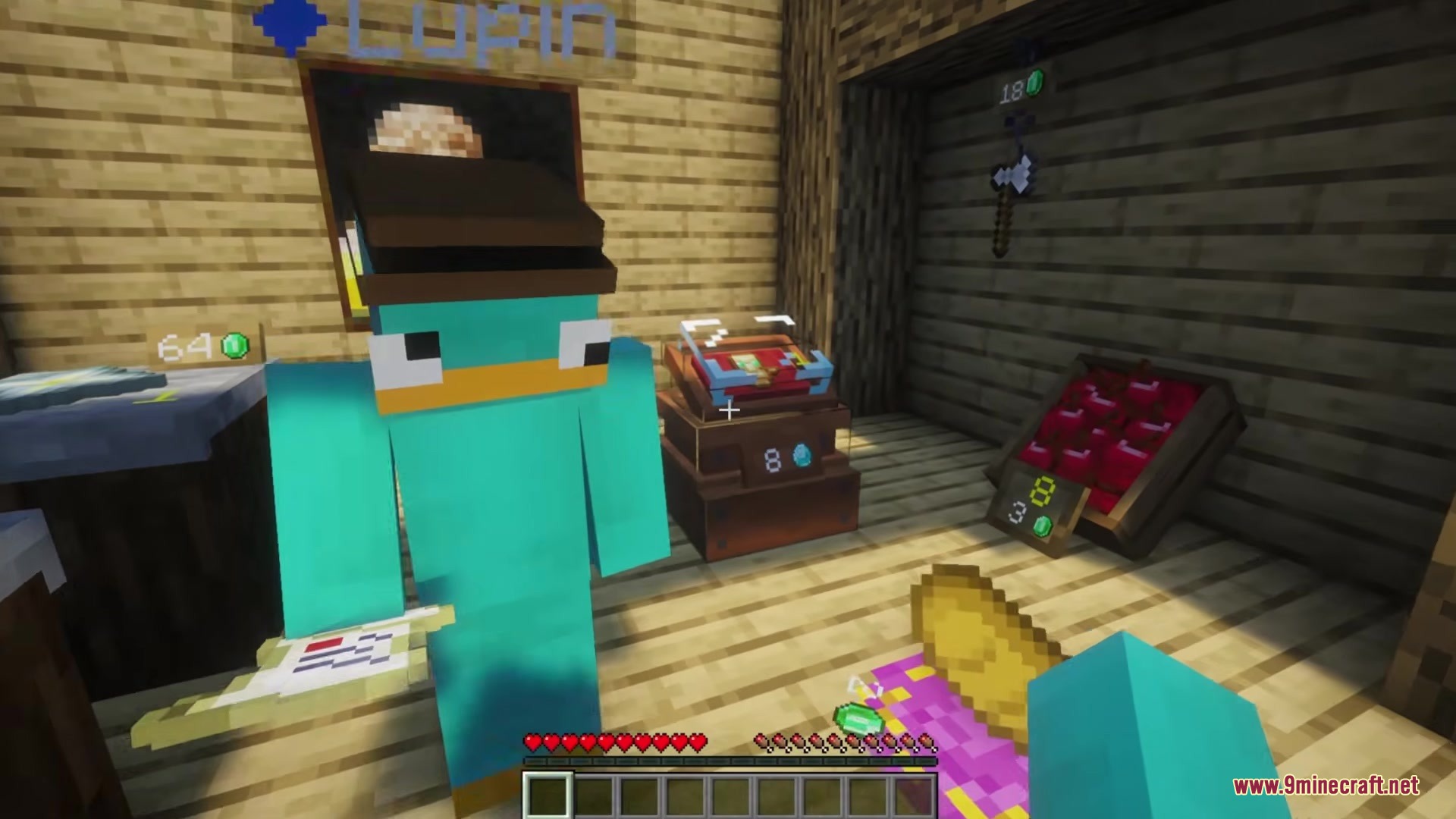
Yes, you can change the wood type to match your building and dye the cushions inside glass display cases using dyes or wool blocks. Different display types (Display Case, Shelves, Windowsill, Chain Hook, Magic Rug) also give different aesthetics.
What does it mean when I get a message that my money register is full?
Your shop has collected so much payment that the register can't hold any more, so you need to collect the money from the shop menu to continue accepting purchases.
Can I place shop displays on top of or below each other?
Shelves can be placed on the top or bottom of a block space to stack vertically, and other displays can be arranged creatively, but check your specific display type's placement rules in the shop menu.
What payment methods does the mod support?
The mod takes payment items directly from the customer's inventory when they buy something—you set which items count as payment when you configure each trade.
Gallery
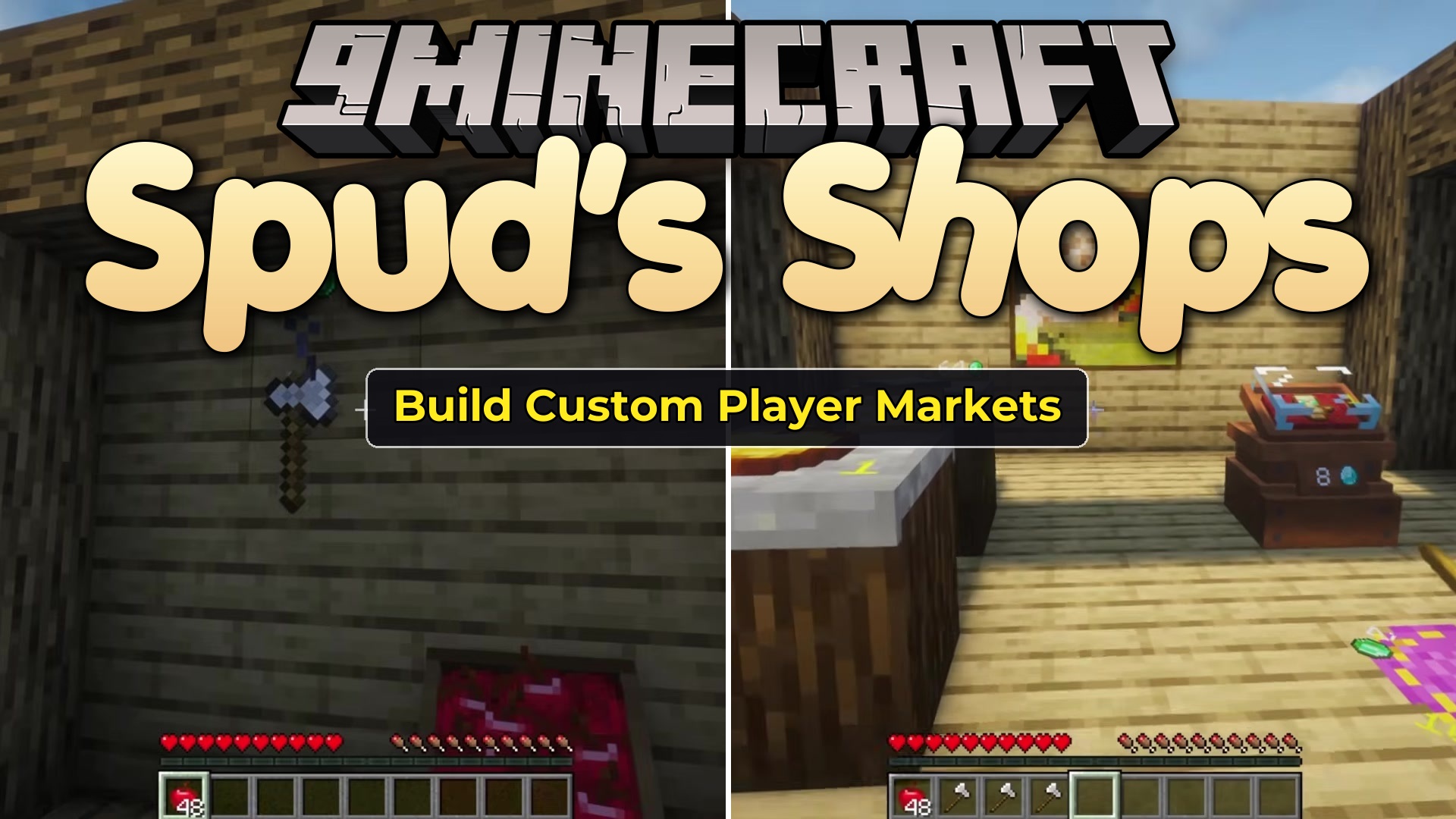
5 images from the Spuds Shops Mod page.
You May Also Like
Wikis that share the most with this one
Wikis on the same theme: furniture
More mod wikis on the site
The most downloaded mods that have a wiki here
A few wikis from each of the other kinds