

 DownloadSlumber Mod
Get the files on 9Minecraft
Guides
Step-by-step, in-game.
Check if Your Server is Currently FrozenMonitor Slumber Status Use the status command to verify whether your server is actively frozen and whether the mod is…Disable Server Freezing Temporarily or PermanentlyTurn Off Slumber Mode There are situations where you may want to prevent your server from freezing, such as running…Enable Server Freezing to Reduce Resource UsageActivate Slumber Mode Slumber Mod freezes your server when all players log off, dramatically reducing CPU and memory…Understand How Slumber Affects Your Game WorldWhat Freezes and What Doesn't Slumber Mod pauses all server-side processes when frozen, but it's important to…
Frequently asked questions
How do I turn on server freezing?
Use the command `/slumber true` to enable the freezing feature. You can verify it's active by running `/slumber` to see the current status.
What happens when the server freezes?
When frozen, the server stops processing ticks, which means no mobs spawn or move, crops don't grow, redstone doesn't update, and no other game logic progresses. Everything resumes instantly when a player joins.
Does freezing affect my world save?
No, freezing only pauses game logic—your world data is safe and nothing is lost. When the server unfreezes, everything continues from exactly where it was.
Can I check if my server is currently frozen?
Run the `/slumber` command without arguments to display whether freezing is enabled and whether the server is currently frozen.
See all 10 Slumber questions ›
Gallery
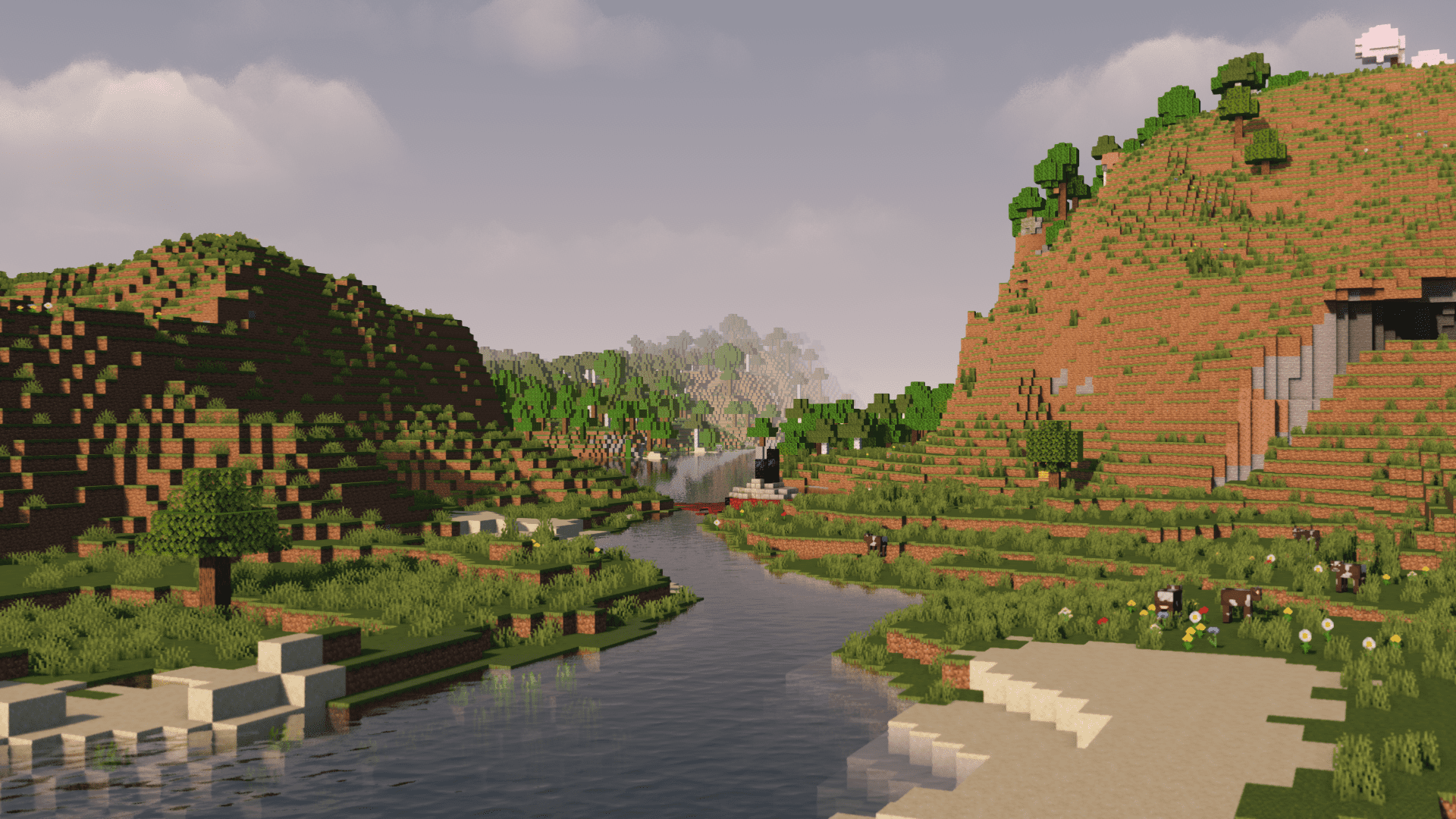
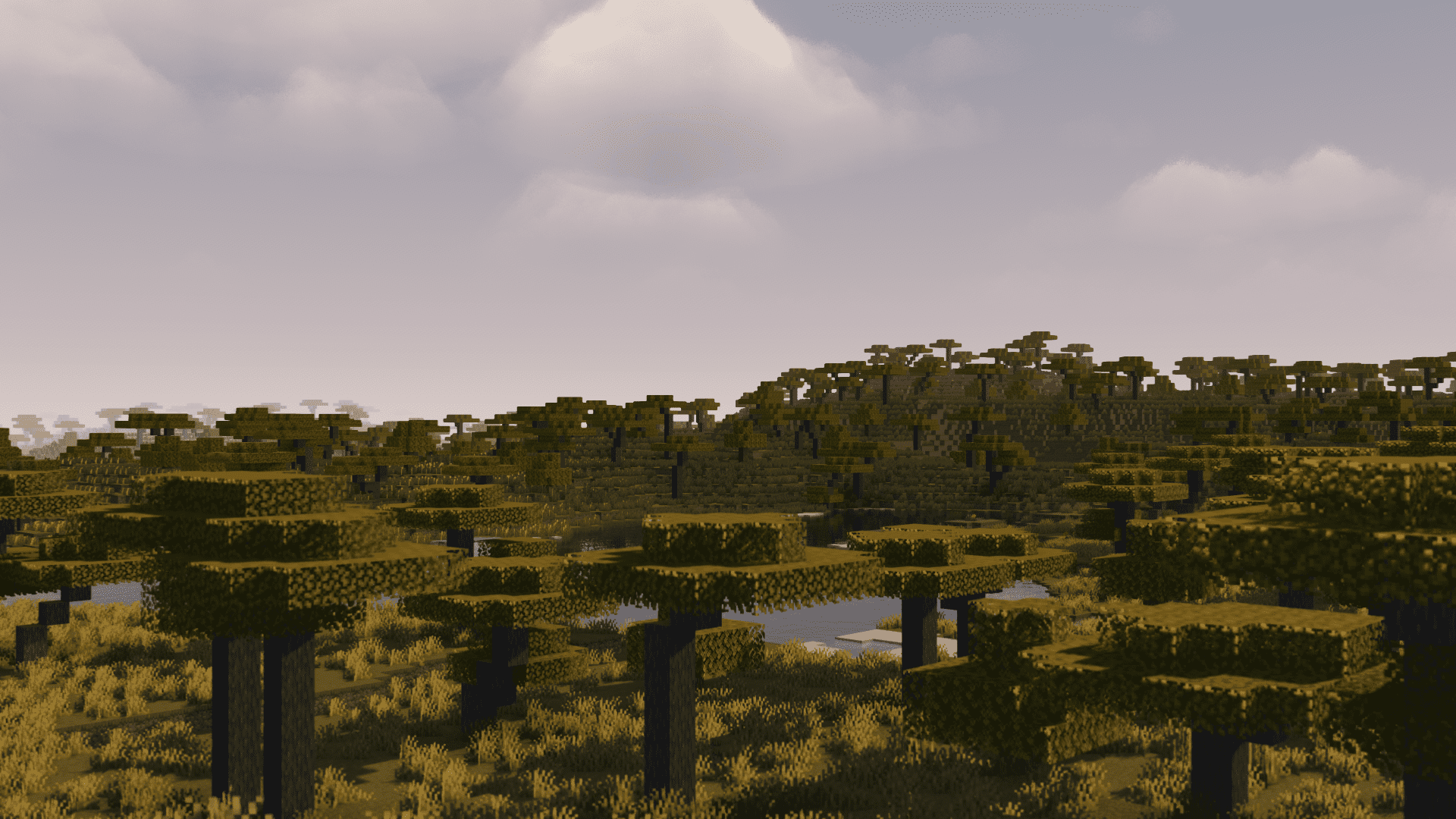
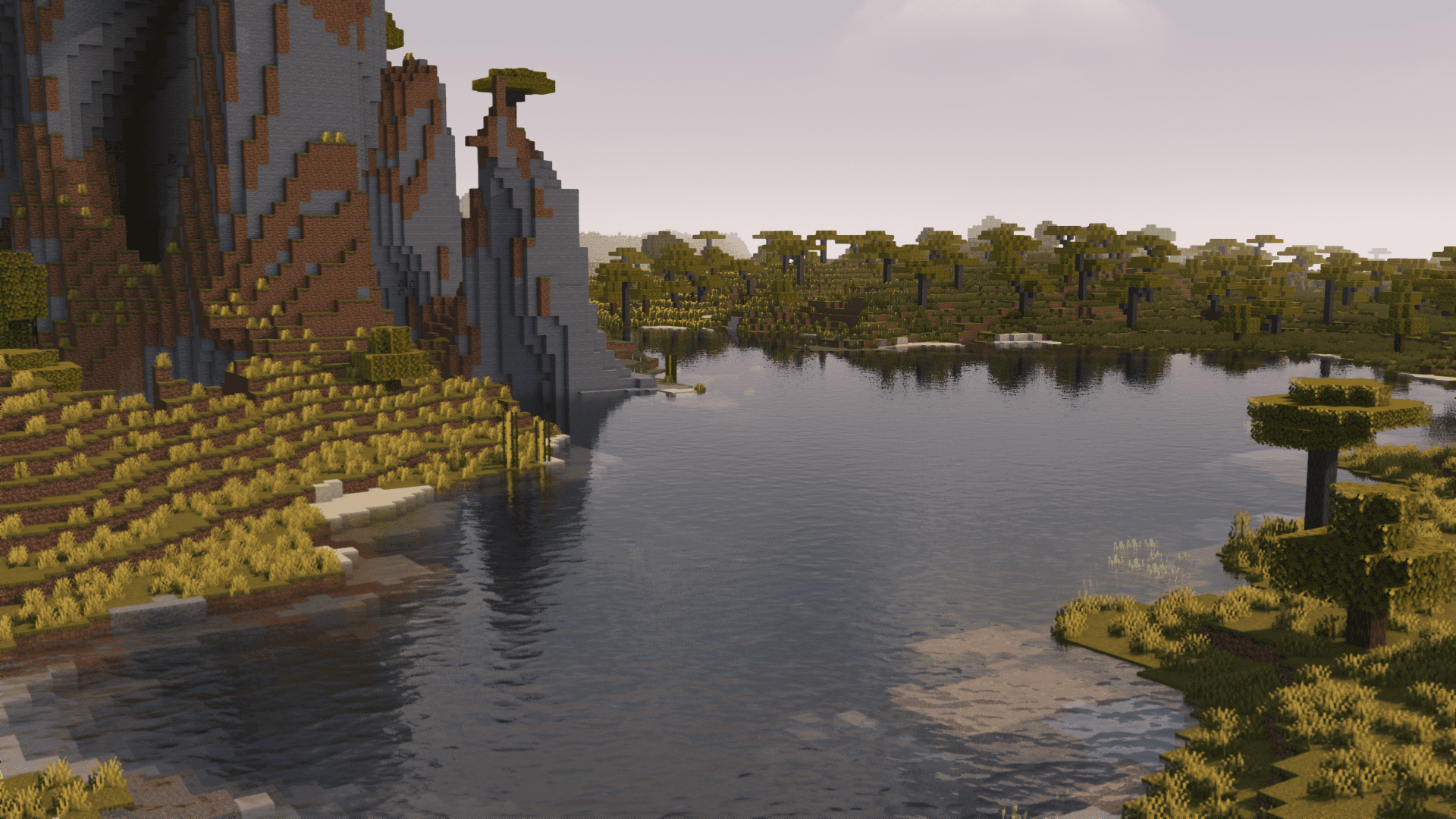
5 images from the Slumber Mod page.


You May Also Like
Wikis that share the most with this one
More mod wikis on the site
The most downloaded mods that have a wiki here
A few wikis from each of the other kinds