

 DownloadSmart Completion Mod
Get the files on 9Minecraft
Guides
Step-by-step, in-game.
Complete Modded Commands and Plugin CommandsModded Command Support Smart Completion Mod isn't limited to vanilla Minecraft commands—it works seamlessly with…Customize Suggestion Appearance and BehaviorAccessing Settings Smart Completion Mod includes customization options so you can tailor how suggestions look and…Navigate and Select from Multiple SuggestionsUnderstanding the Suggestion List When you type initials or partial commands, Smart Completion Mod shows you multiple…Use Initials to Complete Commands FasterHow Initials Work Smart Completion Mod lets you type just the first letter of each word in a command, and it will…
Frequently asked questions
How do I start using Smart Completion after installing the mod?
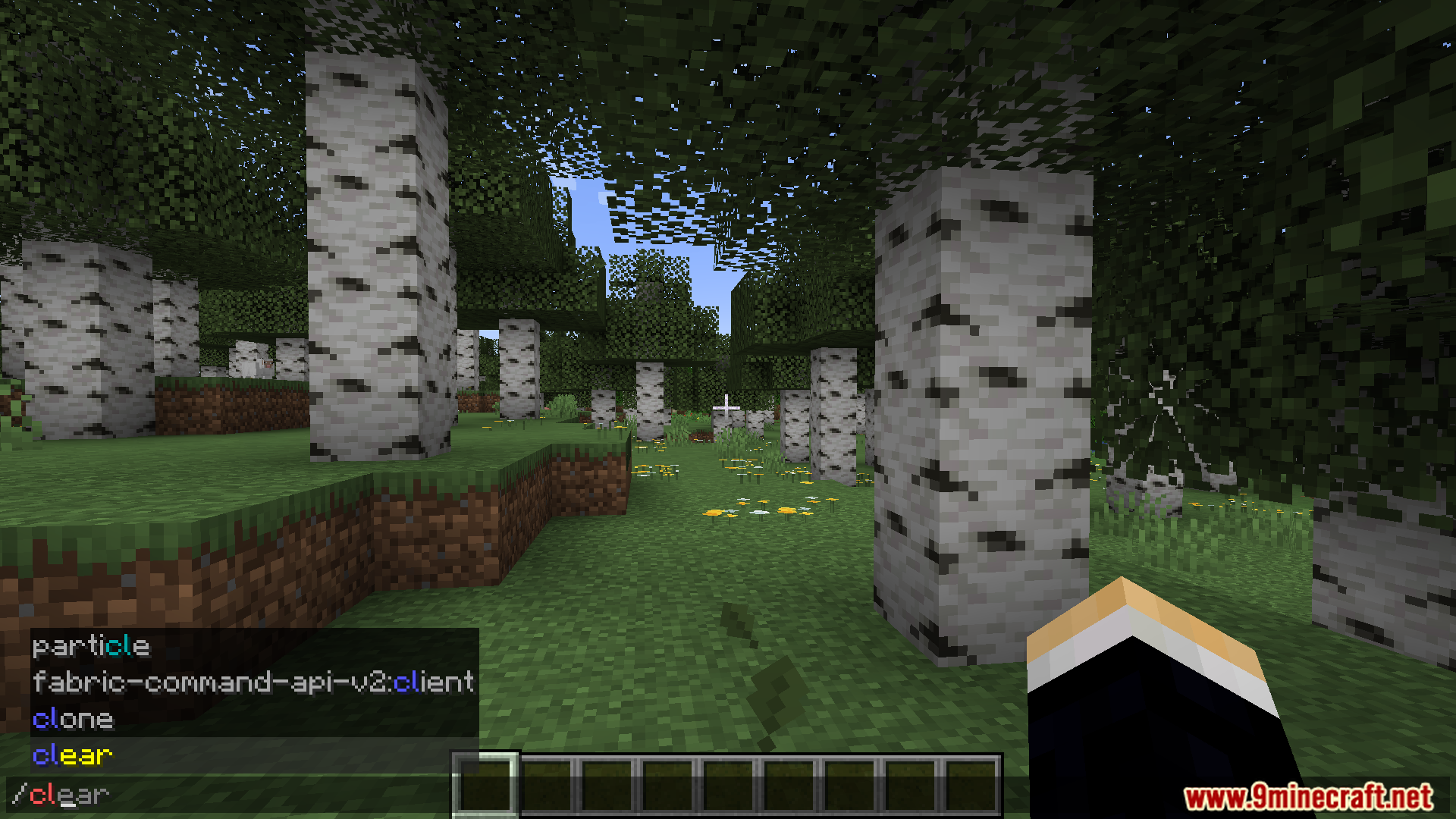
Just open your chat and start typing a command—the mod activates automatically. You'll see suggestions appear as you type; use the keyboard shortcuts shown on screen to accept them.
Can I really just type initials instead of full command names?
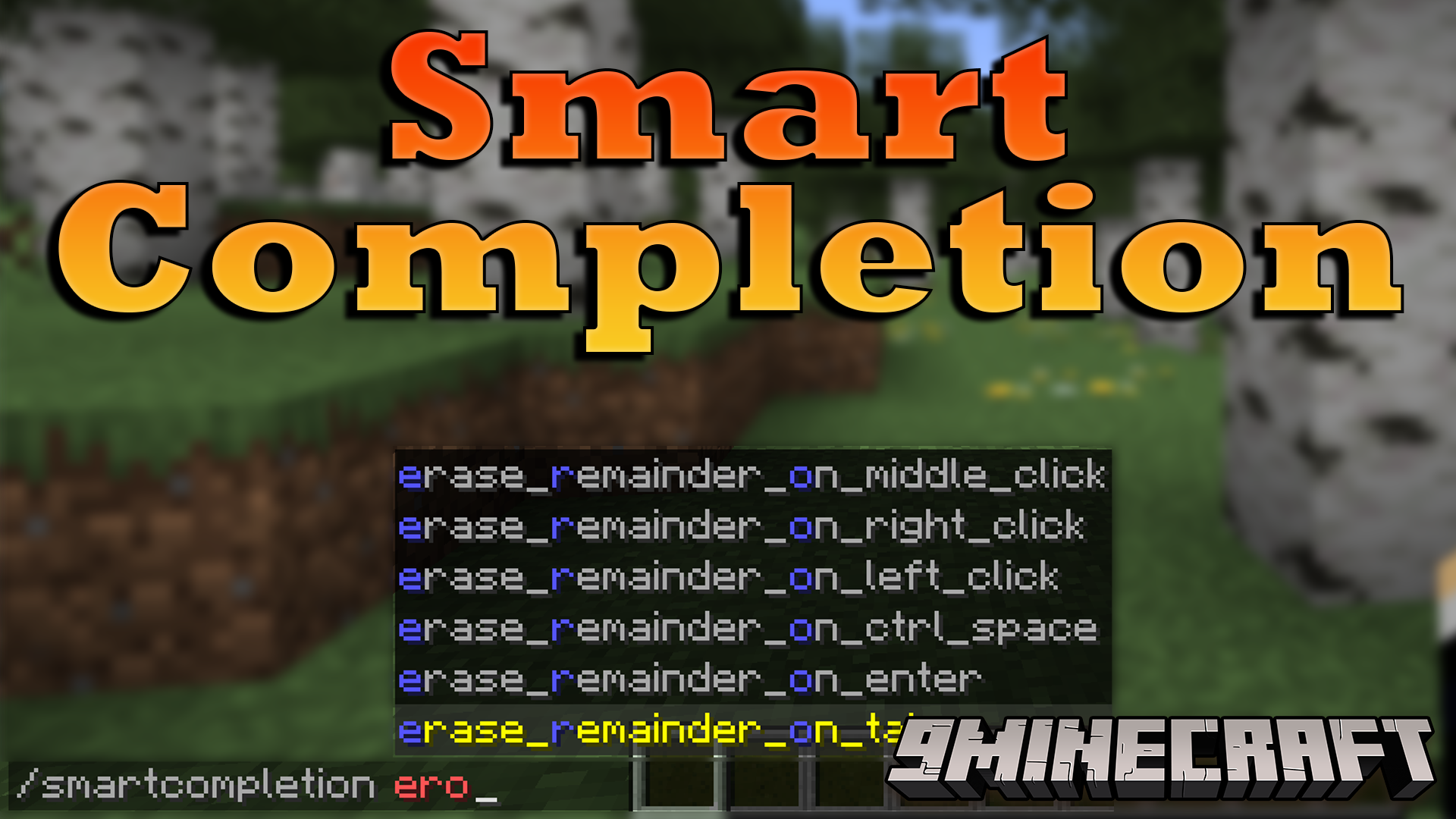
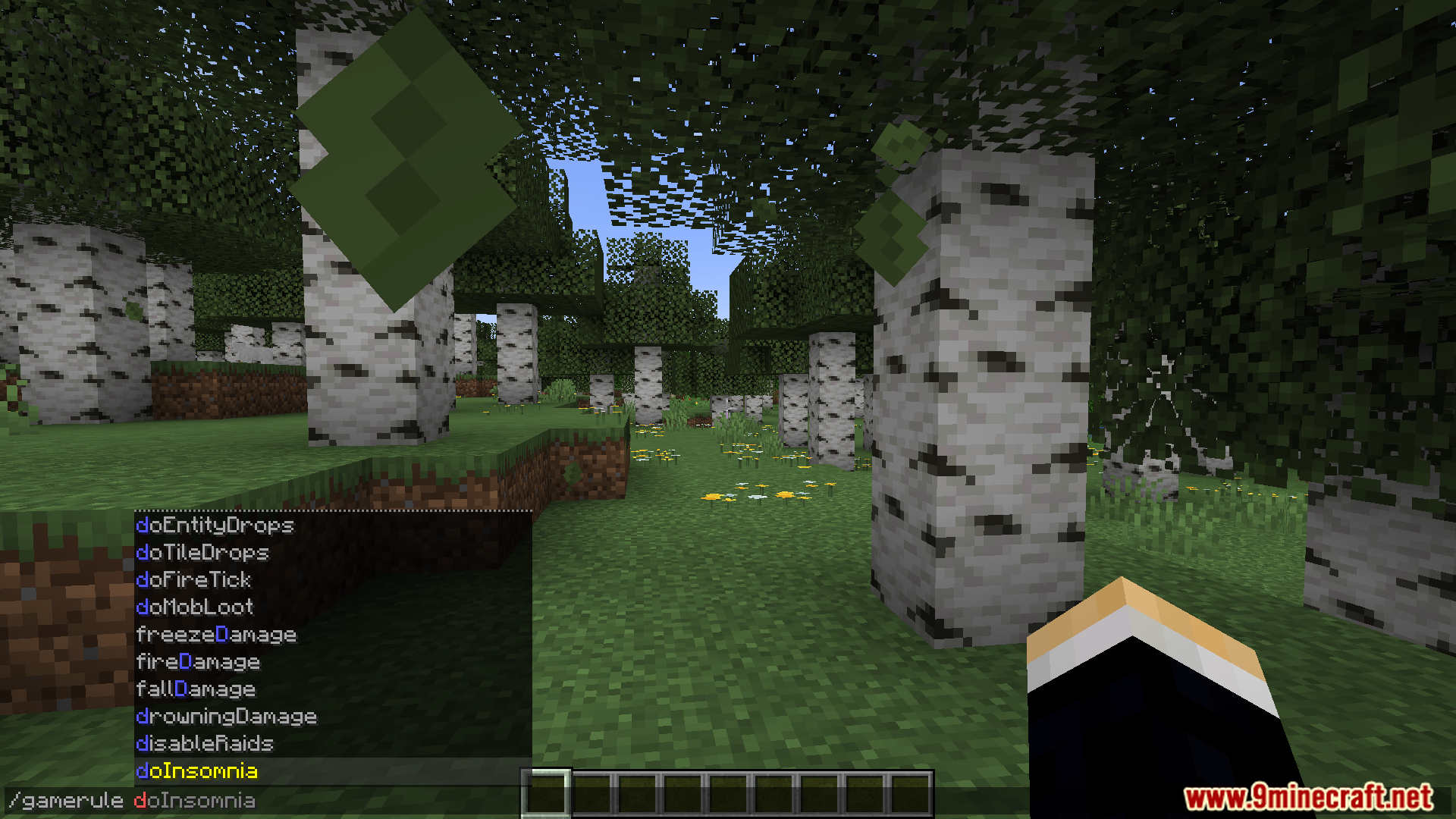
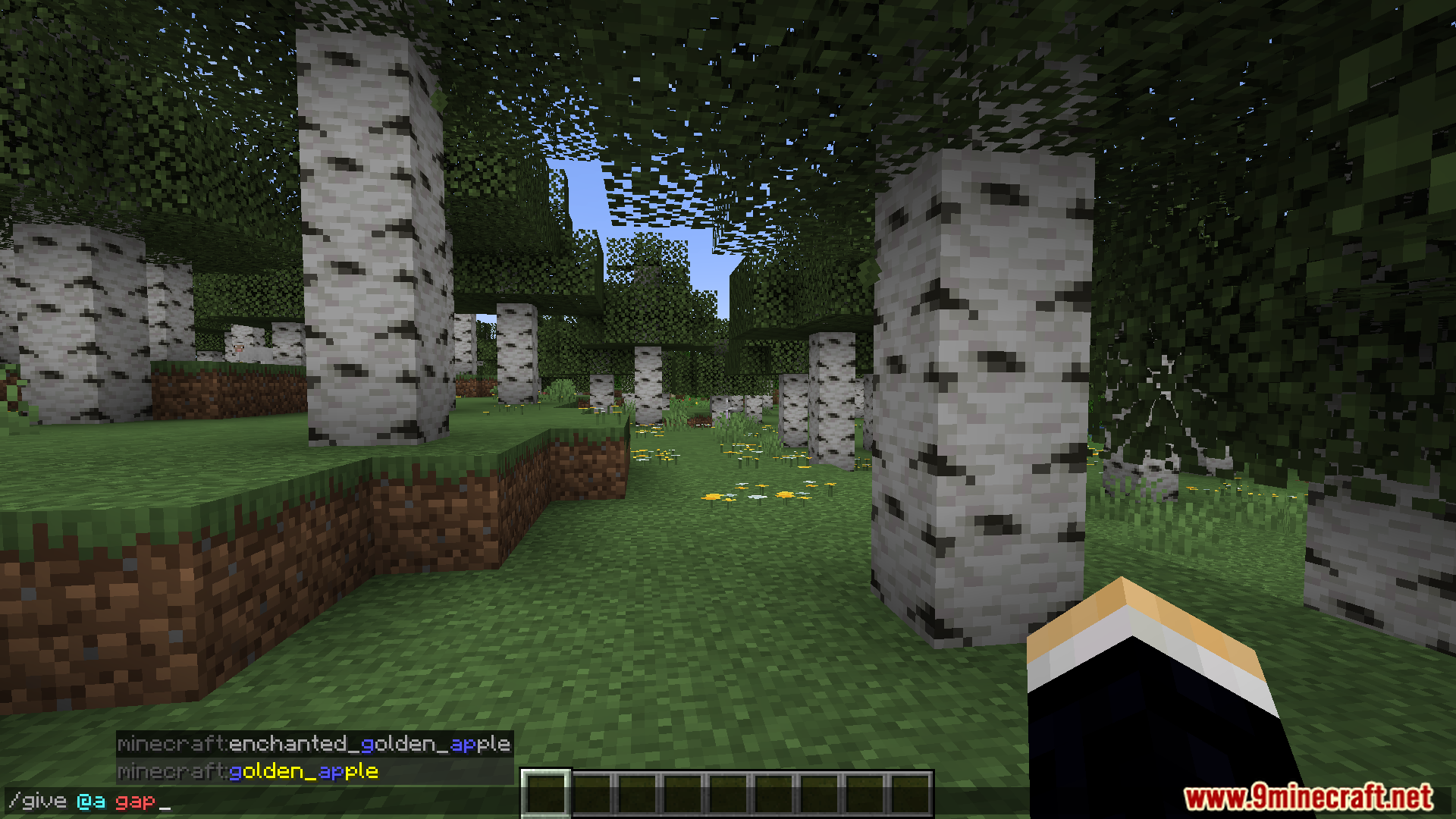
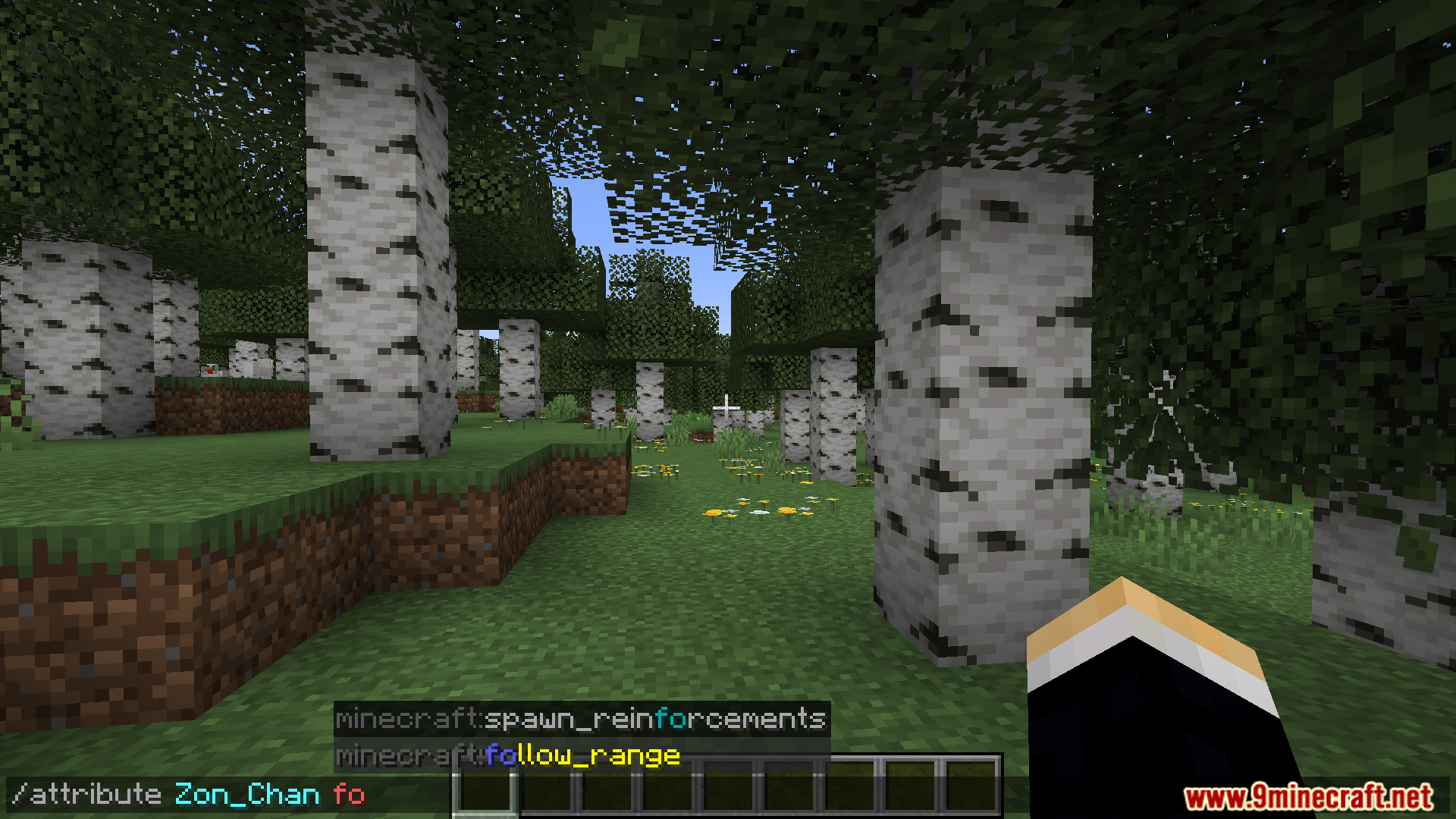
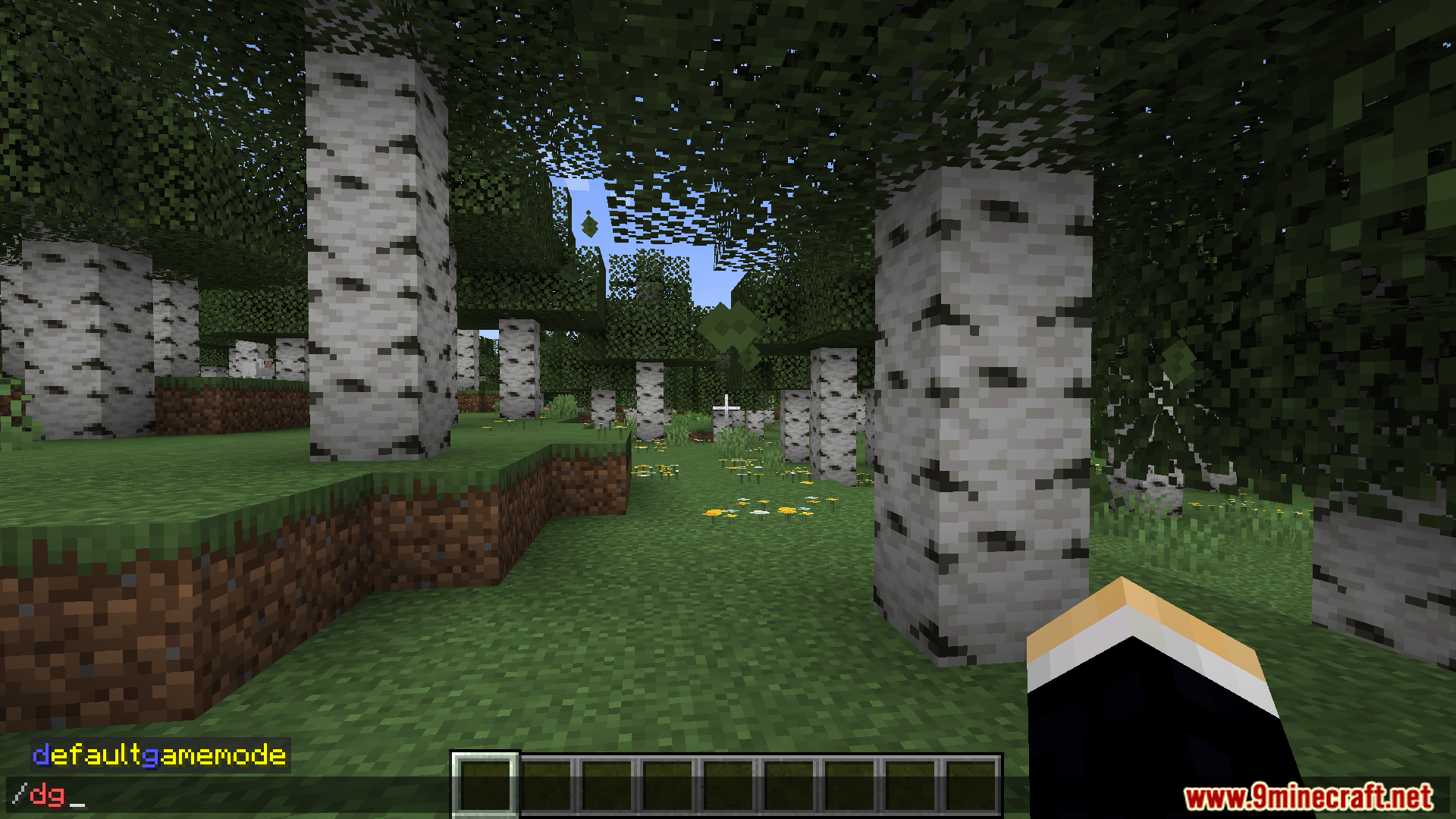
Yes. For example, typing `/gr dc t` will suggest `/gamerule doDaylightCycle true`. The mod matches your initials to command words and fills in the rest.
What's the difference between fuzzy matching and initials?
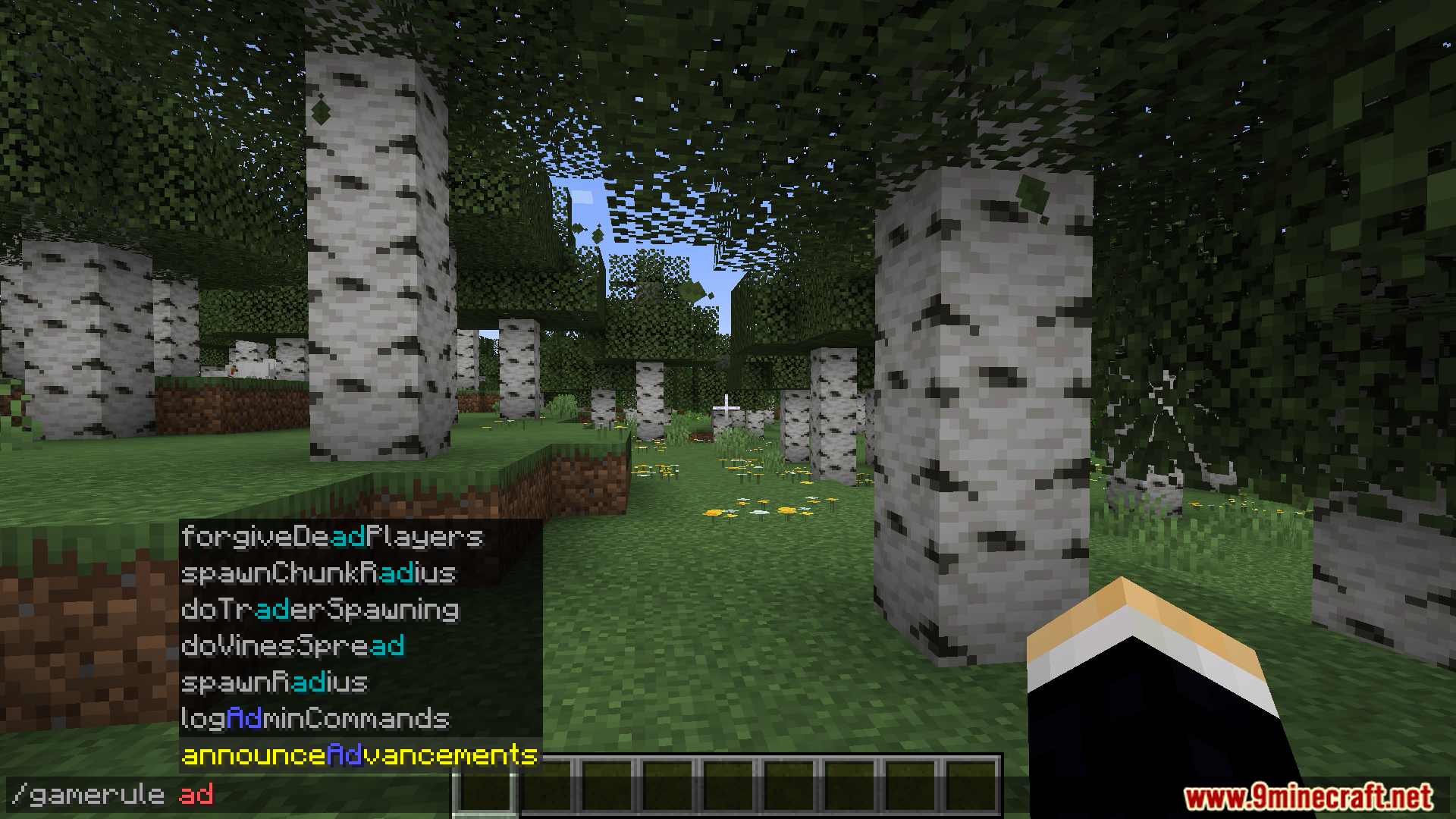
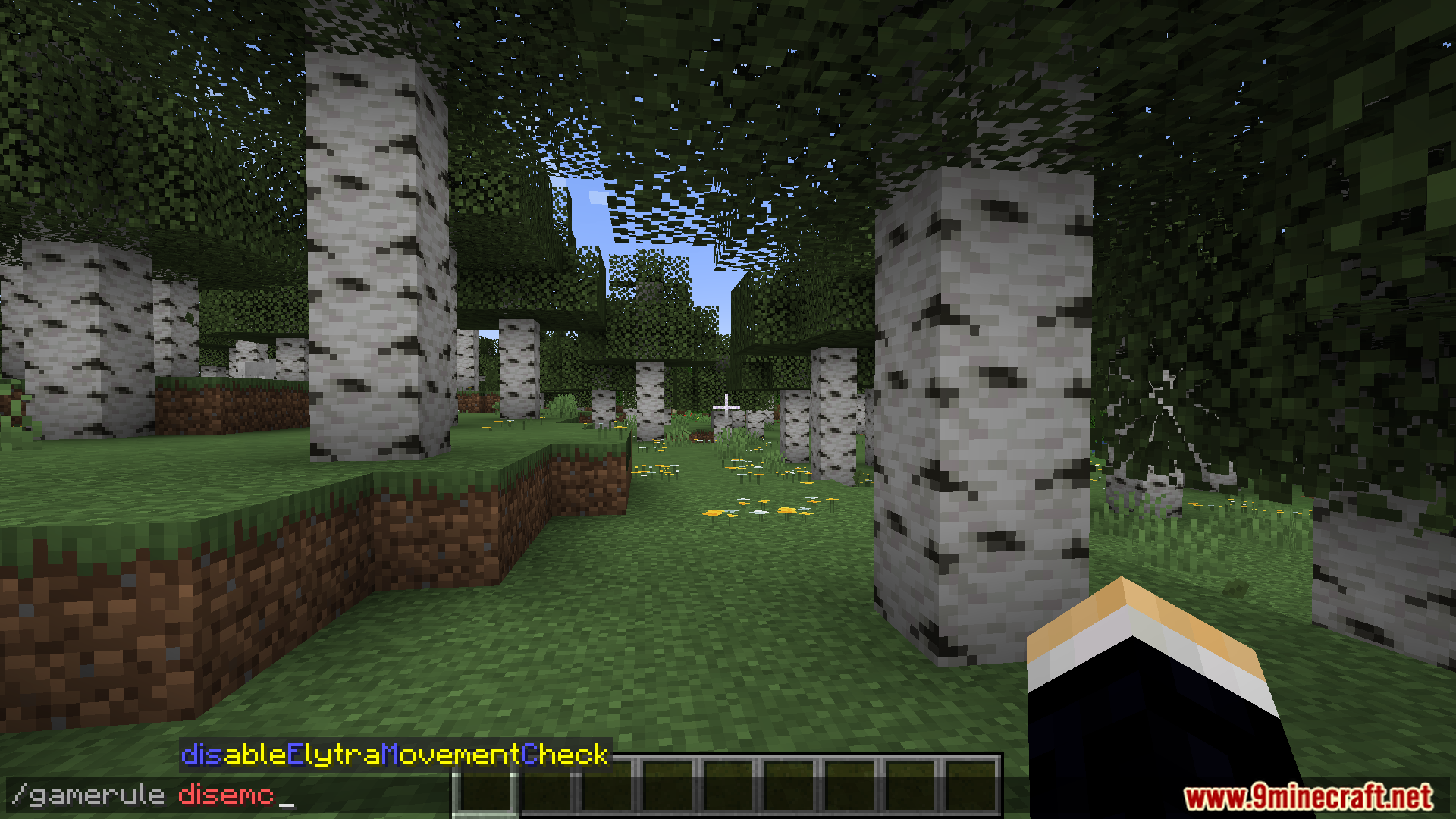
Initials match the first letter of each word in order (like `/gr dc`), while fuzzy matching finds suggestions based on any letters you type in sequence, giving you more flexible search options.
How do I pick between multiple suggestions?
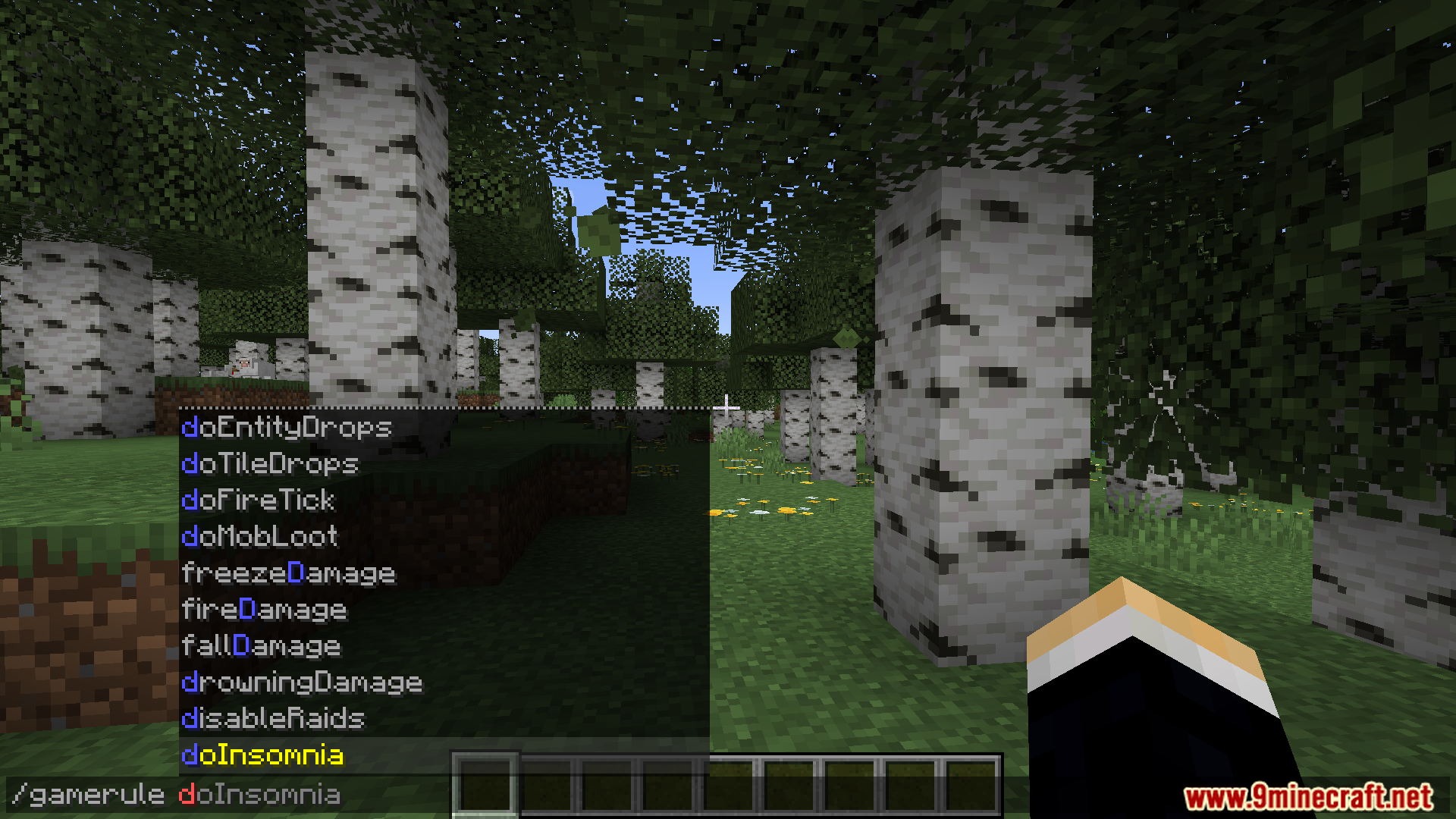
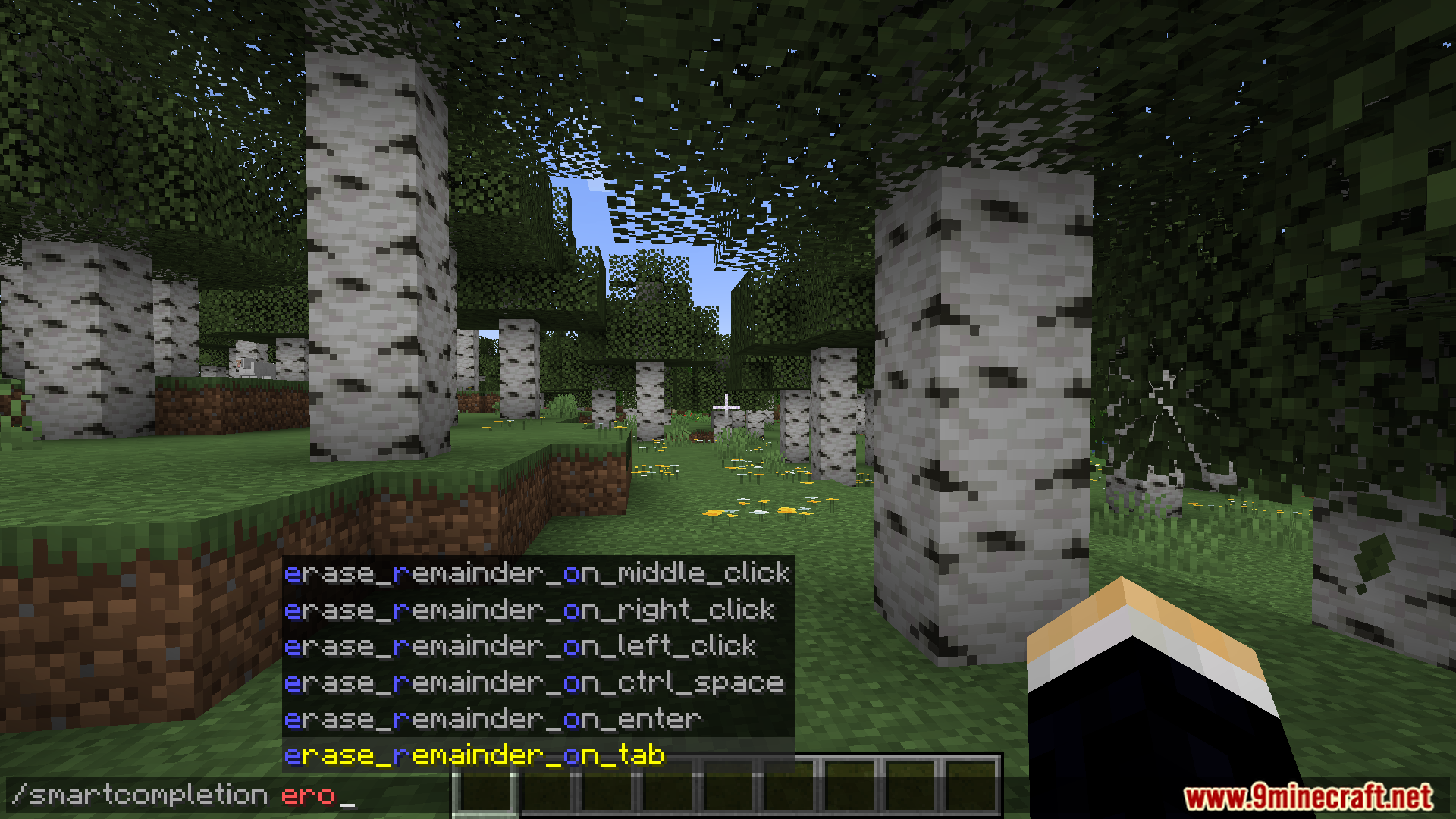
Use the arrow keys to highlight different suggestions in the dropdown, then press Tab or the accept key shown to select one. You can also keep typing to narrow down the list.
See all 10 Smart Completion questions ›
Gallery
12 images from the Smart Completion Mod page.
You May Also Like
Wikis that share the most with this one
More mod wikis on the site
The most downloaded mods that have a wiki here
A few wikis from each of the other kinds