DownloadSimple Teleporters Reforged
Get the files on 9Minecraft
Guides
Step-by-step, in-game.
How to Craft and Use an Ender CoreGetting the Core An Ender Core is the item that powers a Teleporter . You obtain it by crafting, using ender-related…How to Link Two Teleporters TogetherPlacing and Preparing the Teleporters Place your Teleporter blocks wherever you want the two endpoints to be. Each…How to Move or Remove a Teleporter Without Losing MaterialsBreaking a Teleporter Safely A Teleporter that already contains an Ender Core stores that core inside the block. When…How to Set Up a Hearth Crystal as a Return PointWhat the Hearth Crystal Does The Hearth Crystal gives you a personal way back to a chosen spot without needing a full…
Recipes
Every recipe the mod adds, grouped by how it is made.
Items
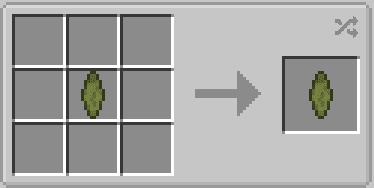
 Ender Core
 Enhanced Ender Core
 Hearth Crystal
Blocks
 Teleporter
Configuration
Every setting in the mod config file, with what it changes.
| Option | What it does |
|---|---|
clientClient | Client Settings |
disableNameplateDisable Nameplate | Disable the nameplate shown above a teleporter with a named crystal |
disableParticlesDisable Particles | Disable the particles shown above an active teleporter |
Frequently asked questions
How do I get started with Simple Teleporters Reforged?
Craft an Ender Core first, since it's the key ingredient for the Teleporter block. Once you have a Teleporter placed, you can link it to another Teleporter using the Ender Core.
How do I link two teleporters together?
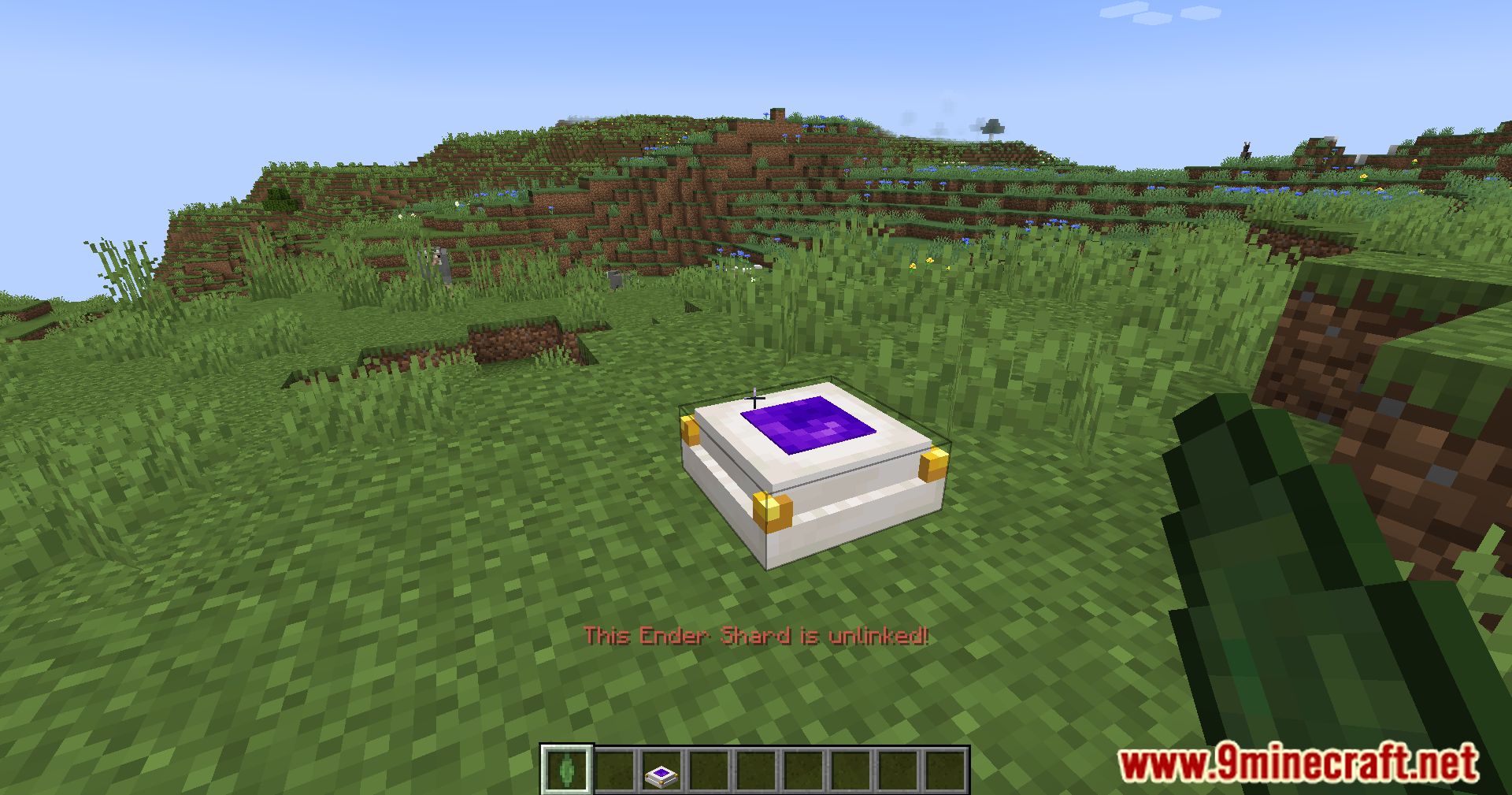
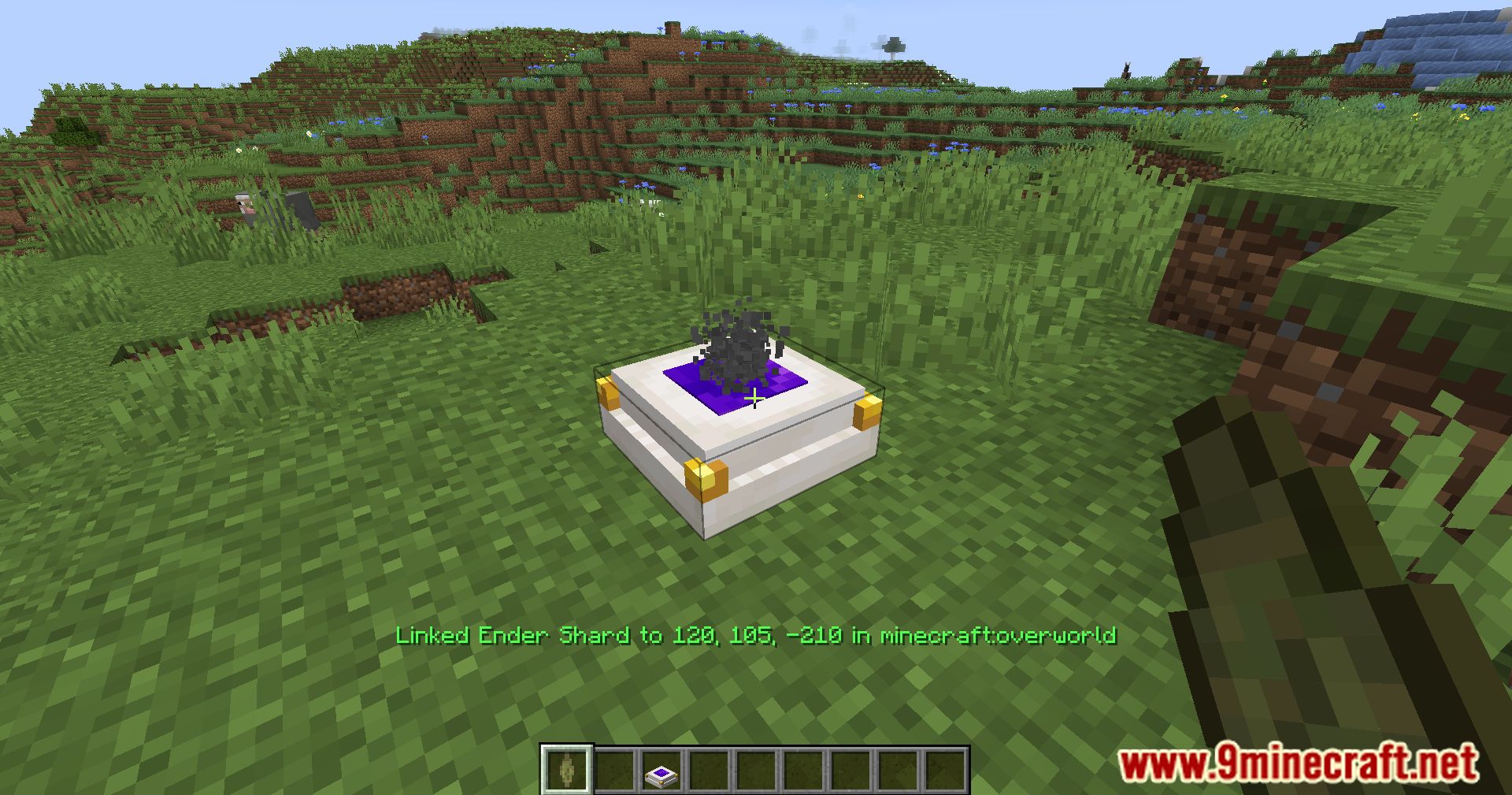
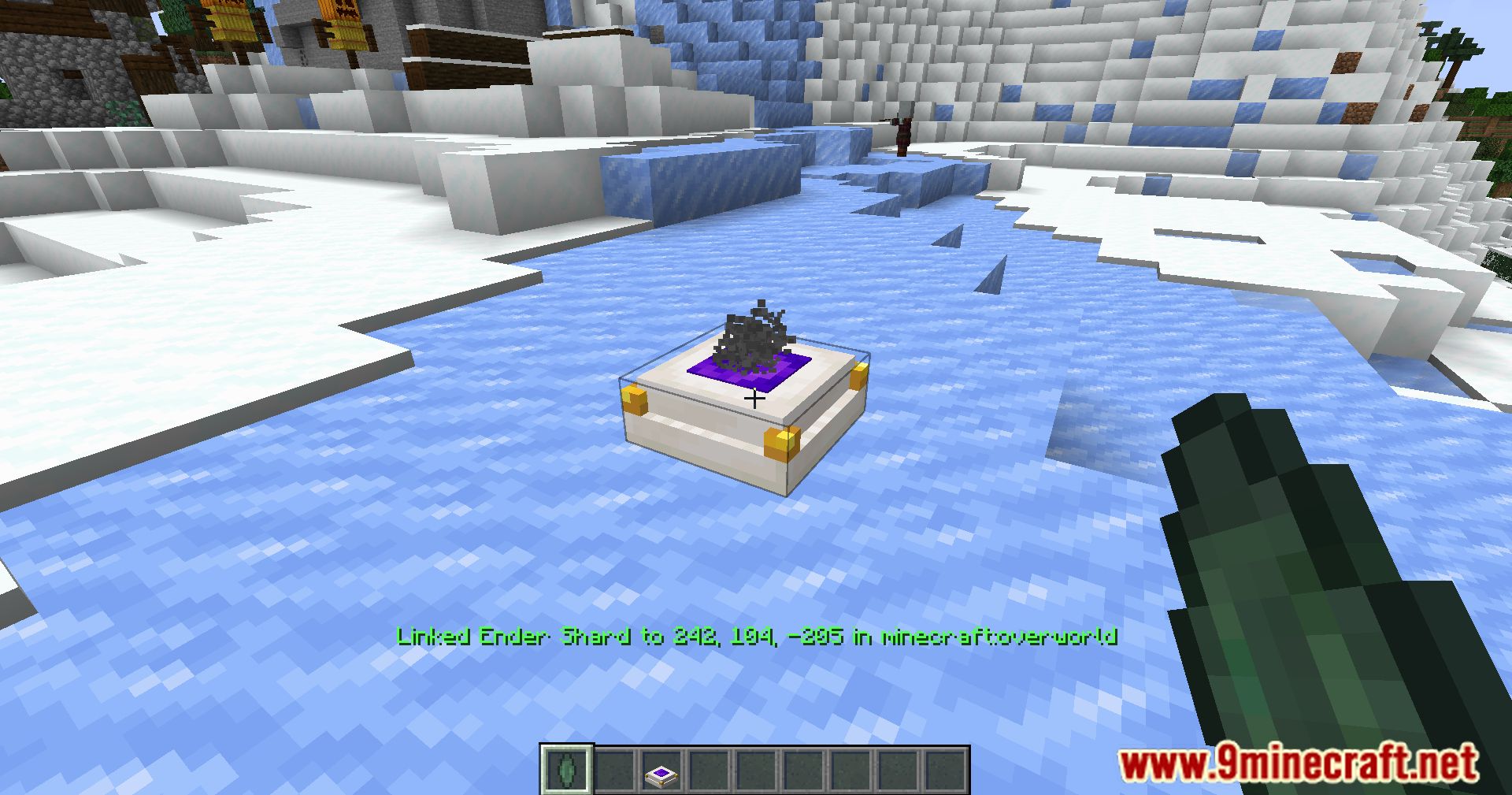
Right-click one Teleporter with an Ender Core to store its location, then right-click the second Teleporter with the same core to bind them. The two blocks are now linked and will send you to each other.
What does an Ender Core do?
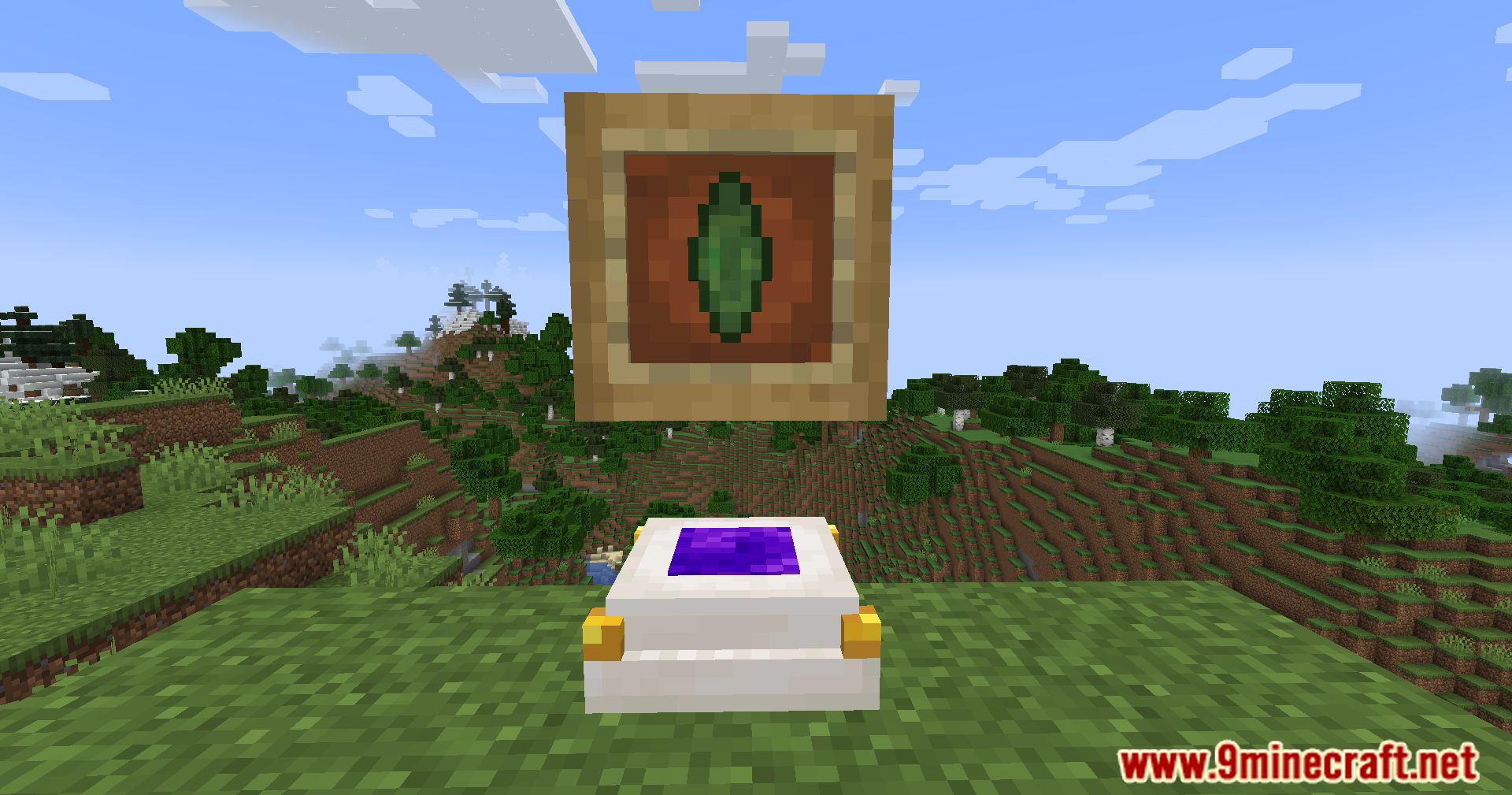
An Ender Core stores the coordinates of a Teleporter so you can bind it to another one. It's the linking tool for the mod and is also used to craft Teleporters.
What is an Enhanced Ender Core used for?
The Enhanced Ender Core is an upgraded version of the Ender Core used for more advanced linking or teleporter crafting. Check the crafting guide in-game for its exact recipe.
How do I set a Hearth Crystal as my return point?
Place a Hearth Crystal where you want to return to and activate it so it remembers that spot. Later, you can use it to teleport back to that location from anywhere.
Why isn't my teleporter working?
The most common cause is that the two Teleporters aren't linked — make sure you used the same Ender Core on both. Also check that both blocks are chunk-loaded or that you're within range if the mod requires it.
Can I move a teleporter without losing my materials?
Yes — break the Teleporter block and it will drop as an item you can pick up and place elsewhere. You'll need to relink it with an Ender Core after moving it.
How do I remove a teleporter link?
Use an Ender Core on the Teleporter to clear or overwrite its stored destination. Breaking and replacing the block also resets its link.
Does this mod work with other teleport or dimension mods?
Simple Teleporters Reforged is generally self-contained, so cross-mod teleportation isn't guaranteed. It works fine alongside most mods as long as you're teleporting between its own blocks.
Will a lot of teleporters lag my game?
Teleporter blocks themselves are lightweight, but having many loaded chunks with active teleporters can add up. Keep links local where possible and avoid leaving hundreds of teleporters loaded at once.
You May Also Like
Wikis that share the most with this one
Wikis on the same theme: cat
More mod wikis on the site
Simple Swap ModSimple Structures Pale Garden ModSimple Structures Mushroom Fields ModSimple Structures Desert ModSimple Structures Caves ModSimple Storage NetworkSimple Speedsters ModSimple Shulker Preview ModSimple Resource Loader ModSimple Pocket MachinesSimple Planes ModSimple Orbital Strikes Mod
The most downloaded mods that have a wiki here
A few wikis from each of the other kinds
Gallery
12 images from the Simple Teleporters Reforged Mod page.