

 DownloadSimple Resource Loader Mod
Get the files on 9Minecraft
Guides
Step-by-step, in-game.
Create a Combined Resource and Data PackWhen to Use Common Packs Sometimes you want a single package that modifies both textures and gameplay—for example, a…Organize Multiple Data Packs for a ServerUnderstanding Data Pack Placement Data packs handle gameplay mechanics, loot tables, recipes, and structures. Simple…Set Up Your First Resource PackCreating the Folder Structure When you launch Minecraft with Simple Resource Loader Mod installed, the mod…Switch Between Optional Packs Without RestartingAccessing the Pack Menu Optional packs placed in resources/resourcepack/optional/ and resources/datapack/optional/…
Frequently asked questions
Where do I put my resource packs so the mod loads them?
Place them in the `resources/resourcepack/` folder inside your game directory. If you want them to load automatically every time, put them in `resources/resourcepack/required/`; if you want to toggle them on and off, use `resources/resourcepack/optional/` instead.
What's the difference between required and optional folders?
Packs in the `required/` subdirectory are always enabled when the game starts. Packs in the `optional/` subdirectory can be enabled or disabled through the mod's configuration without restarting the game.
Can I load both a resource pack and data pack together?
Yes, use the `resources/common/` folder for packages that contain both resource and data pack files. The mod will load them as both simultaneously.
Do I need to restart the game to switch optional packs on and off?
No, you can toggle optional packs through the mod's settings and they will take effect immediately without restarting.
See all 10 Simple Resource Loader questions ›
Gallery
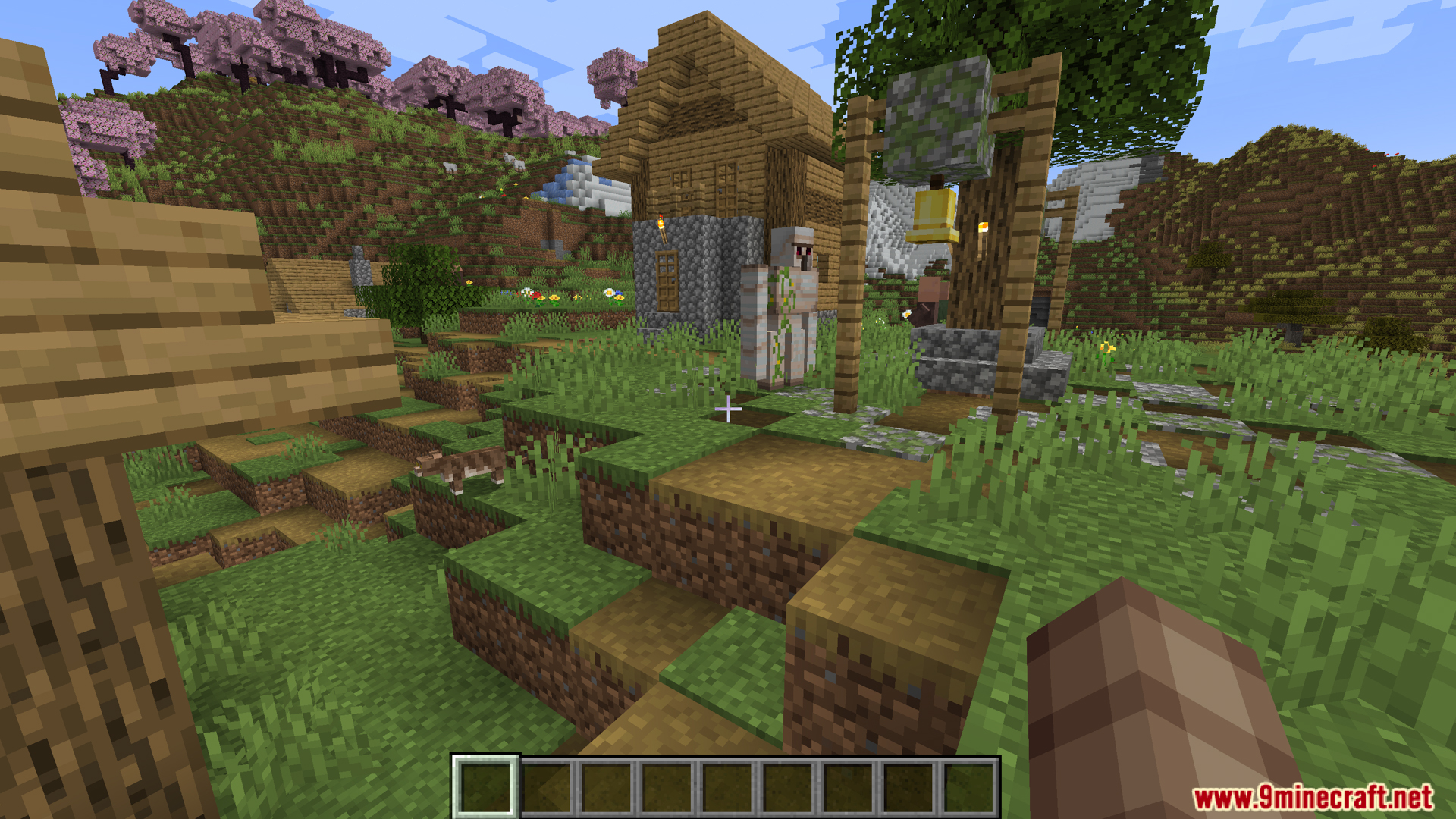
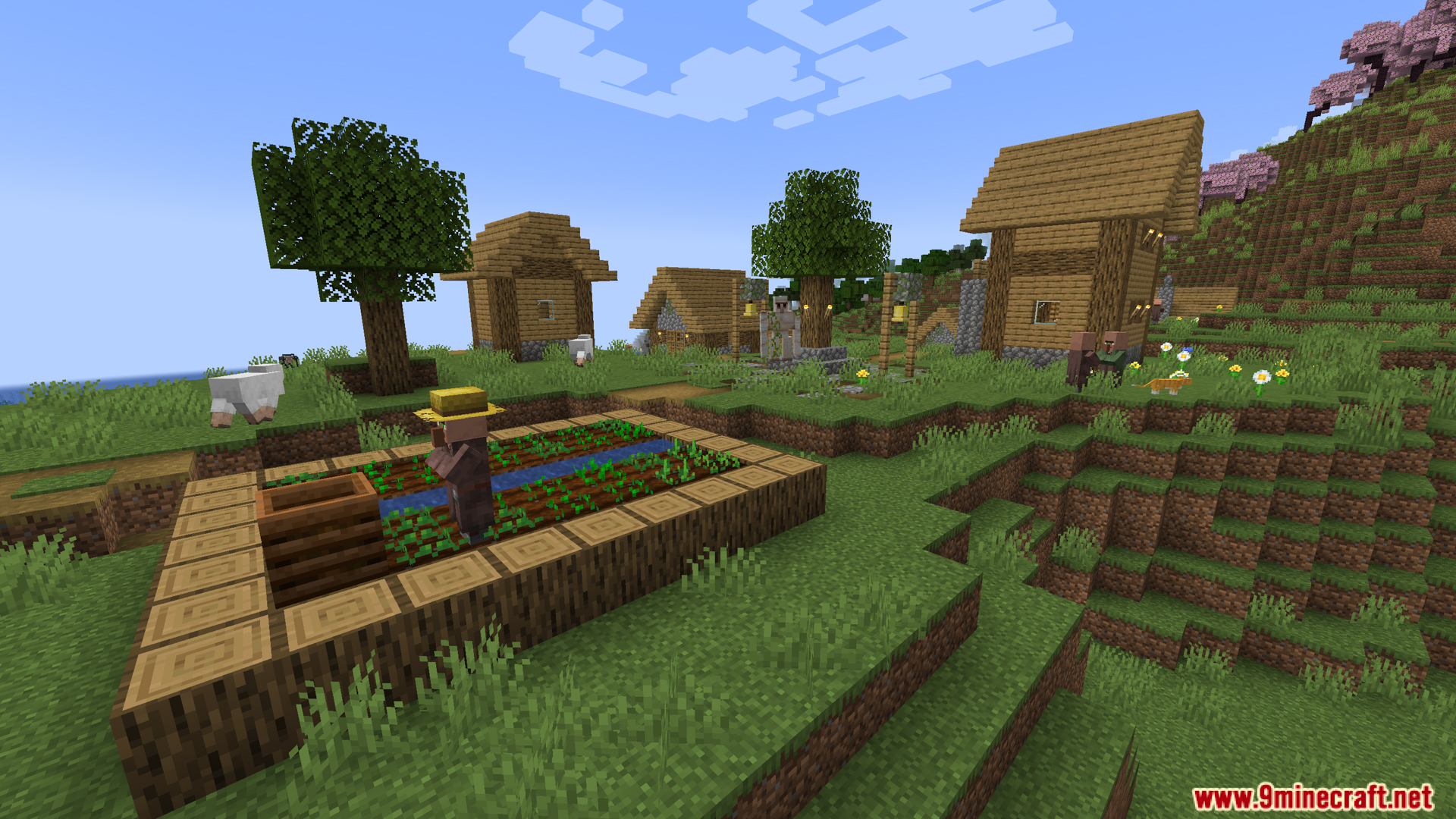
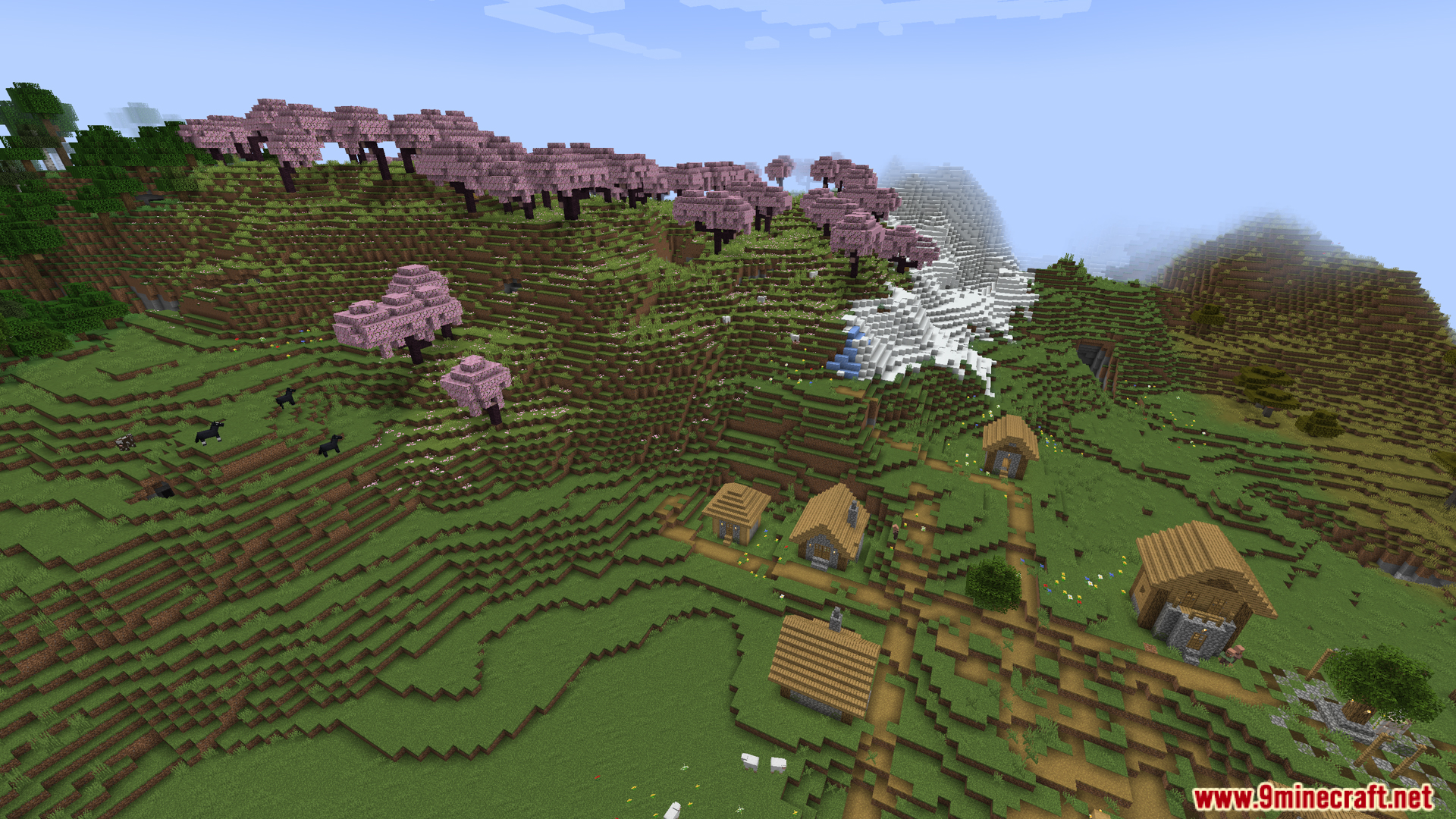
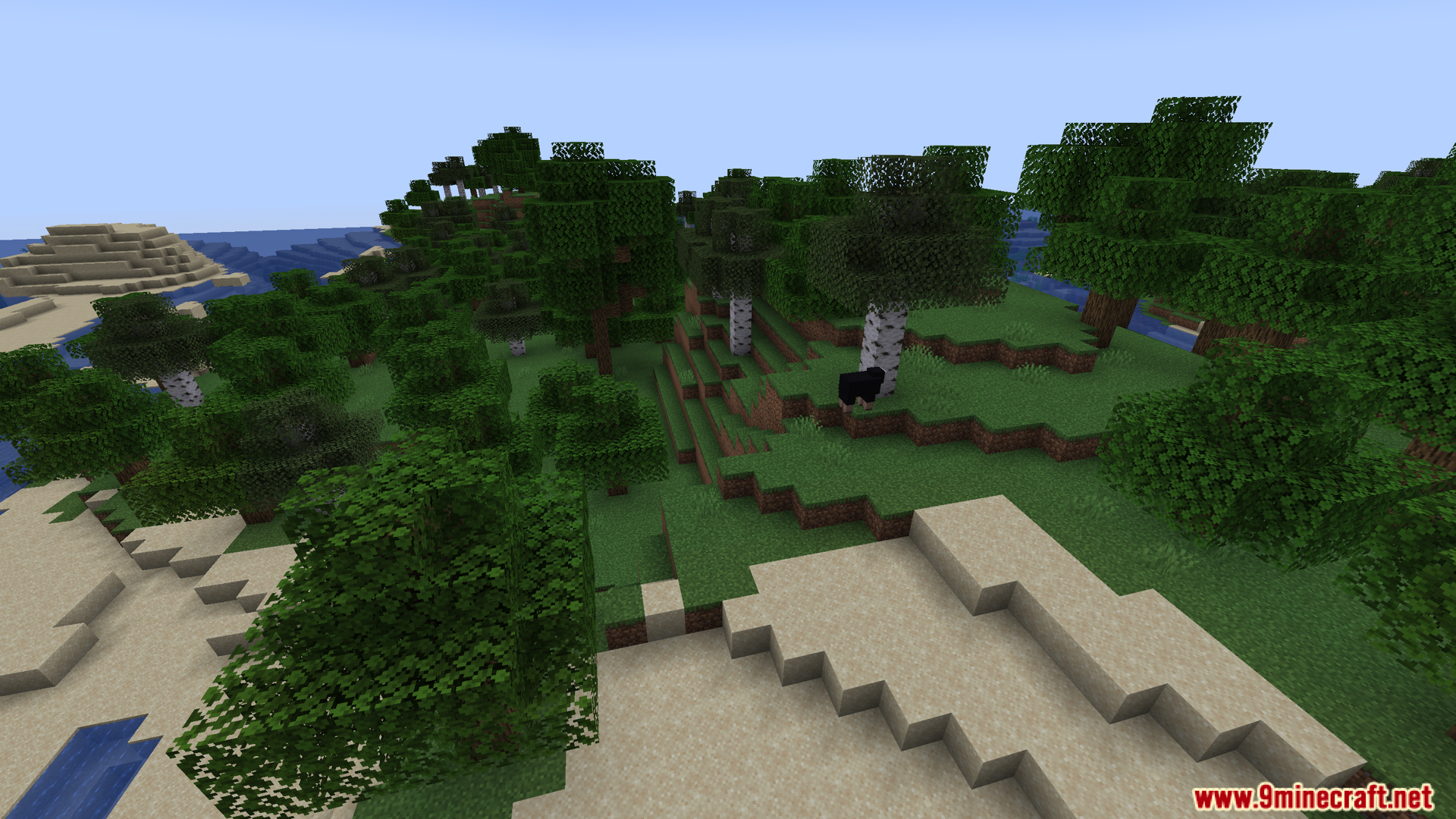
8 images from the Simple Resource Loader Mod page.
You May Also Like
Wikis that share the most with this one
More mod wikis on the site
 Simple Mod Sync SMS Mod
The most downloaded mods that have a wiki here
A few wikis from each of the other kinds