

 DownloadSimple Datapacks Mod
Get the files on 9Minecraft
Guides
Step-by-step, in-game.
Enable or Disable a Datapack Without RestartingToggling Datapacks On and Off One of the main conveniences of this mod is the ability to change datapack status…Install a New Datapack Using the In-Game MenuAdding Datapacks Through the Mod Simple Datapacks Mod streamlines datapack installation by providing an in-game…Open the Datapacks Menu and View Your Installed DatapacksAccessing the Menu The Simple Datapacks Mod adds a dedicated menu to manage all your datapacks without leaving the…Troubleshoot a Datapack That Isn't WorkingChecking Datapack Status If a datapack isn't functioning as expected: 1. Open the datapacks menu and confirm the…
Frequently asked questions
How do I open the datapacks menu?
Open your inventory and look for the datapacks button, or use the keybind (check your controls menu to see what it's set to). This opens the in-game datapacks interface where you can manage all your installed datapacks.
Can I enable or disable datapacks without restarting the game?
Yes, that's the main feature of this mod. Toggle datapacks on or off directly from the menu, and the changes take effect immediately without requiring a game restart.
What's the difference between disabling and deleting a datapack?
Disabling a datapack turns it off temporarily but keeps it installed—you can re-enable it anytime. Deleting removes it entirely from your world. Use disable if you want to test without losing the datapack.
Why isn't my datapack showing up in the menu?
Make sure the datapack file is in the correct folder (usually the datapacks folder in your world directory). If it's there but still not appearing, try refreshing the menu or reloading the world. Check that the datapack is compatible with your Minecraft version.
See all 10 Simple Datapacks questions ›
Gallery
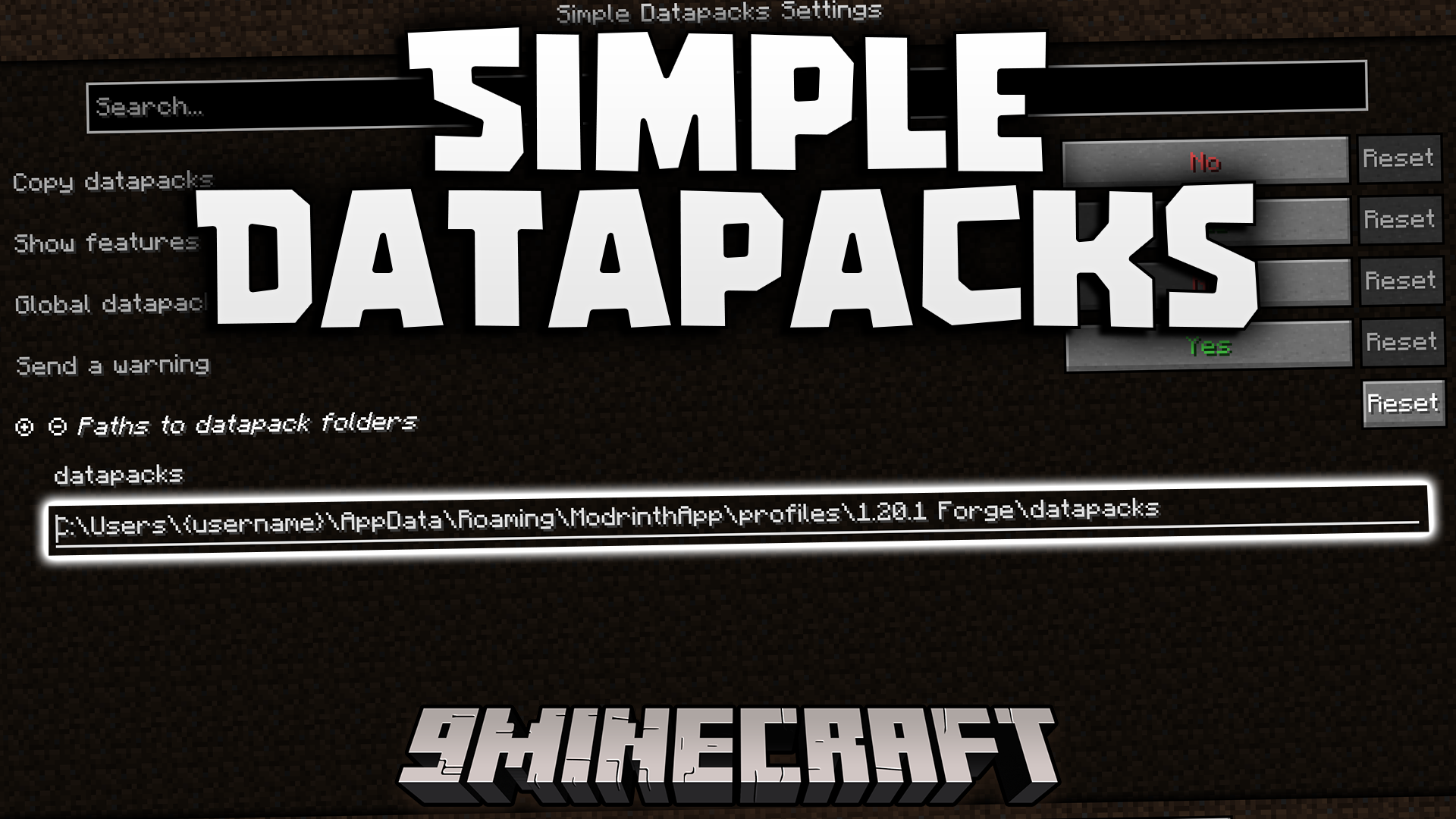
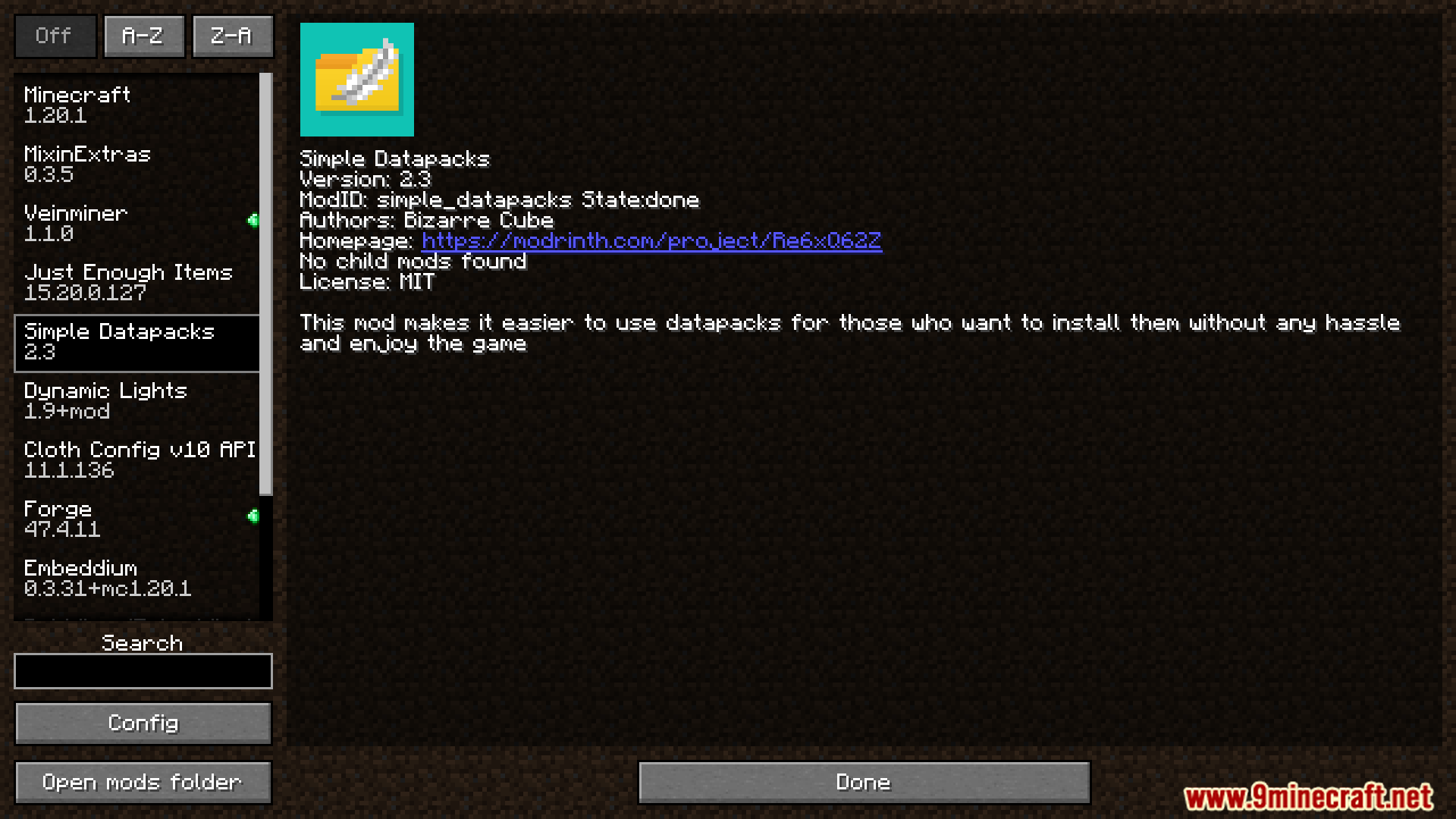
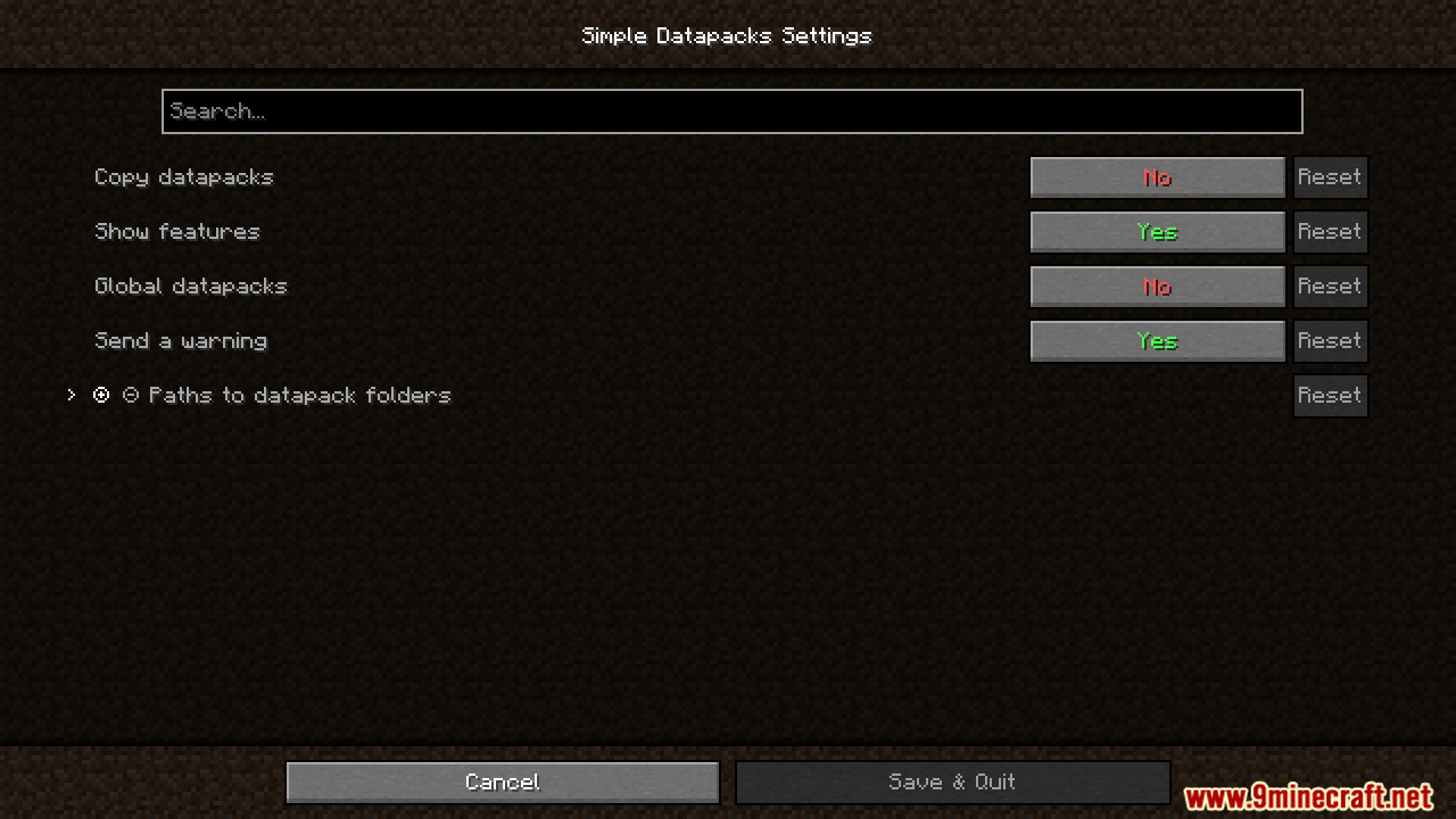
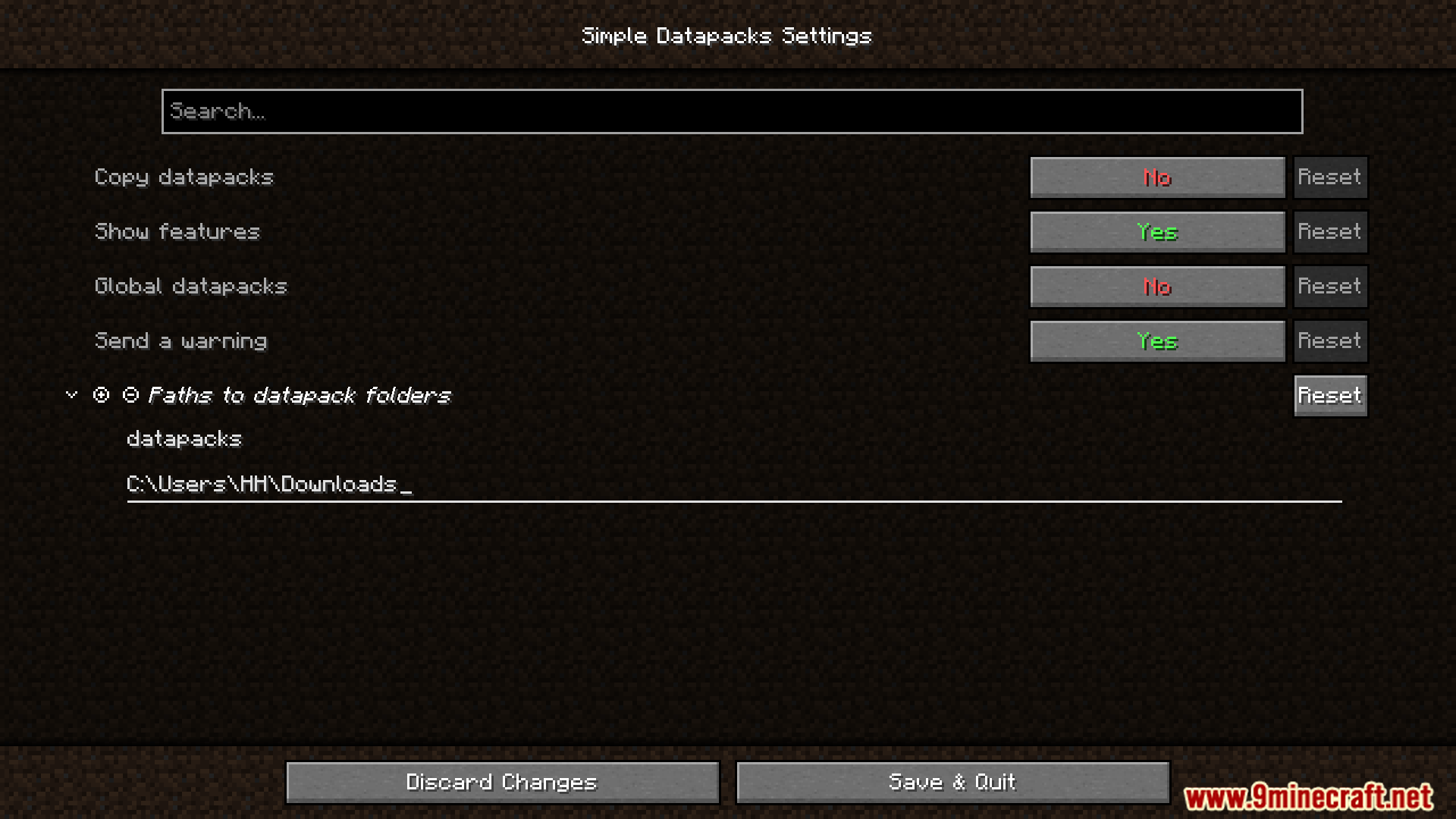
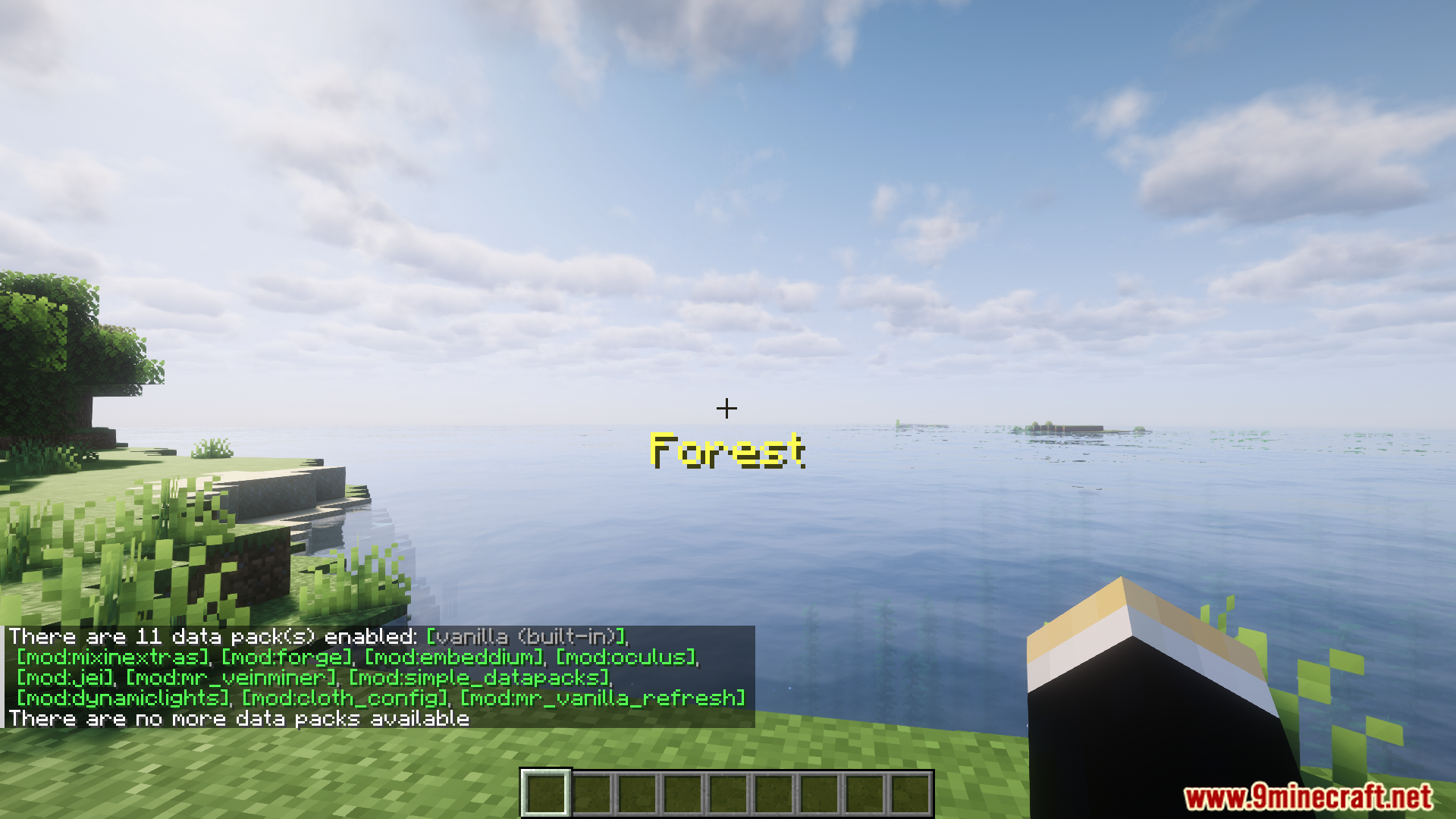
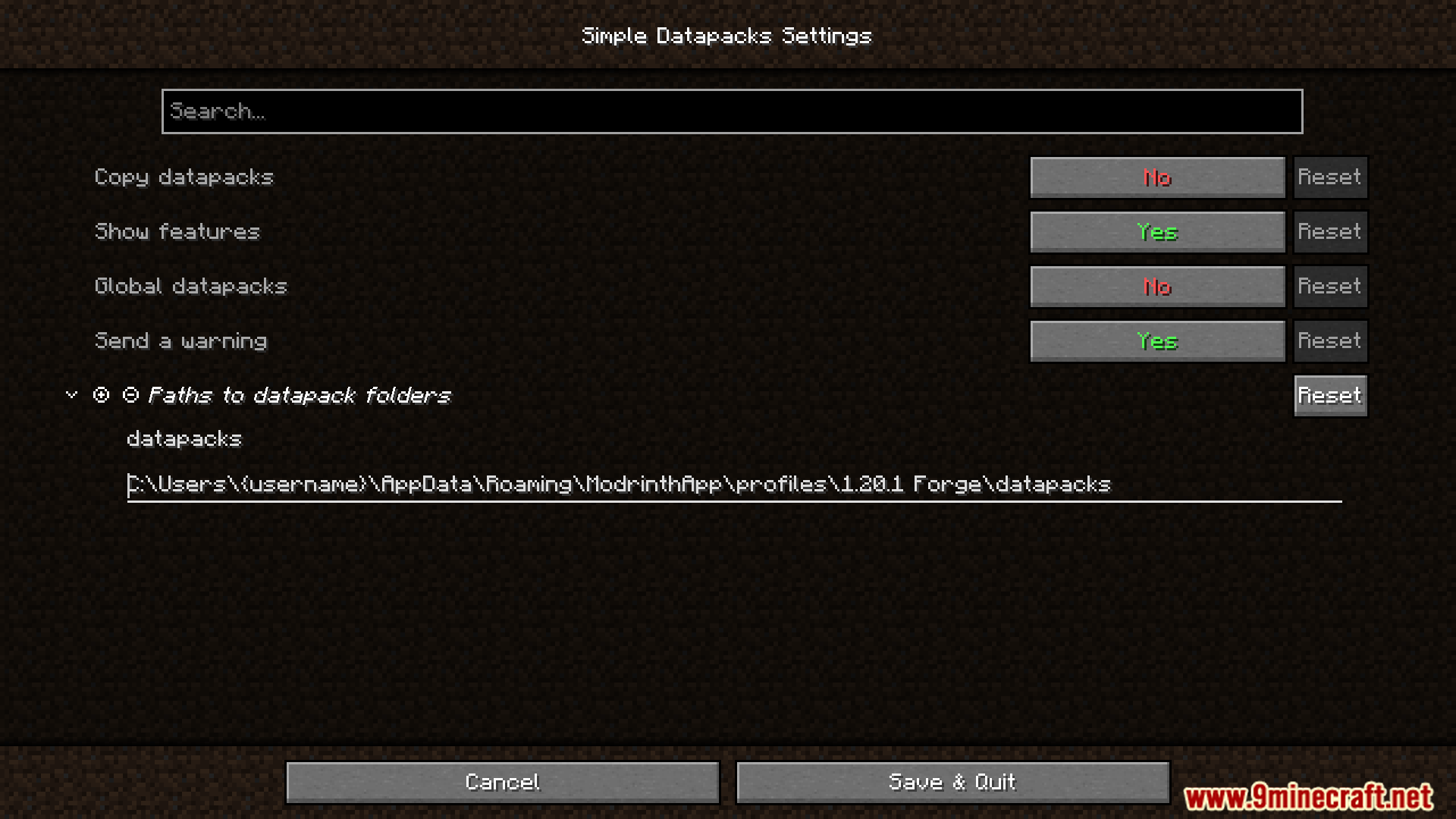
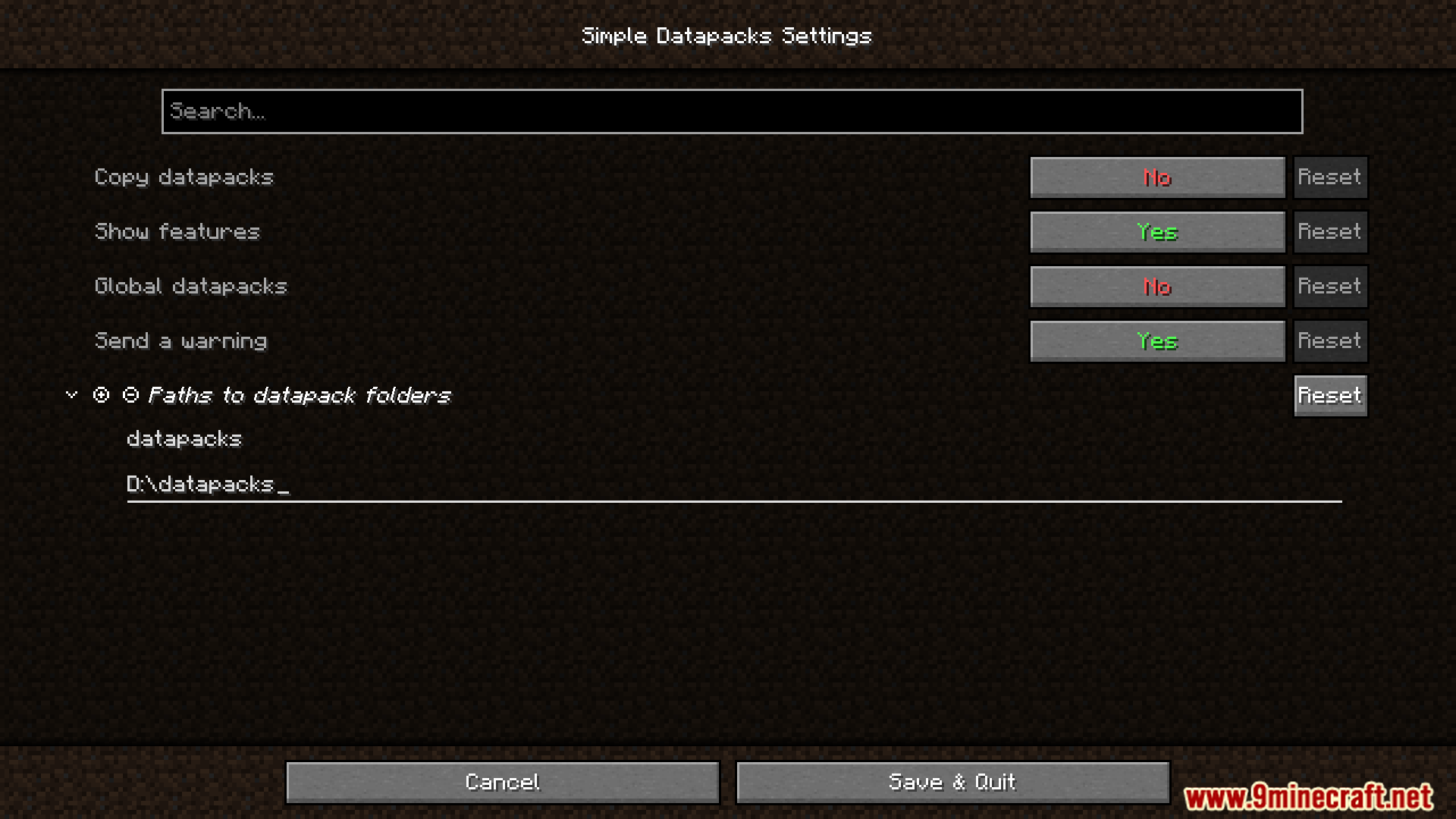
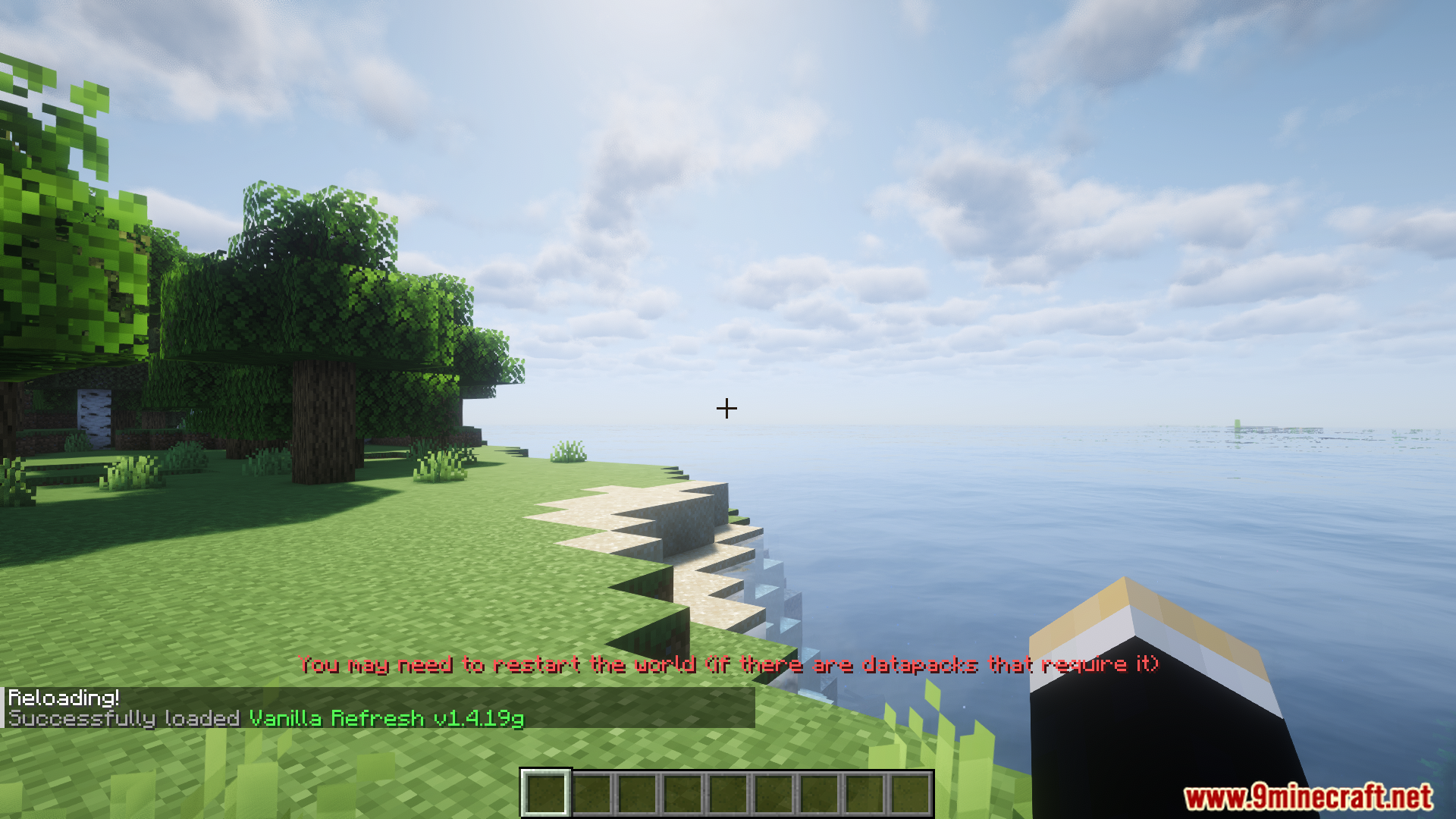
8 images from the Simple Datapacks Mod page.
You May Also Like
Wikis that share the most with this one
Wikis on the same theme: tool
Info Tools Data PackTool Trims Data PackVanilla Paxels Data PackHoe Effective Cactus Data PackMore Armor and Tools Data PackIce And Fire Smithing Data Pack Universal Font Tester Data PackObsidian Items Tools and Armor Data PackPickaxe Effective Reinforced Deepslate Data PackEnder Dragon Loot X Advanced Netherite Compat Data PackOre Vein Miner Tree Vein Miner Leaf Capitator Data PackTetra
More data pack wikis on the site
Simple Damage Indicator Data PackSimple Apple Trees Data PackShingeki No Craft Attack on Titan Data PackShatterbolt Artillery Data PackShapeless Portals Data PackServer Sleep Data PackSculk Stew Sweets Data PackSATB Data PackSapling Tweaks Data PackRosy Island Exploration Data PackRoguelike Tower Data PackRich Husk Data Pack
The most downloaded mods that have a wiki here
A few wikis from each of the other kinds