

 DownloadSimple Backups Mod
Get the files on 9Minecraft
Guides
Step-by-step, in-game.
How to Configure Simple Backups Mod (Interval, Backup Count, and Size Limit)Finding and Editing the Config File Simple Backups stores its settings in a config file inside your Minecraft…How to Manage Backup Storage and Clean Up Old Simple BackupsUnderstanding Automatic Cleanup Simple Backups does not keep every backup forever. Two limits control cleanup: a…How to Manually Trigger a Backup in Simple Backups ModUsing the In-Game Command Simple Backups registers a command you can run from the chat window to force a backup…How to Restore a World from a Simple Backups BackupLocating Your Backups All backups live in the simplebackups folder inside your Minecraft instance directory. Open it…
Configuration
Every setting in the mod config file, with what it changes.
| Option | What it does |
|---|---|
backupChainsToKeep | Backup Chains to keep |
backupFormat | Backup Format |
backupType | Backup Type |
noPlayerBackups | Backups without Players |
captureLatestLog | Capture log during backup |
onlyFavorites | Cherished Worlds |
collectErrors | Collect I/O Errors |
commandsCheatsDisabled | Commands for Non-OP |
compressionLevel | Compression Level |
createSubDirs | Create subdirectories |
deleteUnfinishedBackup | Delete Unfinished Backups |
error_handling | Error Handling |
fullBackupTimer | Full Backup Timer |
ignored_files_regex | Ignore RegEx |
ignored_files | Ignored Files |
ignored_paths | Ignored Paths |
maxDiskSize | Max Disk Size |
mc2discord | Mc2Discord |
messagesForEveryone | Messages for Everyone |
mod_compat | Mod Compat |
enabled | Mod Enabled |
noPlayerBackupCount | No Player Backup Count |
noPlayerBackupTimer | No Player Backup Timer |
outputPath | Output Path |
Frequently asked questions
How do I know simple backups is actually working?
The mod shows a chat notification each time a backup completes successfully. You can also open the simplebackups folder in your Minecraft directory and check that new world copies are appearing there.
Where are my simple backups stored?
By default they go into the simplebackups folder inside your Minecraft directory, separate from your saves folder. You can change this location in the config file if you want them on another drive.
Does simple backups work on a server?
Yes, the mod runs on both singleplayer and dedicated servers, and backups are made server-side. On a server the config lives with the server files rather than in your client .minecraft folder.
Will simple backups cause lag while I'm playing?
Backups are performed asynchronously, so the copy happens in the background rather than freezing the game. On very large worlds you may still notice a brief hitch, so scheduling backups less frequently can help.
See all 20 Simple Backups questions ›
Gallery
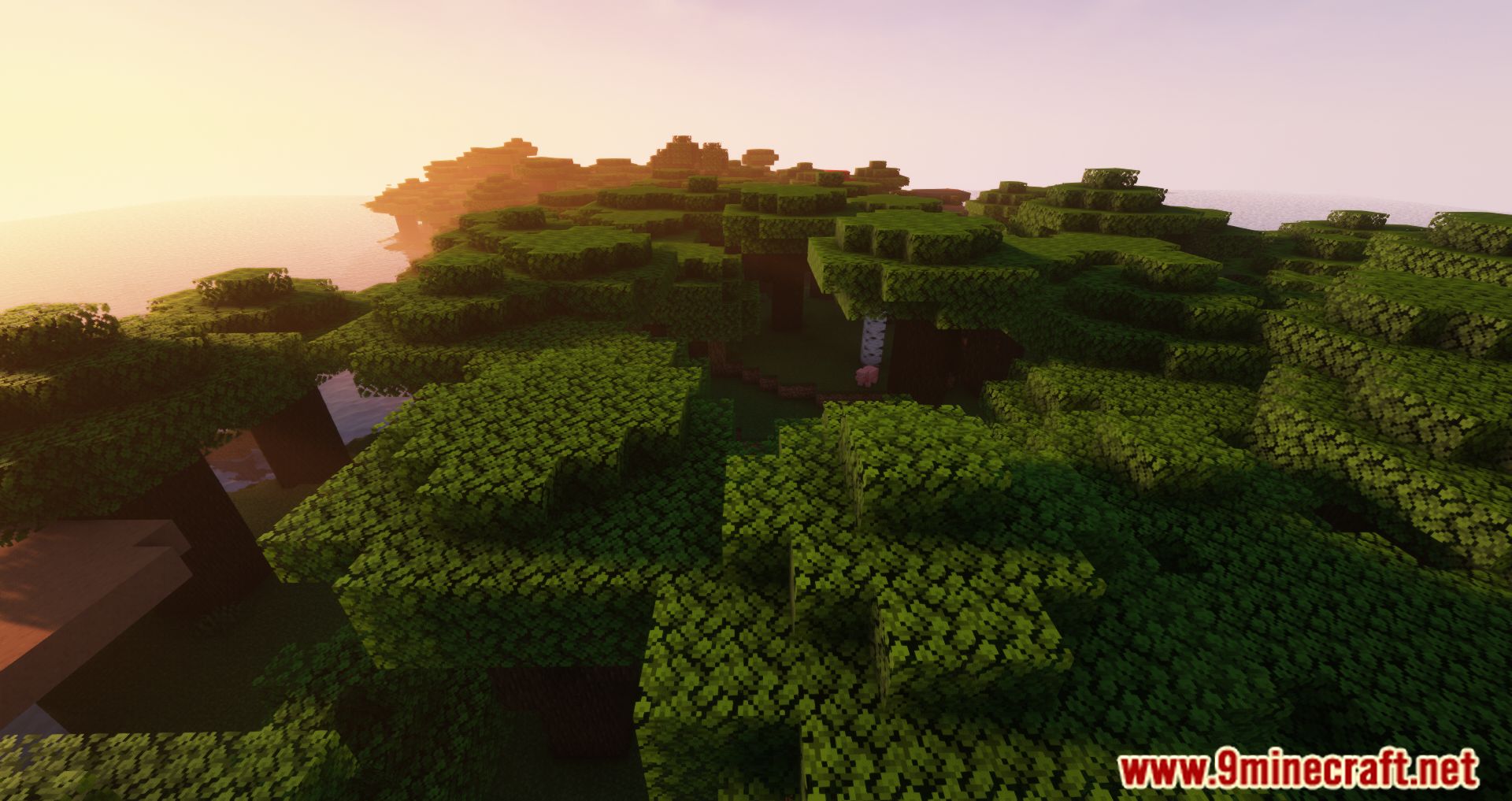
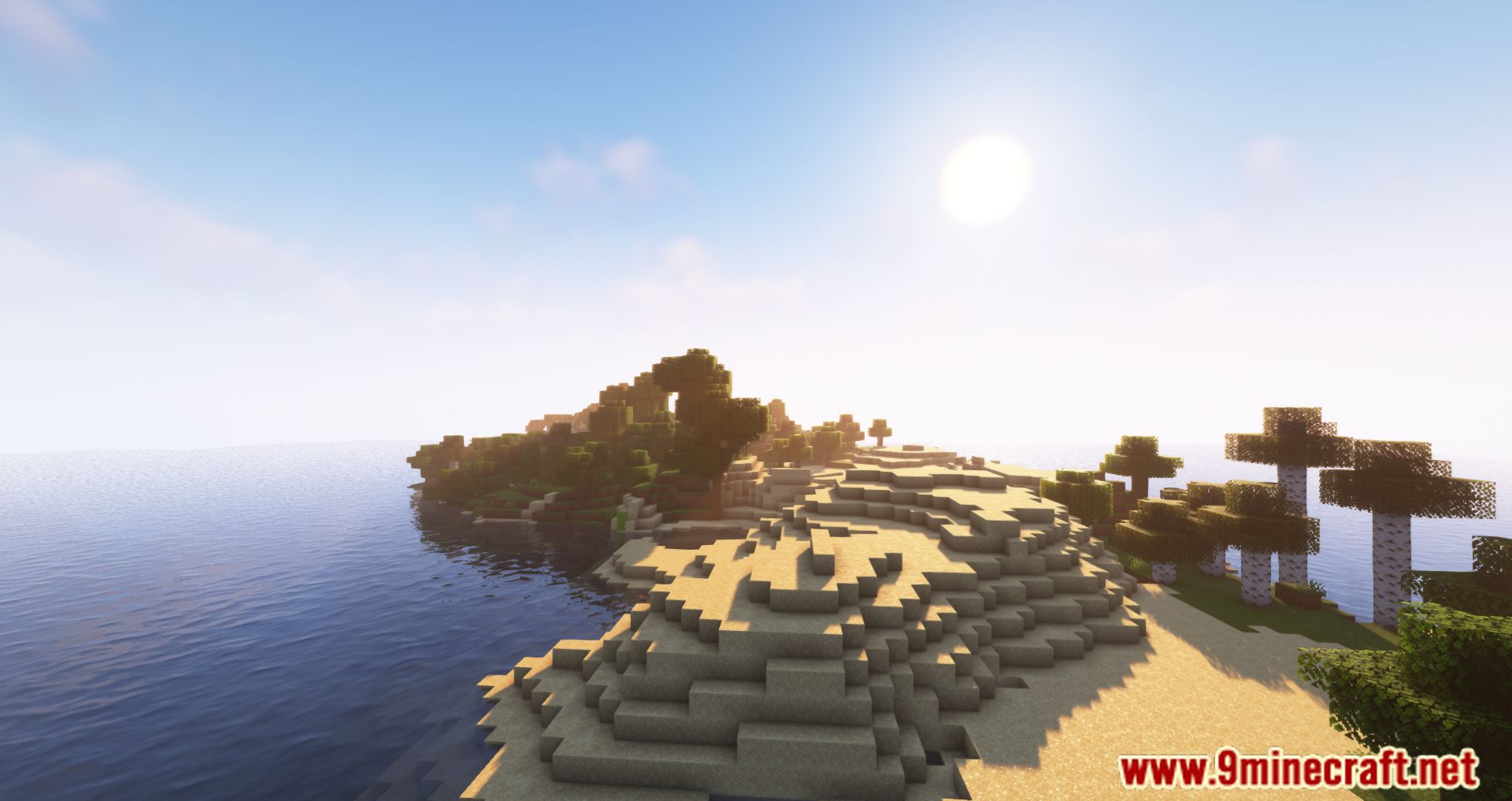
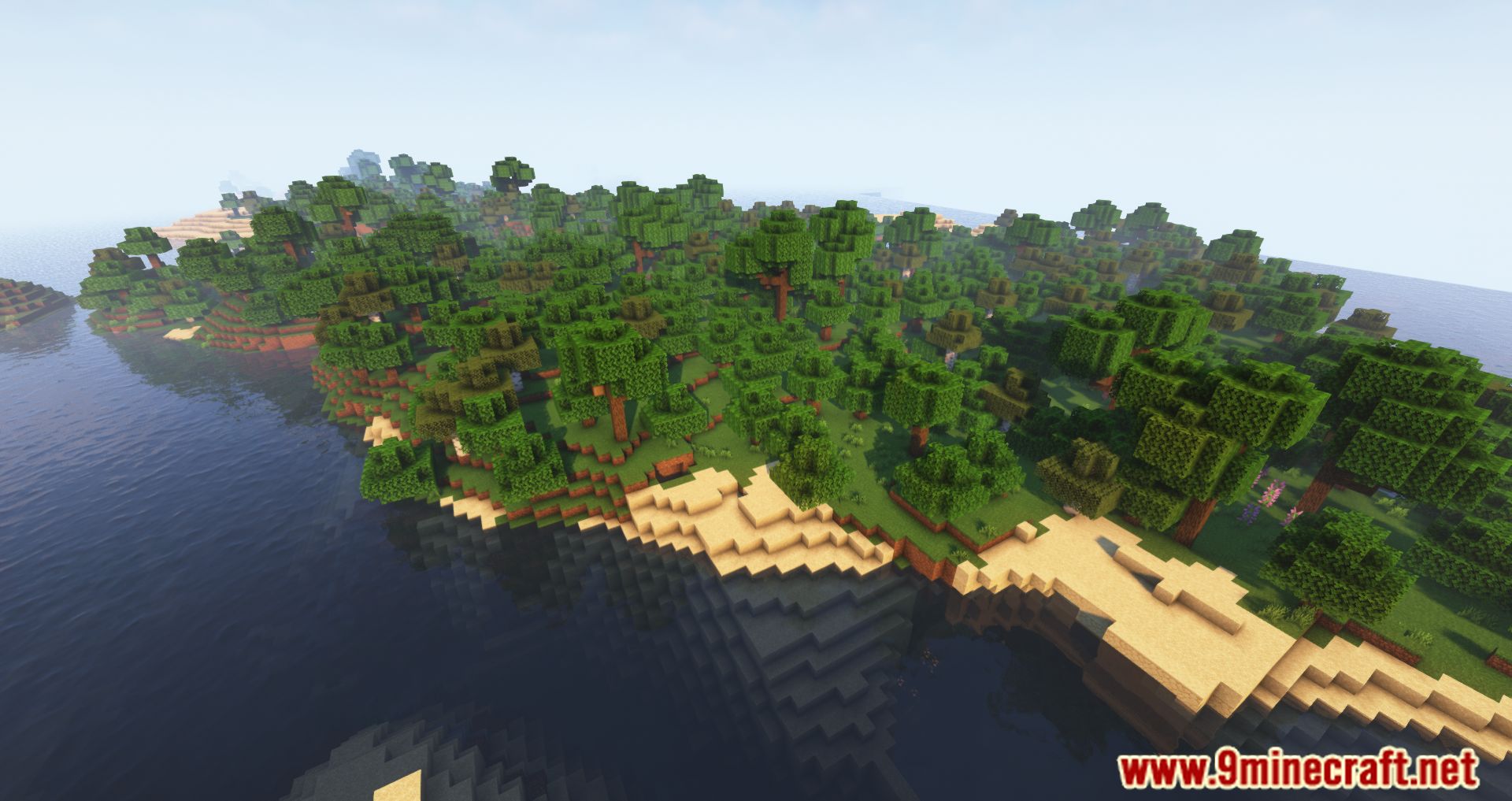
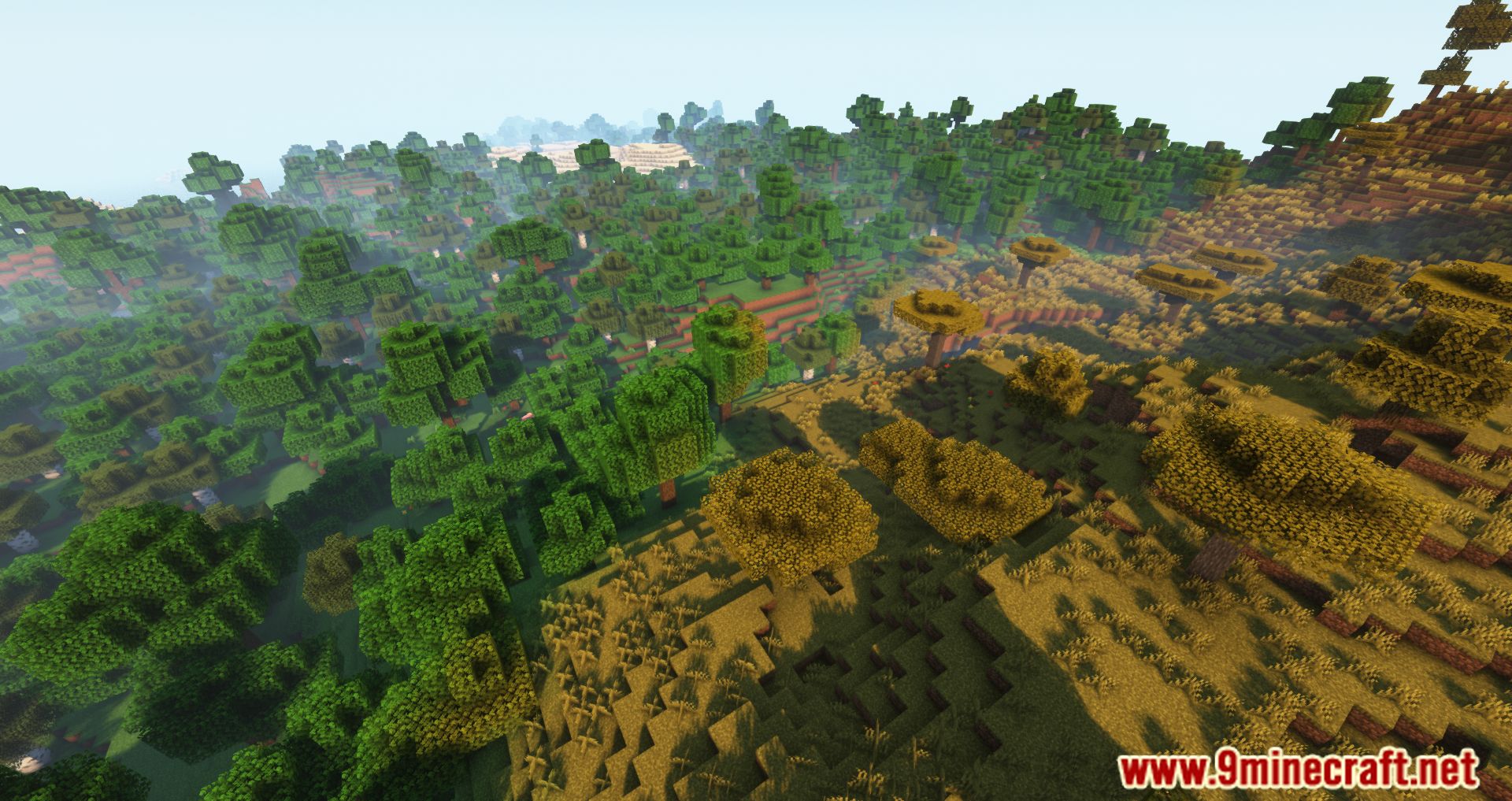
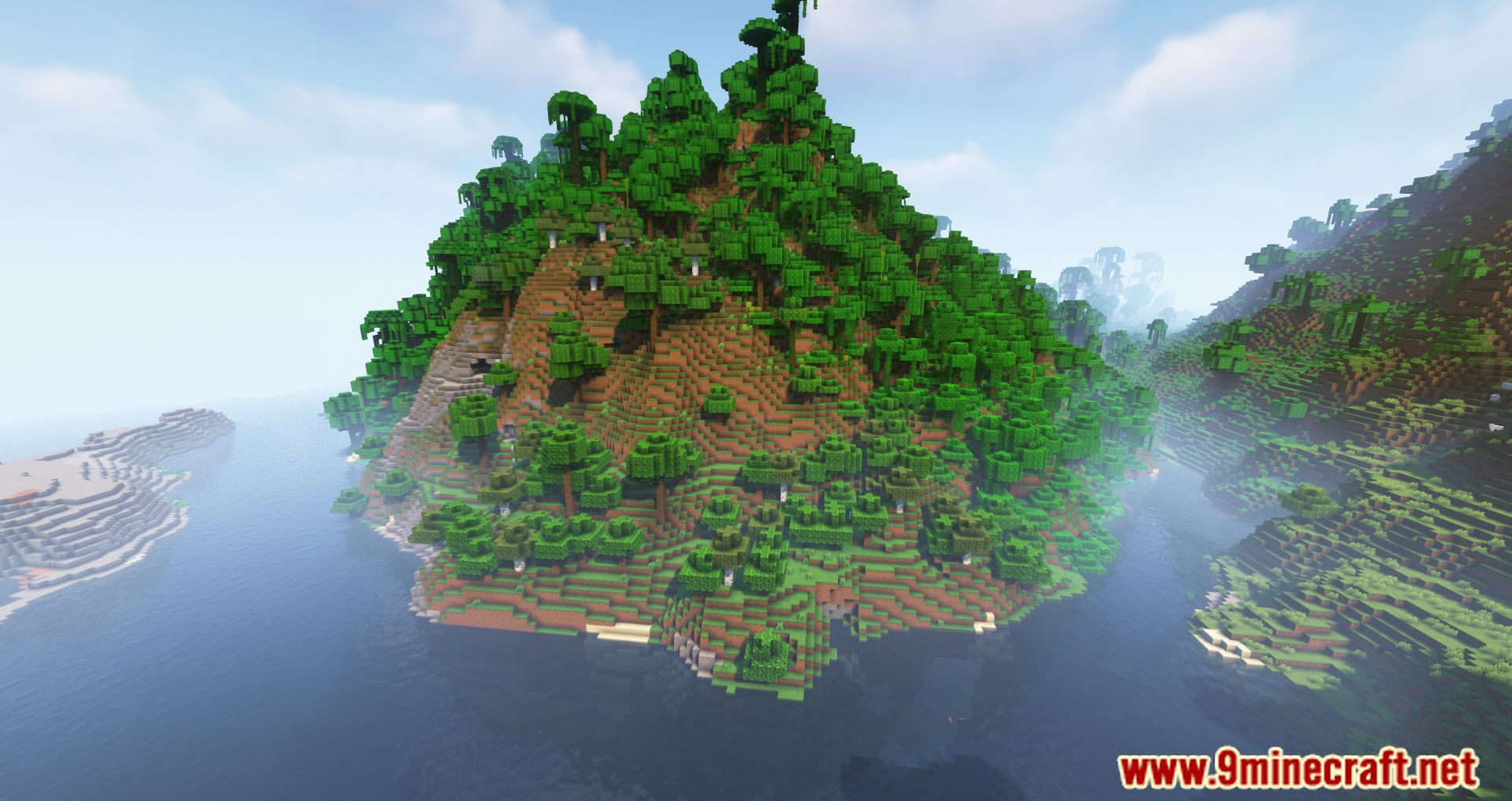
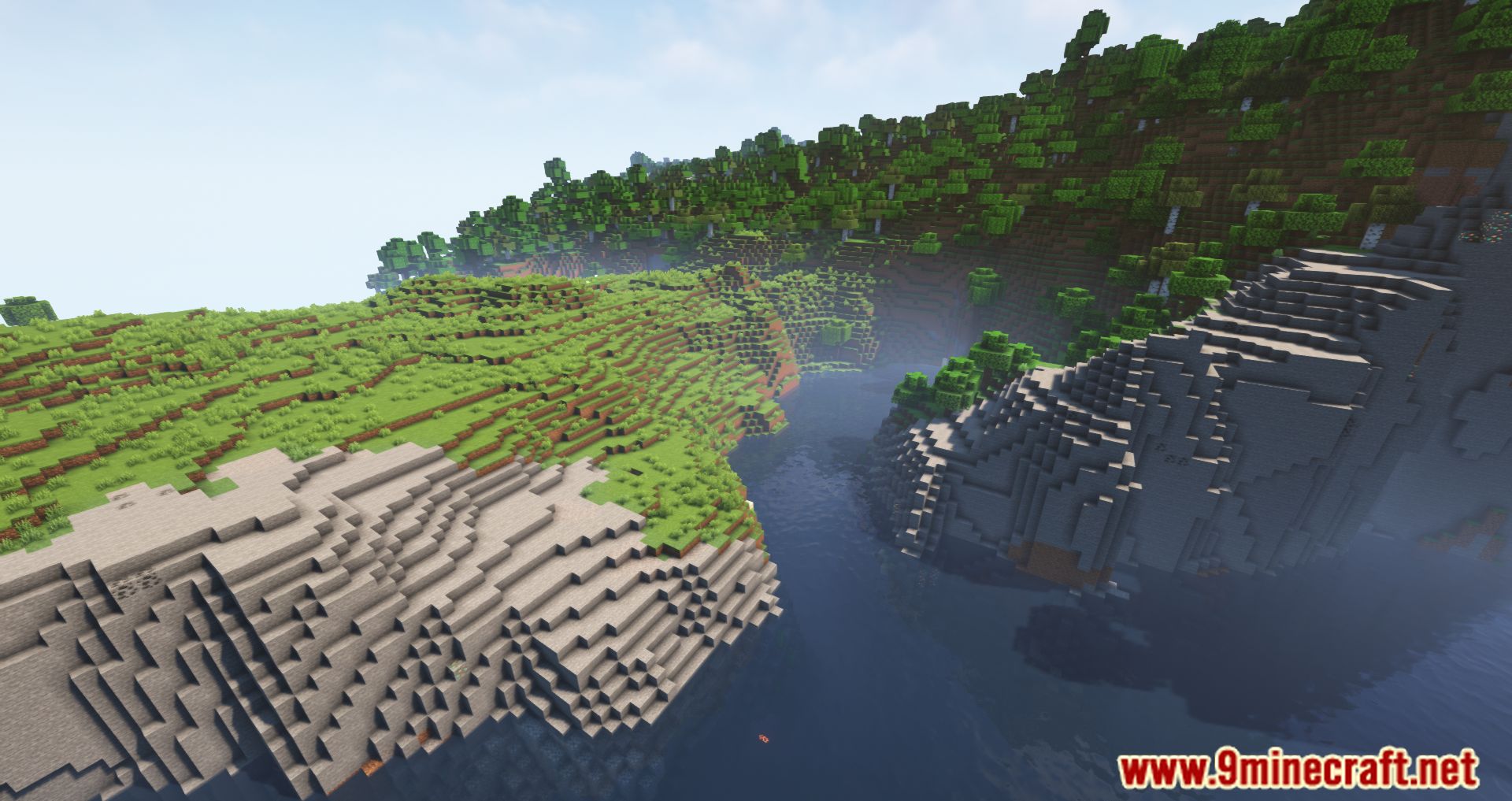
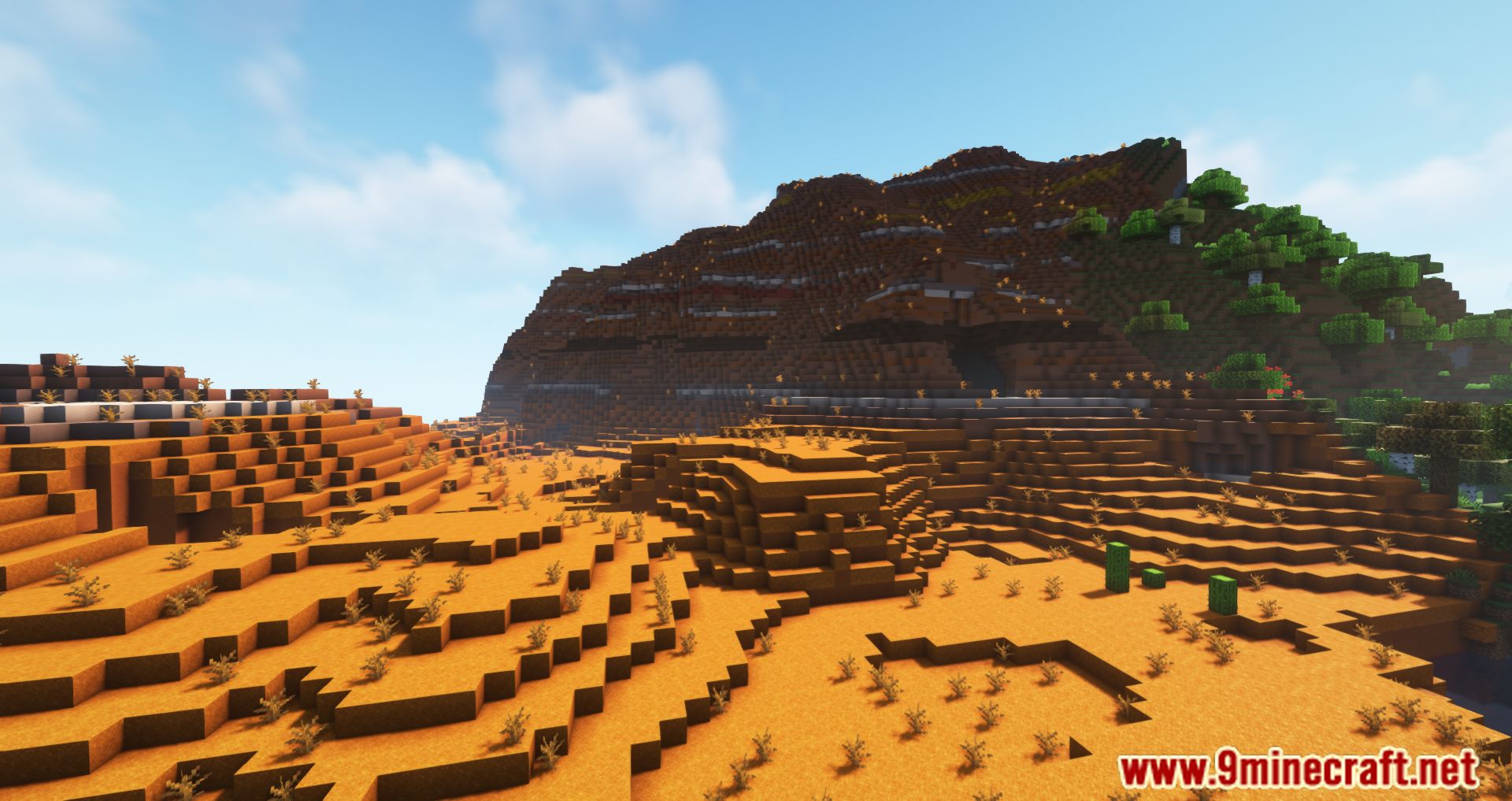
11 images from the Simple Backups Mod page.
You May Also Like
Wikis that share the most with this one
More mod wikis on the site
The most downloaded mods that have a wiki here
A few wikis from each of the other kinds