

 DownloadSimple Armor Hud Mod
Get the files on 9Minecraft
Guides
Step-by-step, in-game.
Fixing the Armor HUD When It Overlaps Other Interface ElementsA common annoyance is the armor overlay sitting on top of your health bar, hunger, hotbar, or another mod's HUD.…How to Move and Reposition the Armor HUD on Your ScreenThe armor HUD overlay can get in the way of other interface elements, so most players want to nudge it into a…Reading Your Armor Durability at a Glance During CombatThe whole point of the mod is that you stop guessing whether your chestplate is about to shatter mid-fight. Once you…Toggling the Armor HUD On and Off When You Do Not Need ItSometimes the overlay is just noise — during building, redstone work, or when you are recording and want a clean…
Frequently asked questions
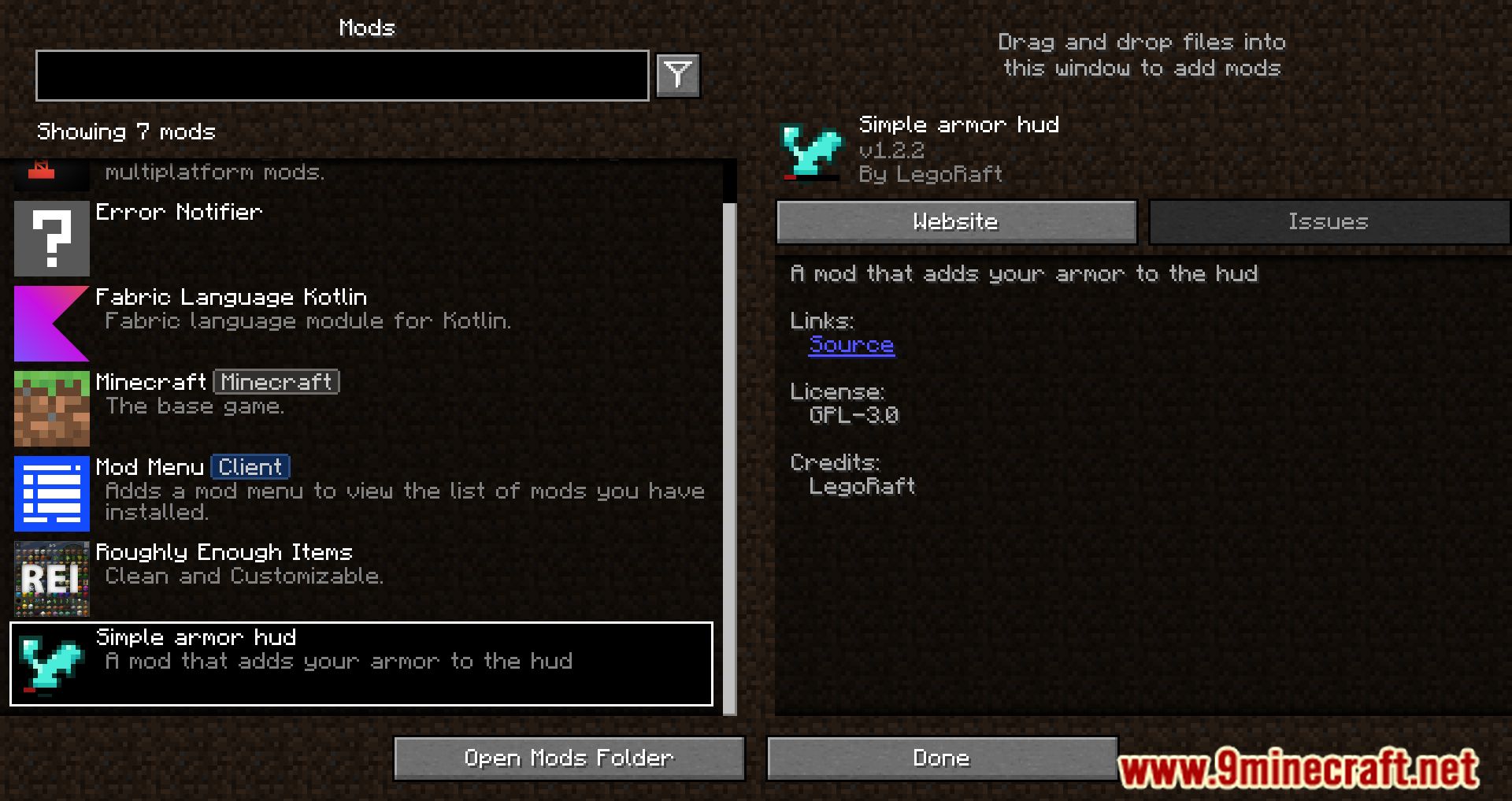
How do I open the armor hud settings?
 mod menu
Does the armor hud show up automatically or do I have to turn it on?
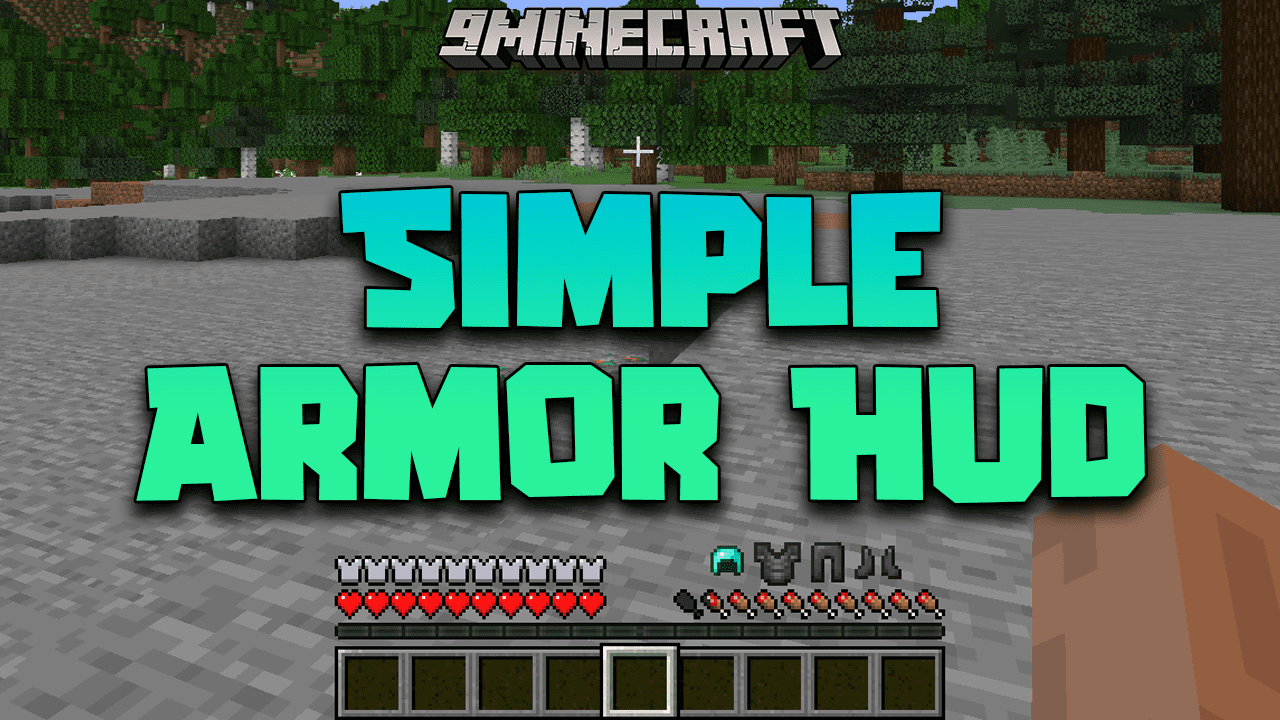
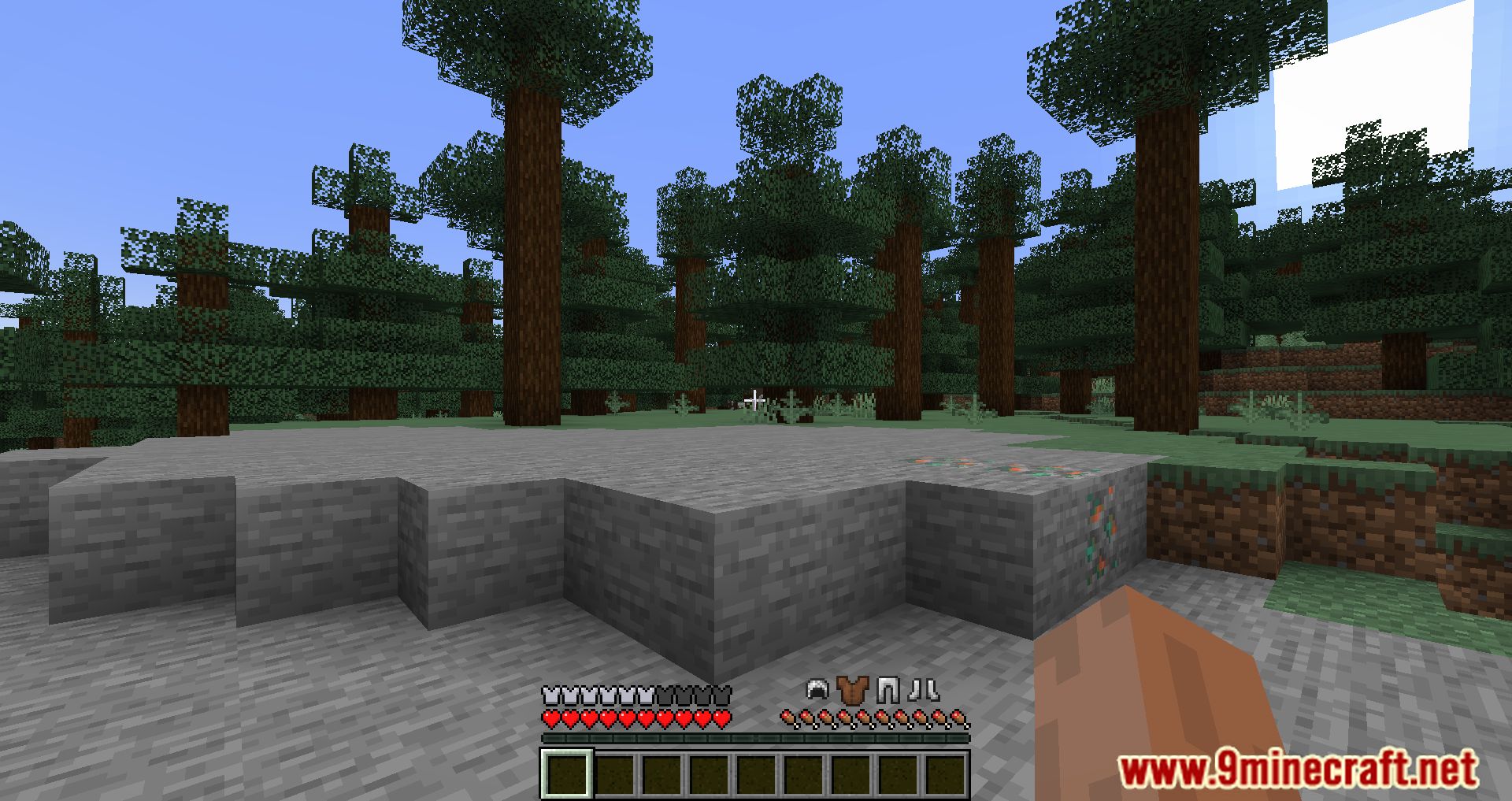
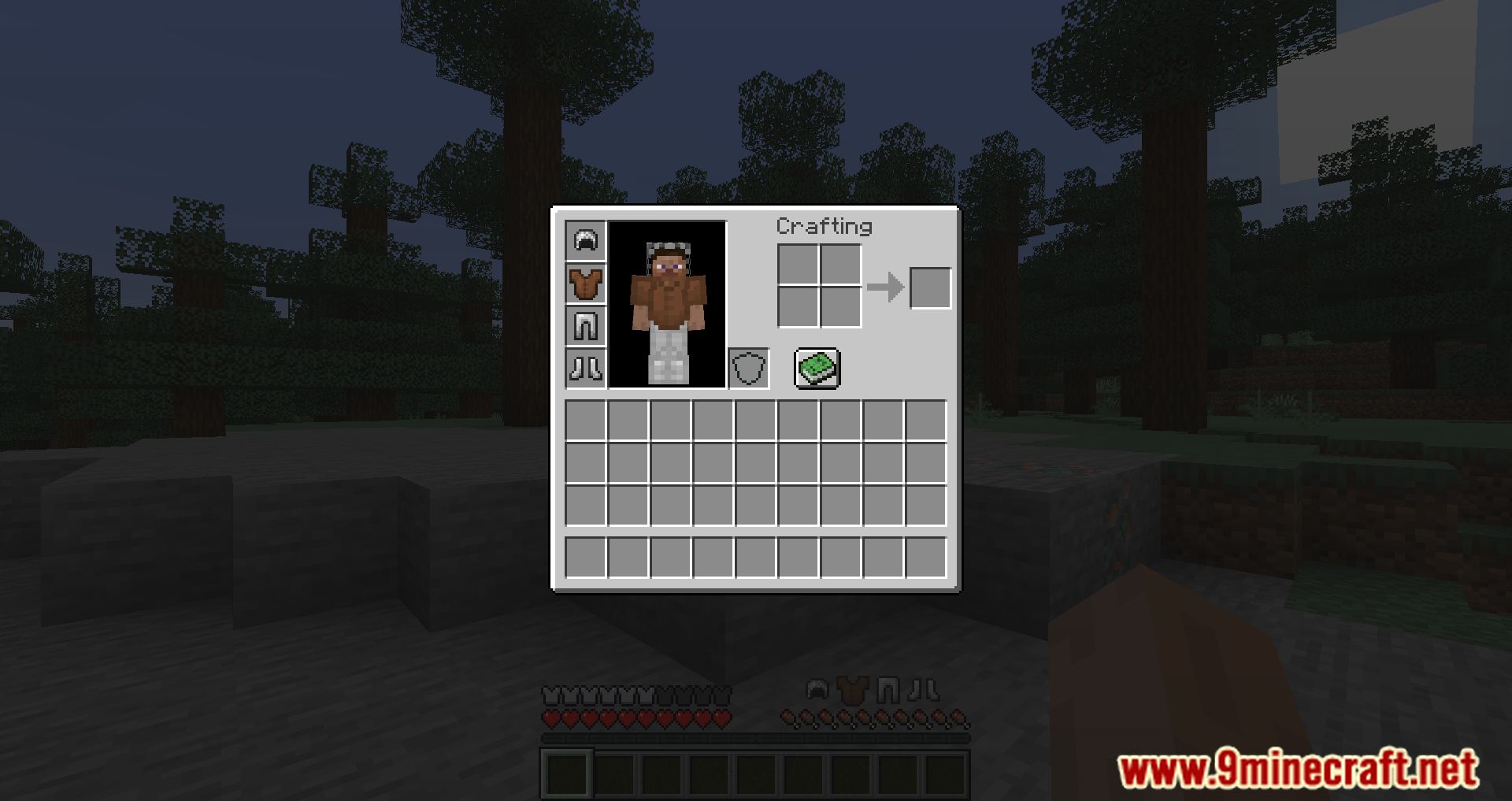
It displays by default once the mod is loaded, showing your equipped armor and its durability on the HUD. If it is not visible, check that the HUD toggle is enabled in the config.
How do I move the armor hud to a different corner of the screen?
Open the mod's config screen and drag the HUD element to where you want it, or adjust the position sliders if the config uses them. The change saves automatically and applies immediately.
How do I turn the armor hud off?
Open the config and disable the HUD toggle, or bind and press the toggle key if one is set. This hides the display without uninstalling the mod.
See all 10 Simple Armor Hud questions ›
Gallery
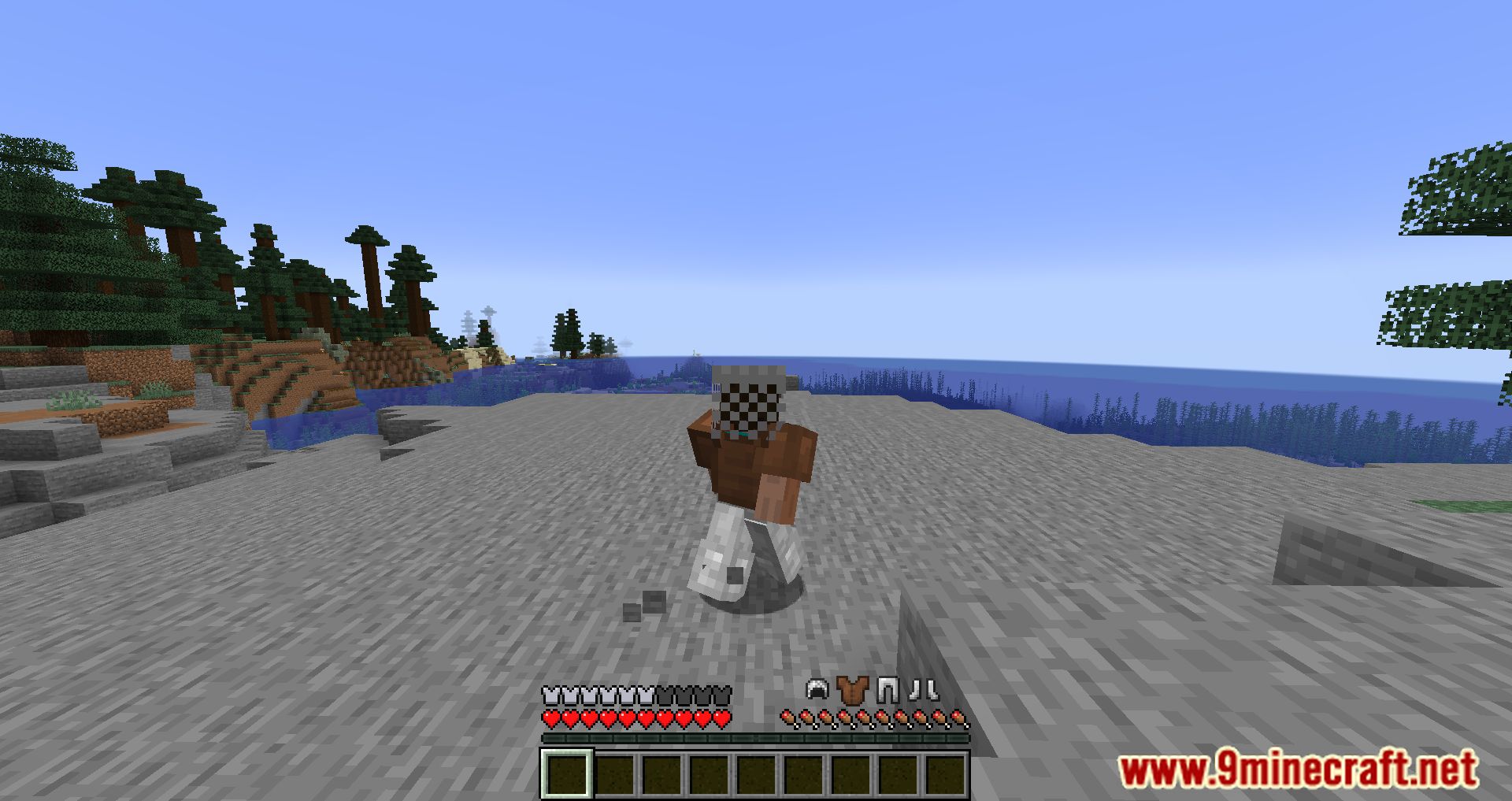
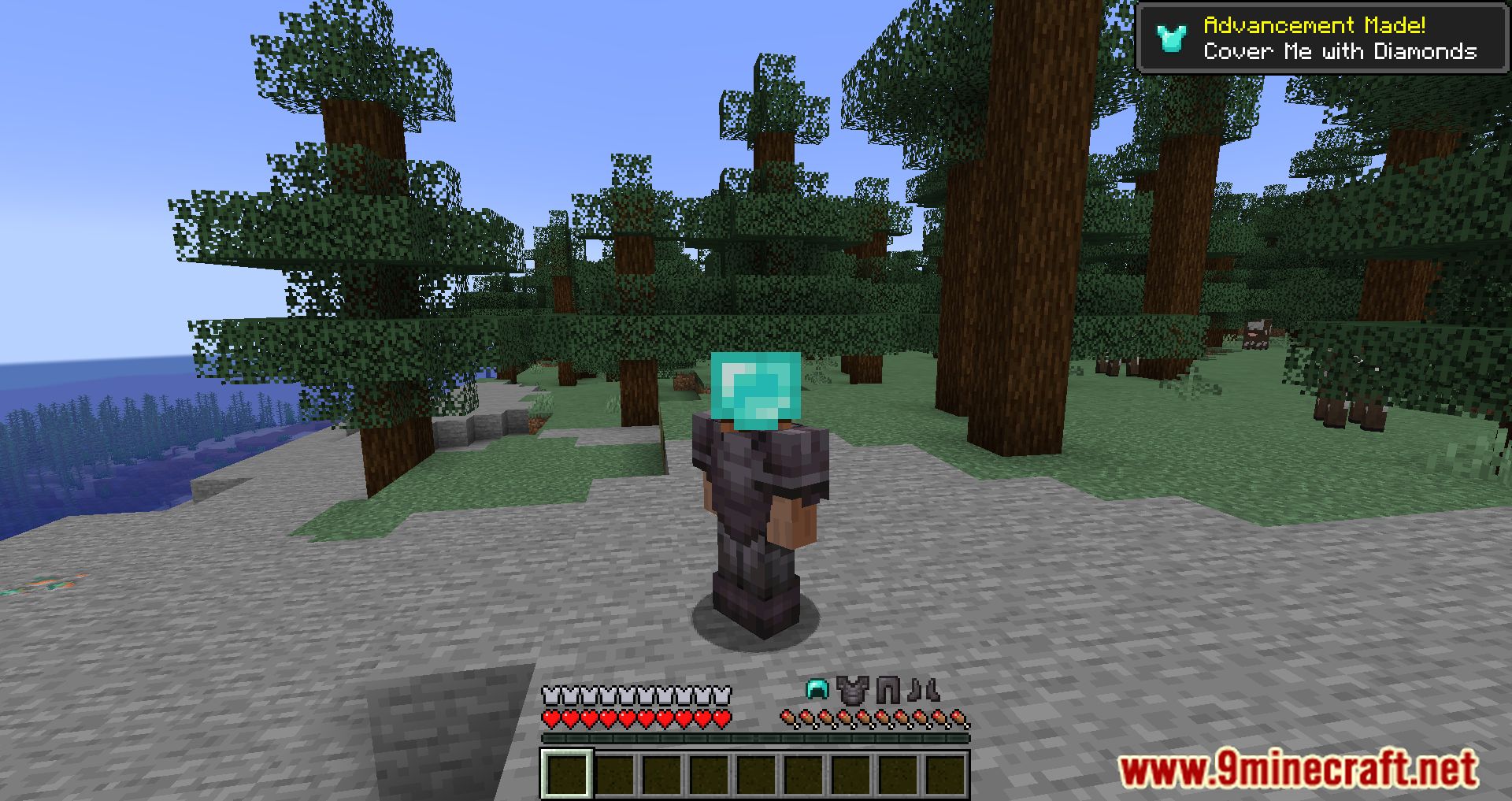
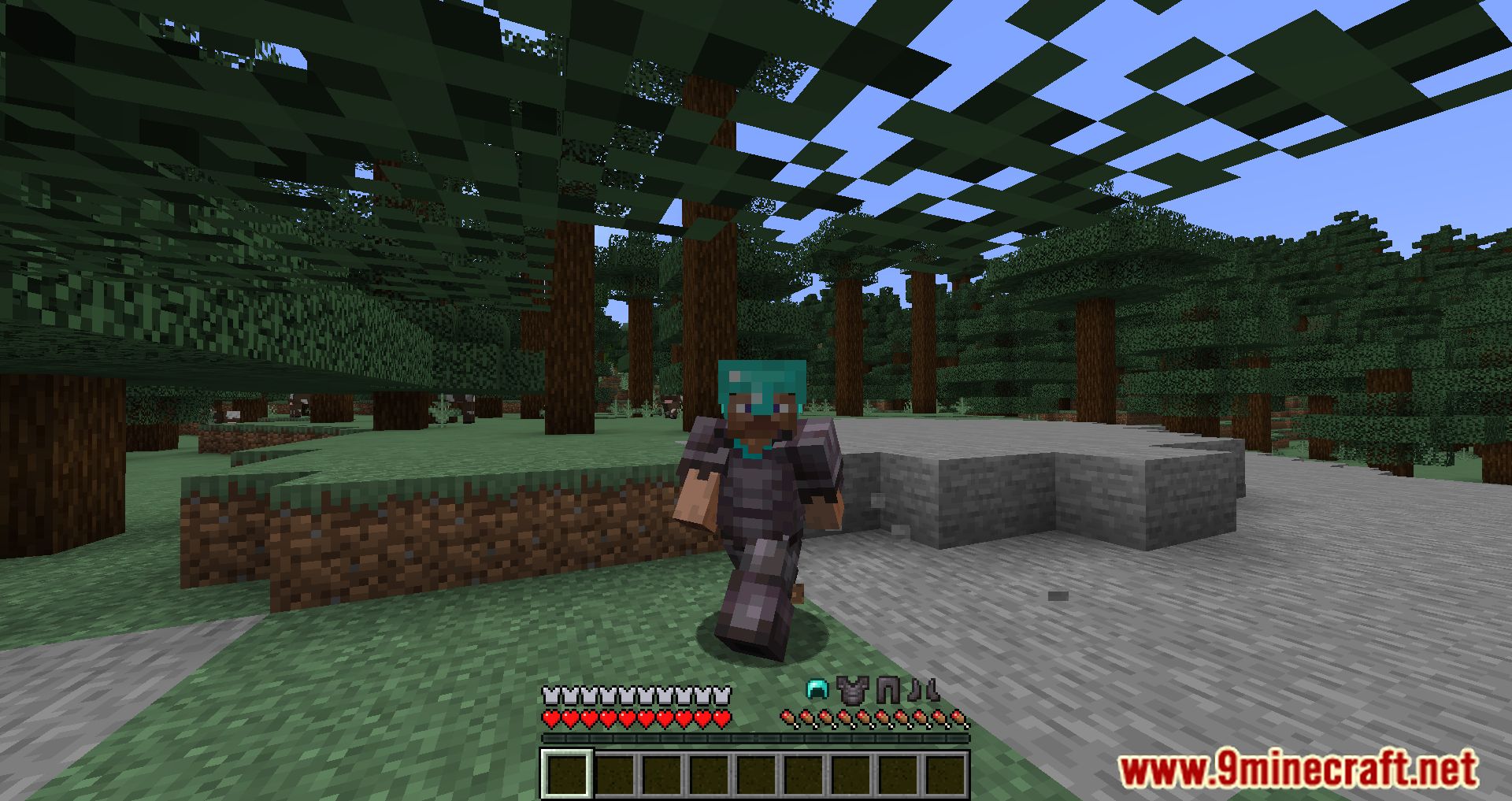
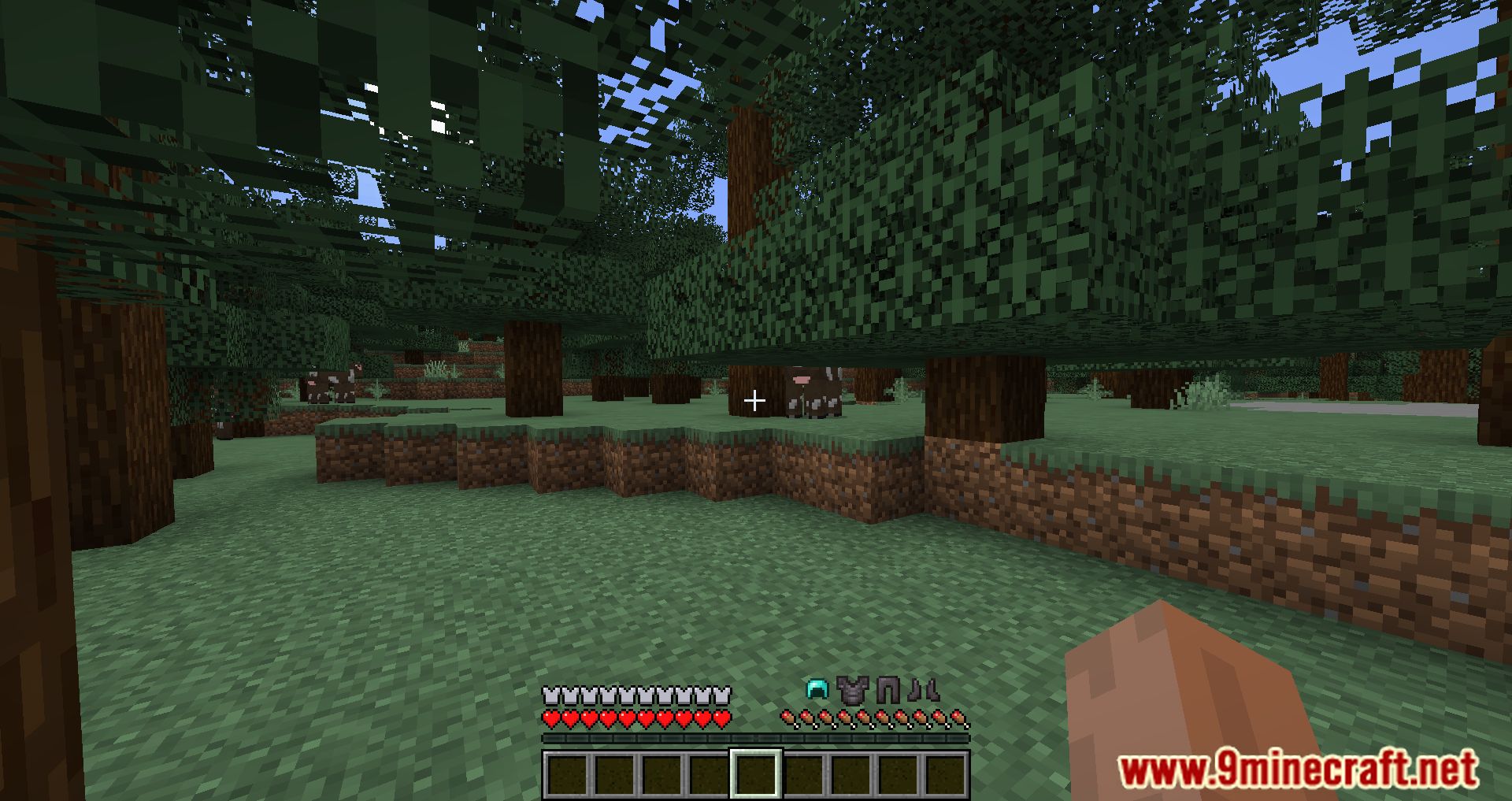
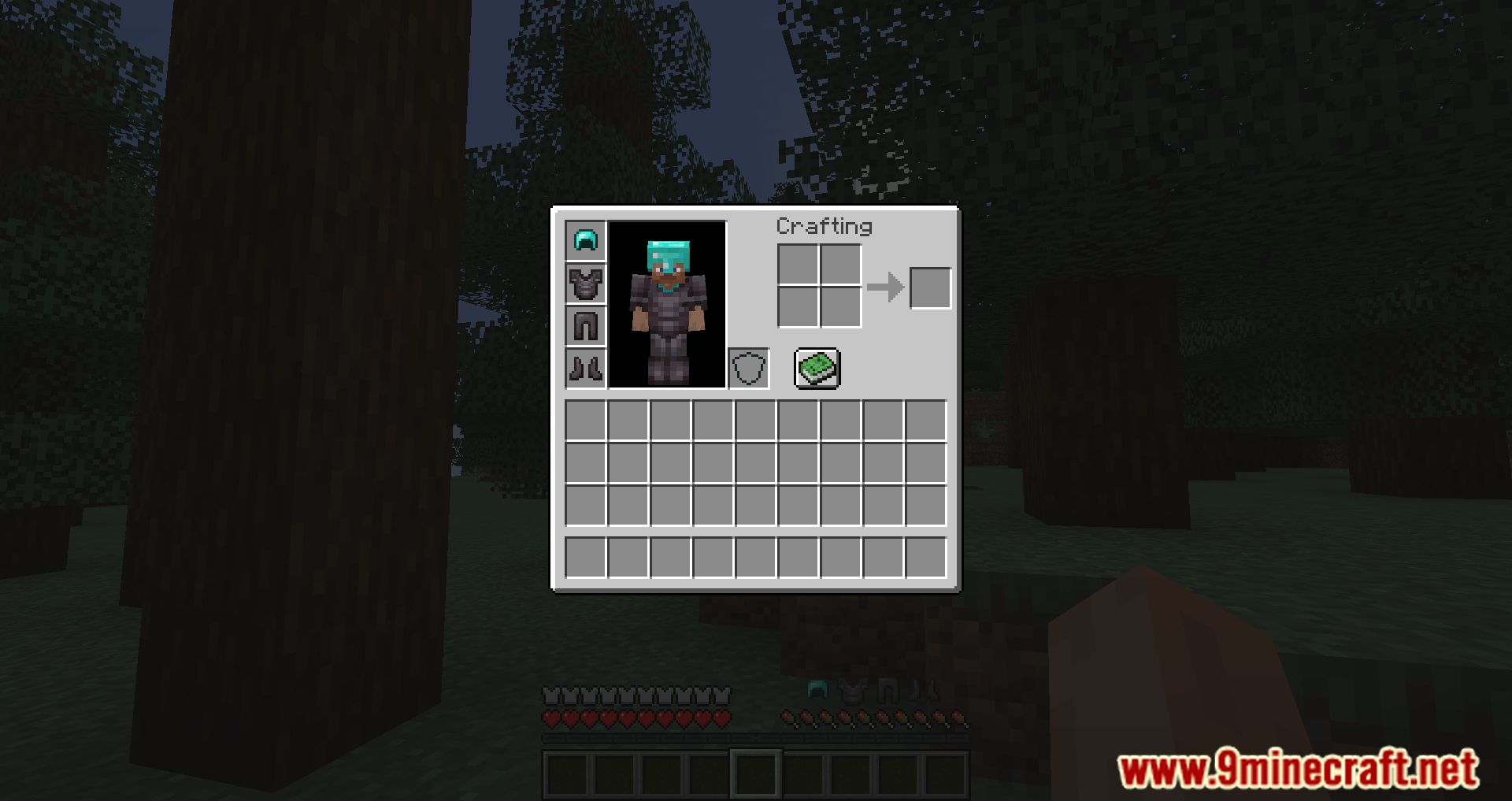
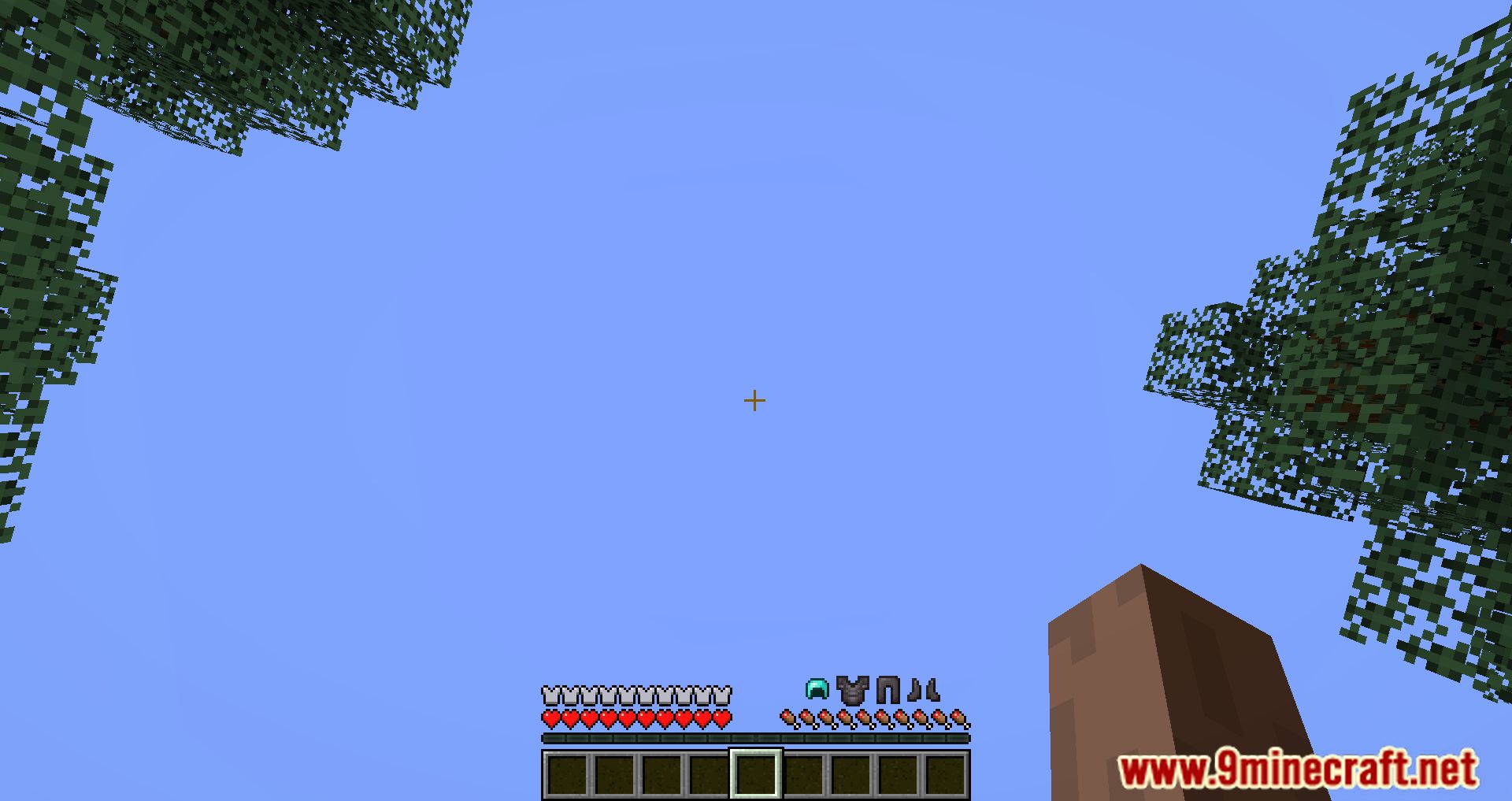
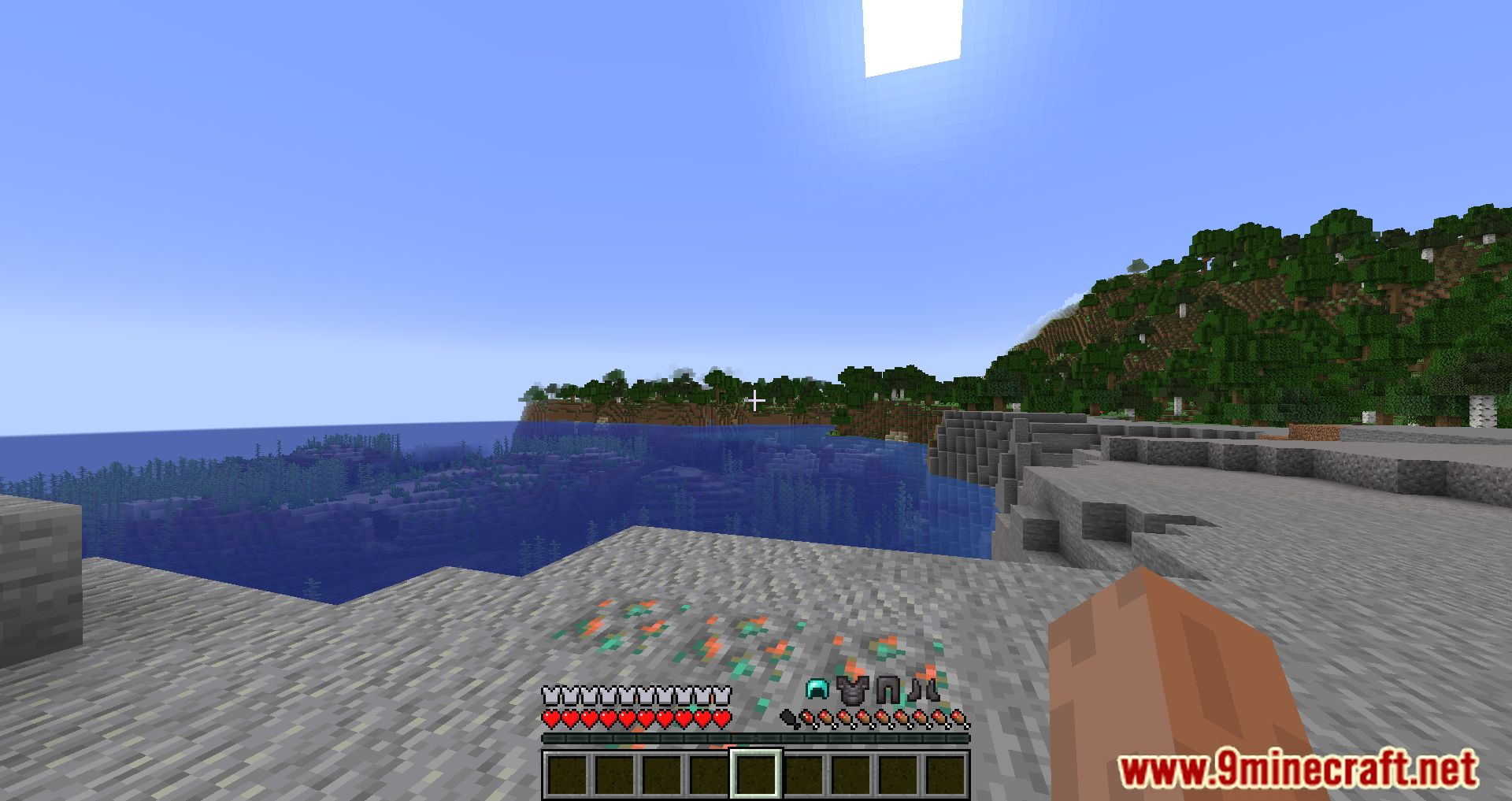
11 images from the Simple Armor Hud Mod page.
You May Also Like
Wikis that share the most with this one
Wikis on the same theme: armor
More mod wikis on the site
The most downloaded mods that have a wiki here
A few wikis from each of the other kinds