

 OptiFine HD
 DownloadSodium Mod
Get the files on 9Minecraft
Guides
Step-by-step, in-game.
How to Fix Sodium Not Working or CrashingIf Sodium is installed but you see no performance gain, or the game crashes on startup, work through these checks in…How to Get the Best FPS Out of Sodium Without Ruining the LookSodium's defaults are already tuned well, but a few adjustments get you more frames while keeping the game looking…How to Install Sodium Correctly in a Modded LauncherSodium is a client-side rendering mod, so it goes in your mods folder for the profile you actually play — not into…How to Open and Use the Sodium Settings MenuSodium replaces Minecraft's built-in video settings with its own screen, so the first thing to learn is where it…
Frequently asked questions
How do I know Sodium is actually working?
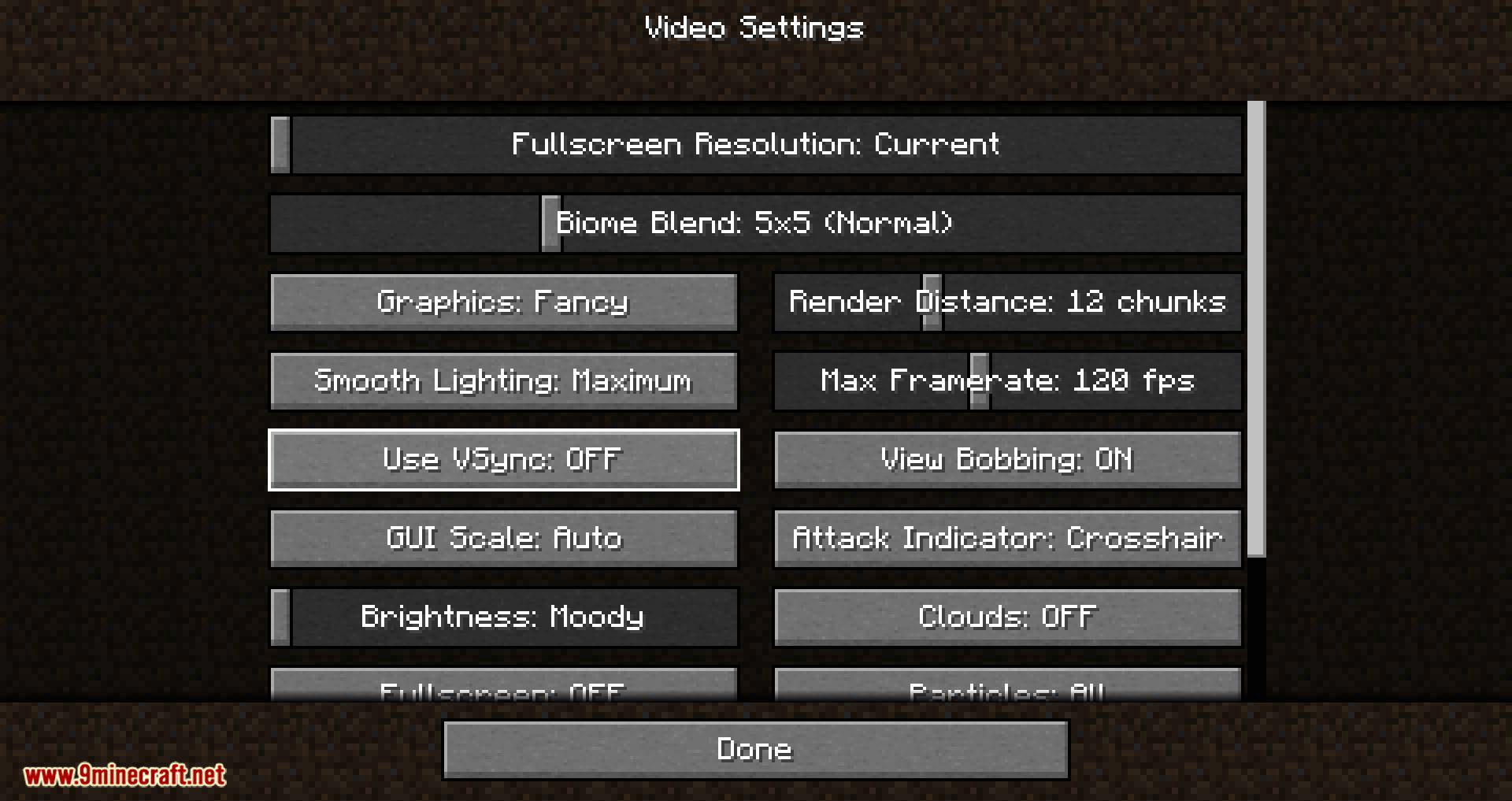
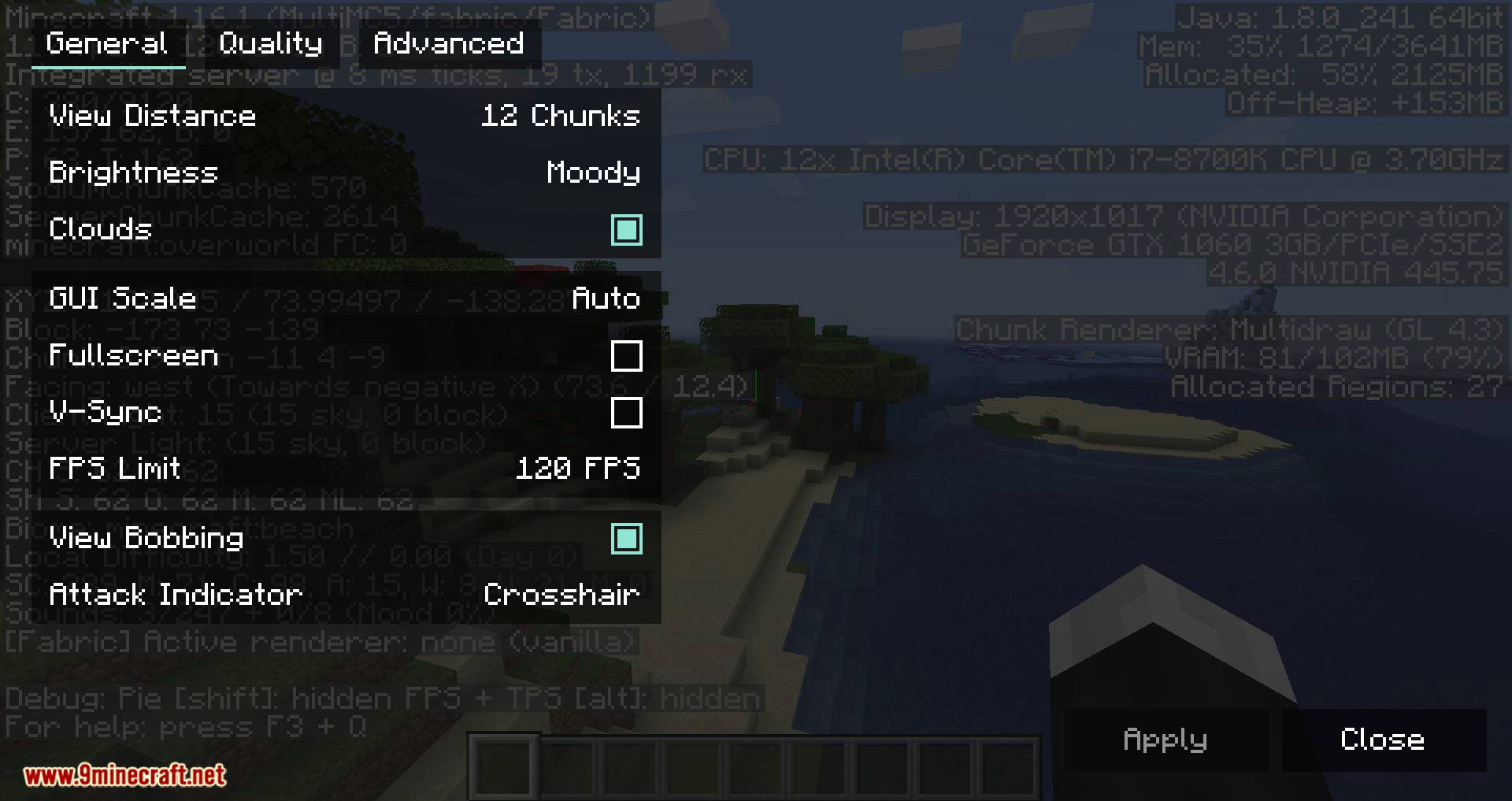
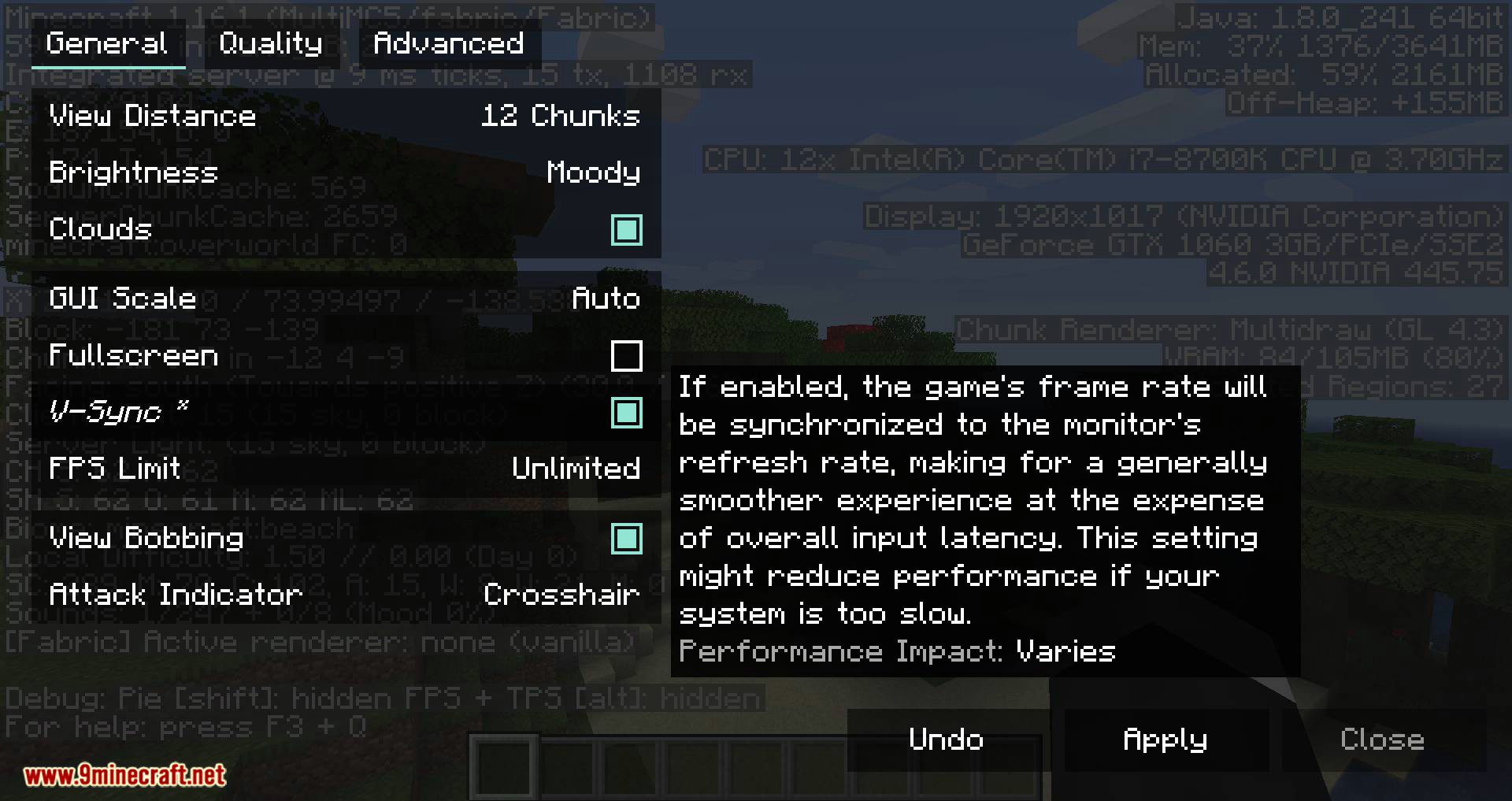
Open the video settings and look for the  Sodium options screen, which replaces the vanilla rendering settings. If you see it there and your FPS counter is higher than before, it's active.
Where are the Sodium settings?
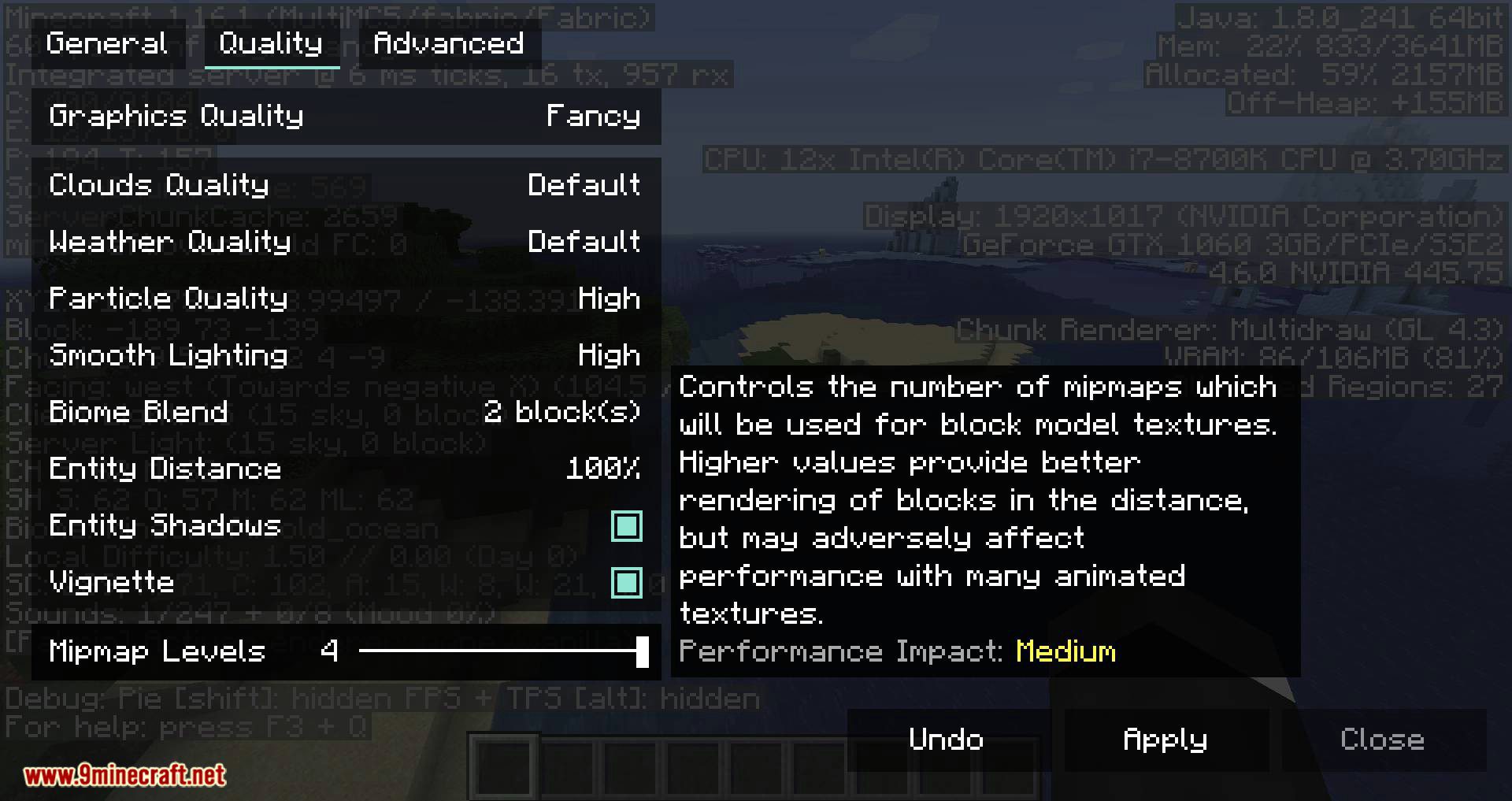
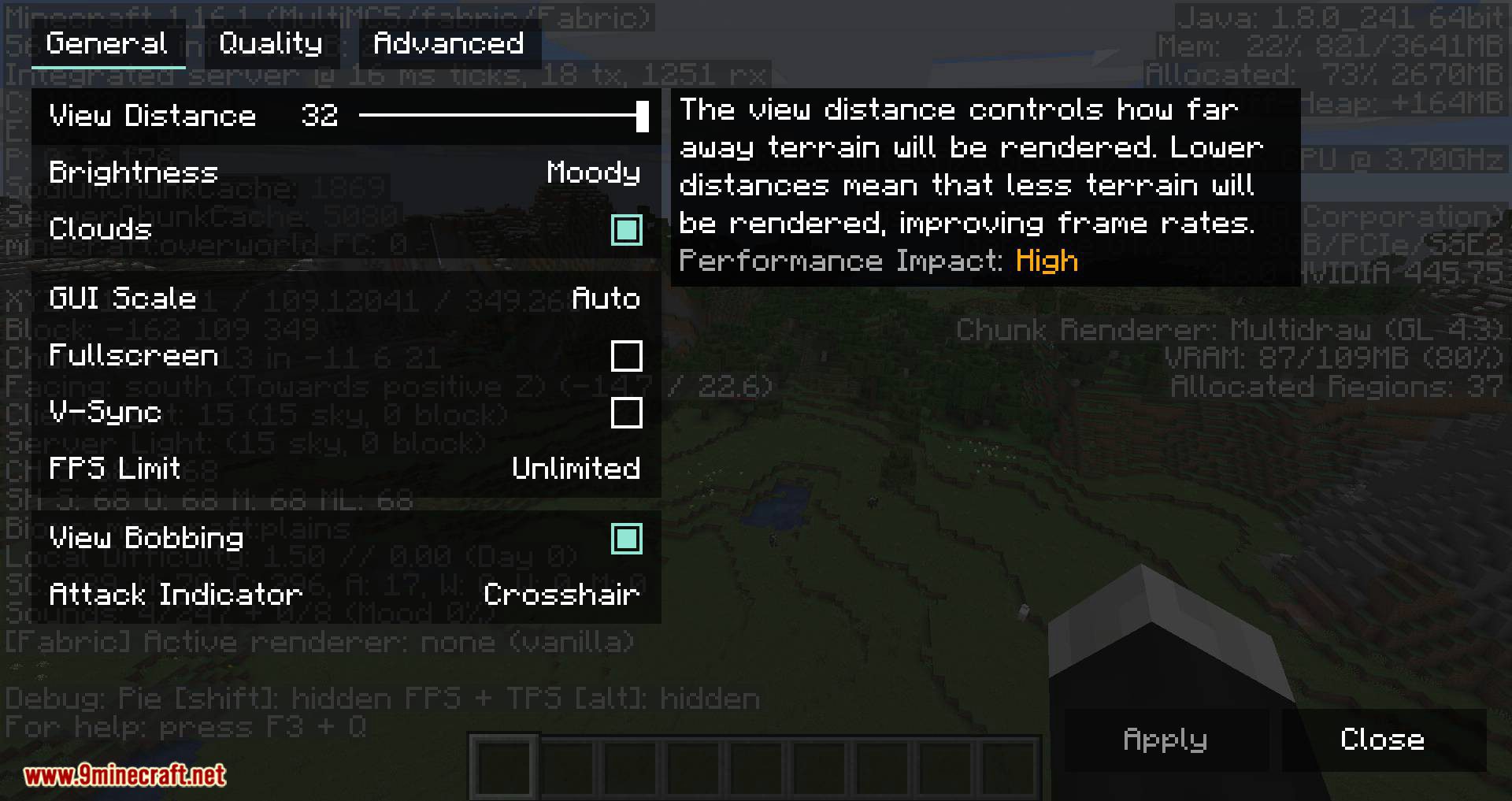
Sodium adds its own settings button inside the standard Video Settings menu. From there you can tune quality, performance, and advanced rendering options separately.
Does Sodium work with OptiFine?
Why does Sodium make some blocks or entities invisible?
This usually comes from an outdated or incompatible mod that hooks into rendering. Remove or update the conflicting mod, since Sodium changes how chunk and entity rendering is batched.
Gallery
12 images from the Sodium Mod Minecraft page.
You May Also Like
Wikis that share the most with this one
More mod wikis on the site
The most downloaded mods that have a wiki here
A few wikis from each of the other kinds