

 DownloadResourcify Mod
Get the files on 9Minecraft
Guides
Step-by-step, in-game.
How to Install a Resource Pack In-Game with ResourcifyOpening the Browser Go to Options → Resource Packs . In the top-right corner of the pack list you'll see a + button…How to Install Shaders In-Game with ResourcifyReaching the Shader Browser Resourcify adds its browser to the shader selection screen. Open Options → Video Settings…How to Switch Between Modrinth and CurseForge SourcesThe Source Dropdown Resourcify pulls content from two platforms : Modrinth and CurseForge. When you open the in-game…How to Update Installed Resource Packs AutomaticallyWhy Updates Matter Resource packs installed through Resourcify are tied to specific versions on Modrinth or…
Configuration
Every setting in the mod config file, with what it changes.
| Option | What it does |
|---|---|
auto | auto |
Frequently asked questions
How do I open the Resourcify browser?
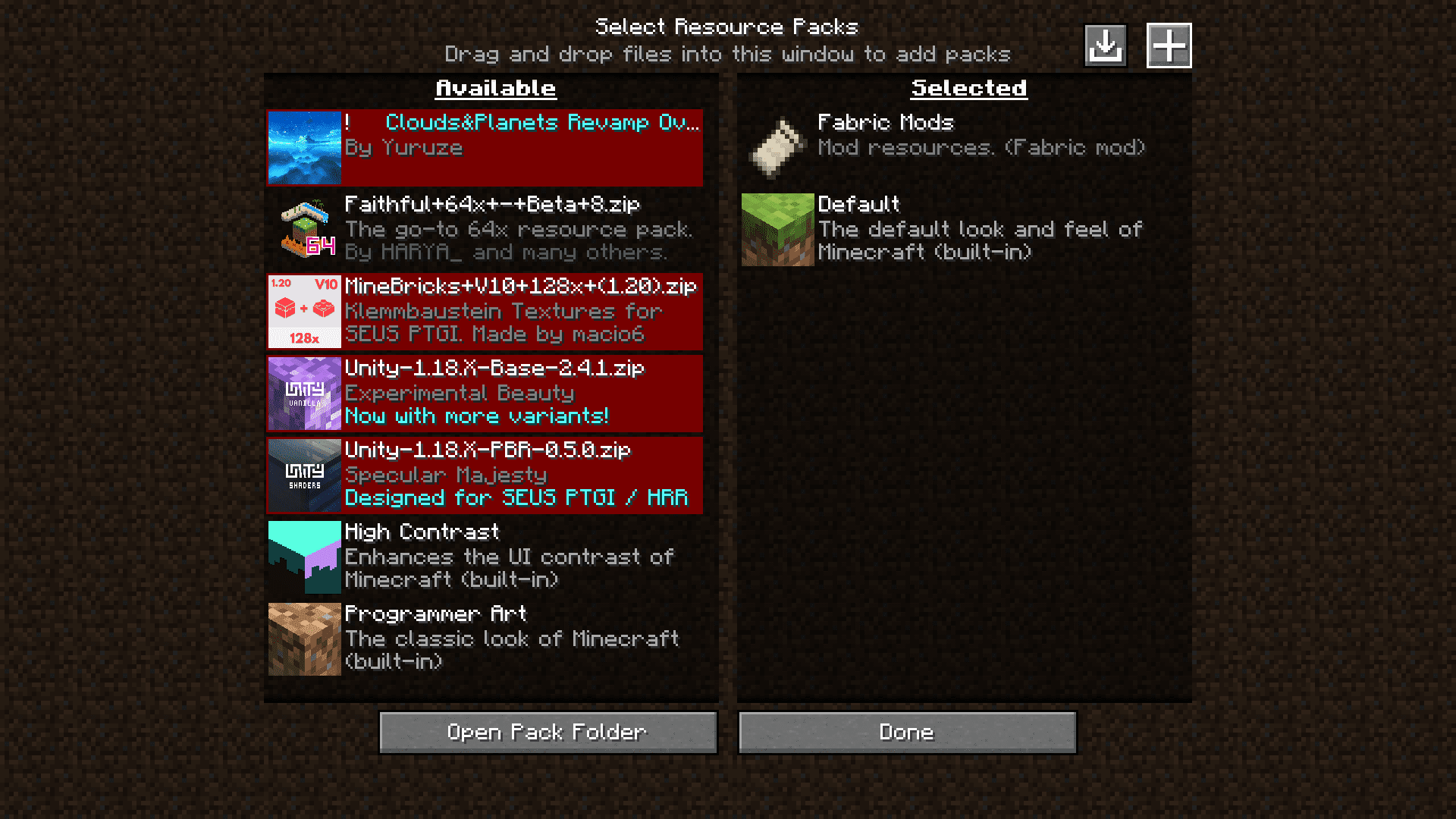
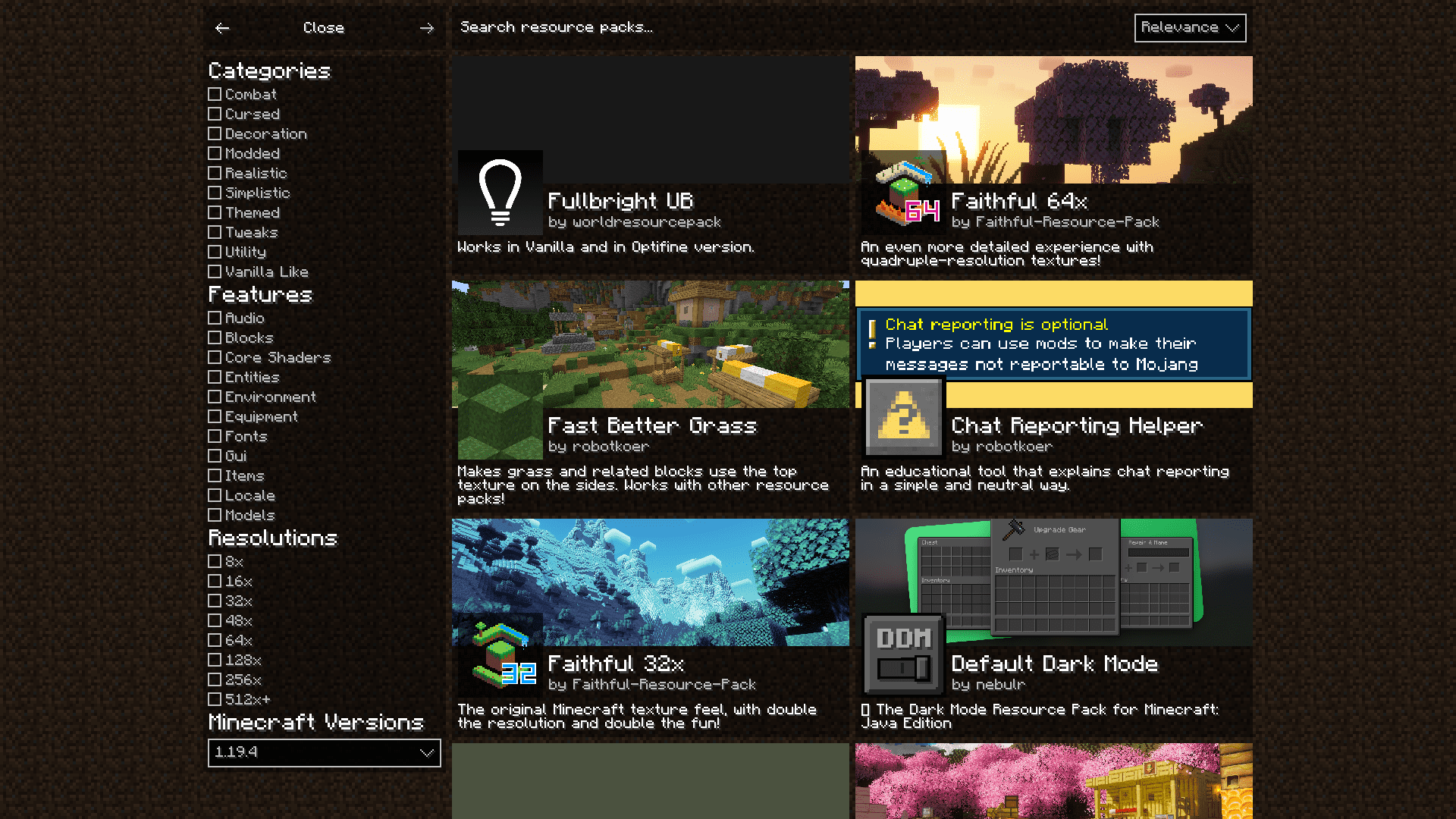
Open the Resource Packs screen in your game settings and click the + button in the top-right corner. For shaders, open the Shaders menu and press the + button there instead.
Where do I install shaders with this mod?
Shaders are handled separately from resource packs. Go to the Shaders menu (you need a shader loader like Iris or OptiFine installed) and click the + button to browse and install shader packs.
Can I install packs from CurseForge too, or only Modrinth?
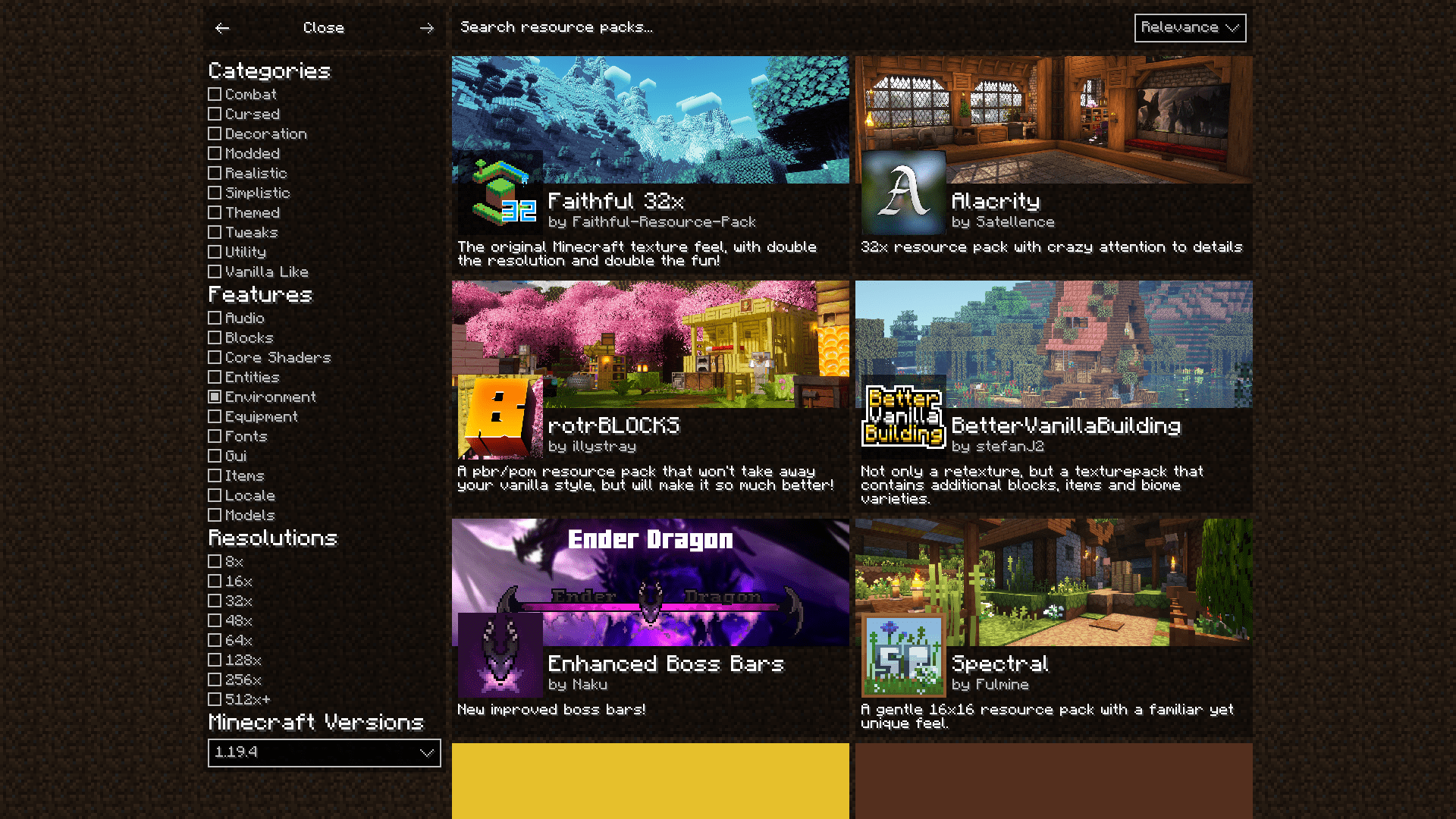
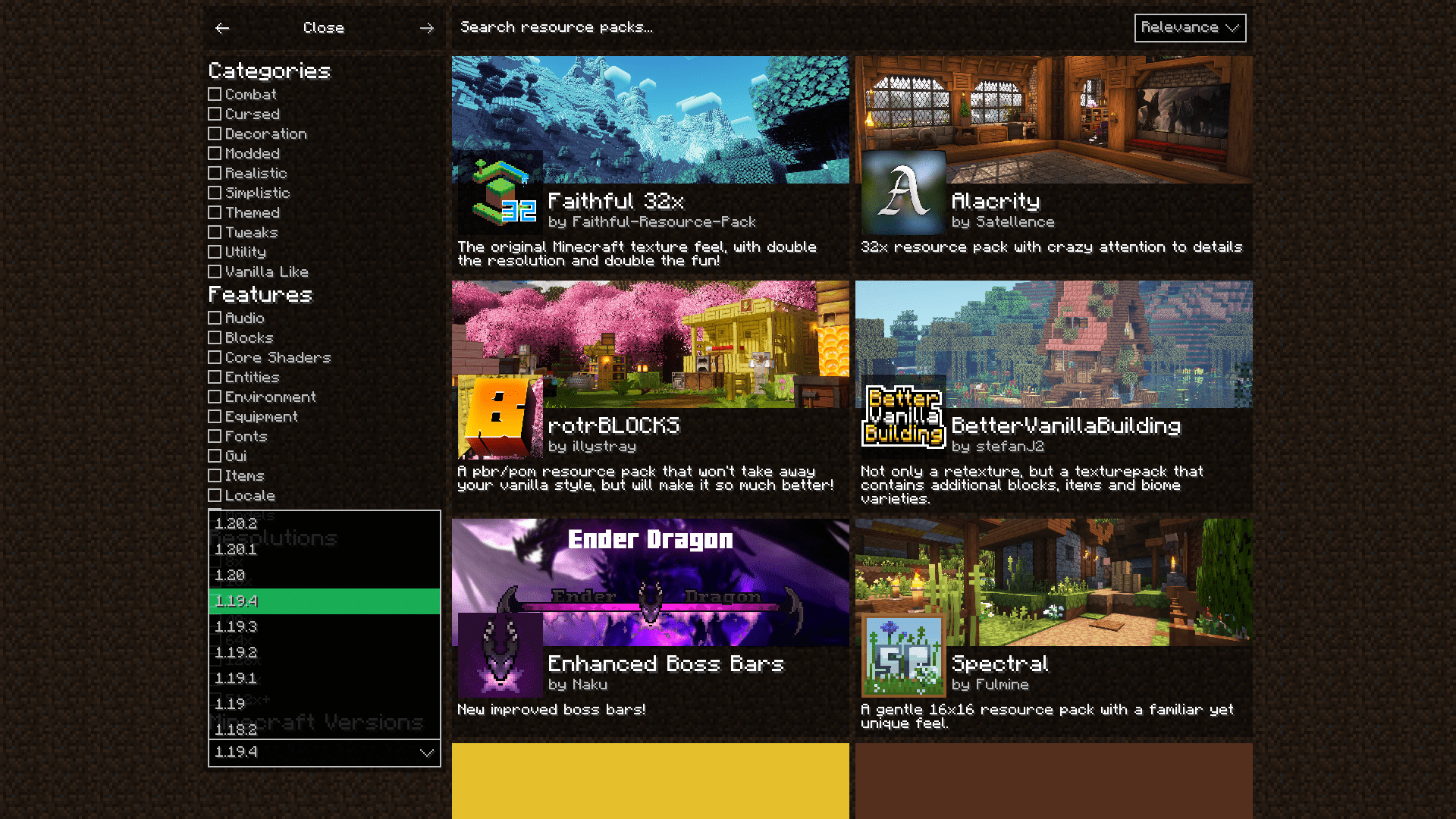
Both are supported. Use the dropdown menu in the browser to switch between the Modrinth and CurseForge sources, then browse and install from whichever you prefer.
How do I update my installed resource packs?
There is a button near the + button in the Resource Packs screen that automatically updates your installed packs. Click it and Resourcify checks for and applies newer versions.
See all 10 Resourcify questions ›
Gallery
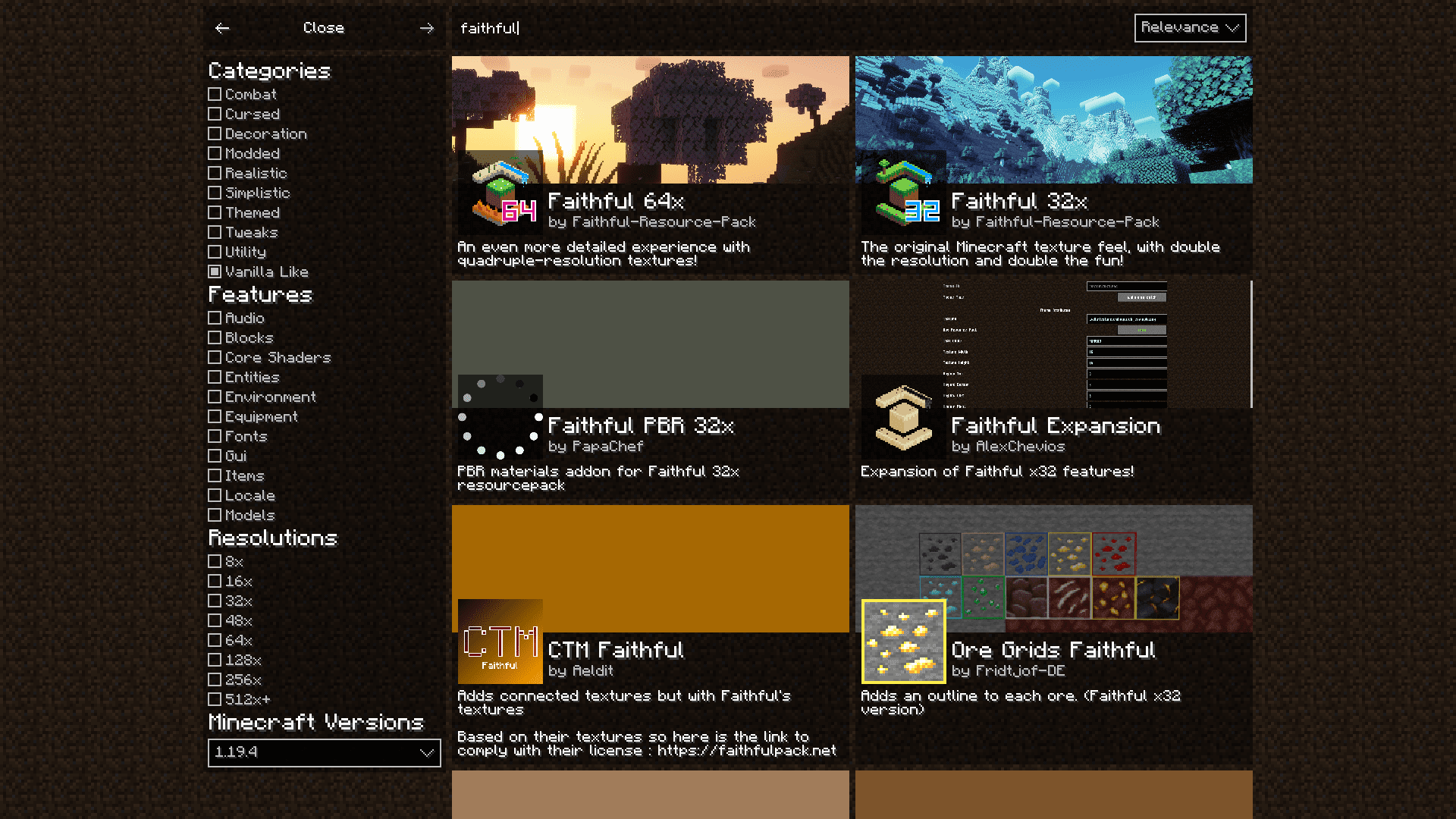
6 images from the Resourcify Mod page.

You May Also Like
Wikis that share the most with this one
More mod wikis on the site
The most downloaded mods that have a wiki here
A few wikis from each of the other kinds